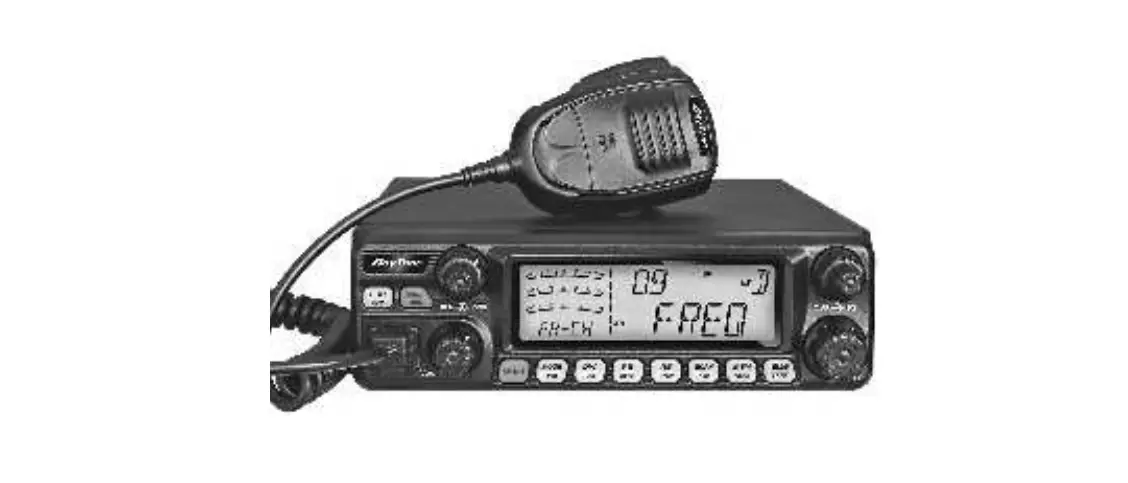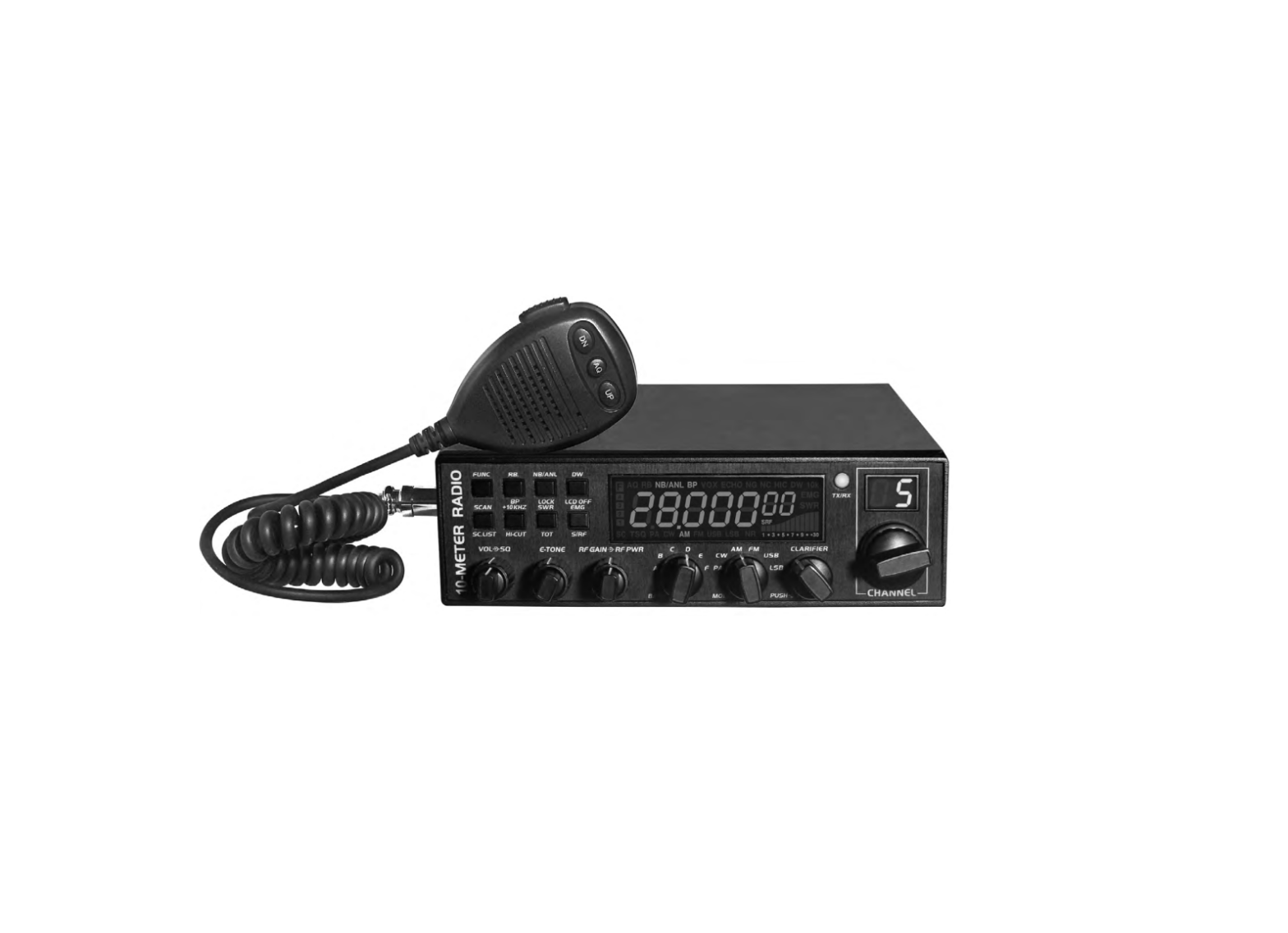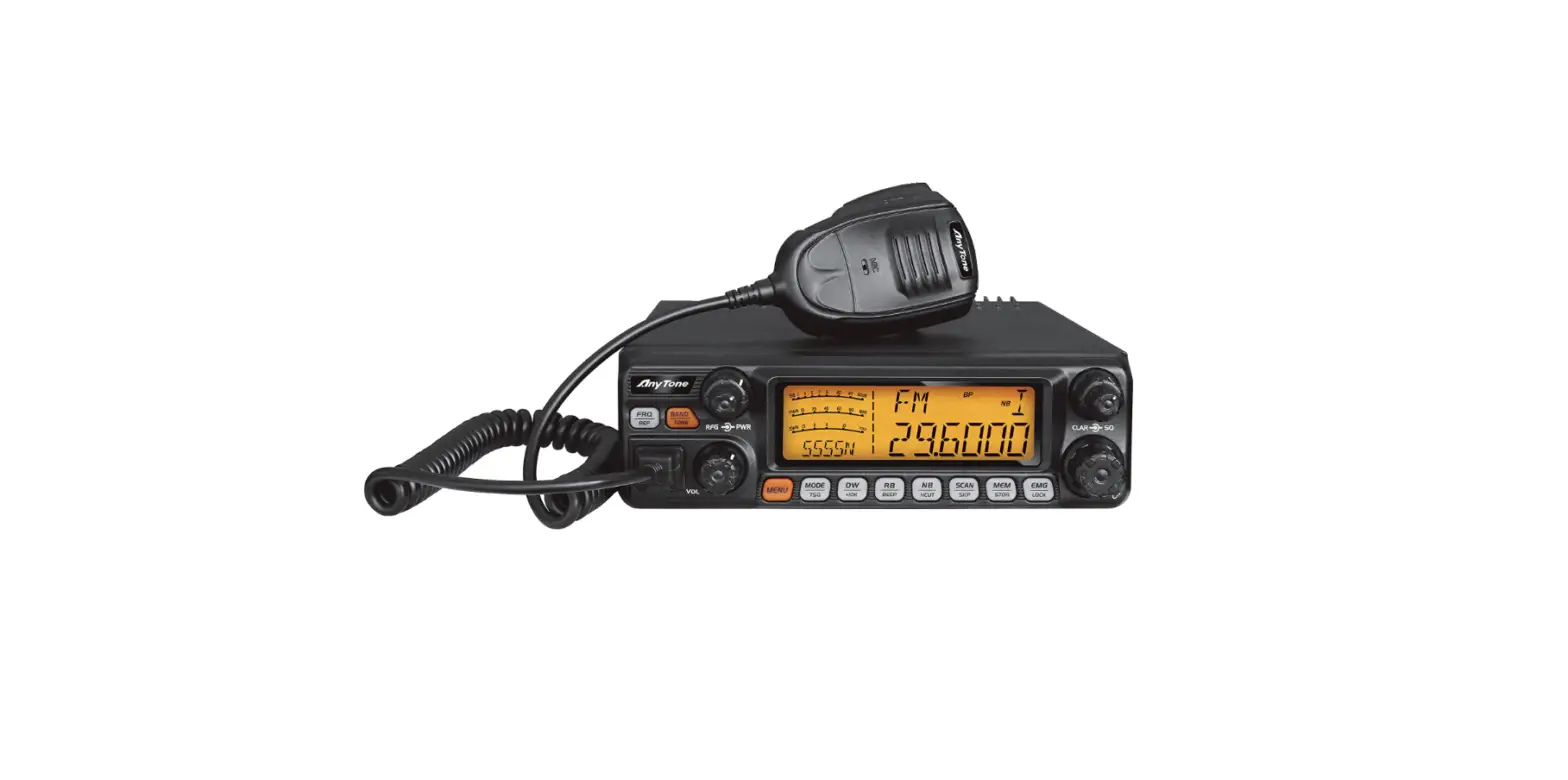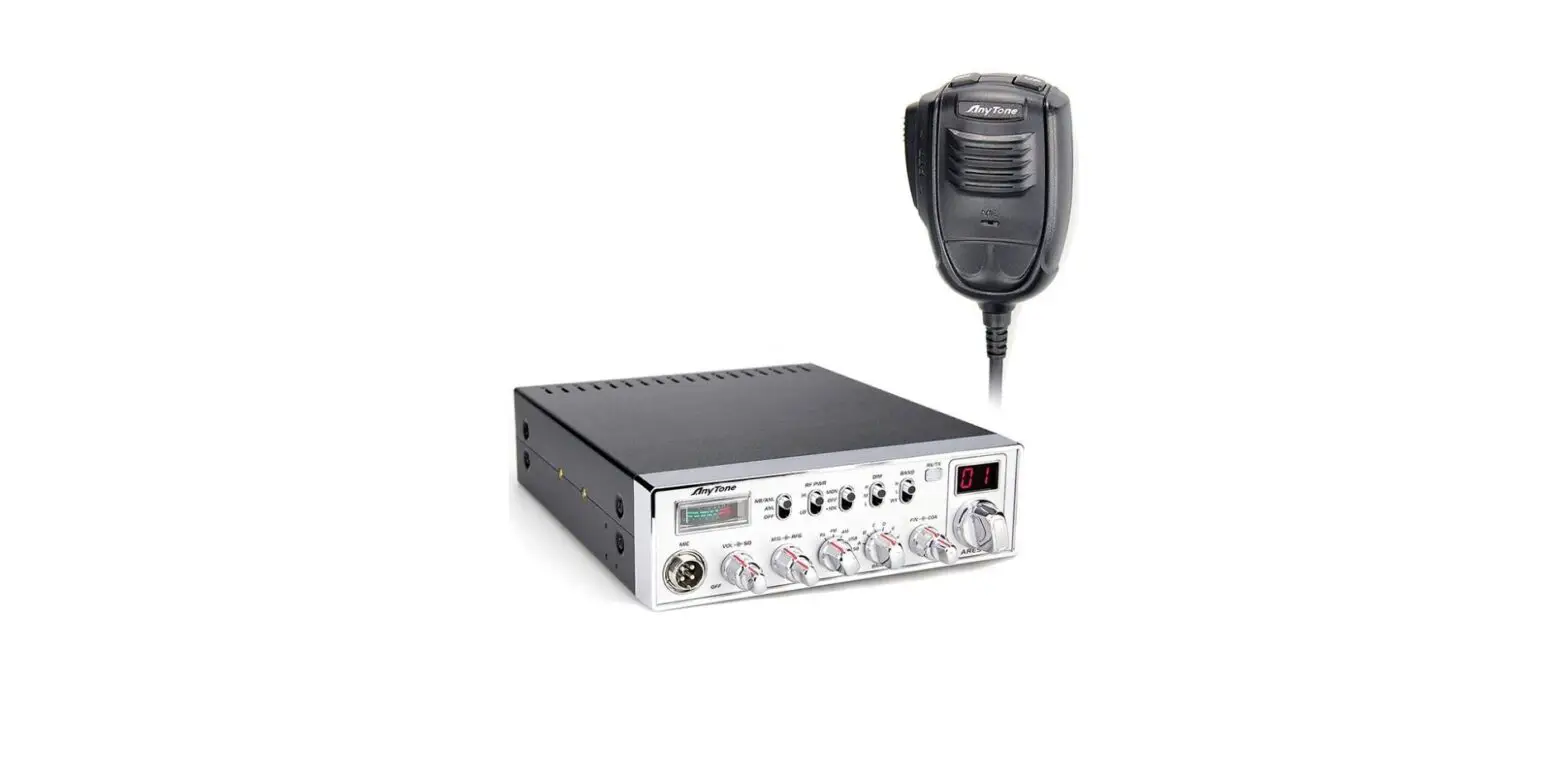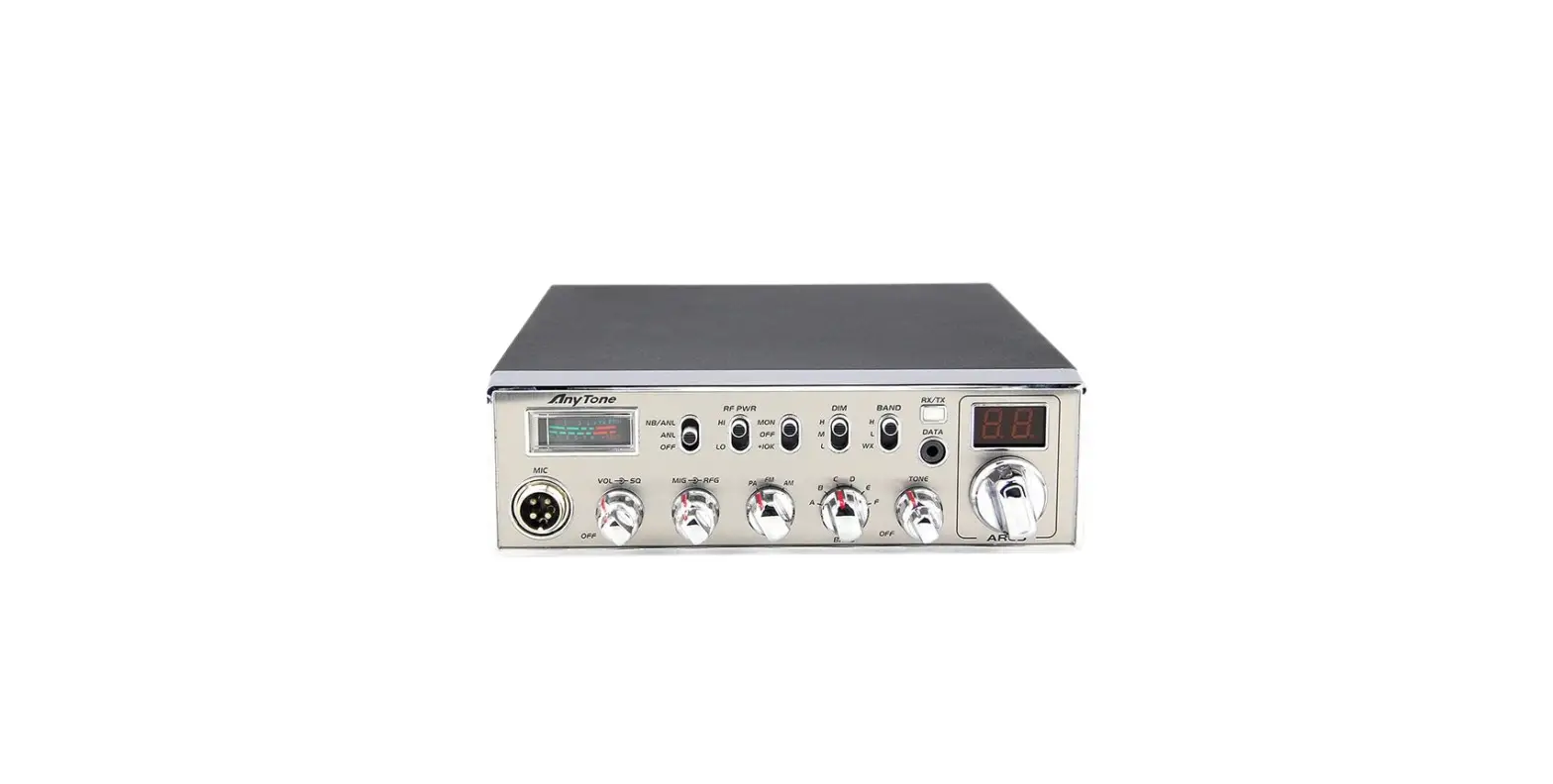

AnyTone GRACES CB Radio
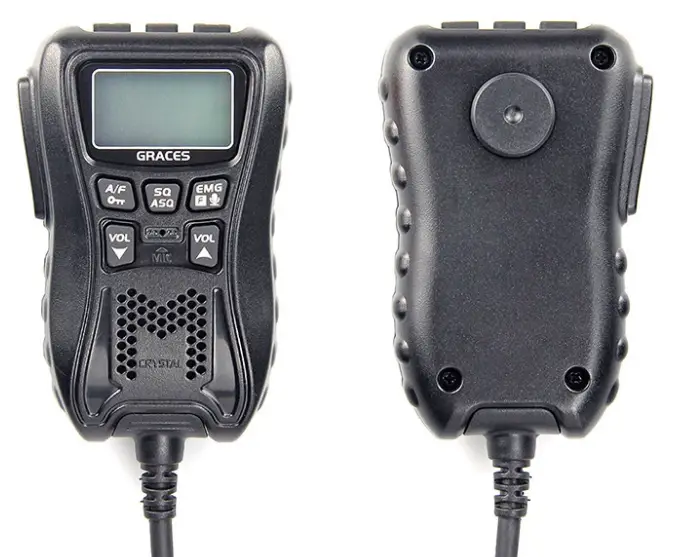
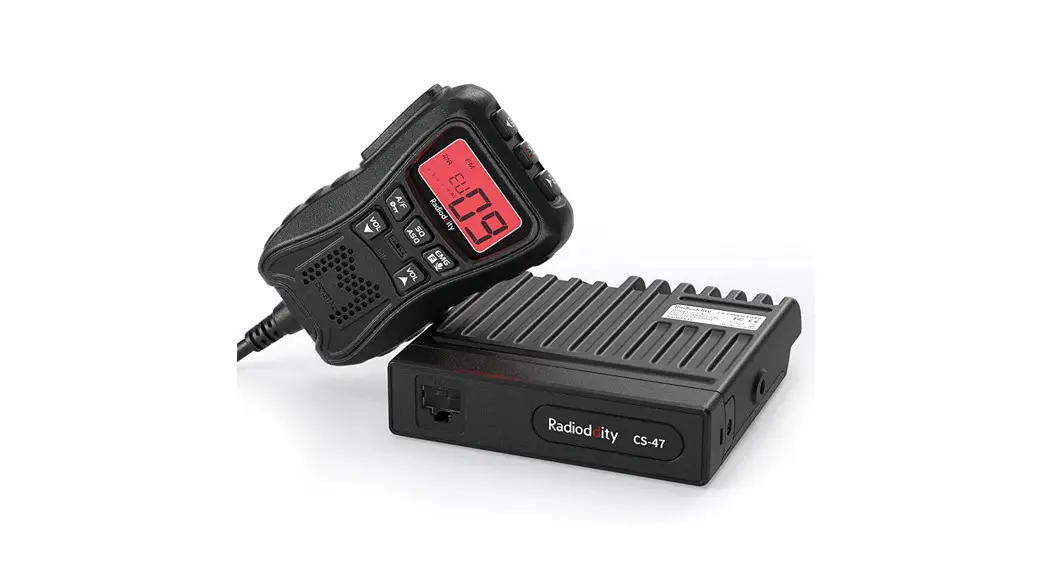
KNOW ABOUT THIS RADIO
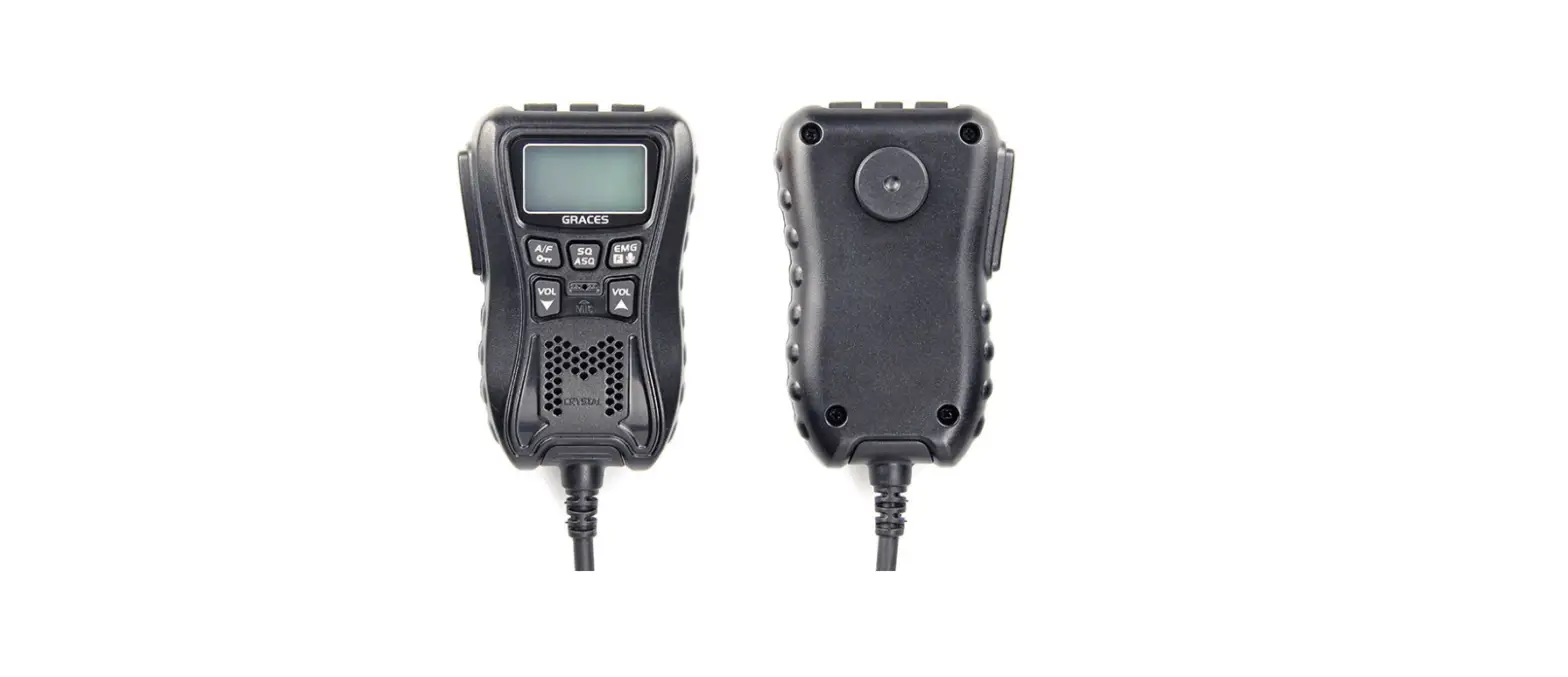
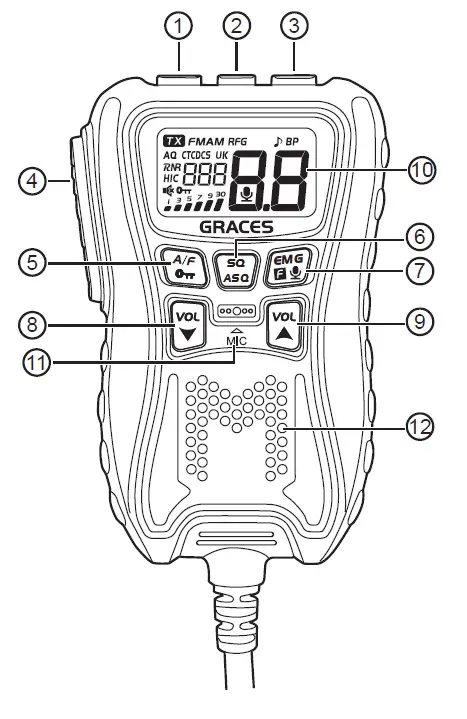
| 1 | Channel Down ~ Scan On/Off |
| 2 | Power On/Off ~ Speaker Mute |
| 3 | Channel Up ~ Scan On/Off |
| 4 | PTT |
| 5 | Modulation Mode Select ~ Keypad Lock |
| 6 | Squelch Level Setting ~ SQ/ ASQ Switch |
| 7 | CH9/CH19 ~ VOX On/Off ~ Menu |
| 8 | Decrease volume level |
| 9 | Increase volume level |
| 10 | LCD |
| 11 | Microphone |
| 12 | Built-in Speaker |
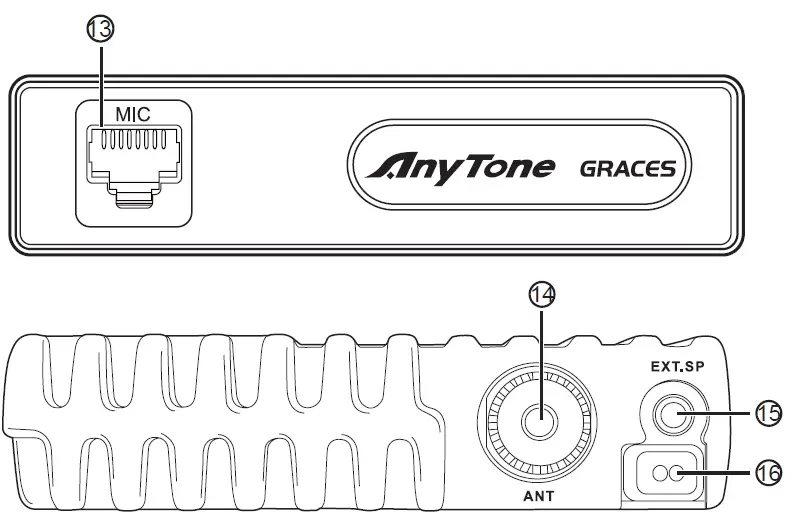
| 13 | Control Unit Connection Jack |
| 14 | Antenna Jack |
| 15 | External Speaker Jack |
| 16 | Power Cable |
HOW TO USE THIS RADIO
Power On/Off the Radio
- Short press
 key, the radio emit a prompt and LCD display on.
 - When the radio on, hold key until nothing appears on LCD and release key, the radio will power off.
 key, the radio emit a prompt and LCD display on.
Volume Control
- Short press
 or key to adjust volume, LCD shows ” XX ” for 2 seconds which means volume level.Total is levels.
 - Hold key can fast increase volume level, hold key can fast decrease volume level.
 or
or Mute Function
- Short press key will fastly mute the speaker, ” ” appears on the LCD.
- Short press key again, the volume will resume to previous volume level setting, ” ” disappears from the LCD.
Channel Control
- Short press or key to choose channel.
- Hold or key to choose channel fastly.
Squelch Level Control
- Short press
 key, until LCD shows “59L XX “, the Total is 34 levels, the bigger value stands for high squelch level.
 - Short press
 or key to change SQ level.
 - Hold press or key can fast change the SQ level.
- Short press the key again or wait for 2 seconds to store and exit.
- The higher SQ level selected the stronger signal required to open the speaker and hear the calling.
 key, until LCD shows “59L XX “, the Total is 34 levels, the bigger value stands for high squelch level.
 or
or ASQ Control
- Hold key, until LCD displays AQ, the ASQ function turned on. The LCD will shows “A59 XX “, Total is levels, the bigger value stands for high squelch level.
- Short press or key to change ASQ level.
- Hold press or key can fast change ASQ level.
- Short press key again or wait for 2 seconds to store and exit.
- The higher ASQ level selected, the stronger signal required to open speaker and hear the calling.
Mode Control
- Short press
 key to switch between FM /AM mode.
 - The LCD displays the selected mode.
 key to switch between FM /AM mode.
Keypad Lock
- Hold key for over 3 seconds to lock the keys, ” ” appears on the LCD.
- Hold key for over 3 seconds again to unlock the keys, ” ” disappears from the LCD.
- In lock Mode all keys except PTT is valid.
Emergency Channel
- Short press
 key to choose CH9, the channel number blinks on LCD.
 - Short press key again to choose CH19, the channel number blinks on LCD.
- Short press key third time to return to last normal channel.
 key to choose CH9, the channel number blinks on LCD.
VOX
- Press and hold the [PTT] switch.
- Short press key to activate or deactivate the VOX function, appears on the LCD when the function is active
Scan Function
- Press and hold or key for 7 seconds or until a beep sounds tostart scan function. The dot between the two channel digits flashes toindicate that the function is active.
- Short press or key to change scan direction during scan;
- Press [PTT] switch to exit scan function.
Frequency Band Selection
- Hold key while pressing key until full appears on LCD and release 2 keys, the current frequency band blinks on LCD;
- Short press or key to choose wanted frequency band;
- When the frequency band is selected, hold press key to store and exit.
Install External Speaker
Choose a 16Ω external speaker with 3.5mm mono connector.
- WARNING:The» sound» output» mode» of» the» machine» is» BTL» output,» and» the» two» pins» of» the» speaker» cannot» be» connected» to» the» ground» net» or» the» machine» shell!»Otherwise,» there» will» be» a» large» DC» current» flowing» through» the» speaker,» which» will» burn» the» speaker» and» components.
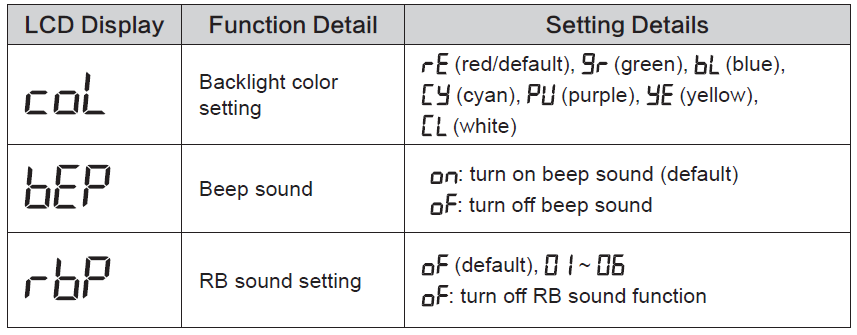
Menu Operations
- Long press key to enter menu list.
- Short press or key to select menu to be set.
- Short press key to enter function setting parameter of the selected function, the parameter blinks on LCD.
- Short press or key to change the parameter.
- Short press key to validate and stay in the MENU.
- Long press key or [PTT] key or wait 10 seconds to store exit MENU.


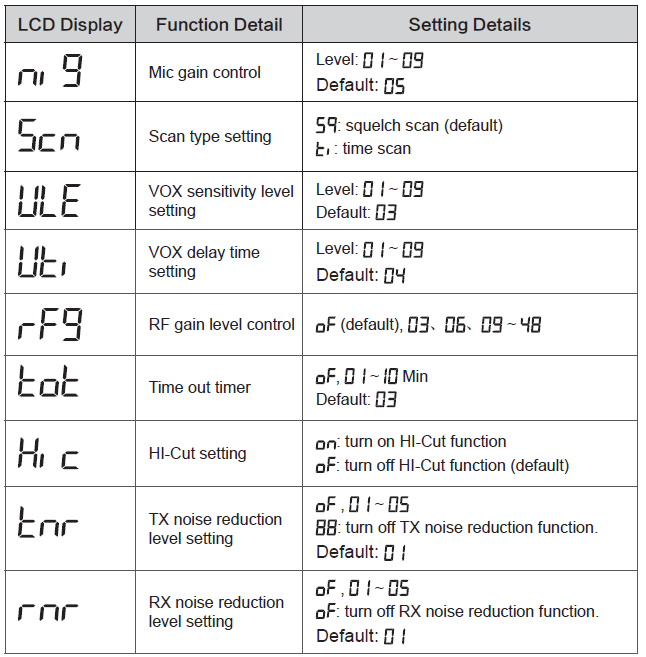
CTCSS/DCS Set
- Long press key to enter menu list.
- Short press or key to select the menu.
- Short press key to validate, the code type blinks on LCD.
- Short press or key to select the code type.
- stands for not set.
- stands for CTCSS tone.
- stands for DCS code.
- Short press key to confirm the code type. The code value flashes (unless selected)
- Short press or key to select the code (form 01 (01) to 38 ( 0) for CTCSS and 01 (01) to 100 ( 0) to 104 (4) for DCS)
- Short press key to confirm the selected code.
Resume Factory Default
- Long press key to enter menu list.
- Short press or key to select the “
 “menu.
 - Short press key to validate. ” ” blinks on LCD.
- Short press key until ” stops blinking.
- Release key, the radio automatically reseted.
 “menu.
SPECIFICATION
| GENERAL | ||
| Modulation Mode | AM/FM | |
| Frequency Range | 26.965-27.405MHz | |
| Frequency Tolerance | ±5.0ppm | |
| Input Voltage | 13.2V | |
| Dimensions | 100x104x25mm | |
| Weight | 255g | |
| Ferquency Control | PLL Synthesizer | |
| Operating Temperature Range | -20℃ to +50℃ | |
| Current Drain | Transmit | 2A MAX |
| Receive | Squelched 0.3A | |
| VOL Max | 0.8A | |
| Antenna Connector | UHF, SO-239 | |
| TRANSMITTER | ||
| Power Output | 4 Watts FM/AM | |
| Transmission interference | inferior to 4nW(-54dBm) | |
| Frequency Response | 300-3000Hz | |
| Modulated signal distortion | inferior to 5% | |
| Output Impedance | 50 ohms | |
| RECEIVER | ||
| Sensitivity | Less than 1uV for 10dB(S+N)/N | |
| Image Rejection | 70dB | |
| Adjacent Channel Rejection | 60dB | |
| IF Frequencies | 1st 10.695MHz | |
| 2nd 455KHz | ||
| Automatic Gain Control(AGC) | Less than 10dB change in audio | |
| Output for inputs from 10 to 50000uV | ||
| Squelch | less than 1uV | |
| Audio Output Power | 1Watts | |
| Frequency Response | 300-3000Hz | |
WARNING
FCC Statement
This device complies with Part 15 of the FCC Rules. Operation is subject to the following two conditions:
- This device may not cause harmful interference.
- This device must accept any interference received, including interference that may cause undesired operation.
Changes or modifications not expressly approved by the party responsible for compliance could void the user’s authority to operate the equipment. This device complies with
Part 15 of the FCC Rules.
This device complies with Part 15 of the FCC Rules. Operation is subject to the condition that this device does not cause harmful interference.
Note:
This equipment has been tested and found to comply with the limits for a Class B digital device, pursuant to Part 15 of FCC Rules. These limits are designed to provide reasonable protection against harmful interference in a residential installation. This equipment generates and can radiate radio frequency energy. If not installed and used in accordance with the instructions, it may cause harmful interference to radio communications. However, there is no guarantee that interference will not occur in a particular installation. Verification of harmful interference by this equipment to radio or television reception can be determined by turning it off and then on. The user is encouraged to try to correct the interference by one or more of the following measures:
- Reorient or relocate the receiving antenna.
- Increase the separation between the equipment and receiver.
- Connect the equipment into an outlet on a circuit different from that to which the receiver is connected.
- Consult the dealer or an experienced radio/TV technician for help.
RF Exposure Warning Statements
This equipment complies with FCC radiation exposure limits set forth for an uncontrolled environment. This equipment shall be installed and operated with minimum distance 69cm between the radiator & body.
WARNING
MODIFICATION OF THIS DEVICE TO RECEIVE CELLULAR RADIOTELEPHONE SERVICE SIGNALS IS PROHIBIITED UNDER FCC RULES AND FEDERRAL LAW.
 Handheld Two Way Radio Manufacturer / Walkie Talkie Supplier | Anytone