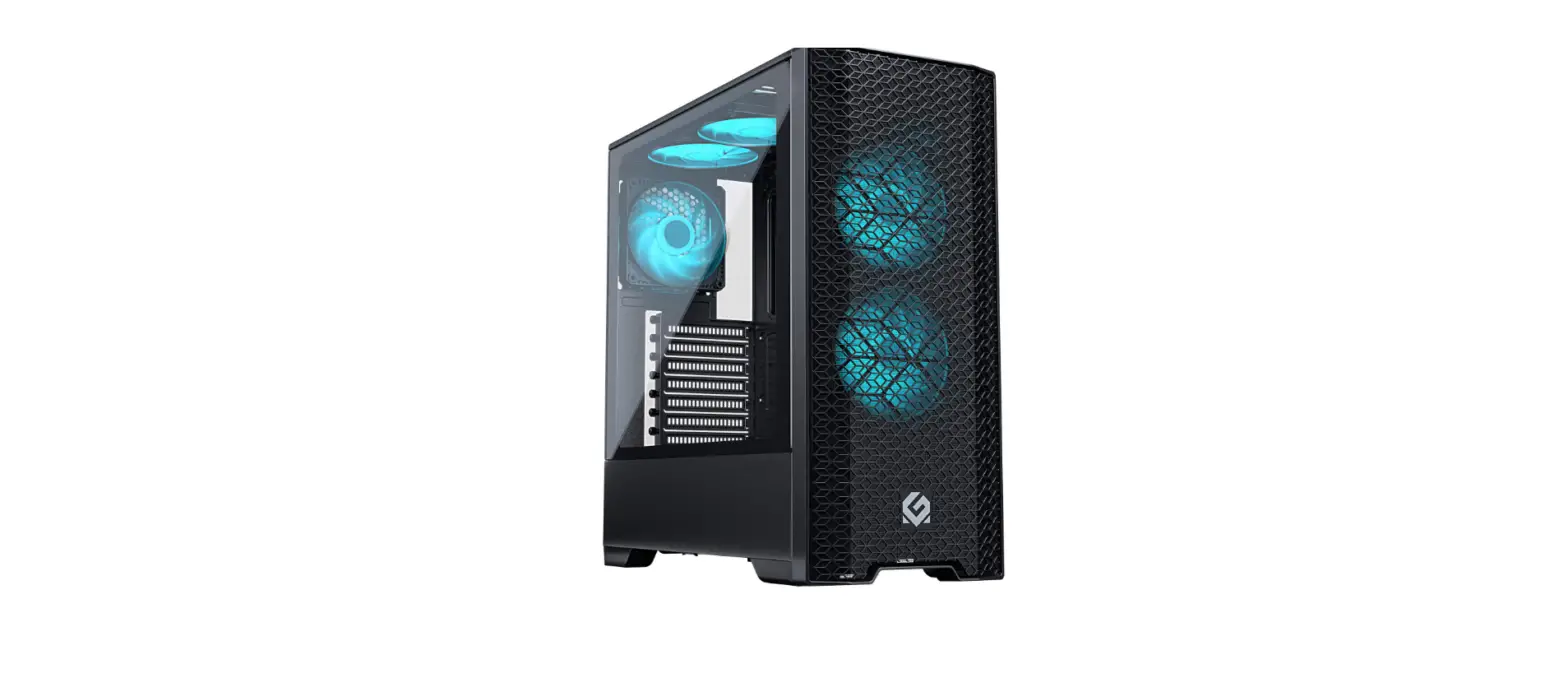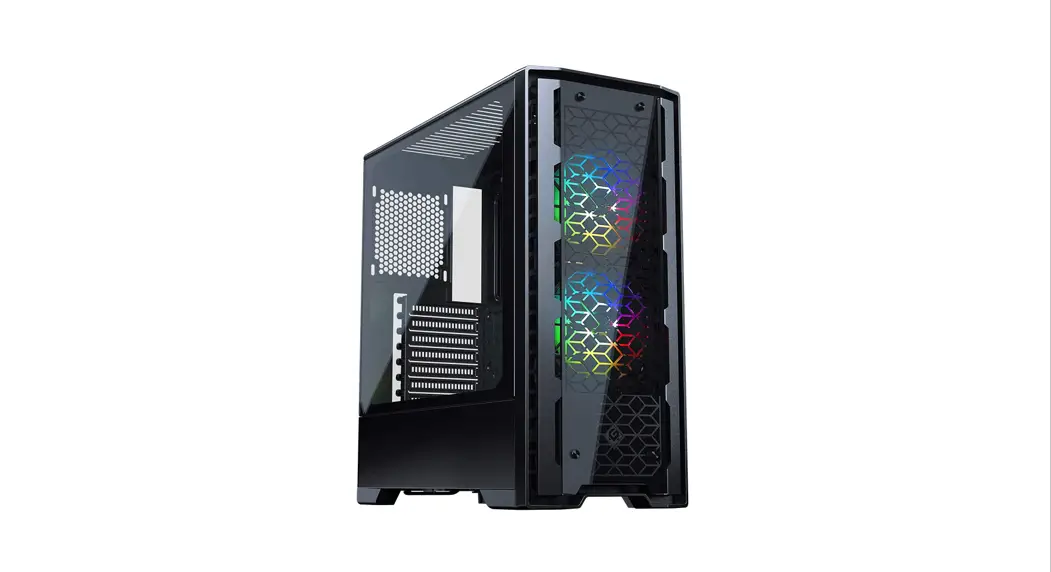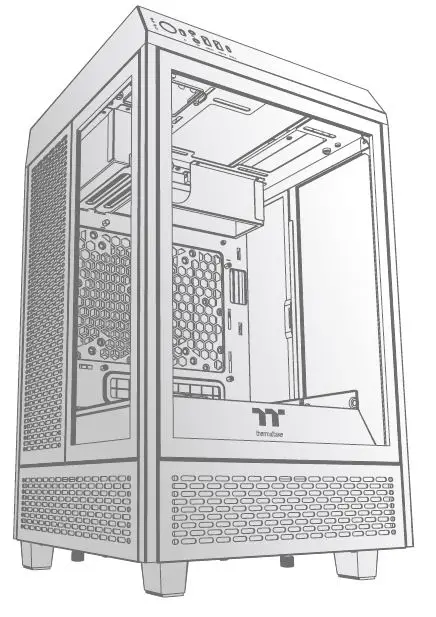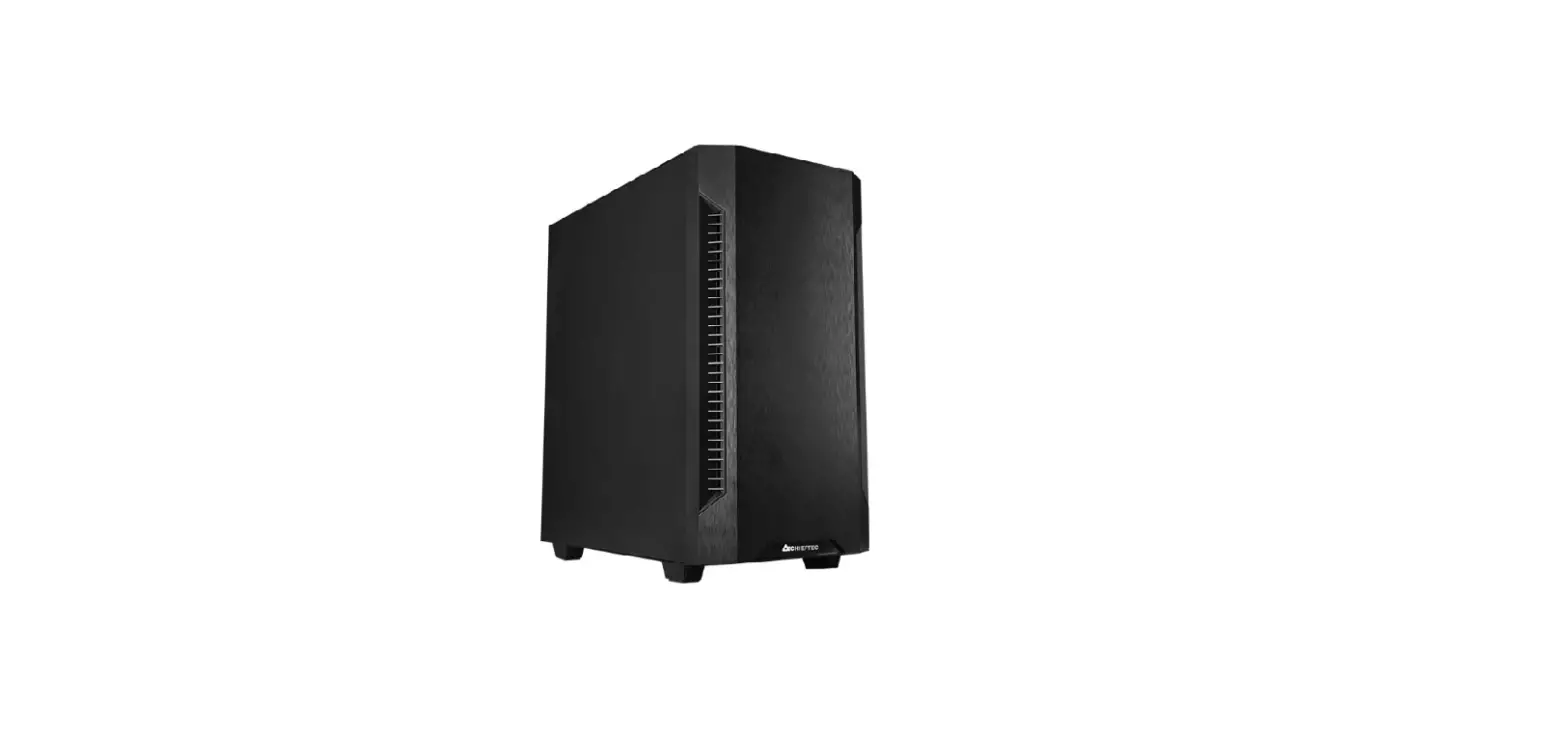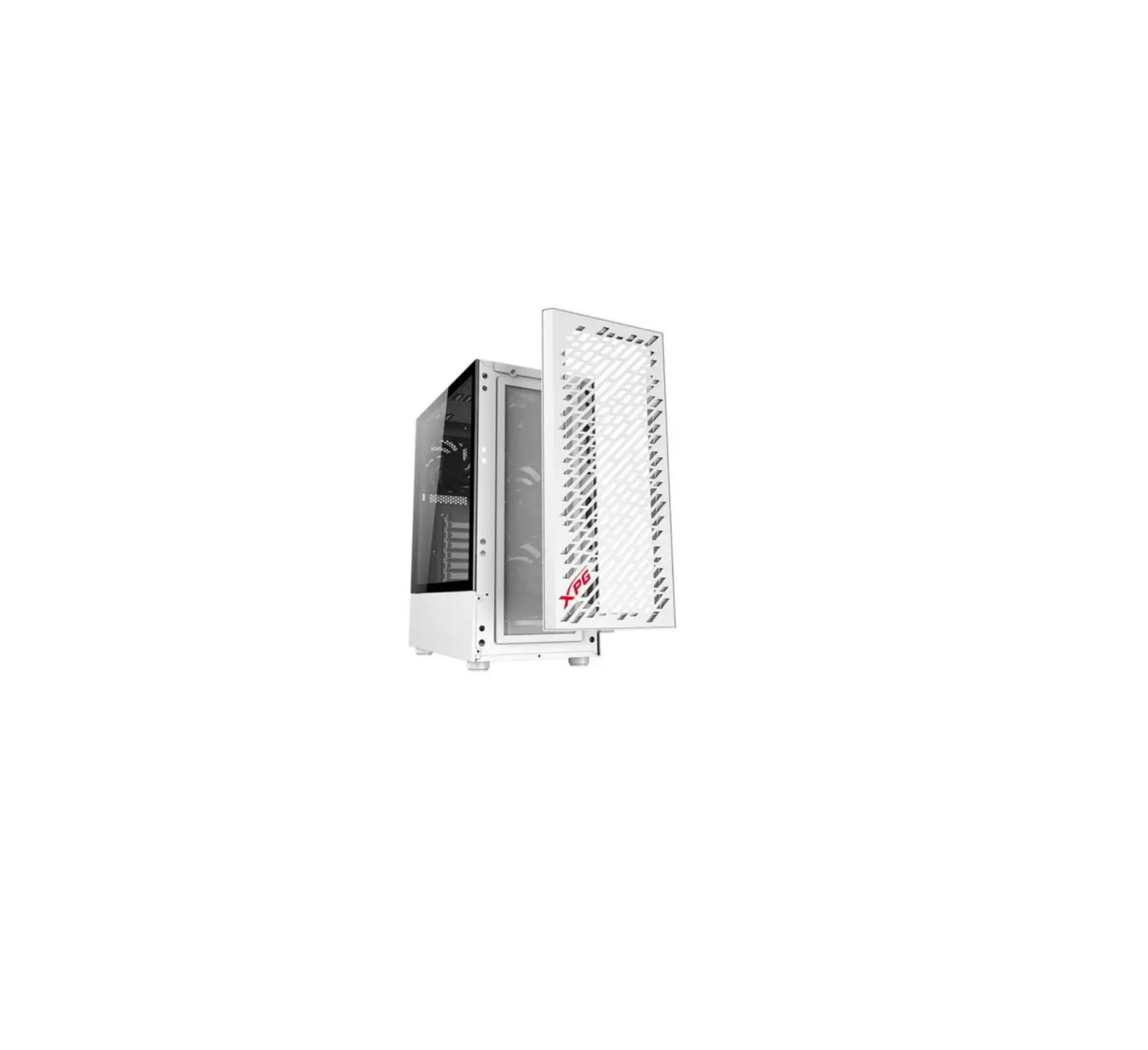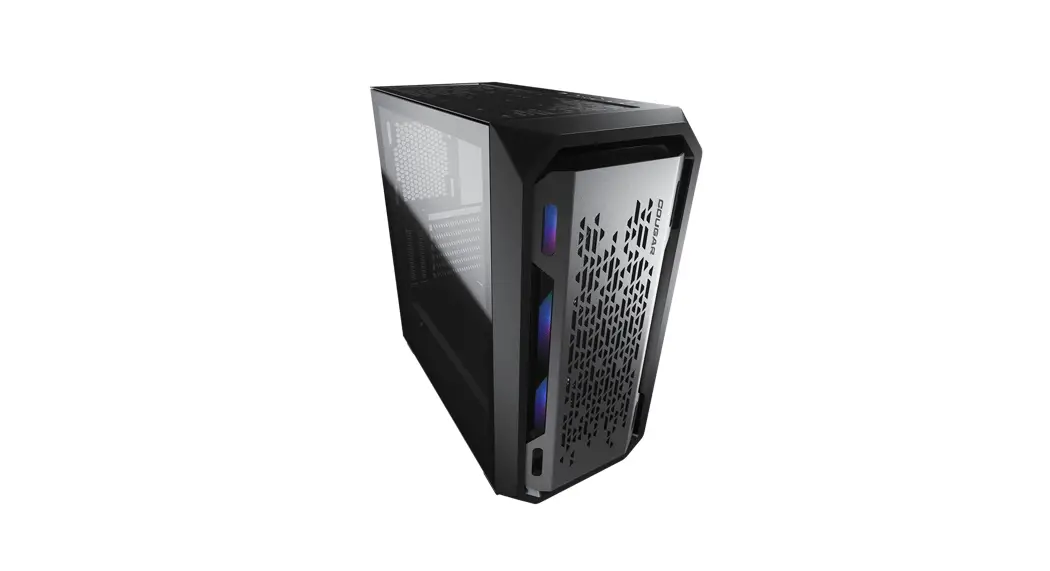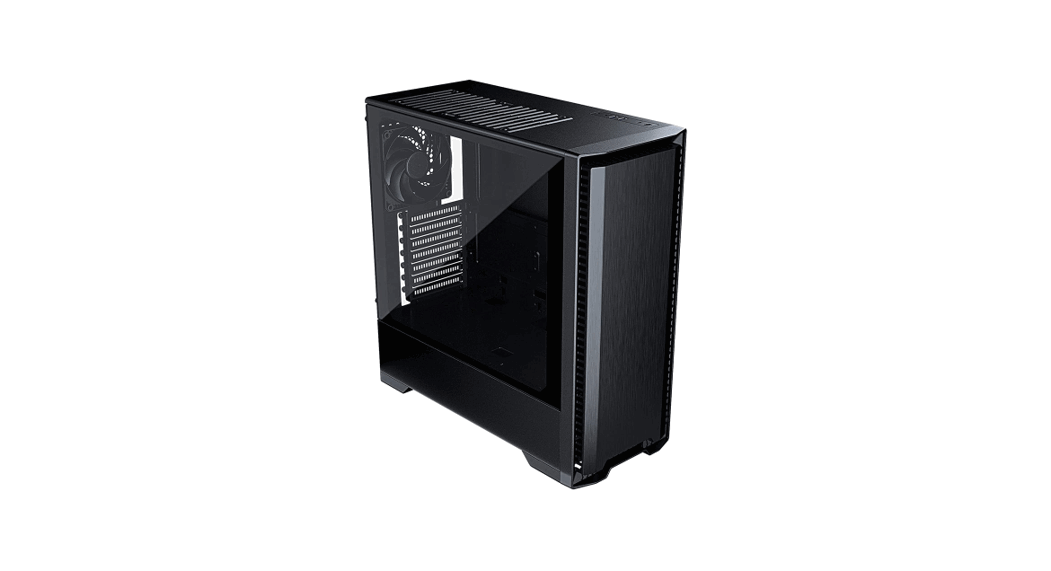

MG-NE520S
MG-NE520A
MG-NE520G
INSTALLATION MANUAL
MANUAL – V1.2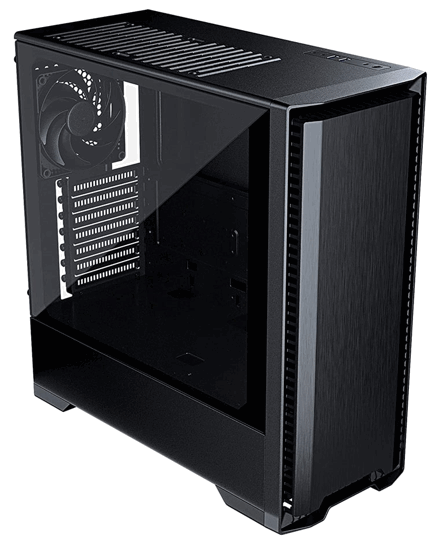
OVERVIEW
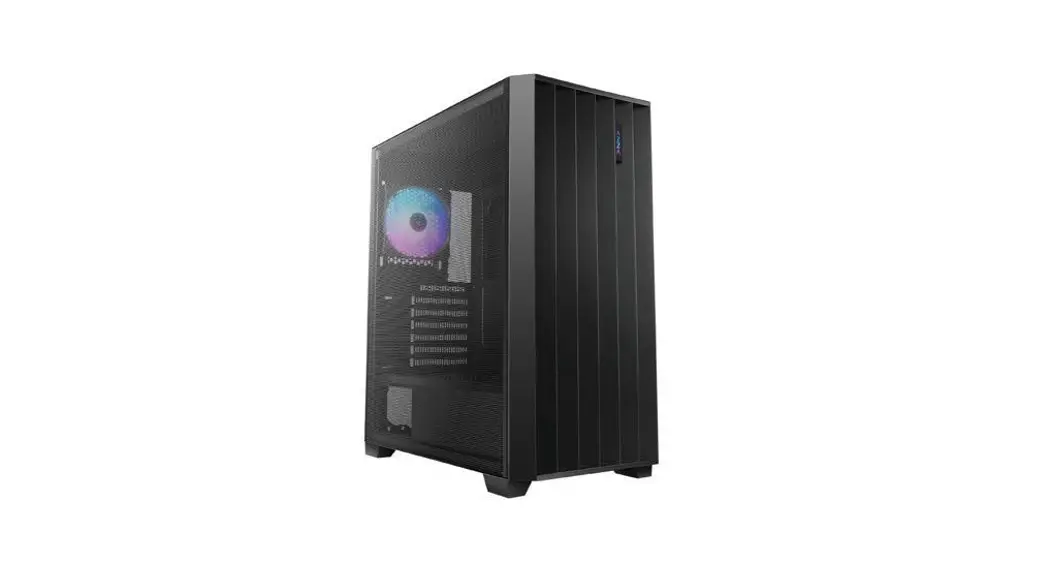
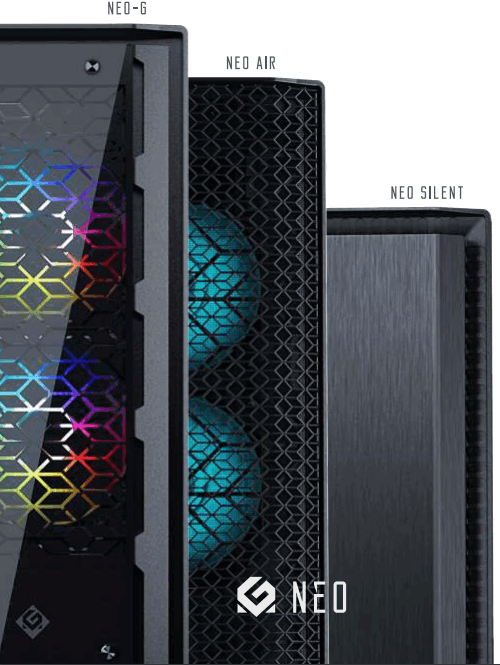
Thank you for choosing the MG NEO chassis. Please check your model type (NEO-G/Air / Silent) and take your time reading this manual before installing your system.
Check www.metallicgear.com for the latest information and manual version.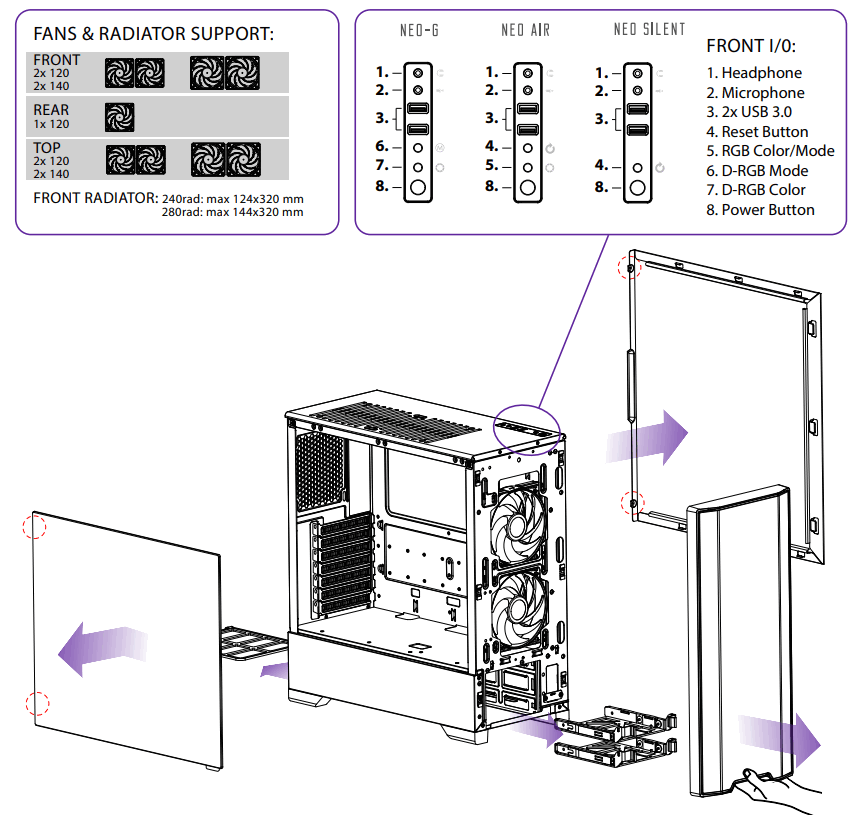
ACCESSORIES
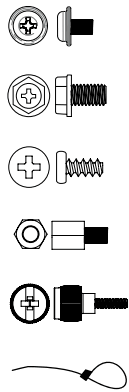 21x Motherboard/SSD screws
4x PSU 6-32 screws
8x Fans screws
1x Motherboard M4 stand-off
2x Long Thumb 6-32 screws
6x Zip ties
CLEARANCES
CPU Cooler Height:………………………………….. 170 mm
GPU Length:……………………………………………… 400 mm
PSU length:…………………………………………………… 250 mm
ATX Motherboard width:…………………………………… 280 mm
Vertical GPU ready:……………………………………………… yes
HARDWARE INSTALLATION
MOTHERBOARD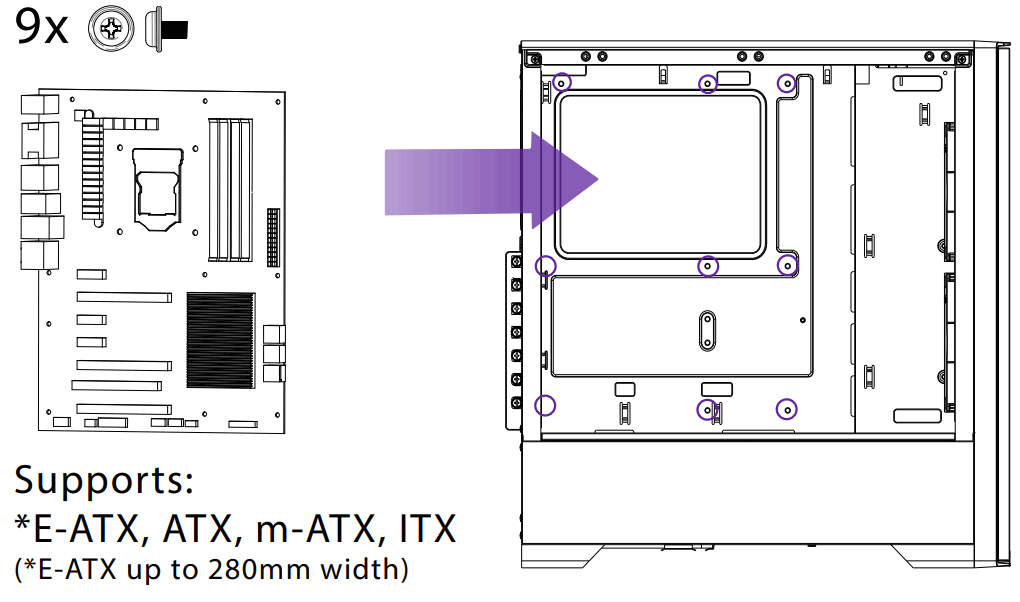 POWER SUPPLY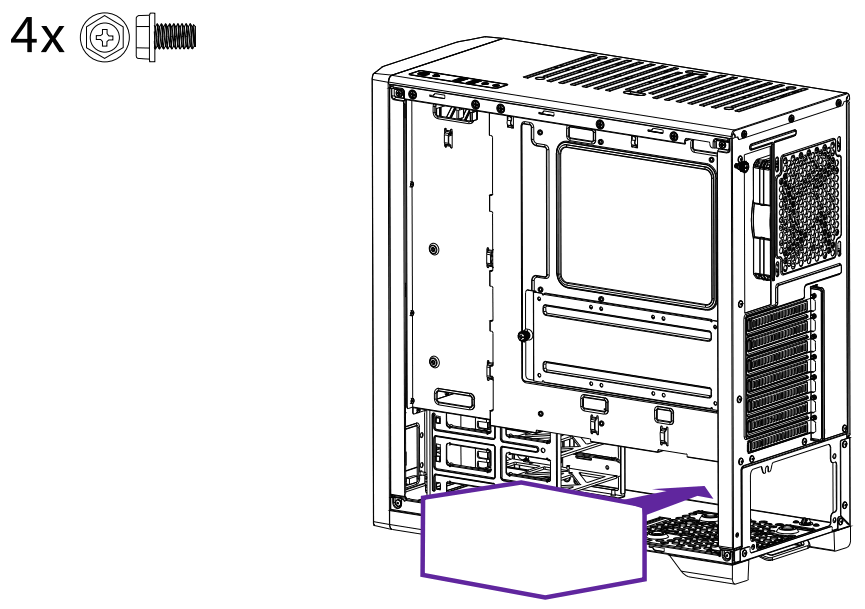
SSD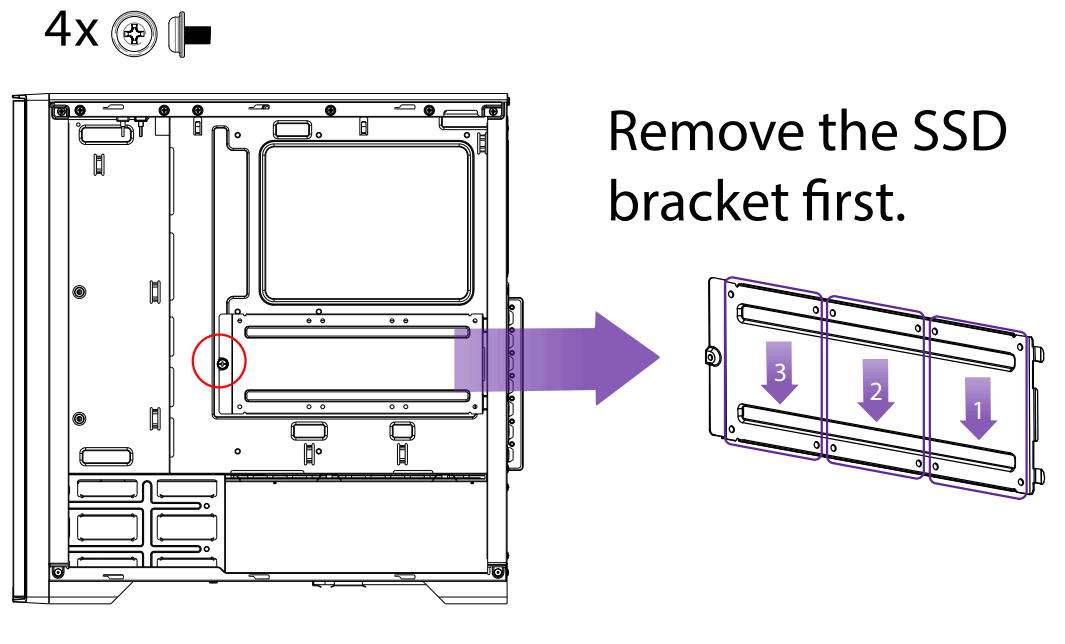
HDD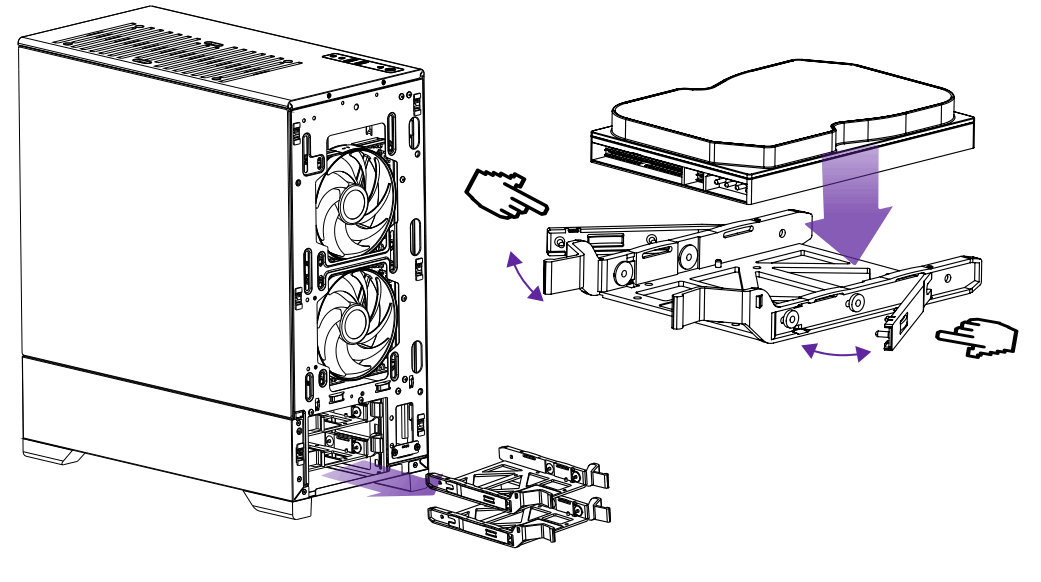 FRONT I/O CABLES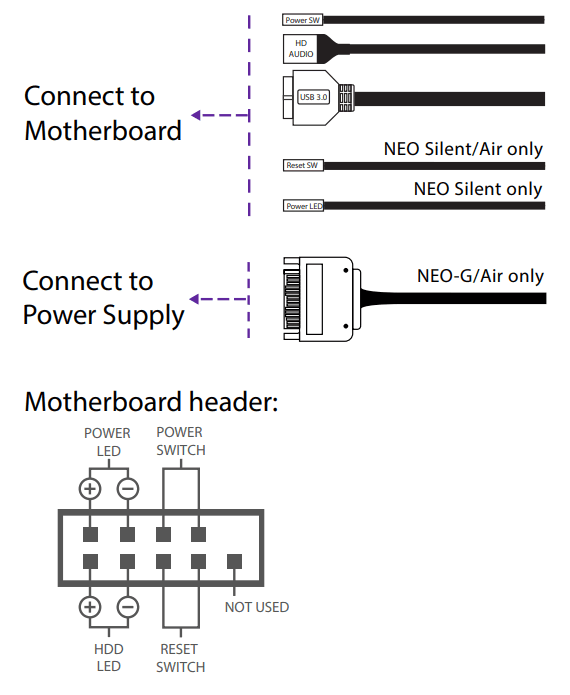
CABLE MANAGEMENT
Use the velcro straps and zip ties to tighten the cables.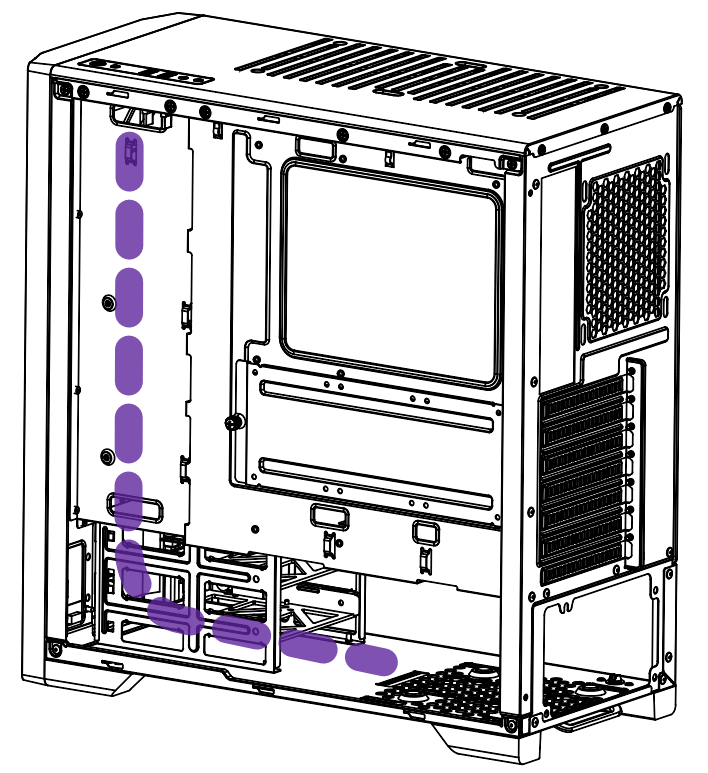
LIGHTING CONTROLS
(NEO-G and NEO AIR only)
NEO-G
D-RGB CABLES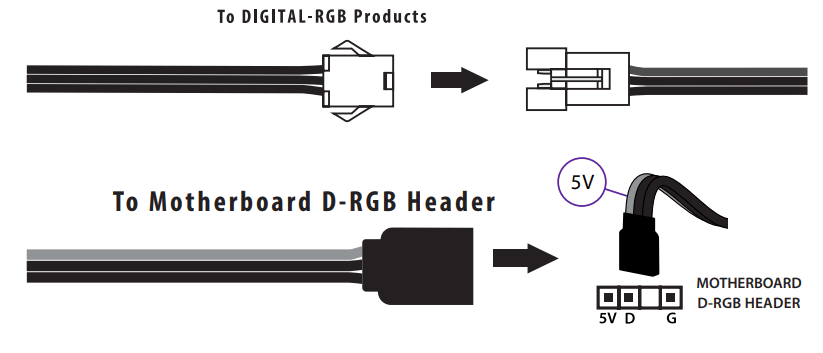 D-RGB CONTROL
D-RGB Color Effects 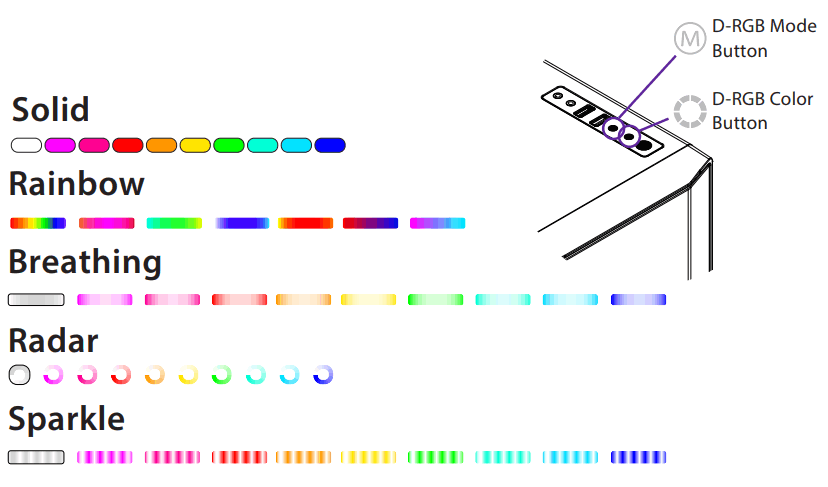 Press and Hold the D-RGB Mode button to turn off/switch to motherboard control.
NEO CABLE
RGB CABLES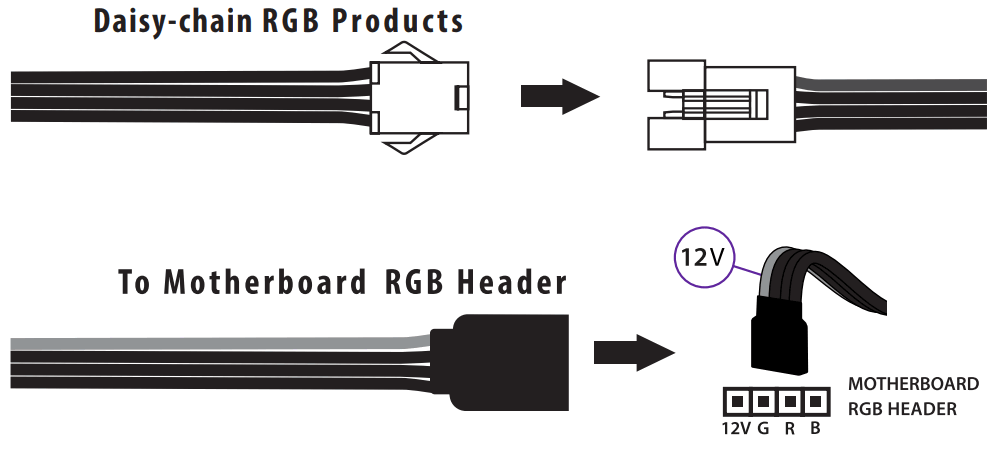 RGB CONTROL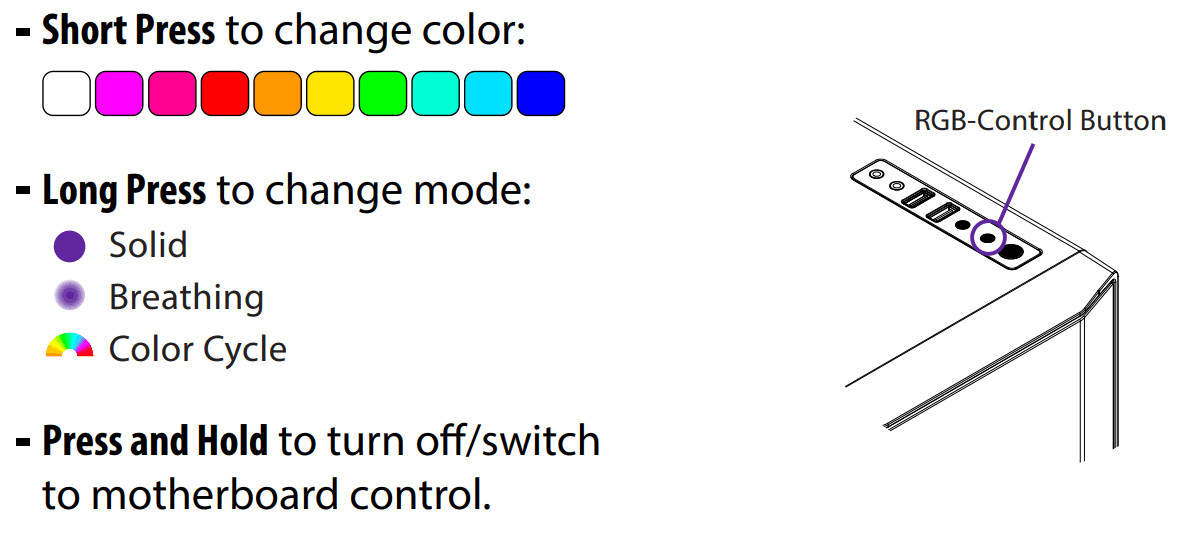
 MetallicGear Powered by Phanteks | Metallic Gear