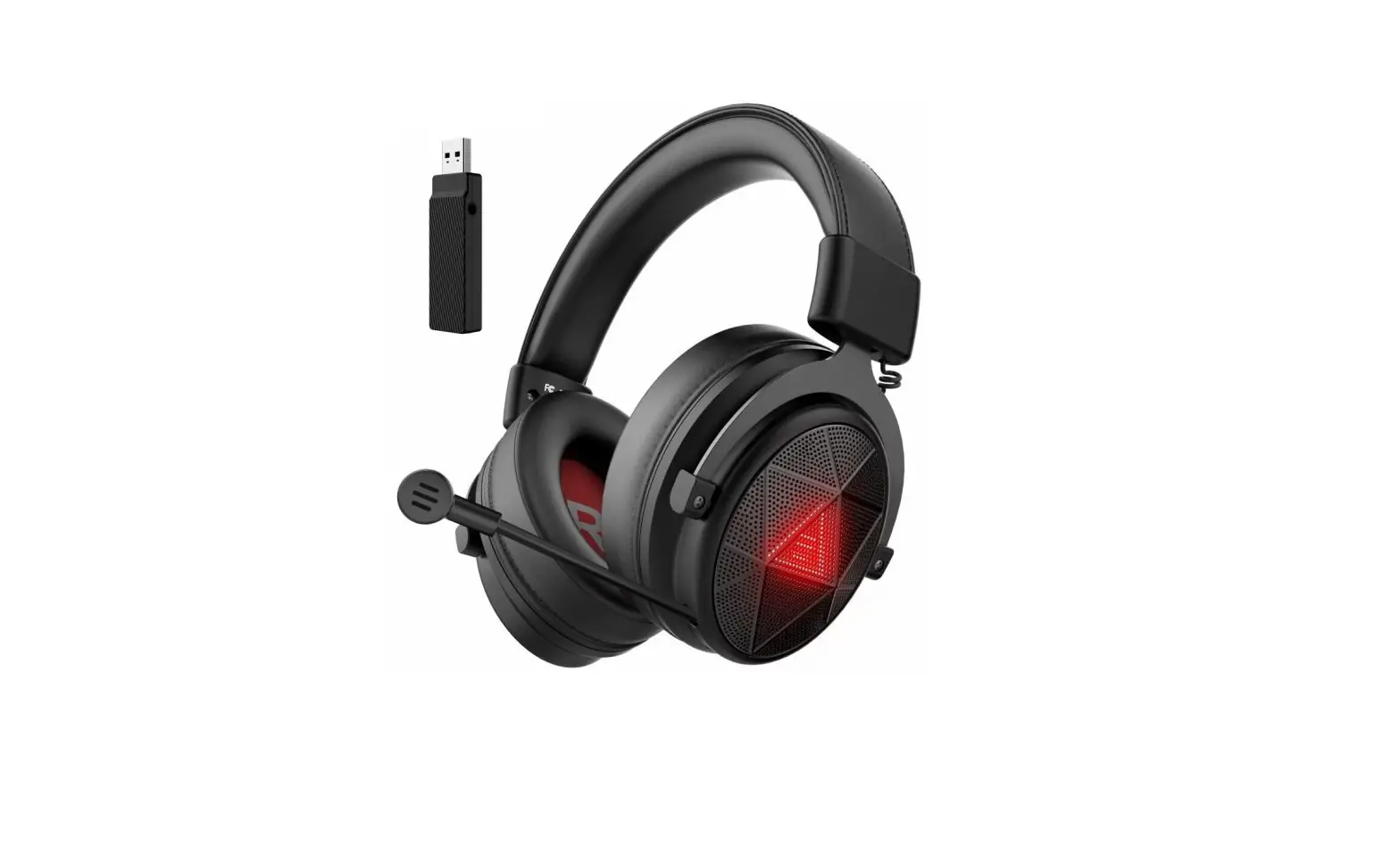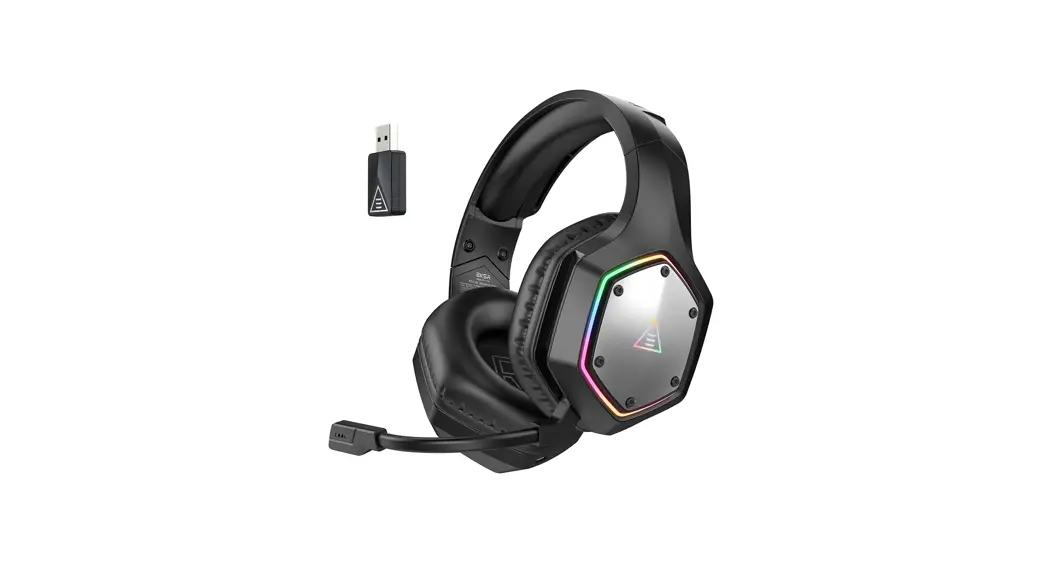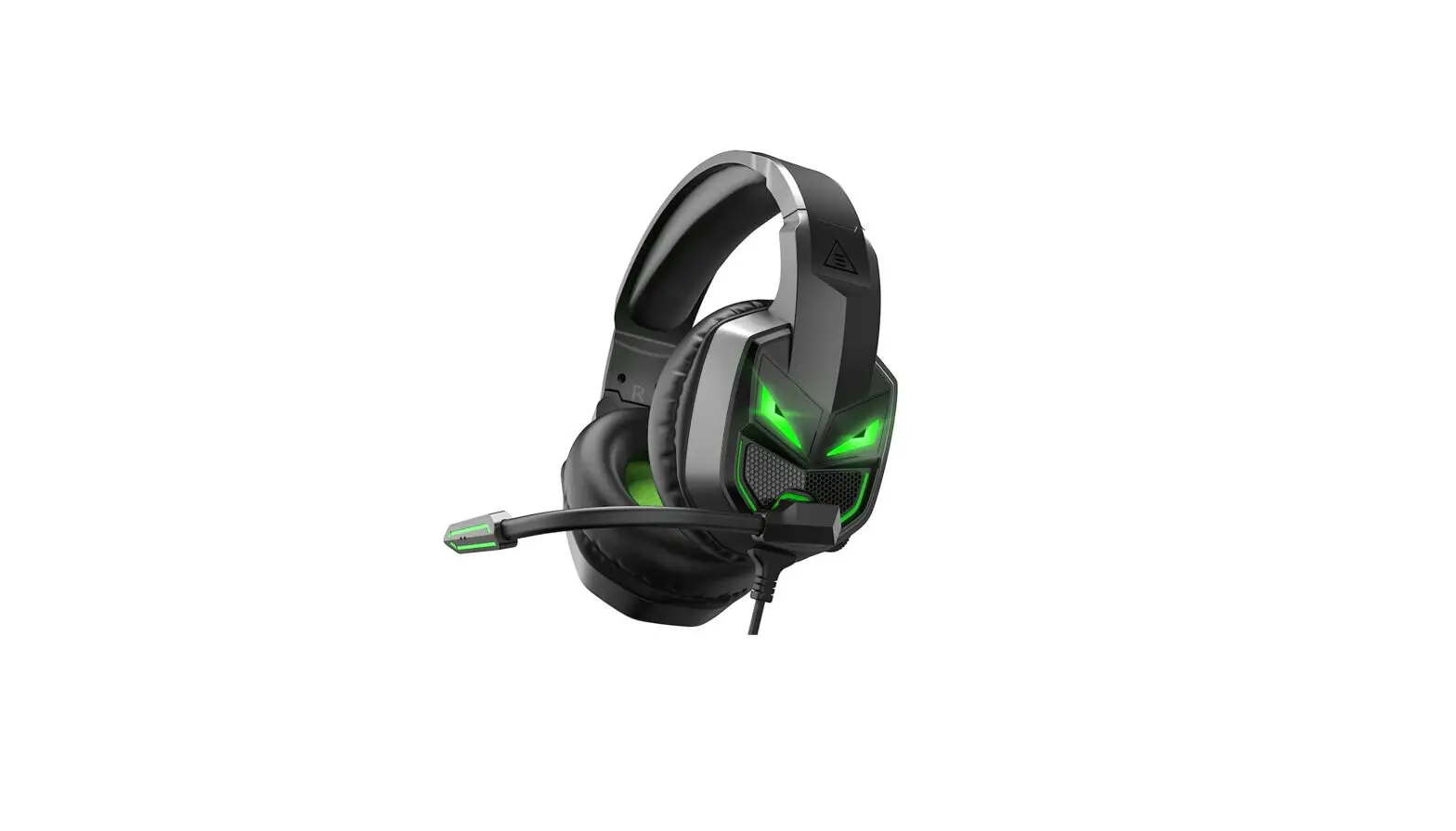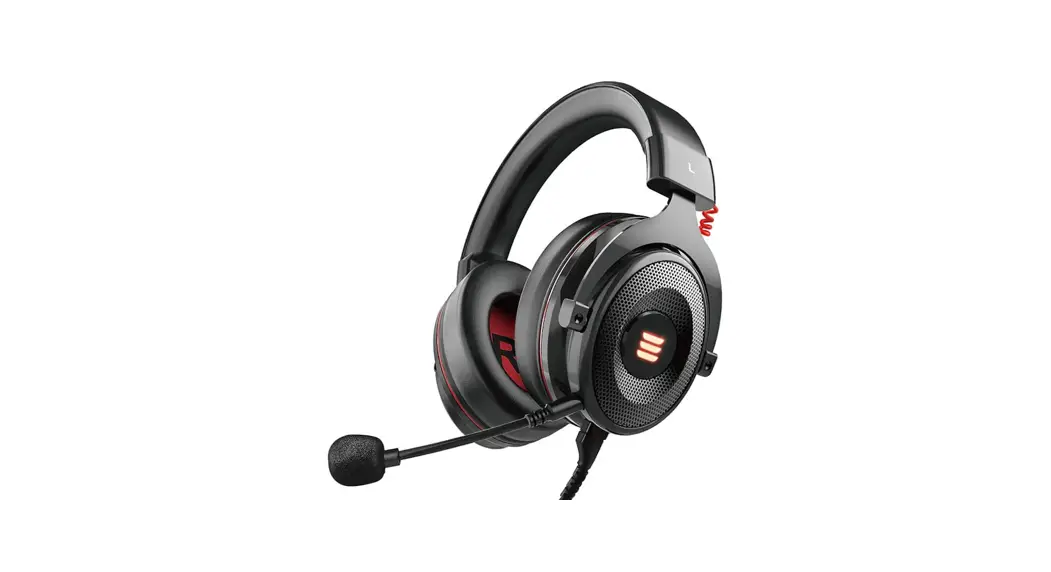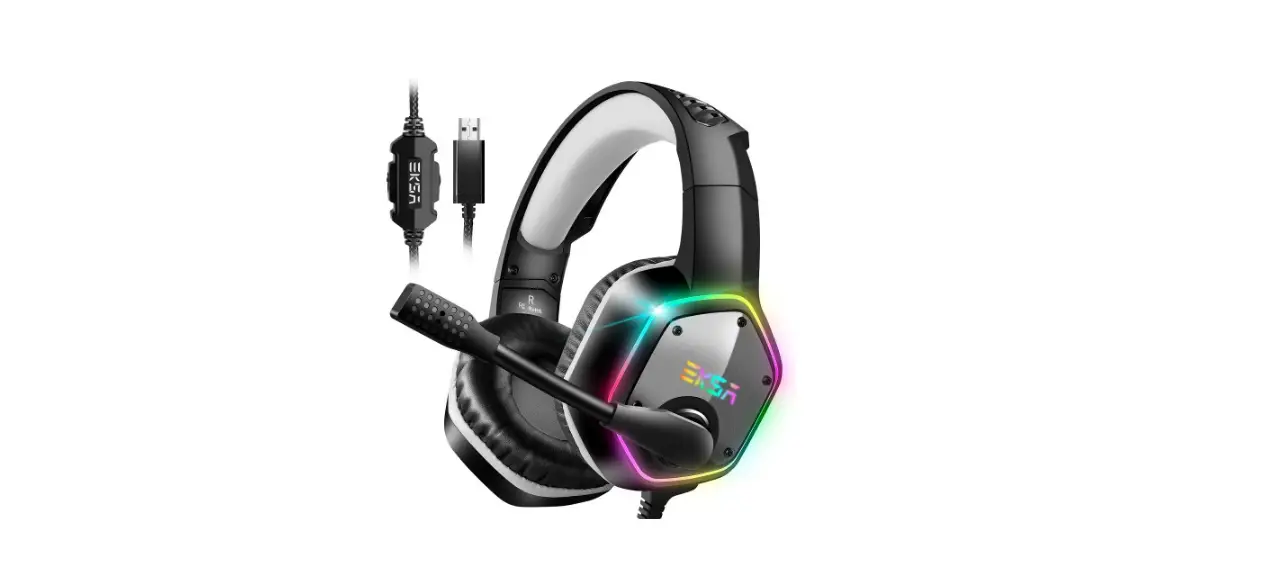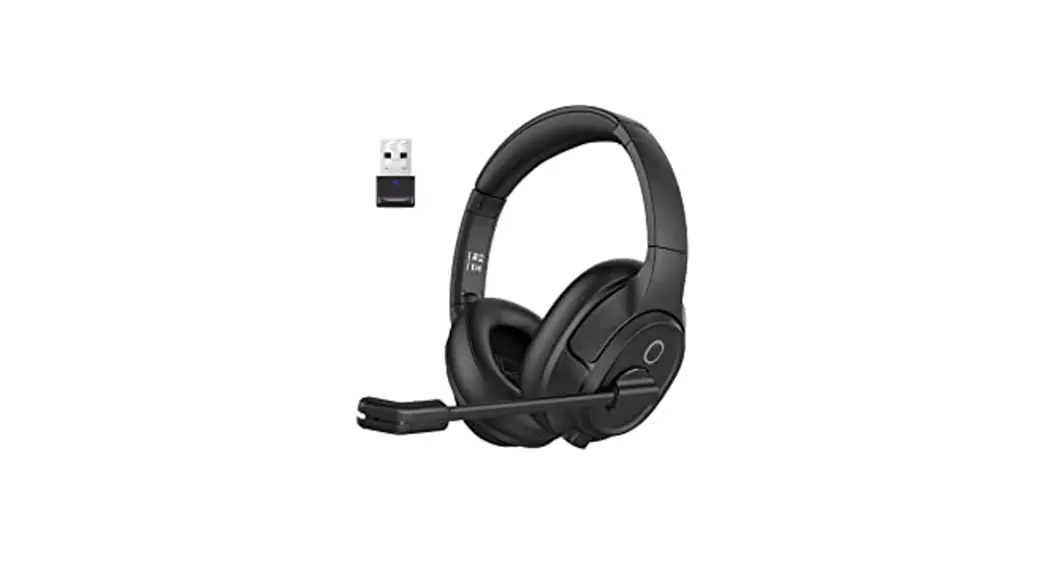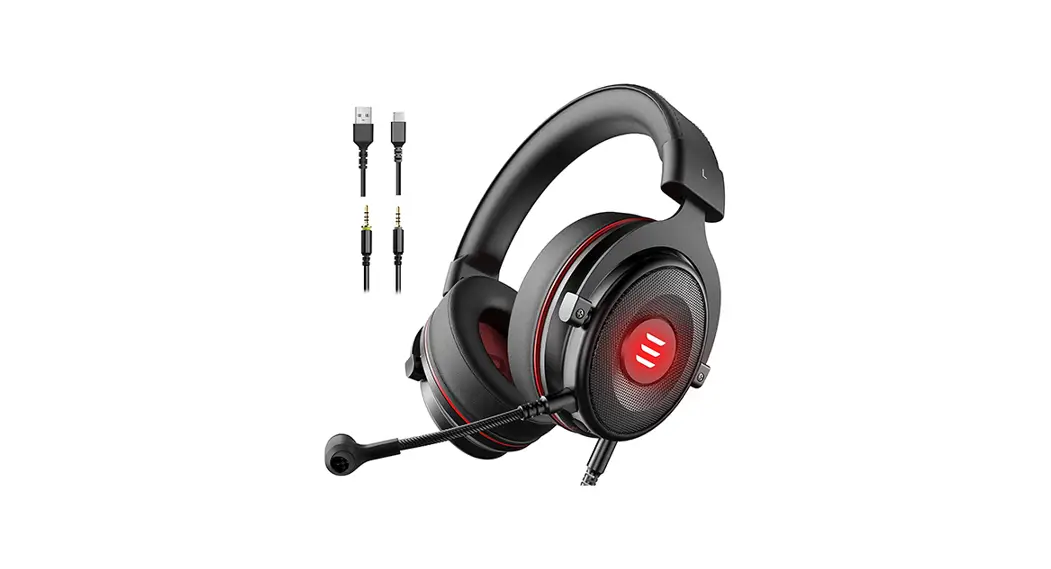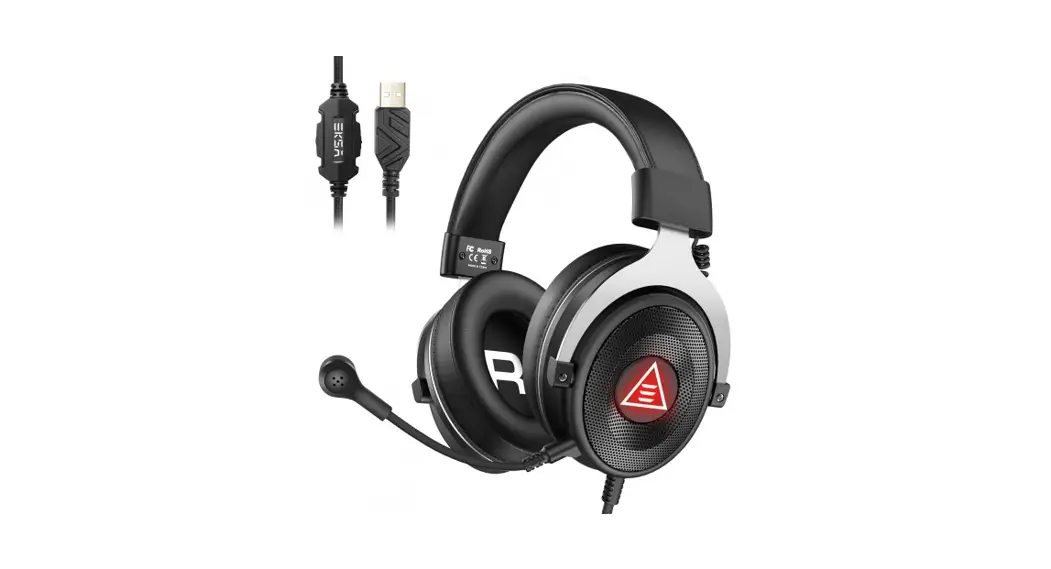
Air Joy Pro
User Manual
Air Joy Pro
Introduction
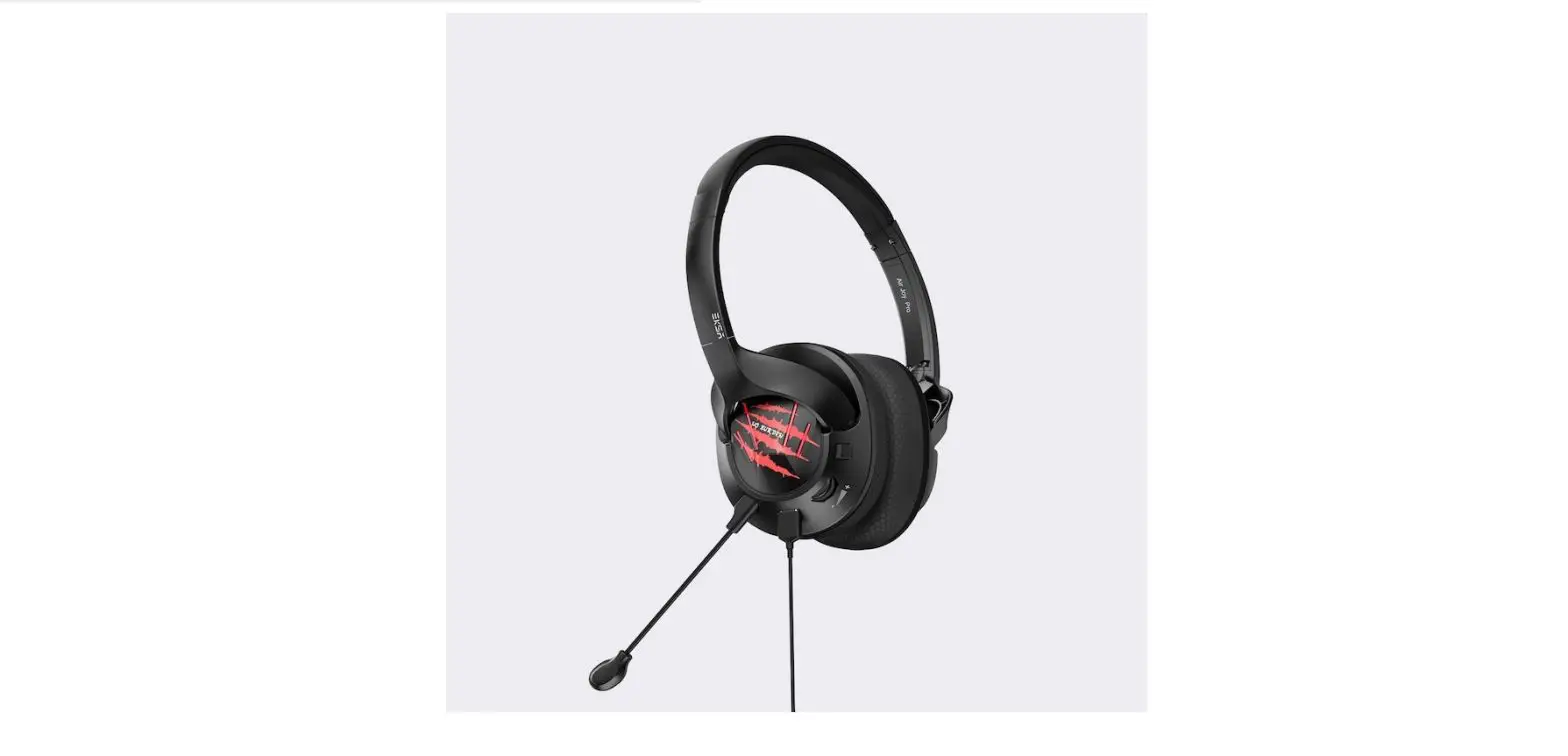
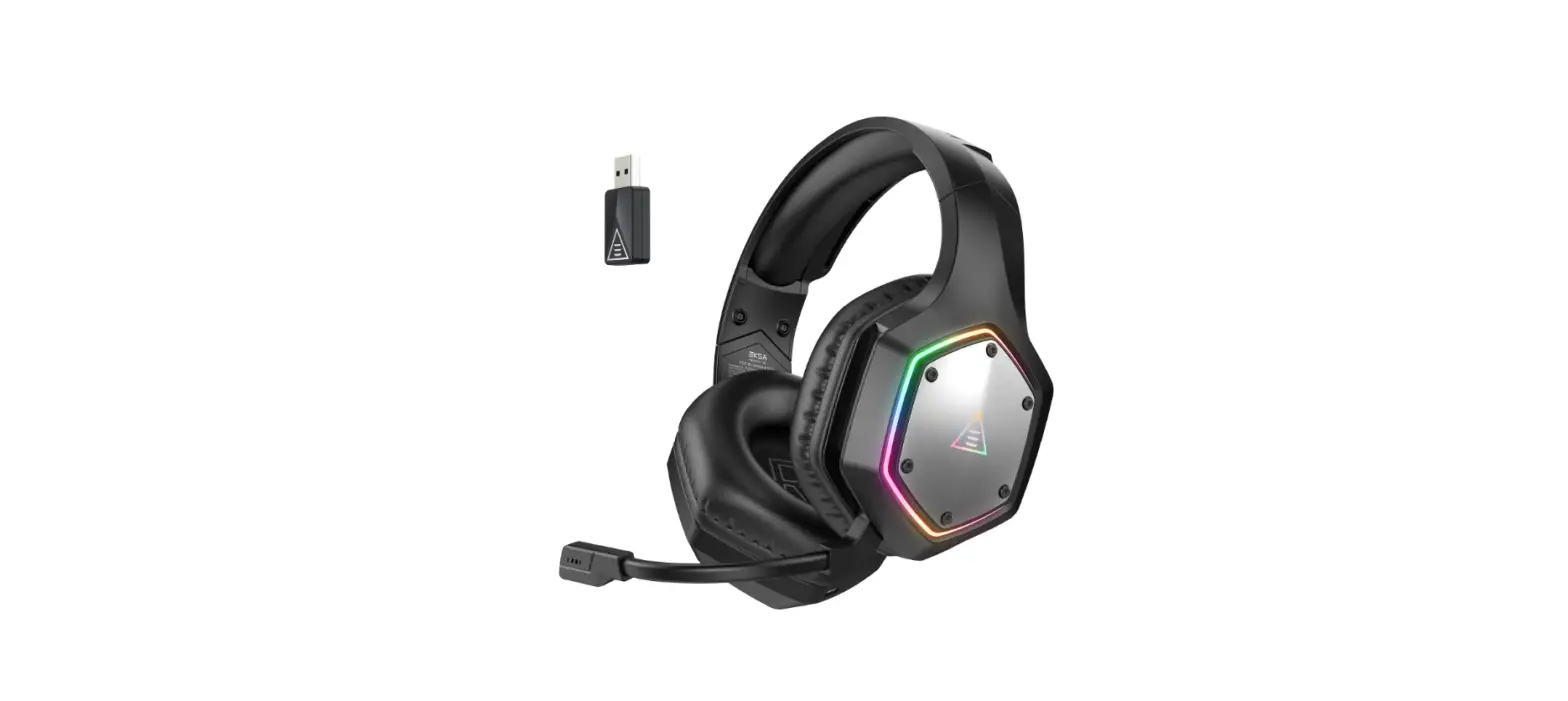
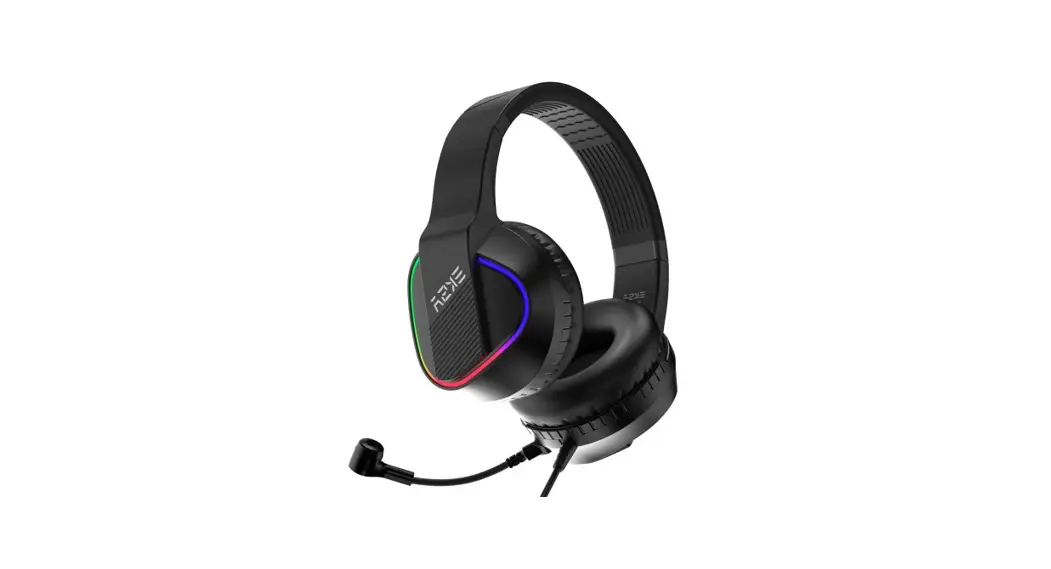
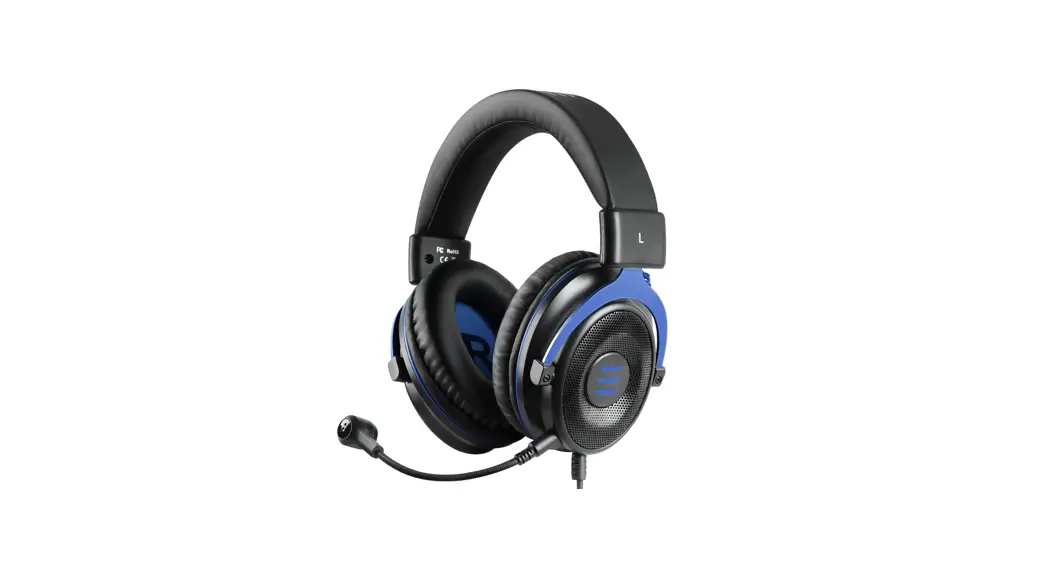
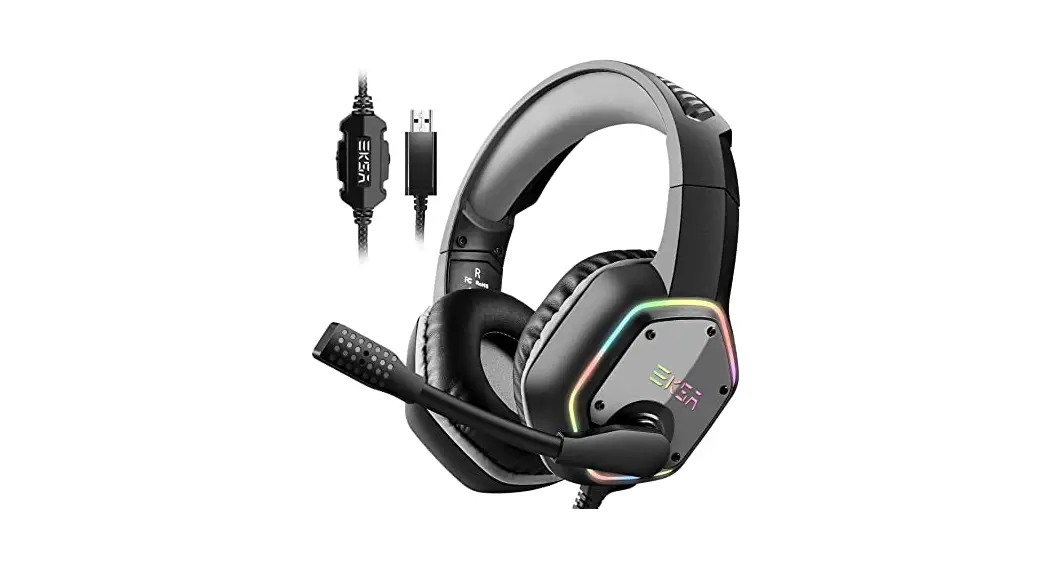
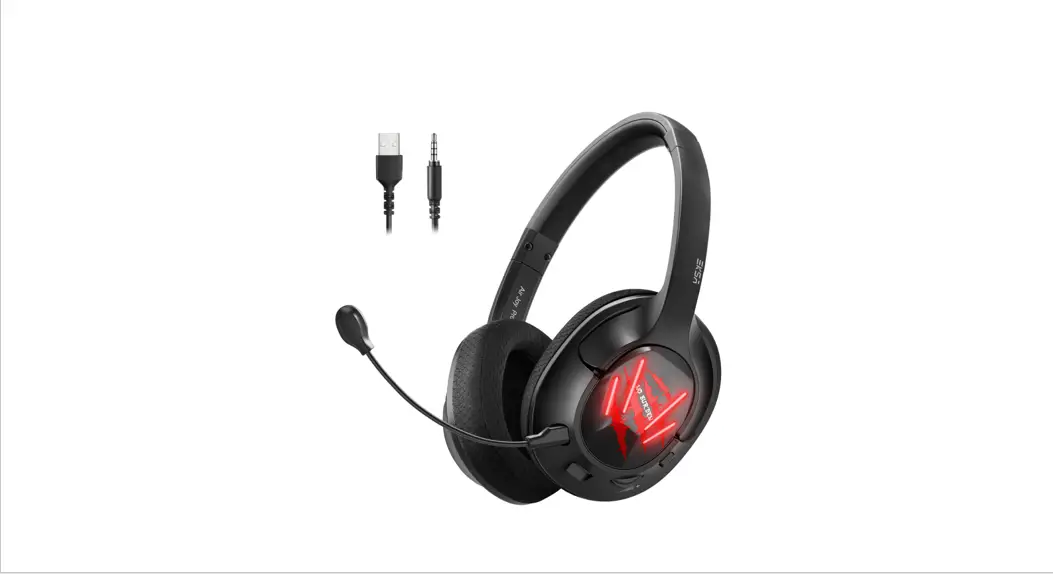
EKSA Air Joy Pro gaming headset is a professional ultralight gaming headset with 2-in-1 USB & 3.5MM detachable cable, widely compatible with most gaming devices. Its most
prominent feature is “ultralight”, it is the lightest gaming headset in the world, and its weight(about 150g) is far less than traditional gaming headsets. Get rid of the burden of
traditional gaming headsets, even if you wear them for a long time, you will not feel uncomfortable. Air Joy Pro’s lightweight features and stylish appearance design allow you to enjoy music and games anytime, anywhere.
 |  |
 |  |
 | |
At a Glance
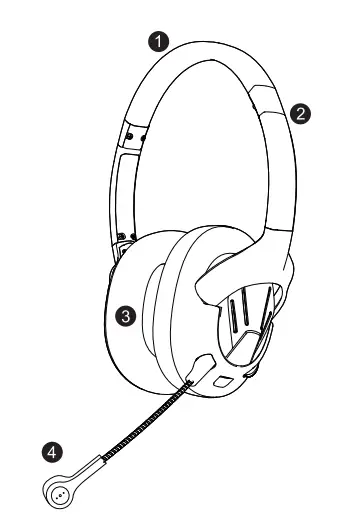
- PU leather headband
- Steel arm to adjust the headband
- Protein memory earmuffs
- Detachable microphone
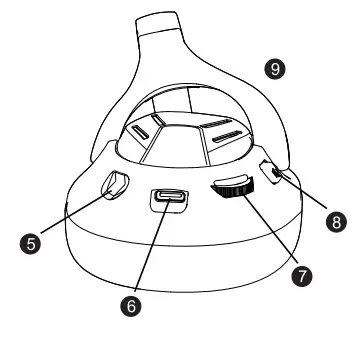
- Detachable microphone port
- Type-C audio port
- Volume control
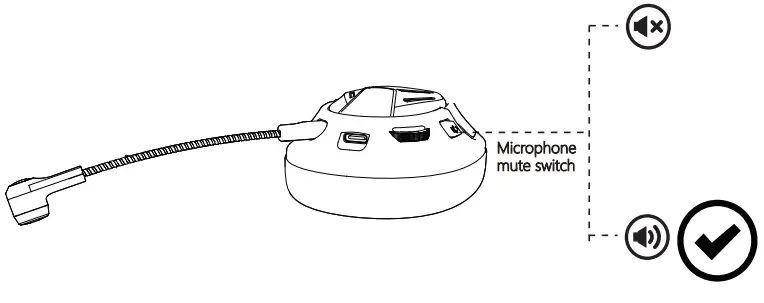
- Microphone mute switch(Factory default mute state)
- ABS bracket
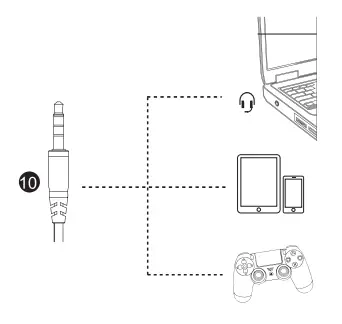
- 3.5 mm audio cable
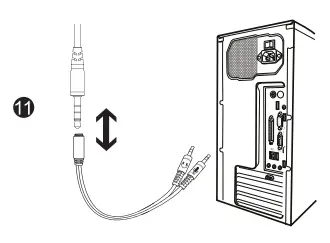
- Y extension cable
- USB 2.0 audio cable
The bracket of the headset can be turned 90° inward and 30° outward. The excellent ergonomic design makes it suitable for all ages and head circumference sizes. Provide
a maximum sense of comfort to the person wearing a headset, just like without wearing headphones. Even if you wear headphones for a long time, you won’t feel uncomfortable.
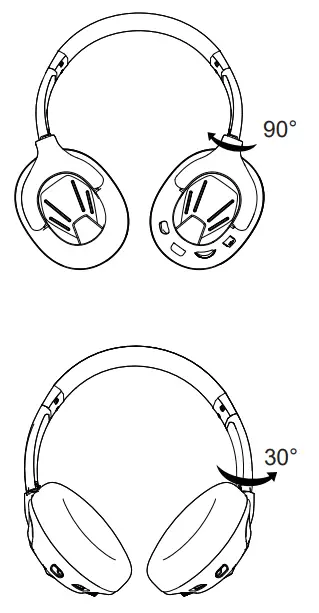
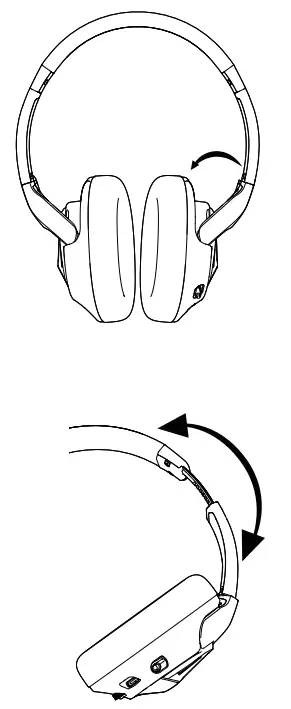
Can be adjusted on either side of the headset slider to the most suitable angle for you. (As shown below )
Air Joy Pro Features
- Multi-platform compatibility: Plug and play. Supports PS4, Xbox One S/X, Nintendo Switch, PC, Phone, Laptop, 32-bit & 64-bit Win7/Win8/Win8.1/Win10/XP.
- Ultralight experience: It is the lightest gaming headset in the world, and its weight is far less than traditional gaming headsets, making you get rid of the burden forever.
- Pluggable&Bidirectional mic: The bidirectional noise-canceling microphone can pick up the voice with high sensitivity and isolate ambient noise effectively.
- Ergonomic design: The retractable sliding handle and air permeability earmuff bring you the greatest degree of comfort and fit.
- Cool LED Light: Glaring LED lights are designed on the earcups to highlight the atmosphere of the game.
USB Sound Setting
To ensure that EKSA AirJoy Pro is the default audio device, please follow these operations as follow:
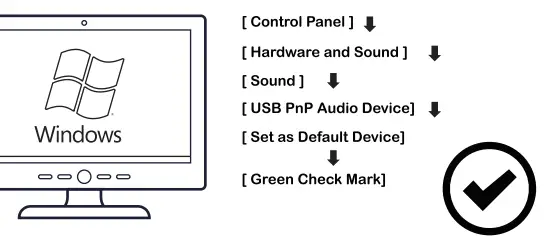 | 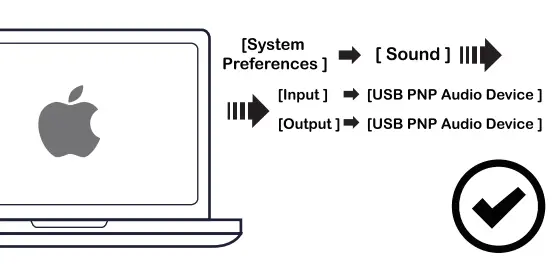 |
7.1 Virtual Surround Sound
Before you enjoy 7.1 virtual surround sound, please make sure your USB audio output is connected with the headset.
Then enter EKSAwbesite https://www.eksa.netfdownload to download EKSA 7.1 surround driver.
Note: EKSA 7.1 surround driver only supports USB interface, and can only be used on Windows system.
Usage (PlayStation® 4)
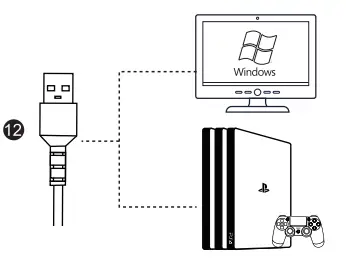
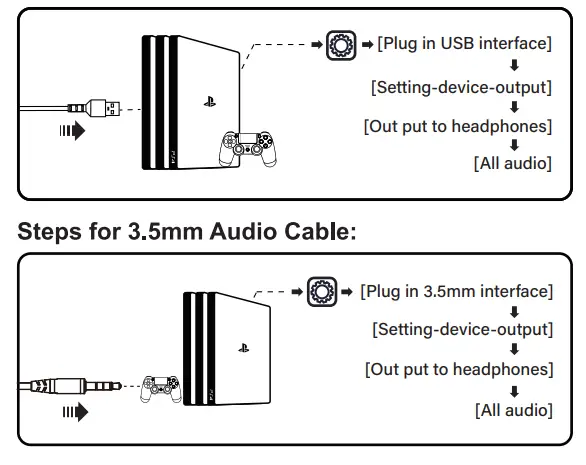
When using headphones on the PS4™ console: plug the USB cable directly into the console.
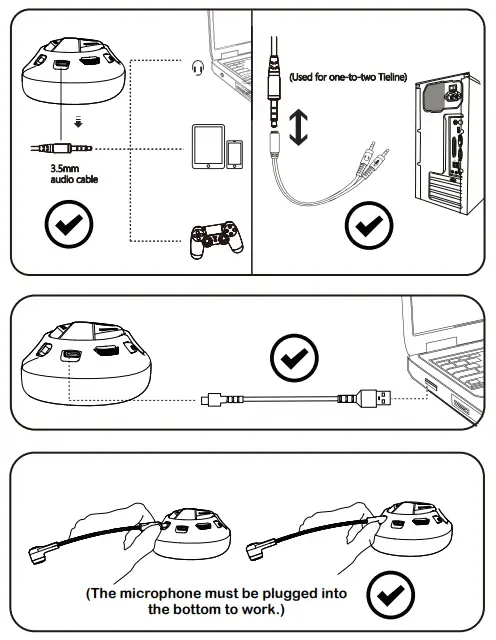
When using headphones on the PS4™ controller: unplug the USB cable from the PS4™ console, replace it with a 3.5mm audio cable, and plug the 3.5mm cable into the PS4™ console.
Steps for USB:
Usage (Xbox®one S/X)
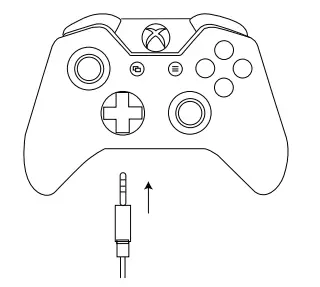
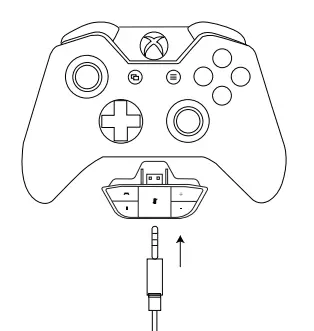
To use the EKSA headset with Xbox®One S/X, you will need the Xbox One S/X adapter (Not Included) that plugs into the
Xbox®One S/X controller. Then connect directly to the Xbox One S/Xcontroller.
| Information for Xbox One SiX User | |
The controller has a headset port Headset Adapter Not Required √ Works straight out of the box | Controller has no headset port Microsoft Stereo Headset Adapter Required Requires Microsoft Adapter (not included) |
Usage with Mobile Device (Phone or Tablet)
To use the EKSA headset with a mobile device, plug the 3.5mm audio cable directly into the audio port on your phone or tablet.
Matters needing attention
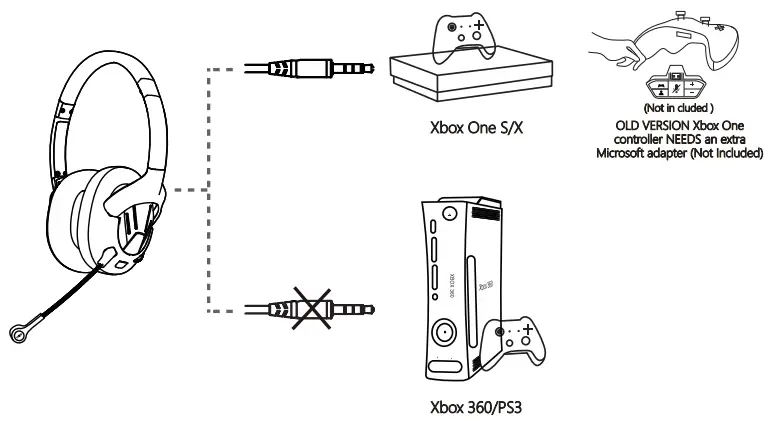
- This product isn’t compatible with Xbox 360/PS3, can only use for Xbox One S/X. The old version Xbox One controller needs an extra Microsoft adapter (not Included).

- Please make sure the microphone is not muted before using.

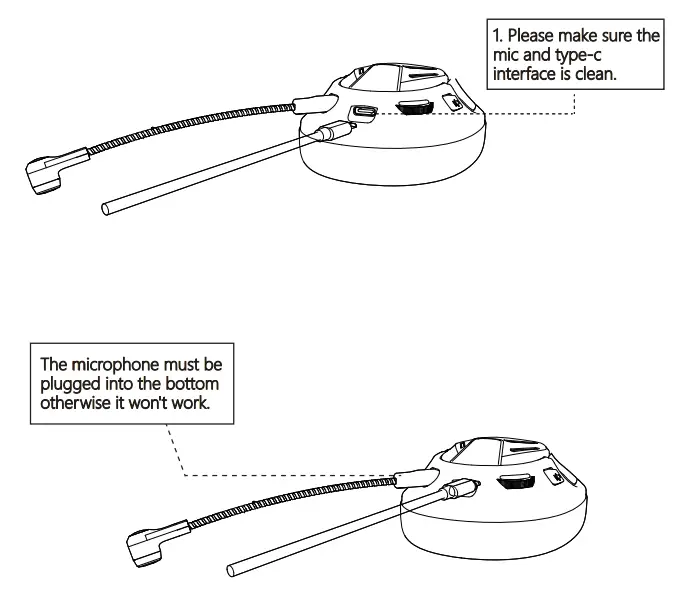
- Please make sure all the wires are in the correct position when using, especially the microphone must be plugged into the bottom to work.

Q&A
Q1: Why can’t I hear any sound after connecting it with my equipment?
Al: (Phone ) Pull out the 3.5mm interface and reinsert it; Wipe off the dirt and reinsert of 3.5mm interface; Connect the headset to the phone to test if it is good
A2: (Mac book ) Setting menu —Volume —Output —Headset (Windows ) Menu Bar (volume icon )—Play option —High Definition Audio
A3: Please check if the headset is plugged into the computer jack correctly.
Q2: Why can’t I use the Microphone?
Al: You need to disable the computer’s onboard mic by accessing your sound devices in the hardware section of the control panel. And choose the mic of the headset.
A2: Check whether the mute switch on the microphone is on or off.
Q3: How to solve the problem that the other side can’t hear my voice?
Al. Confirm whether the one-button mute on the headset is pressed. The press is on and the microphone is on mute. Please press it again gently to make it off.
A2. Confirm whether the device you connect needs to set the audio output. Please refer to page 5 for specific setting methods.
A3. Please confirm whether your device is equipped with the headset. This product isn’t compatible with Xbox 360. The old version Xbox One controller needs an extra Microsoft adapter (not Included).
A4. If these have been confirmed and the headset is compatible with the device. And the headset microphone still doesn’t work, please contact us. ([email protected])
Product Parameters
| Item | Specification |
| Product size | 170x 75x 190mm |
| product weight | 160g |
| Cable length | 1.75-1.850m |
| Sound effect | 7.1 Stereo |
| Speaker size | 040mm |
| Speaker impedance | 320±15% |
| Speaker sensitivity | 116dB±3dB |
| Microphone sensitivity | -42dB±3dB |
| Frequency range | 20-20K Hz |
| Rated input power | 10mW |
| Max input power | 20mW |
Package List:
1 X EKSA Air Joy Pro Gaming Headset
1 X Detachable Microphone
1 X 3.5 mm Audio Cable
1 X USB Audio Cable
1 X Y Extension Cable
1 X Operating Instruction
1 X Carry Pouch
Limited Warranty
EKSA offers a one-year limited warranty for this product.
We will repair or replace any defective products free of charge. Feel free to contact us:
Global: +852 6940 4955(Mon to Fri 9:00 am-6:30 pm, UTC +8 HKT)
 [email protected]
 www.eksa.net/warranty
India: +91 8929369620(Mon to Fri 9:30 am-5:30 pm, IST)[email protected]