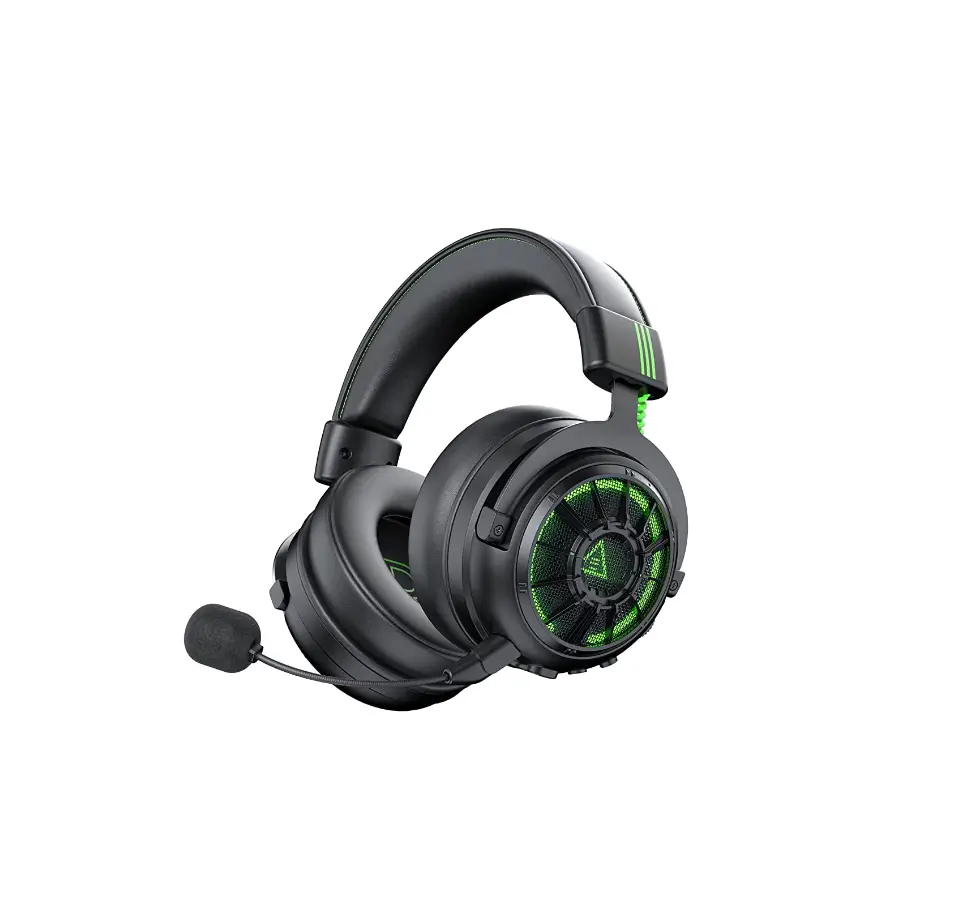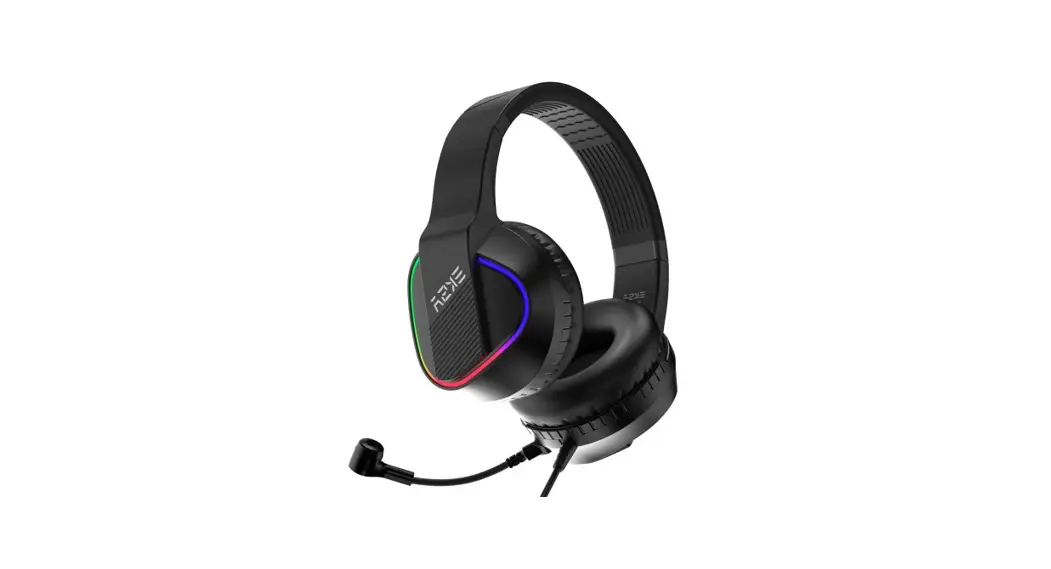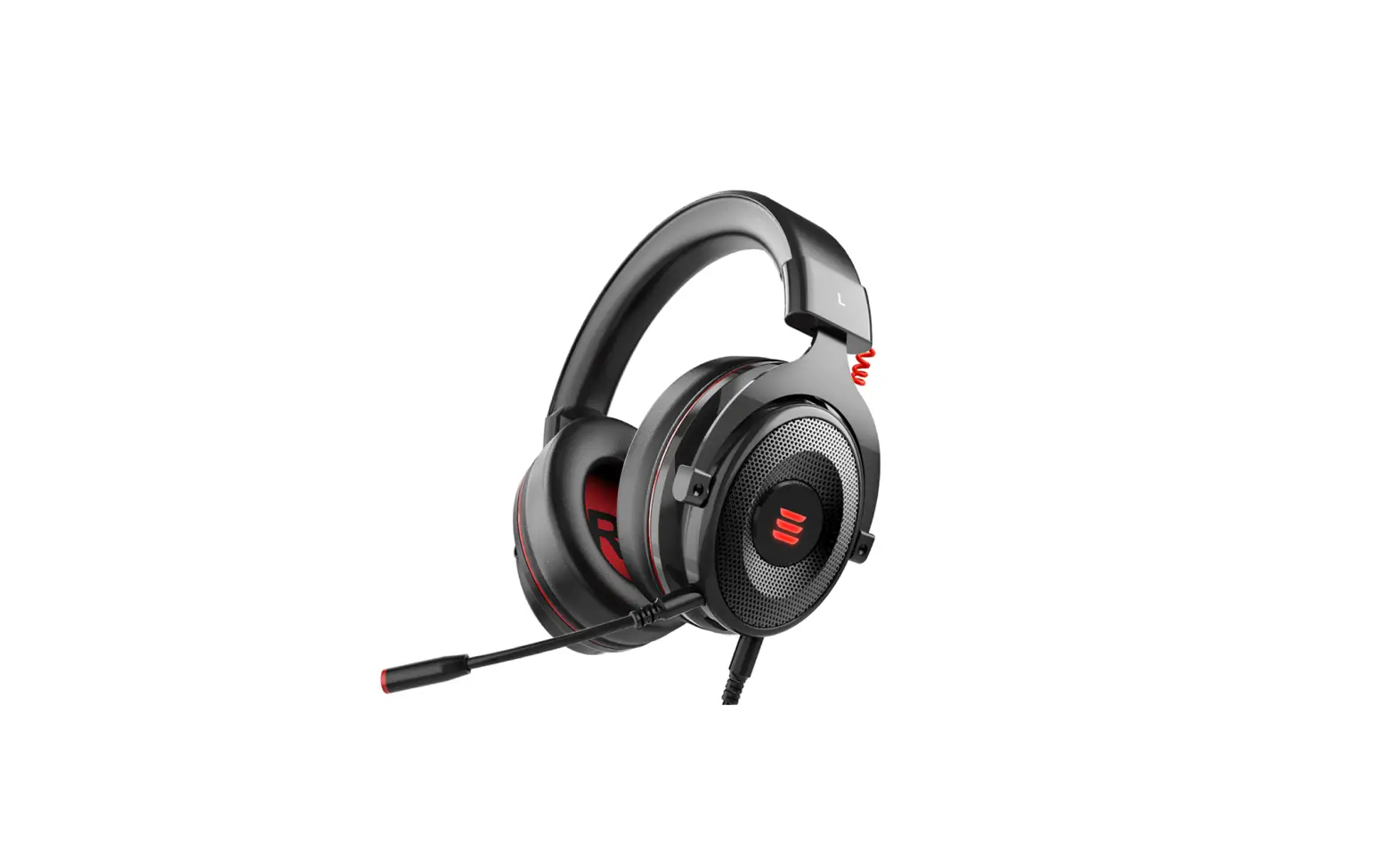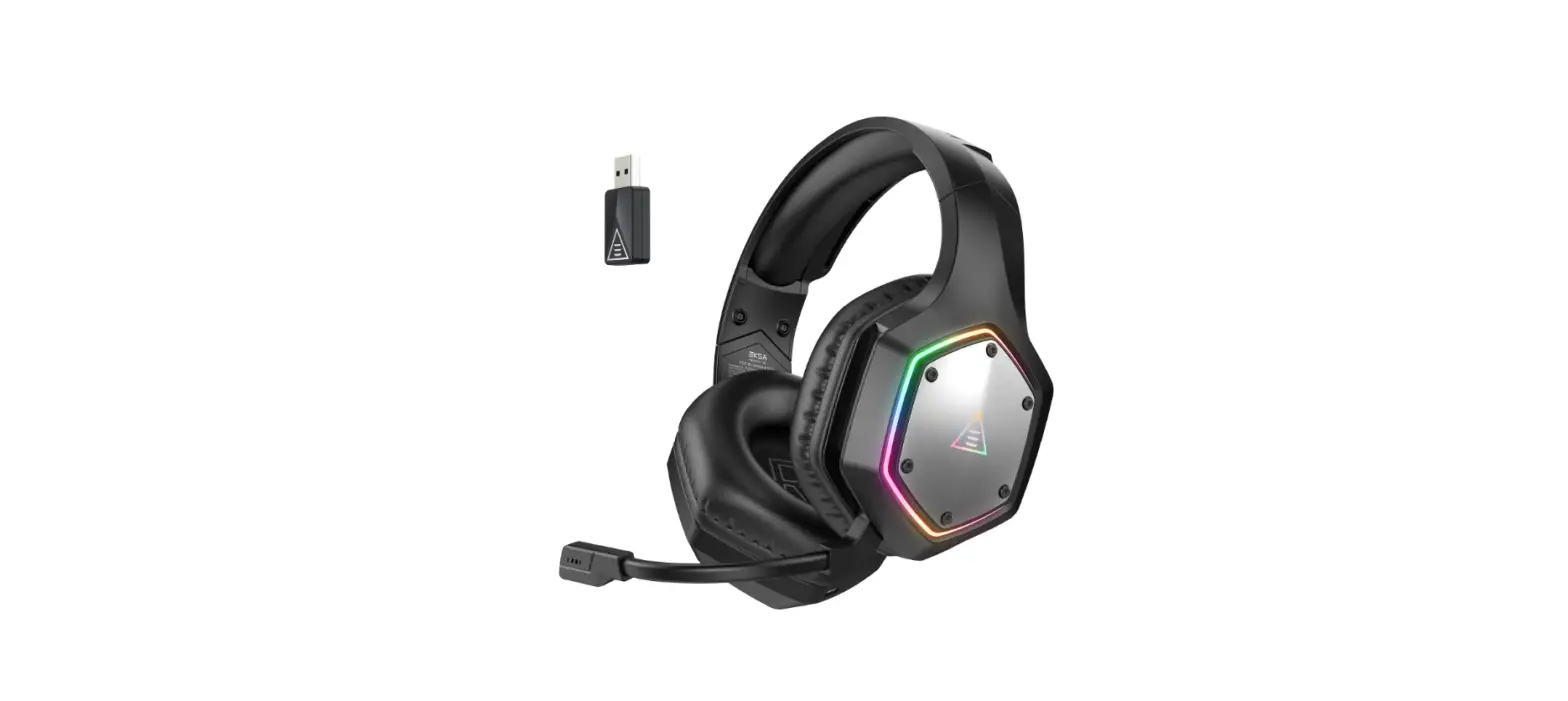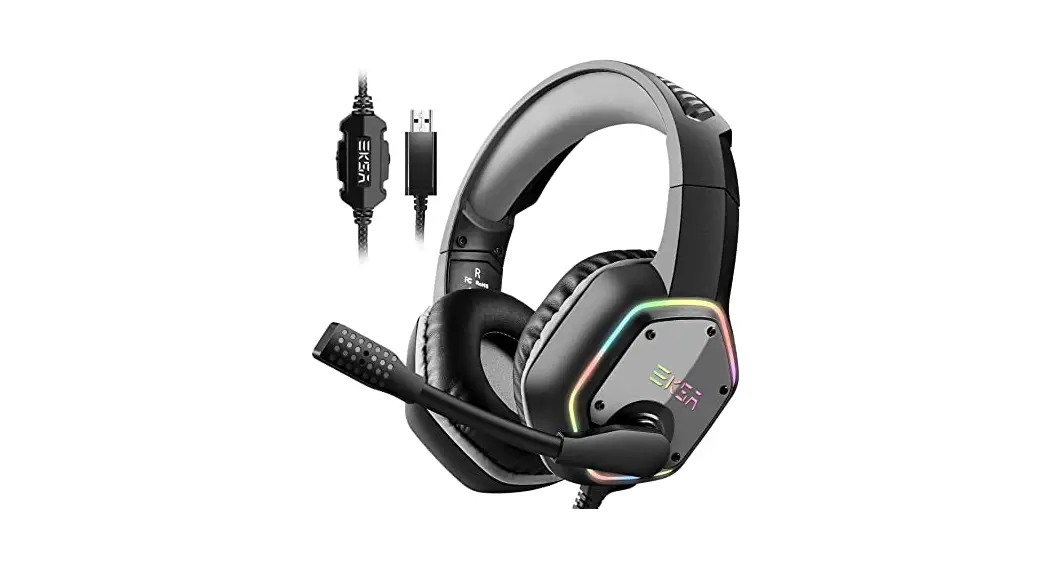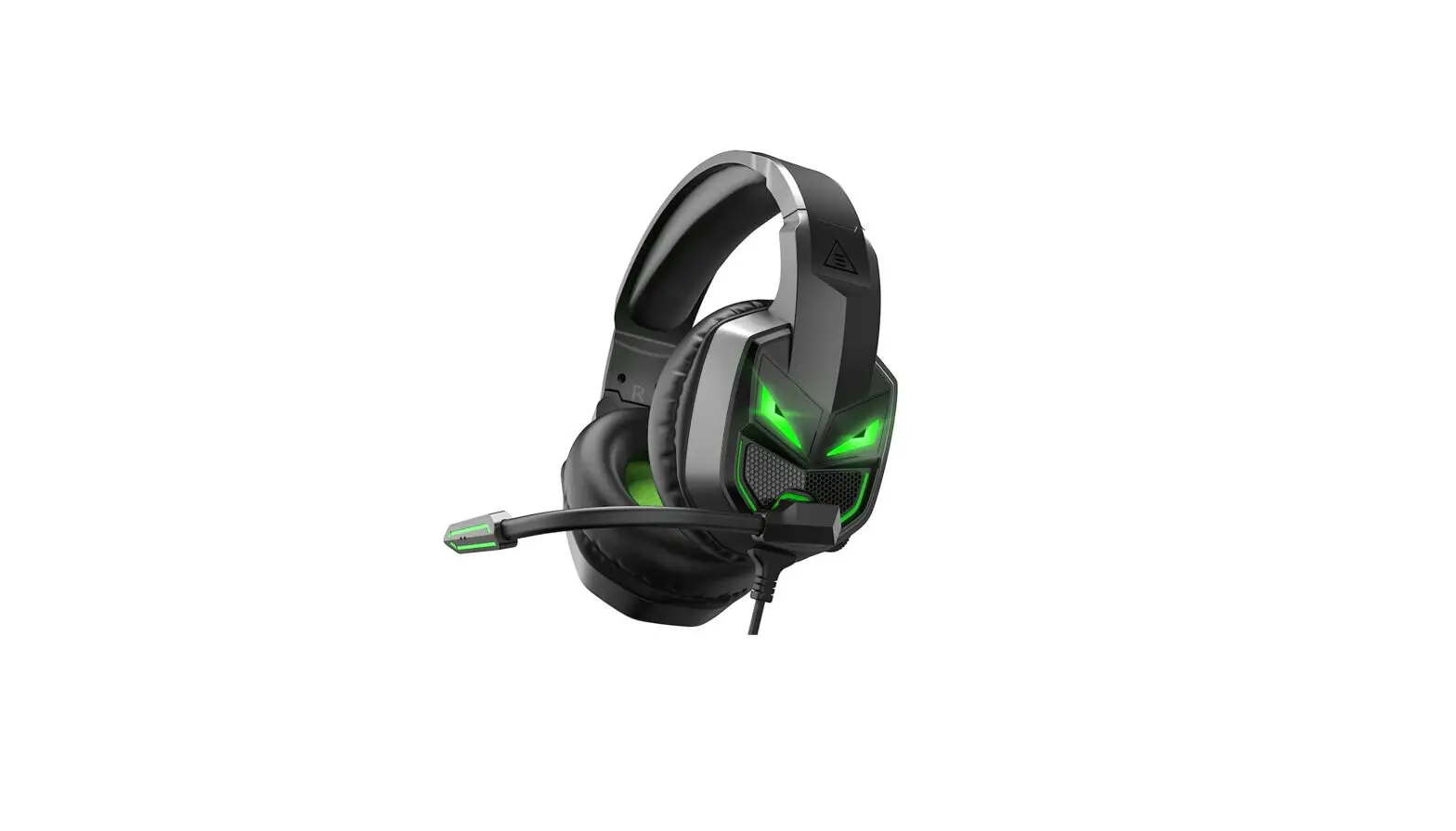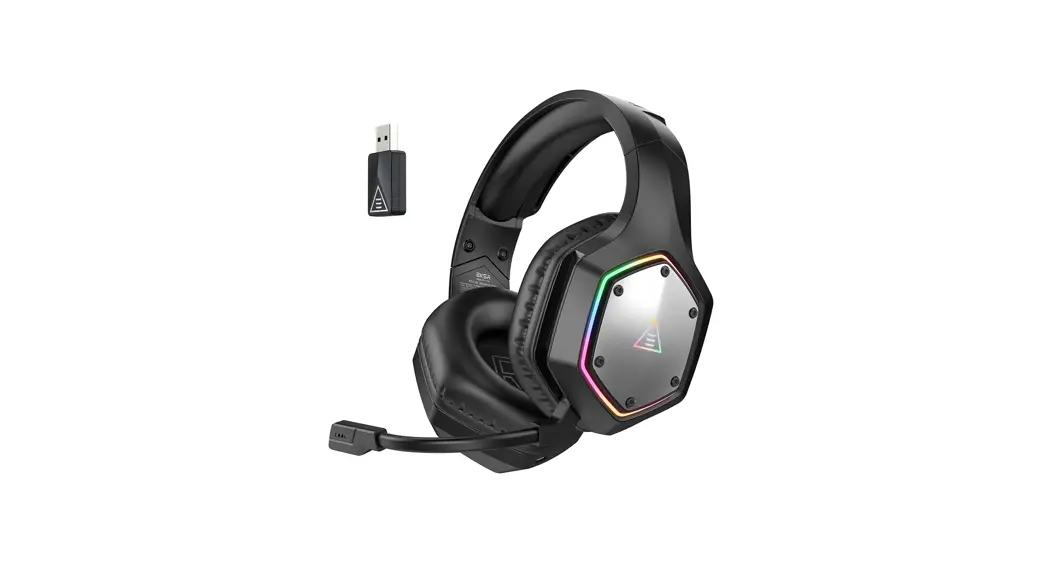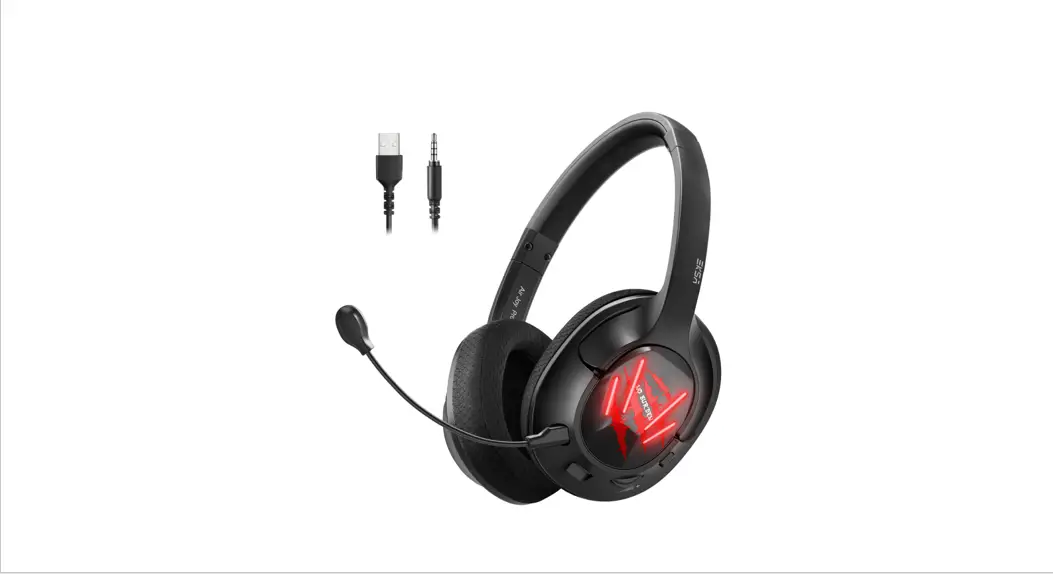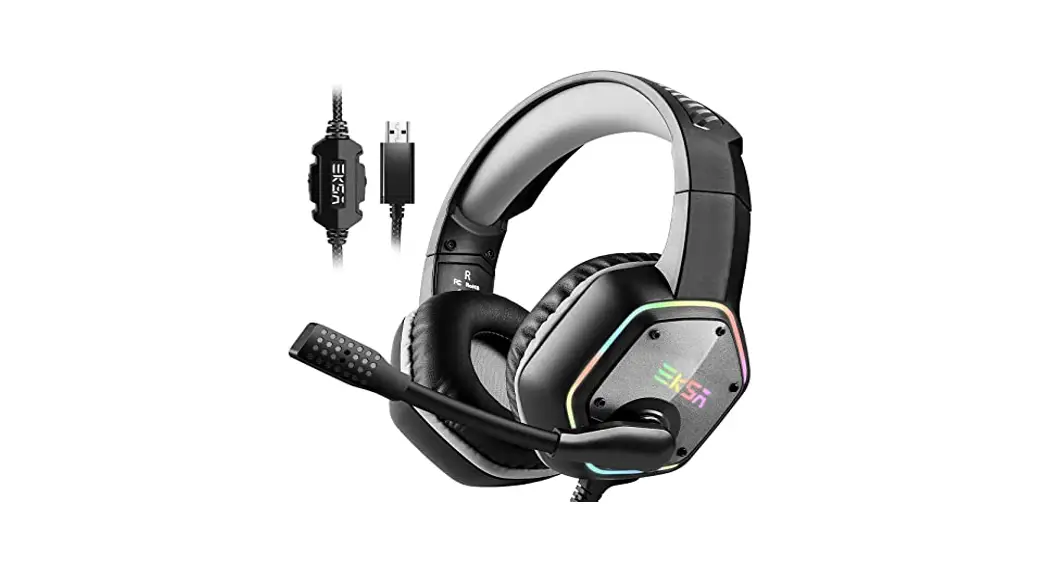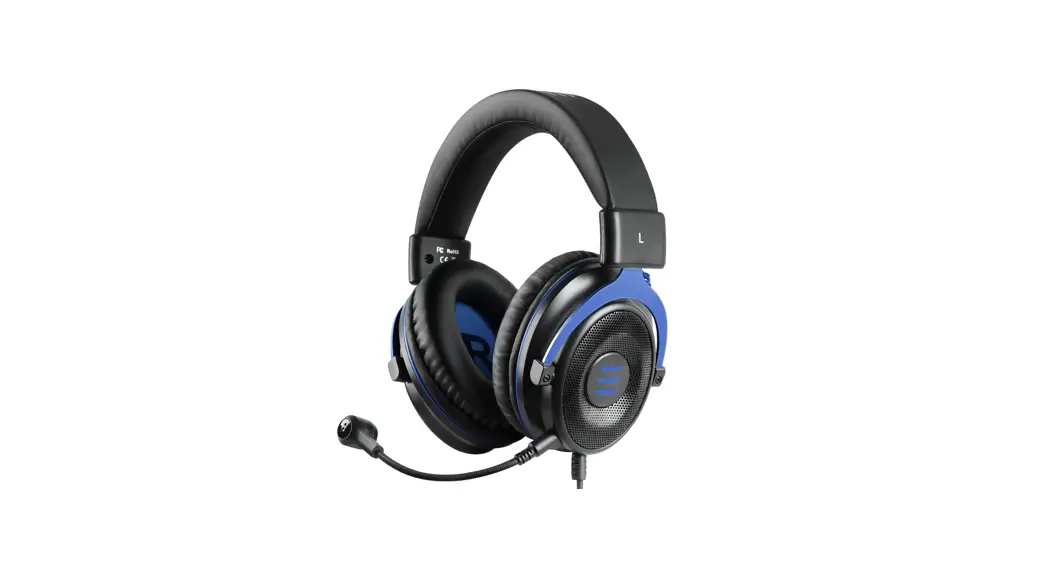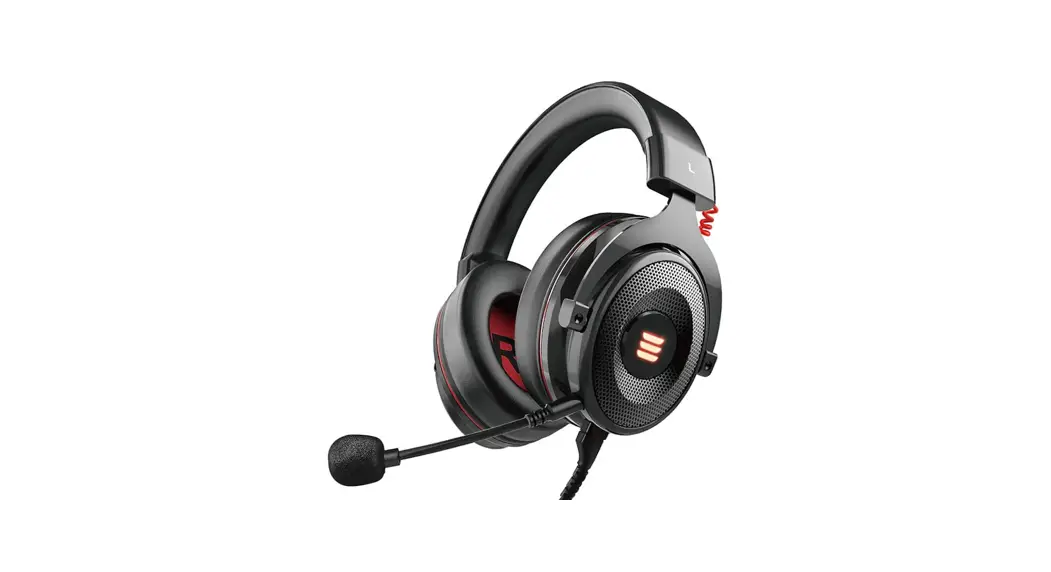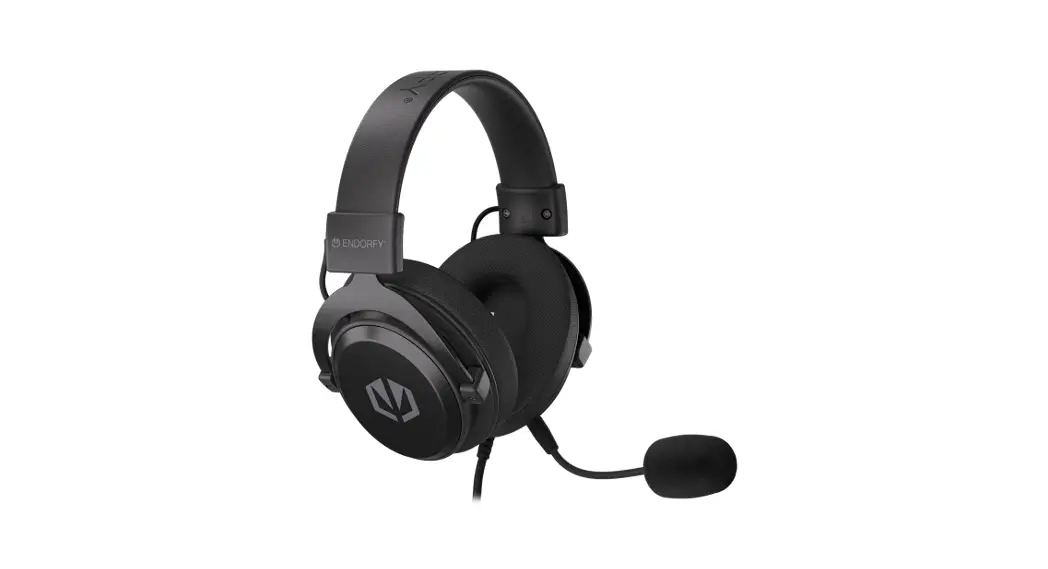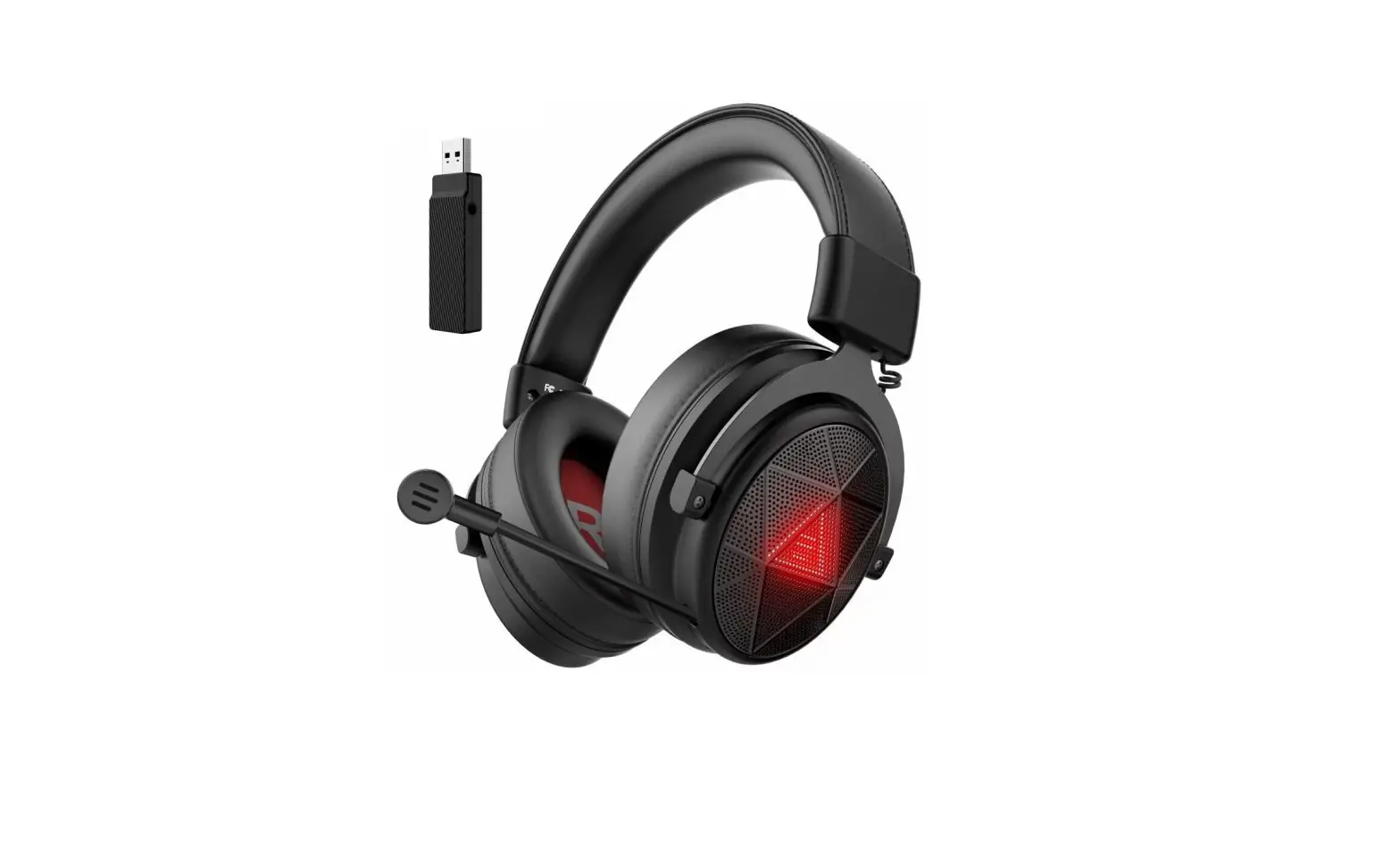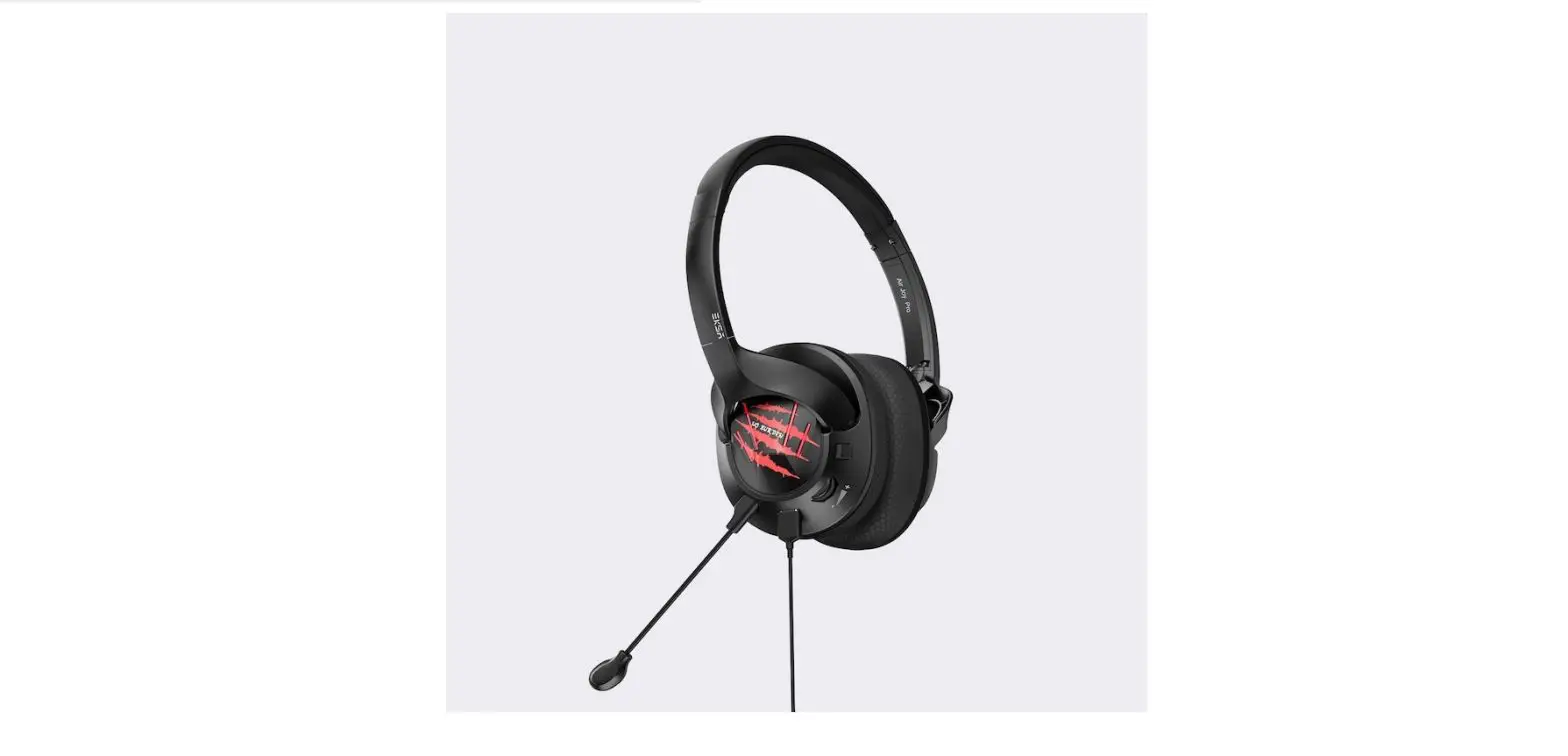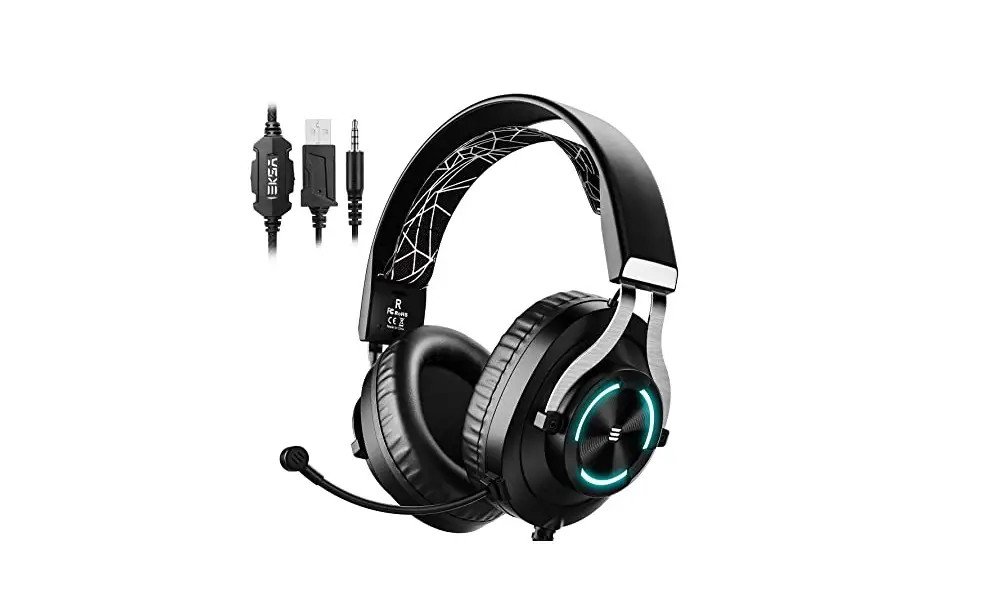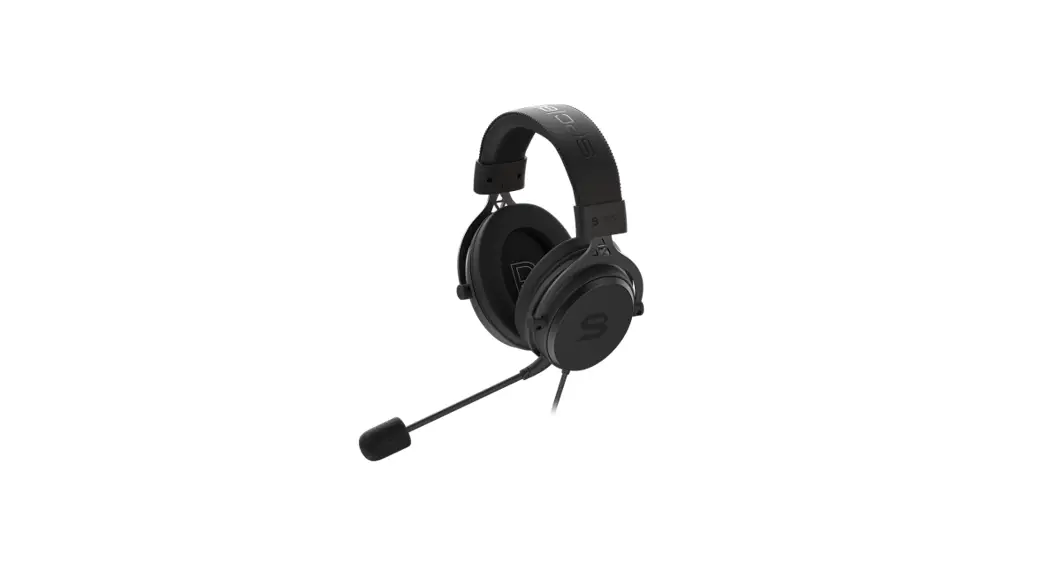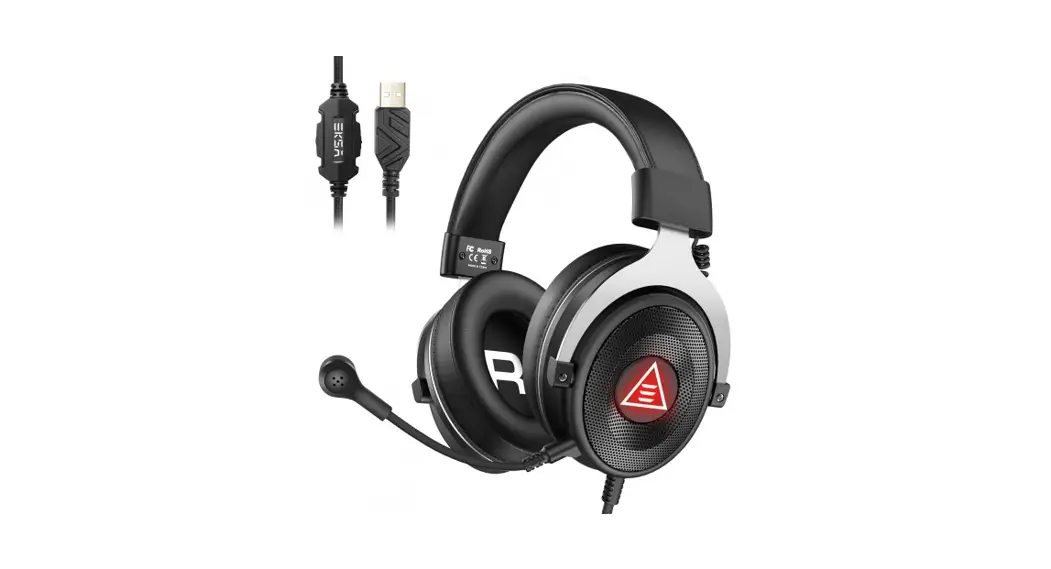

EKSA E5000 Pro Star Engine 3-In-1 Gaming Headset 
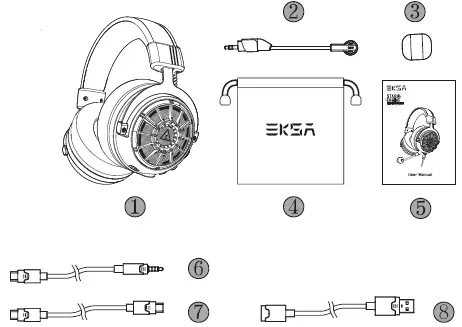
Packing List
- EKSA Star Engine Gaming Headset
- Detachable Microphone
- Microphone Foam Cover
- Carry Pouch
- User Manual
- 3.5mm Audio Cable
- Type-C Audio Cable
- USB to USB-C Extender

Specifications
- Speaker Diameter: 50mm Impedance: 55Ω±15%
- Sensitivity: 112dB±3dB Frequency Response: 20Hz-20kHz
- Sensitivity: -42dB±3dB Call Mic: Unidirectional
- Noise Identifying Mic: Omnidirectional Mic: AI-Powered Environmental Noise Cancellation
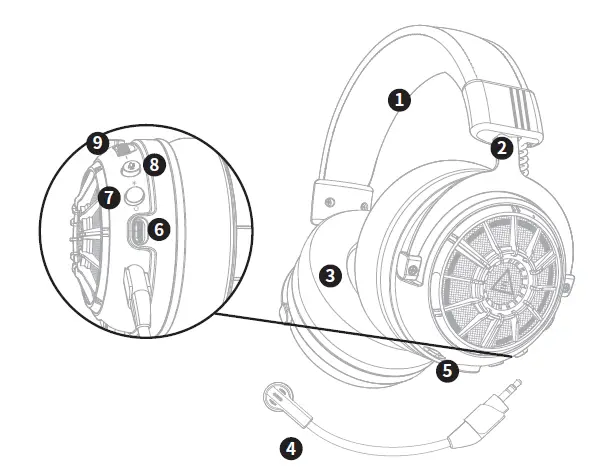
Product Overview
- Leather Head Beam
- Adjustable Headband
- Soft Extra-Large Earmuffs
- Detachable Microphone
- Microphone Port
- Type-C Audio Port
- Multi-Function Button (MFB)
- Mic Mute Button
- Volume Control Wheel

Operation Guide
Multi-Function Button:
Press for 3 seconds LED Light on/off
Tap: Sound Mode Switch
Surround Sound: “surround sound on”
Stereo Sound “surround sound off” Volume Control Wheel
 Scroll upward: Volume +
 Scroll downward: Volume –
 Mic Mute Button
Tap: Microphone on/off
Features
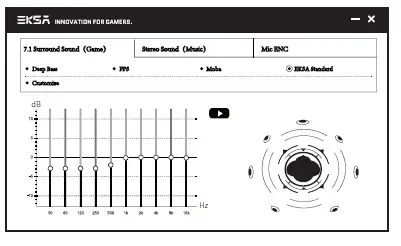
Immersive 7.1 Surround Sound
- The built-in powerful 50mm magnetic neodymium driver and 7.1 surround sound chip bring you an immersive gaming experience.
- Plug in a Type-C or USB audio cable to enjoy the 7.1 surround sound by default.
You can also download the 7.1 driver from our official website to set your preferred sound effect. (https://www.eksa.net/download)
Note: EKSA’s 7.1 surround sound driver supports Windows only.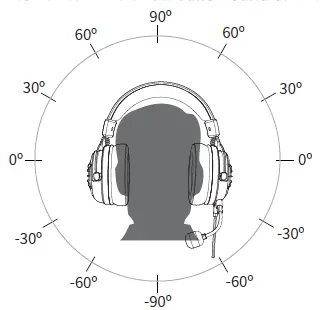
2. AI-Powered Environmental Noise Cancellation
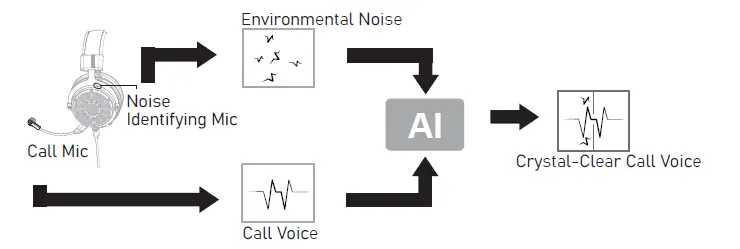
The cutting-edged AI-powered environmental noise cancellation technology can effectively eliminate up to 96% of background noise, ensuring clear in-game chats. The caller’s position will be accurately calculated through a dual microphone array (a call microphone and a noise-identifying microphone), thereby protecting the target voice.
All-Platform Compatibility
Three separate audio cables with different interfaces are included in the packing box. This gaming headset is widely compatible with PS®5, PS®4, Xbox® One, Nintendo Switch™, PC, Laptop, Mac, and mobile devices, etc.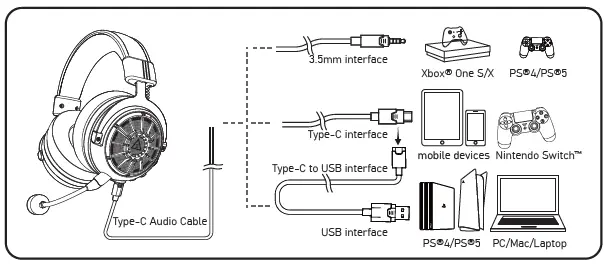
One Key Sound Mode Switch
This button is on the ear shell, allowing you to switch from 7.1 surround sound to game mode or stereo to music mode. It is straightforward and convenient to operate.
Note: when switching the sound mode, you will hear a “surround sound on/off” voice prompt.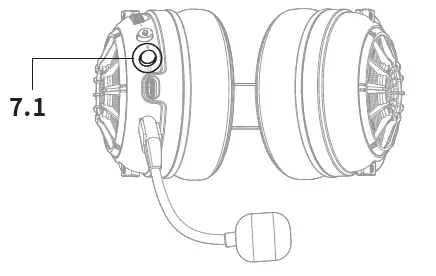
USB Sound Setting
Follow the steps below to ensure your EKSA Star Engine headset is the default audio device.
PC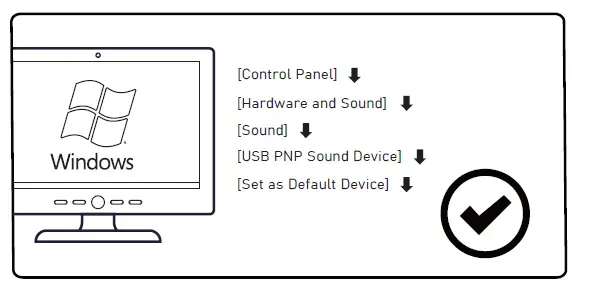
Mac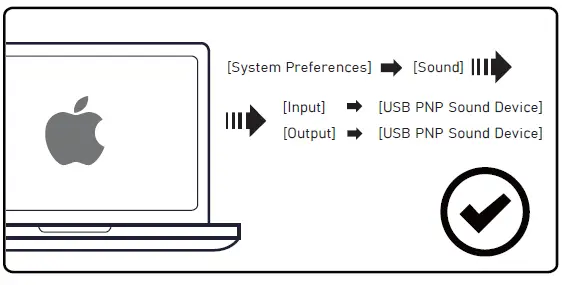
How to Use?
PlayStation®
To get the best when using a PS®4, connect one end of the Type-C cable to your headset and the other end with a USB extension cable. Then directly connect your PS®4 controller with the USB interface, and follow the steps below.
Steps for USB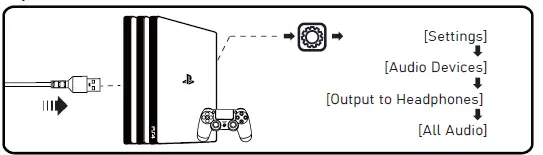
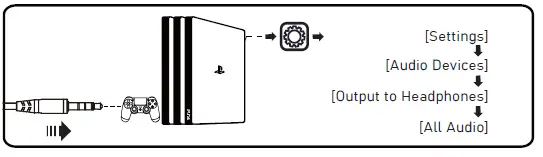
Steps for 3.5mm
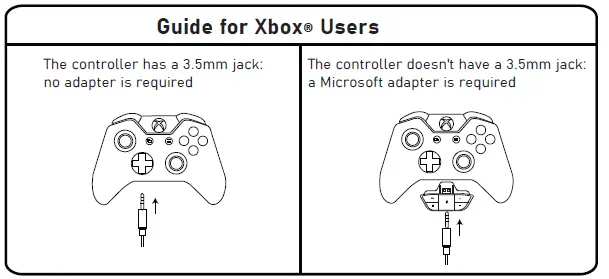
Xbox® One S/X
If you want to connect this EKSA headset to an Xbox® One S/X, you’ll need an extra Microsoft adapter (not included in the box).
 Warranty | Claim 24-month warranty for all EKSA products