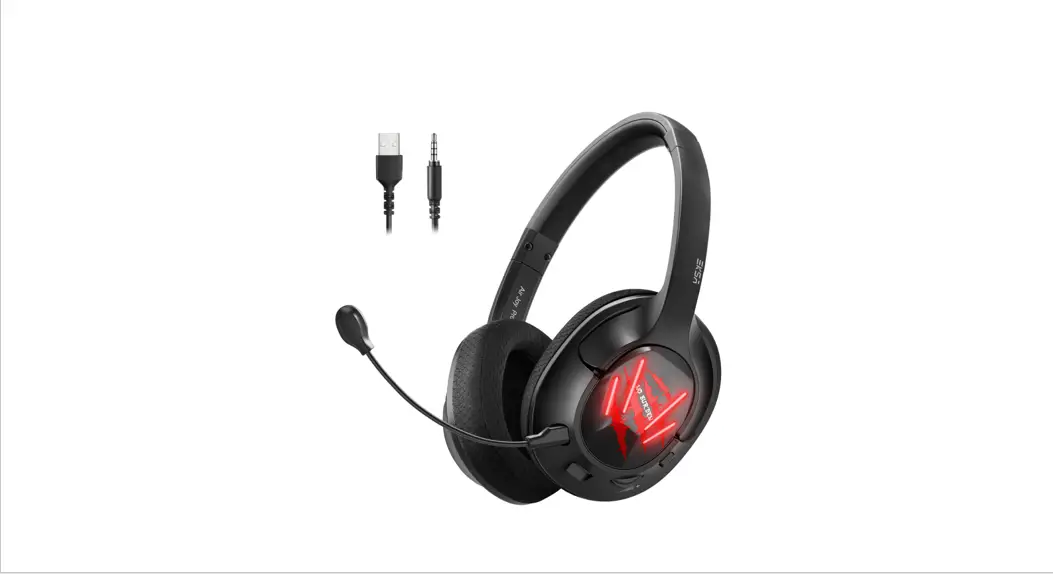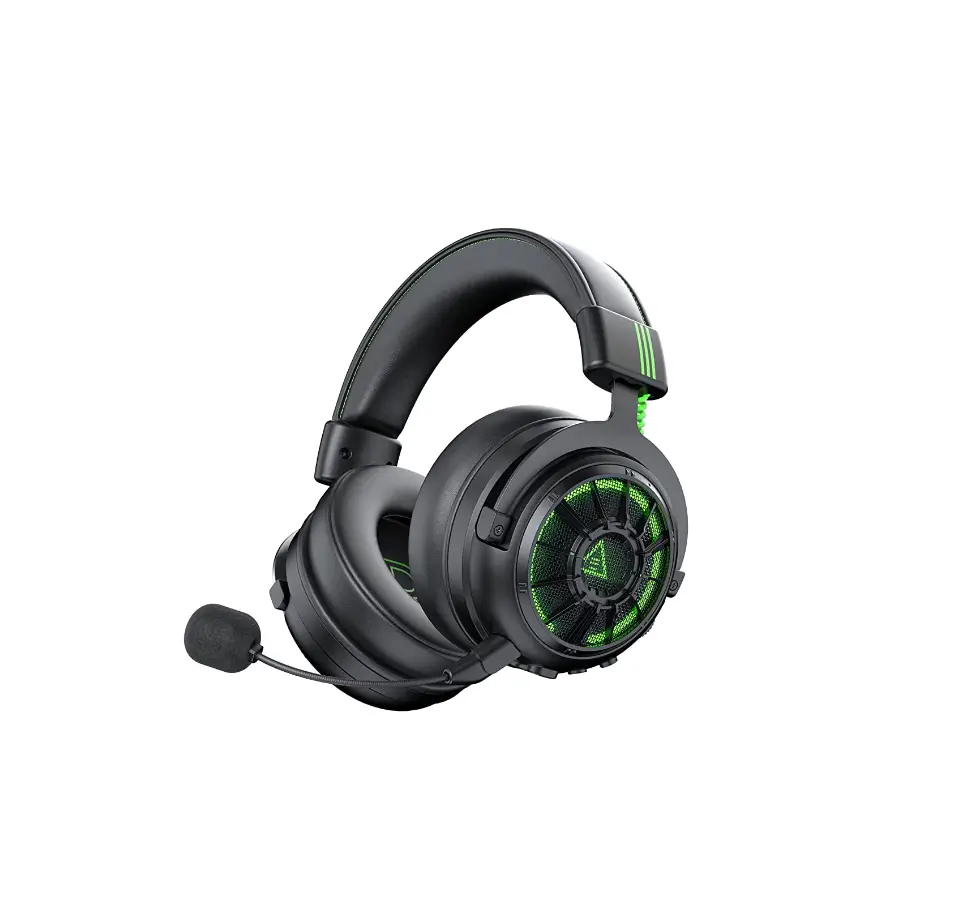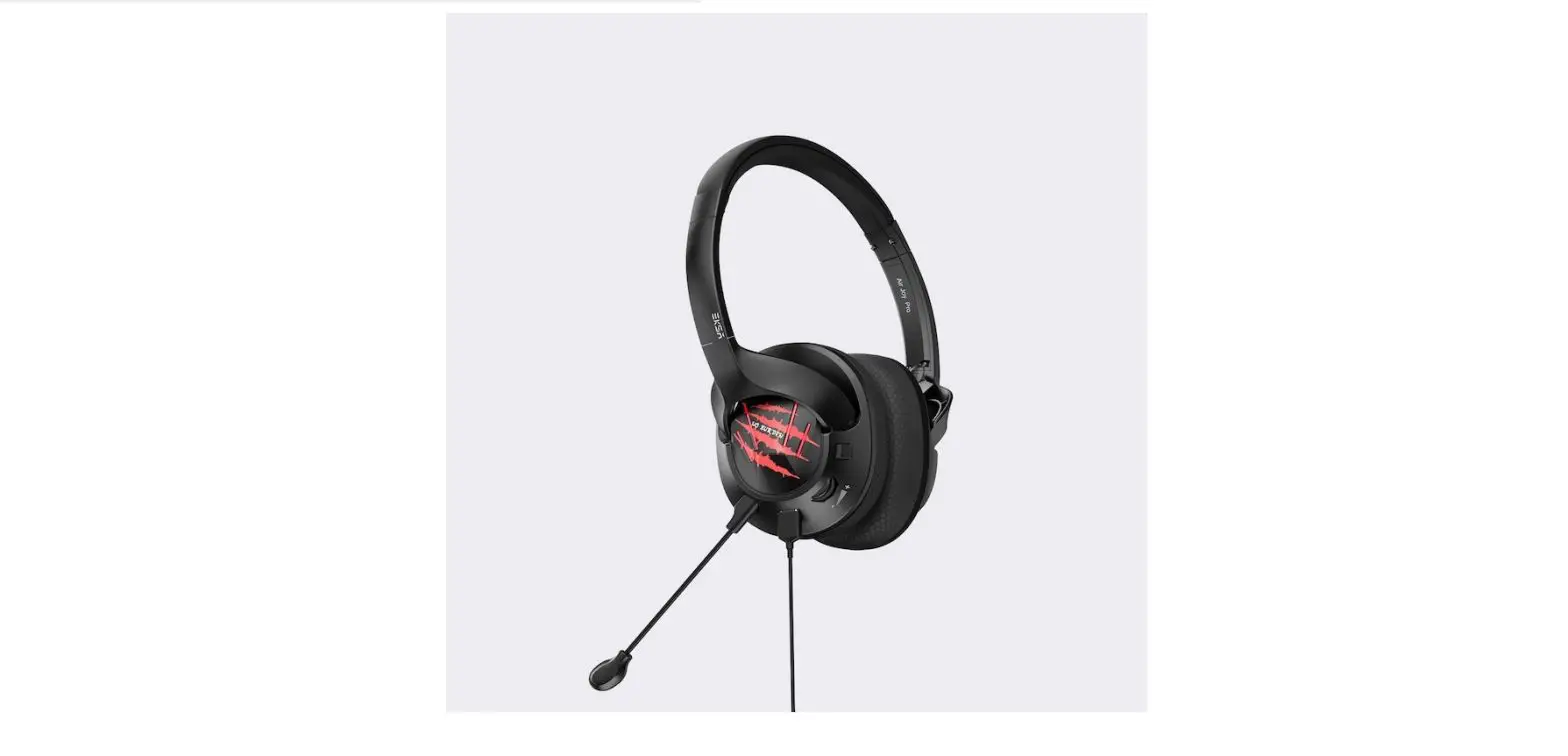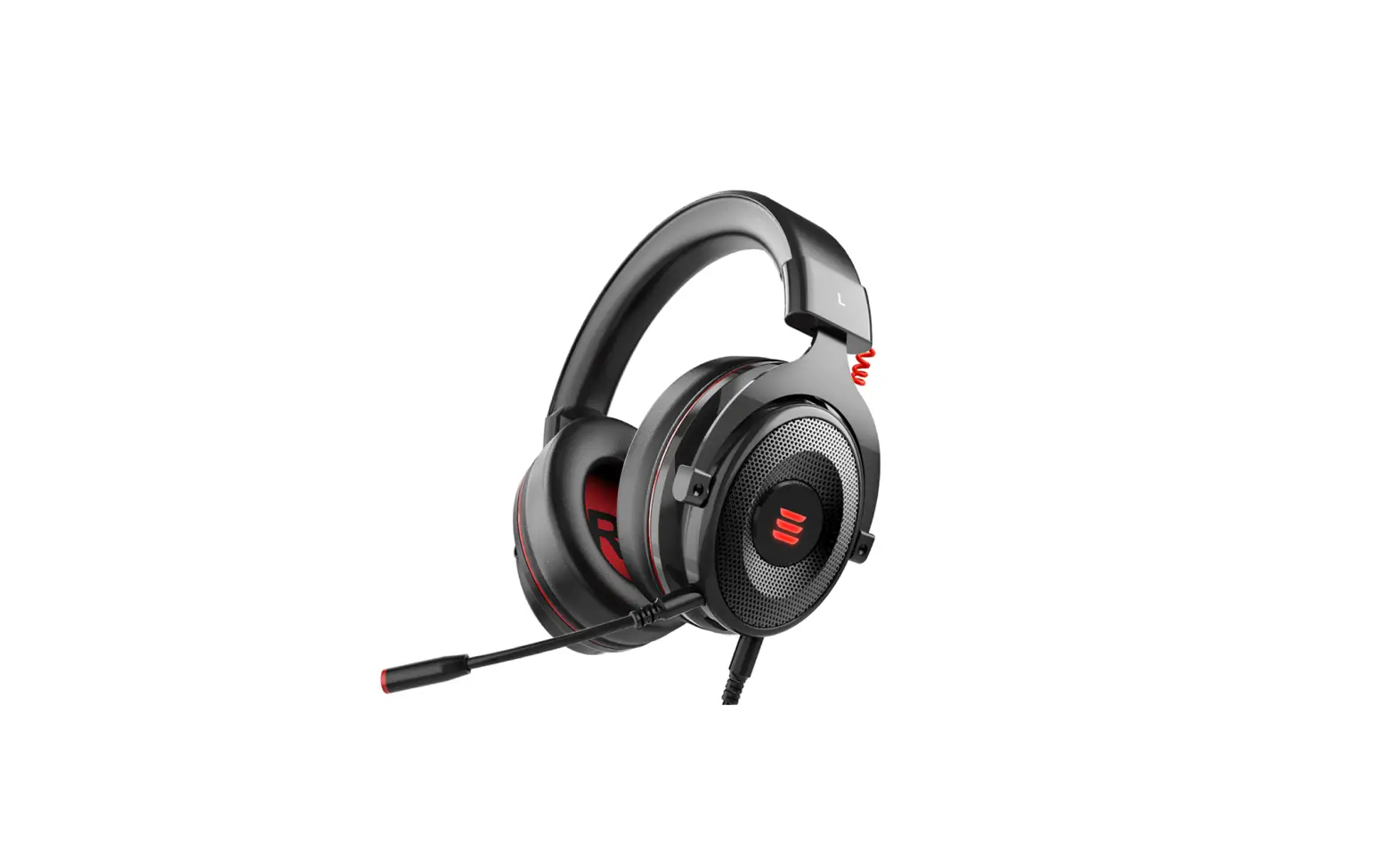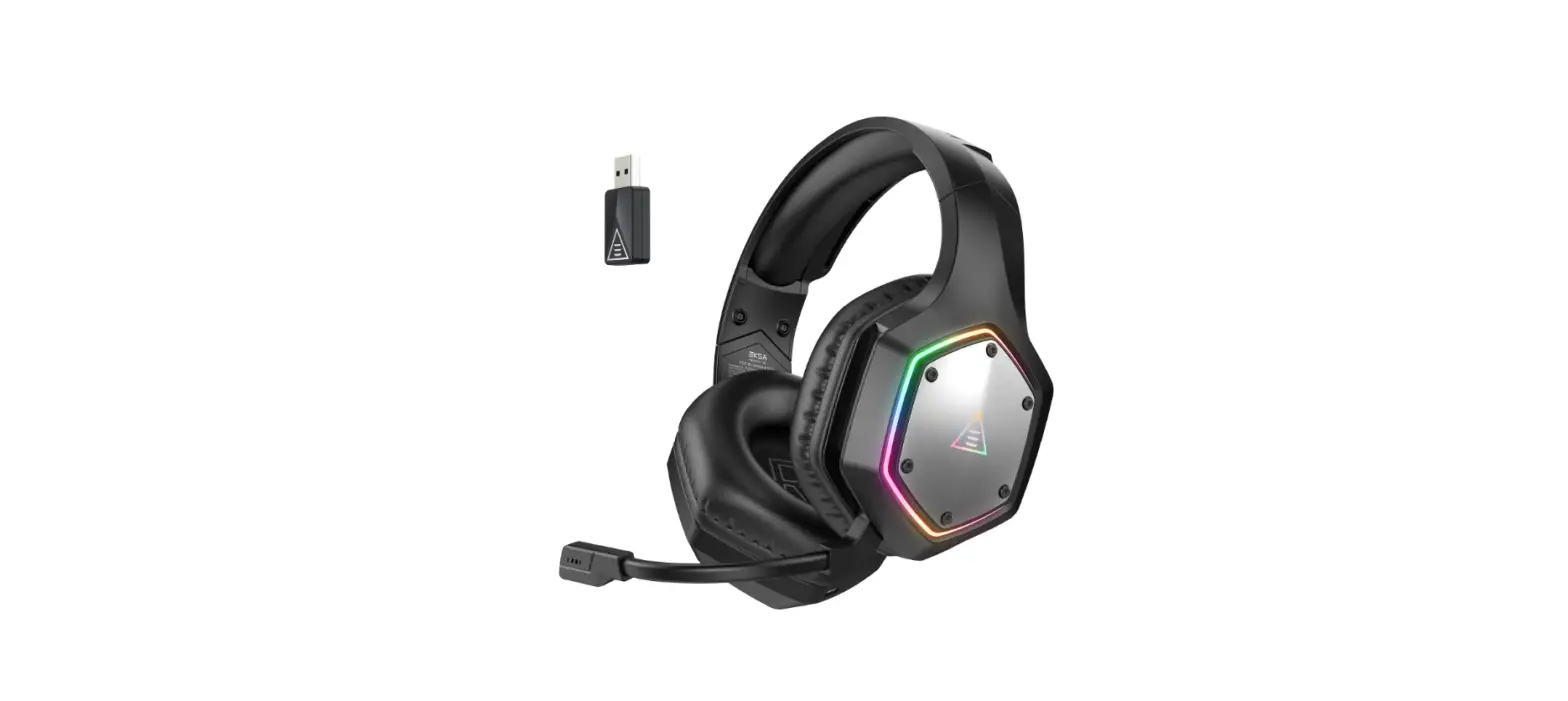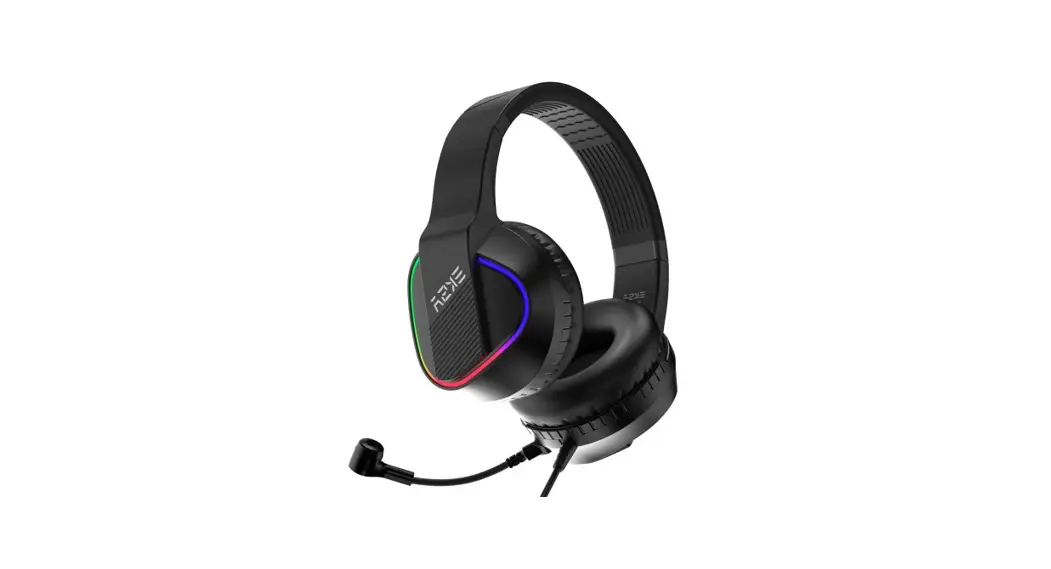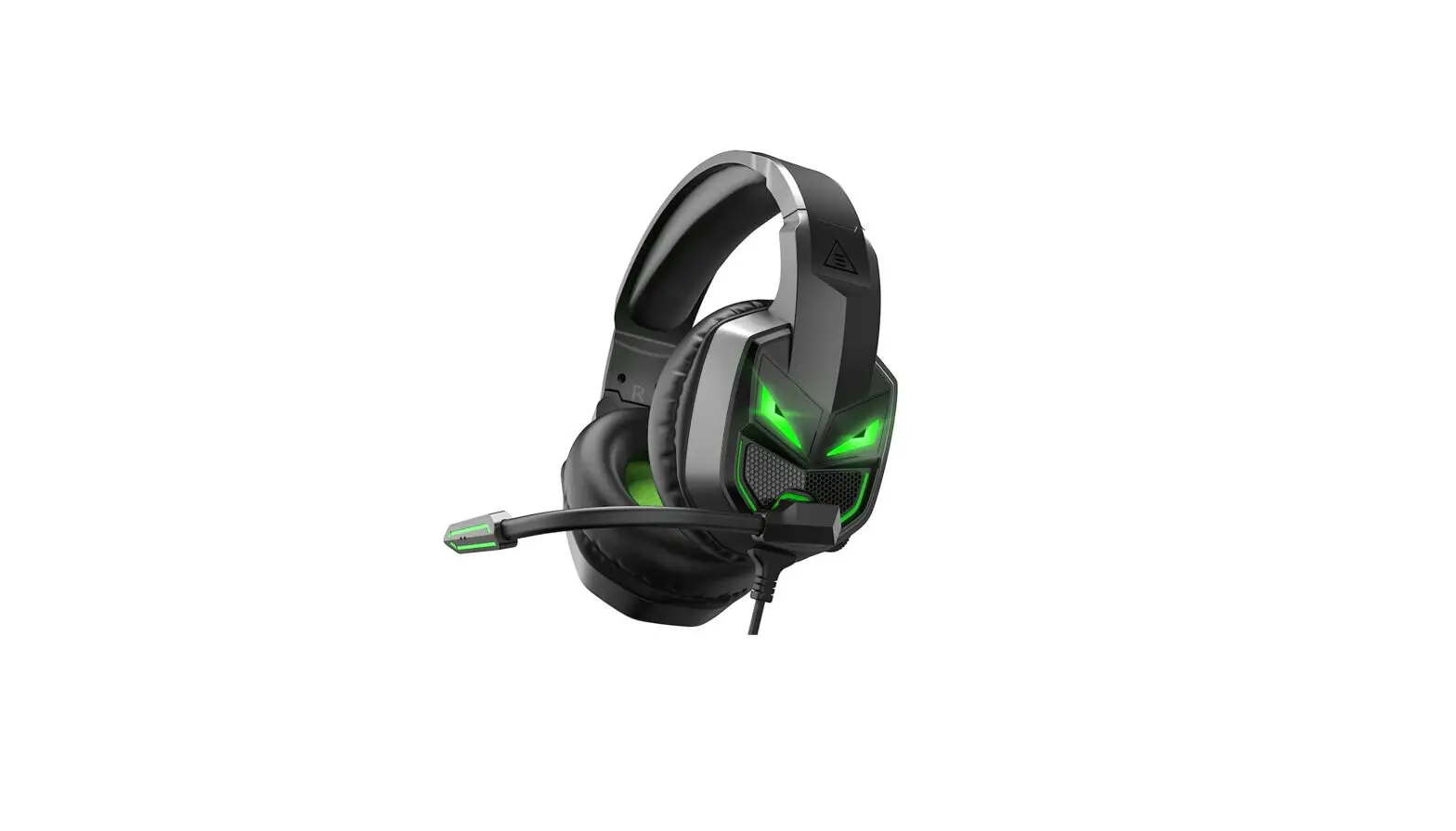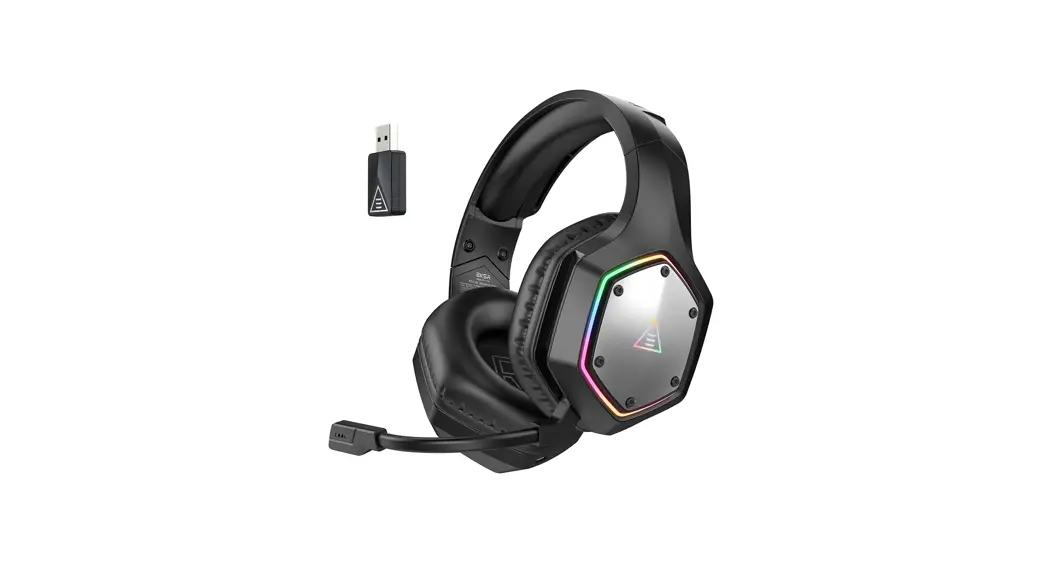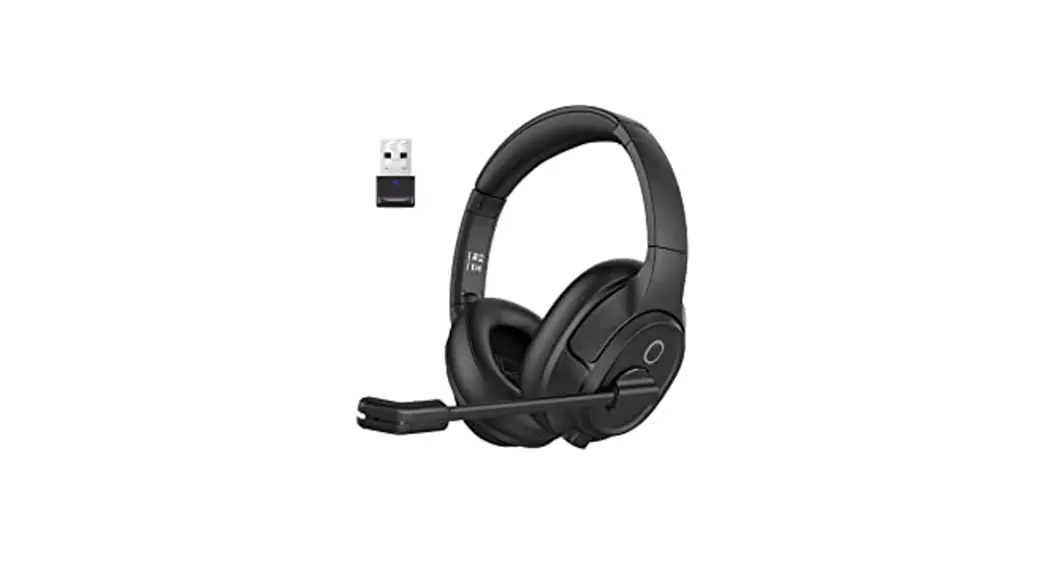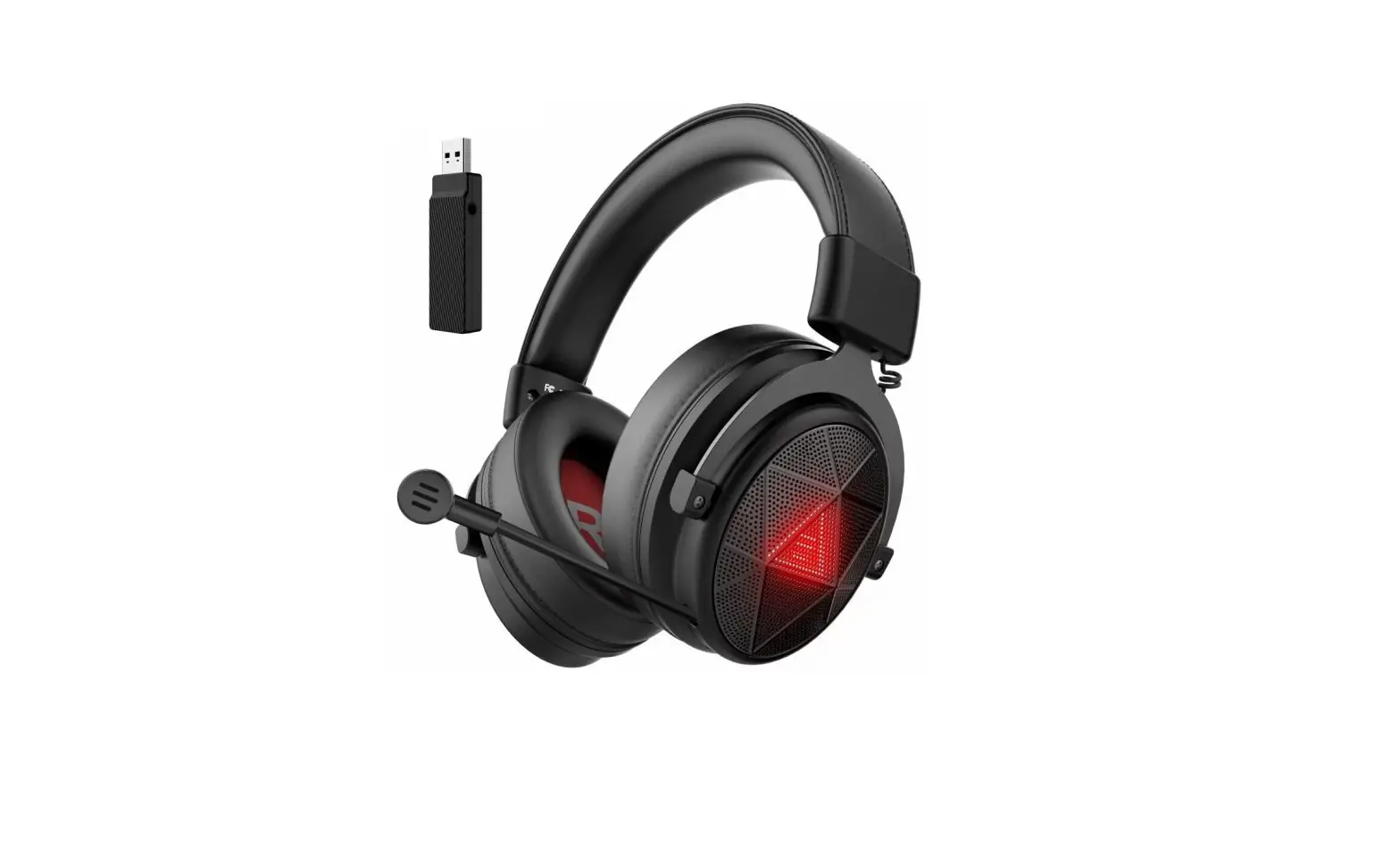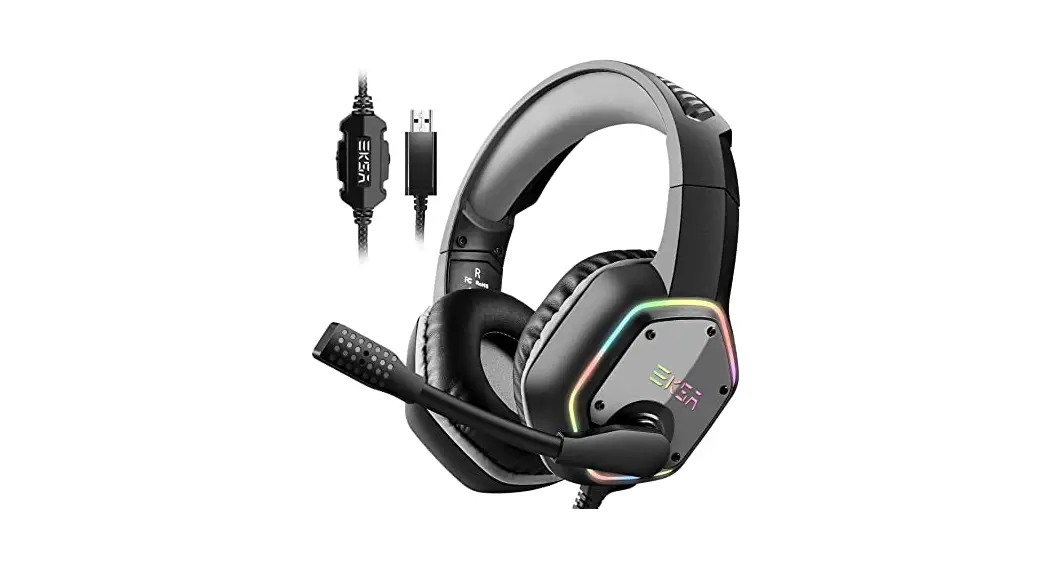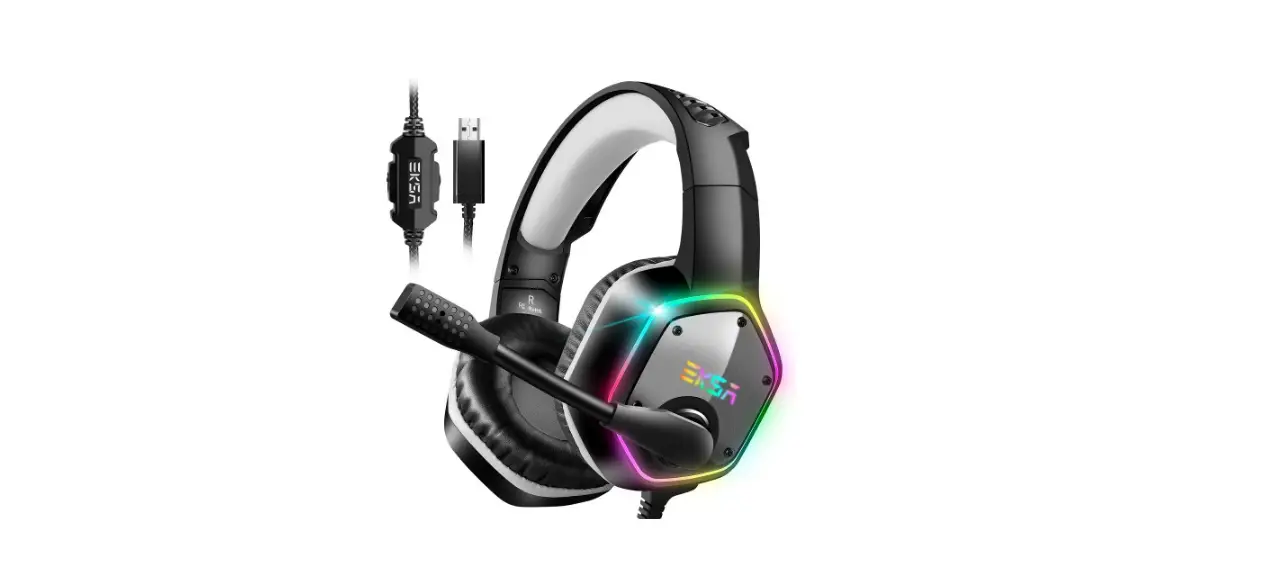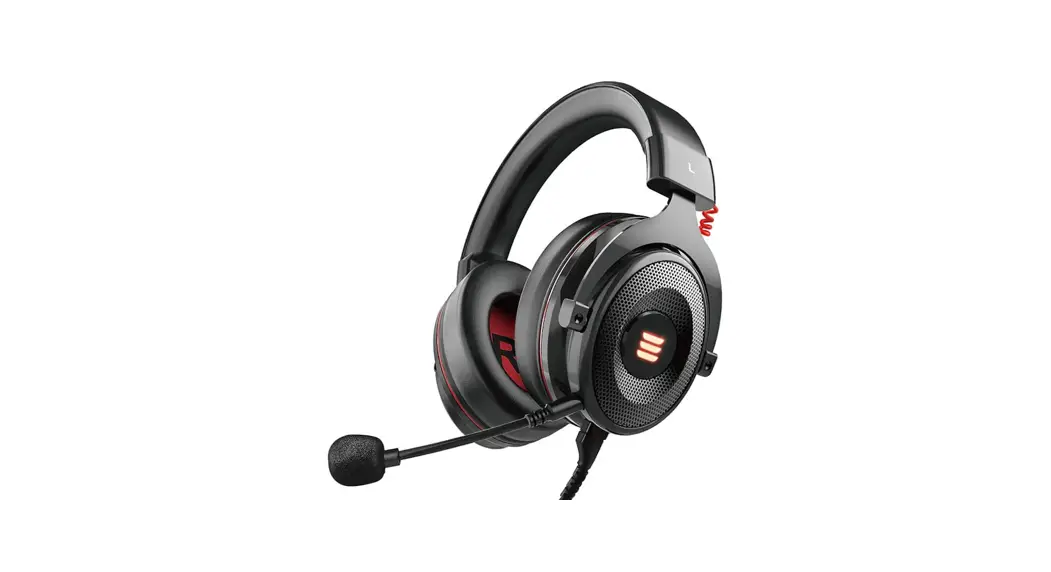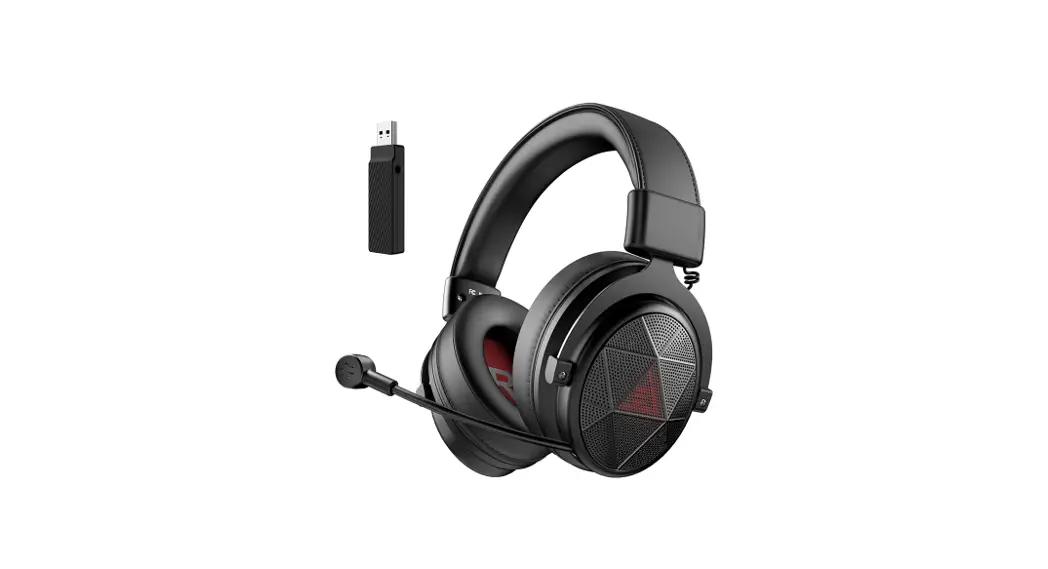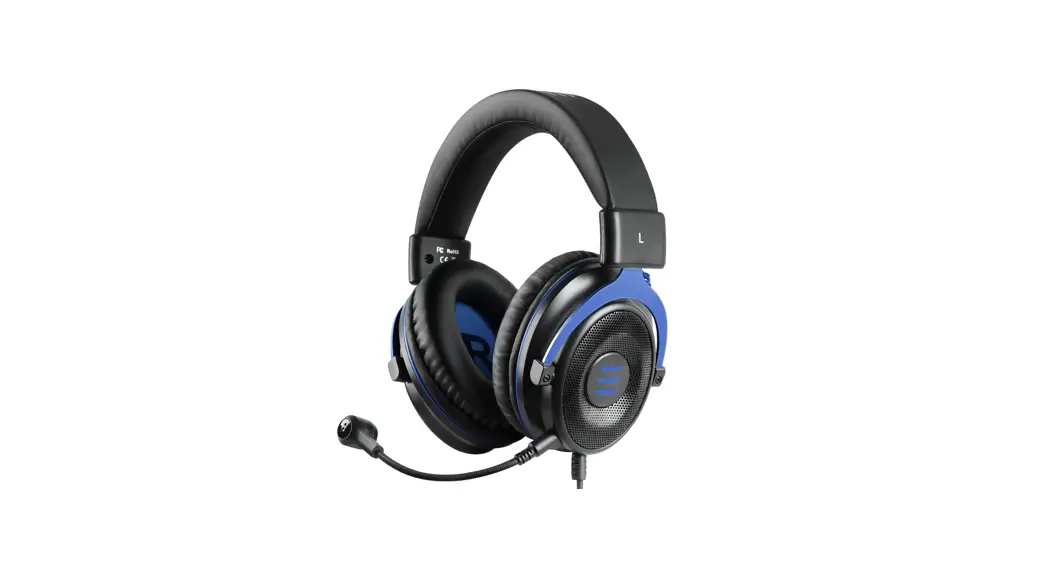
 AirComfy S Superlight Gaming Headset
User Manual
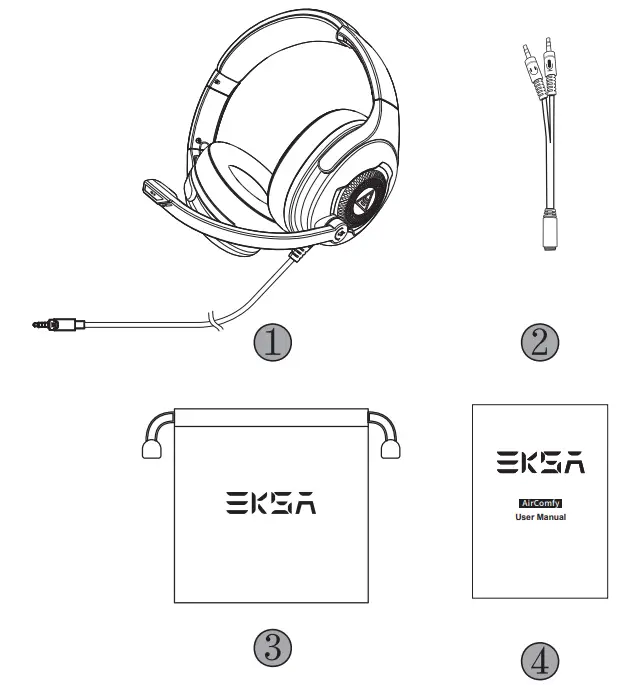
 Package Contents
 Package Contents
- EKSA AirComfy Gaming Headset
- Y Splitter Extension Cable
- Carry Pouch
- User Manual
 Specifications
 Specifications
| Connection Type: | 3.5 mm Audio Cable (2 m / 6.56 ft) |
| Driver Diameter: | 50 mm |
| Impedance: | 32 Ω ± 15% |
| Sensitivity: | 103 ± 3 dB |
| Frequency Response: | 20 Hz – 20 kHz |
| Weight: | ≈263 g |
| Size: | 6.0 mm * 2.7 mm |
| Sensitivity: | -48 ± 4 dB |
| Impedance: | 2.2 KΩ |
| Polar Pattern: | Unidirectional |
 Product Overview
 Product Overview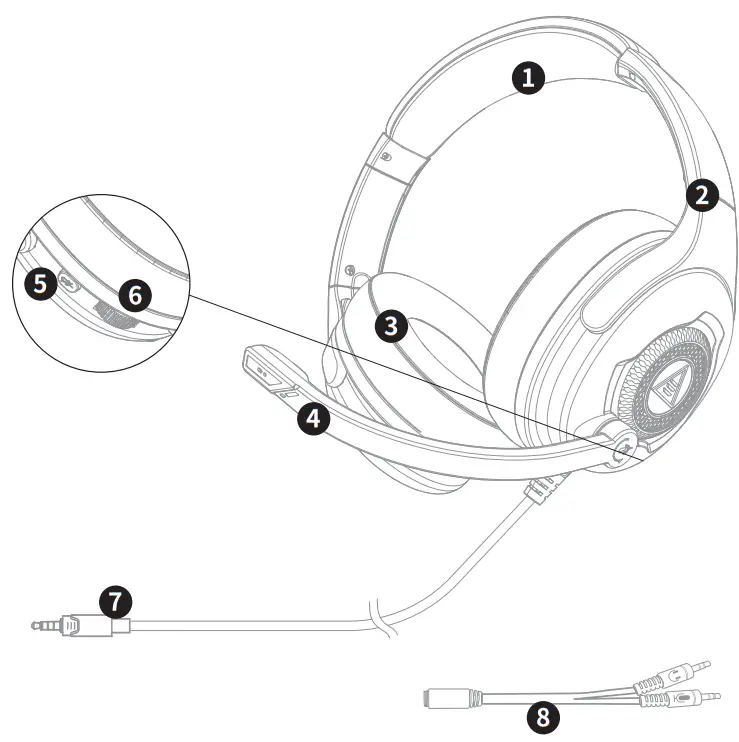
- Leather Head Beam
- Adjustable Headband
- Soft Memory Earmuffs
- Adjustable Microphone
- Mic Mute Button
- Volume Control Wheel
- 3.5 mm Audio Cable
- Y Splitter for Separate Mic and Headphone Ports
 Operation Guide
 Operation Guide
 Volume Control Wheel:
 | Scroll upwards: Volume + |
 | Scroll downwards: Volume – |
 Mic Mute Button:
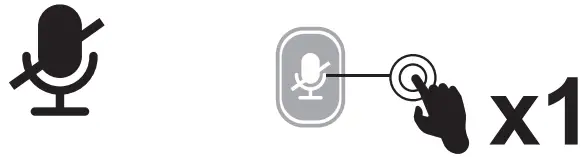 | Click: Microphone on/off |
 How to Use
PlayStation® 4:
To get the best when using a PS®4, please directly connect your PS®4 controller with the 3.5 mm audio cable, and follow the steps below.
Sound Settings: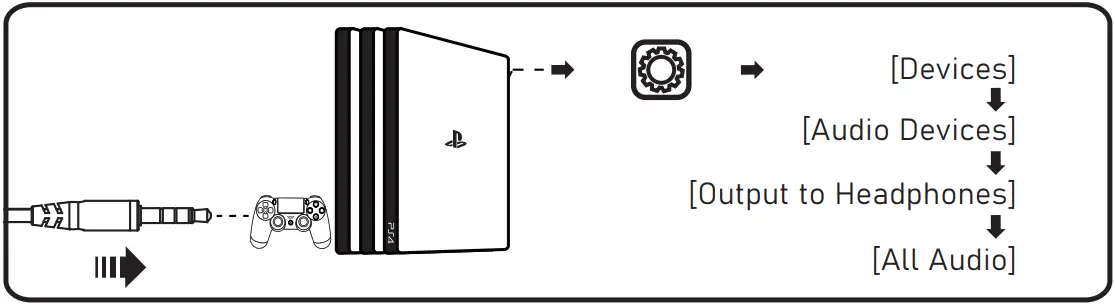 Xbox One® S/X:
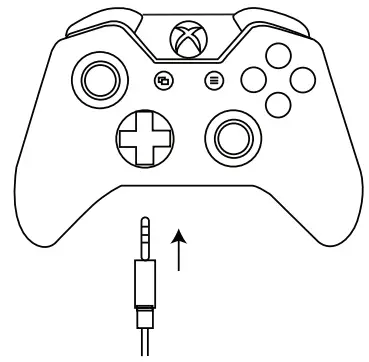
To work on the NEW version of the Xbox One® S/X controller, you can directly connect your headset to the controller via the 3.5 mm audio cable.
Note:
- The headset is not compatible with Xbox® 360.
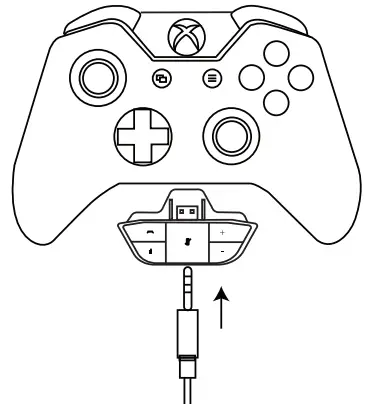
- Old version Xbox® One needs a Microsoft adapter (Not included).
| Guide for Xbox® Users | |
| The controller has a 3.5 mm jack: no adapter is required
| The controller doesn’t have a 3.5 mm jack: a Microsoft adapter is required (Not included)
|
PC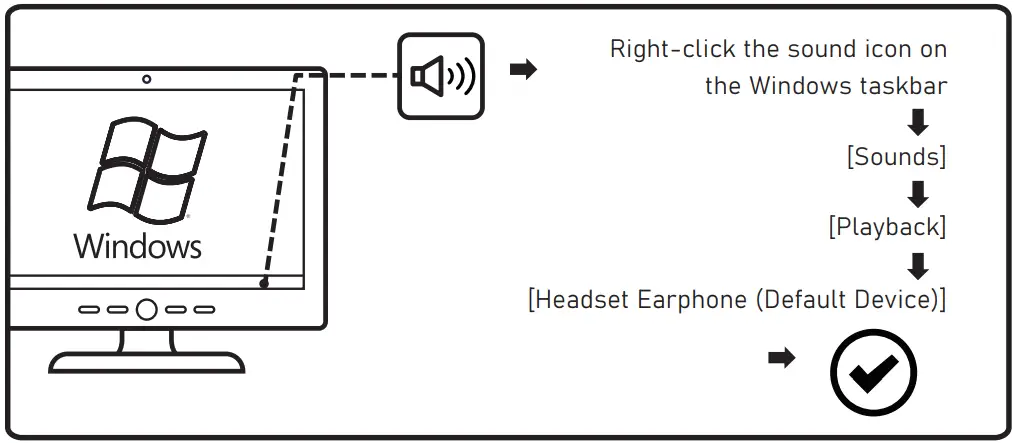
Microphone Settings: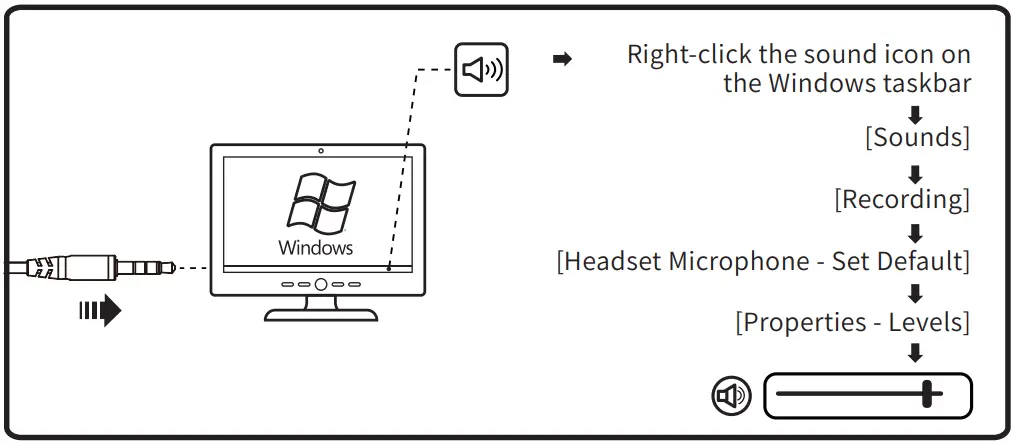 Mac:
Mac: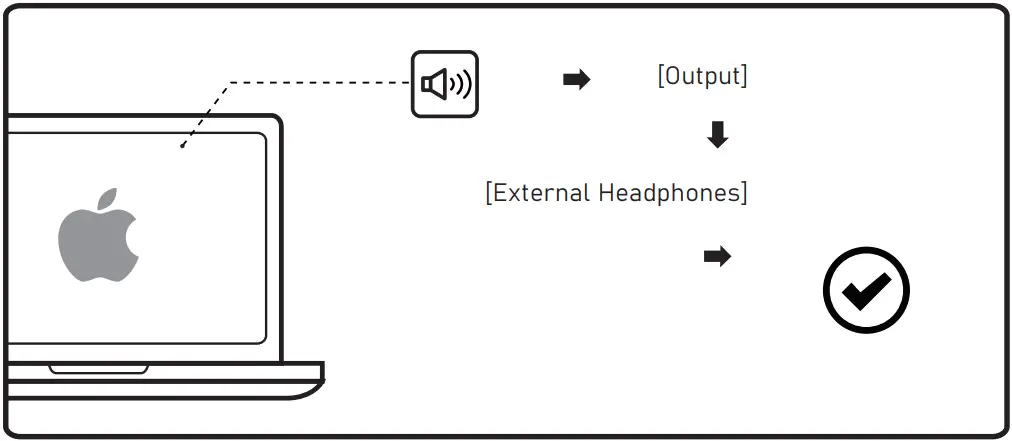 Microphone Settings: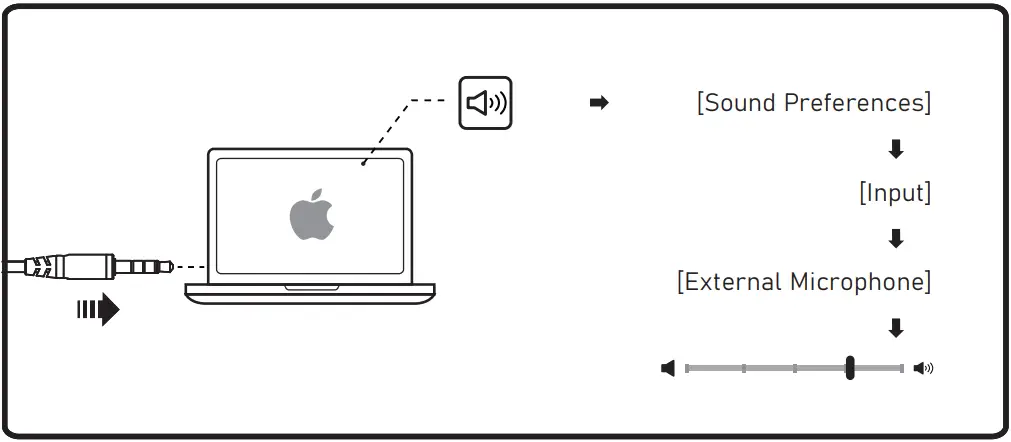
 FAQ
FAQ
 FAQ
FAQQ1: I cannot use the headset’s microphone when connected to my computer. How do I resolve this?
– A: (1) Go to Control Panel > Hardware and Sound > Sound. Disable the onboard microphone on your computer, and make the Headset Microphone default.
(2) Check that the microphone is not muted.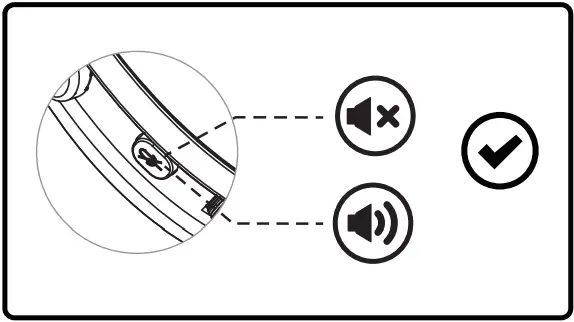 Q2: I cannot hear anything from the microphone. How do I resolve this?
– A1: Check that the headset is plugged correctly into the device. Check your audio settings to make sure the speakers and microphone are enabled and not muted, or the volume is at an adequate level. 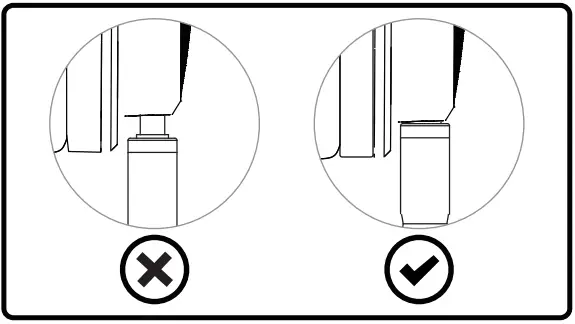 – A2: (1) Wipe off the stains or dust on the 3.5 mm interface.
(2) Reconnect the headset to your device via the 3.5 mm audio cable, and check whether the microphone works properly now.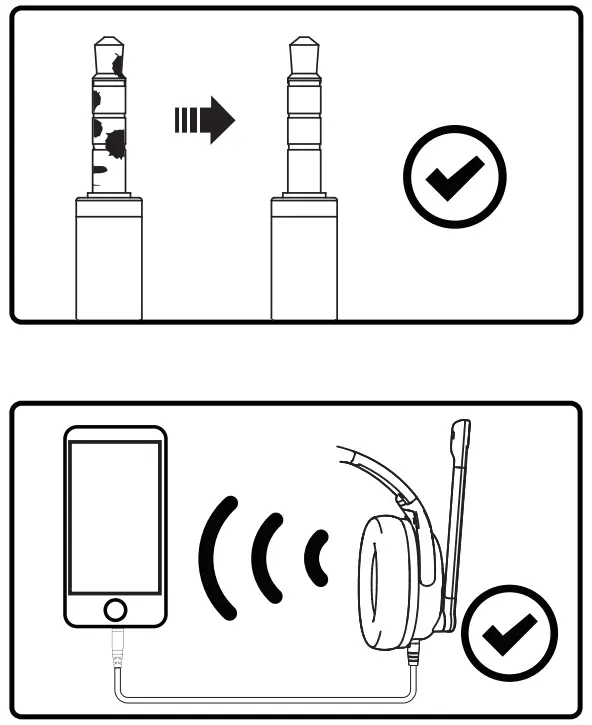 Limited Warranty
Our friendly customer service team is ready and waiting to help. Feel free to contact us:
Global:
+85269404955(Mon to Fri 9:00 am-6:30 pm, UTC +8 HKT)
[email protected]
www.eksa.net/warranty
India:
+918929369620(Mon to Fri 9:30 am-5:30 pm, IST)
[email protected] Made in China
 Warranty | Claim 24-month warranty for all EKSA products