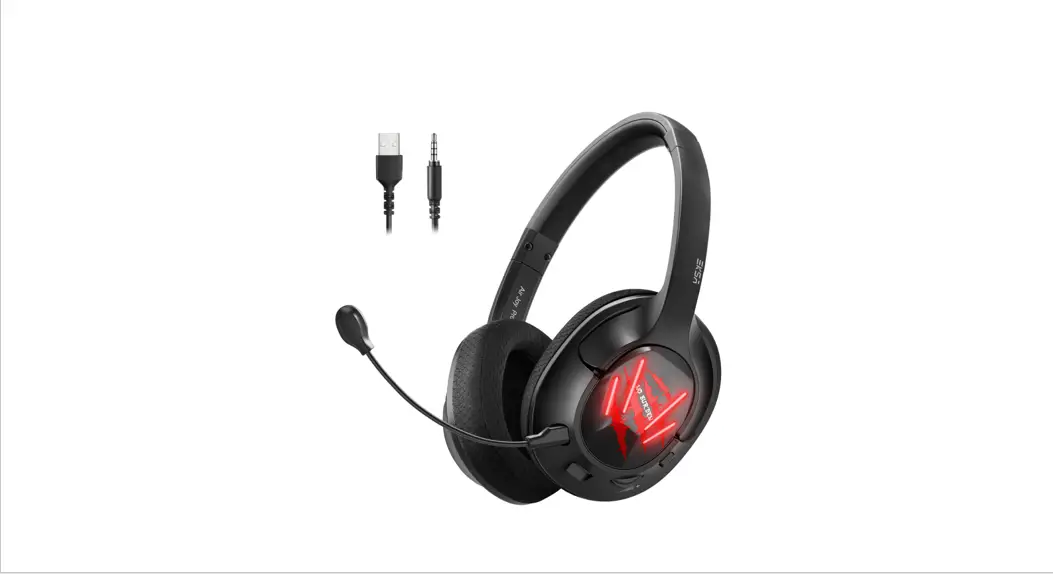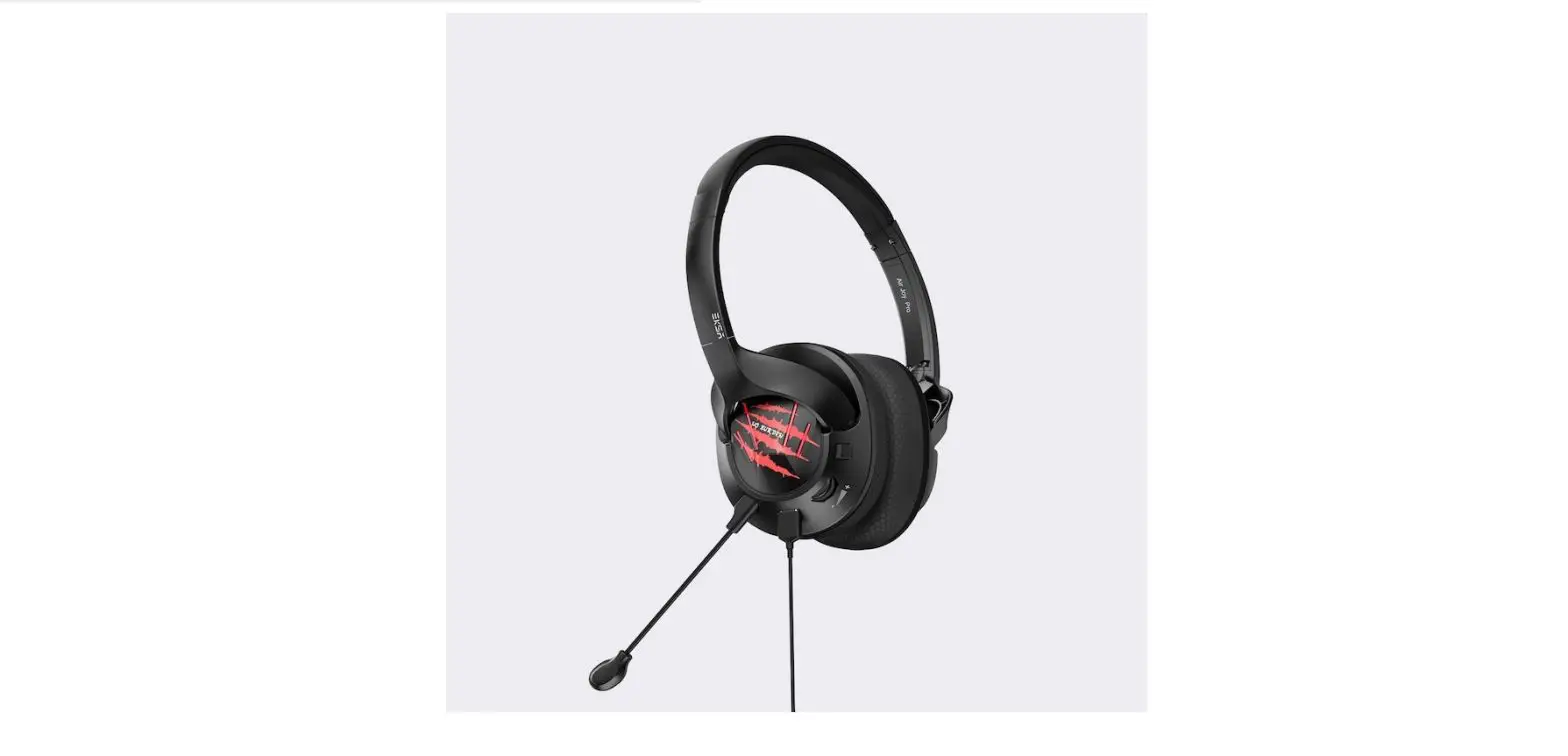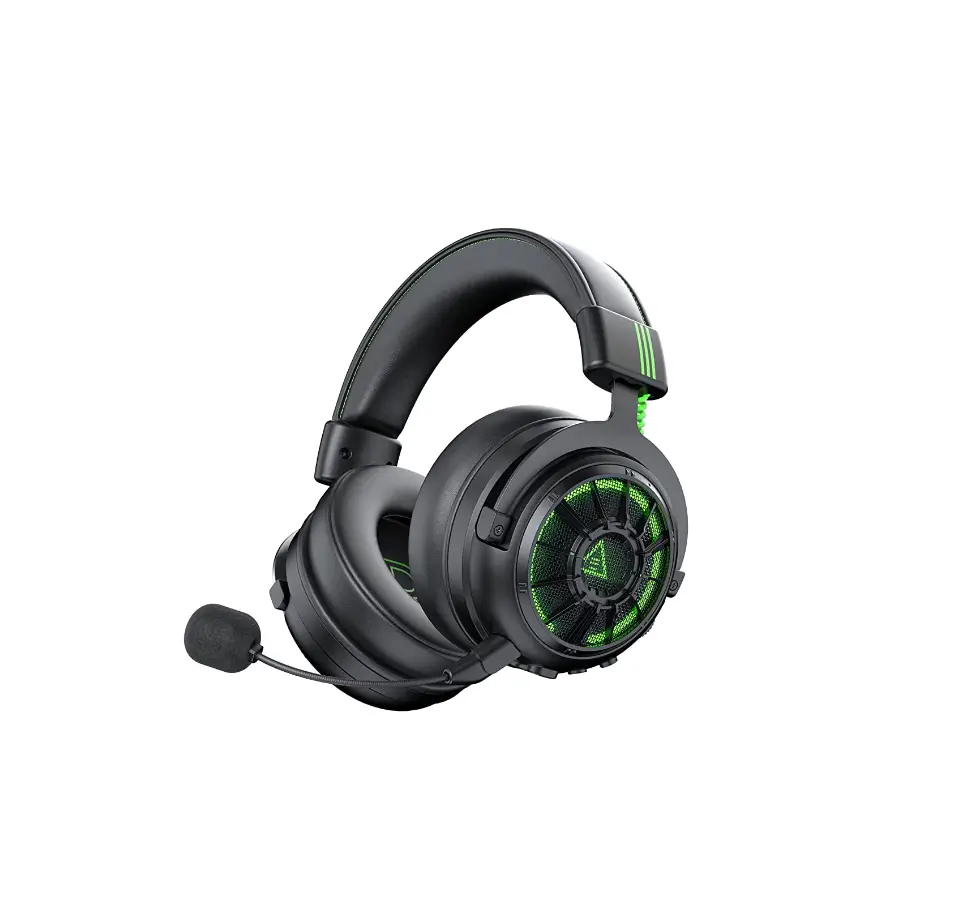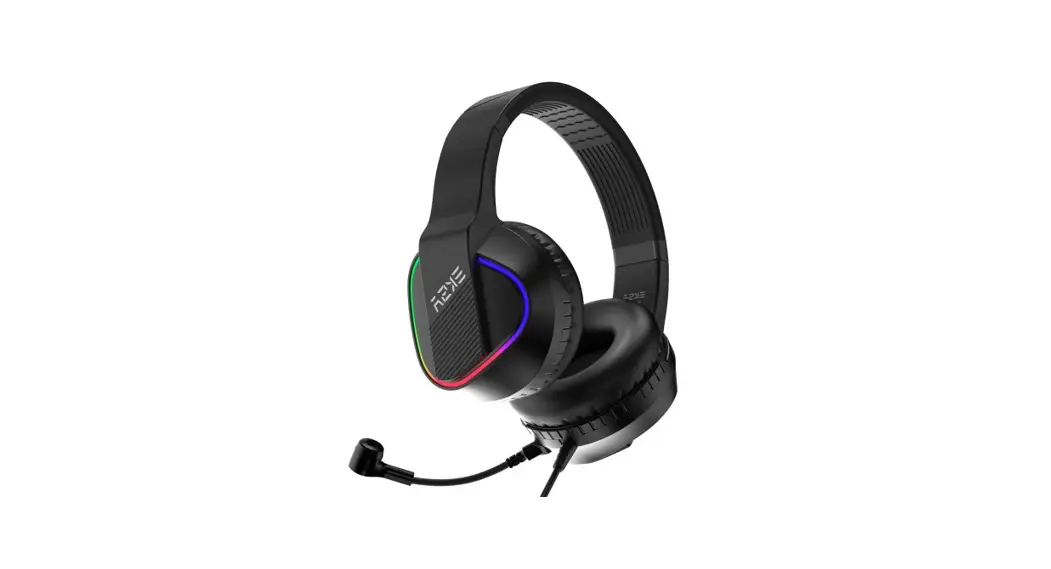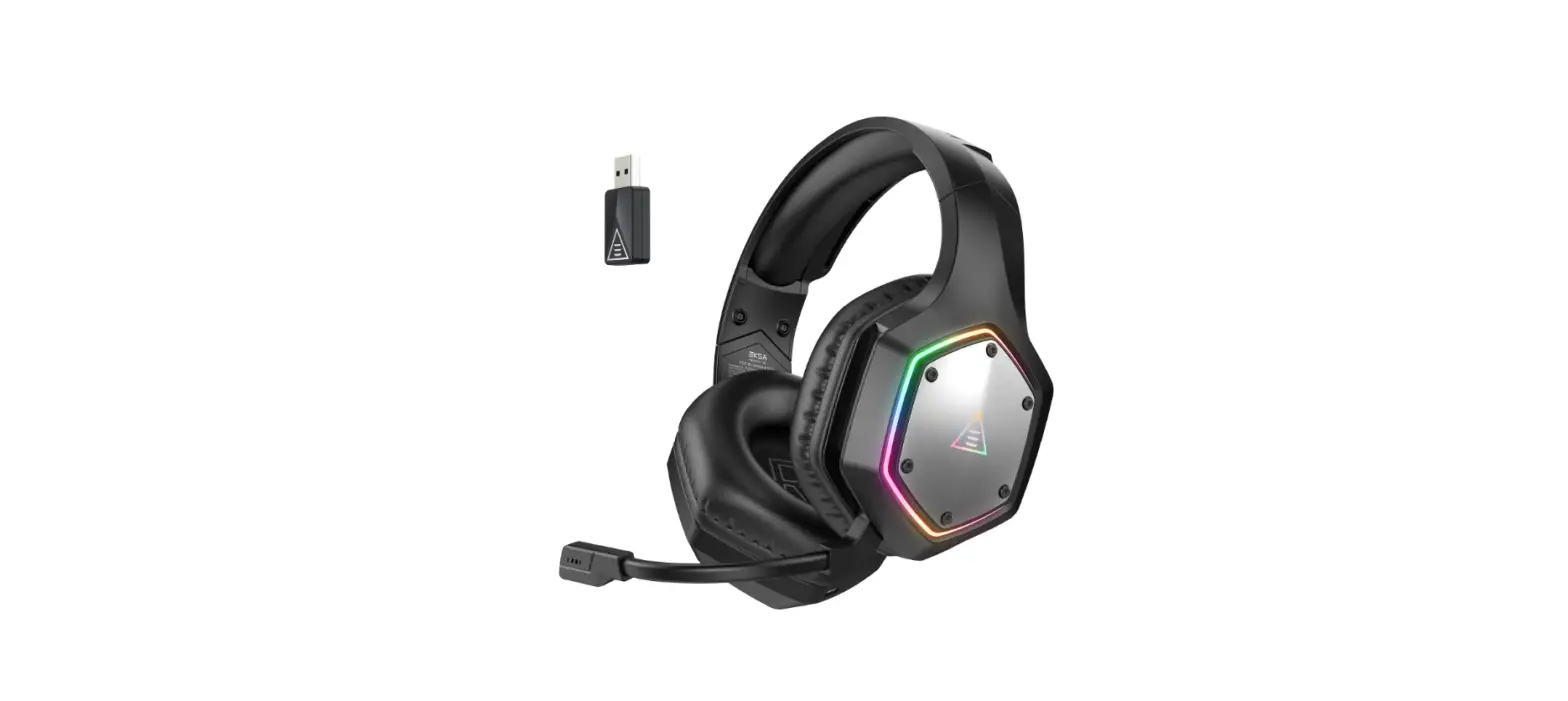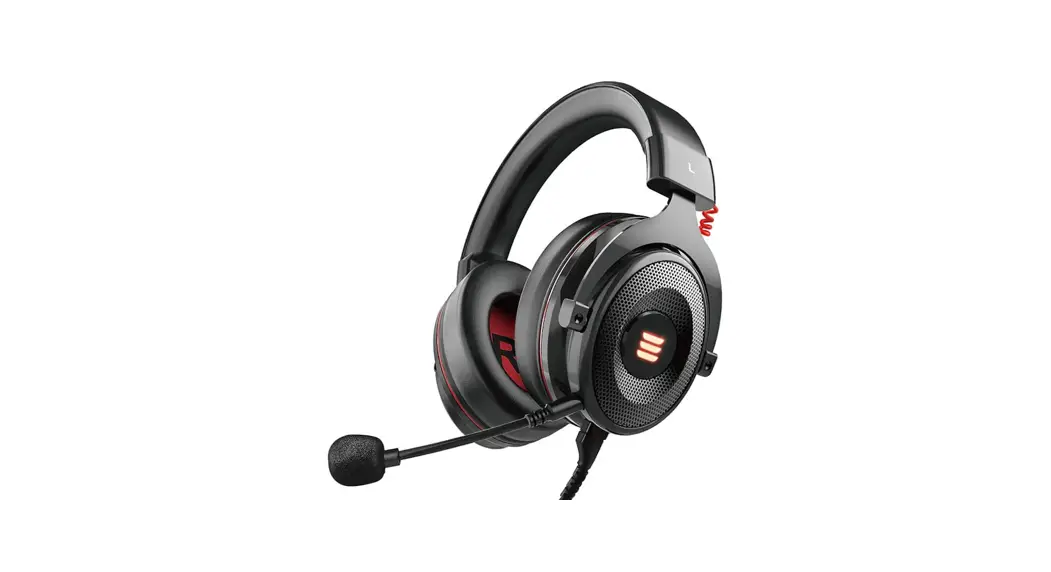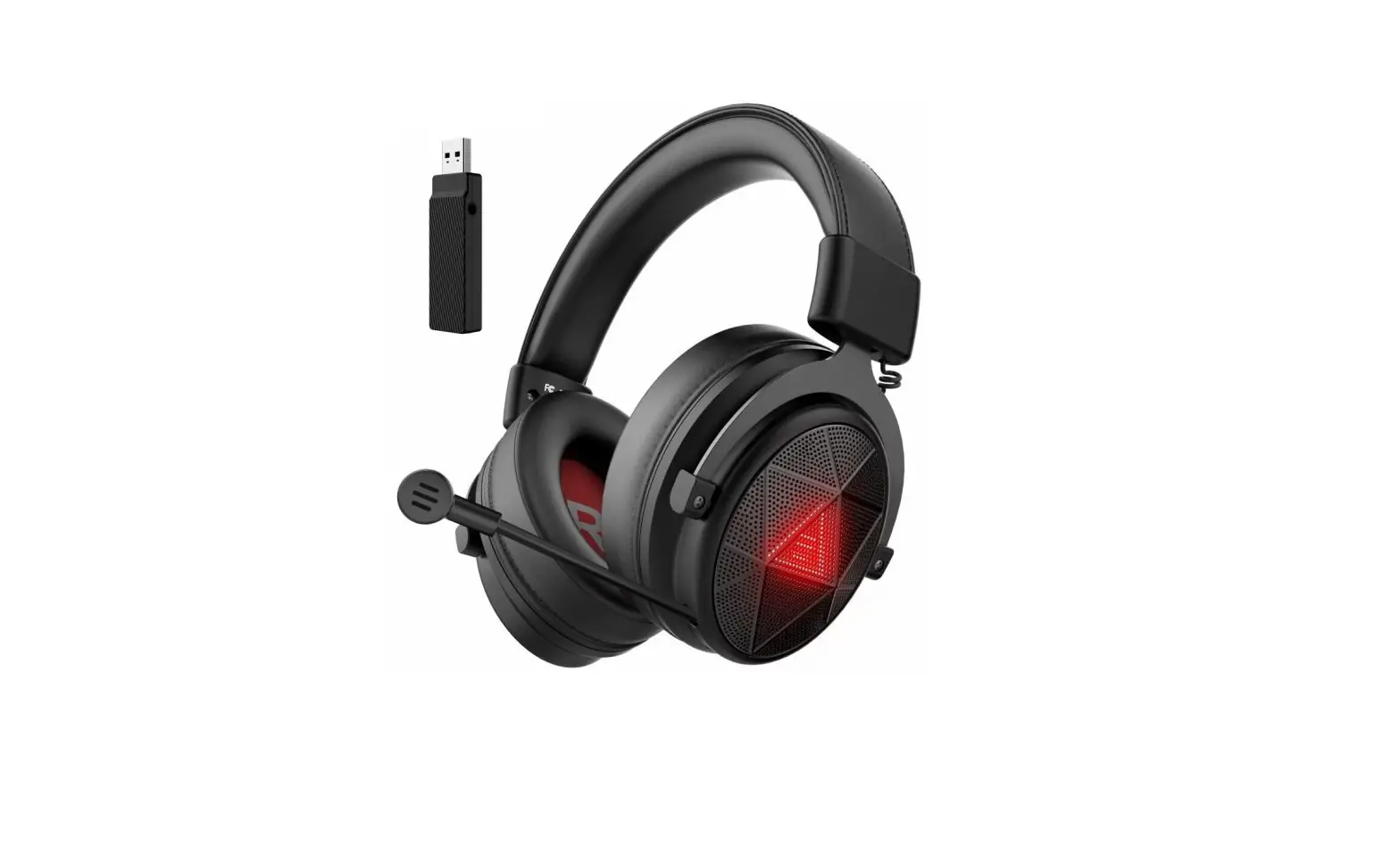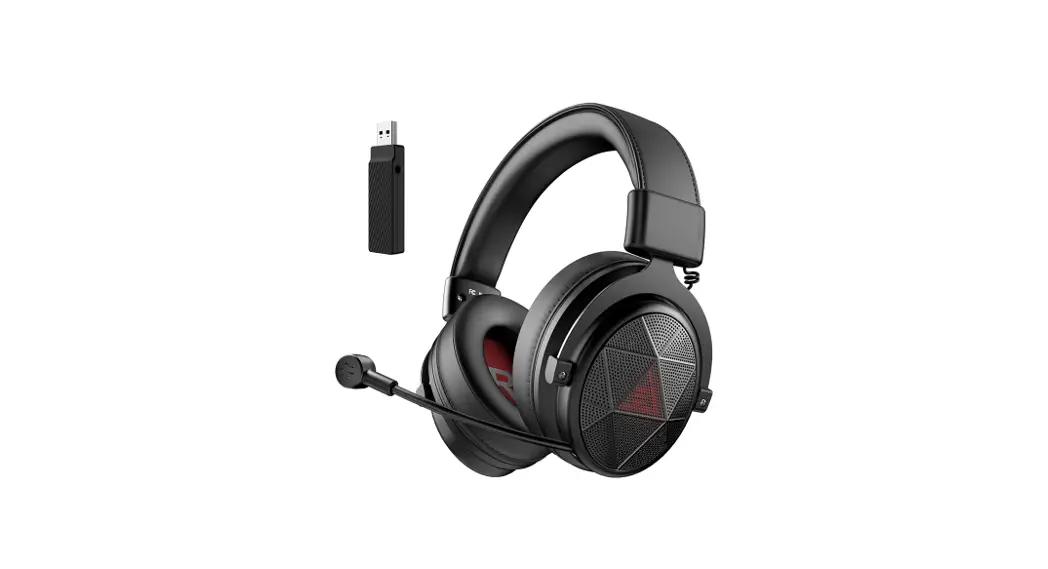

Air Joy Plus
User Manual Guide
 Package List
 Package List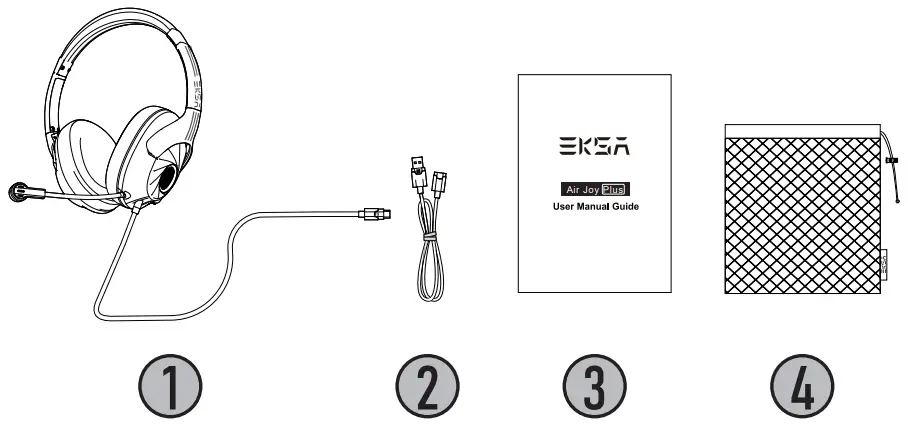
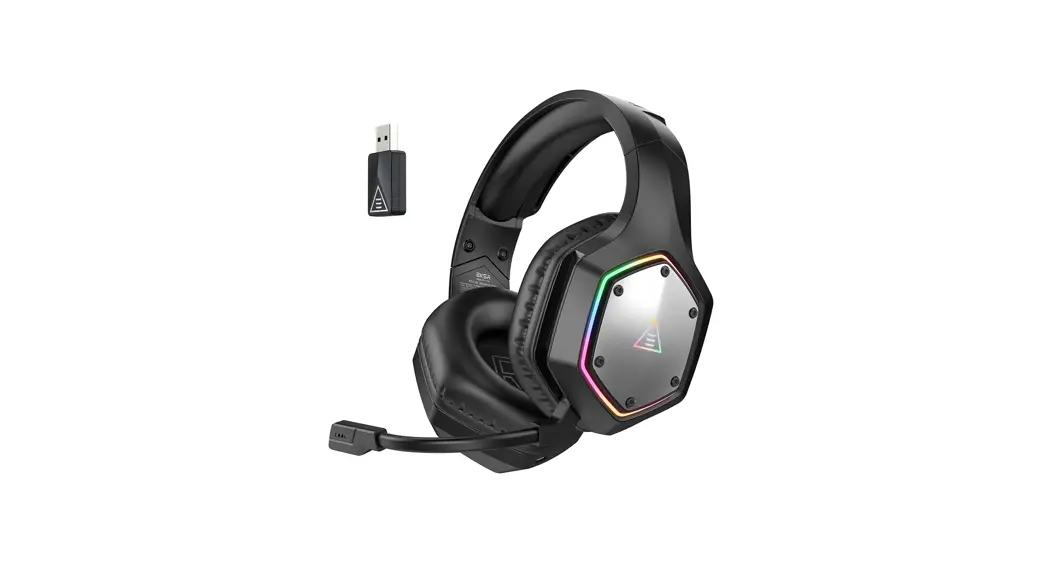
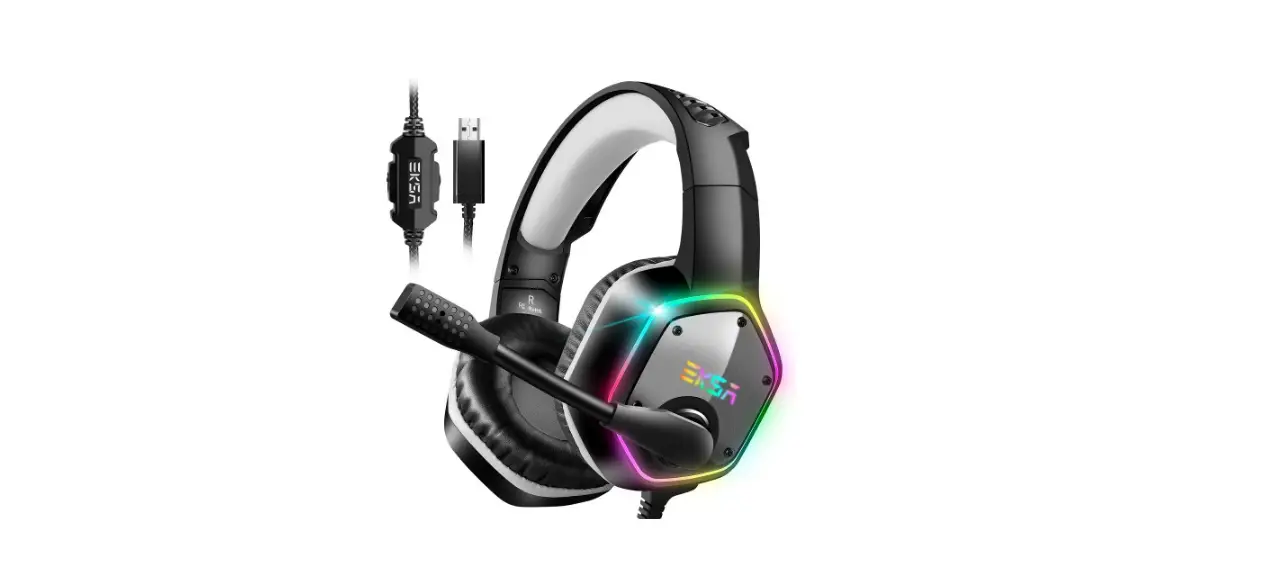
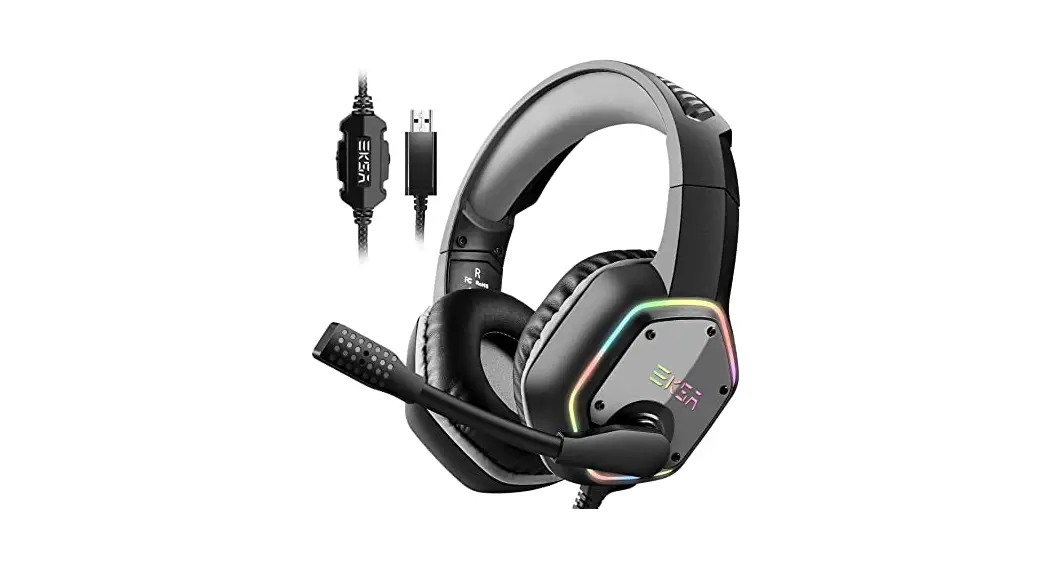
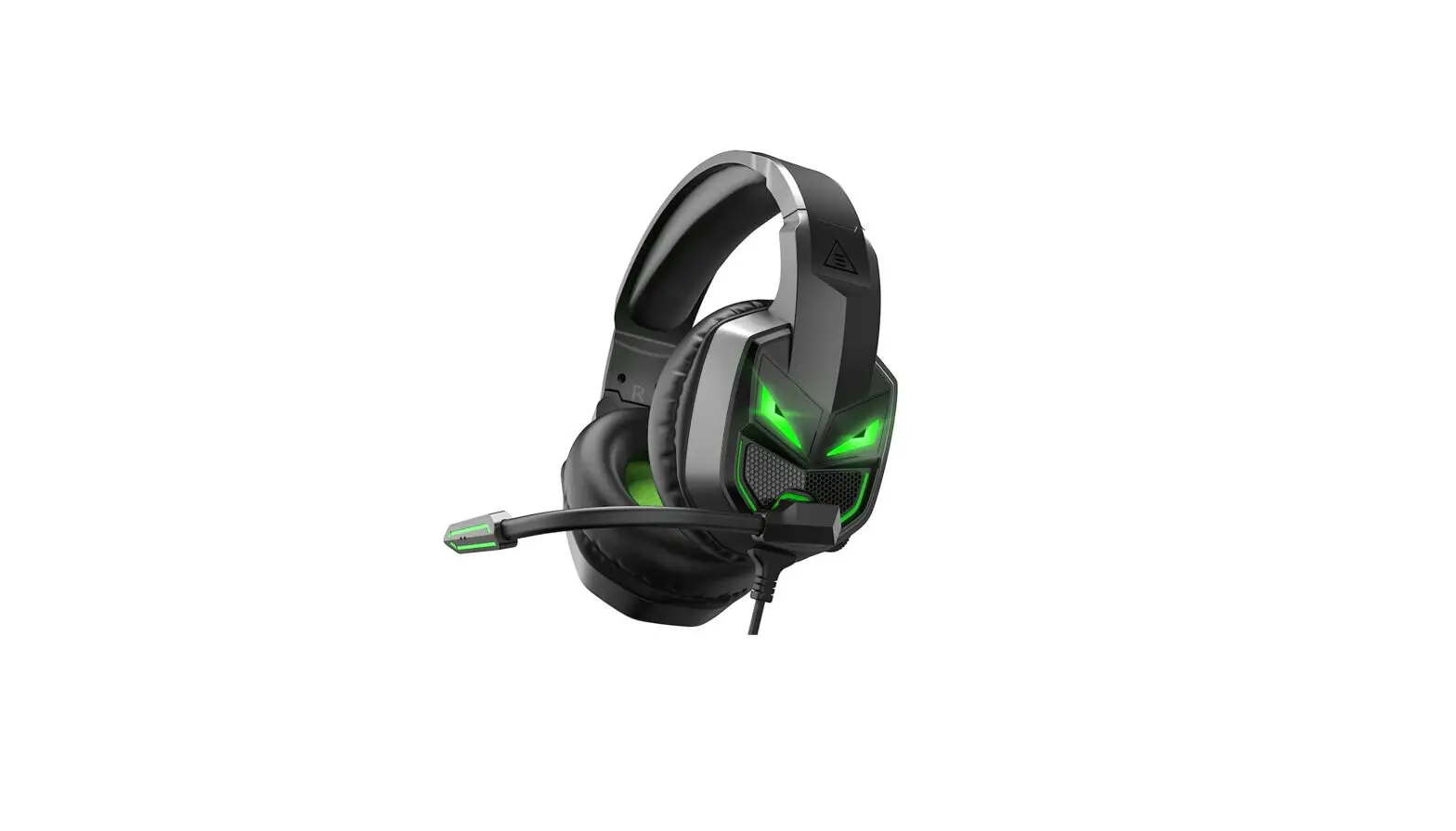
- EKSA Air Joy Plus Gaming Headset
- USB extension cable
- Operating Instruction
- Carry pouch
 Parameter
 Parameter
| Driver Diameter: 40mm |  |
| Impedance: 32Ω+15% | |
| Sensitivity: 92±3dB | |
| Frequency Range: 20Hz-20KHz | |
| Weight: 204±10g |
| Microphone Size: Φ6.0*2.7MM |  |
| Microphone Sensitivity: -38±3dB | |
| Current: Maximum0.5mA | |
| Microphone Type: Unidirectional |
| Type-C Cable Length: 2.0m/6.6ft |  |
| USB Extension Cable Length: 0.8m/2.6ft |
 At a Glance
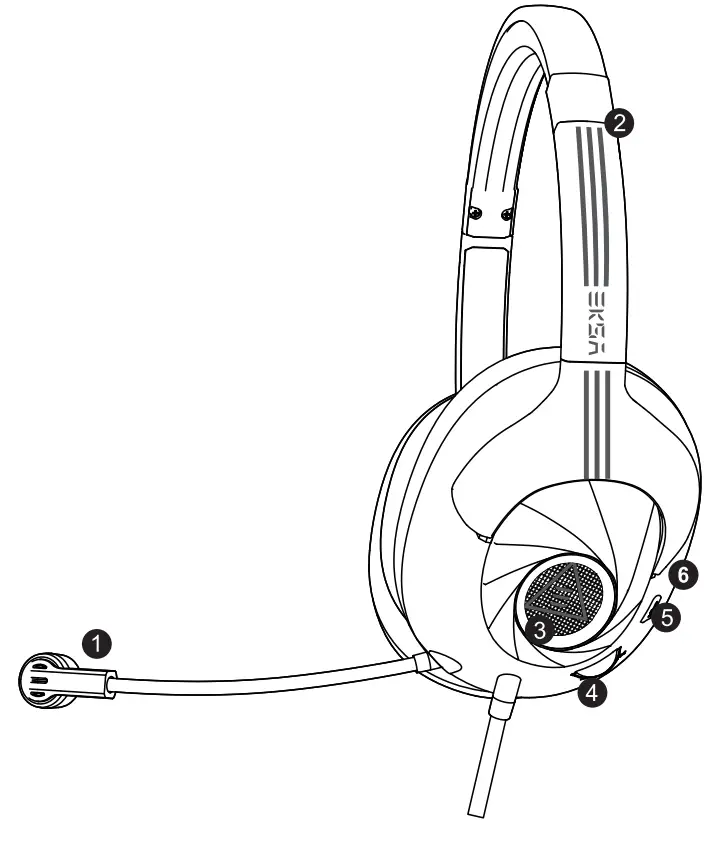
- Call microphone
- Adjustable headband
- LED Light
- Volume control
- Microphone mute button
- Noise-canceling microphone
Features
Environmental Noise Cancellation
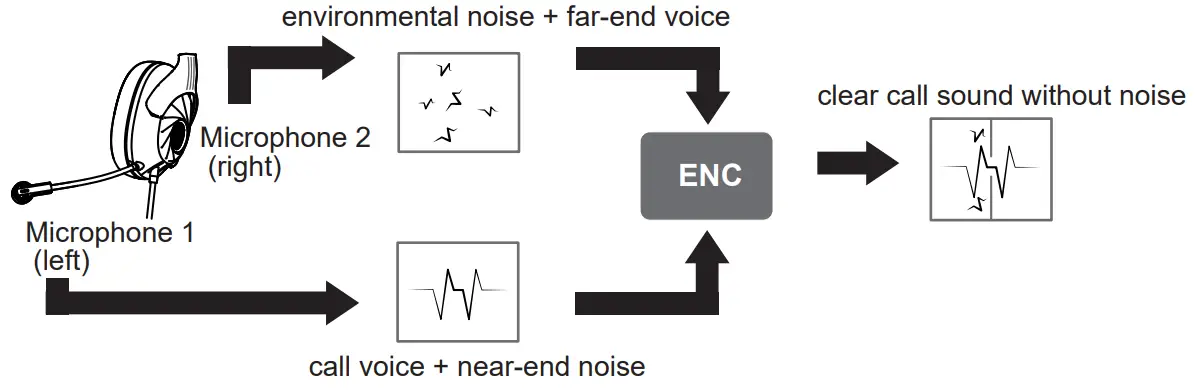
1.1Environmental Noise Cancellation (ENC) employs dual-mic noise canceling algorithm to achieve crystal-clear communications. Omnidirectional mic with embedded ENC chip collects sounds from all surroundings, unidirectional mic picks up only your voice.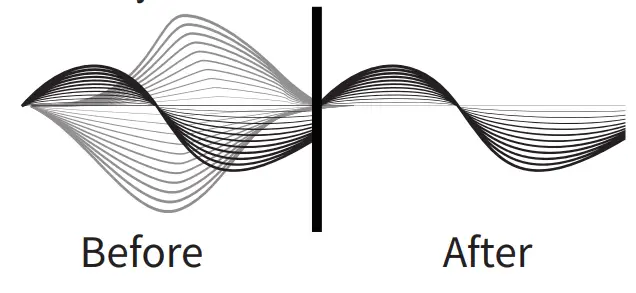
1.2 Through the dual mic array, the position of the speaker’s speech can be accurately calculated, to protect the voice of the target in the main direction and remove all kinds of interference in the environment. ENC can effectively suppress 90% of the negative environmental noise, can reduce the ambient noise up to 35dB, and make it easier for gamers to communicate freely. The beneficiary is the other side.
2. Immersive 7.1 surround sound
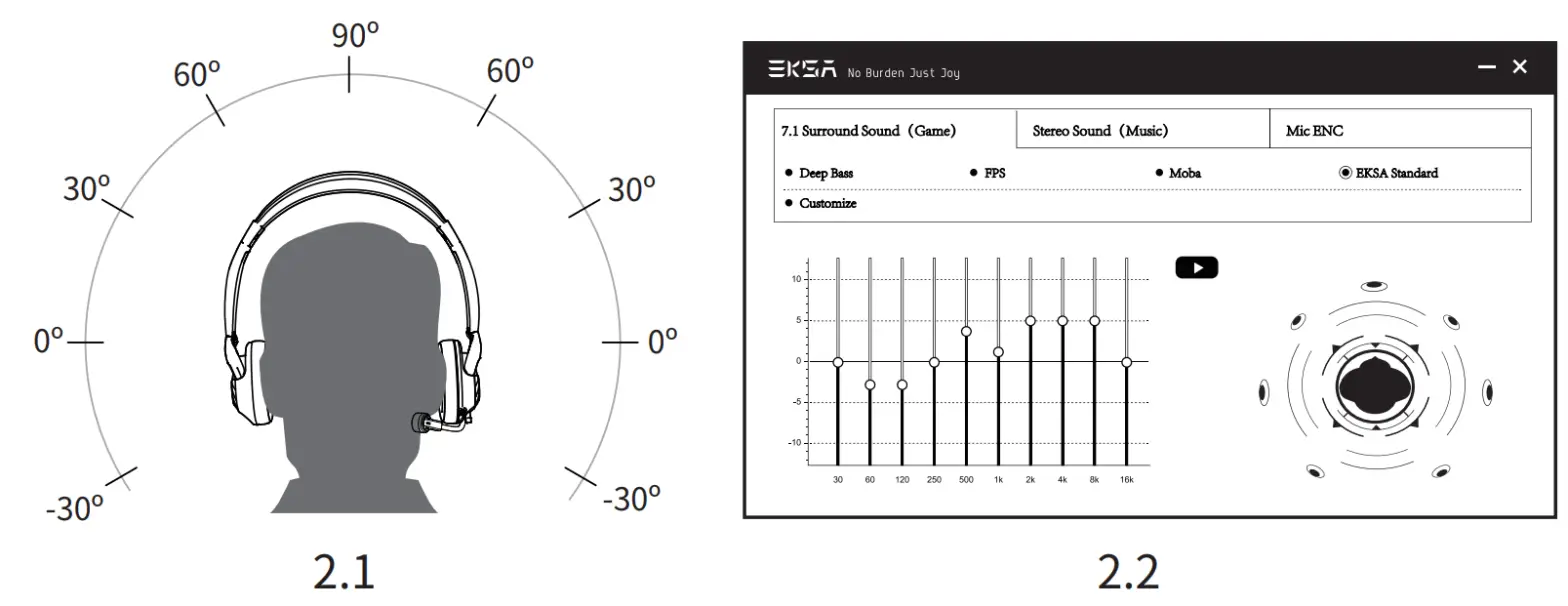
2.1 For the convenience of players, this headset has a 7.1 surround sound function by default. Both Type-c and USB-connected devices can provide 7.1 surround sound.
2.2 If you are a professional gamer and want to customize the sound effects, you can go to our official website (https://www.eksa.net/download ) to download the driver. Freely configure the sound effects according to your habits. (Note: Our driver can only run on Windows system)
 Operation guide
 Operation guide
Usage PC / MAC
In order to ensure that EKSA Air Joy Plus is the default audio device, please follow the points below.
PC
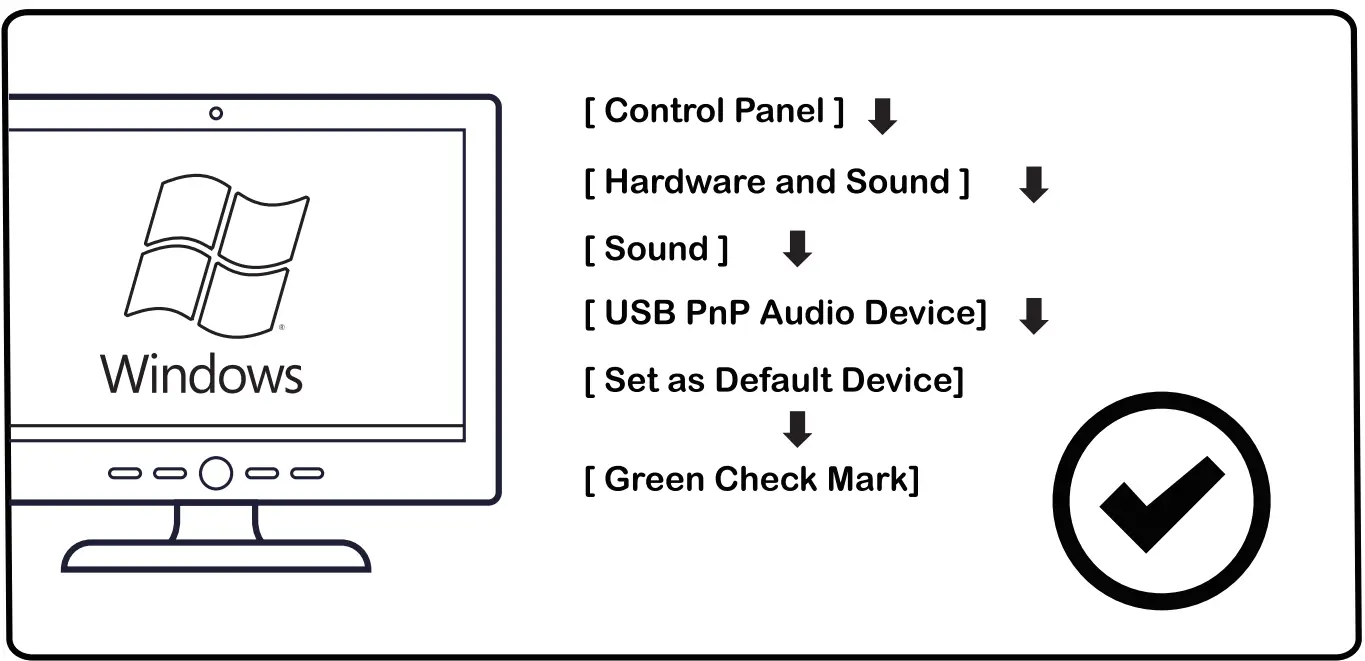
MAC
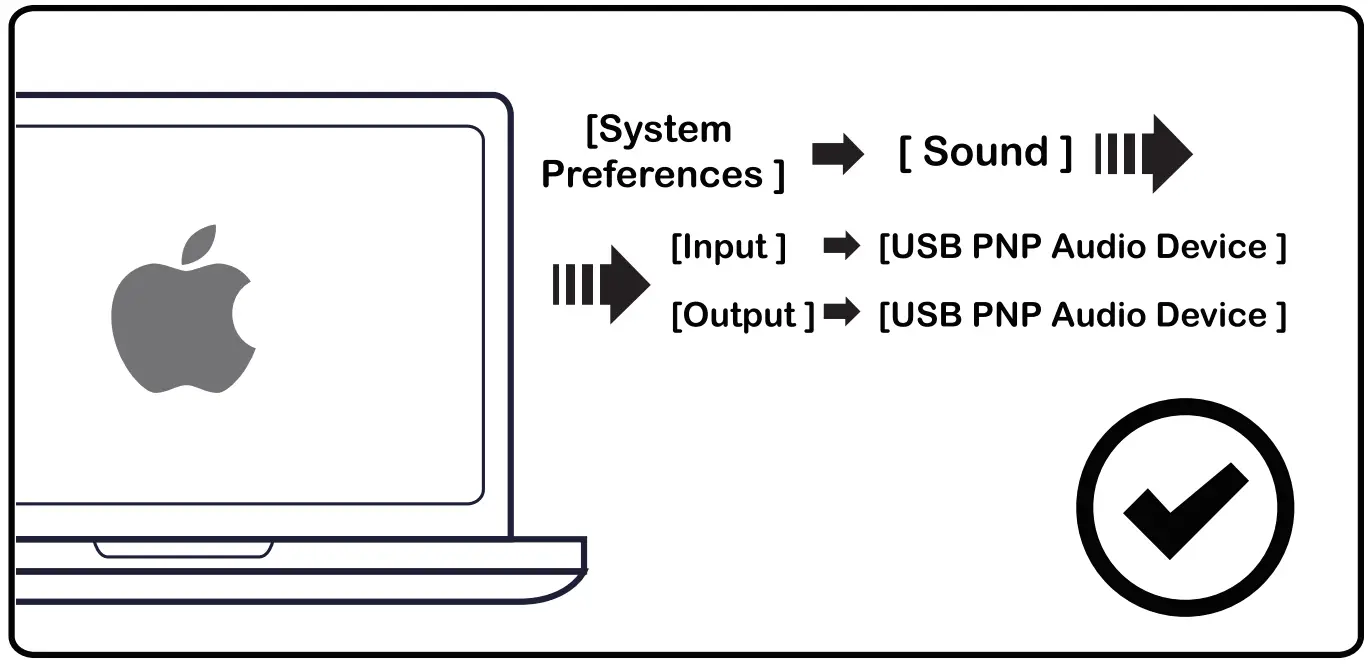
Operation guide

Usage PlayStation®4
Please plug the USB extension cable into the PS4™ host to use the headset.
Multi-platform compatibility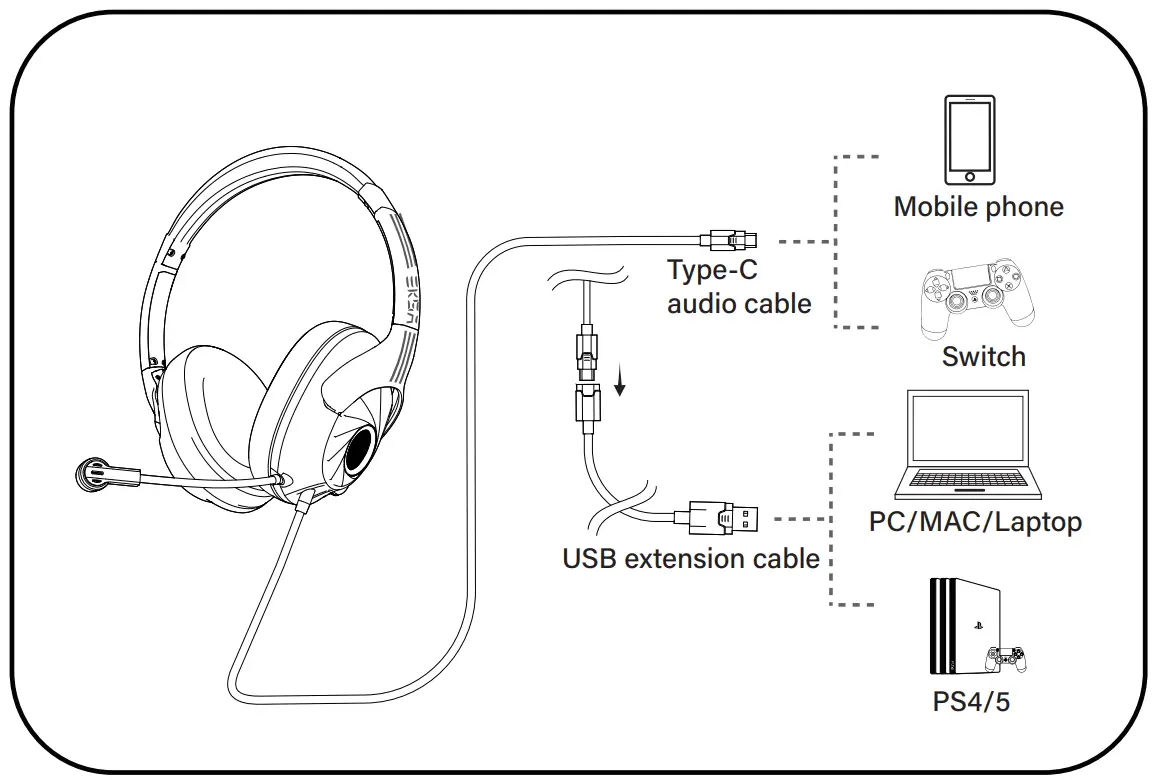
Please pay attention to inserting the corresponding wire into the correct position before use.
Limited Warranty
Our friendly customer service team is ready and waiting to help. Here is how we can connect:
Bring Tech To Game life
 GLOBAL: +852 6940 4955 (Mon to Fri 9:00 am-6:30 pm, UTC +8 HKT)
INDIA: +91-8929-369-620 (Mon to Fri IST 9:30 am-5:30 pm) GLOBAL: [email protected]
 INDIA: [email protected]
www.eksa.net/warranty
 Warranty | Claim 24-month warranty for all EKSA products