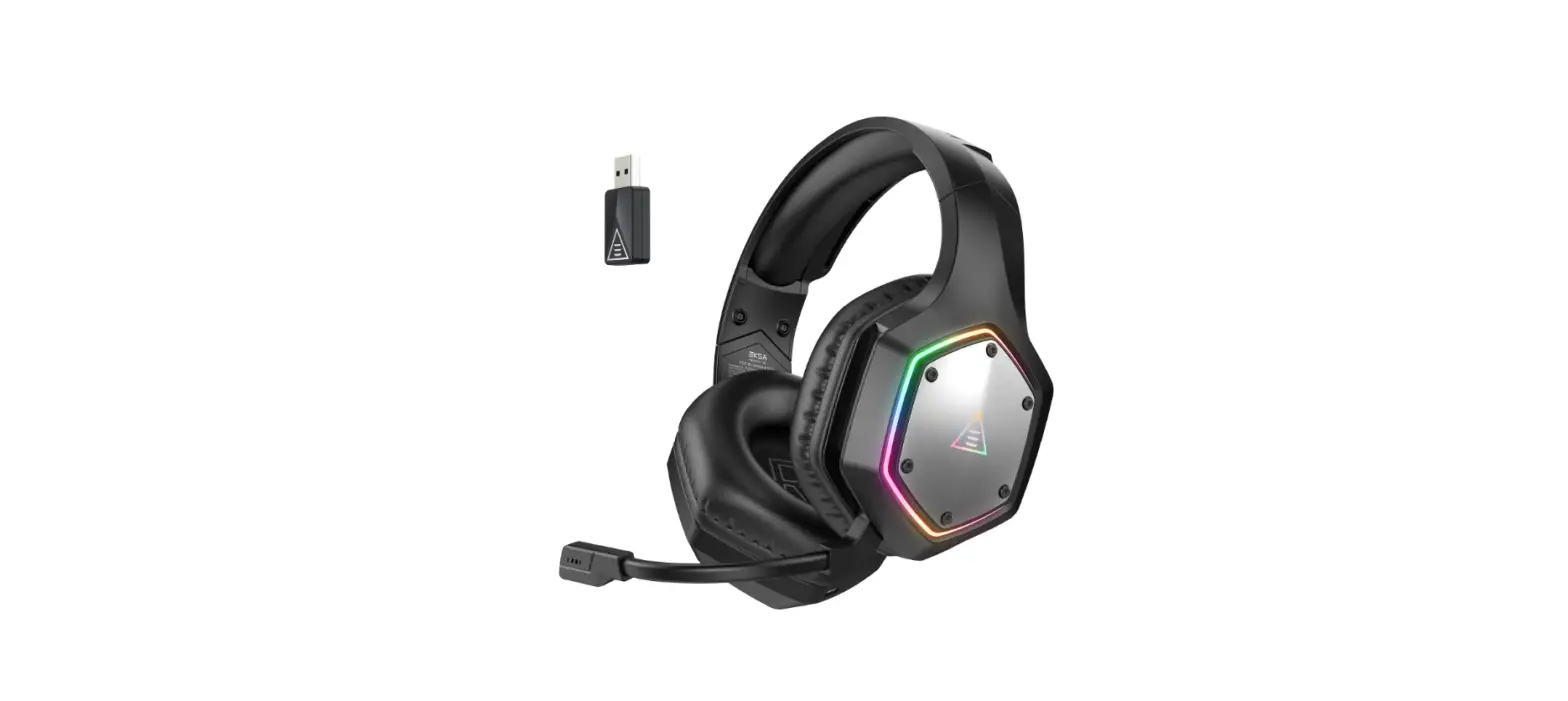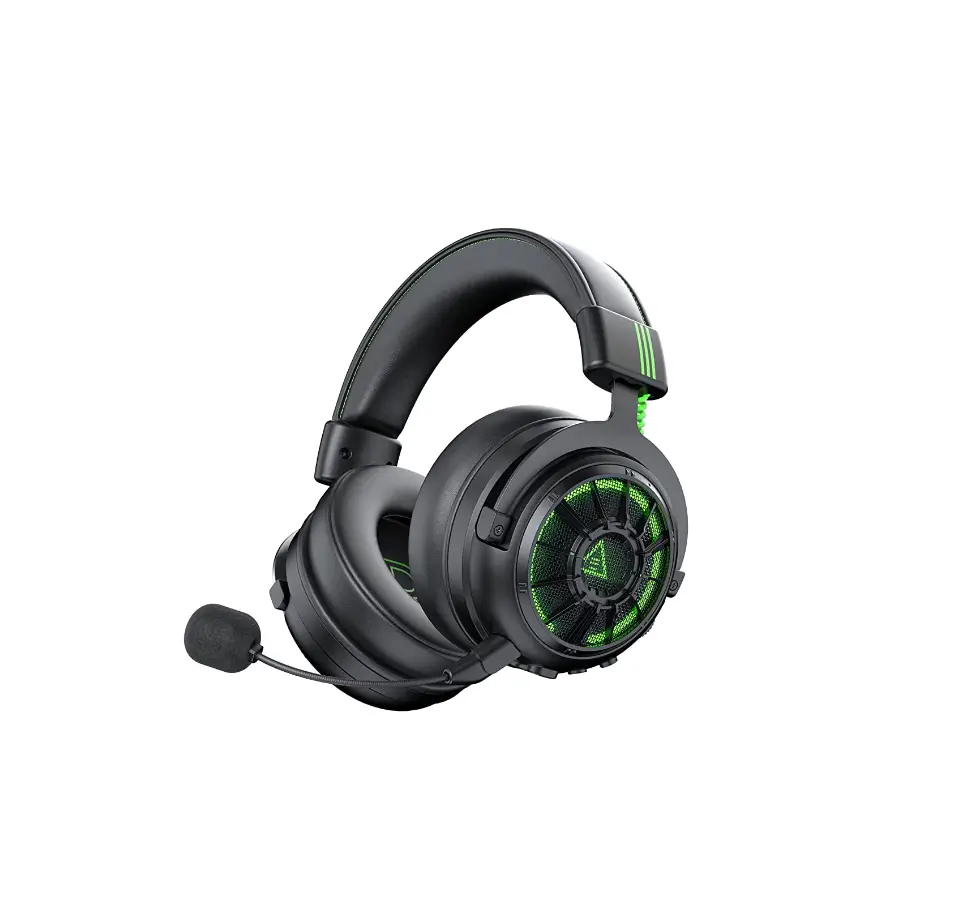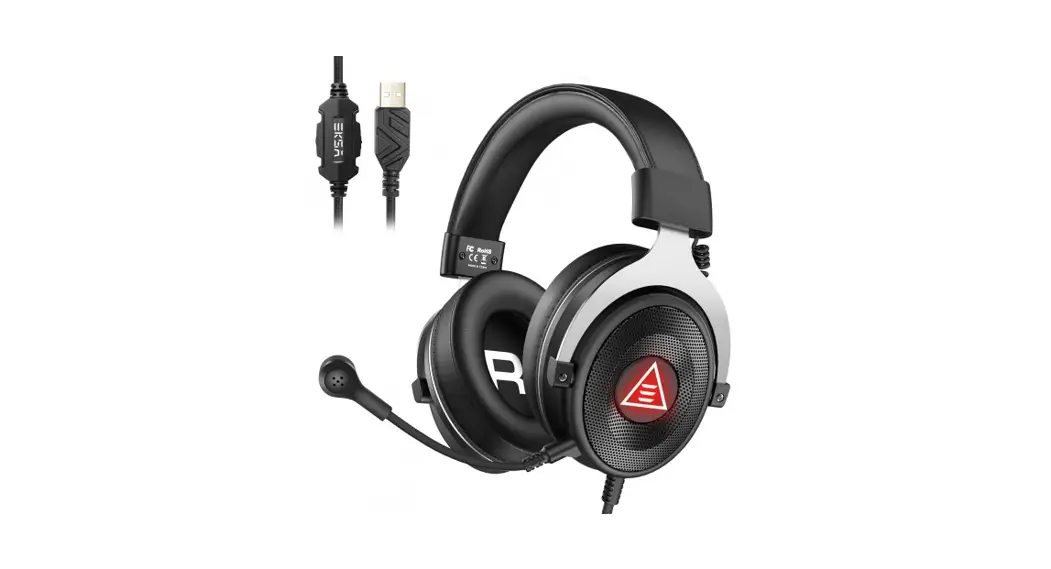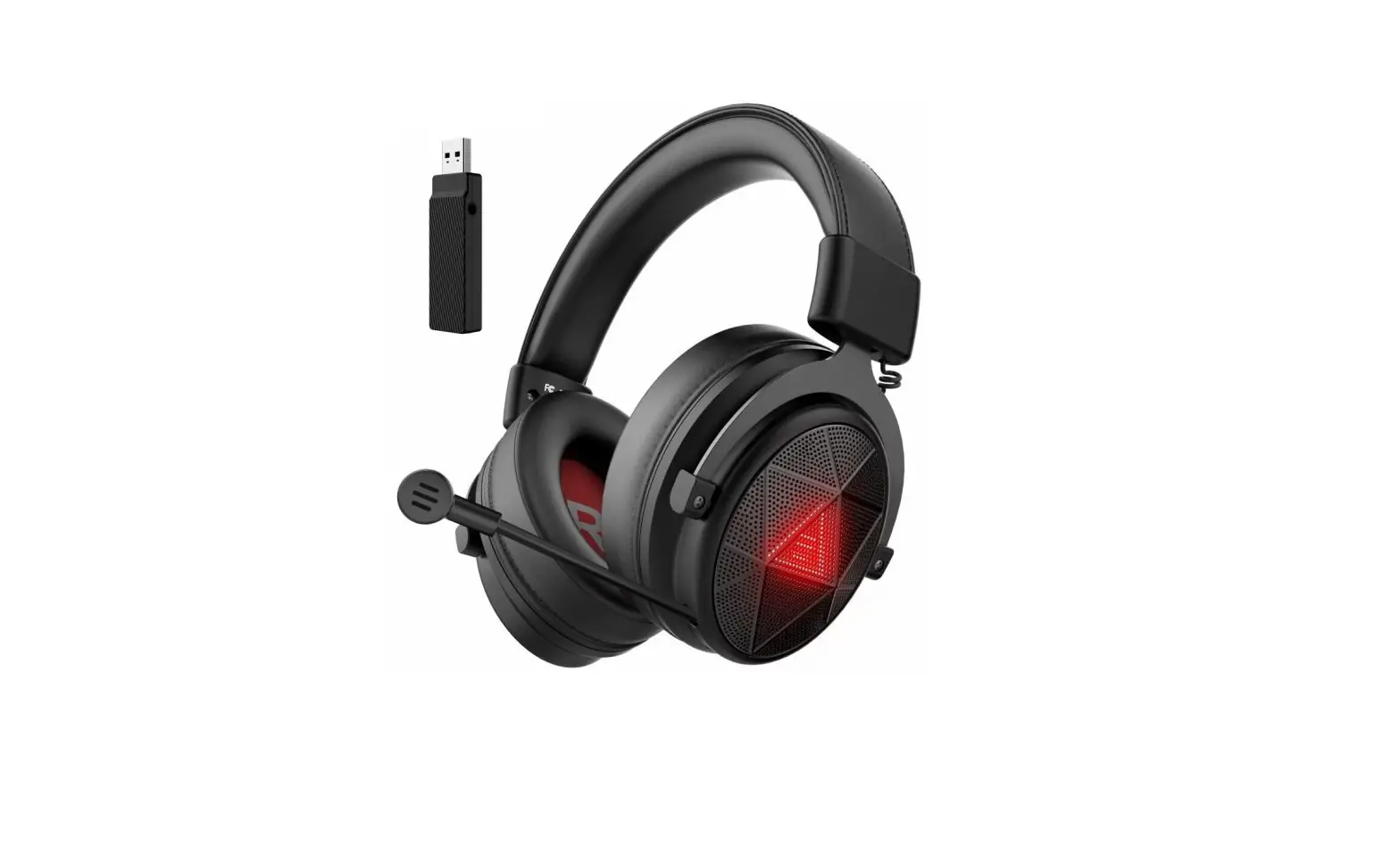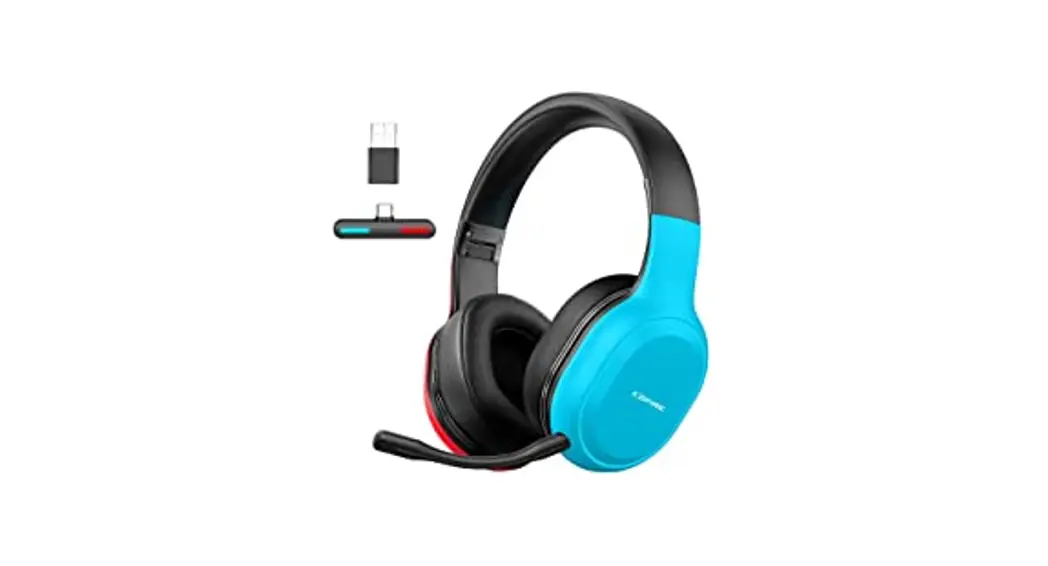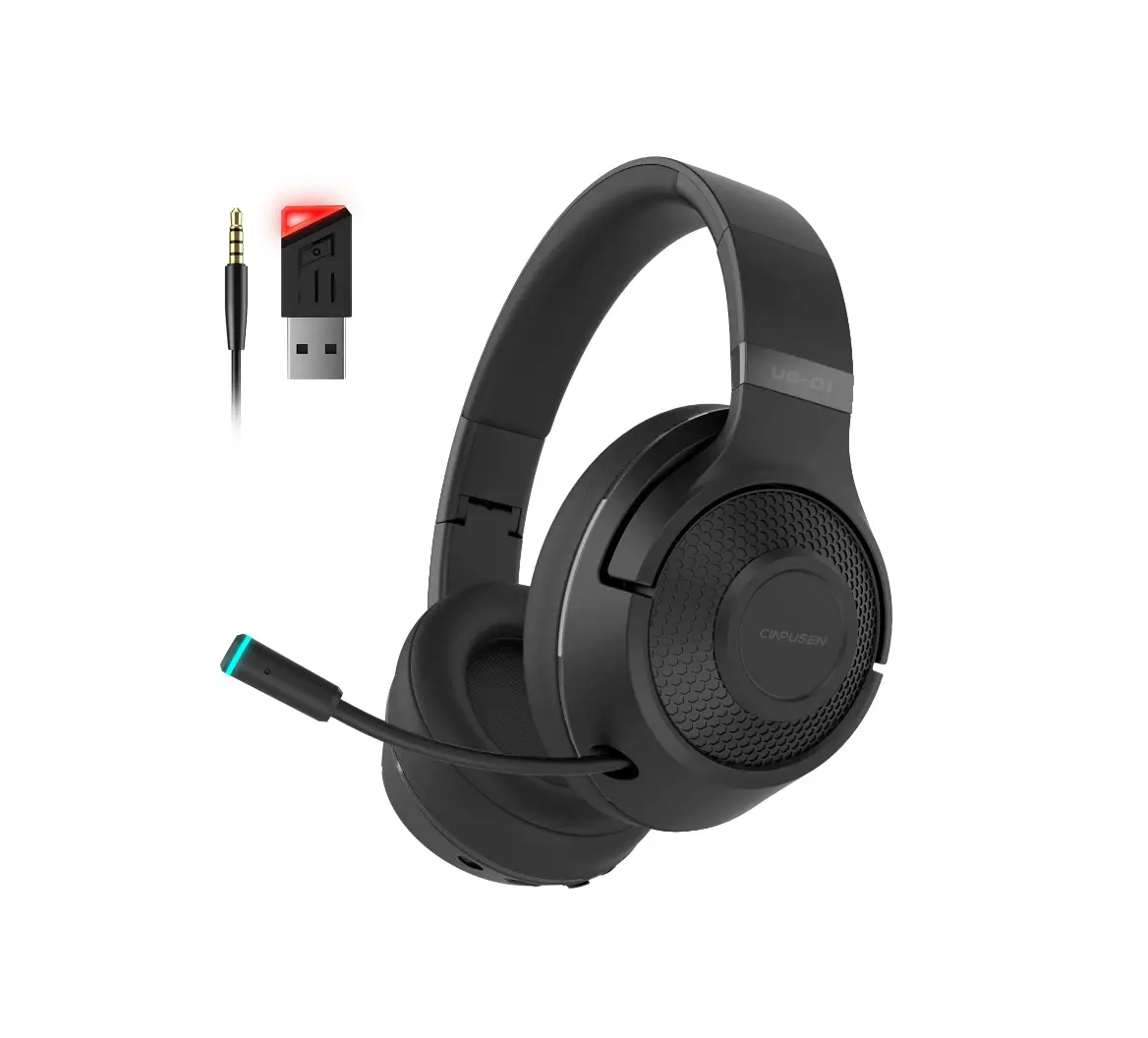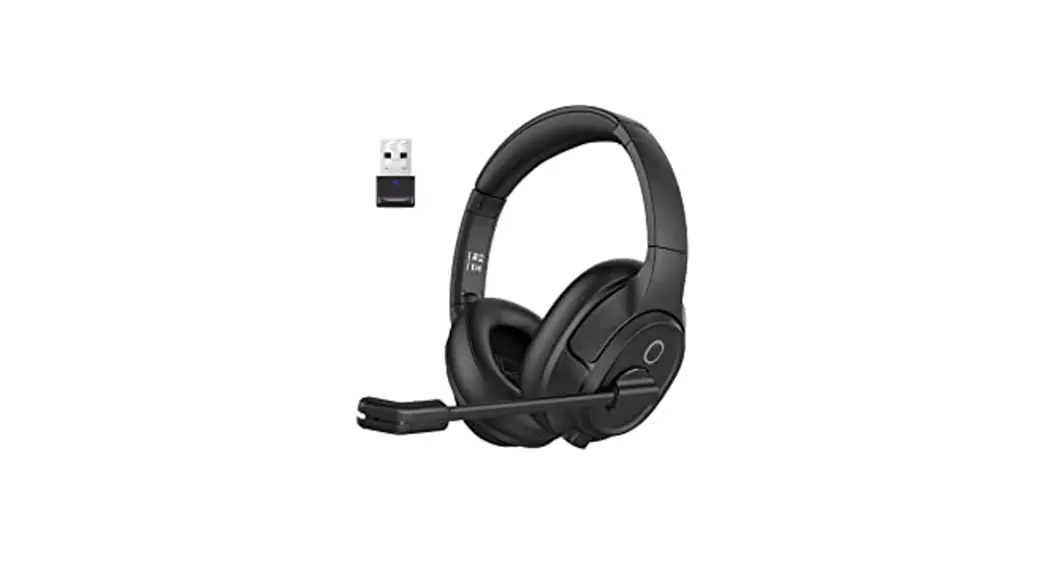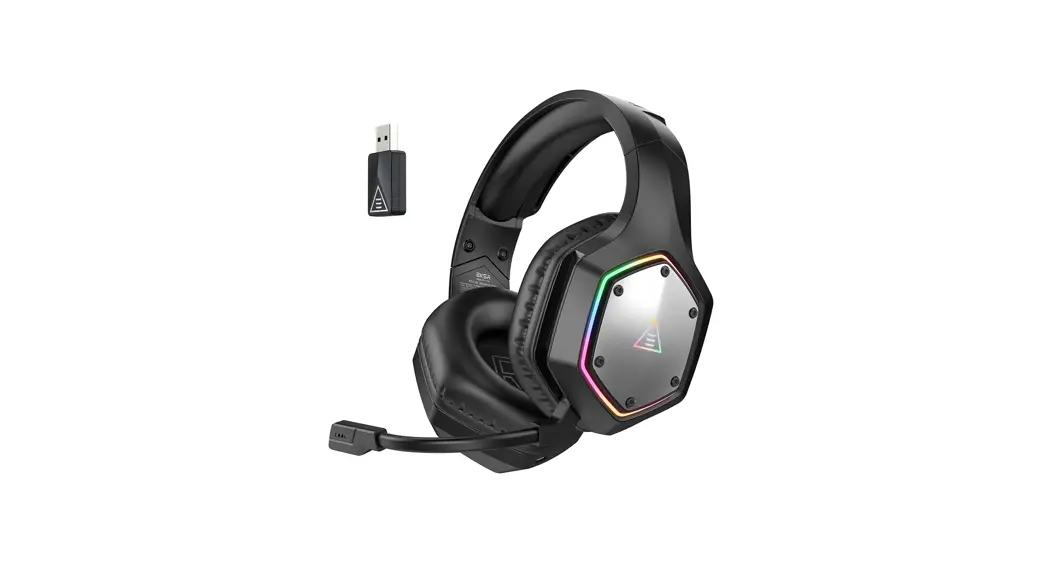
 E1000 WT Wireless Gaming Headset
User Manual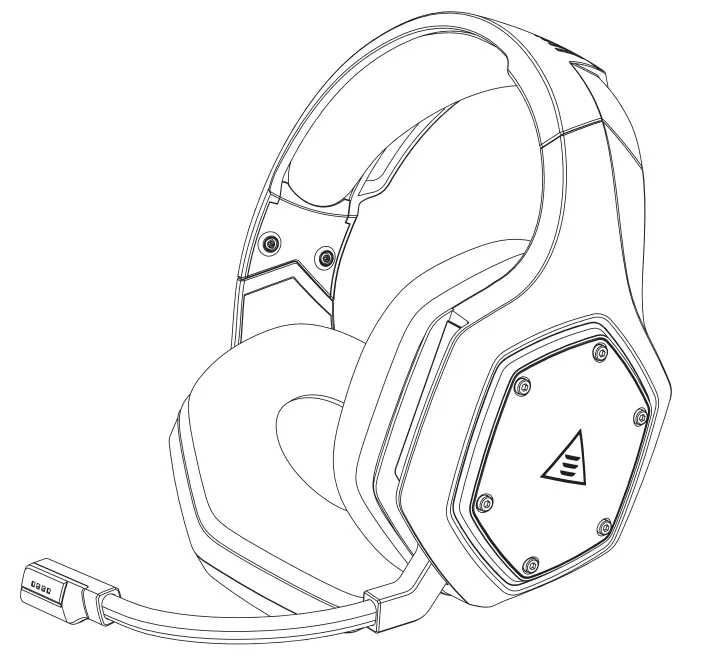 User Manual
 Package Contents
 Package Contents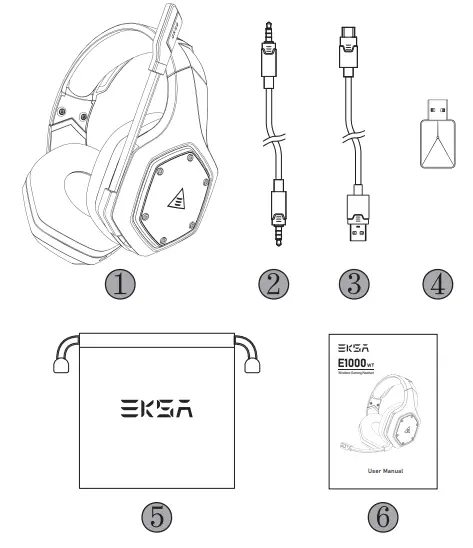
- EKSA E1000 WT Wireless Gaming Headset
- 3.5 mm Audio Cable
- Type C Charging Cable
- USB Dongle
- Carry Pouch
- User Manual
- Wireless Gaming Headset
 Specifications
 Specifications
 | Size: 50 mm Unit impedance (Ω): 32 Ω Frequency Range: 20 Hz – 20 kHz Sensitivity (dB/mW) : 105 ± 3 dB |
 | Type: Lithium Battery Use Time: Up to 36 hours (light off) Rated Power: 5 V 1 A Charging Time: 2.5 H |
 | Type: Condenser Mic Polar Pattern: Omnidirectional Sensitivity: -42 ± 3 dB Impedance: 2.2 KΩ |
 Product Overview
 Product Overview
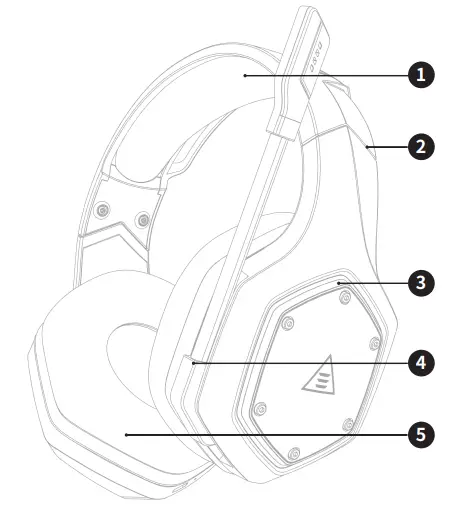 | 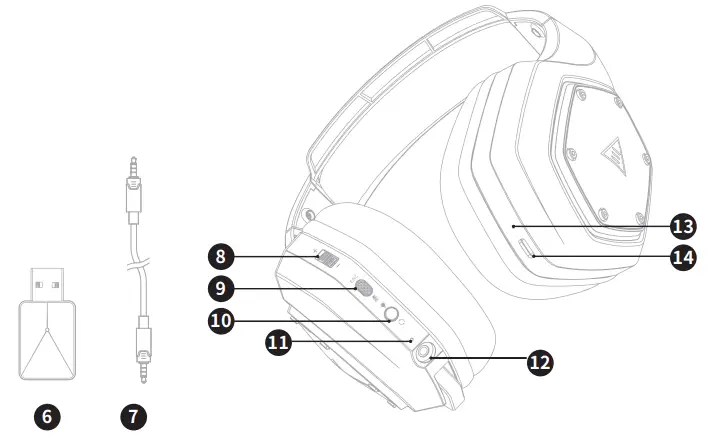 |
| 1. Head Cushion 2. Length Adjustment 3. Colorful RGB Lights 4. Rotable Microphone 5. Ear Cushions 6. USB 2.4G Dongle 7. 3.5 mm to 3.5 mm Audio Cable | 8. Volume Adjuster 9. Mic Mute Button / ENC Button 10. Power On / Off Button /Multifunctional Button 11. Status Indicator 12. 3.5 mm Wired Mode port 13. Charging Indicator 14. Type-C Charging Port |
 Operation Guide
 Operation Guide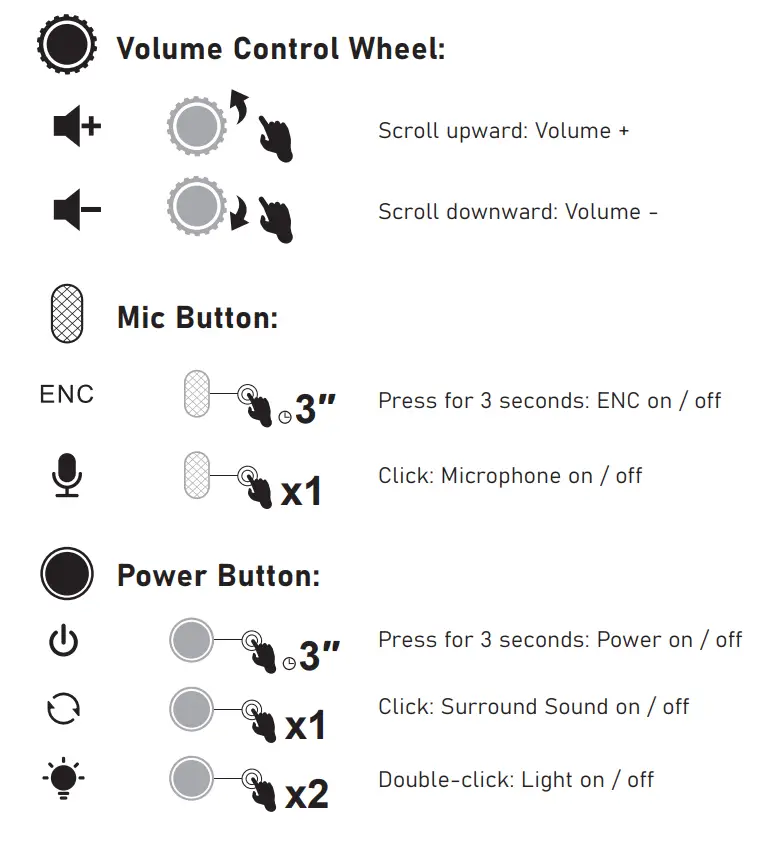
Wired Mode:
When the 3.5 mm audio cable plugs in, the headset will turn off automatically. Only the volume control works while all the other buttons don’t.
 Main Features
 Main Features
EKSA VoicePure ENC
Perfect your game communication with EKSA VoicePure ENC. It isolates your voice from the noise around you with a noise-cancelling microphone, eliminating up to 96% of distracting background noise.
You’ll sound natural and clear in-game chats, giving you an extra competitive edge. 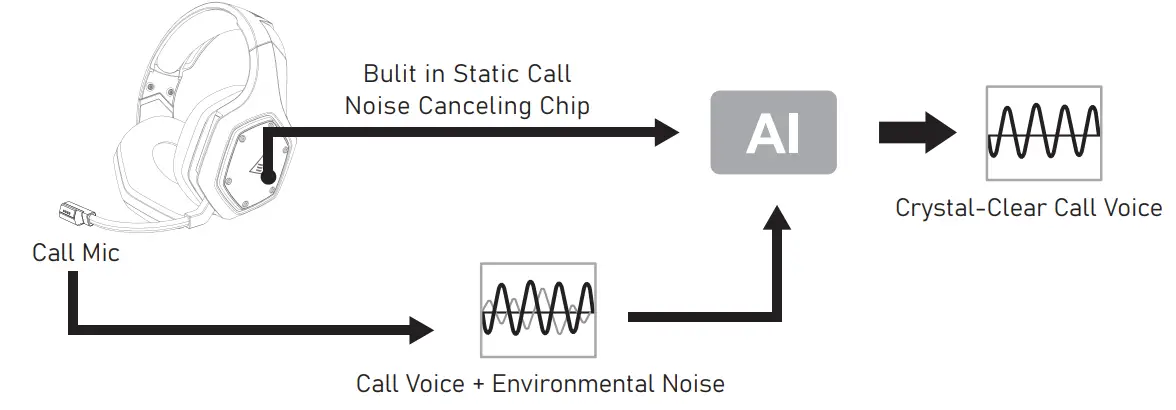
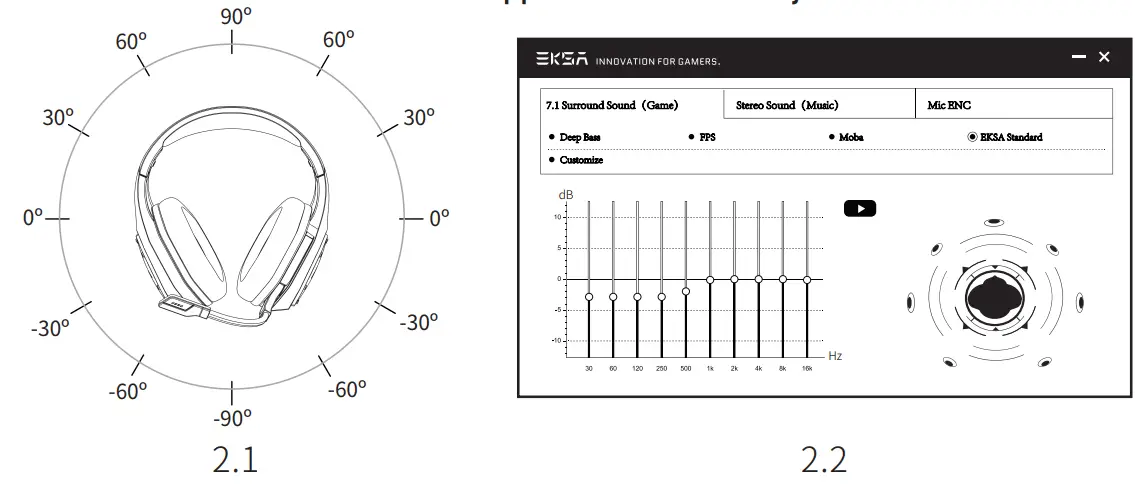
EKSA 7.1 SoundBase
EKSA 7.1 SoundBase provides an unrivaled audio experience with punchy and immersive sound. Every sneaky footstep and every explosive gunshot is reproduced with accurate positioning and stunning clarity, creating a lifelike battlefield. The plug-and-play feature means no extra hassle to get a truly immersive gaming experience across platforms – including PS®4, PS®5, Switch™, and PC.
To customize your preferred sound effects, simply download the driver from our official website(https://www.eksa.net/download).
Note: EKSA SoundBase Software suppots Windows® only.
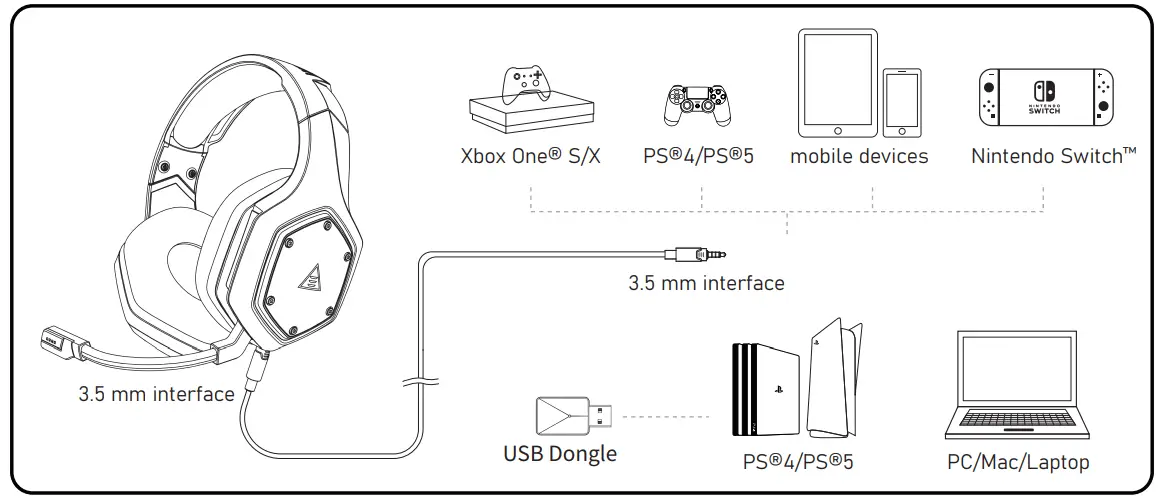
3. Wide Compatibility
Equipped with 3.5 mm audio cable and USB Dongle, compatible with PS®5, PS®4, Xbox® One, Nintendo Switch™, PC, Laptop, Mac, mobile devices, etc.
One Key Sound Mode Switch
This button is on the ear shell, allowing you to switch from 7.1 surround sound to game mode or stereo to music mode. It is straightforward and convenient to operate.
Note: when switching the sound mode, you will hear a “surround sound on / off” voice prompt.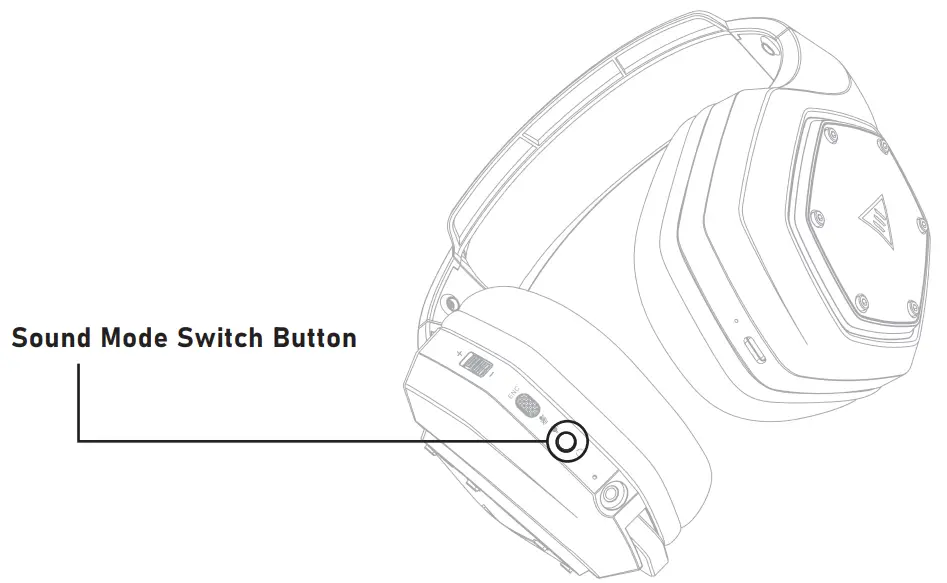
 USB Dongle Settings
 USB Dongle Settings
Follow the steps below to ensure your EKSA E1000 WT headset is the default audio device.
Windows®: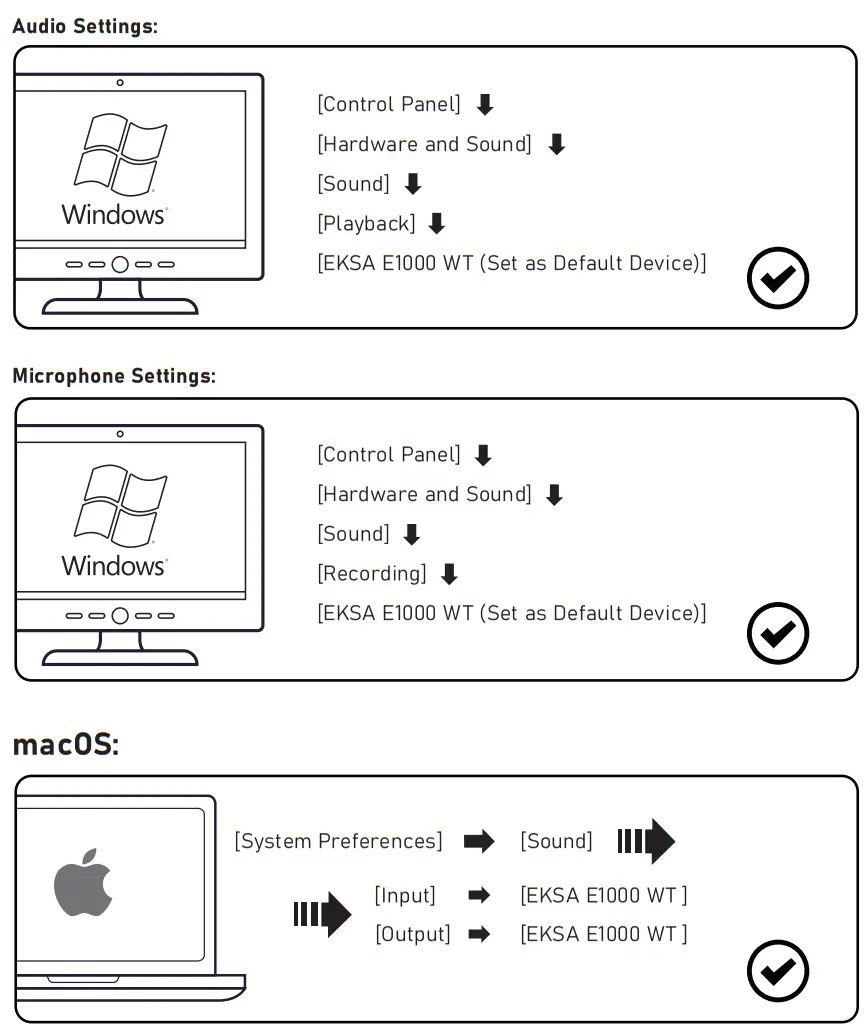
 How to Use
 How to Use
PlayStation® 4 / PlayStation® 5:
Connect the USB Dongle or the 3.5 mm audio cable with your PS®4/PS®5 . Then follow the steps below to check the audio settings to ensure your PS®4/PS®5 automatically switch to play audio and turn on microphone.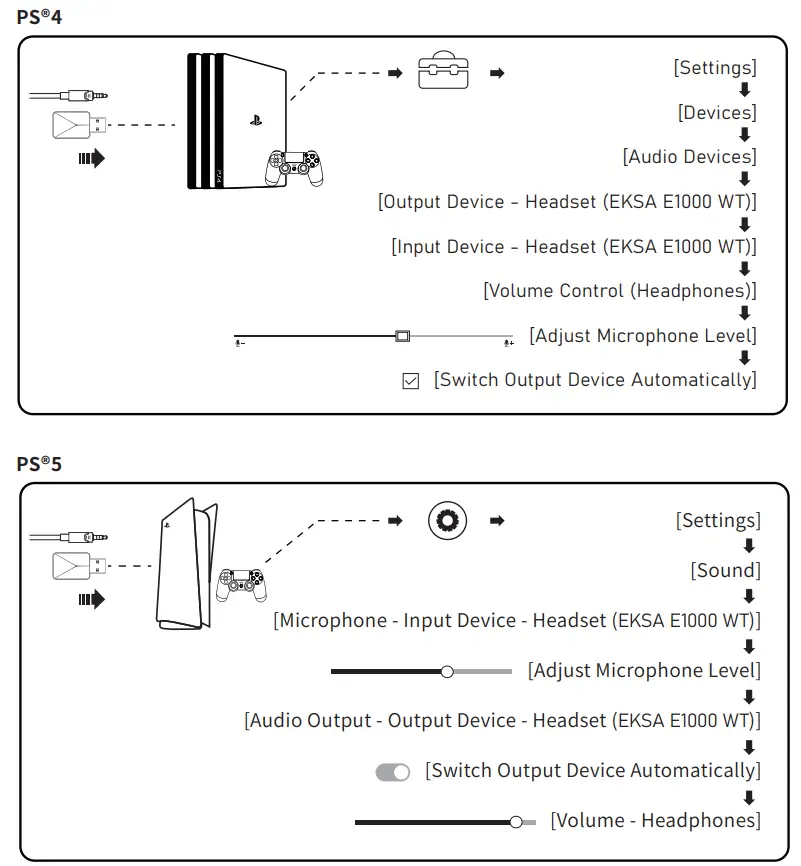
How to Use
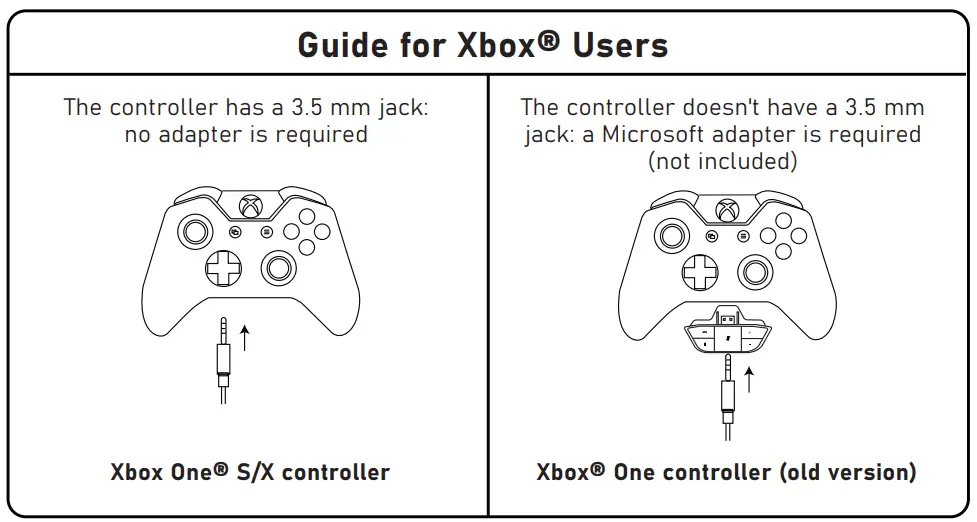
Xbox One® S/X:
To work on the NEW version of the Xbox One® S/X controller, you can directly connect your headset to the controller via the 3.5 mm audio cable.
Notes:
- The headset is not compatible with Xbox®360.
- Old version of Xbox® One needs a Microsoft adapter (not included).
FAQ
Q1: My headset has no sound.
A:(1) First, ensure you’ve plugged the headset correctly into your device. If that doesn’t work, check your audio settings to ensure that you enable your speakers and don’t mute your device, then check the volume of your device and headphone to ensure it is at a proper level.
(2) Unplug the USB transmitter or the 3.5 mm audio cable and replug it in; wipe the dirt or dust on the USB transmitter or the 3.5 mm Interface; reconnect the headset to the device and check if the microphone works.
(3) If the USB transmitter is flashing blue light quickly, keep the transmitter where it is, and turn off your headset, then press the power button for 6 seconds. Don’t release your finger until hearing a voice notice of “pairing”, which means the pairing is successful now.
Q2: After I have connected the headset with my computer, I can’t use its microphone.
A:(1) Go to control panel>Sound>Imput. Choose the headset’s microphone as the default mic.
(2) Check the microphone of the headset isn’t mute.
Q3: People on the other side can’t hear me.
A: (1) Check the microphone of the headset isn’t mute.
(2) Check the audio and ensure that your headset is the default device. Please refer to page 6 and 7 for more specific information for sound settings.
(3) Ensure that your device is compatible with the headset.
EKSA E1000 WT headset isn’t compatible with Xbox®360 and the old version of Xbox®One requires an extra microsoft adapter (not included).
(4) If all these have been checked and the headset is compatible with the device while the microphone still doesn’t work, please contact us ([email protected]).
Limited Warranty
Our friendly customer service team is ready and waiting to help. Feel free to contact us:
Global: +85269404955(Mon to Fri 9:00 am-6:30 pm, UTC +8 HKT)
[email protected]
www.eksa.net/warranty
India: +918929369620(Mon to Fri 9:30 am-5:30 pm, IST)
 [email protected]
FCC WARNING
This device complies with part 15 of the FCC Rules. Operation is subject to the following two conditions: (1) this device may not cause harmful interference, and (2) this device must accept any interference received, including interference that may cause undesired operation.
Any changes or modifications not expressly approved by the party responsible for compliance could void the user’s authority to operate the equipment.
NOTE: This equipment has been tested and found to comply with the limits for a Class B digital device, pursuant to Part 15 of the FCC Rules. These limits are designed to provide reasonable protection against harmful interference in a residential installation. This equipment generates, uses and can radiate radio frequency energy and, if not installed and used in accordance with the instructions, may cause harmful interference to radio communications. However, there is no guarantee that interference will not occur in a particular installation.
If this equipment does cause harmful interference to radio or television reception, which can be determined by turning the equipment off and on, the user is encouraged to try to correct the interference by one or more of the following measures:
- Reorient or relocate the receiving antenna.
- Increase the separation between the equipment and receiver.
- Connect the equipment into an outlet on a circuit different from that to which the receiver is connected.
- Consult the dealer or an experienced radio/TV technician for help. The device has been evaluated to meet general RF exposure statement.
The device can be used in portable exposure condition without restriction FCC ID:2A25A-E1000
Manufacturer: YI ZHAO (SHENZHEN) CO., LIMITED
Add.: 6th Floor, T3 Creative Building, Shenzhen Colorful Huiwei Cultural and Creative Expo City, No.5010 Baoan Avenue, Caowei Community, Hangcheng Street, Baoan District, Shenzhen City, Guangdong Province, China
APEX CE SPECIALISTS LIMITED
Add.: 89 Princess Street, Manchester, M1 4HT, UK
Tel.: +441616371080
Email: [email protected]
C&E Connection E-Commerce (DE) GmbH
Add.: Zum Linnegraben 20, 65933, Frankfurt am Main, Germany
Tel.: +4906927246648
Email: [email protected]

 ce.com
 Connection | Sugata & Freunde: Das Blog fürs Wesentliche
 Warranty | Claim 24-month warranty for all EKSA products