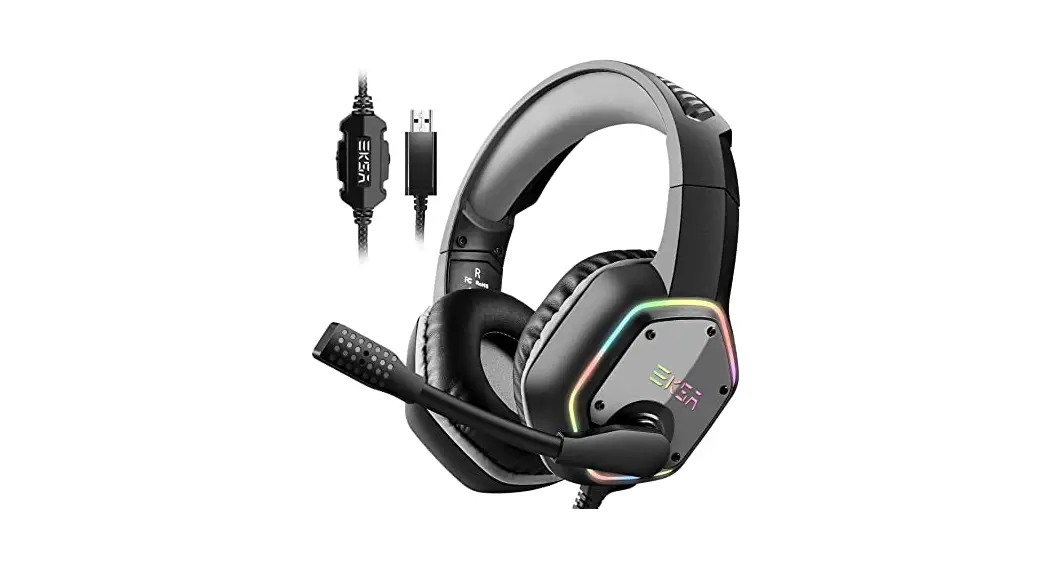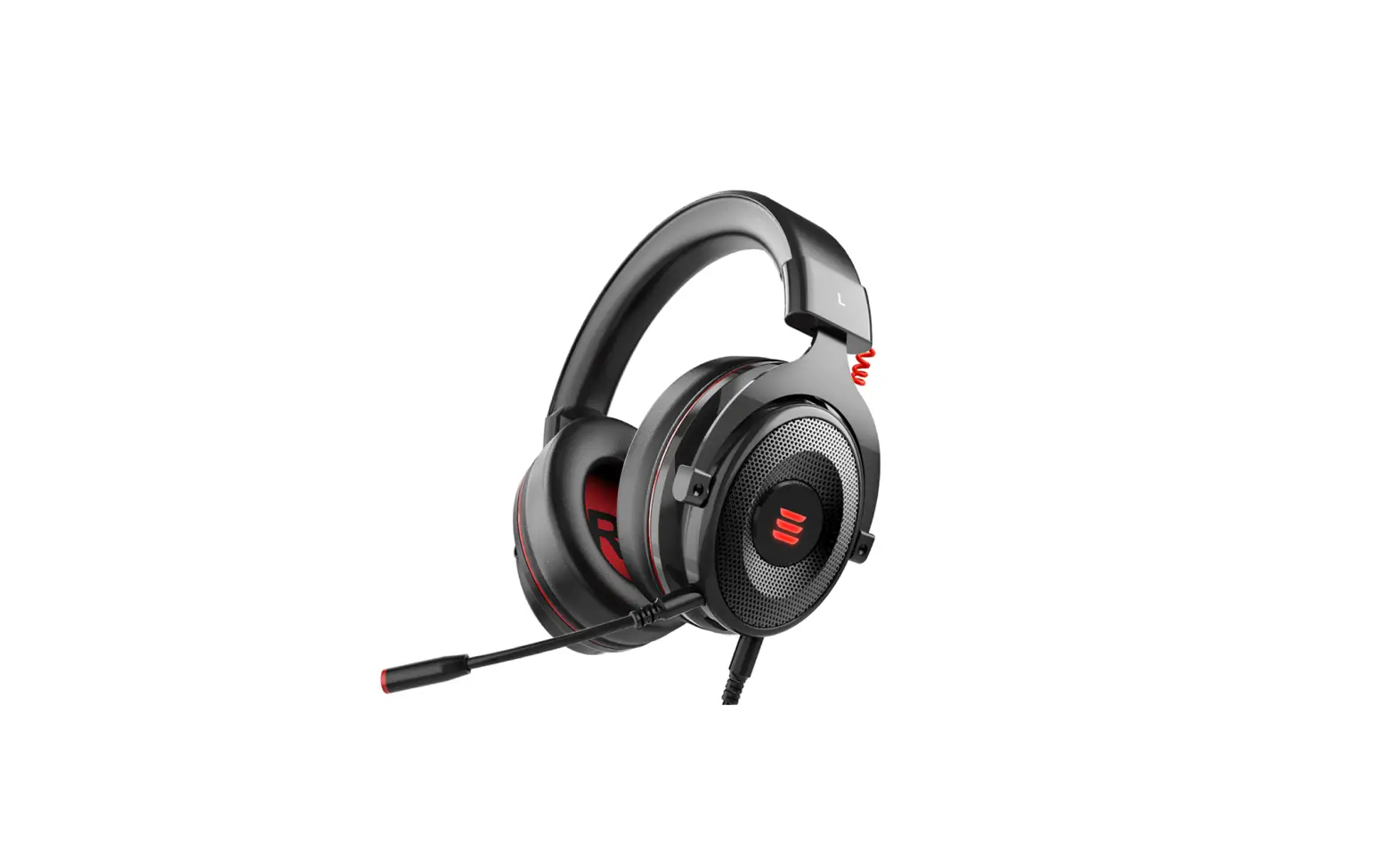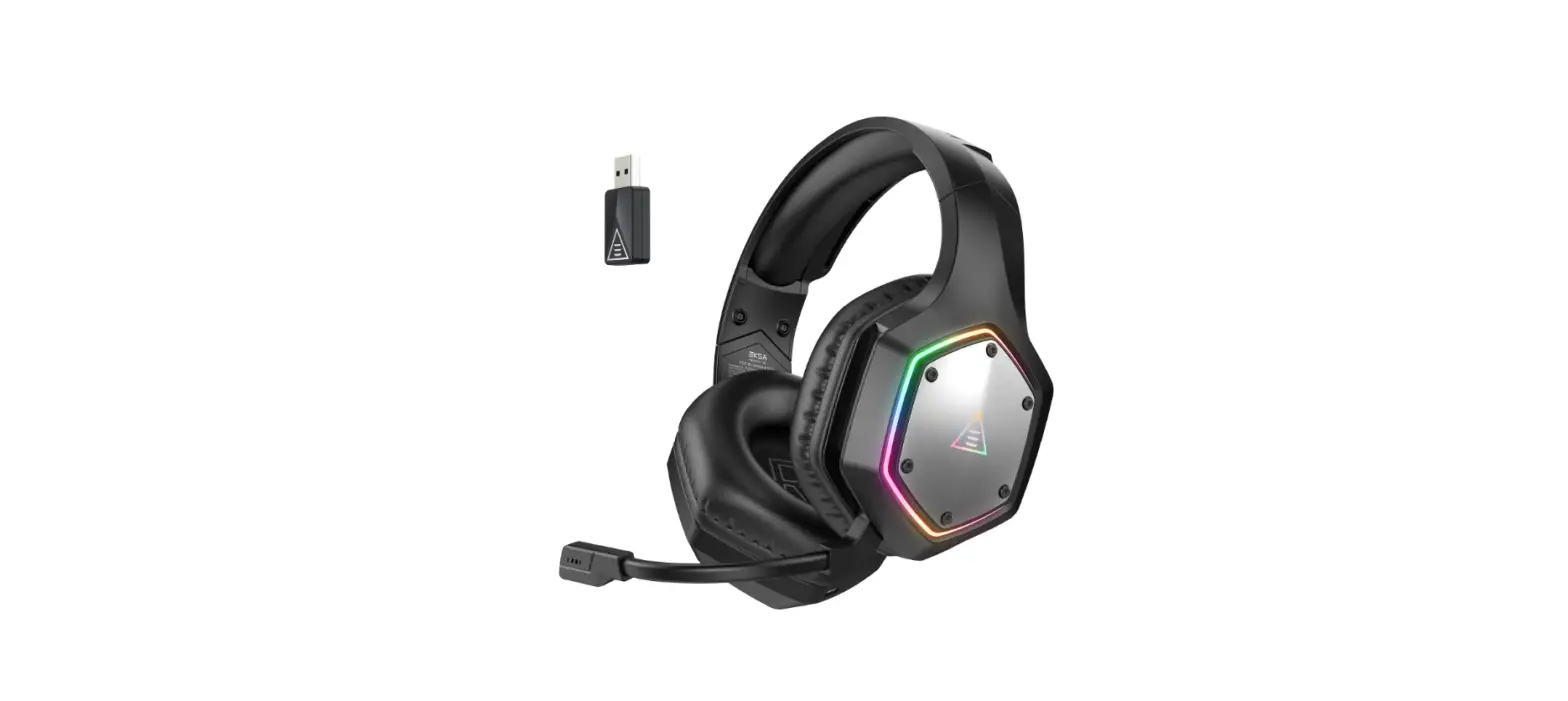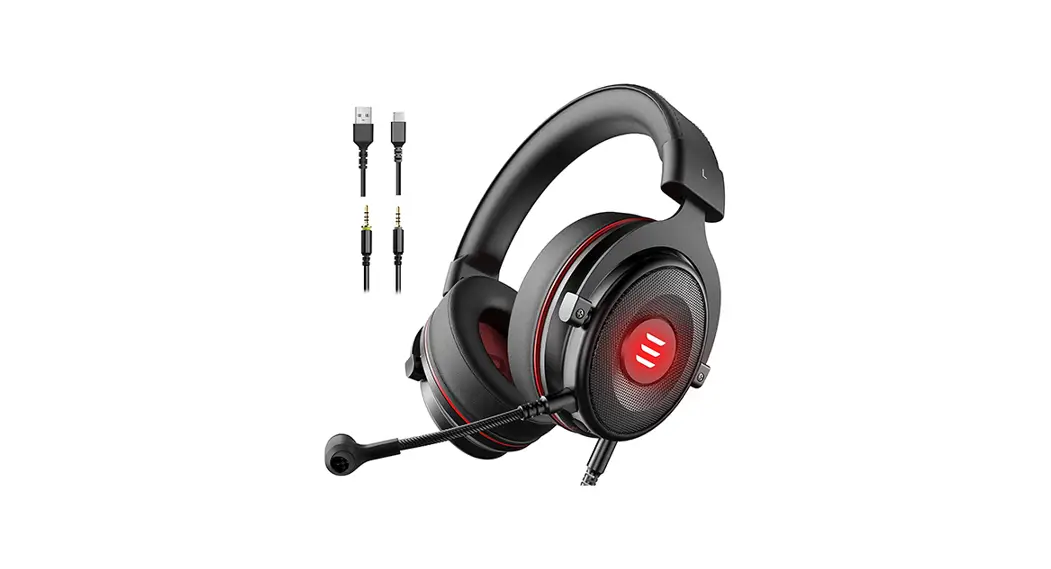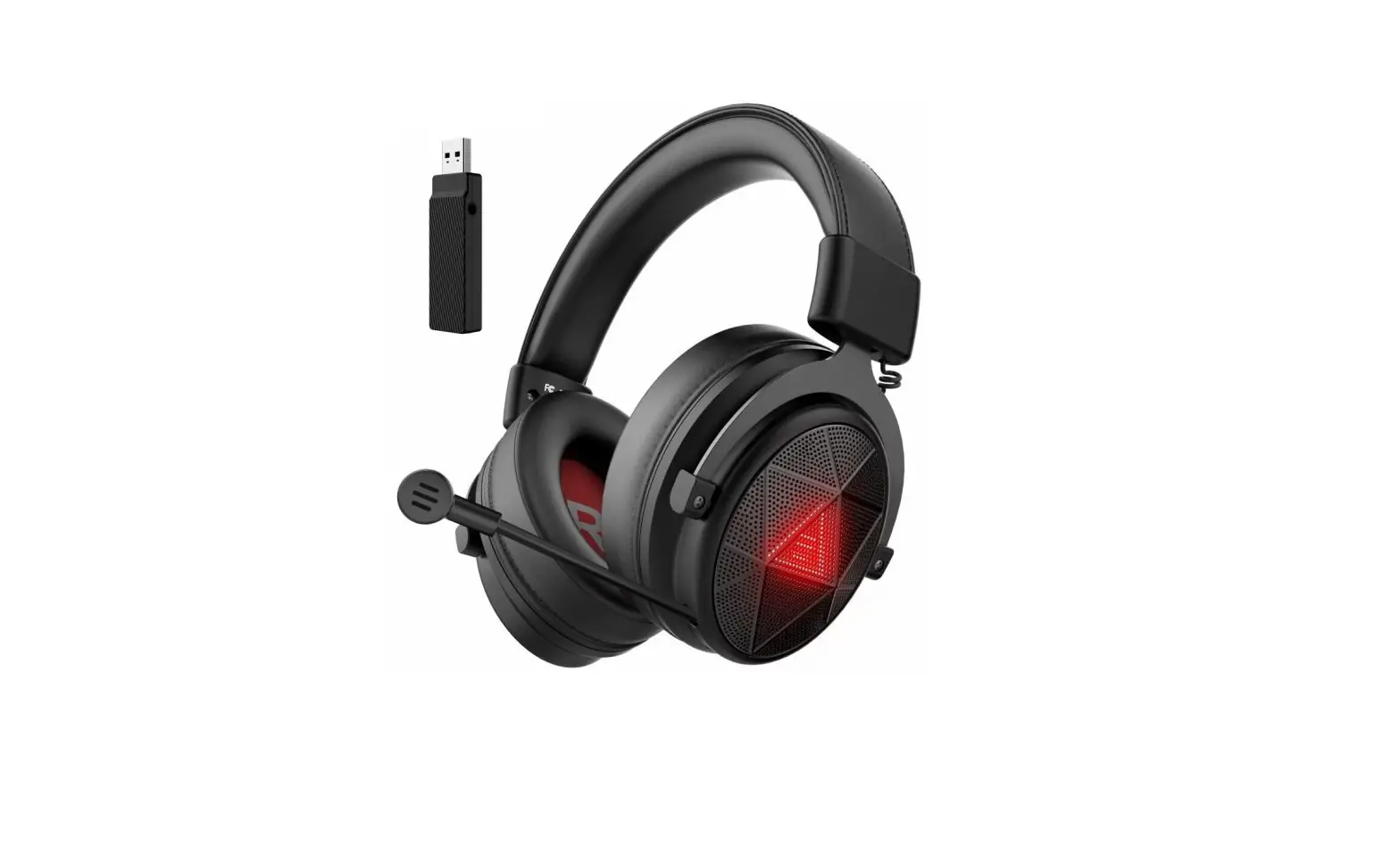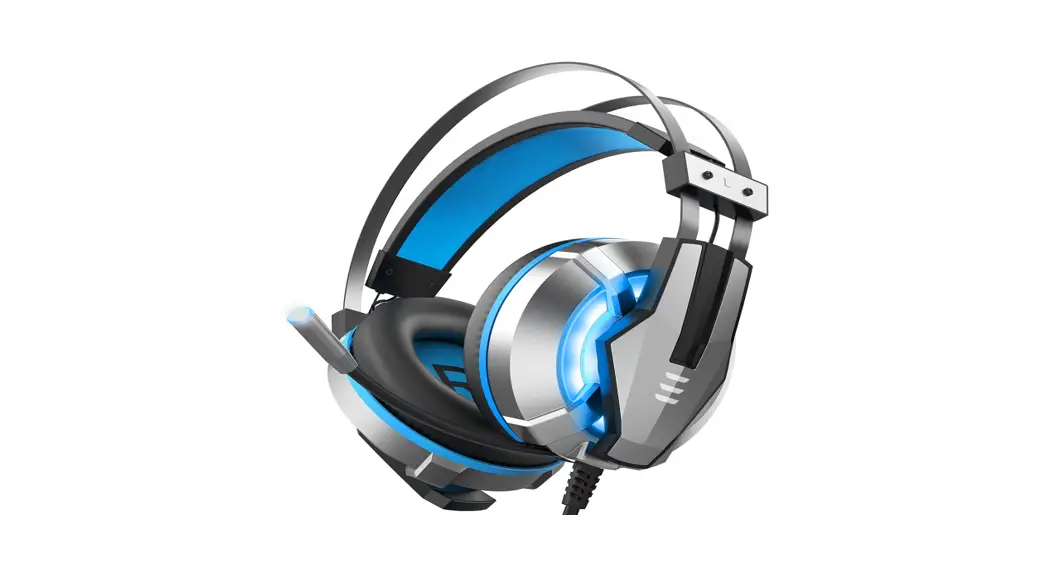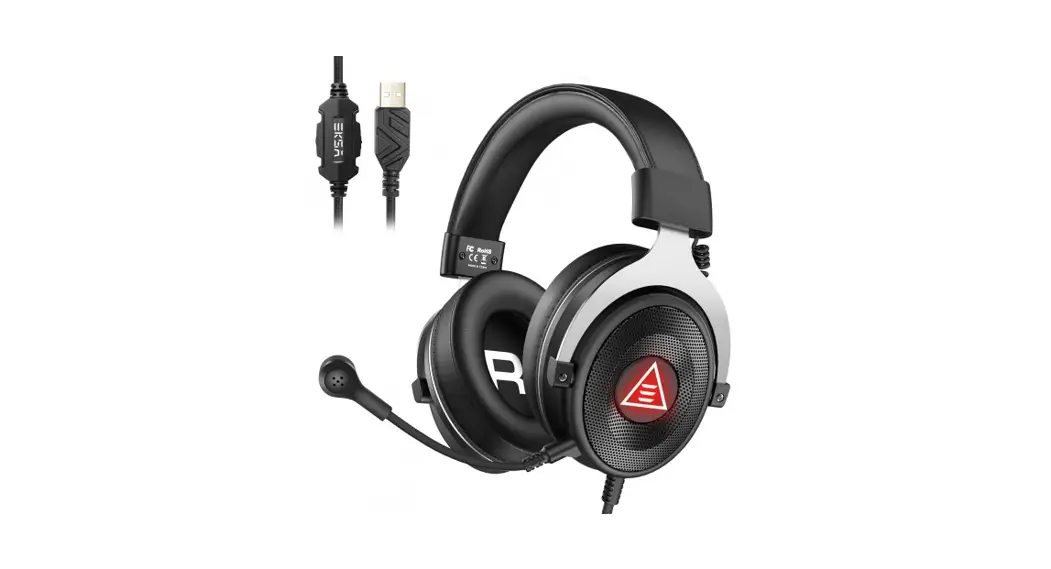

E900 Plus
User Manual
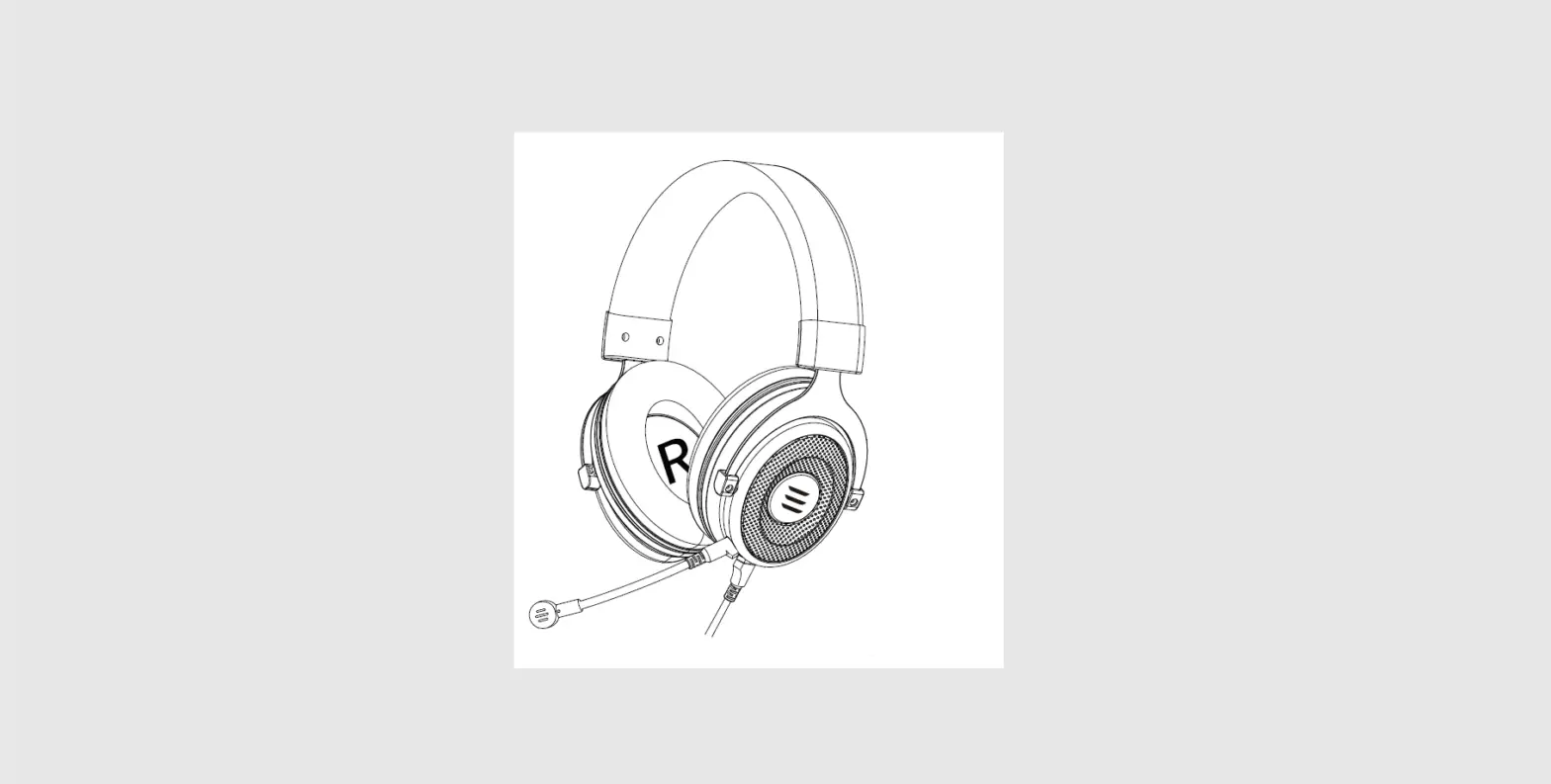
Overview
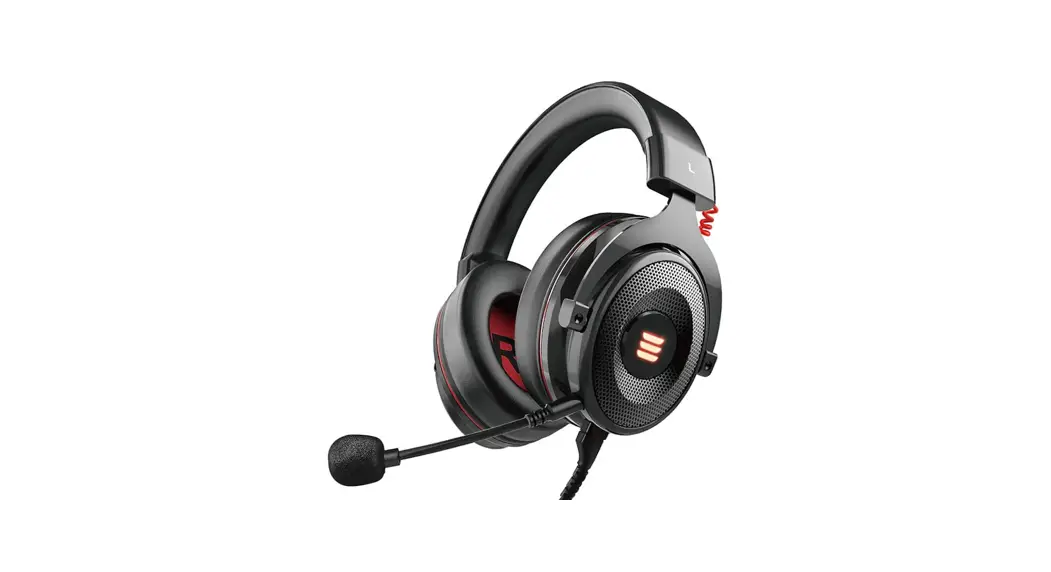
- 50mm audio speakers
- Protein leather memory foam earmuffs
- Self-adjustable headband
- Red LED light
- Detachable microphone
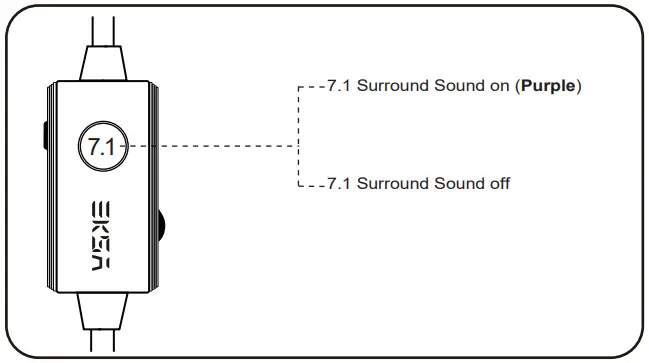
- 7.1 Surround sound button
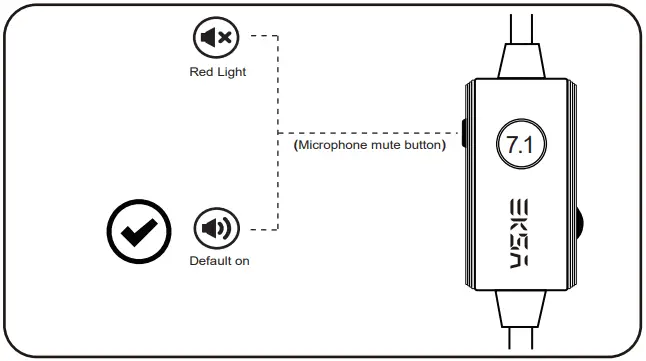
- Mic mute control button
- Audio volume control wheel
- USB connector
Specification Parameters
| Headphone Type | Over-Ear |
| Mic dimensions | Φ6.0*2.7mm |
| Microphone sensitivity | -42±3db |
| Mic directivity | Unidirectional |
| Transducer | Moving-coil |
| Speaker size | Φ5 0 mm |
| Frequency range | 20-20K Hz |
| Impedance | 32Ω±15 ( |
| Headset jack | USB |
| Cable length | 2M/6.6ft |
Package Contents
1*EKSA E900 Plus Gaming Headset
1*User Guide Detachable Mic
l*Leather Carry Pouch
Q&A
Q1: What is the main difference between E900 Plus and E900 and E900 Pro?
Al: E900 Plus can enjoy 7.1 virtual surround sound without downloading the driver.
A2: E900 Plus has a built-in ENC (Environmental Noise Cancellation) chip for a better noise-canceling effect.
A3: E900 Plus uses a unidirectional microphone to pick up the voice more clearly and accurately.
A4: The brand new EKSA logo with red LED light has a cool appearance.
Q2: What is the ENC?
ENC (Environmental Noise Cancellation, an environmental noise reduction technology), can effectively suppress 90% of the reverse environmental noise, allowing gamers to communicate more freely. Accurately calculate the direction of the caller’s speaking, while protecting the target voice in the main direction, while removing various interference noises in the environment, the beneficiary is the other party.
Q3: Do I need to download the driver?
In order to facilitate the majority of gamers, we developed this one without downloading the driver. In other words, 7.1 surround sound, press, and play, no need to download drivers on the EKSA official website.
Warm Notice
Depending on your head/ear size/shape, it may be a little tight (feels like“on ear”) for someone to wear which is designed to avoid sound leakage. In case of that and to get both audio and wearing comfort, please take off the headphone every 1~2 hours to get your ears relaxed and protect them from the muggy environment in use.
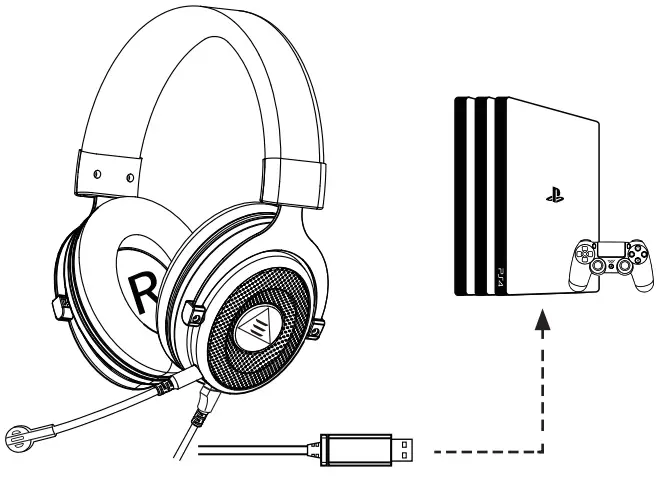
Usage (PlayStation®4)
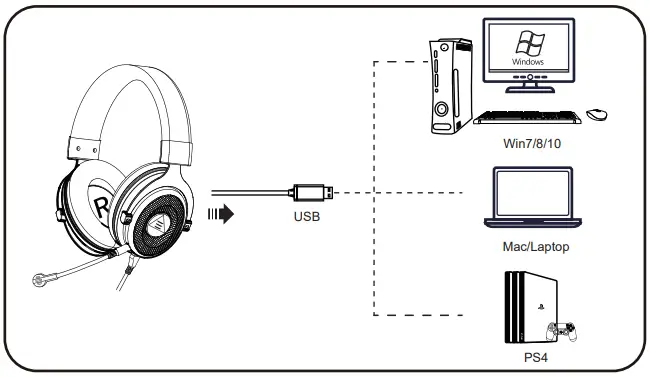
Insert the USB plug directly to the Playstation 4 Console and follow these steps: 1. Navigate to the Settings Menu and select it. 2. Highlight the “Devices ” menu option and select it. 3. Scroll down to “Audio Devices” and select it. 4. Choose “Output to Headphones” and select “All Audio”.
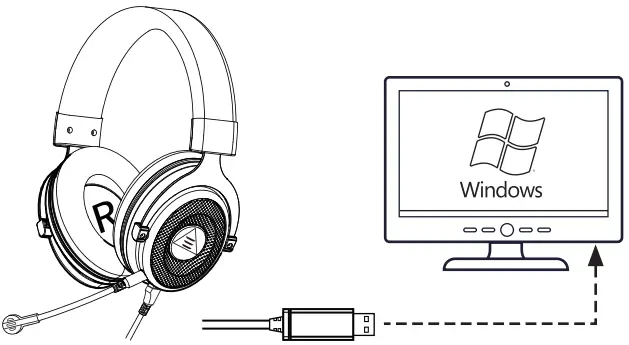
For Windows PC/Laptop
Step 1:
1. Insert the USB headset plug into the USB port on the Laptop.
2. Open your “Sound” settings from “Control Panel” and select “Hardware and Sound” and then select “Sound”. (You can also right-click your sound icon on the system tray and select Playback devices).
Step 2:
In the Playback tab, select “USB Audio Devices” from the list and click “Set as Default Device”.
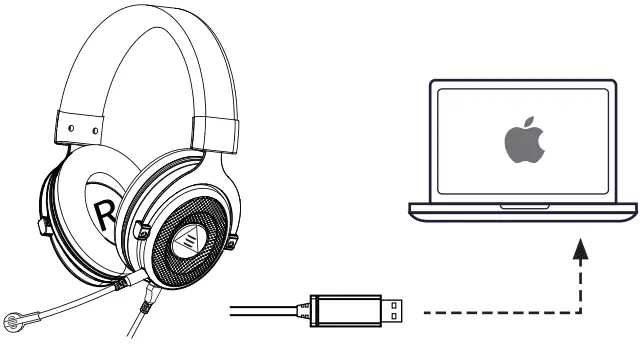
For Mac
- Insert the USB connector into the USB port on the Mac.
- In “System Preferences”, click on the“Sound” icon.
- Click on the Input tab and select the“USB Audio Device” for default sound input.
- Click on the Output tab and select the“USB Audio Device” for default sound output.
Troubleshooting
| Issue | Solution |
| If there is something wrong with the headset. | 1. Adjust the headphone volume at the volume control on the headset. 2. Make sure the headset is not in the mic-mute state. 3. Check the USB connection to the computer, and try a different USB port on the computer 4. Check the volume and microphone settings in the system and running software. 5. Restart your system or software. |
| When the microphone of the headset cannot be used. | 1. You need to disable the computer’s onboard mic by accessing your sound devices in the hardware section of the control panel. And choose the mic of the headset. 2. Check whether the mute switch on the microphone is open or not. |
Matters Needing Attention
1. This headset can only be used on game devices with a USB interface.
 2. Please make sure the microphone is not muted before use.
 3. Press the 7.1 surround sound button, the color will change to purple. Then you can enjoy the 7.1 surround sound.
After-Sales Service
Thank you for choosing EKSA, we hope you enjoy our
products! If there is any questions or suggestions about our
products, please feel free to contact us at [email protected],
or you can contact us via
HongKong Customer Center: +852 6940 4955
(Mon. to Fri. 9:00 a.m- 6:30 p.m, UTC+8 HKT)
India Customer Center: +91 8929 369 620
India E-mail: [email protected]
(Mon. to Sat. 9:30 a.m-6:00 p.m, IST)