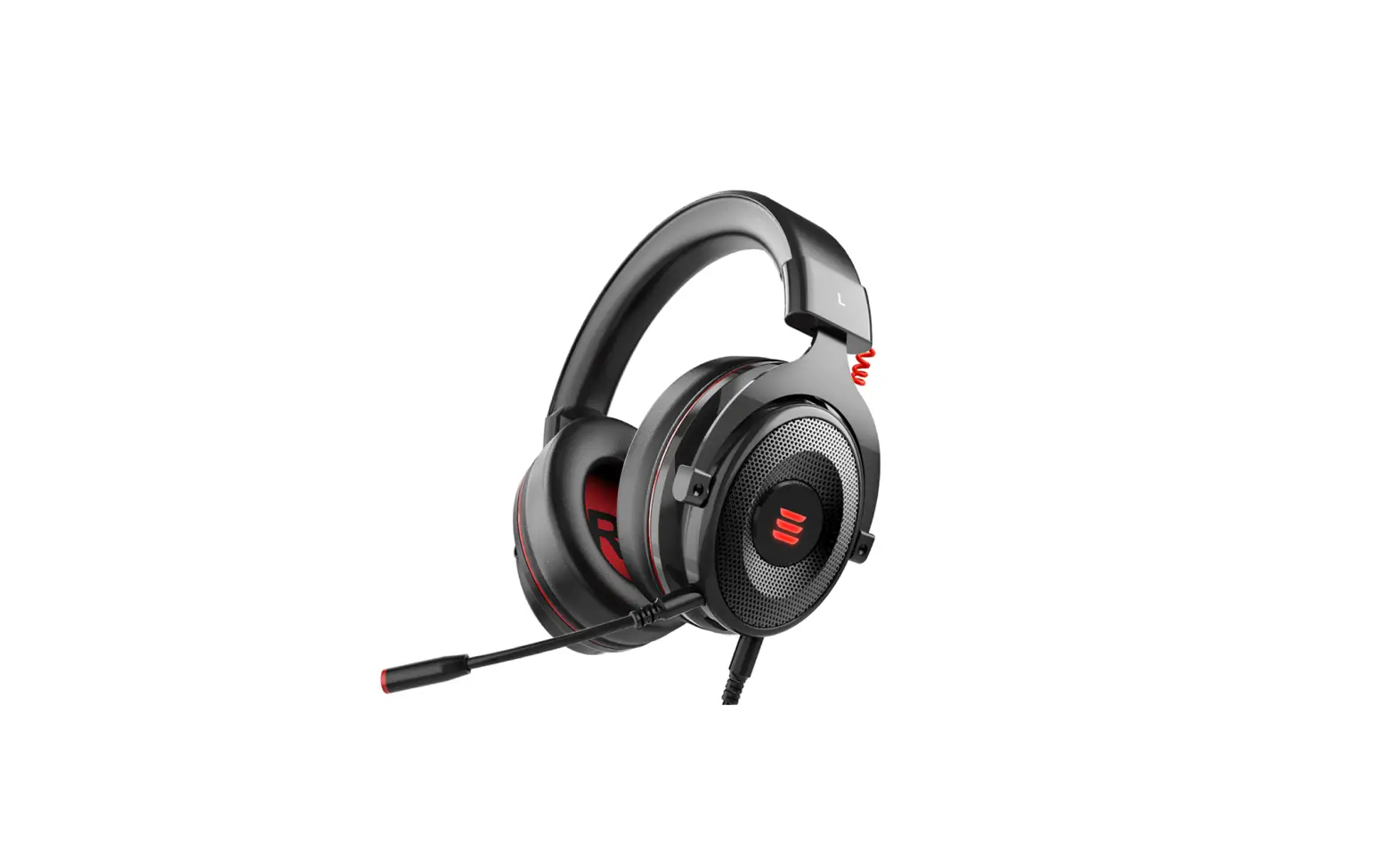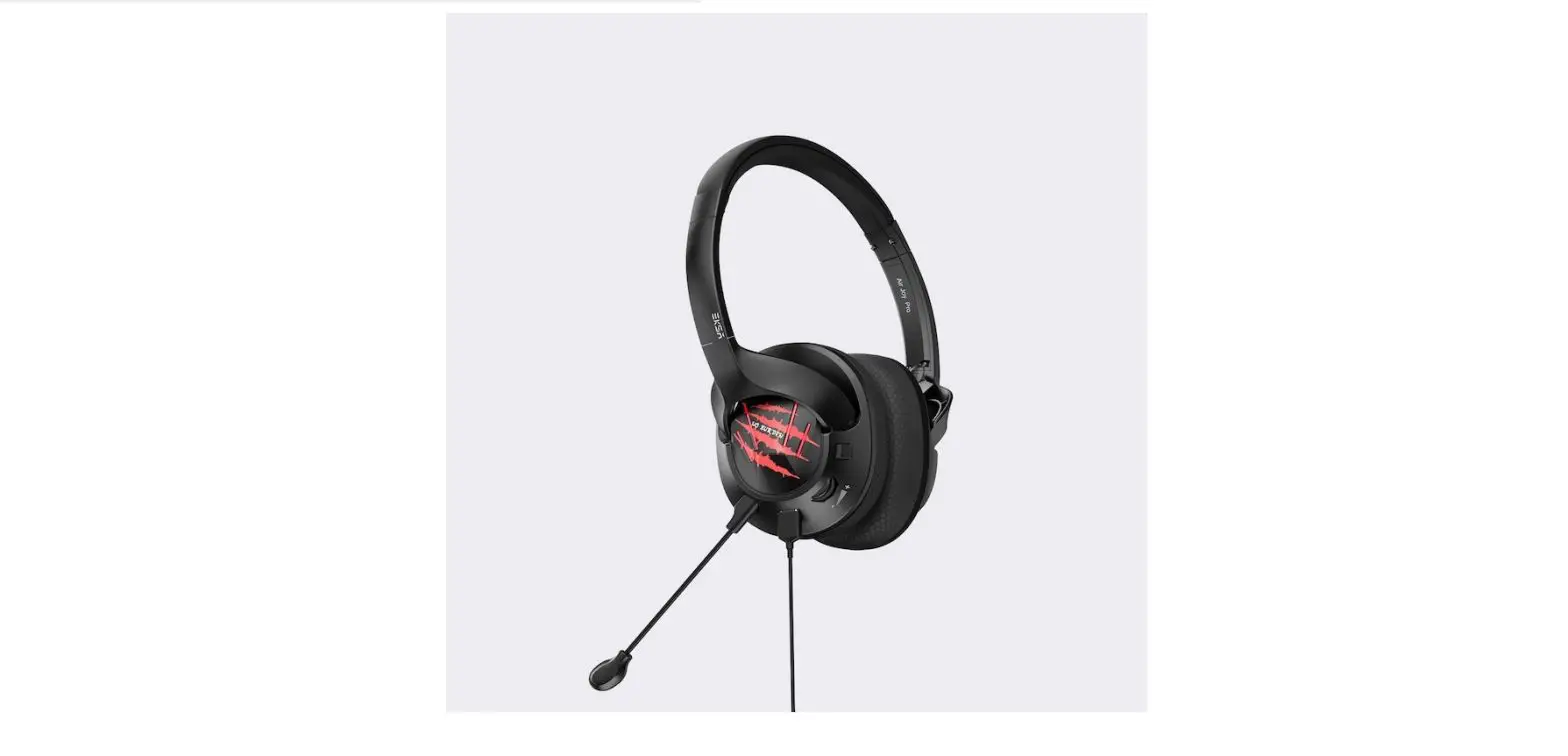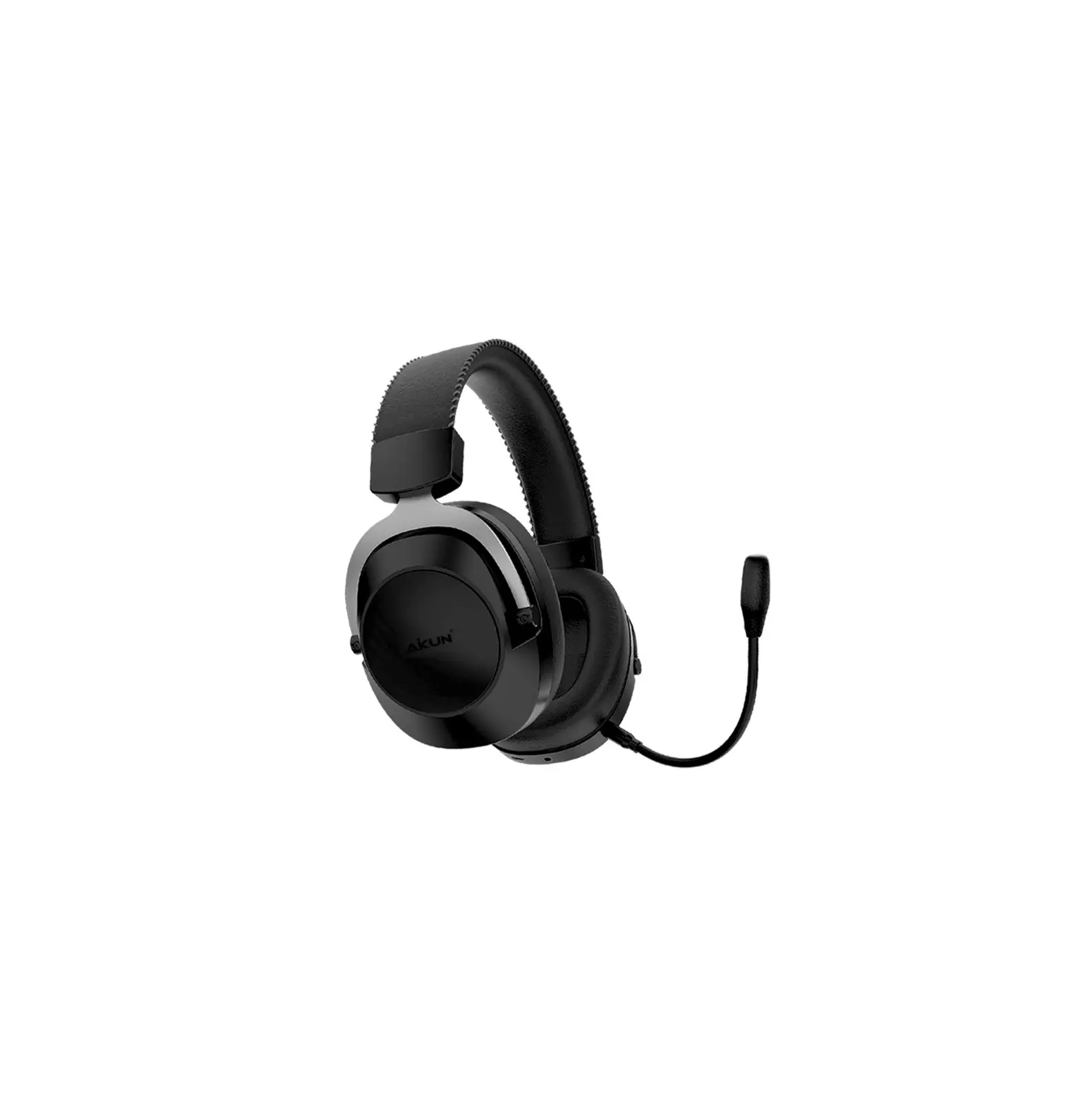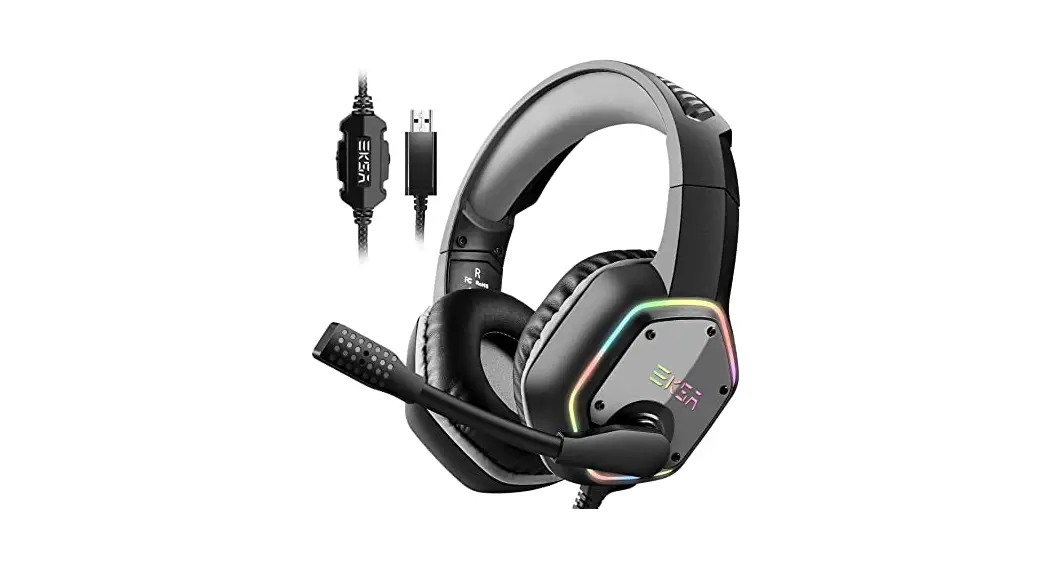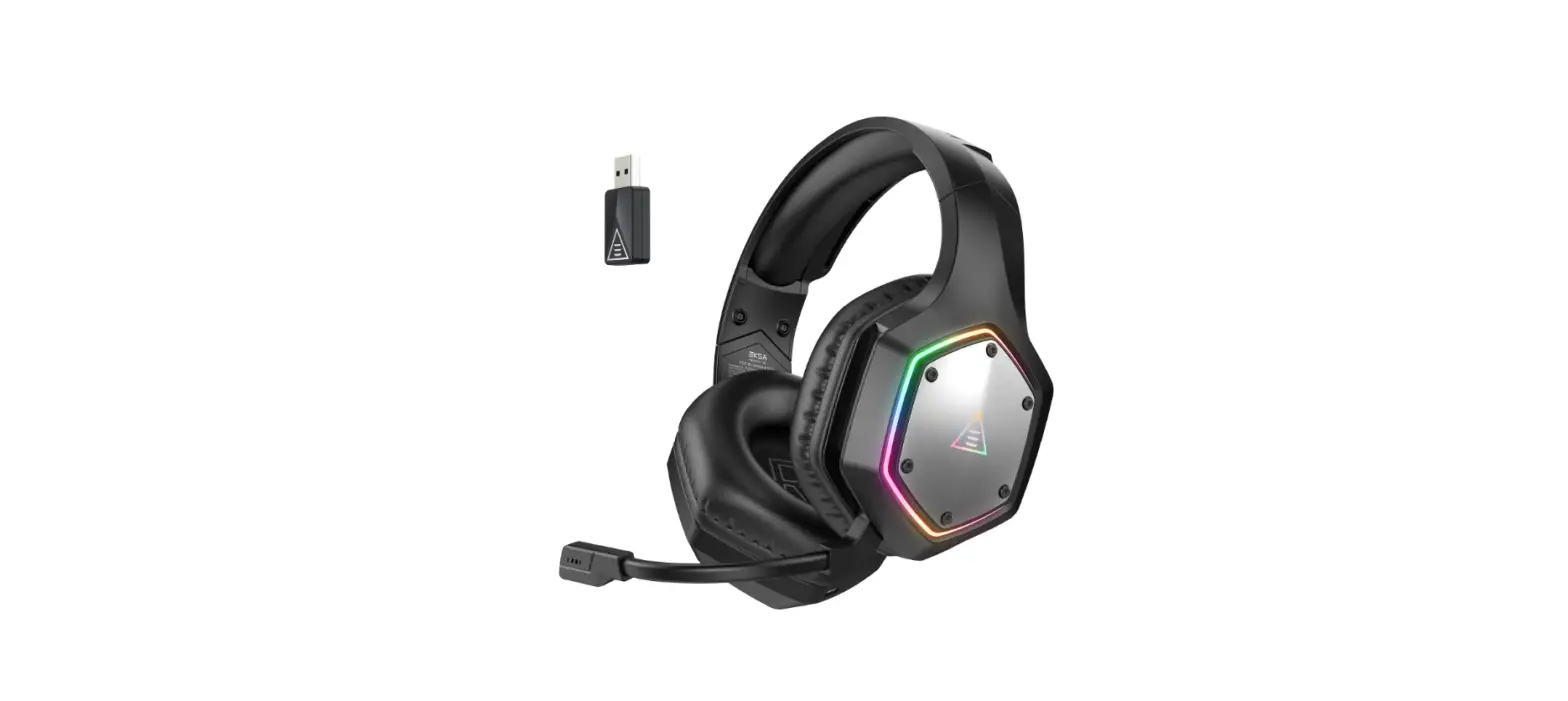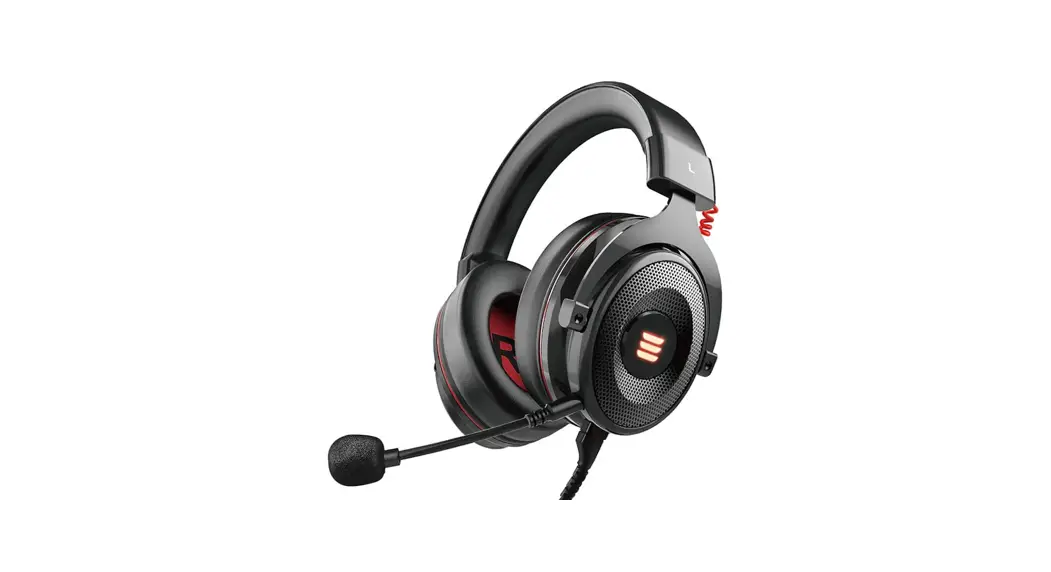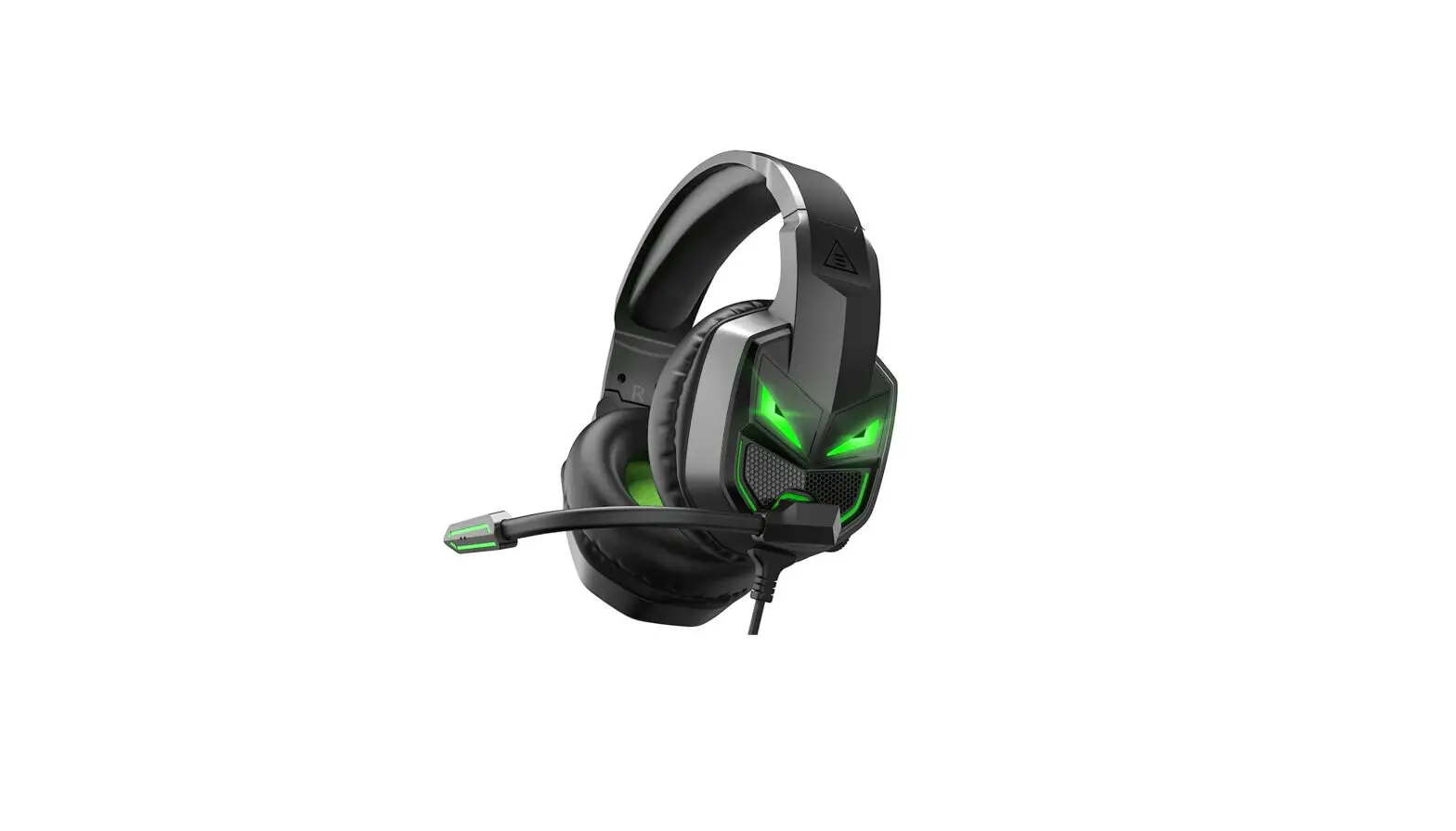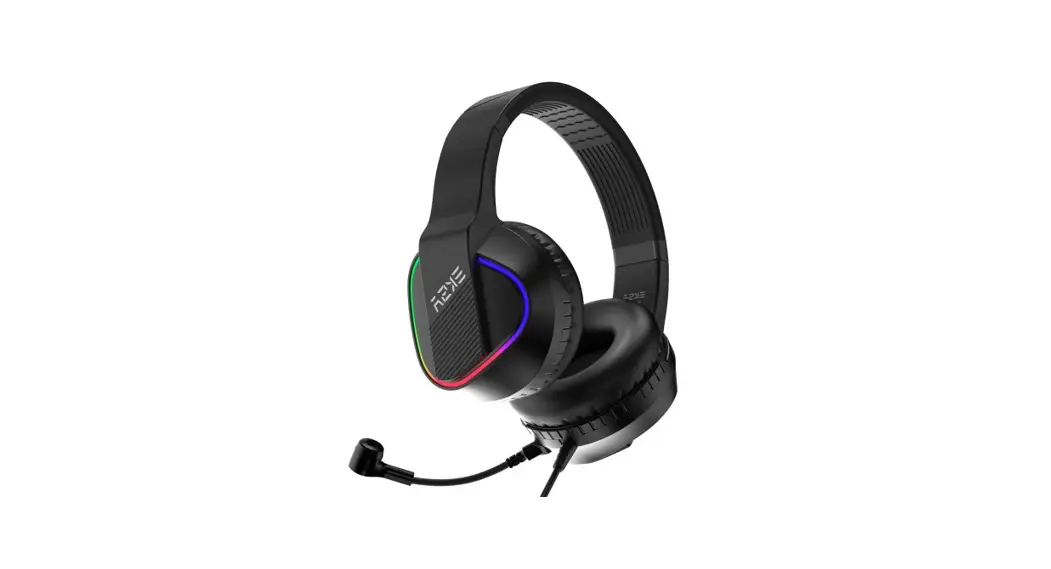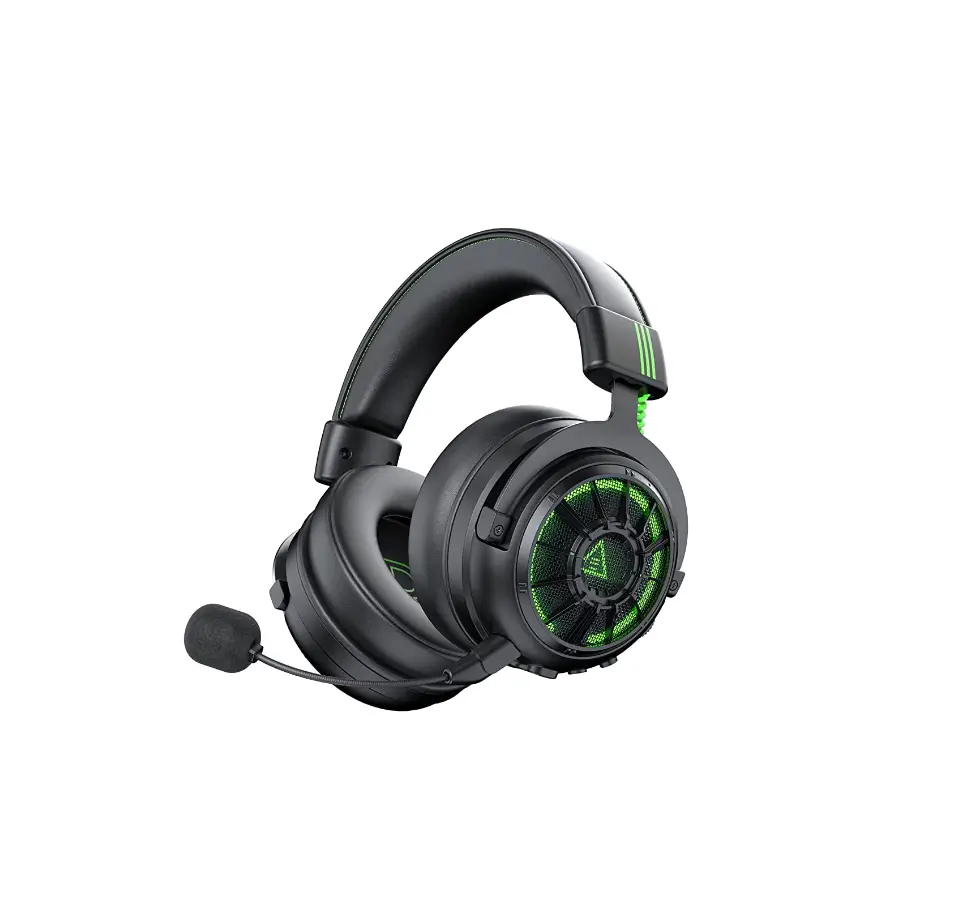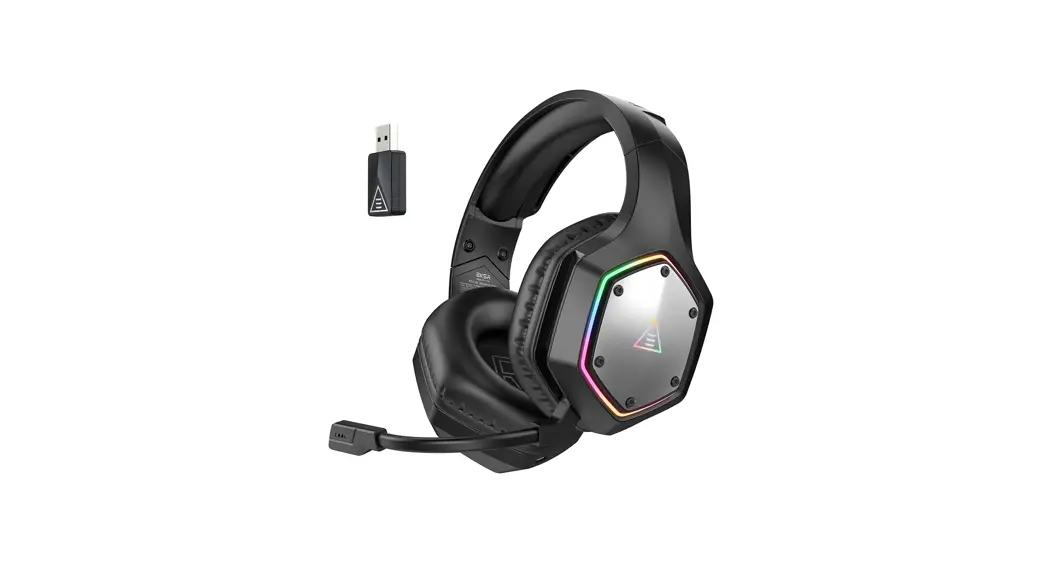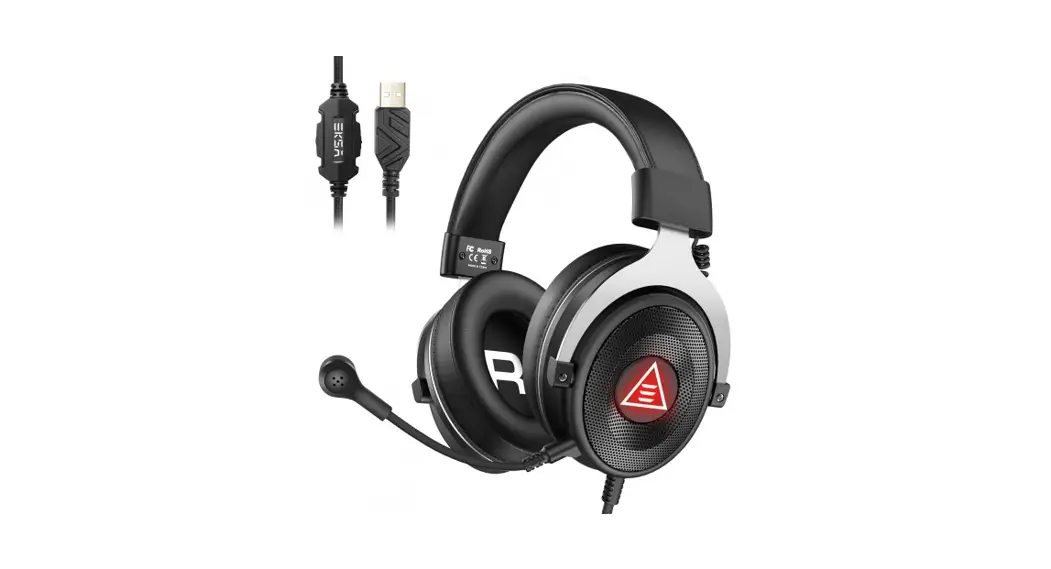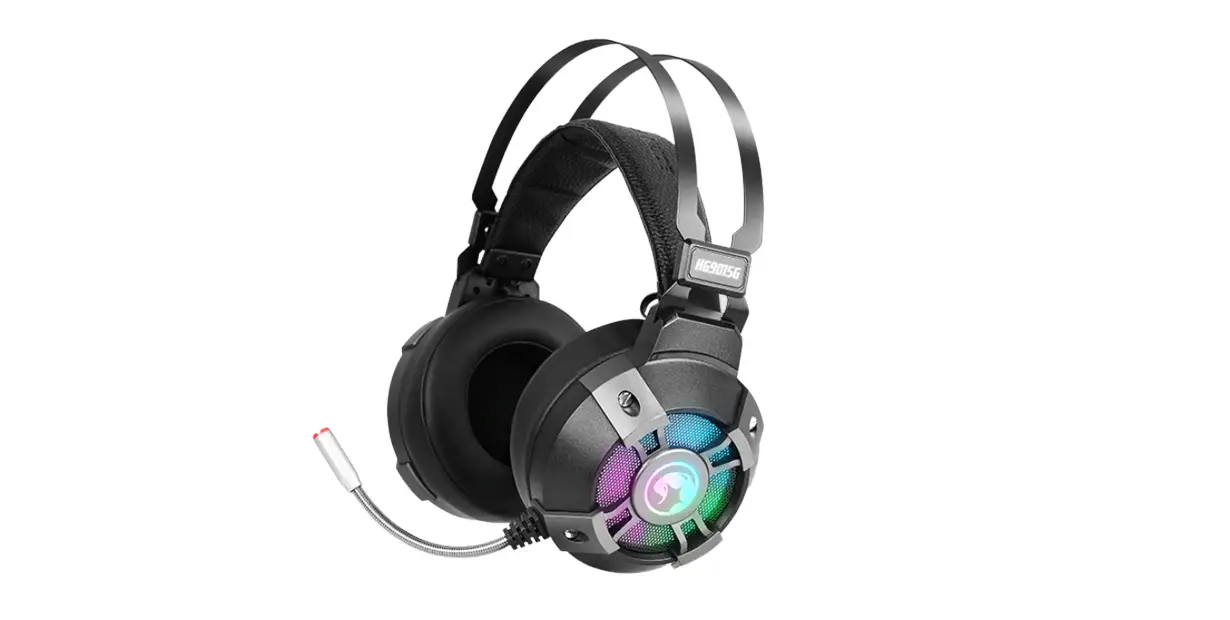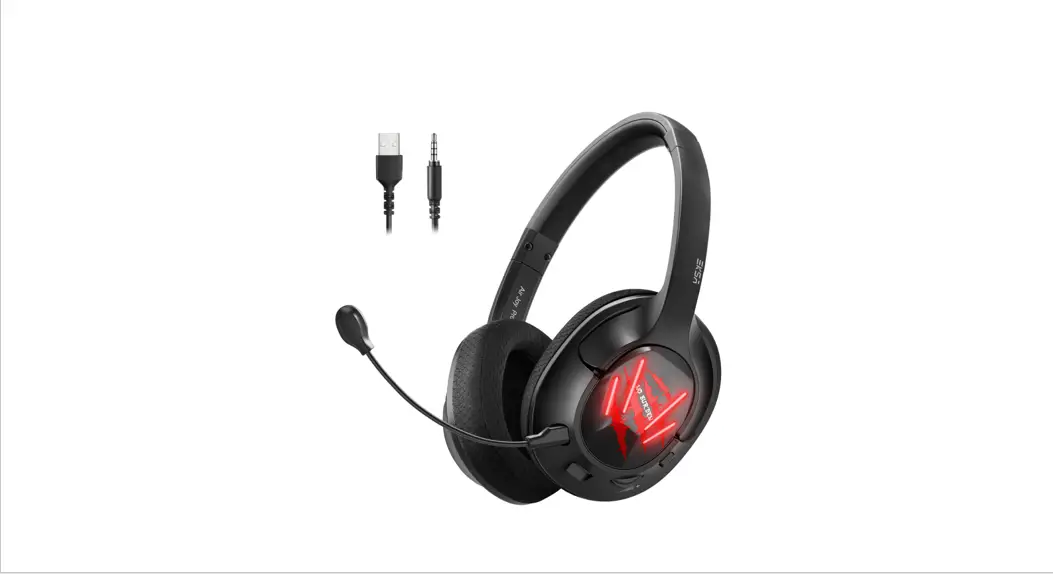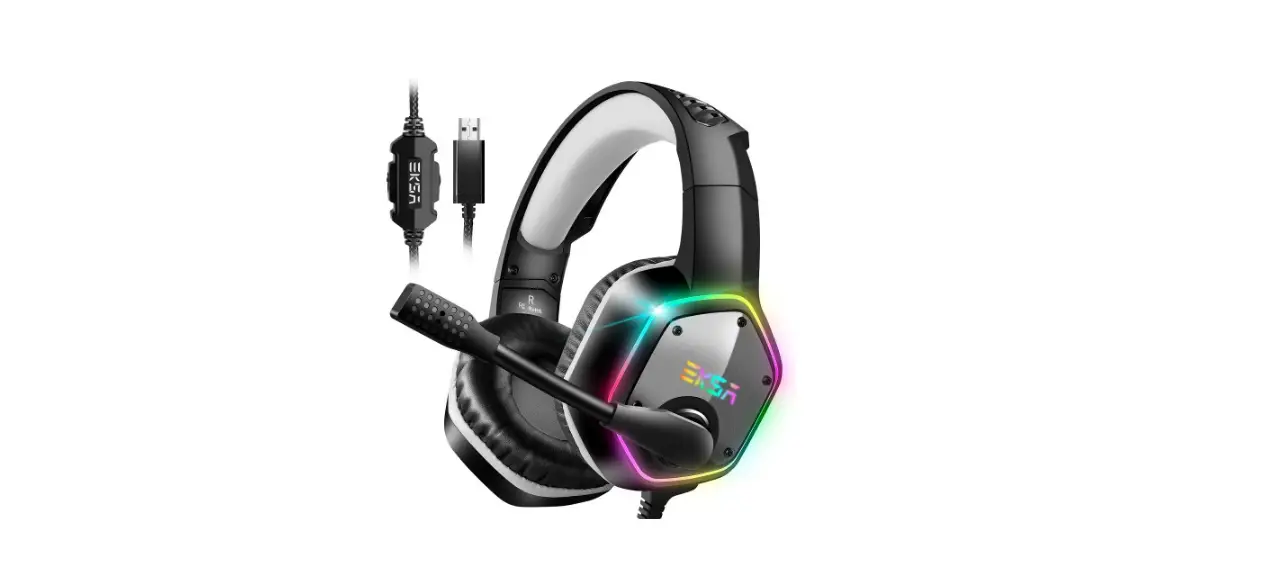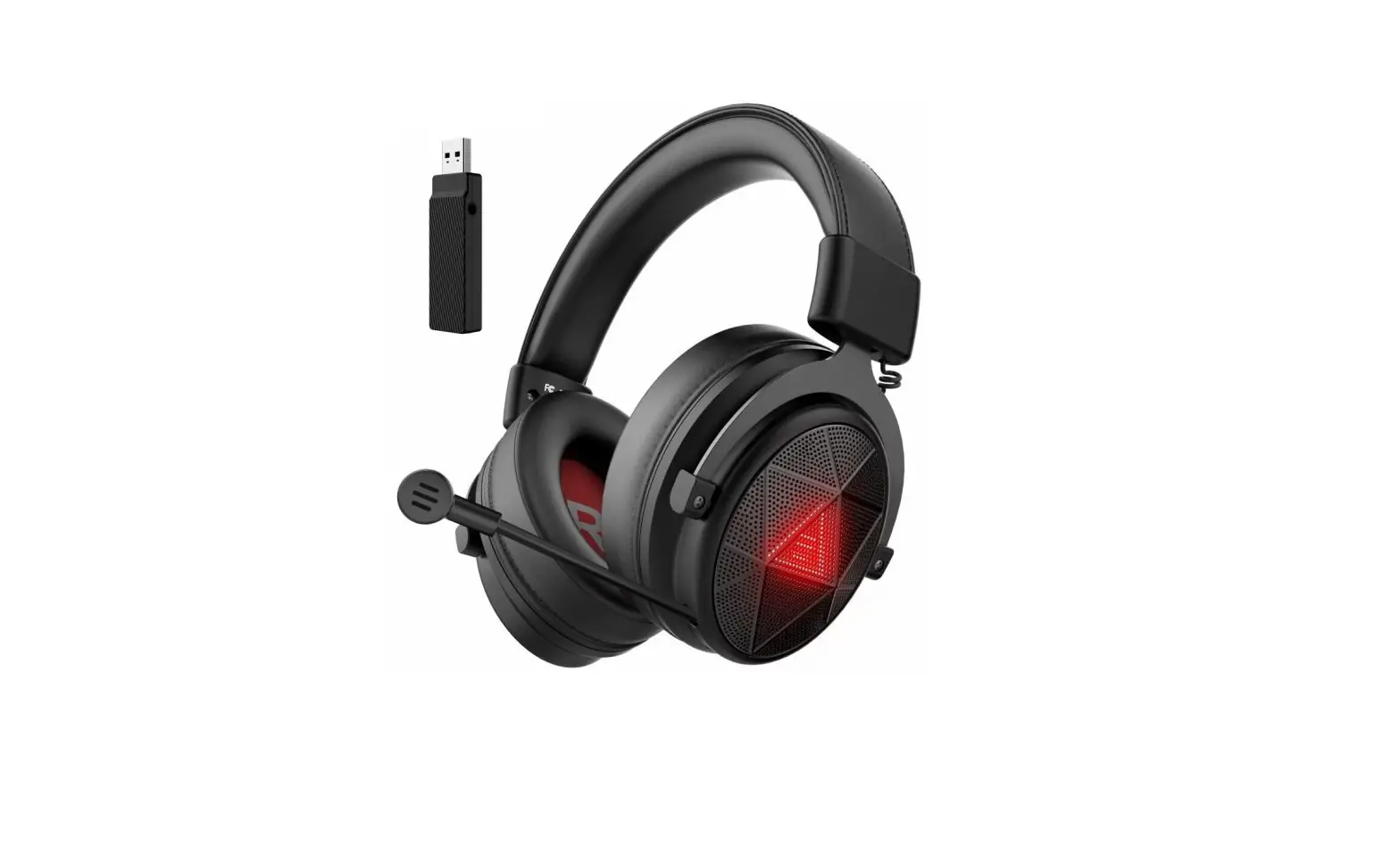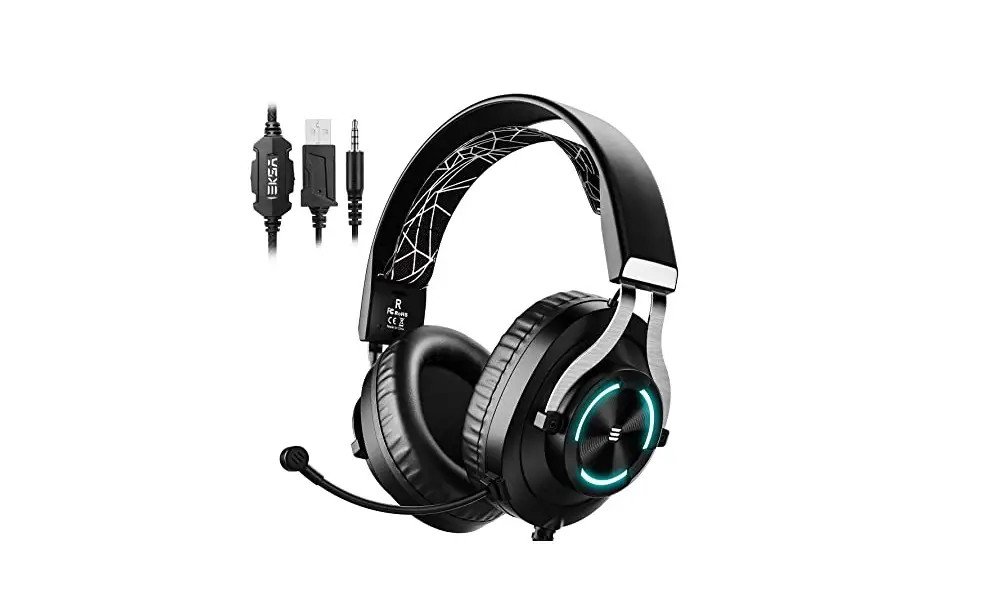

E900 Pro
Environmental Noise
Cancellation Surround
Sound
User Manual Guide
At a Glance
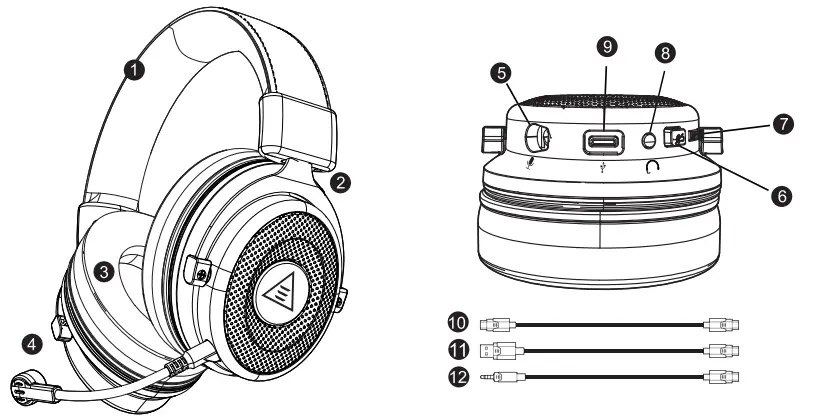
- Leatherette headband
- Adjust table steel arm for headband
- Protein memory foam earmuffs
- Detachable noise-canceling microphone
- Detachable microphone port
- Microphone mute switch (Factory default mute state)
- Volume control
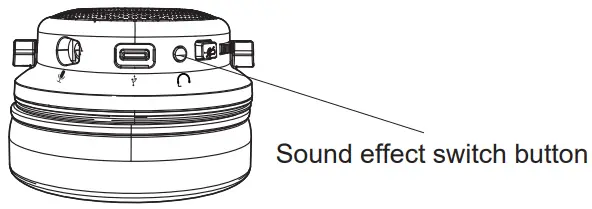
- Sound effect switch button
- Type-C audio cable port
- Type-C audio cable
- USB cable audio cable
- 3.5mm audio cable
- Used for one-to-two Timeline
Features
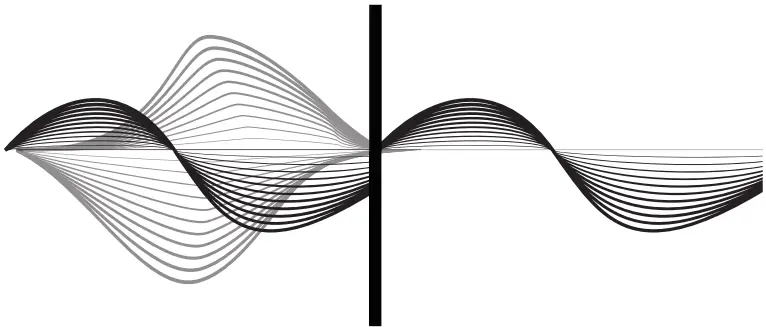
1. Environmental Noise Cancellation
Effectively suppresses 90% of the reverse environmental noise, thereby reducing the environmental noise by up to 35dB, allowing gamers to communicate more freely. Accurately calculating the direction of the caller’s speech, while protecting the target voice in the main direction, removes all kinds of interference noises in the environment.
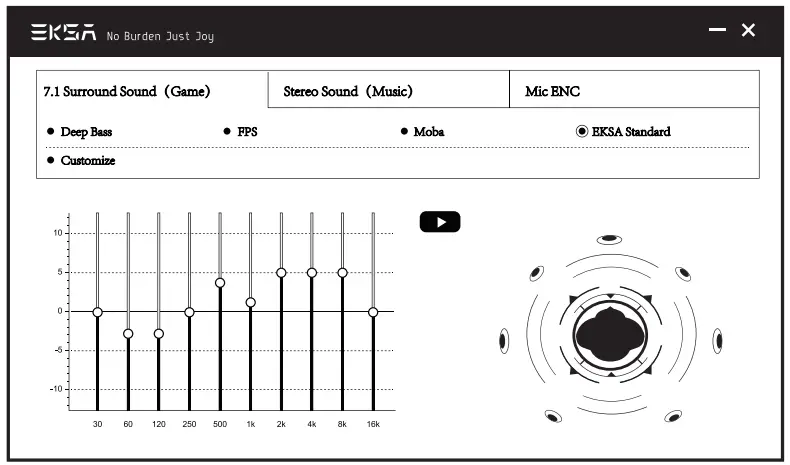
 2. Immersive 7.1 Surround Sound
The built-in powerful 50mm magnetic neodymium driver and 7.1 surround sound chip provide an immersive gaming experience. Insert the USB cable in default 7.1 mode, you can download the driver from our Official website (https://www.eksa.net/download) to adjust the 7.1 sound effect.
Note: EKSA Surround Sound 7.1 Driver only supports windows system.
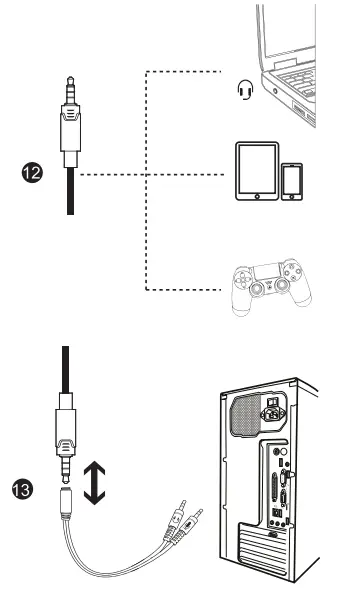
3. Multi-Platform compatible Configure separate cord with three different interfaces, compatible with PS4, PS5, PC, Xbox One, Laptop, Nintendo Switch, Mac, Smartphone, Ipad.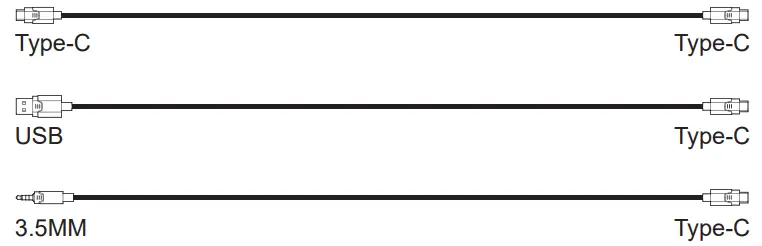 4. One key switch two modes The button is on the ear shell, you can one key switch gaming 7.1 surround sound&stereo music modes, easy to operate. (When switching the sound effect mode, the headset will give voice prompts)
USB Sound Setting
To ensure that EKSA E900 Pro is the default audio device, you must follow these: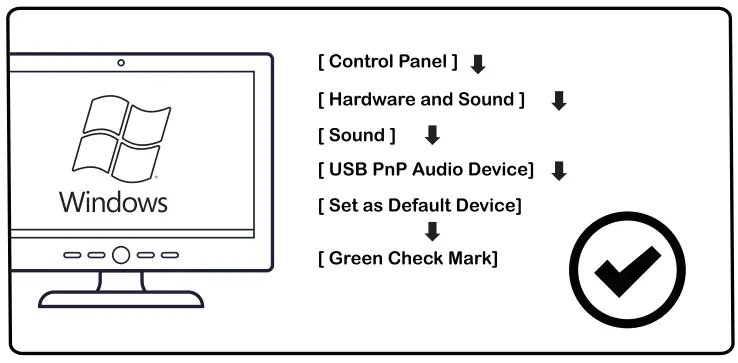
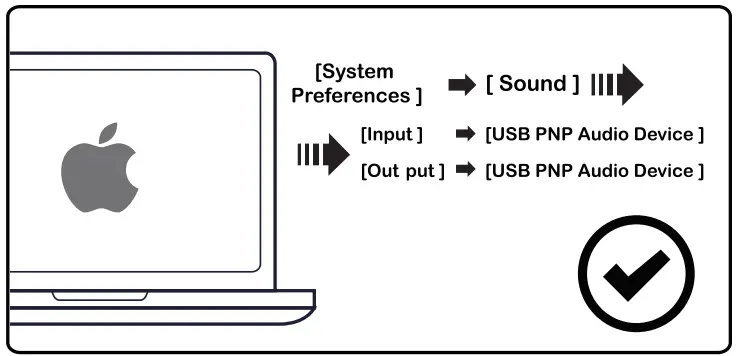
Usage (PlayStation®4)
For optimal use with PlayStation®4 (PS4®), unplug the headset jack from the USB control box and connect the audio jack on the headset directly to the PS4 game controller and follow these.
Steps for USB: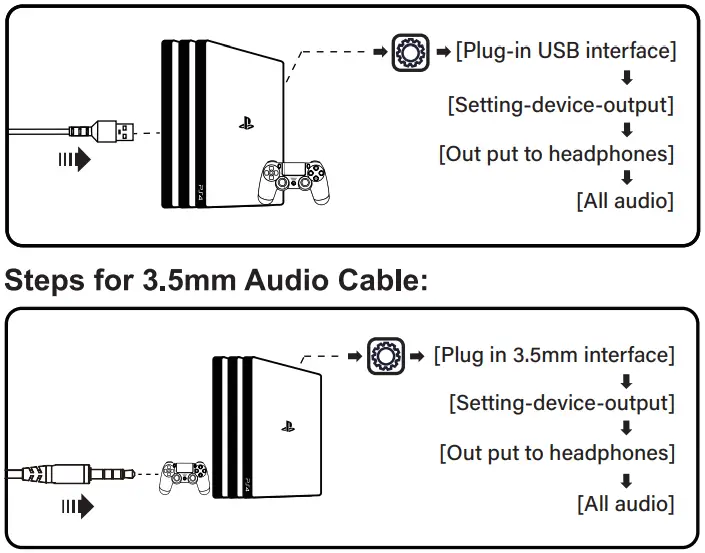
Usage (Xbox°one SIX)
To use the EKSA headset with Xbox®One SIX, you will need the Xbox One S/X adapter (Not Included) that plugs into the Xbox®One S/X controller. Then connect directly to the Xbox One S/X controller.
| Information for Xbox One SIX User | |
| The controller has a headset port Headset Adapter Not Required | The controller has no headset port Microsoft Stereo Headset Adapter Required |
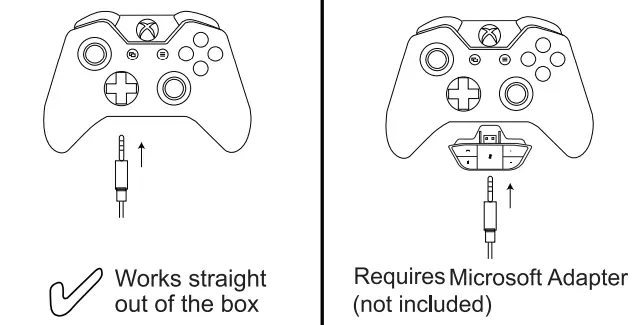 | |
Q&A
Q1: Why can’t I hear any sound after connecting it with my equipment?
Al: (Phone) ) Pull out the 5mm interface and reinsert it; Wipe off the dirt and reinsert the 5mm interface; Connect the headset to the phone to test if it is good.
A2: (Mac book ) Setting menu Volume Output Headset (Windows) ) Menu Bar (volume icon )Play option High Definition Audio
A3: Please check if the headset is plugged into the computer jack correctly.
Q2: Why can’t I use the Microphone?
Al: You need to disable the computer’s onboard mic by • accessing your sound devices in the hardware section of the control panel. And choose the mic of the headset
A2: Check whether the mute switch on the microphone is on or off.
Q3: How to solve the problem that the other side can’t hear my voice?
Al: Confirm whether the one-button mute on the headset is pressed. The press is on and the microphone is on mute. Please press it again gently to make it off.
A2: Confirm whether the device you connect needs to set the audio output. Please refer to page 5 for specific setting methods.
A3: Please confirm whether your device is equipped with the headset. This product isn’t compatible with Xbox 360. The old version Xbox One controller needs an extra Microsoft adapter (not Included).
A4: If these have been confirmed and the headset is compatible with the device. And the headset microphone still doesn’t work, please contact us. ([email protected])
Product Parameters
Headset:
Interface Type: Type-C
Driver Diameter: 050mm
Sensitivity: 118dB±3dB
Speaker Impedance: 32Ω
Frequency Range: 20Hz-20KHz
Environmental Microphone:
Sensitivity: -38±3dB
Size: w6.0*2.7MM
Microphone Impedance: 2.2KΩ
Supply Voltage: 3V
Current Consumption: Max 0.5 mA
Call Microphone:
Sensitivity: -36±3dB
Size: w6.0*2.7MM
Microphone Impedance: 2.2KΩ
Supply Voltage: 3V
Current Consumption: Max 0.5 mA
Package List
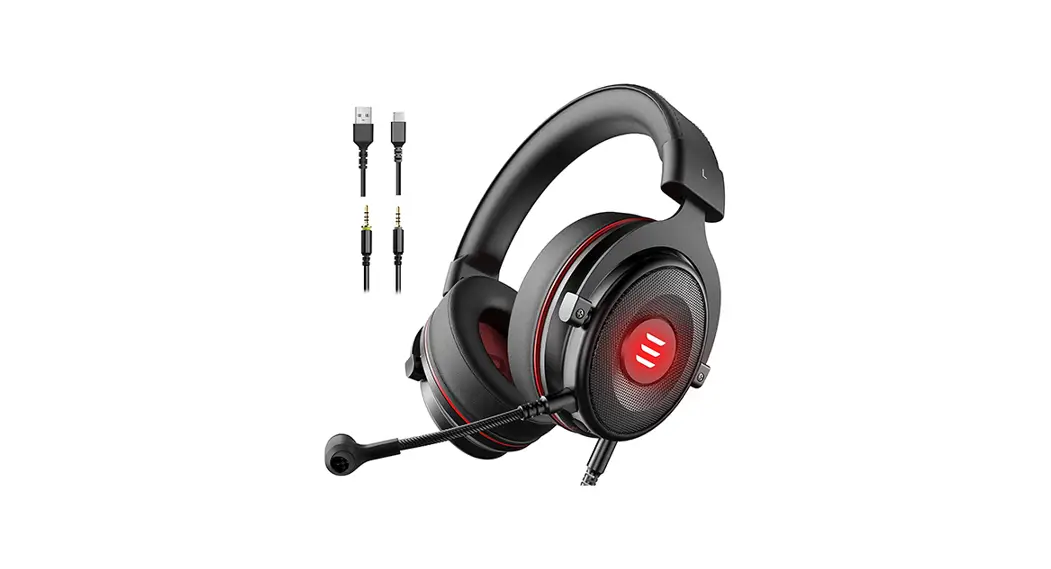
1 x EKSA E900 Pro Gaming Headset
1 x Detachable Microphone
1 x USB Cable
1 x 3.5mm Cable
1 x Type-C Cable
1 x 3.5mm Cable Splitter
1 x Operating Instruction
1 x Carry Pouch
Limited Warranty
EKSA offers a one-year limited warranty for this product. We will repair or replace any defective products free of charge. Feel free to contact us:
Global: +852 6940 4955(Mon to Fri 9:00 am-6:30 pm, urn +8 HKT)
 [email protected]
 www.eksa.net/warranty
India: +91 8929369620(Mon to Fri 9:30 am-5:30 pm, 1ST)[email protected]