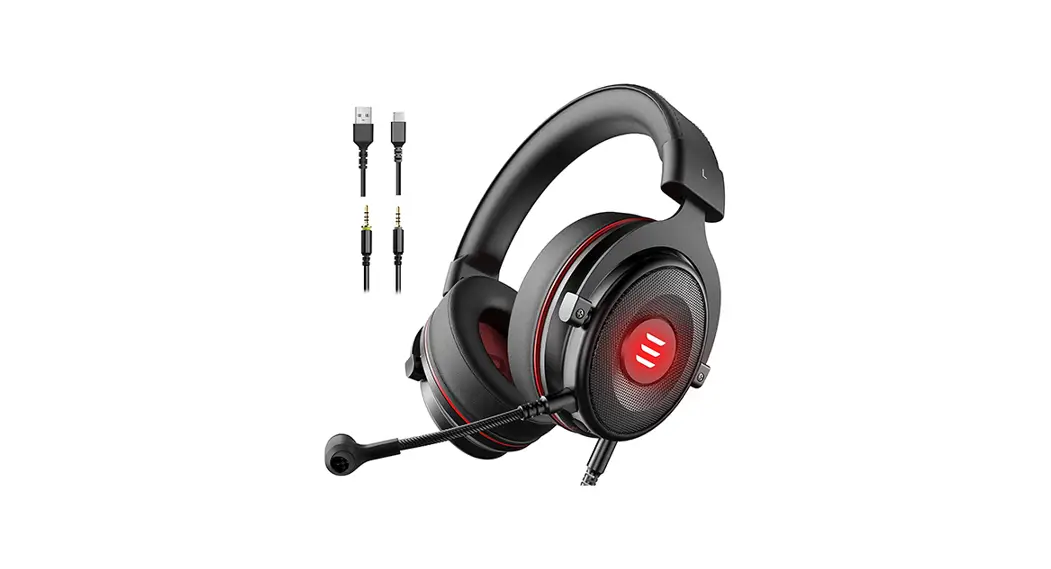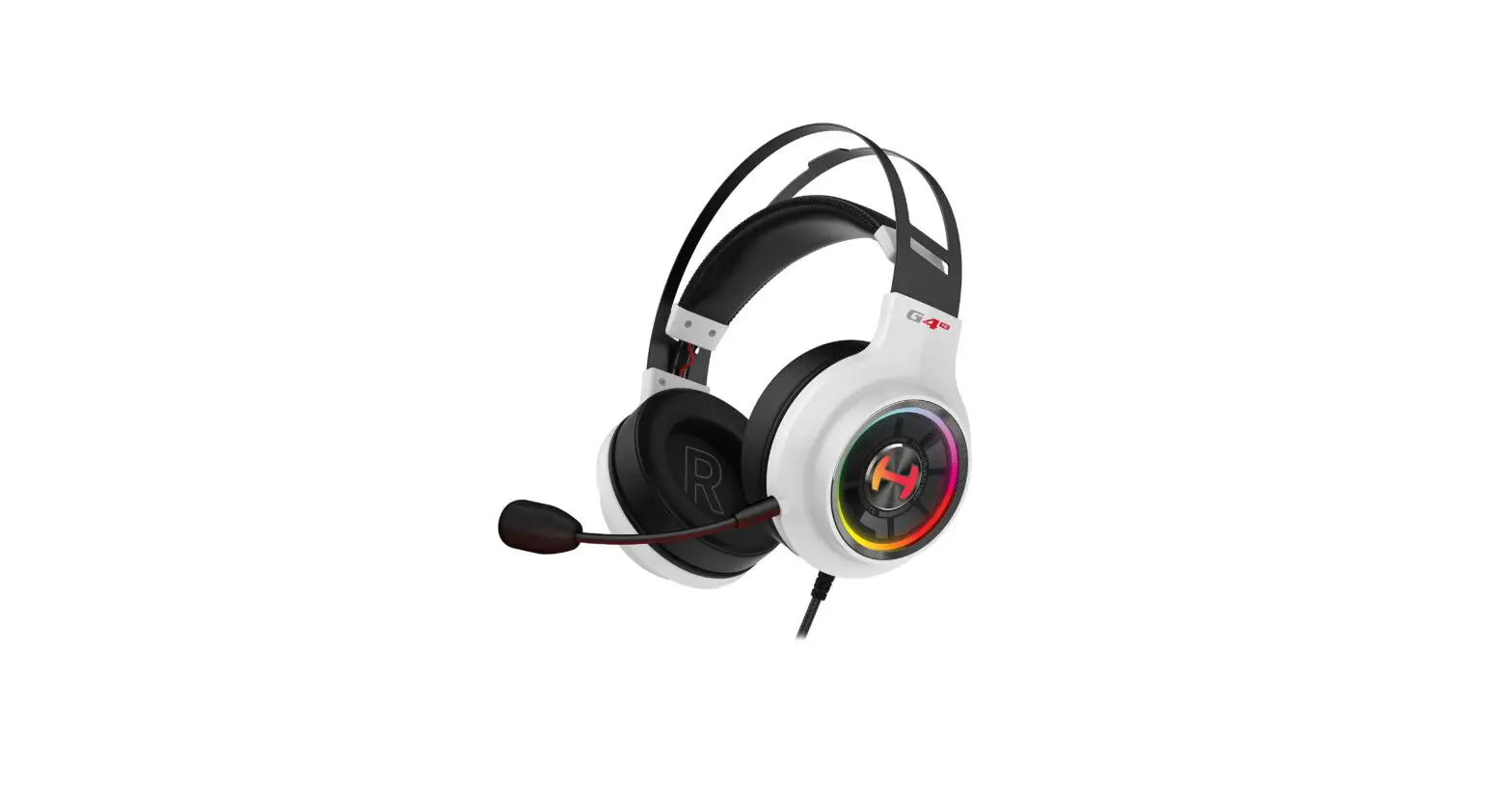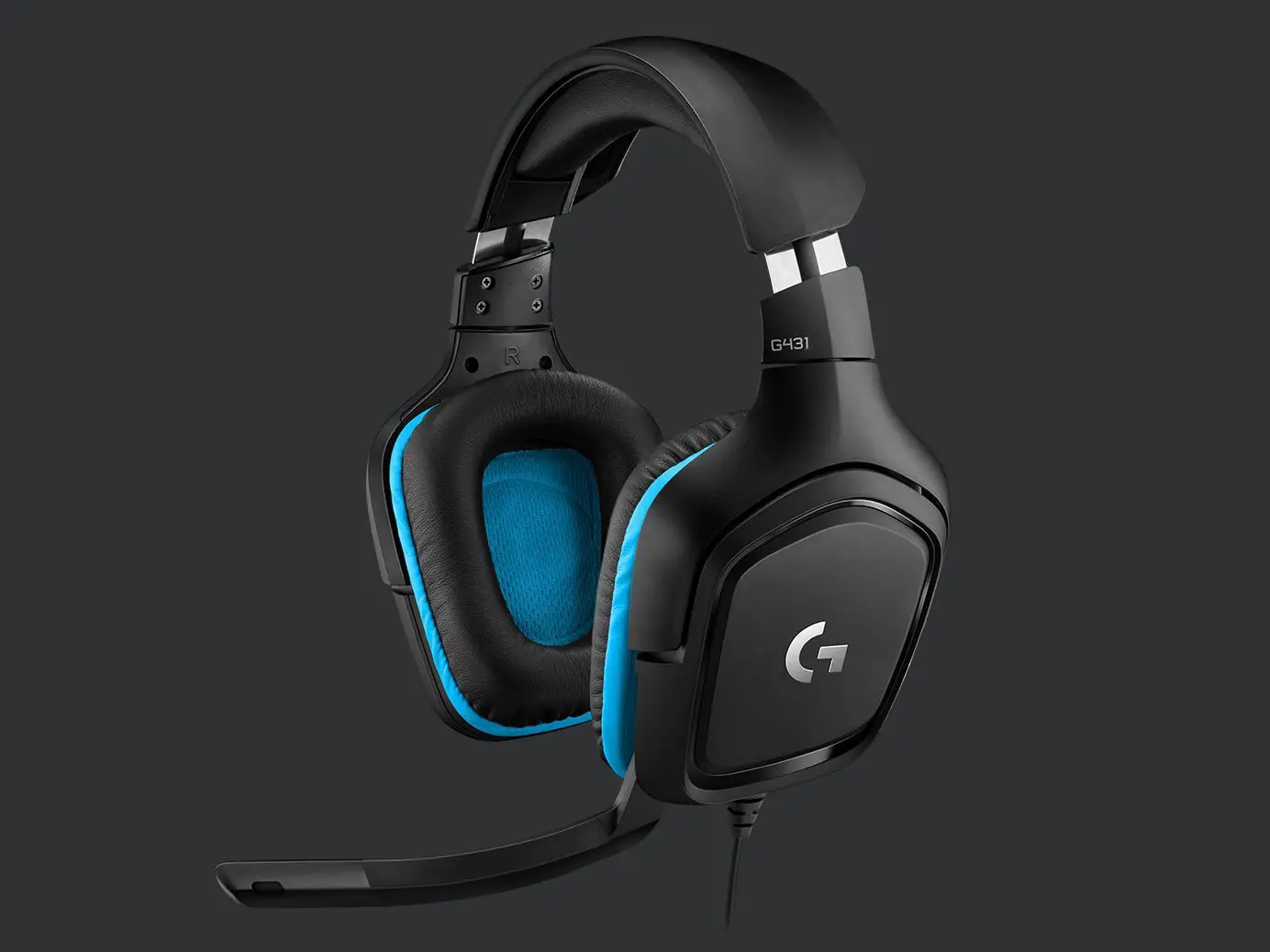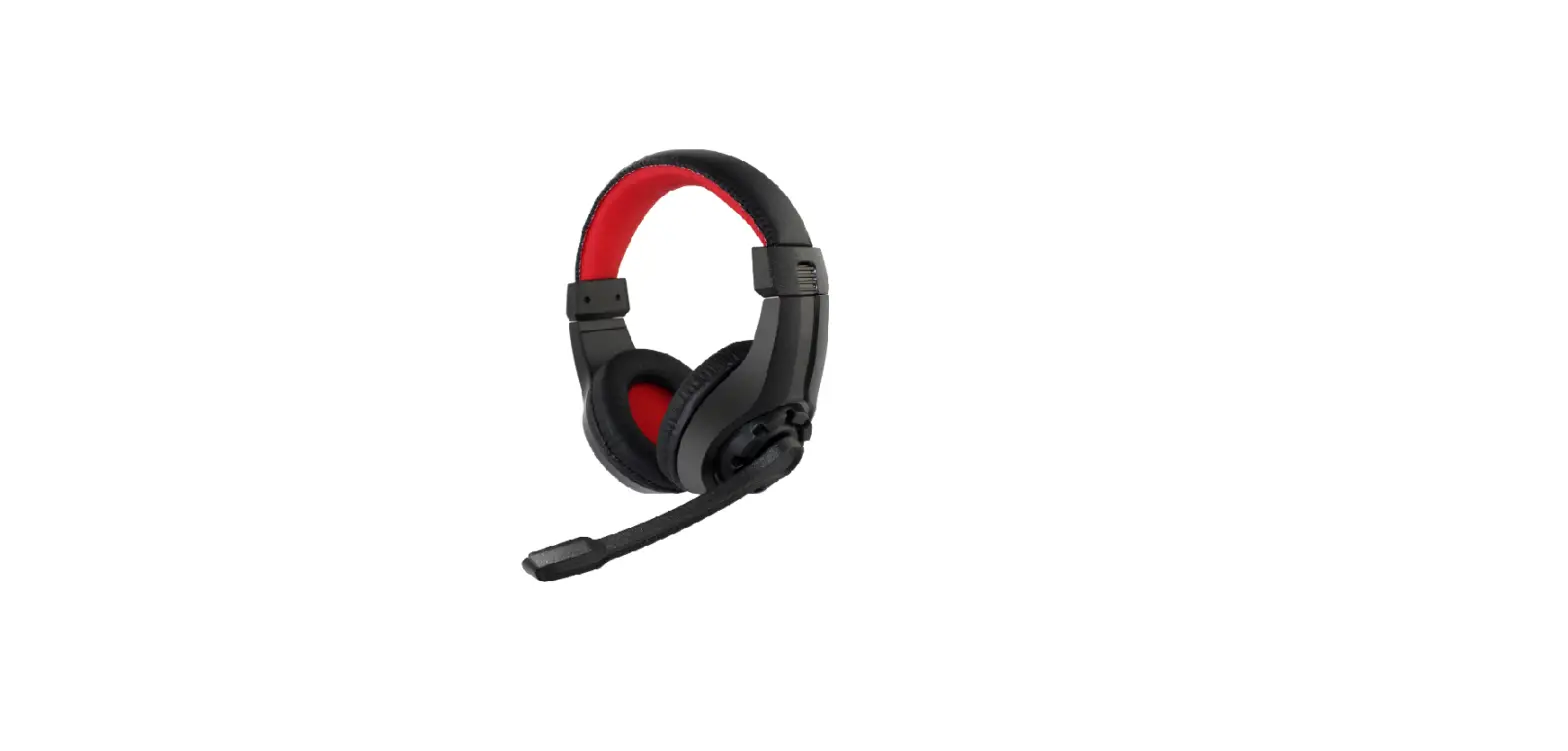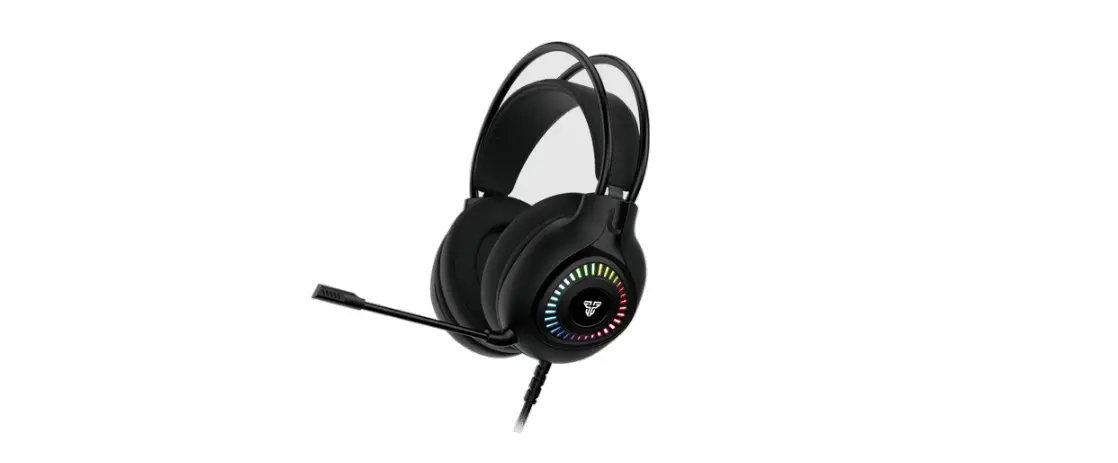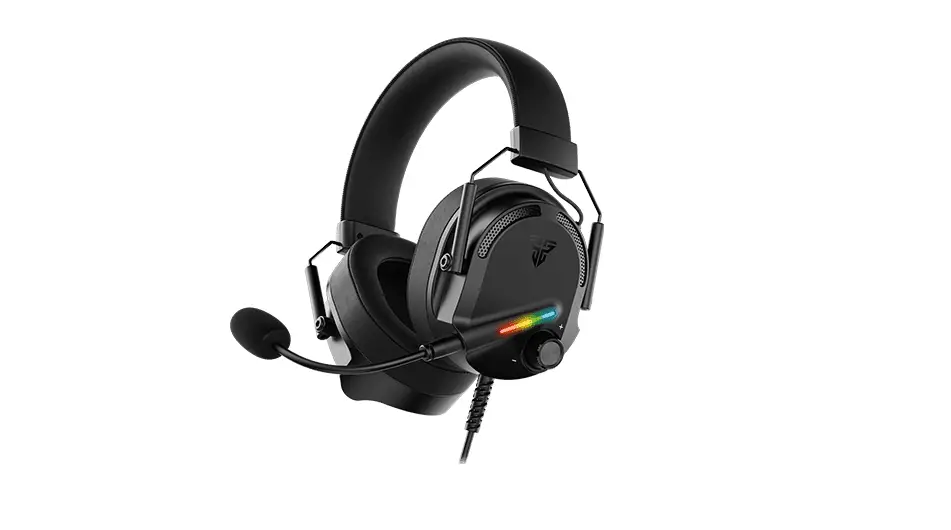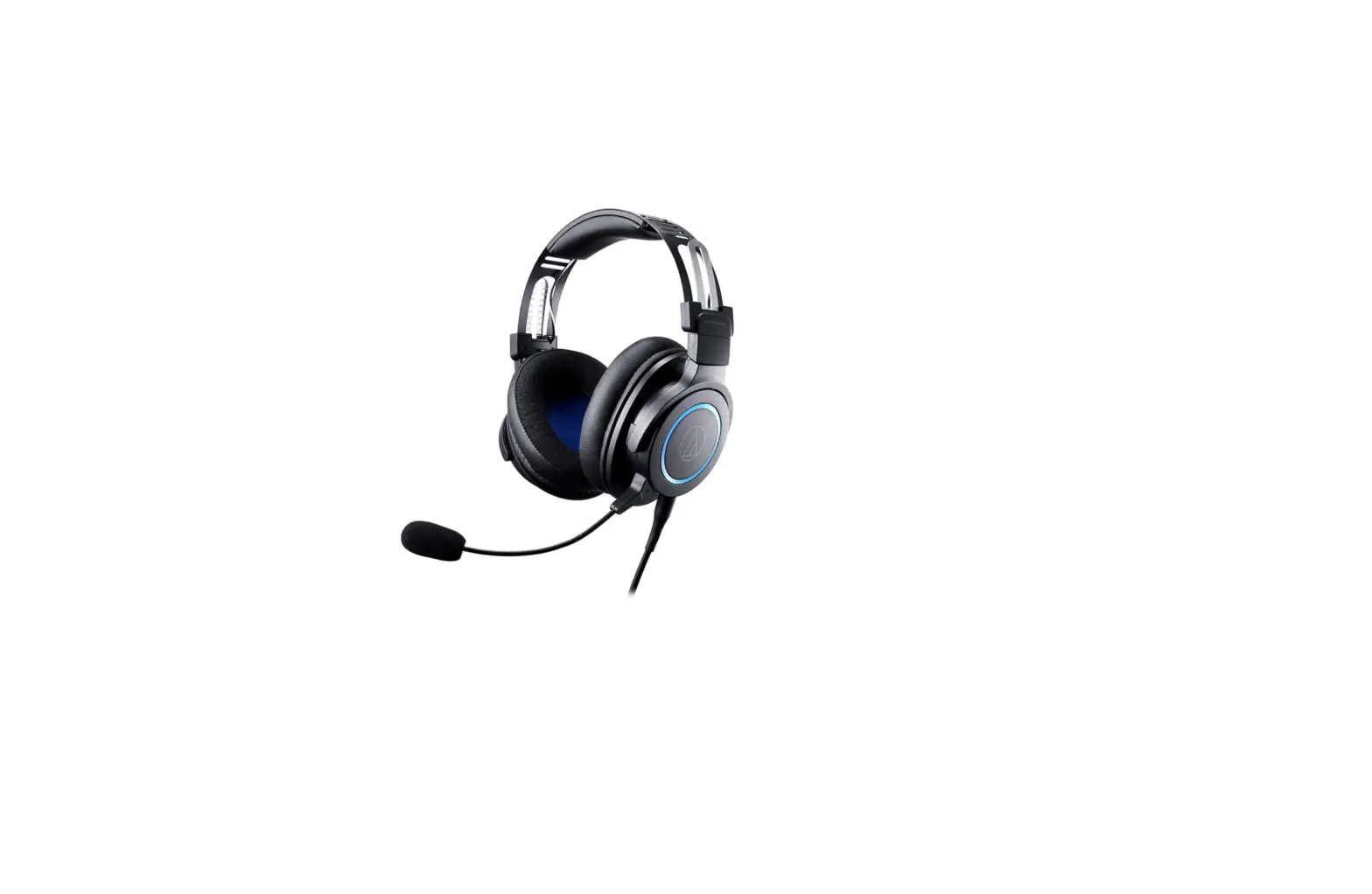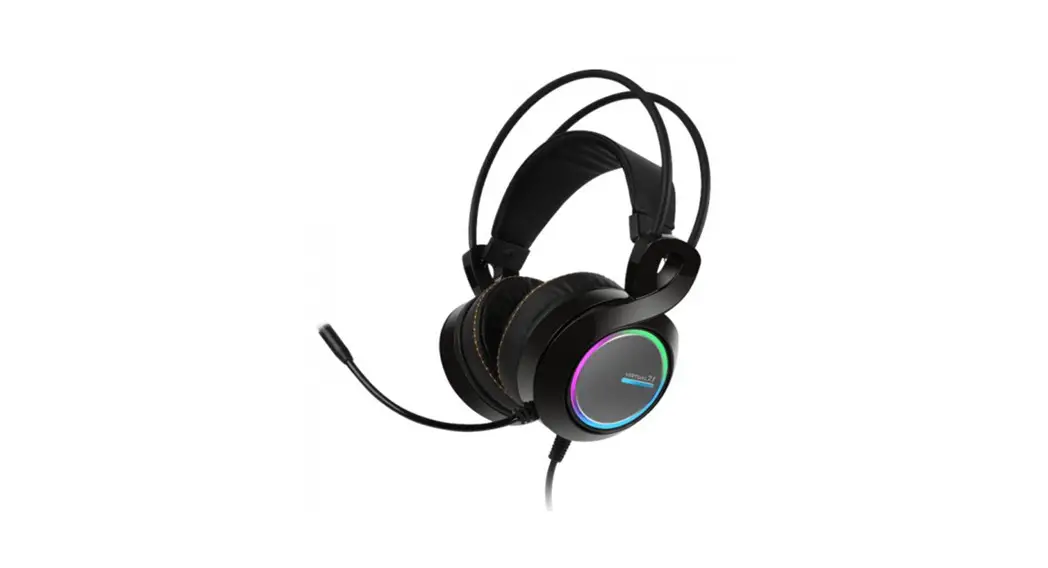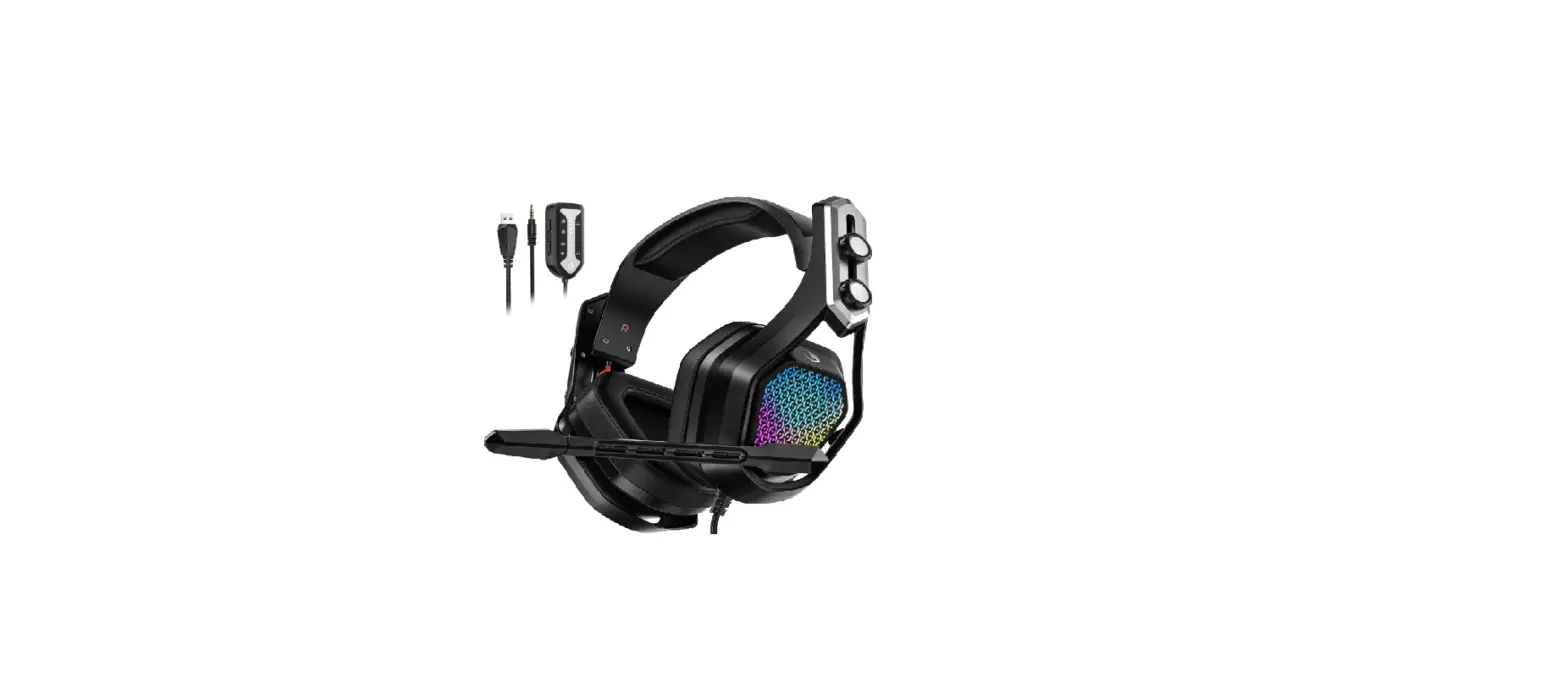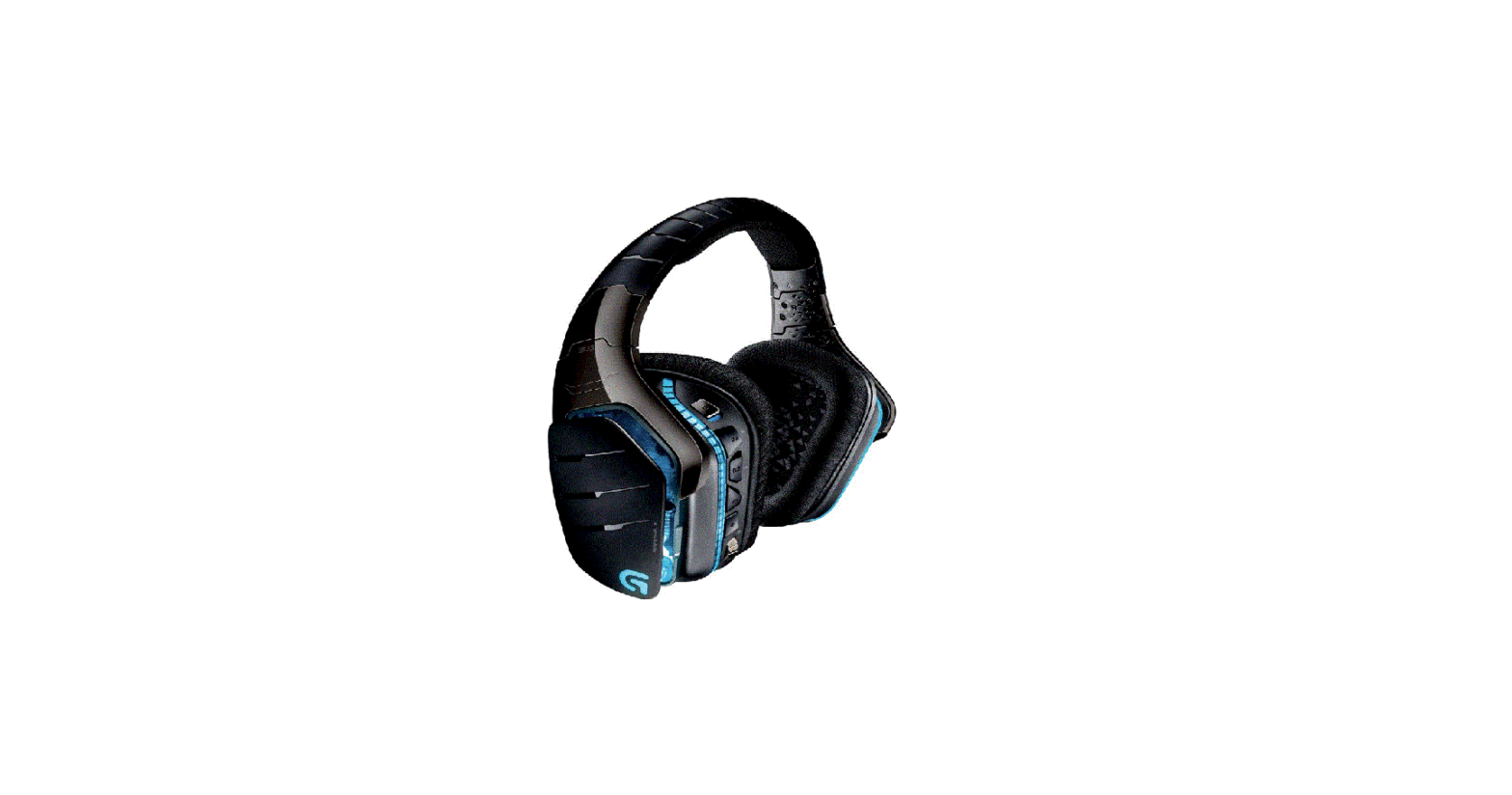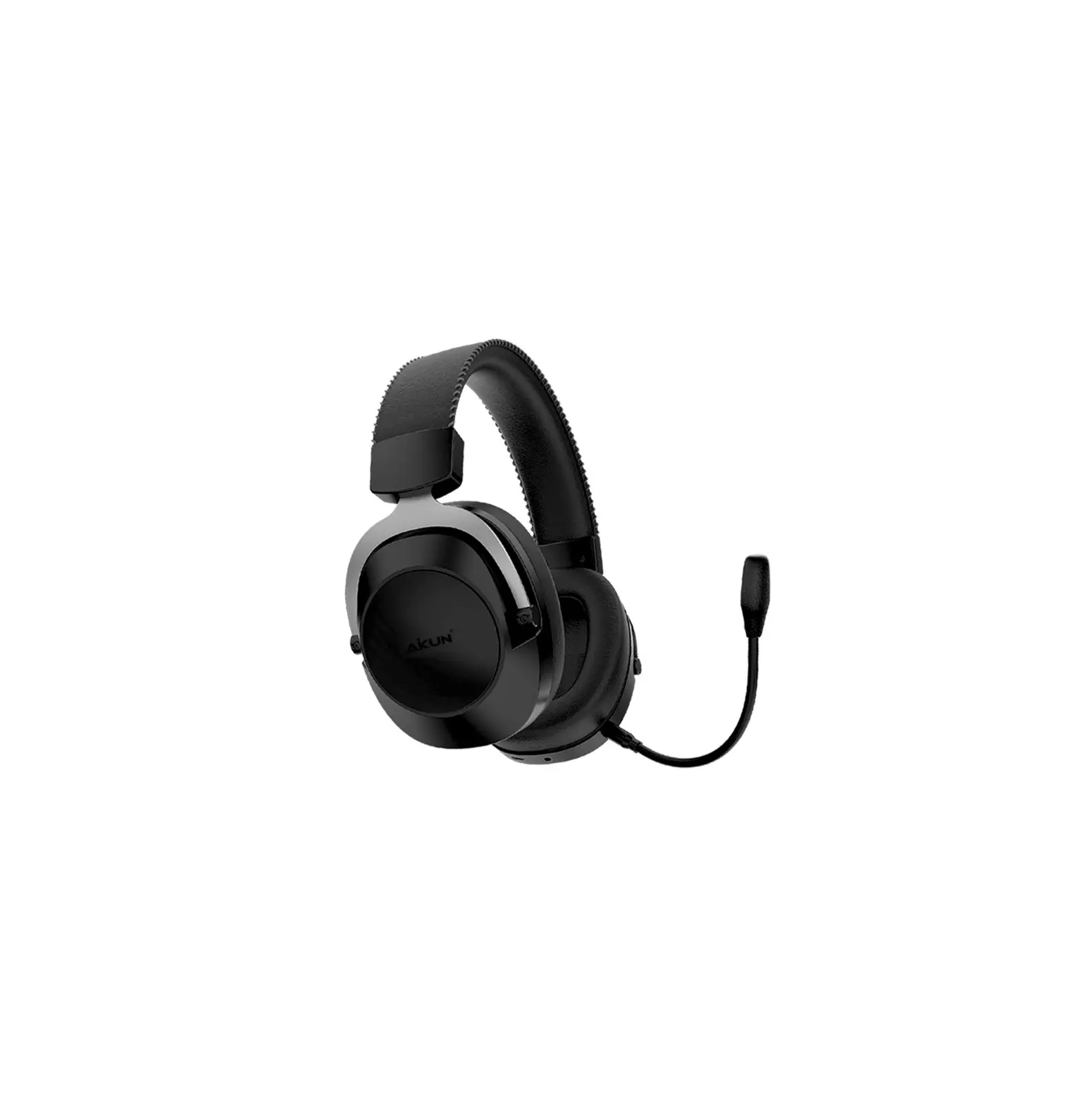
AiKUN GH200 Pro 7.1 Surround Sound Gaming Headset
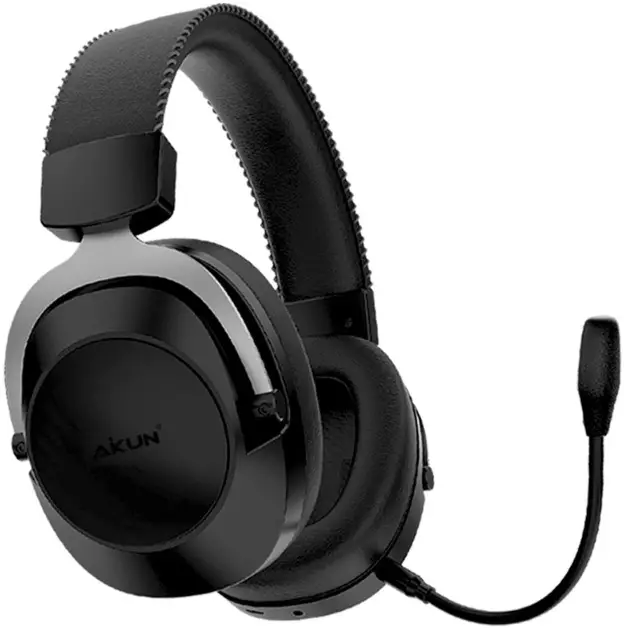
| MODEL NO: GH200 PRO | |||
| PRODUCT LOGO: Aikun & OEM | |||
| DATE : 2021-3-27 | |||
| APPROVED BY : Aikun Engineer Manager | OFFERED BY : Aikun International sales team | ||
| BUYER: | 828 anci B2C | SELLER: | AIKUN |
| Selling Points / Model No | GH200 PRO |
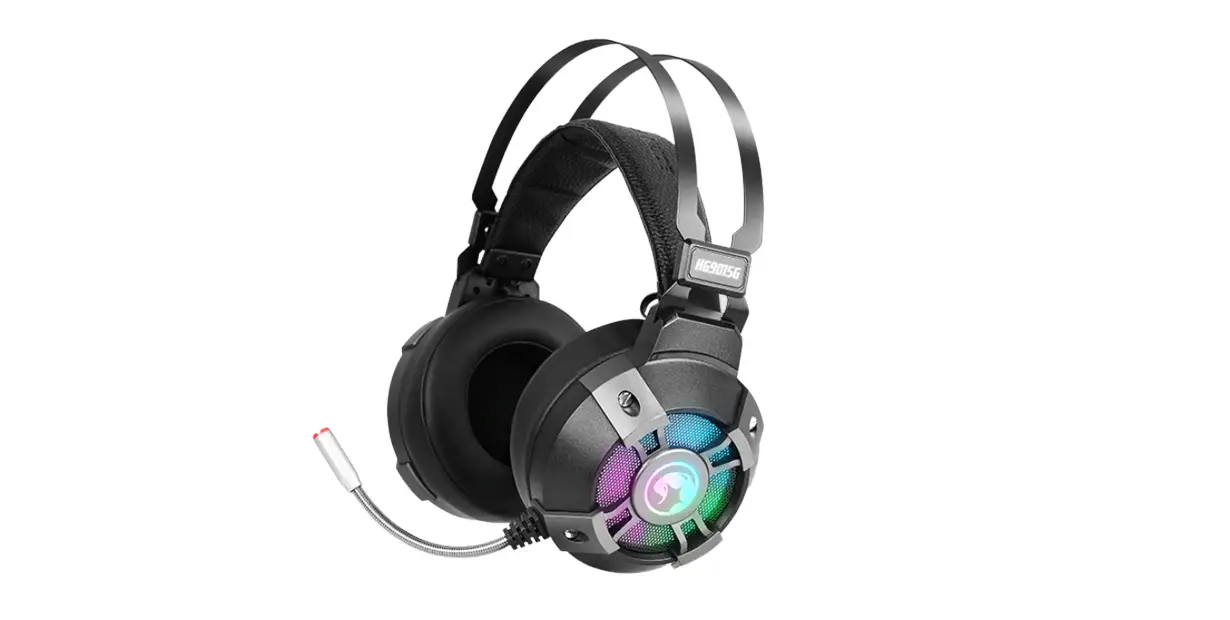
FEATURES
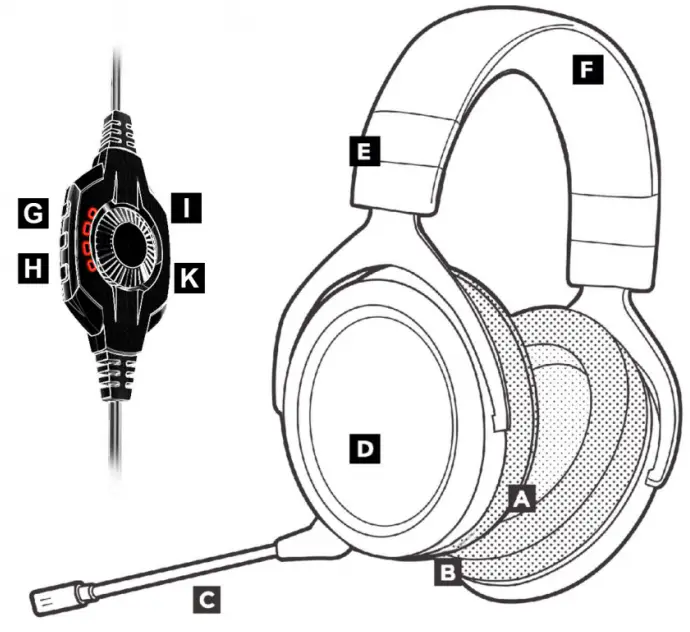
A – 53mmDriver Units
B – Premium leatherette Earbuds
C – Microphone boom
D – RGB Backlight – Logo Backlight
E – Adjustable steel slider
F – Rubber Headrest
G – Volume Control
H – Microphone Control
K – Mute Earbuds light
I – 7.1 ON/OFF Control
| Picture | 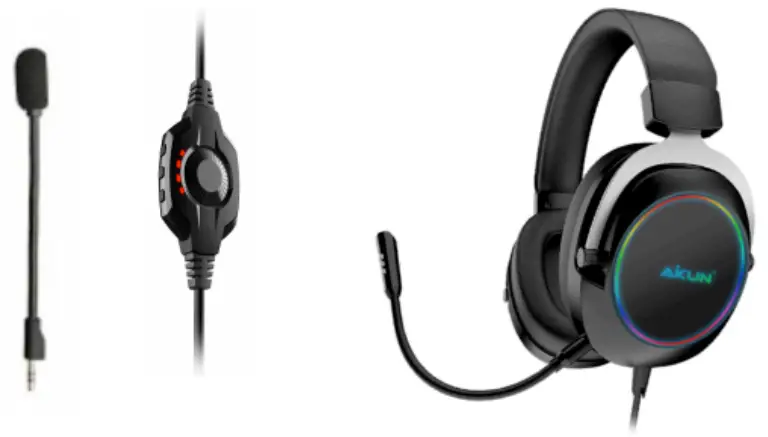 |
| Features | 53mm Driver gaming audio |
| Light | Multi-Color Backlight LED – RGB |
| Media Control | On-Cable Audio Control – Volume / Mice / Mute |
| Material | Durable Steel frame |
| Ear Cups | Adjustable ear cups fitted with plush foam |
| Cable | 5.0 Flexible PVC cable, 2.2M |
| Slider | Adjustable steel slider |
| Microphone | Flexible Noise Cancelling Microphone |
| Structure | Durable & Lightweight Construction designed to be a durable yet lightweight headset you can wear for hours |
| Design | Noise Isolation around-ear Design The closed back, around-ear design uses ergonomically designed ear pads to reduce ambient noise improving your listening experience. |
| 7.1 Surround Sound | 7.1 Virtual Sound (software driver, PC only) |
| Mute Microphone | Yes – On-line Control |
| Materials | Durable Steel build |
| Premium leatherette ear pads | |
| Comfortable memory foam padding | |
| Comfortable headband Dual Side leatherette and foam | |
| Backlight | Yes – Multi-Color Back light LED |
| In-earbuds Light | Yes |
| Mute Earbuds light | Yes |
| In-MIC Light | Yes |
| Connection type | Corded USB 7.1 Jack |
| Speaker | |
| Driver unit | 53mm |
| Speaker Impedance | 32Ω |
| Maximum Power Output | 15mW-MAX |
| Frequency Response | 20Hz – 20KHz |
| Speaker Sensitivity | 110db +/-3dB (at 1KHz) |
| MIC | |
| Noise-Cancelling | Yes |
| Size | φ6050 |
| Sensitivity | -38dB +/- 3dB |
| Working Voltage | 4.5V |
| Impedance | 2.2k |
| Frequency Response | 20Hz-20KHz |
| Programmable software | Yes – Voice Control |
| Analog 3.5 mm jacks | Yes – Extra Extension |
| Product Dimensions | 19.7*15.70*9.1 cm |
| Product Weight | Weight 315g |
| Packing | 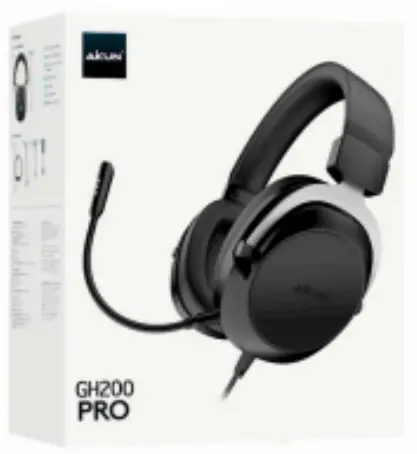 |
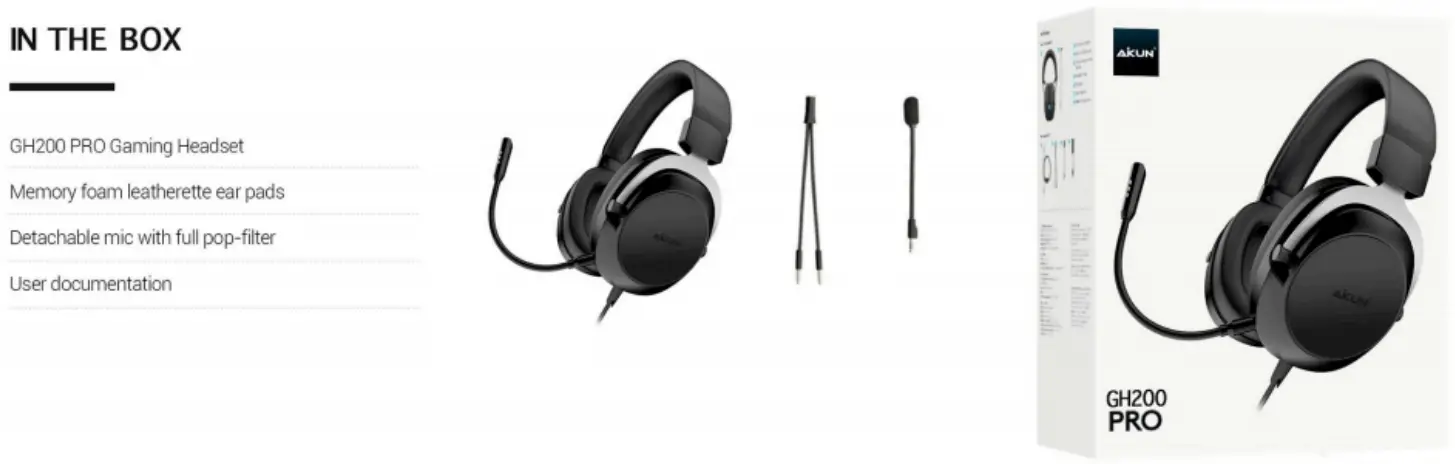 | |
FOR ATTENTION OF END USER
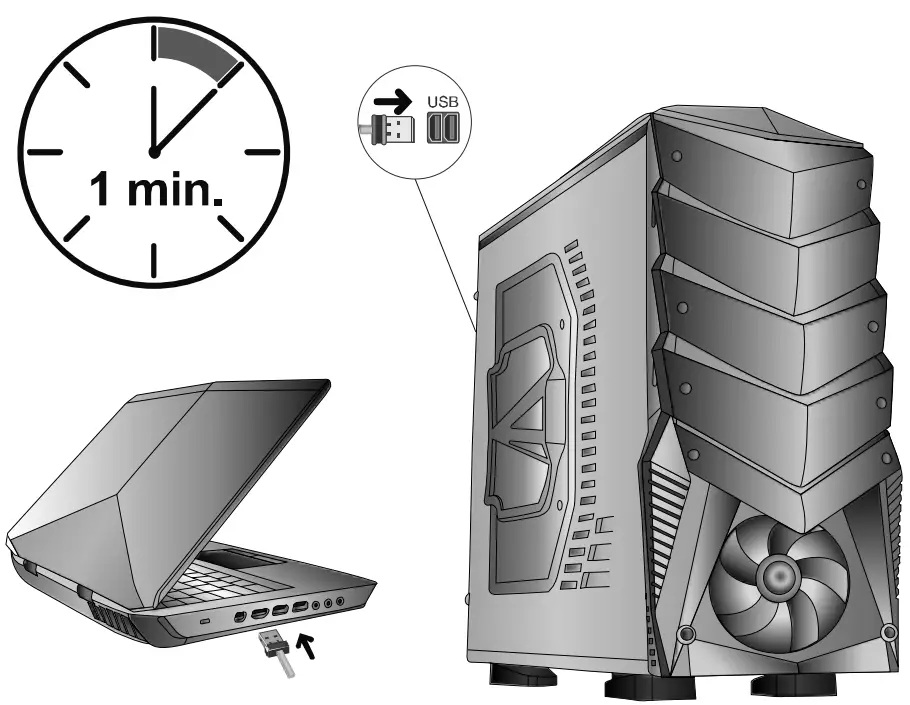
- Original packing and purchasing invoice of the product are required to be kept within warranty period.
- Don’t remove, lose, tear and scribble the labels of the product and the barcode, which has S/N letters are written on it. The products, whose serial numbers can’t be read, are OUT OF WARRANTY.
- Don’t drop, crash, and make the product contact with water; don’t place heavy items on it; keep away from dusty and humid environments; The defects, which occur on products, which work in dusty, warm and humid environments, and products, which have physical damages, are considered as OUT OF WARRANTY.
- This Guarantee Certificate is only valid for the product, mentioned in it.
- The defects, which are risen from the voltage changes, electricity installation or static grounding, are OUT OF WARRANTY.
- The physical interventions, which will be made to the product by persons / entities other than the authorized service personnel, terminates the warranty of the product.
- In case there is a problem related to the product, you can send it through the dealer, where you bought the product, to our technical service.
- Have the Warrant Certificate of your product certified by Authorized Dealer when you bought the product
TECHNICAL DAMAGE SUPPORT
Any physical intervention, which will be made to the product by you or any technical service other than the authorized one, terminates the warranty of the product, which is in a warranty scope.
Get service from our authorized technical service in case any of the following circumstances occur. But, first, remove the product from the power supply and connection cables.
- In case any liquid is poured and gets any object inside
- Exposed to the water
- An unexpected change is observed in its performance despite of the fact that all operating instructions are fully complied
- In case the product has been dropped or damaged
- The faults, arising from not using the product in the manner, defined in User’s Guide.
- The product is short circuited when it works in extremely humid and warm environments.
- Using additional connection cables, other than the ones, supplied by the manufacture together with the product.
- Interventions, made by the end user or technical services, which aren’t authorized, or adding or removing a part from the product,
- Removing and damaging the serial no of the device,
- Defects, which arise from not using original spare parts,
- Defects occur because of naturals disasters, such as fire, lightning, floating, earthquake etc.
SITUATIONS, WHICH REQUIRE PERIODICAL MAINTENANCE
The product doesn’t need maintenance as long as the situations, mentioned in User’s Guide, are respected and carried out. The product requires technical service only when it doesn’t work or displays an out of ordinary performance.
THE RULES, WHICH REQUIRE TO BE COMPLIED IN REPAIRING AND USING
- Use a cover in the dusty environments to prevent it get dusty
- Don’t remove the screws underneath
- Don’t press the keys too hard
- Don’t pour any liquid on it
- Don’t place any heavy material on it

 Aikun – Electronics