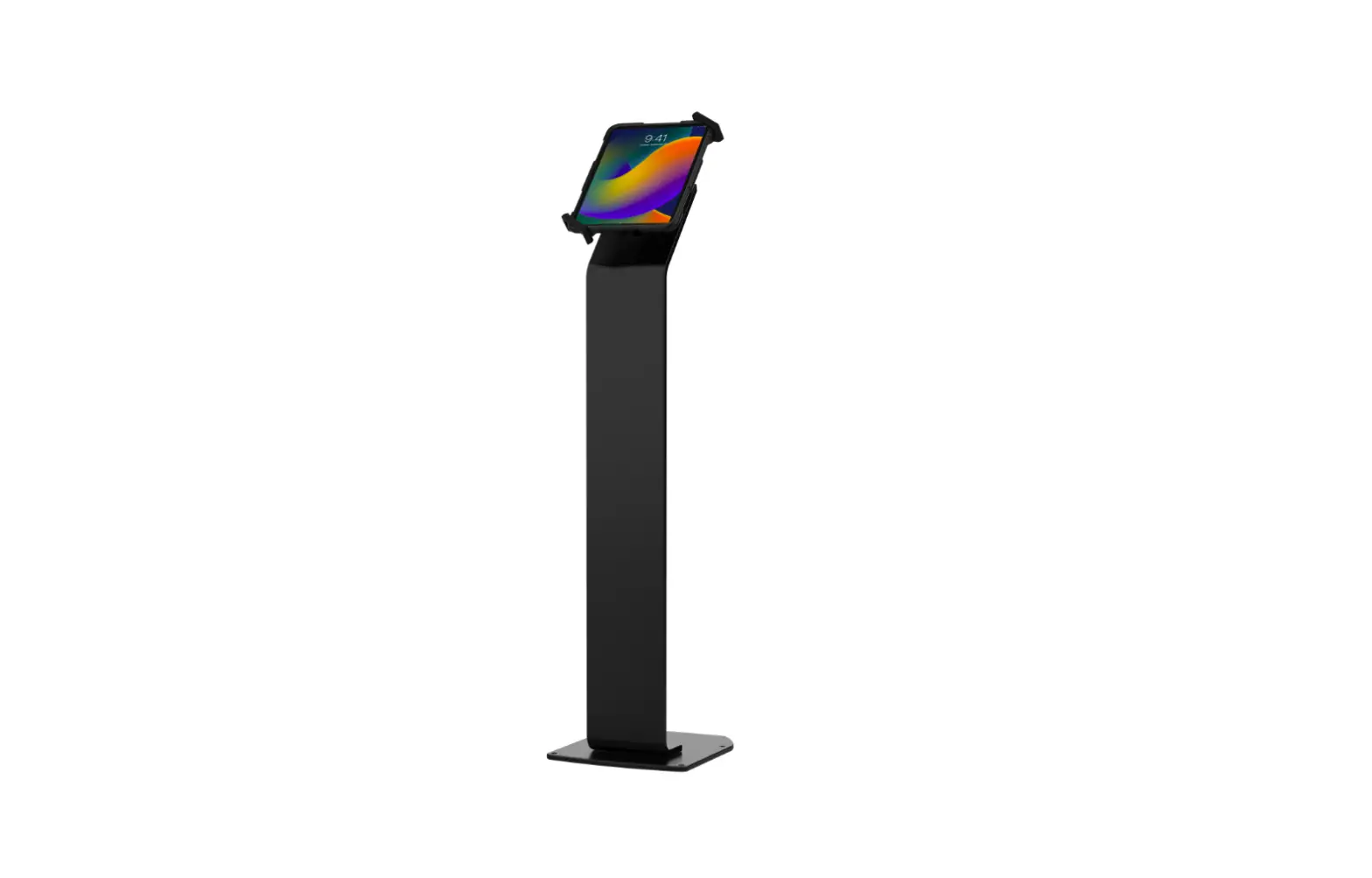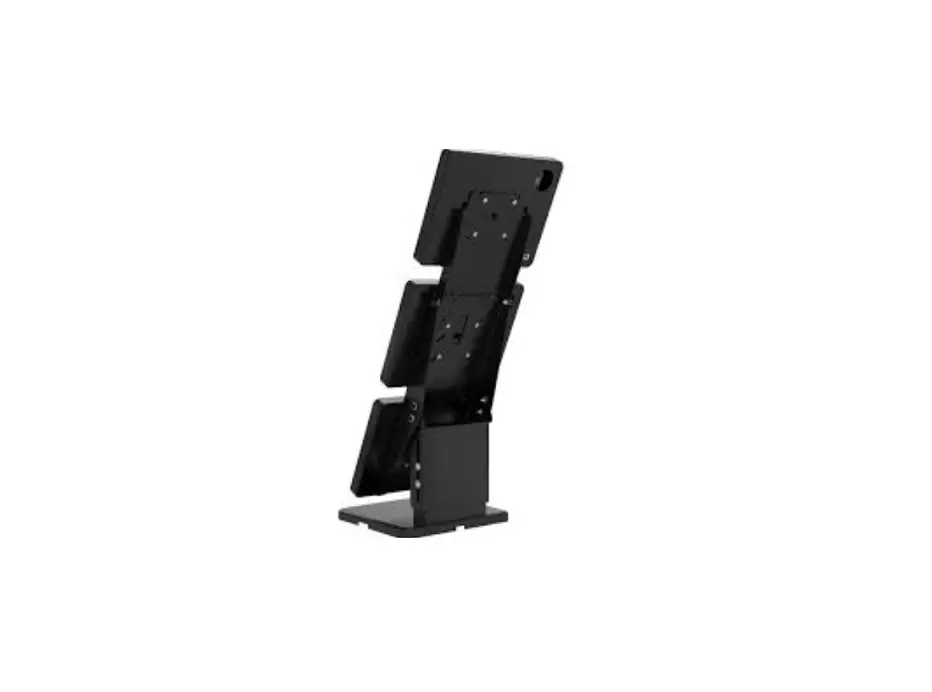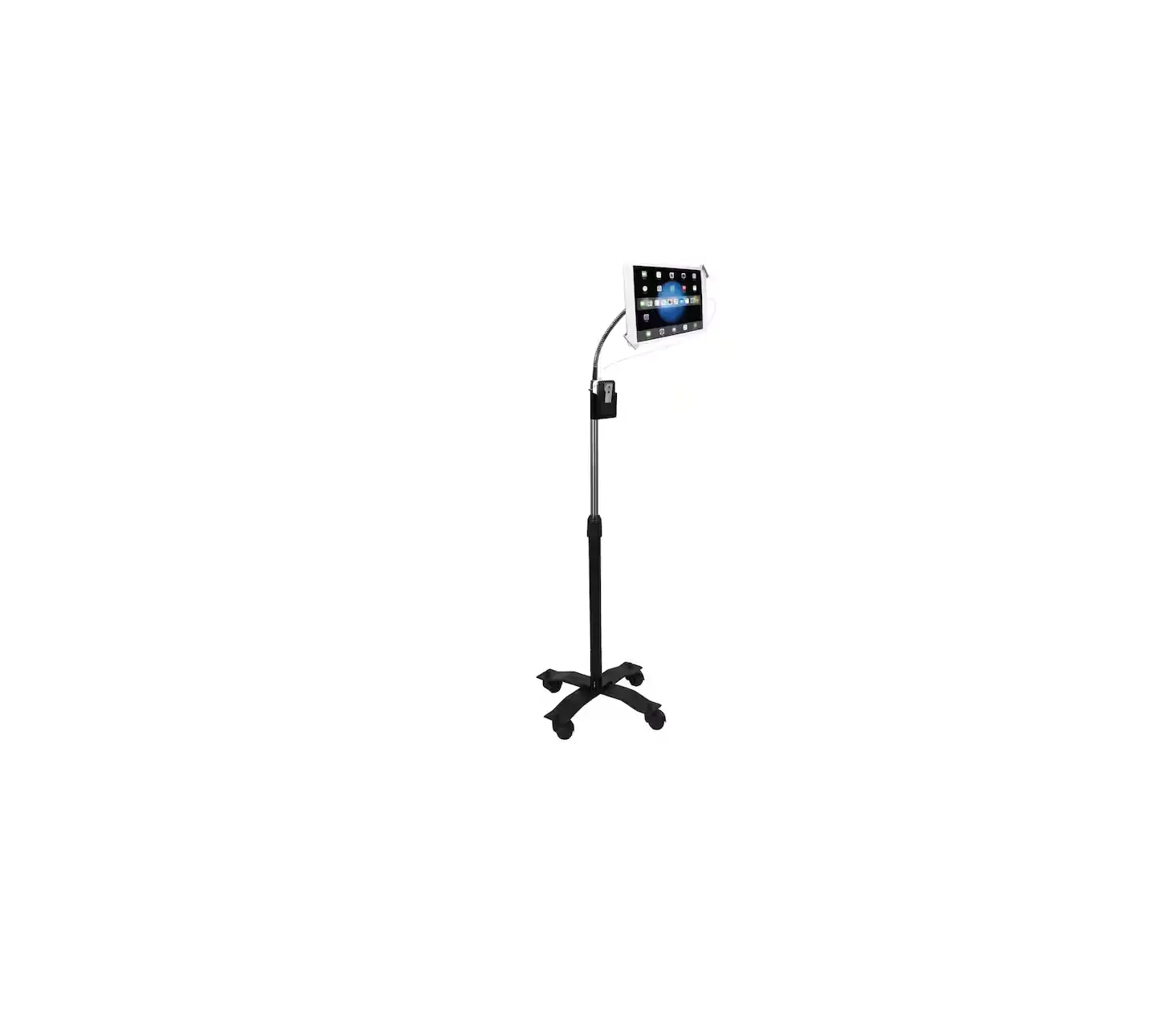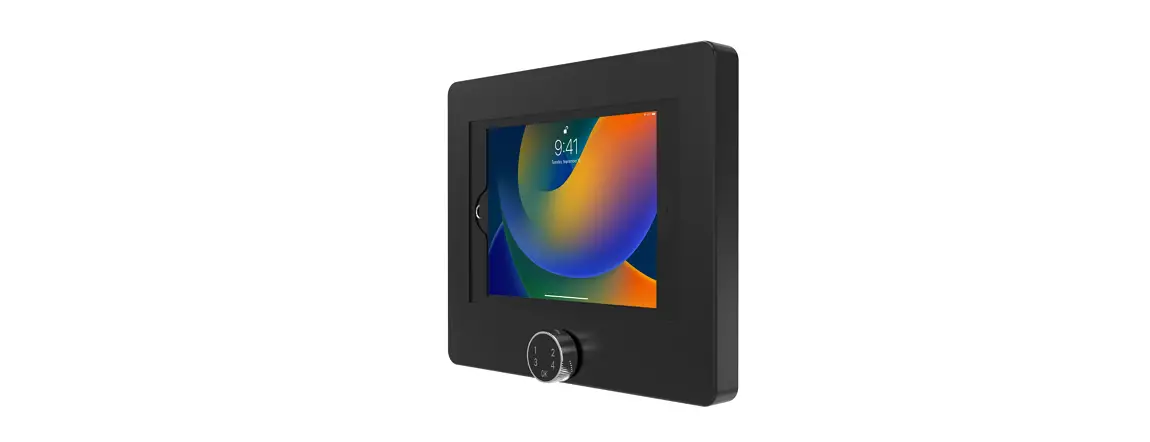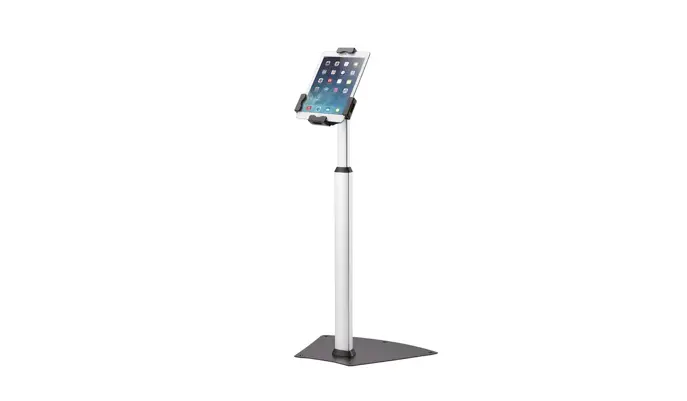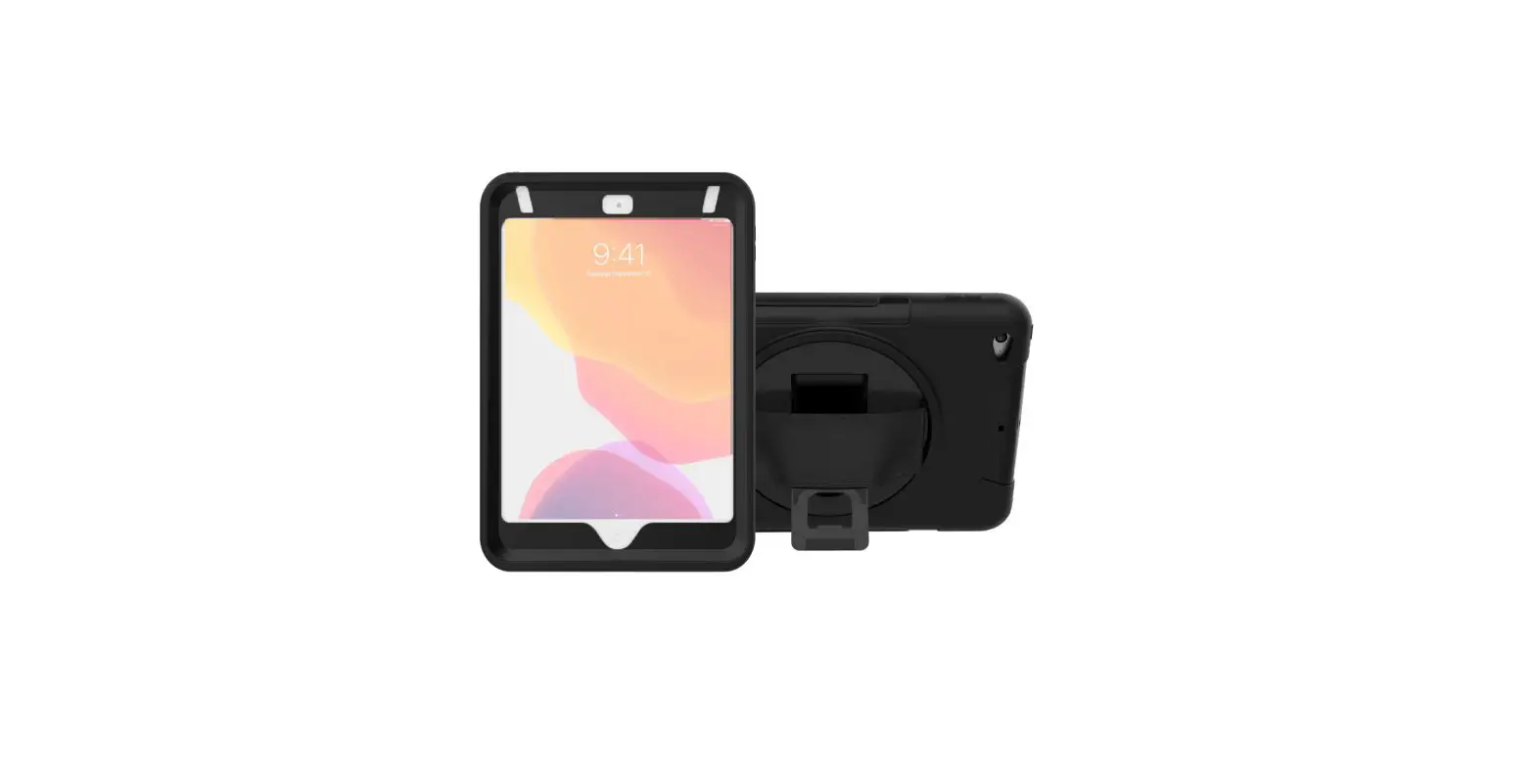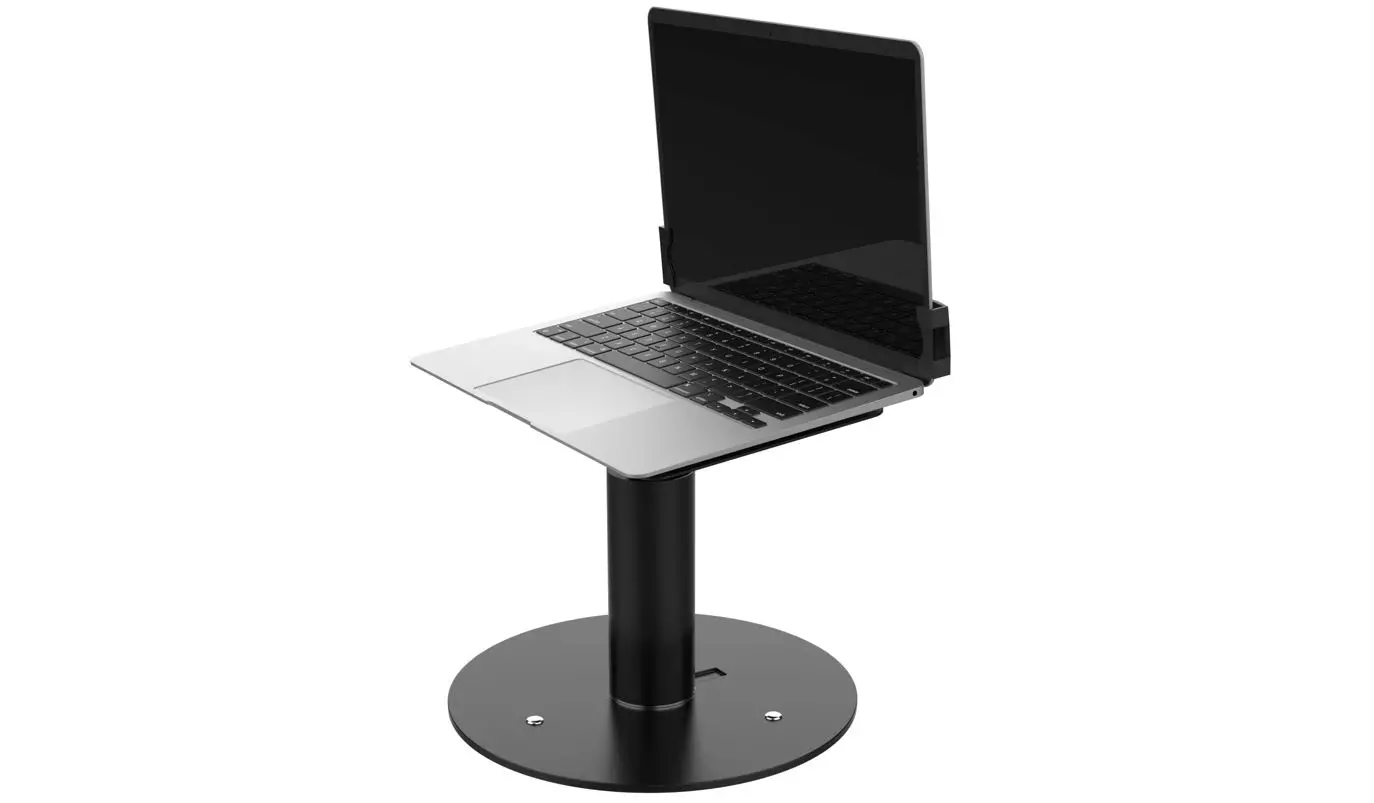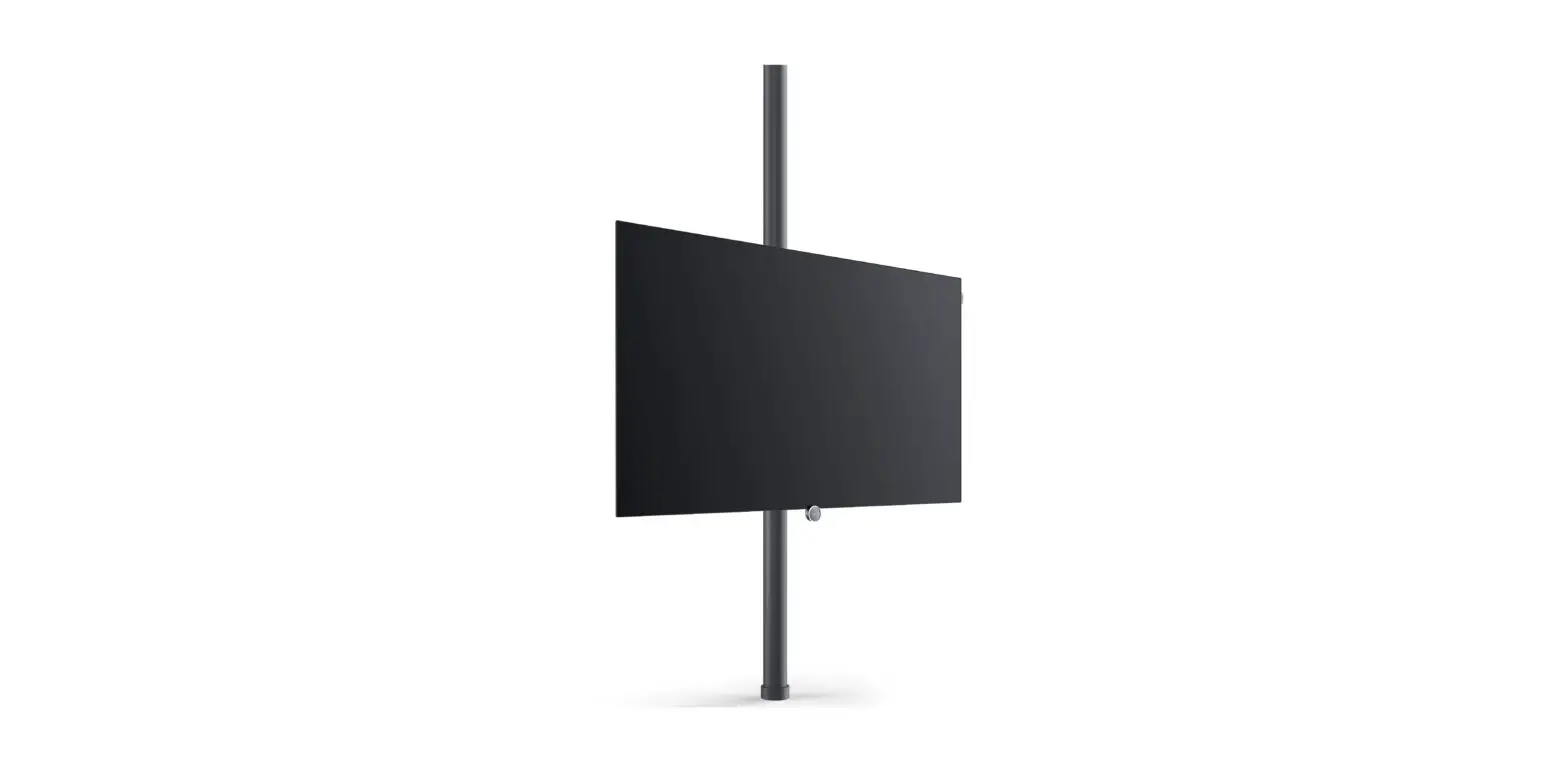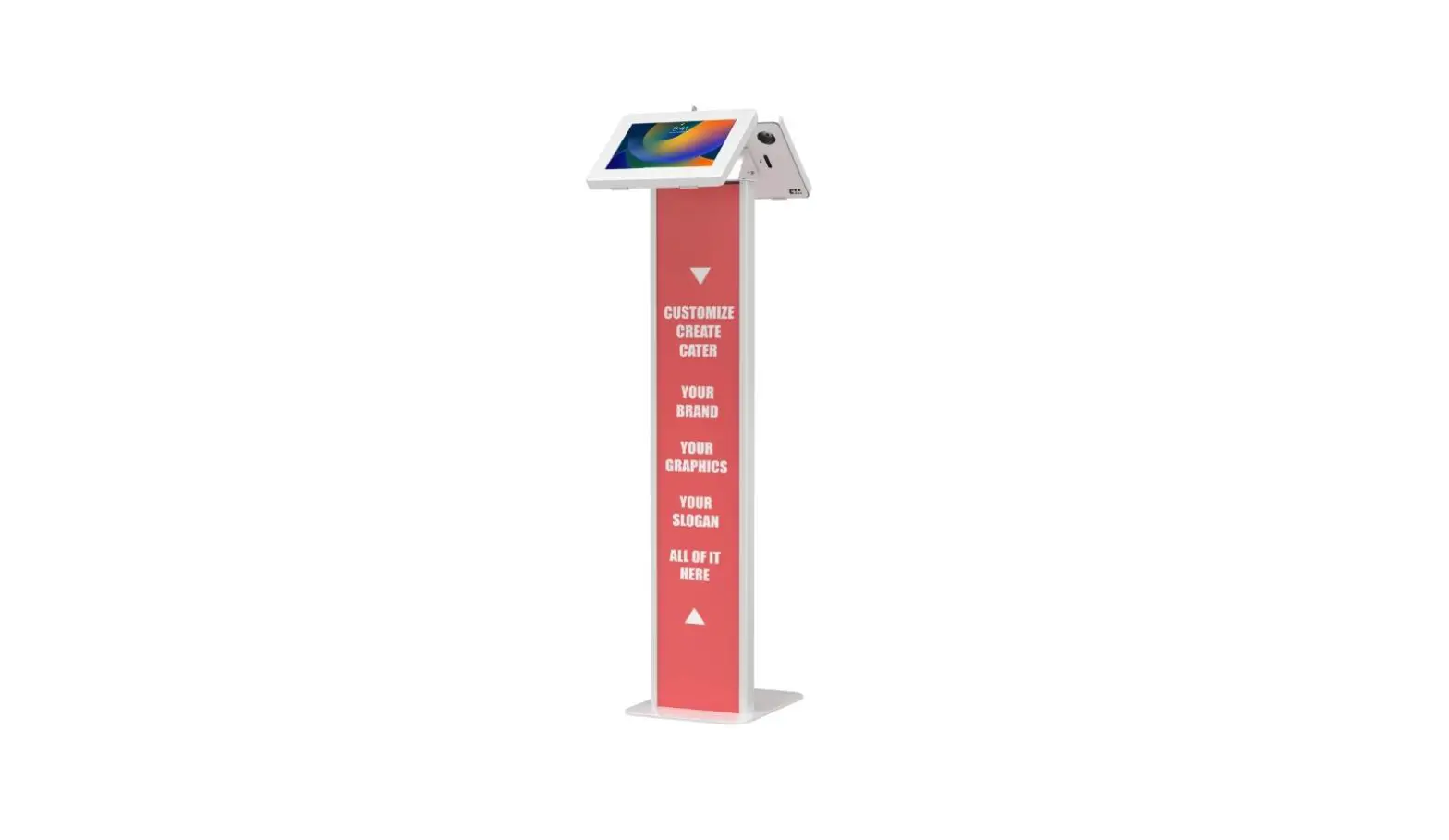
CTA PAD-PARAF2WGRA Dual Enclosure Locking Floor Stand Kiosk User Manual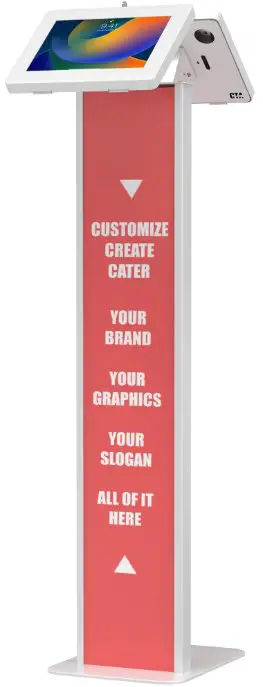
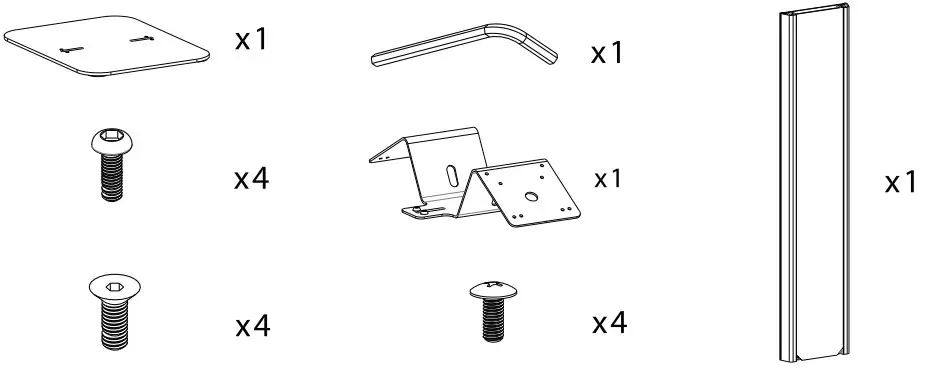
PACKAGE CONTENTS
INSTRUCTIONS
- Install kiosk body to base
- Align body channel with base holes. Screw in bolts from the bottom.
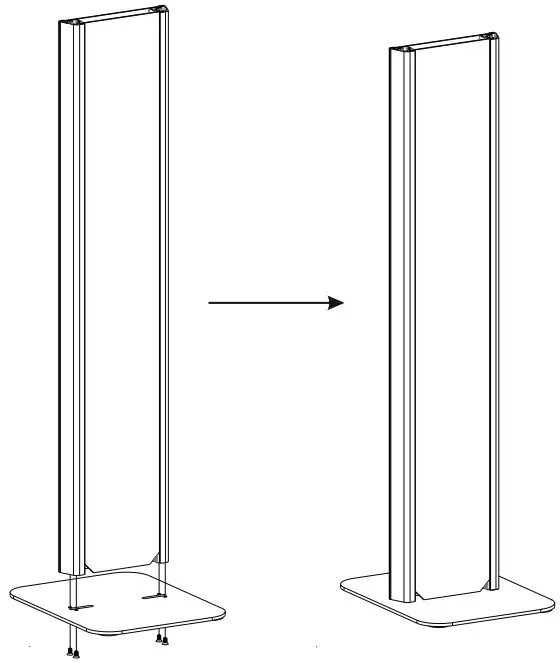
- Align body channel with base holes. Screw in bolts from the bottom.
- Placing or Removing Graphic Panels
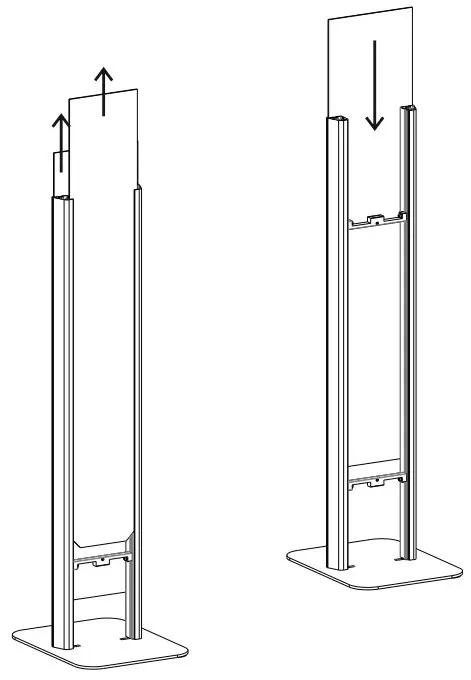
- Cable Management through Kiosk Body
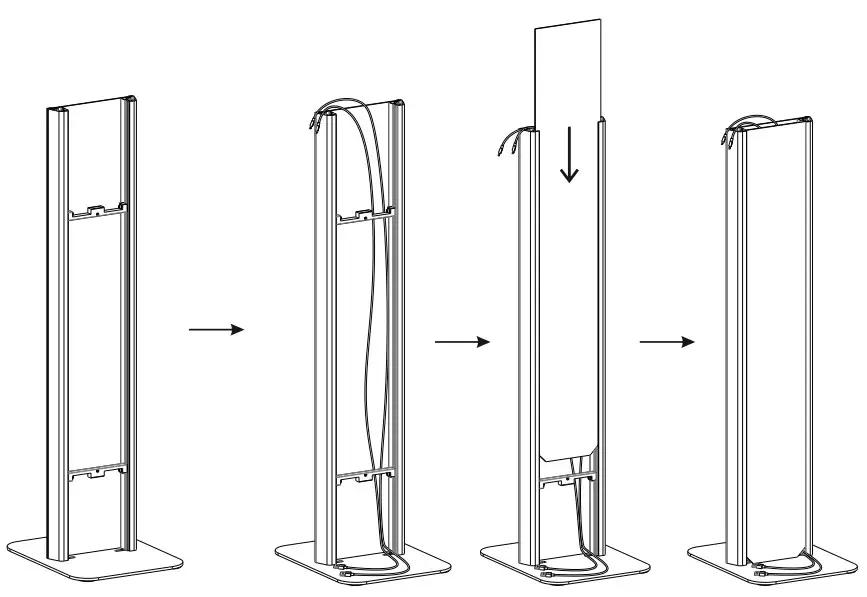
- Slide out back graphic slot from channel
- While back panel is out, slide in device cord for cable management
- Once cable management is set up, slide graphic slot back into place
- Install Dual VESA Connection and Cable Routing
- Before enclosures are screwed in, path the cording of the device through the the top enclosure opening into the hclow body and out the bottom opening
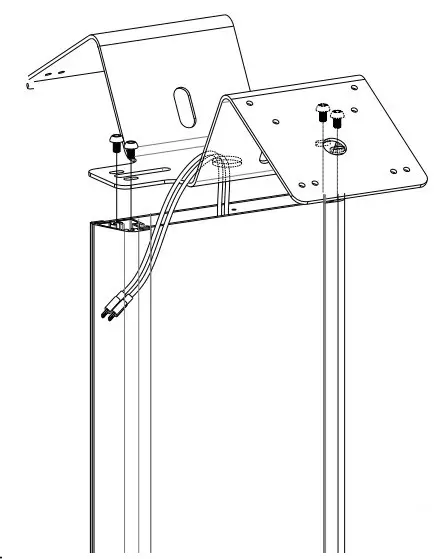
- Line up holes of enclosure with body.
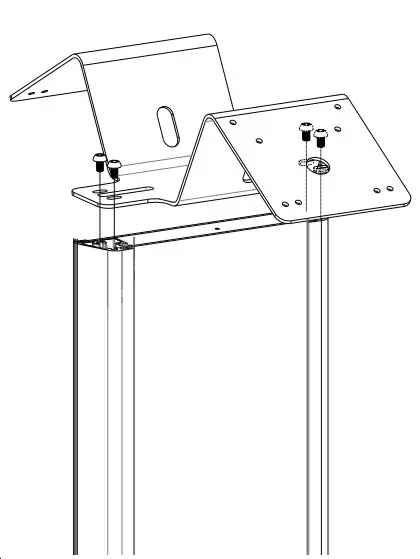
- Screw in bolts with the holes aligned.
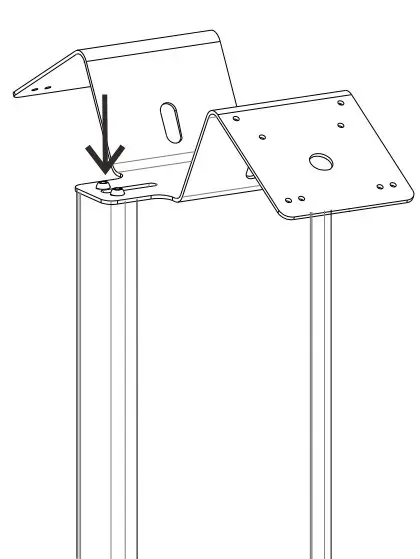
- Before enclosures are screwed in, path the cording of the device through the the top enclosure opening into the hclow body and out the bottom opening
 36 Taaffe Place Brooklyn, NY 11205
 [email protected]
 888-733-4448 1
 www.ctadigital.com