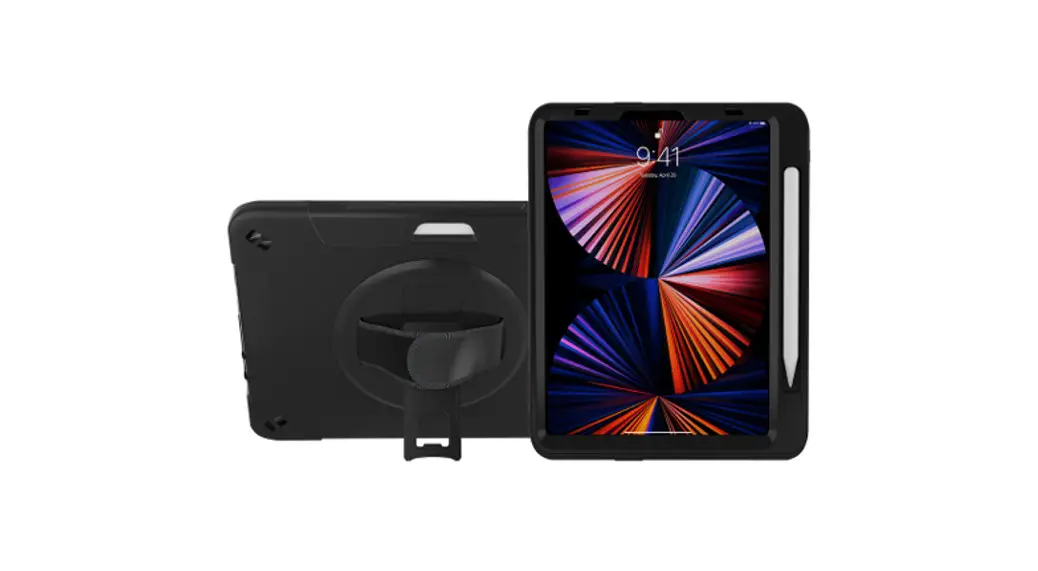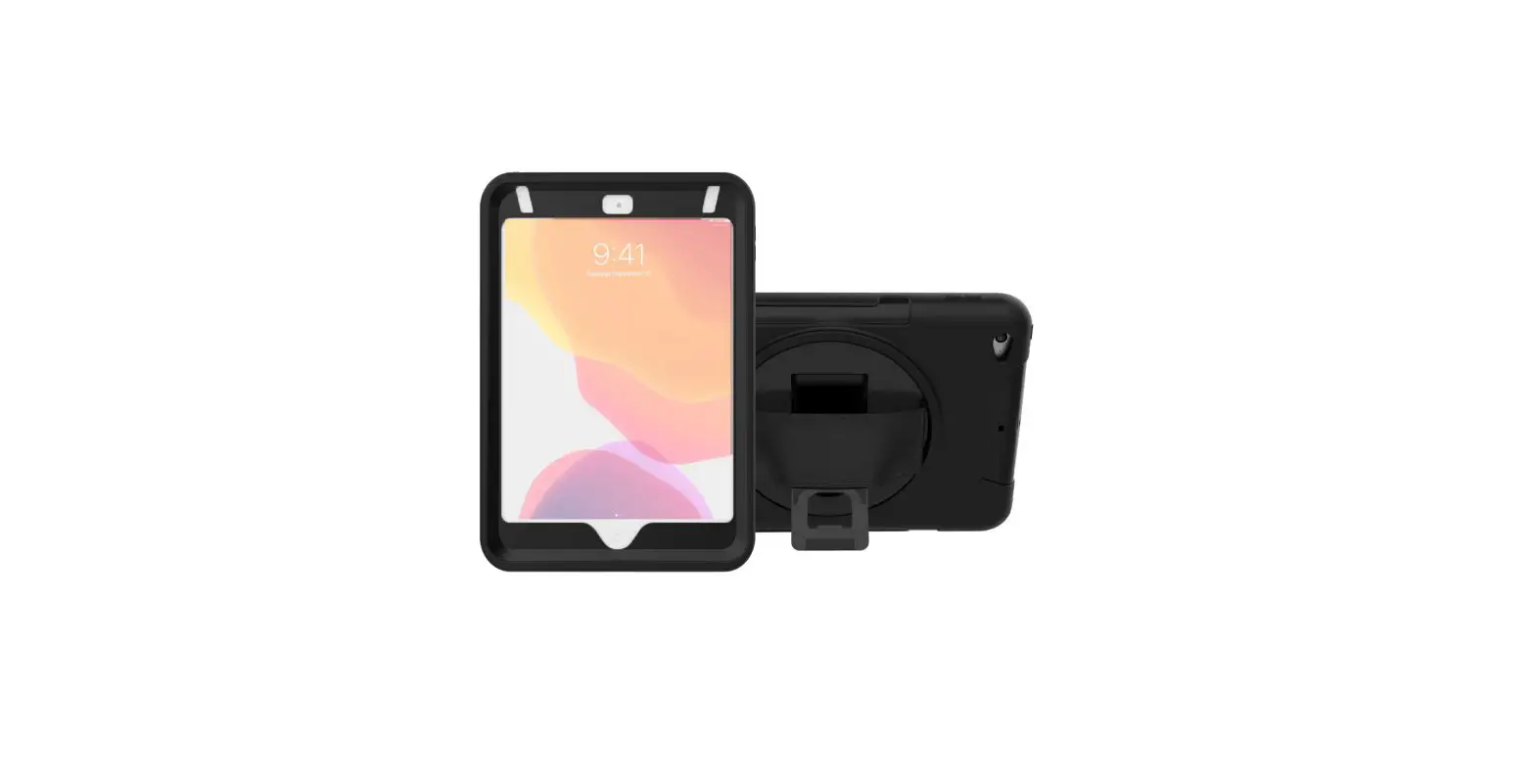
CTA Digital PAD-PCGKMINI Protective Case Instruction Manual
Features

Installations
If your iPad has a previously installed screen protector, please remove it before continuing.
- Remove the external silicone sleeve by peeling it away from the internal hard case.

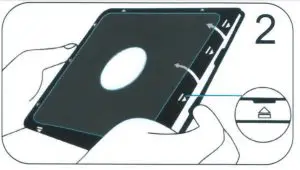
- Gently apply pressure to the small clips (as indicated by the arrows) and unclip all four sides. Once all the sides are unclipped. the internal hard case will open.
- Insert the iPad into the rear cover.
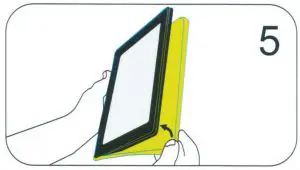
- Once the iPad is inside the rear cover. place the internal front cover on top and gently clip all four sides into position.
- Reinstall the external silicone rubber sleeve



Using the stand
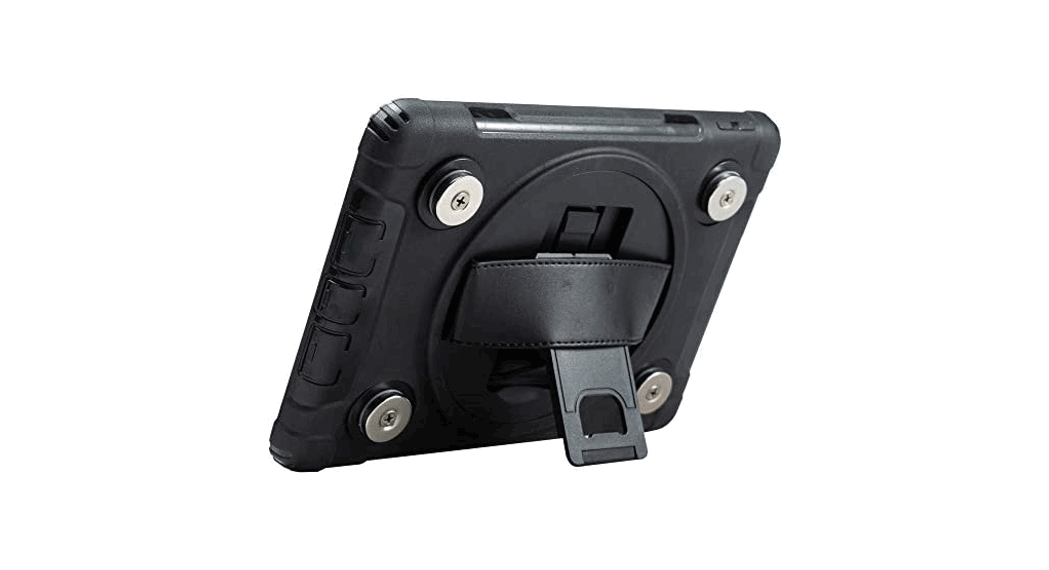
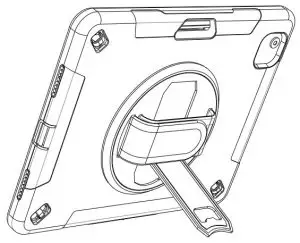
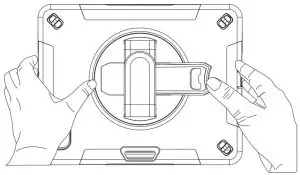
- Locate kickstand at case rear and fold out underneath strap.

- Display tablet at desired viewing angle.

- Press kickstand back in to return to handheld mode.


 36 Taaffe Place Brooklyn, NY 11205
 [email protected]
 778-991-0169
 www.ctadigital.com