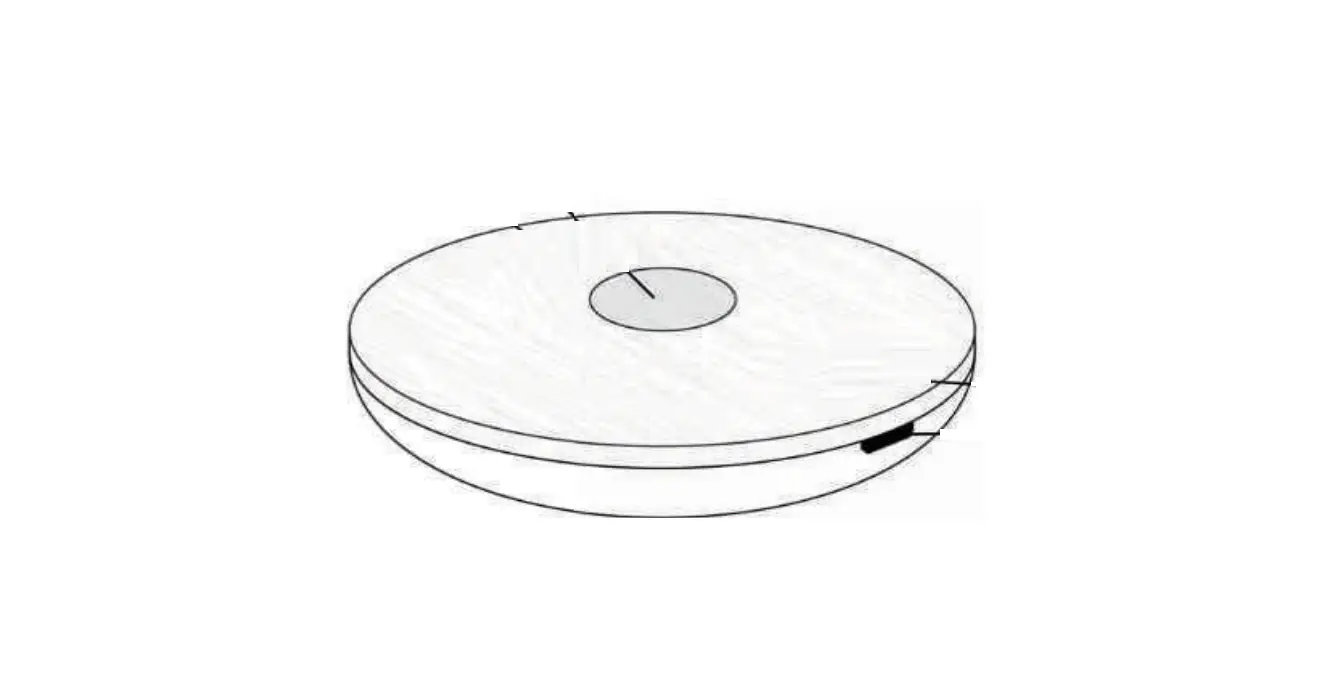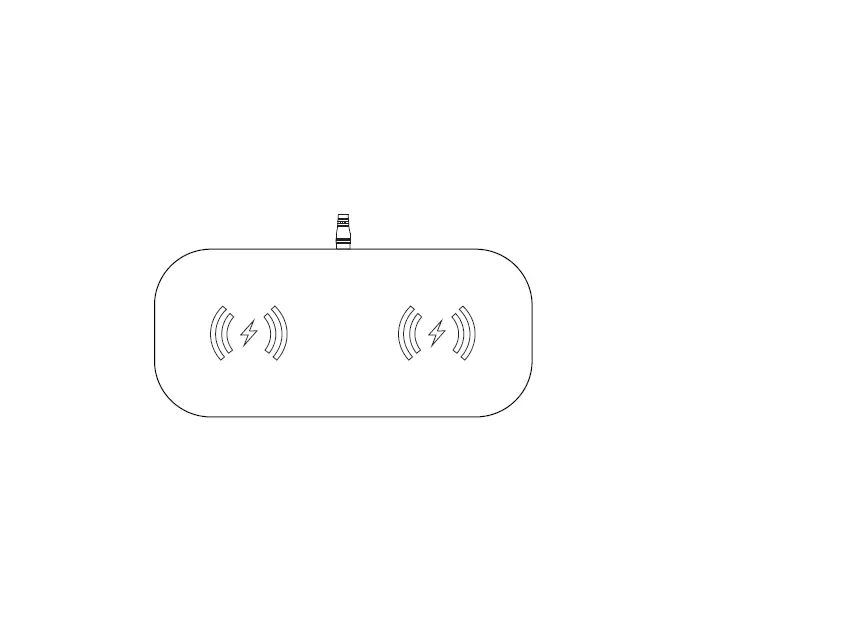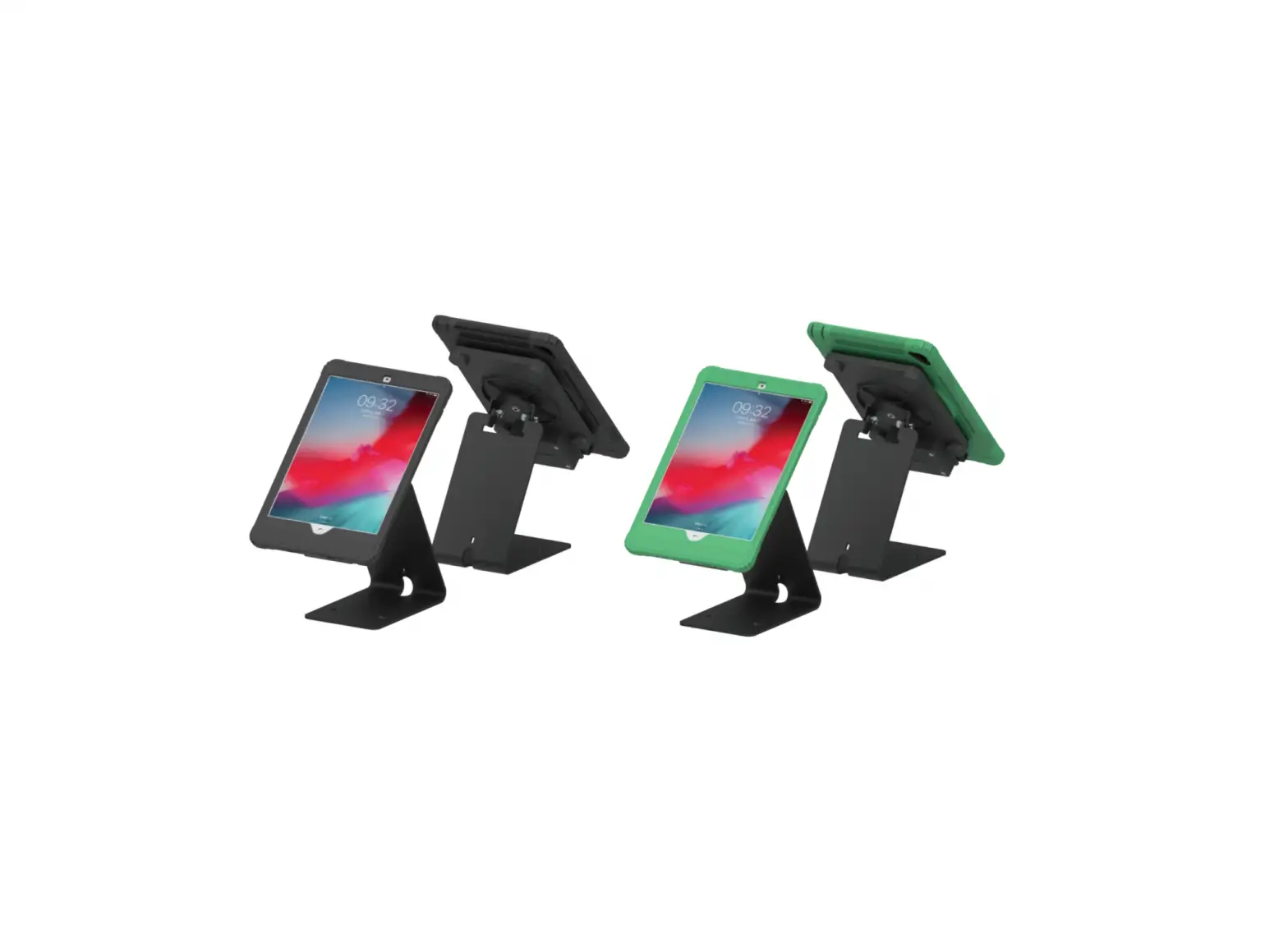
CTA PAD-ICCB/PAD-ICCSUB/ADD-ICCSTAND, Inductive Charging Case Black/Subway
| Power Supply: | |
| Input | AC 100-240V 50/60Hz |
| Output | DC12V 1.5A |
| Rating power | 18W |
| Cable Length | 1.8M |
| DC Plug | 5.5*2.1mm male DC Plug |
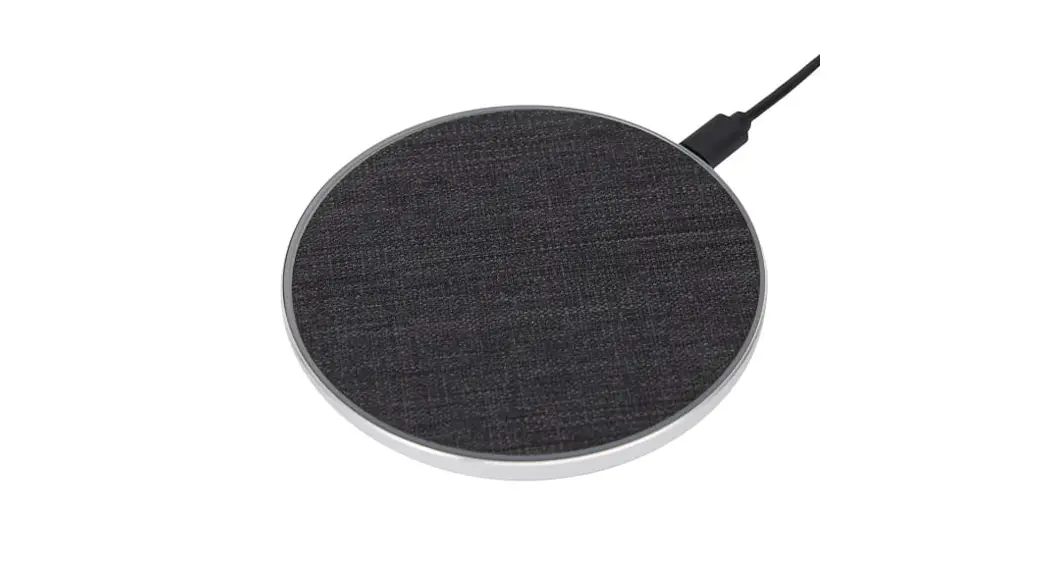
| Inductive Charging Case: | |
| Qi Standard | V1.2.4 |
| Input | DC12V 1.3A |
| Output | DC5V 2.4A(Max.) |
| Rating Power | 15W |
| Efficiency | 80-85%(Max.) |
| Inductive Distance | 3-6mm |
| Input socket | 5.5*2.1mm female DC socket |
| Output Plug | Apple Lightning Plug |
| Charging Time | 4-4.5 hours) |
| Environmental Requirements: | |
| Operating Temperature for iPad | 32℉ to 95℉ / 0℃ to 35℃ |
| Nonoperating Temperature | -4℉ to 113℉ / -20℃ to 45℃ |
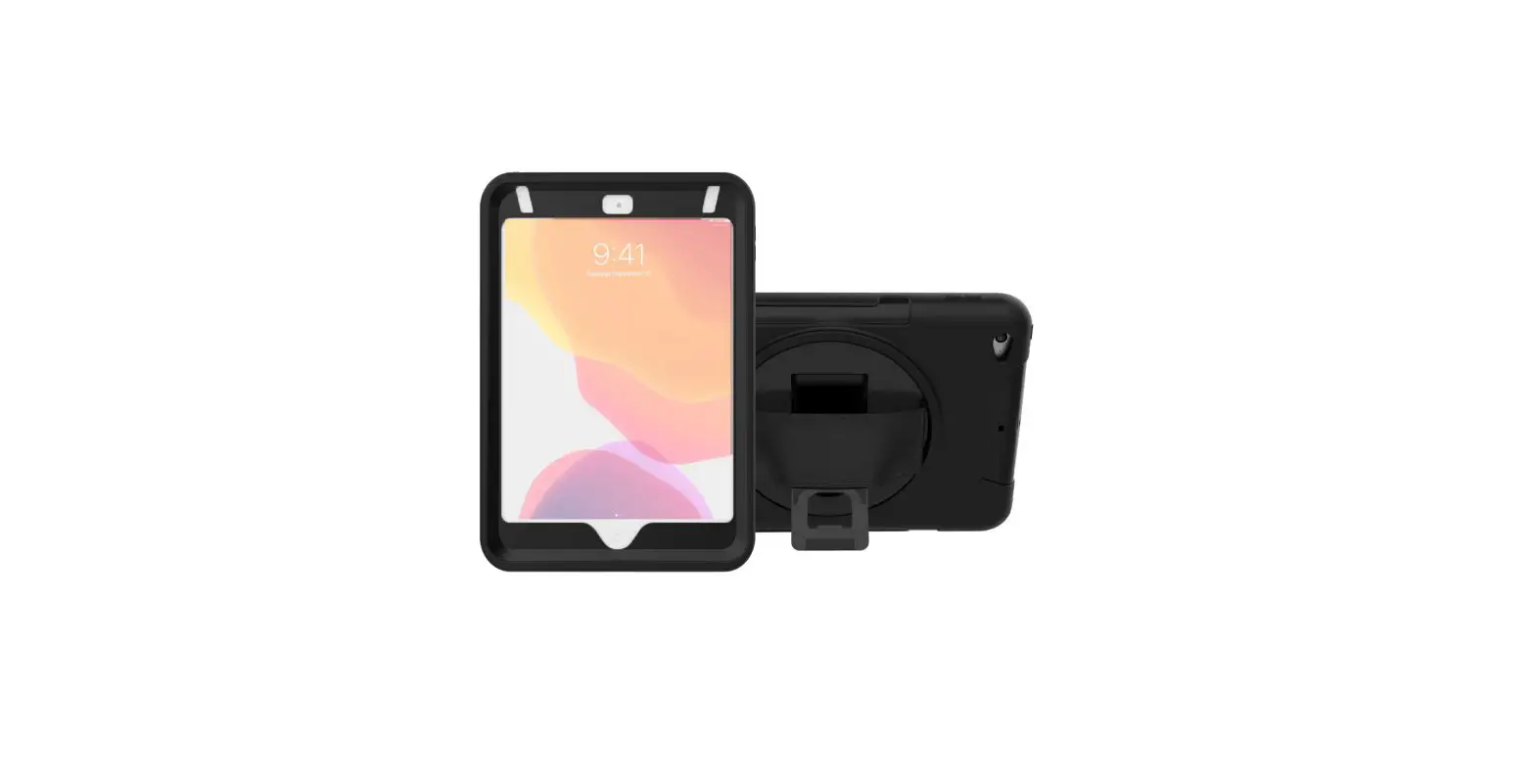
iPad Installation
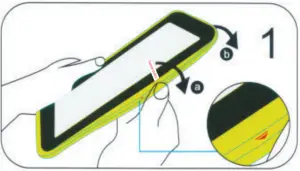
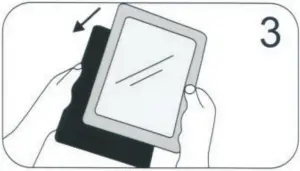
- Peel the external silicone sleeve from the internal hard case.

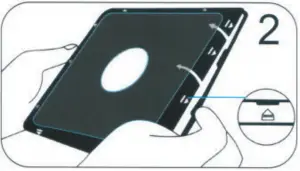
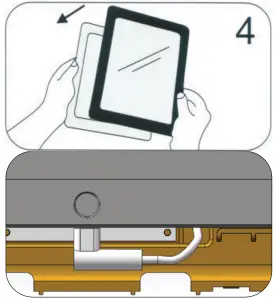
- To open case, apply gentle pressure to the small clips (noted on the diagram by arrows).
The internal hard case will open when all four sides are unclipped. - Insert the iPad into the back portion of the hard cover.
- Once the iPad is inside, plug the lightning charging cable into the power socket. Then place the internal front (hard) cover on the top of the case and gently clip all four sides shut.

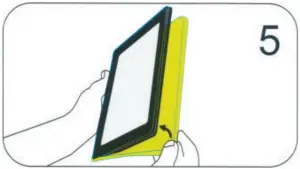
- Reinstall the external silicone rubber sleeve.

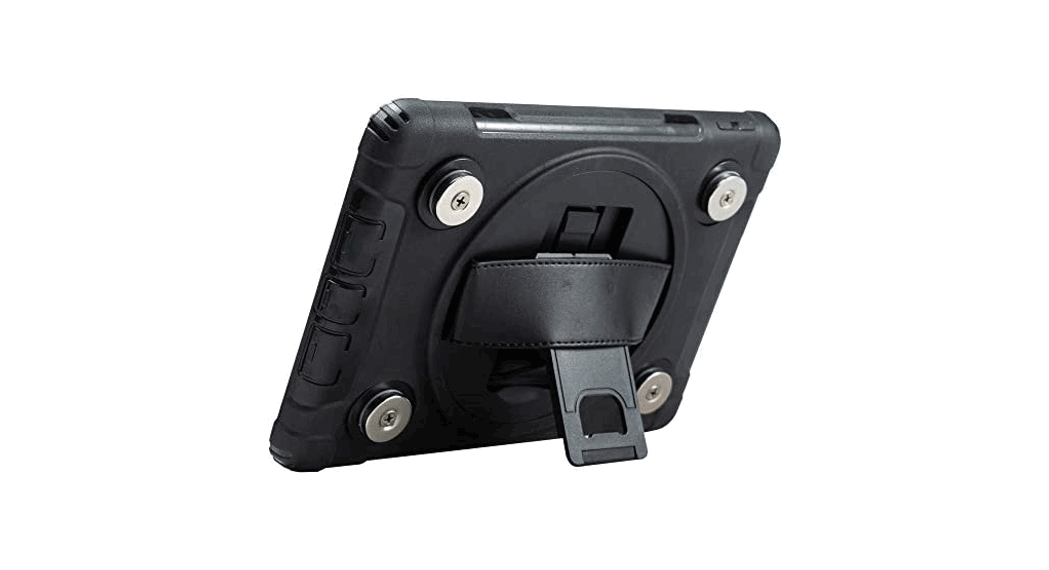
TABLETOP OR HANDHELD MODE
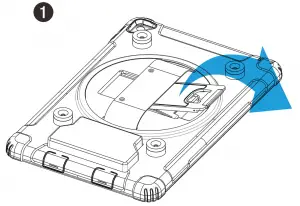
- Locate kickstand at case rear and fold out underneath strap.

- Display tablet at desired viewing angle.

- Press kickstand in to return to handheld mode.

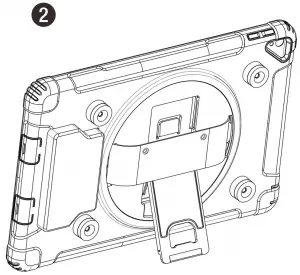
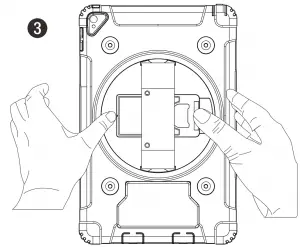
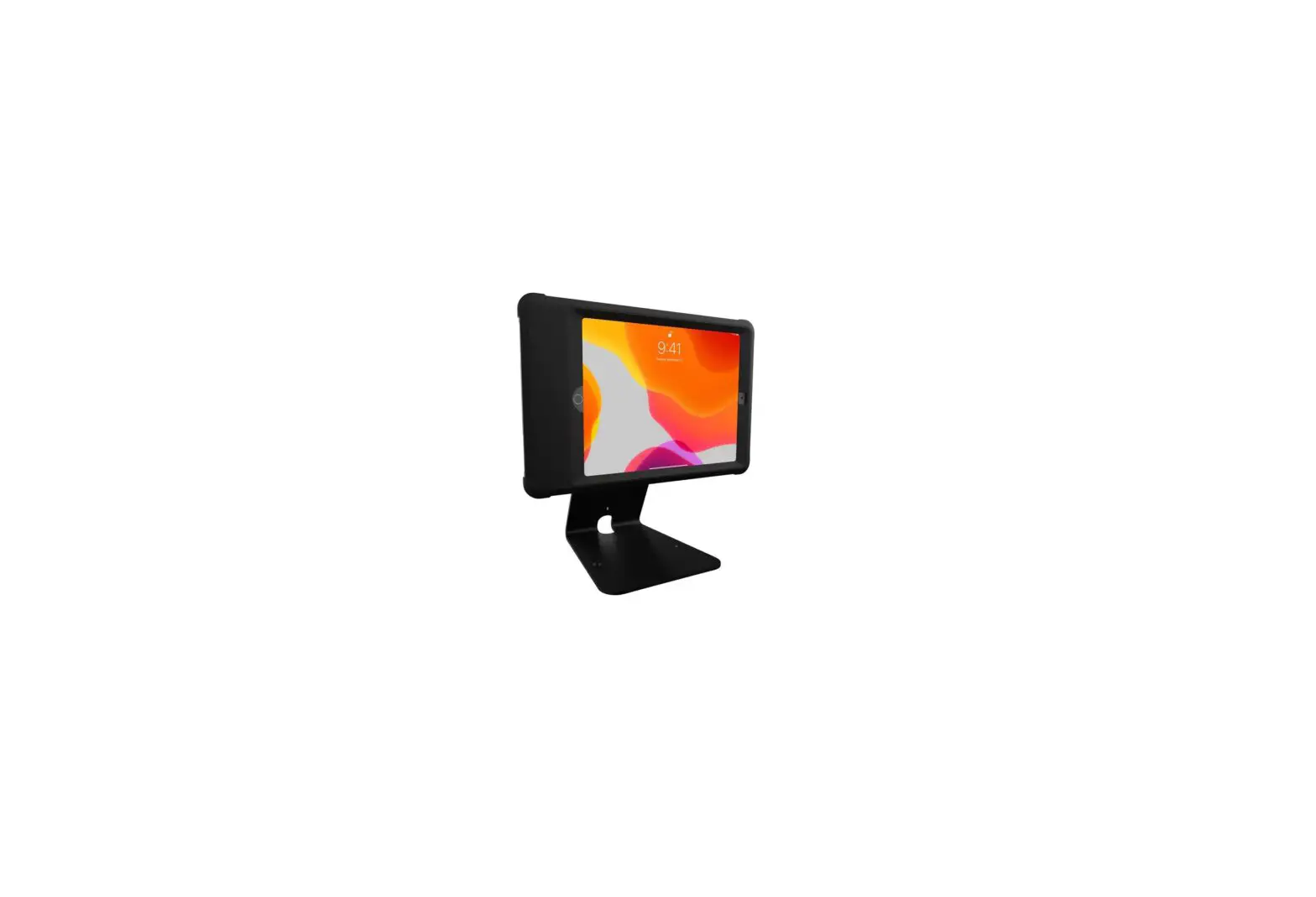
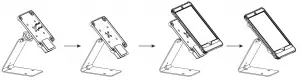
CONNECT TABLET CASE TO STAND
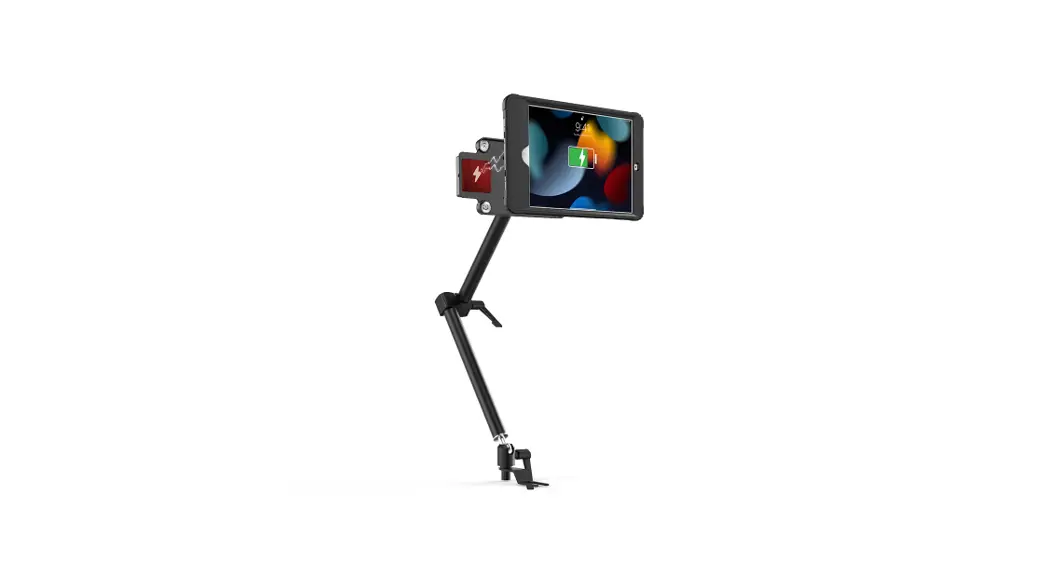
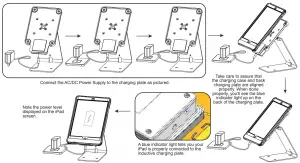
IPAD/STAND CHARGING
 36 Taaffe Place Brooklyn, NY 11205

 778-991 -0169