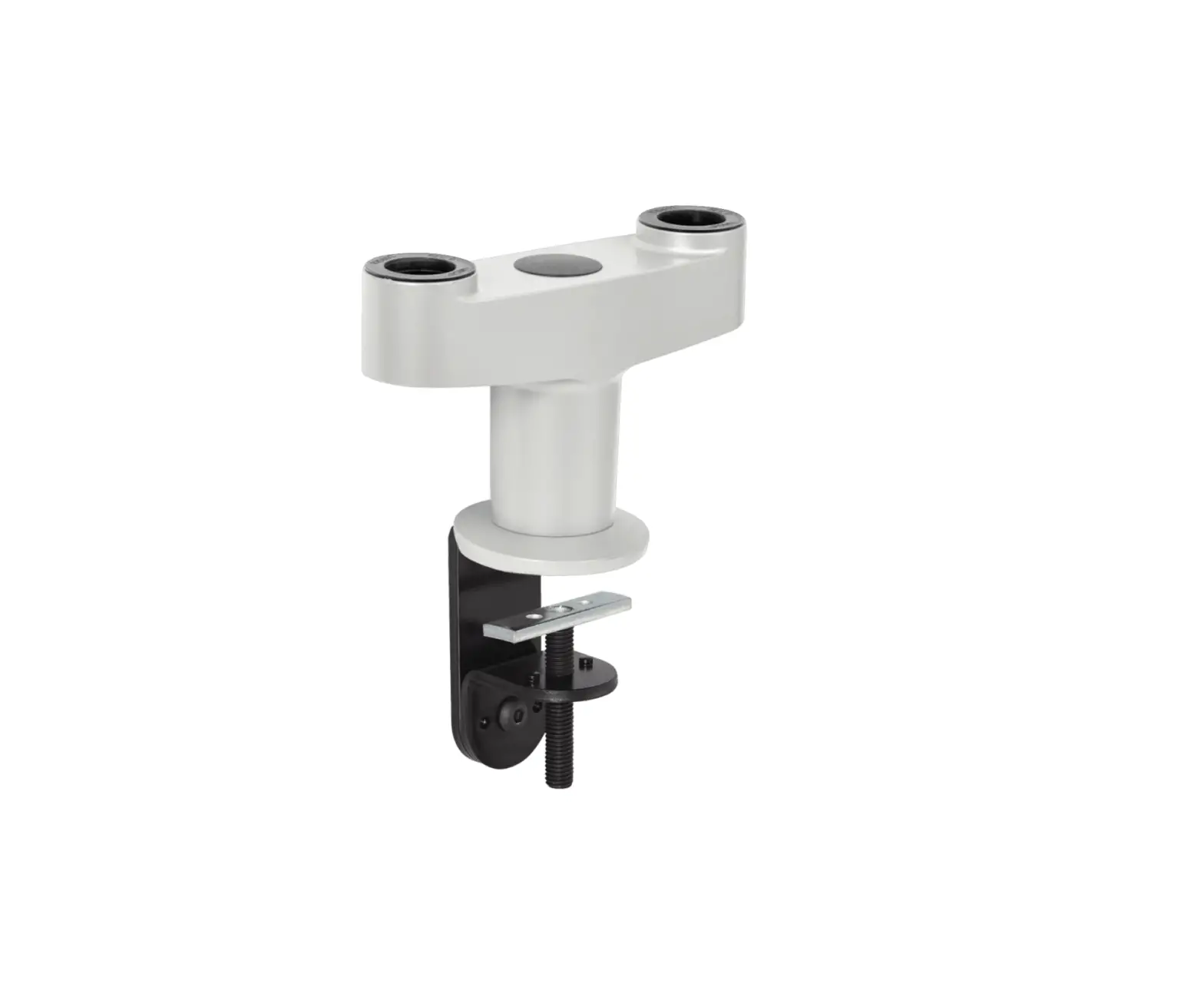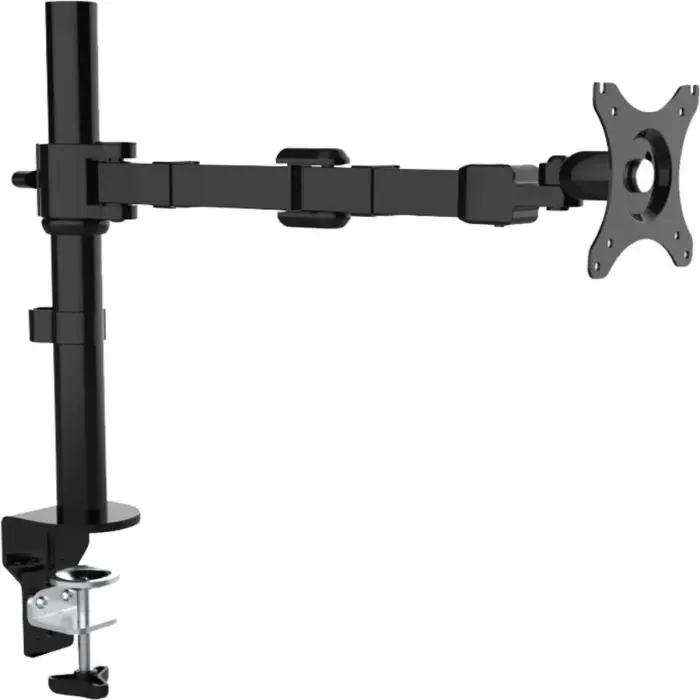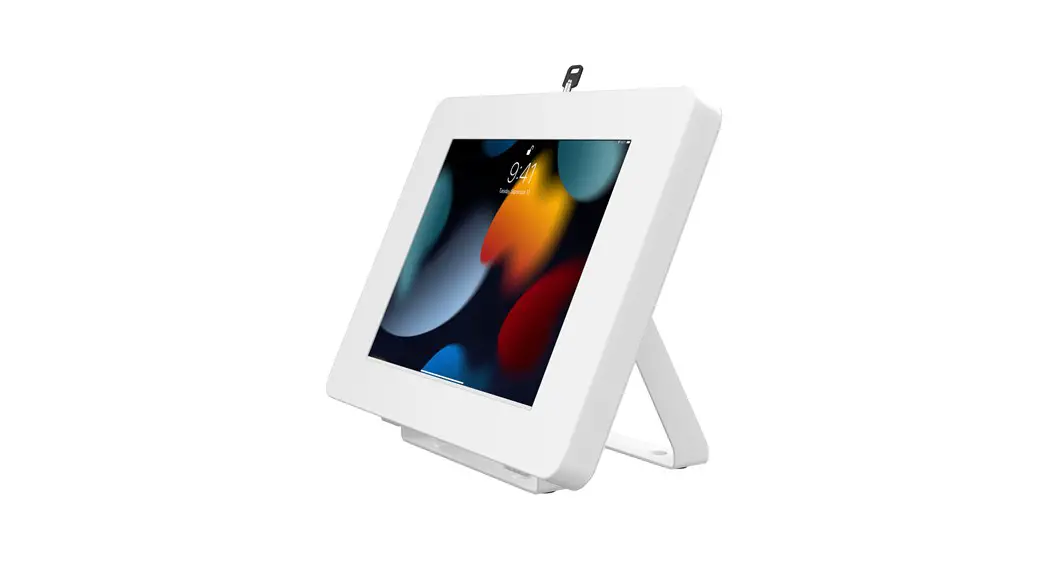

PAD-LOCUHW
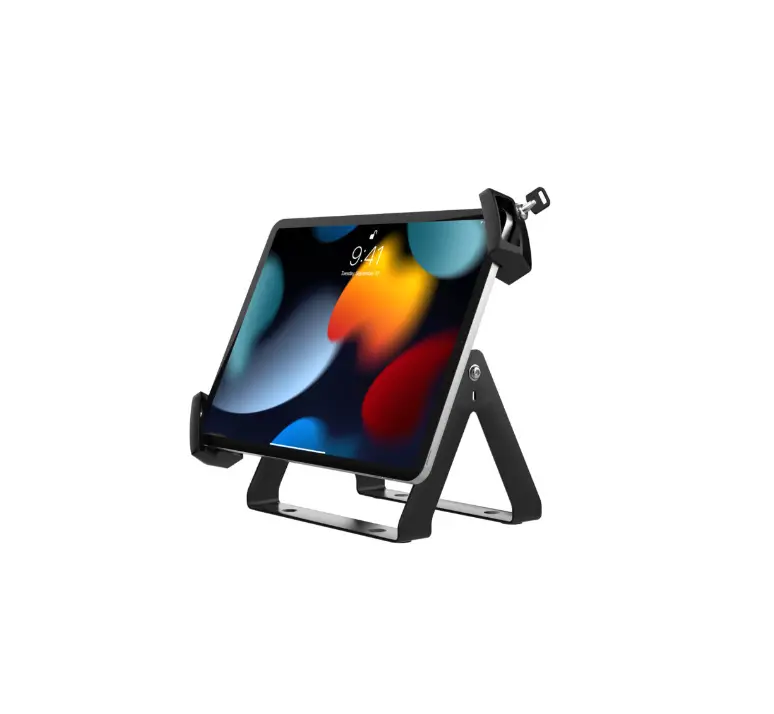
Full Rotation Desk Mount
with Universal Security Holder for 8-12 inch Tablets (White)
INSTRUCTION MANUAL
Thank you for choosing CTA Digital’s product. We hope that you will enjoy using it.
Please follow the guidelines and instructions as laid out in this instruction manual
PACKAGE CONTENTS:
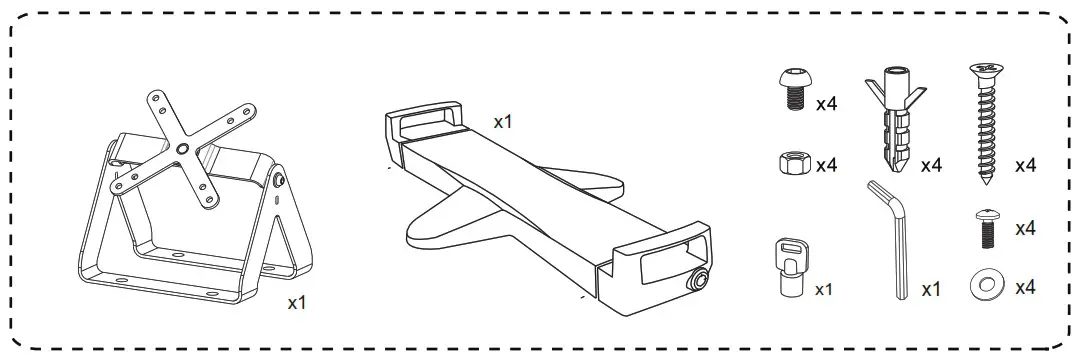
INSTRUCTIONS:
- Assemble Holder to VESA.
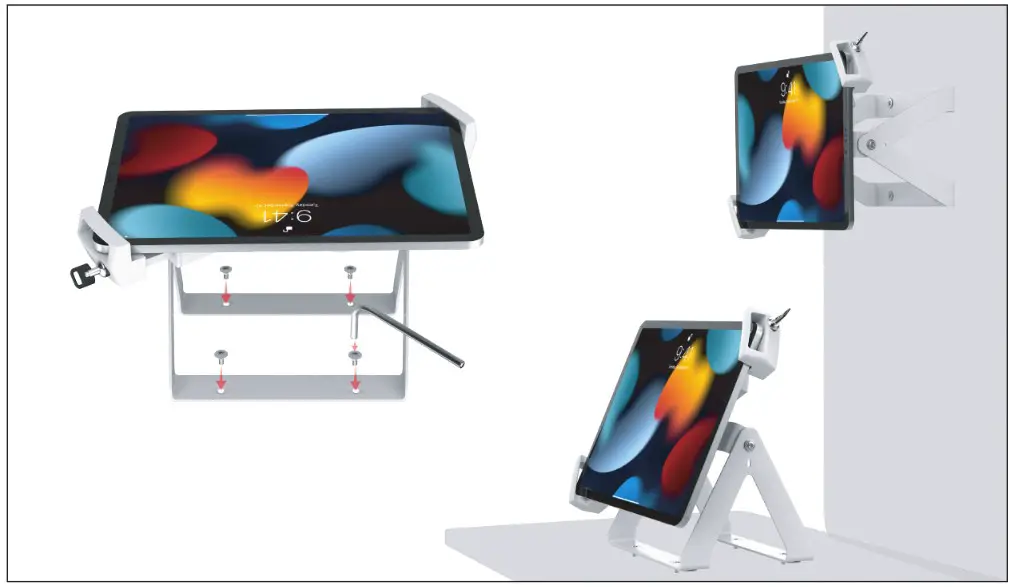
 A. Install Holder to VESA. Screw in provided nails, washers and nuts as illustrated (Shown Above)
 - How to Fit Tablet into a Holder.
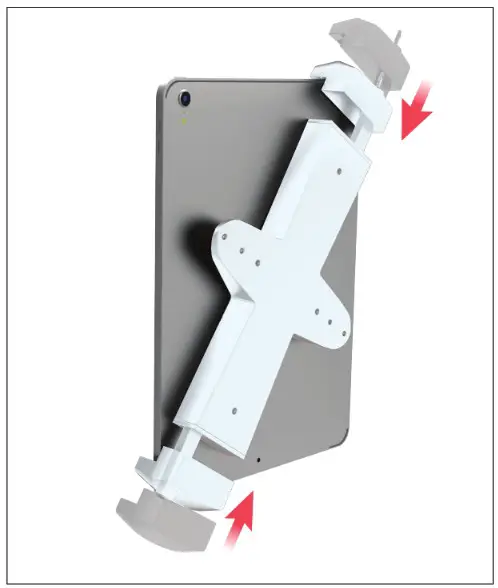
 A. Extend the Tablet Holder arms, and then insert Tablet Device into Holder.
 - How to Lock Holder.


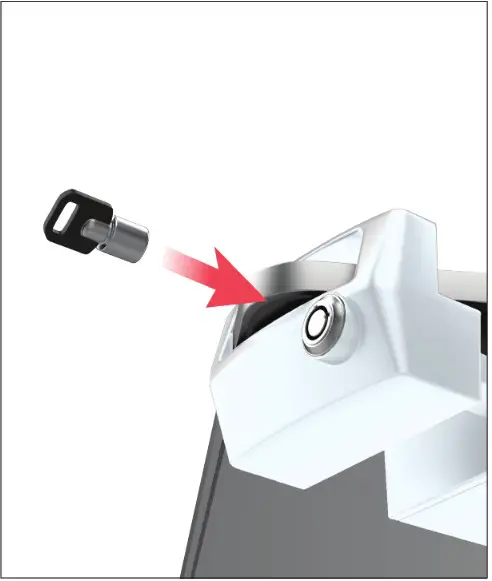
A. Adjust the Holder to Fit your Tablet Device. B. Once the Tablet device is in place, insert the key and rotate it, then remove the key to keep the Holder locked in place. - Mounting to Wall or Table.

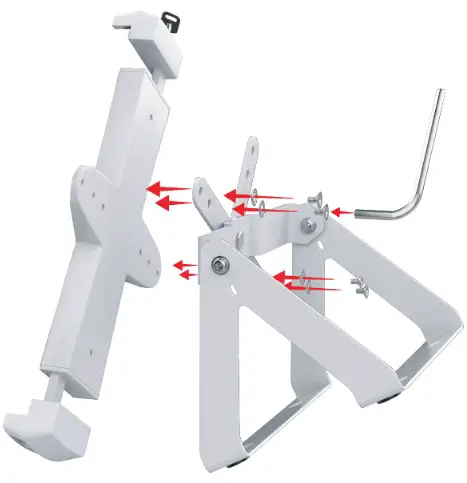 A. Install Holder to VESA. Screw in provided nails, washers and nuts as illustrated (Shown Above)
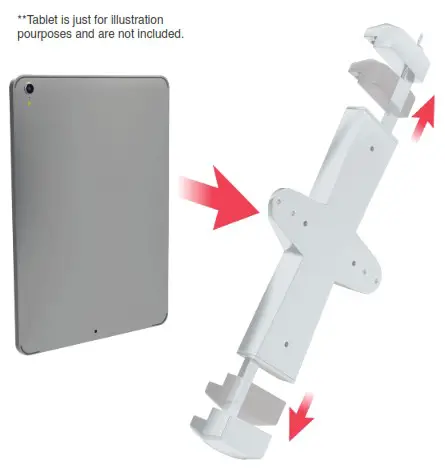 A. Extend the Tablet Holder arms, and then insert Tablet Device into Holder.