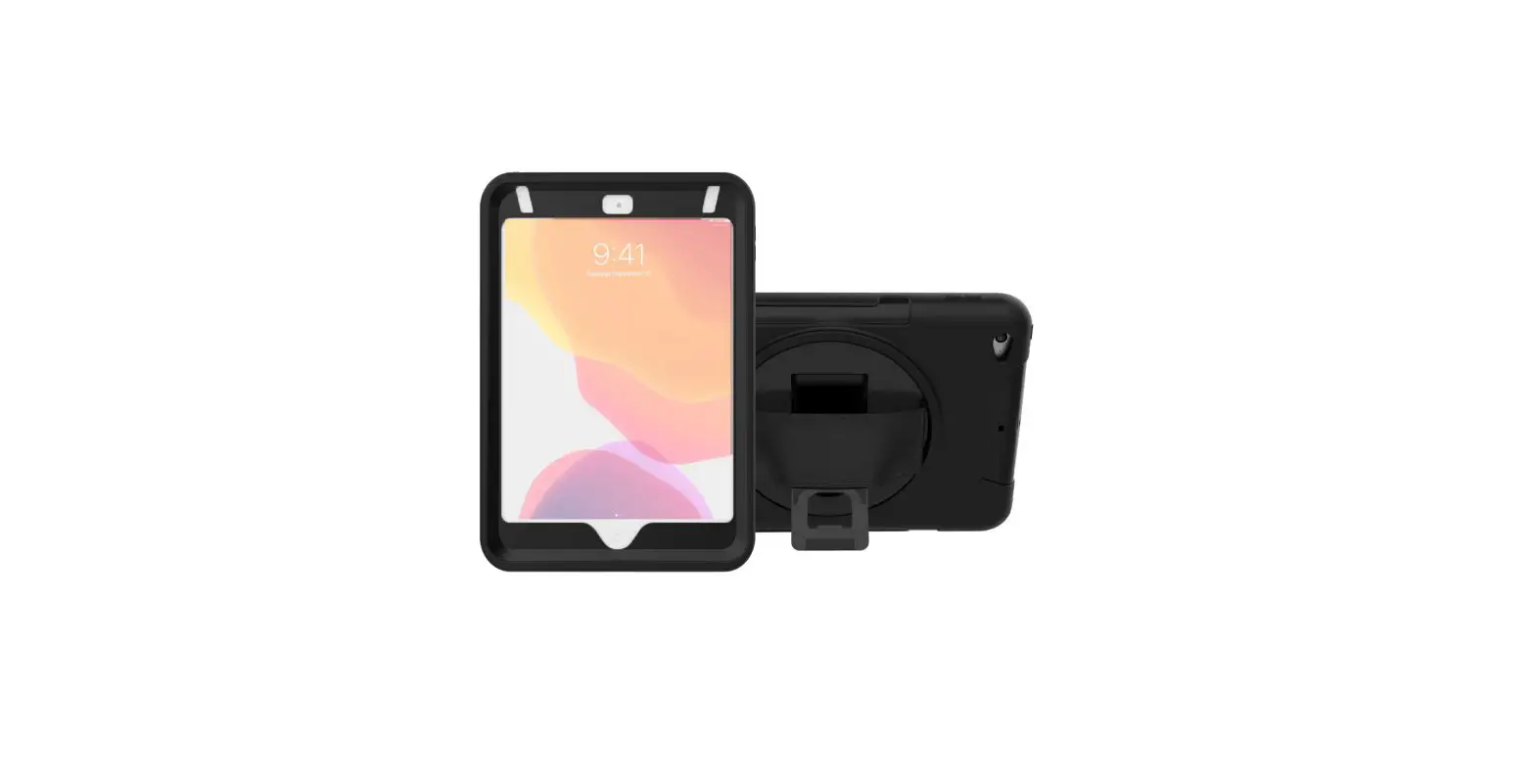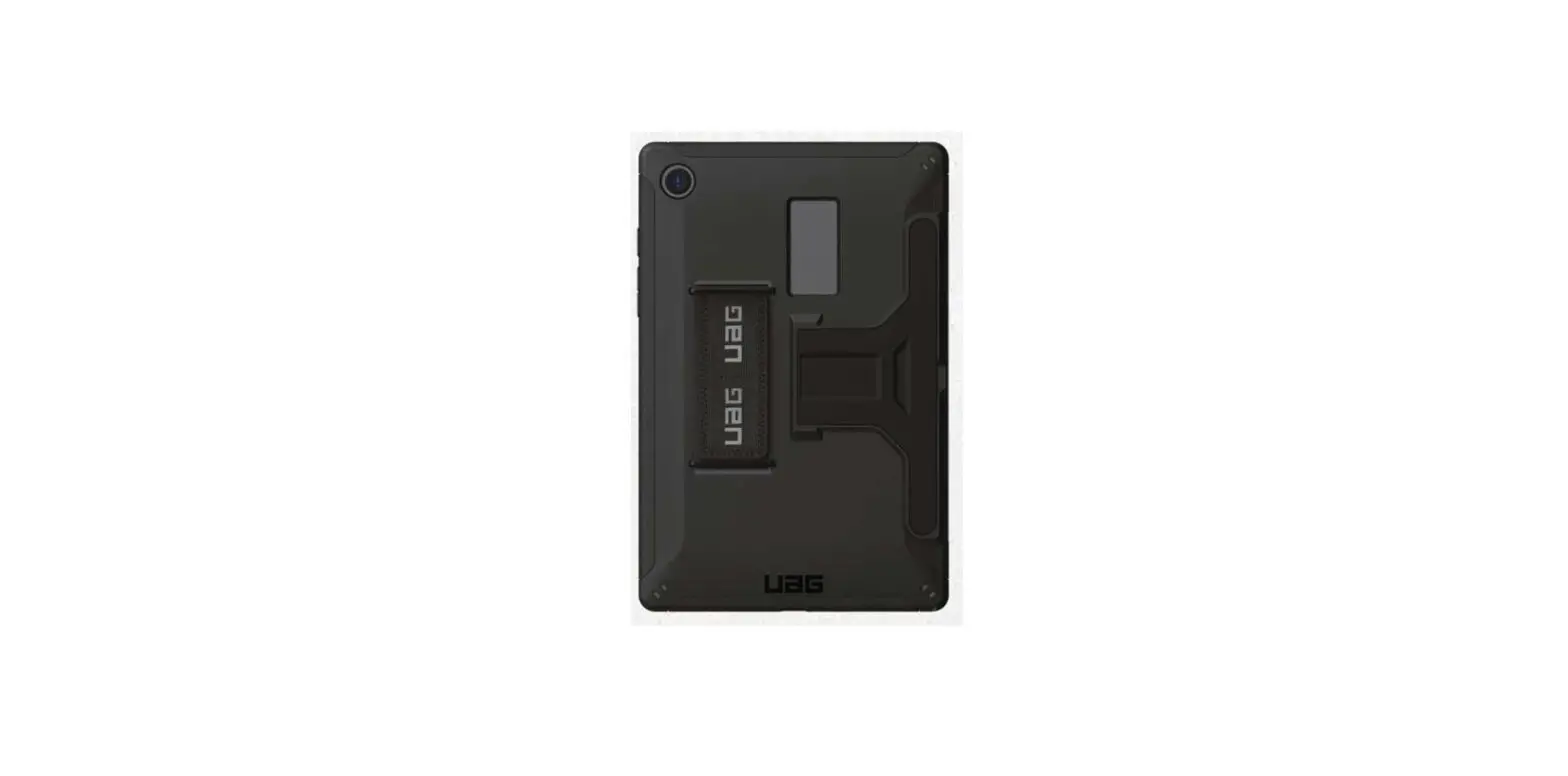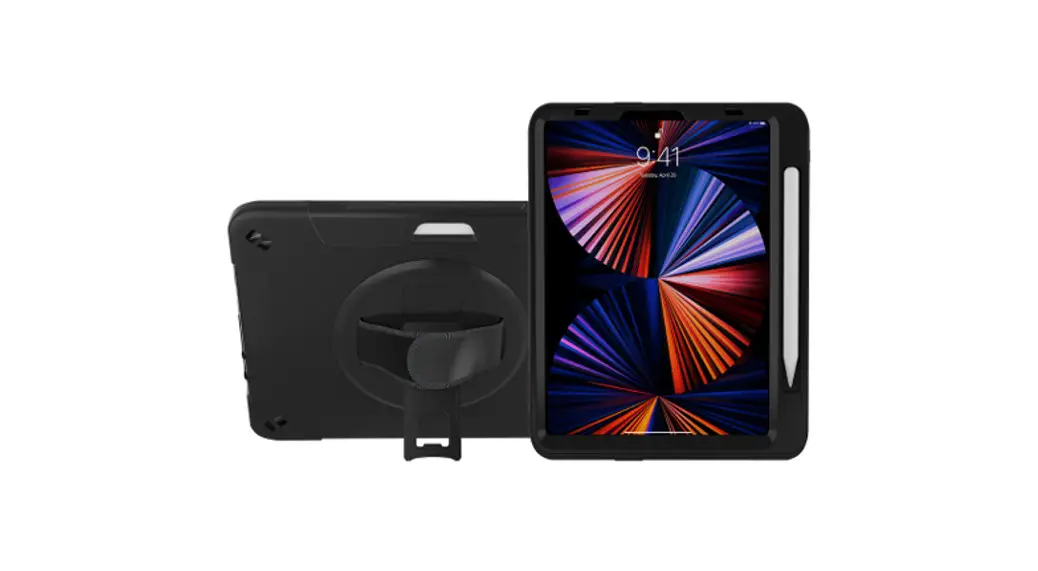

Protective Case
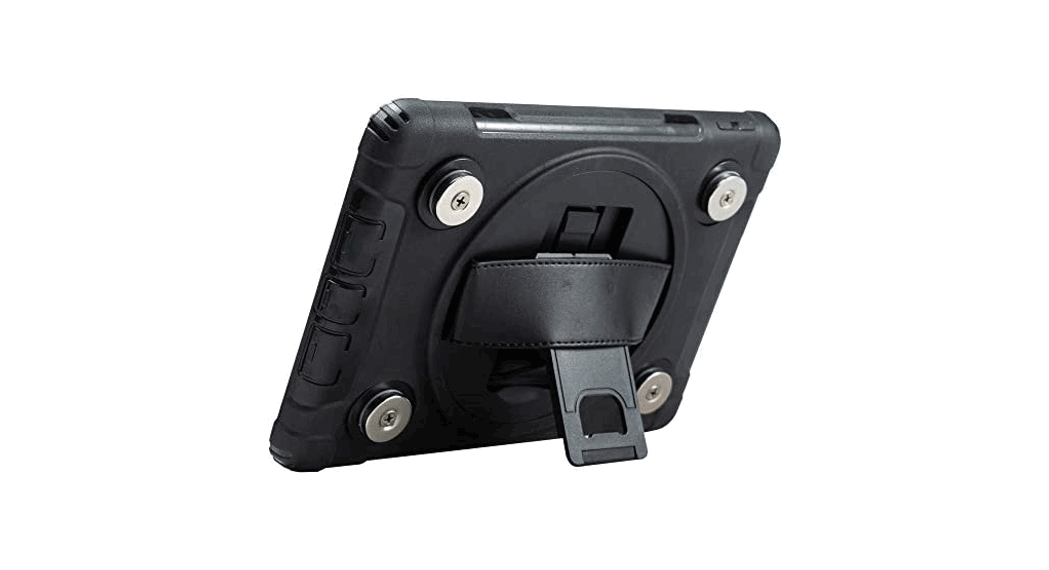
with Built-In 360 Degree Rotatable Grip Kickstand
For iPad Air 10 (9 inch), iPad Pro 11″
PAD-PCGK11
INSTRUCTION – MANUAL
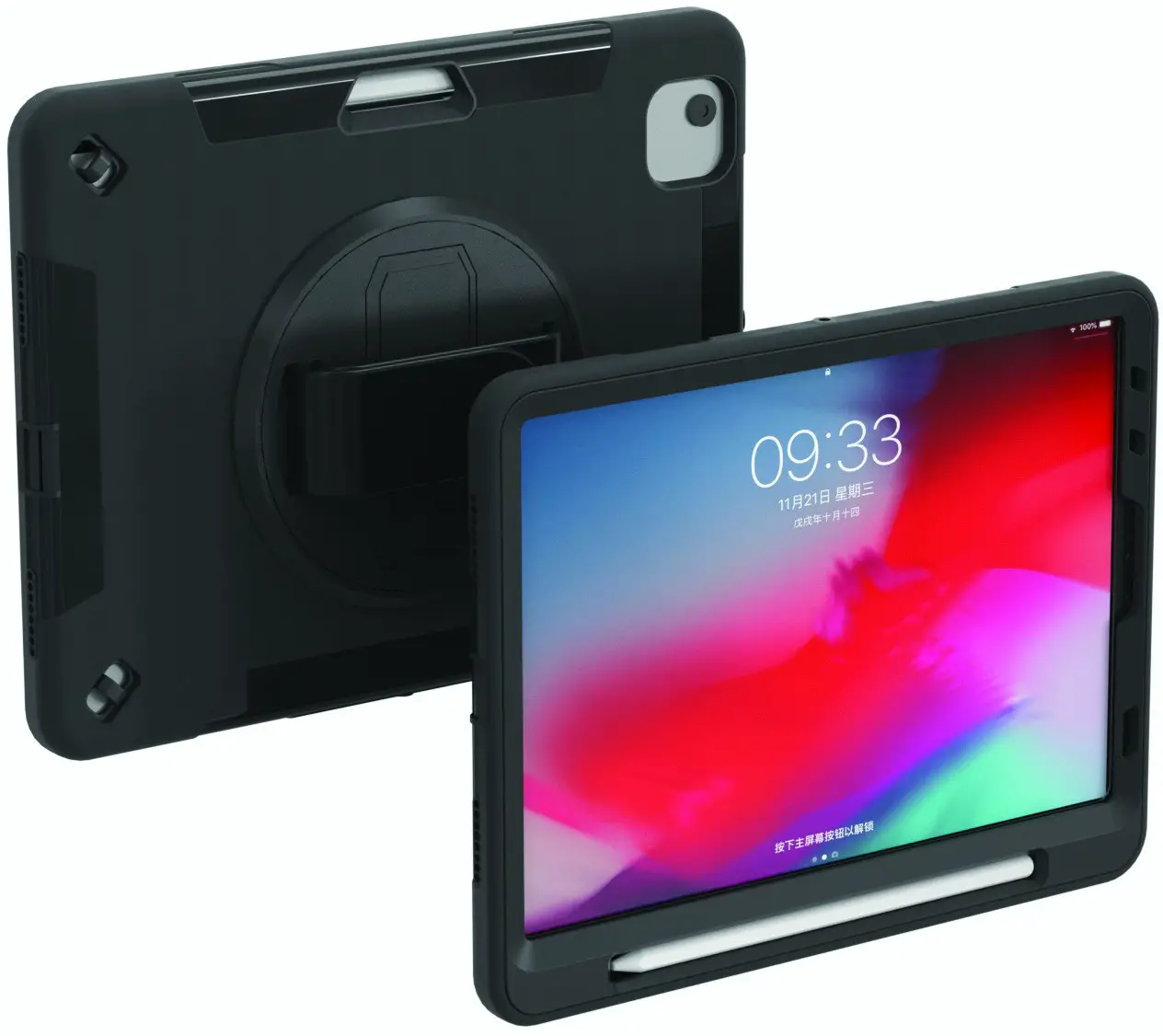
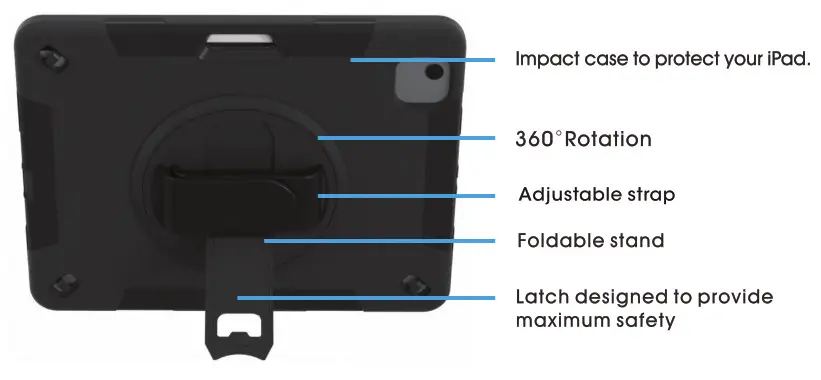
Features
Installations
If your iPad has a previously installed screen protector, please remove it before continuing.
Remove the external silicone sleeve by peeling it away from the internal hard case.
Gently apply pressure to the small clips (as indicated by the arrows) and unclip all four sides. Once all the sides are unclipped, the Internal hard case will open.
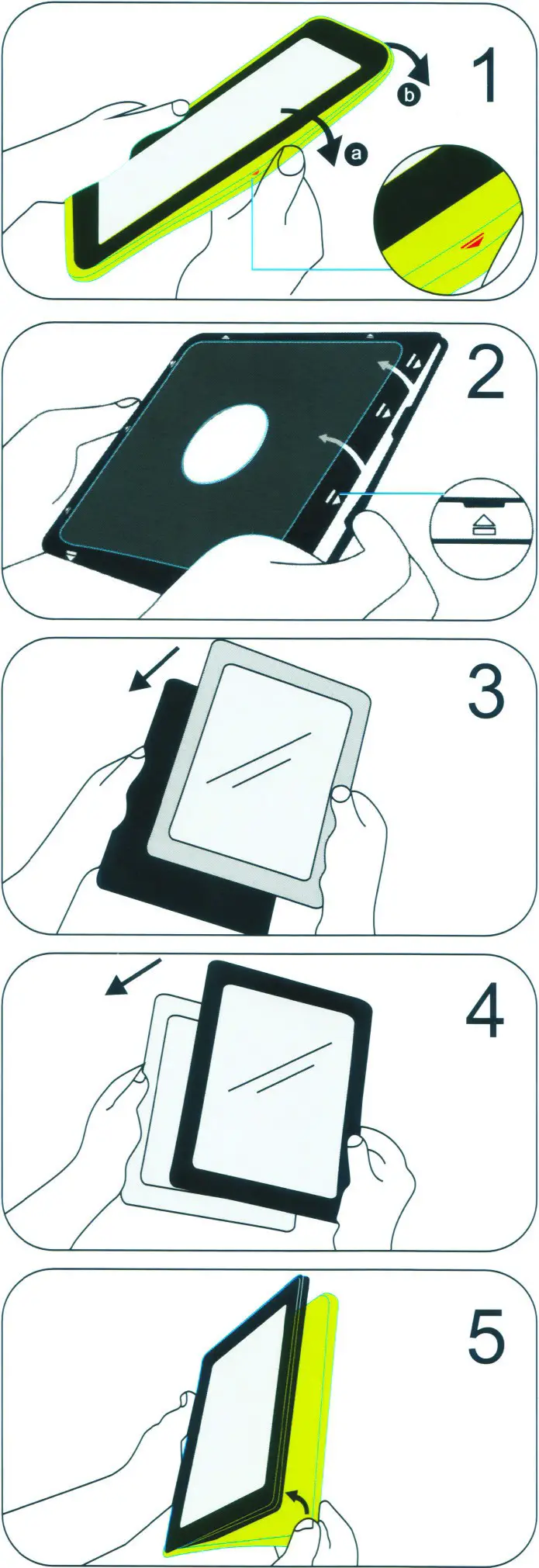
Insert the iPad into the rear cover.
Once the iPad is inside the rear cover, place the internal front cover on top and gently clip all four sides into position.
Reinstall the external silicone rubber sleeve.
Using the stand
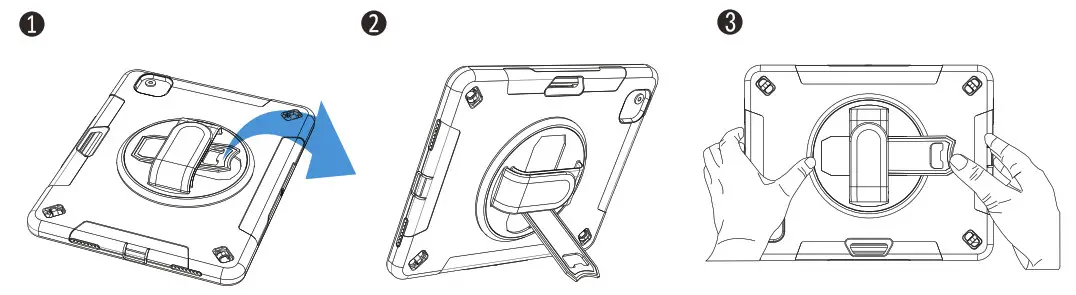
- Locate kickstand at case rear and fold-out underneath the strap.
- Display tablet at the desired viewing angle.
- Press kickstand back in to return to handheld mode.
 36 Taaffe Place Brooklyn, NY 11205
 [email protected]
 778-991-0169
 www.ctadigital.com