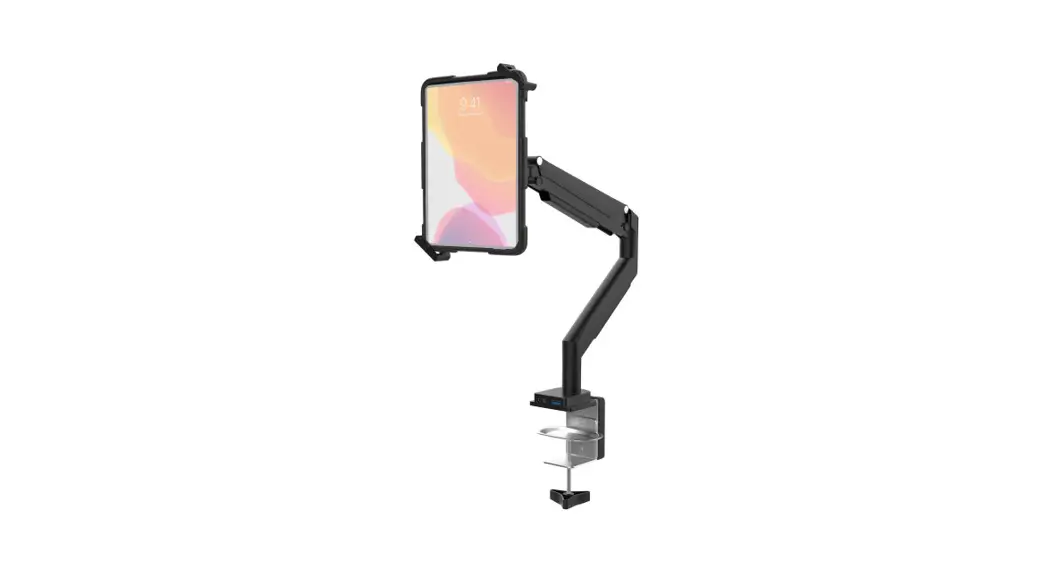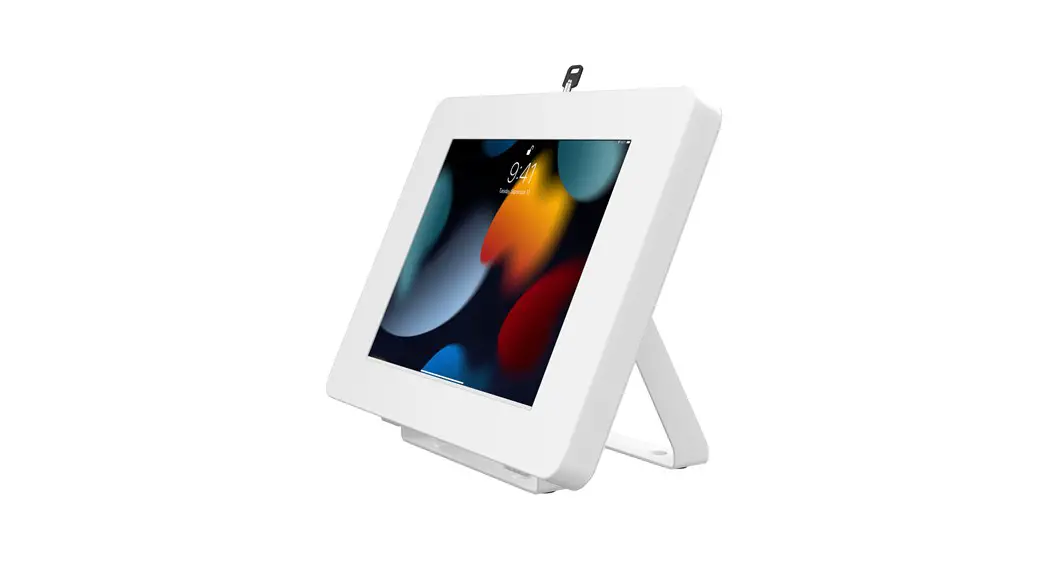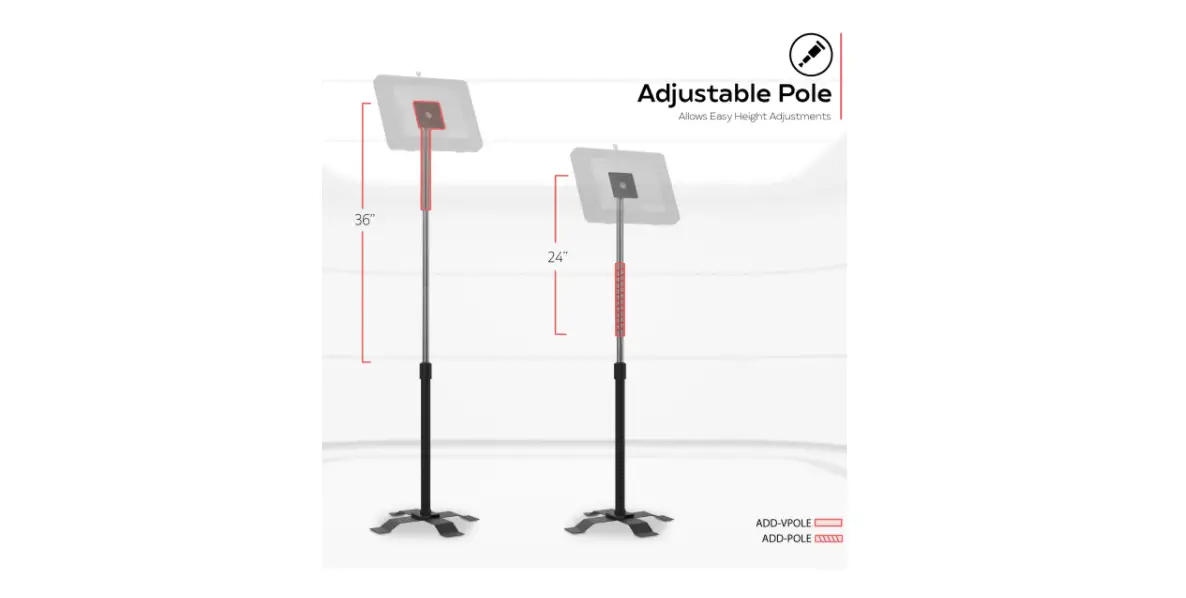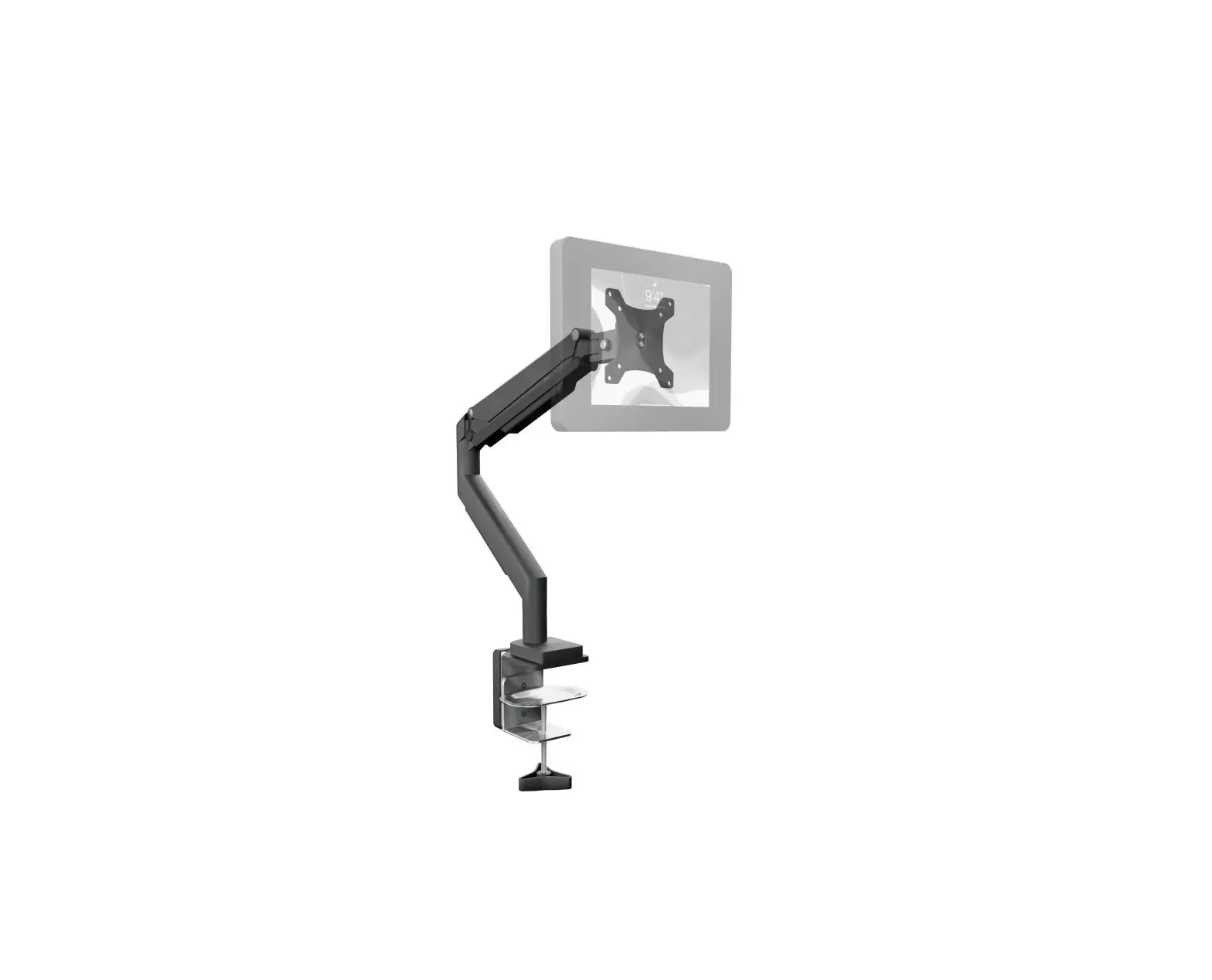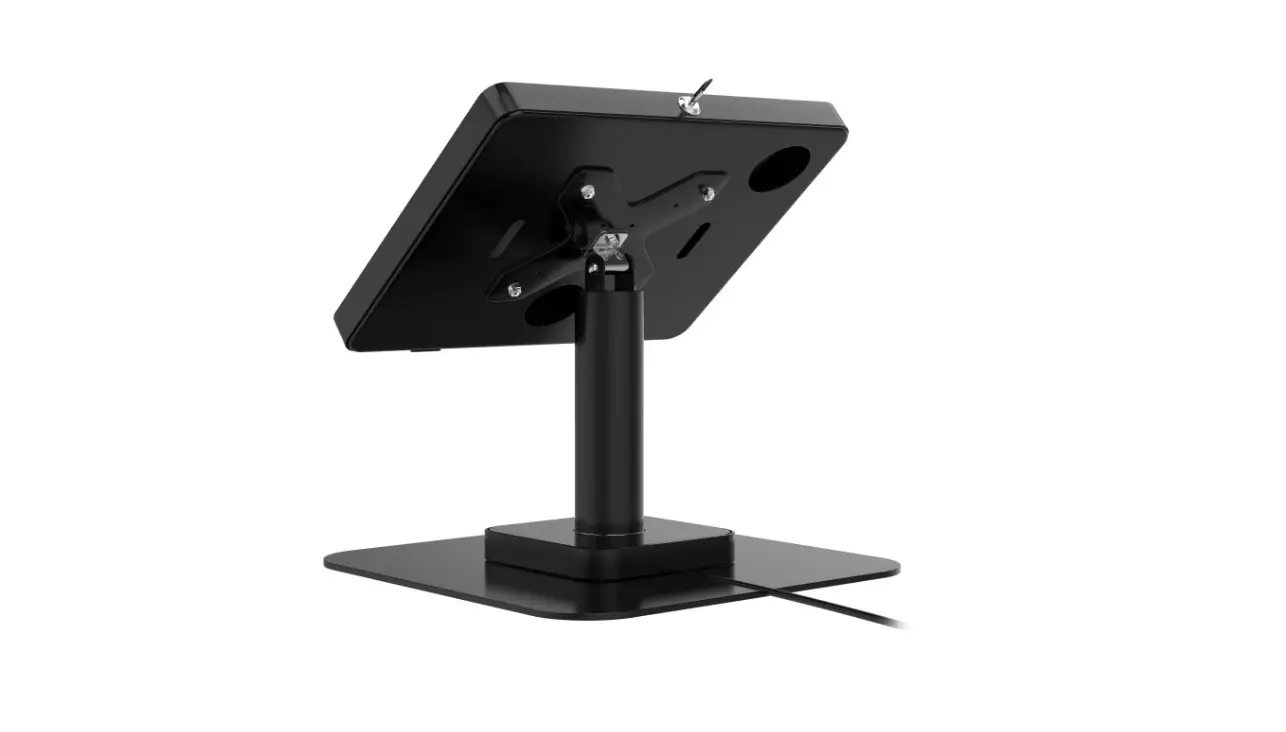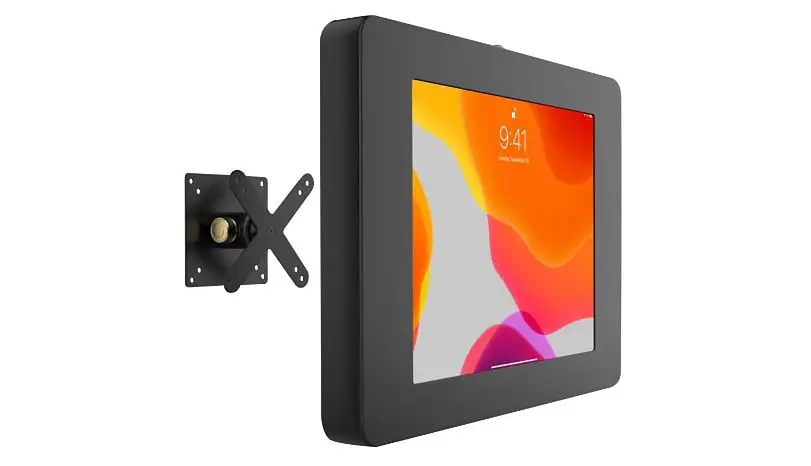
Cta Pad-parabrh Rotary And Tilting Vesa Compatible Mount With Universal Security Enclosure User Manual

Cta Pad-parabrh Rotary And Tilting Vesa Compatible Mount With Universal Security Enclosure User Manual

CTA PAD-PARABRH Rotary and Tilting Vesa Compatible 
Mount with Universal Security 
Enclosure User Manual


CTA logo


Rotary & Tilting VESA-Compatible Mount
with Universal Security Enclosure (Black)

USER MANUAL

PAD-PARABRH

Contents:

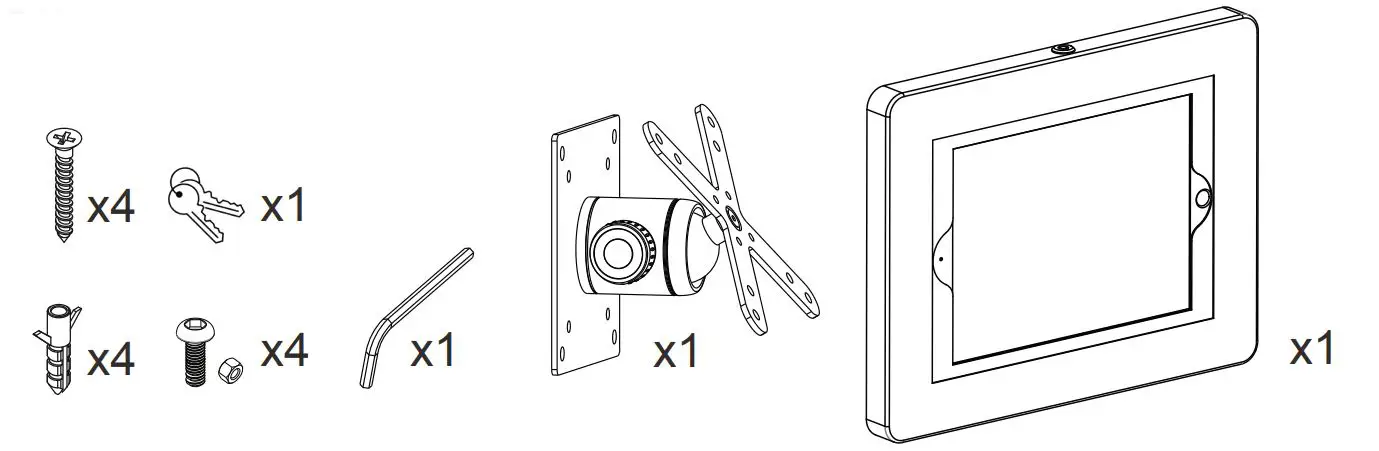
CTA PAD-PARABRH Rotary and Tilting Vesa Compatible Mount with Universal Security Enclosure - Contents Instructions:

1. Mounting Options:

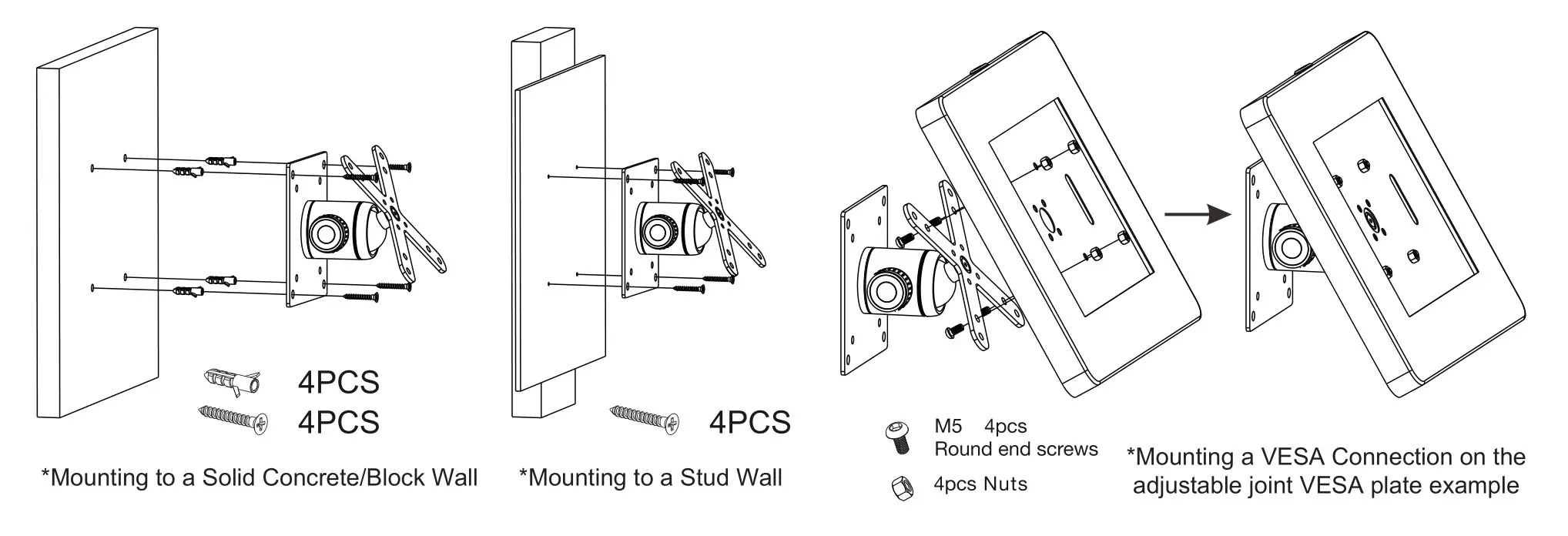
CTA PAD-PARABRH Rotary and Tilting Vesa Compatible Mount with Universal Security Enclosure - Mounting Options

2. Adjusting the Ball Joint

*Disclaimer
DO NOT ATTEMPT TO MOVE JOINT WHEN BALL JOINT IS TIGHTENED. FAILURE TO COMPLY WILL RESULT IN PRODUCT INTEGRITY AND NOT OPERATING AT FULL CAPACITY. RESPONSIBILITY WILL BE ON USER IF PRODUCT MALFUNCTIONS IN ANY SHAPE OR FORM.
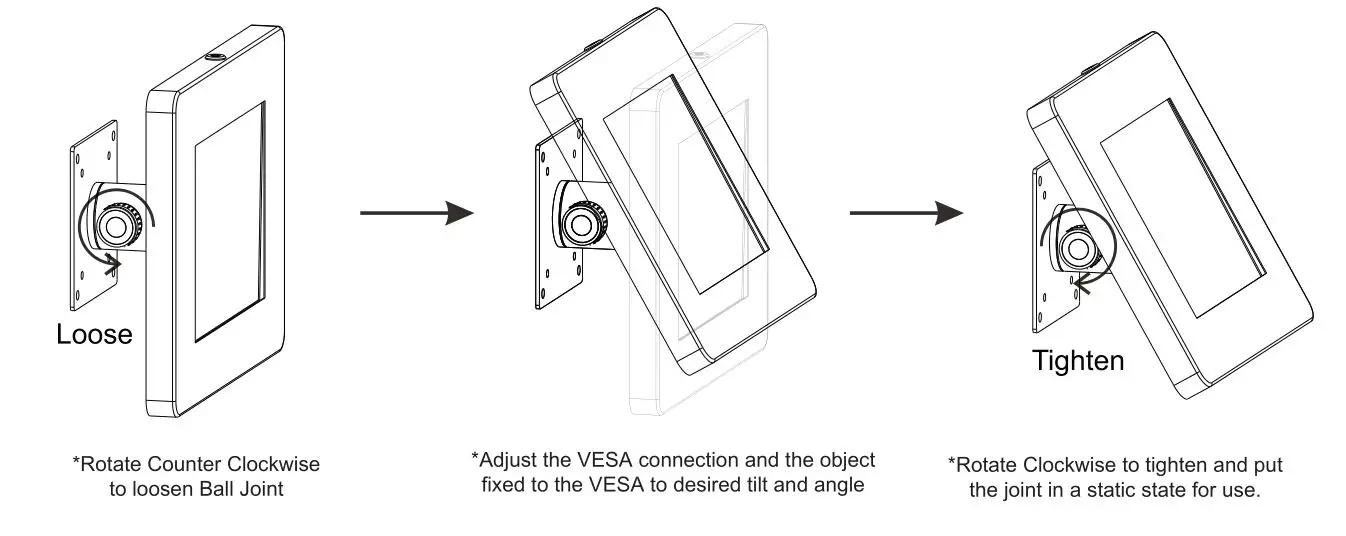
CTA PAD-PARABRH Rotary and Tilting Vesa Compatible Mount with Universal Security Enclosure - Adjusting the Ball Joint

3. Setting up Enclosure and Tablet

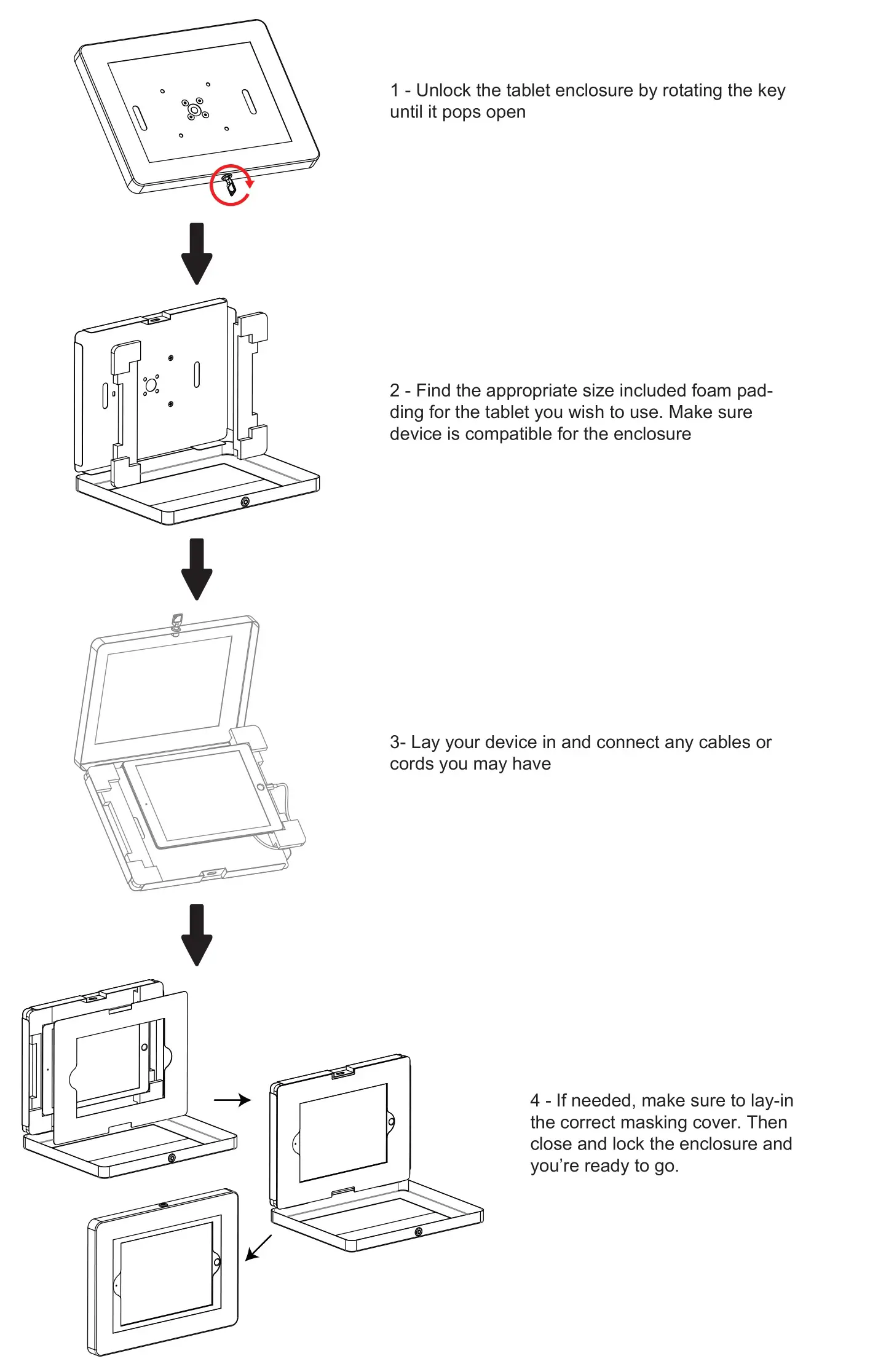
CTA PAD-PARABRH Rotary and Tilting Vesa Compatible Mount with Universal Security Enclosure - Setting up Enclosure and Tablet


CTA PAD-PARABRH Rotary and Tilting Vesa Compatible Mount with Universal Security Enclosure - contact details

[email protected]
www.ctadigital.com

Documents / Resouces

Download manual
Here you can download full pdf version of manual, it may contain additional safety instructions, warranty information, FCC rules, etc.


Related Manuals