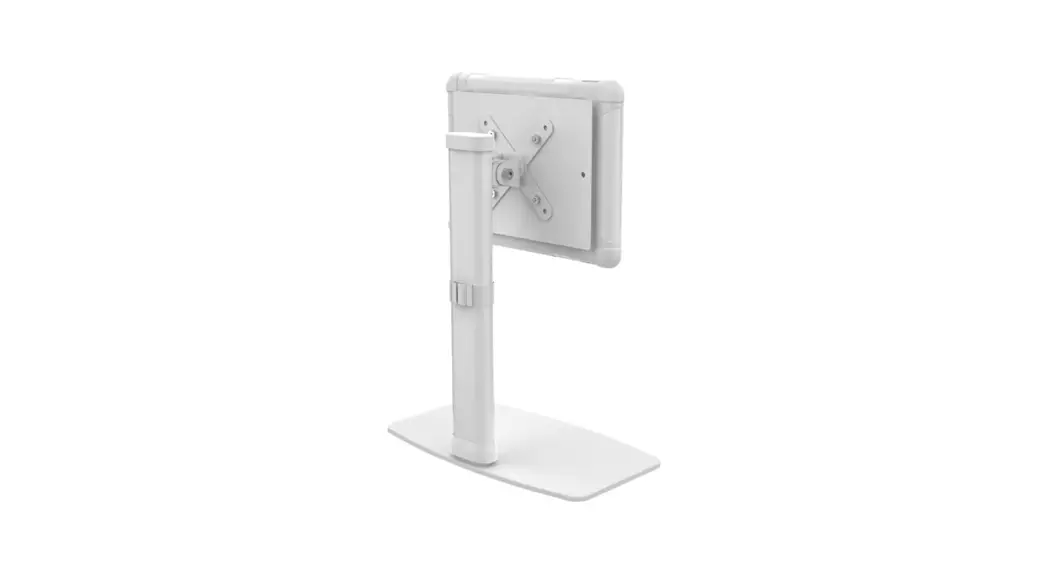
 PAD-WADMQR
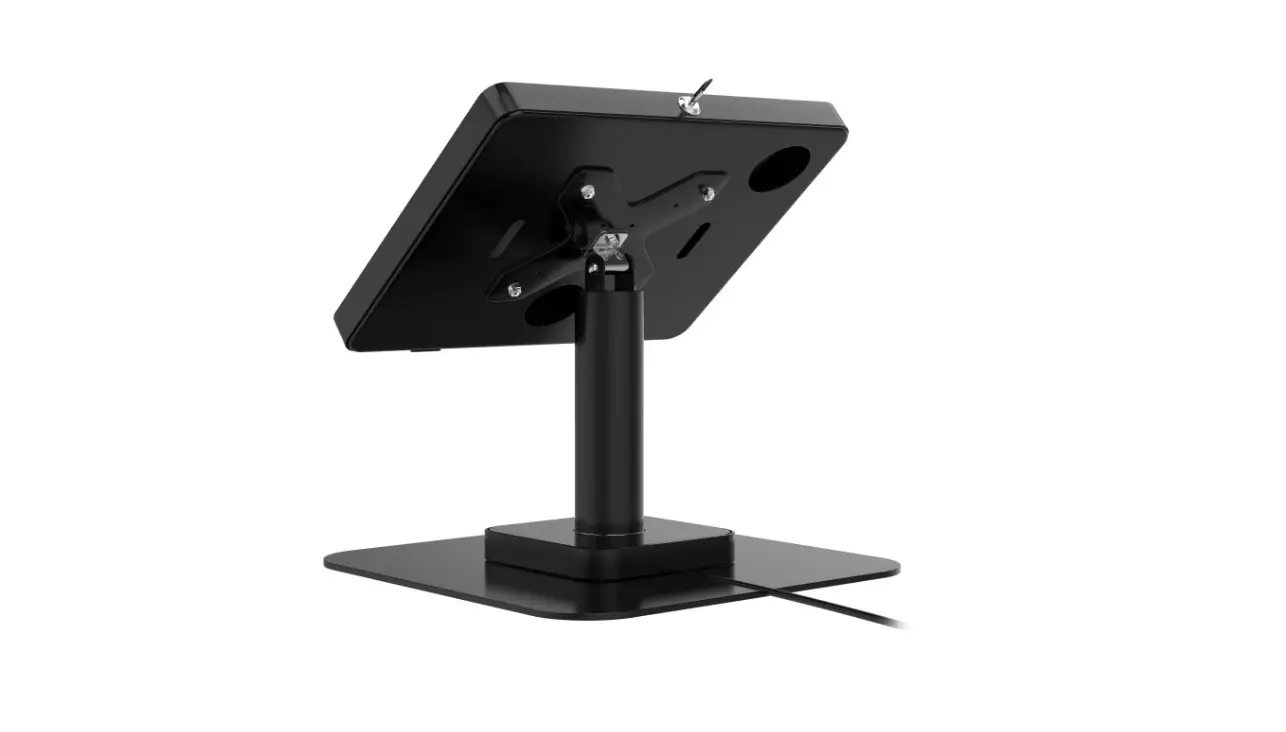
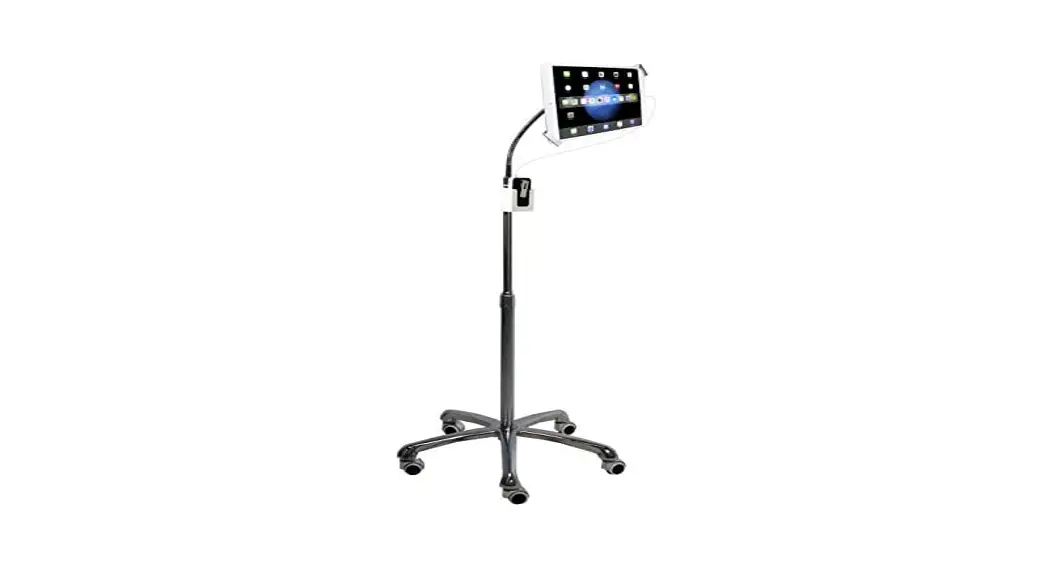
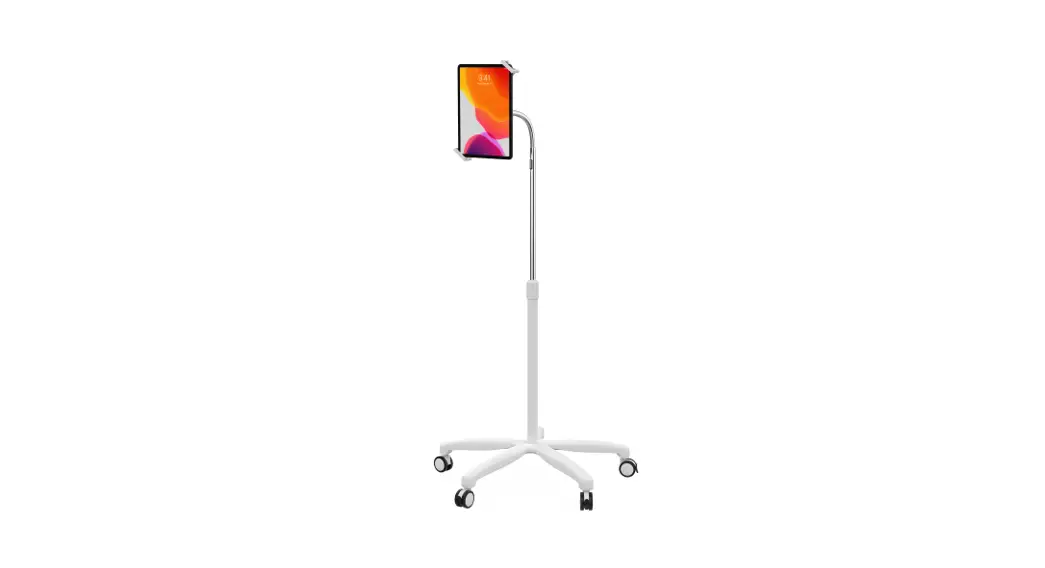
Height-Adjustable Mount with Quick Release Magnetic Case
for iPad 7th, 8th, & 9th Gen, iPad Air 3, and iPad Pro 10.5″
INSTRUCTION MANUAL
PAD-WADMQR Digital Height-Adjustable Mount
Thank you for choosing CTA Digital’s product. We hope that you will enjoy using it. Please follow the guidelines and instructions as laid out in this instruction manual
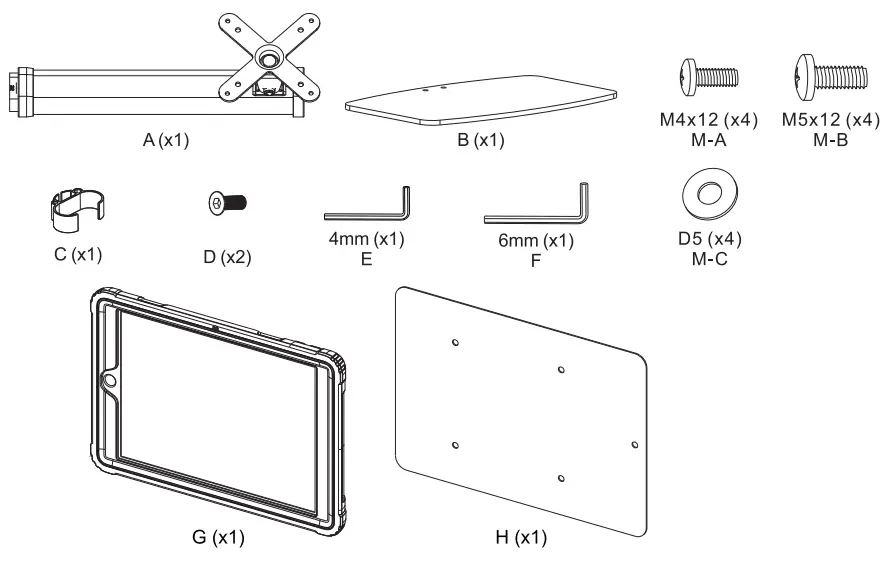
PACKAGE CONTENTS:
INSTRUCTIONS:
- Connecting Pole with Base and Clip:
 A. Align pole and base screw holes, and using the provided alien key, screw in the screws as shown.
 B. Attach the cable holder clip to the base as shown.
 - Connecting VESA with Metal Plate:
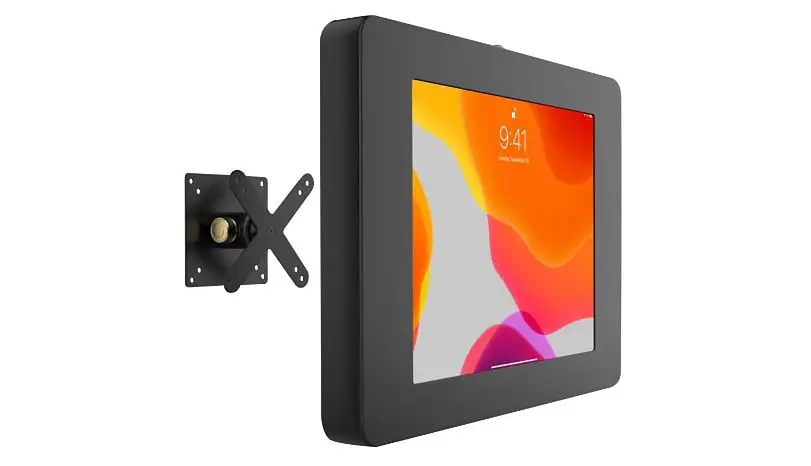
 A. Using the provided tools, screw in the nuts and bolts as shown to attach the metallic plate to the VESA end.
 - Adjusting VESA joint for Tilt, Swivel and Orientation Adjustability:
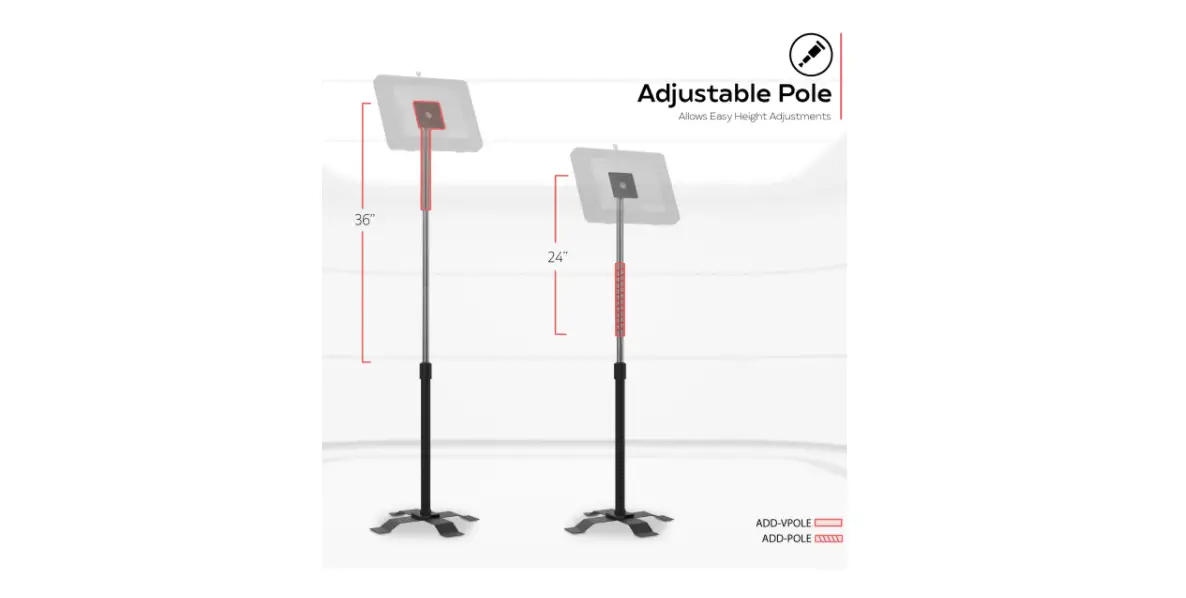
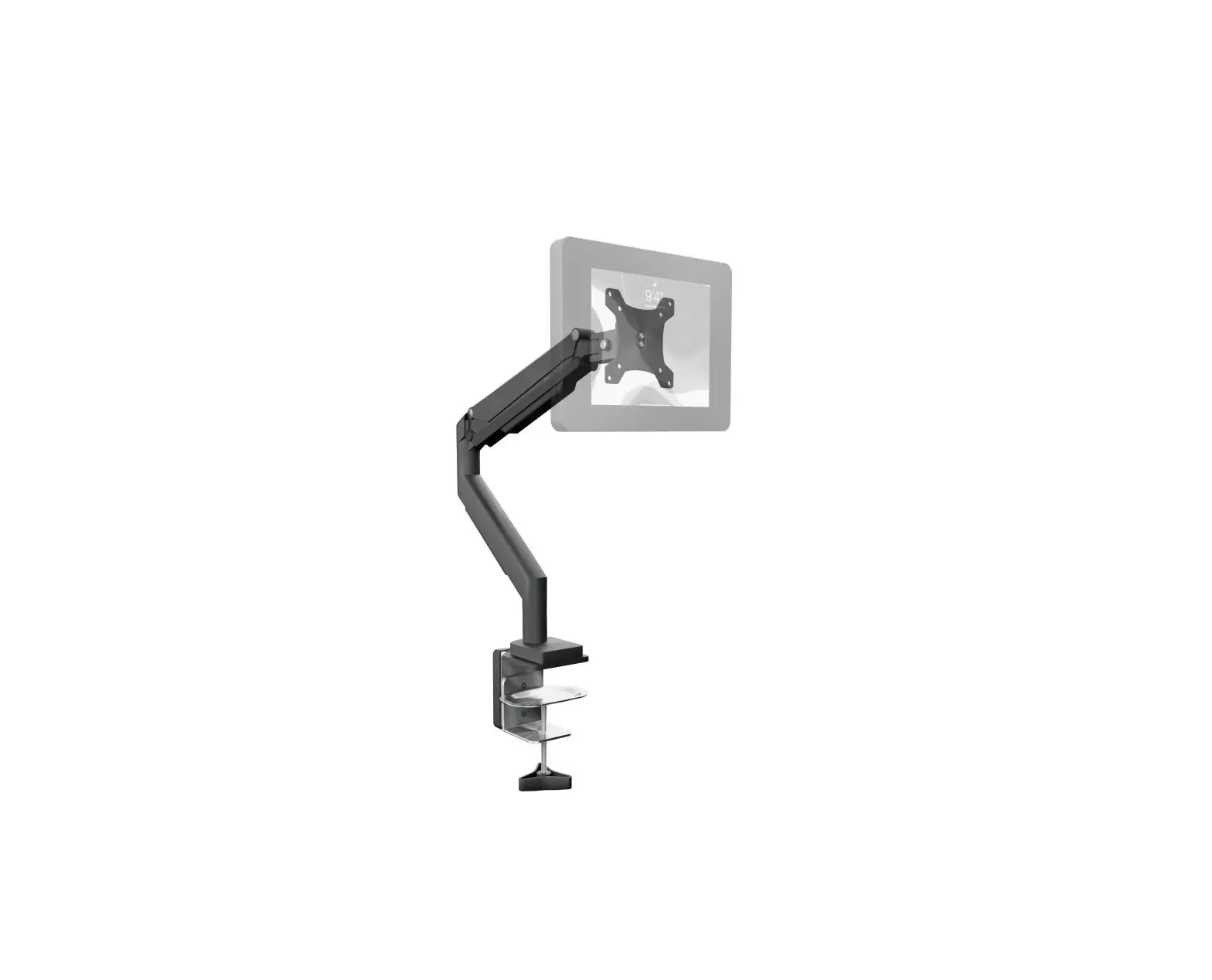
 A. Using the included alien key tool, loosen the screw as illustrate above. Once SCAMS are loosen, push up or down to adjust the height.
 B. Adjust the product to match your desired viewing angle and height.
 - Cable Management:
 A. Fish the cable through the clip as shown.
 - Case from Tabletop to Handheld:
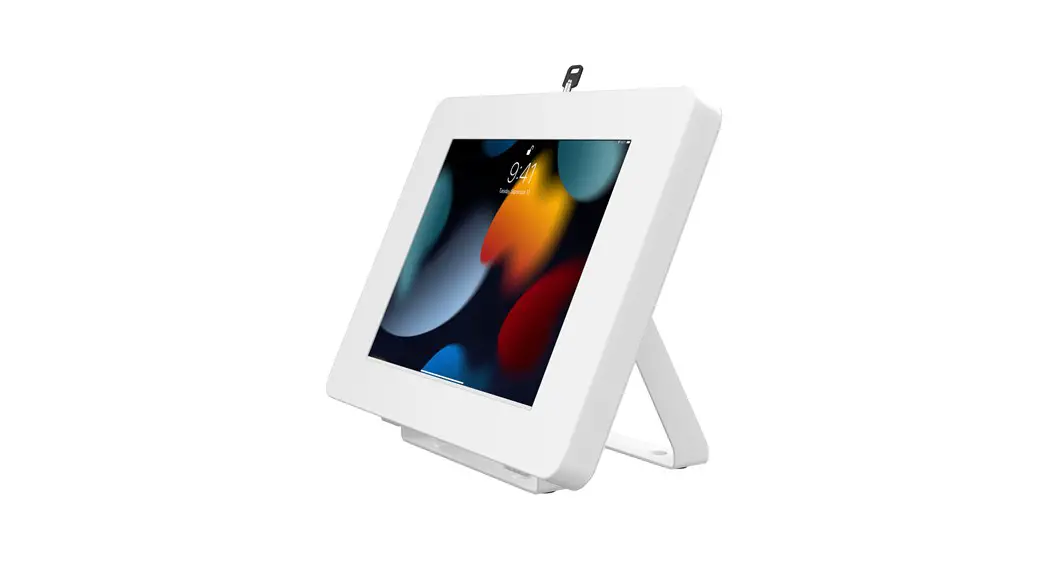
 A. Locate kickstand at case rear and fold out underneath strap.
 B. Display tablet at desired viewing angle.
 C. Press kickstand back in to return to handheld mode.
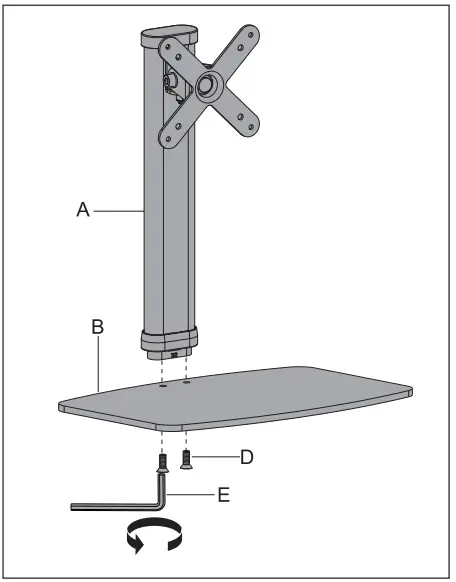 A. Align pole and base screw holes, and using the provided alien key, screw in the screws as shown.
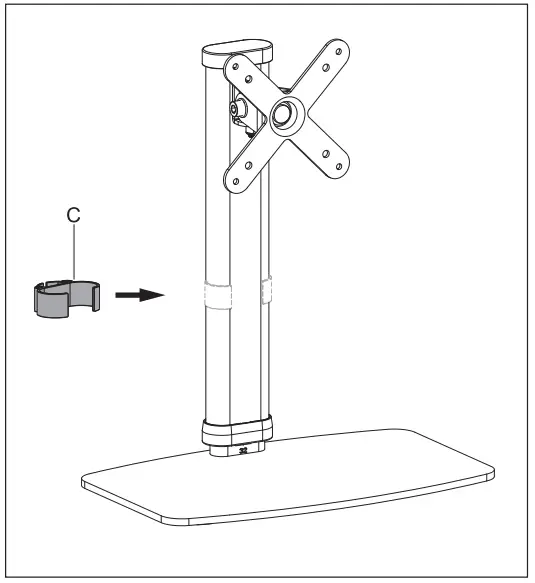 B. Attach the cable holder clip to the base as shown.
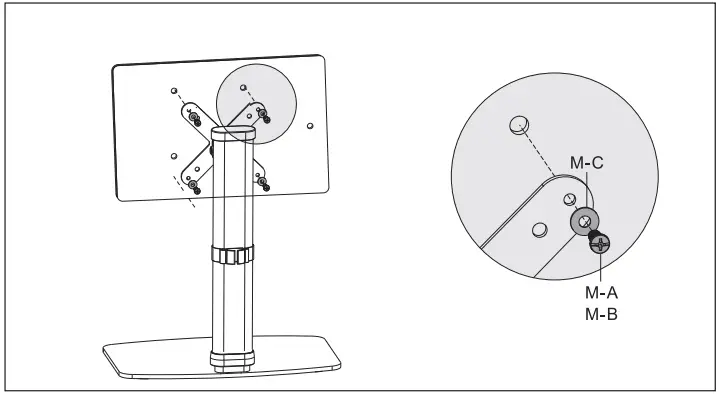 A. Using the provided tools, screw in the nuts and bolts as shown to attach the metallic plate to the VESA end.
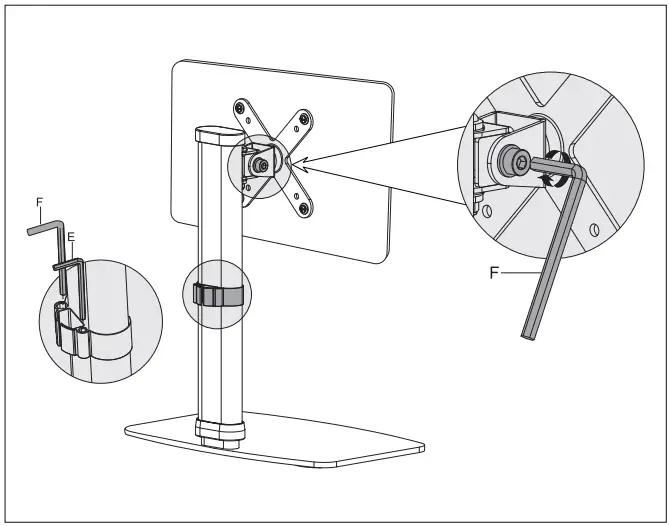 A. Using the included alien key tool, loosen the screw as illustrate above. Once SCAMS are loosen, push up or down to adjust the height.
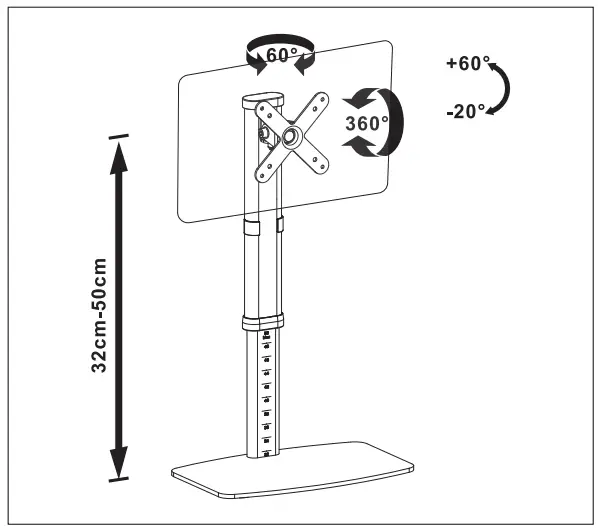 B. Adjust the product to match your desired viewing angle and height.
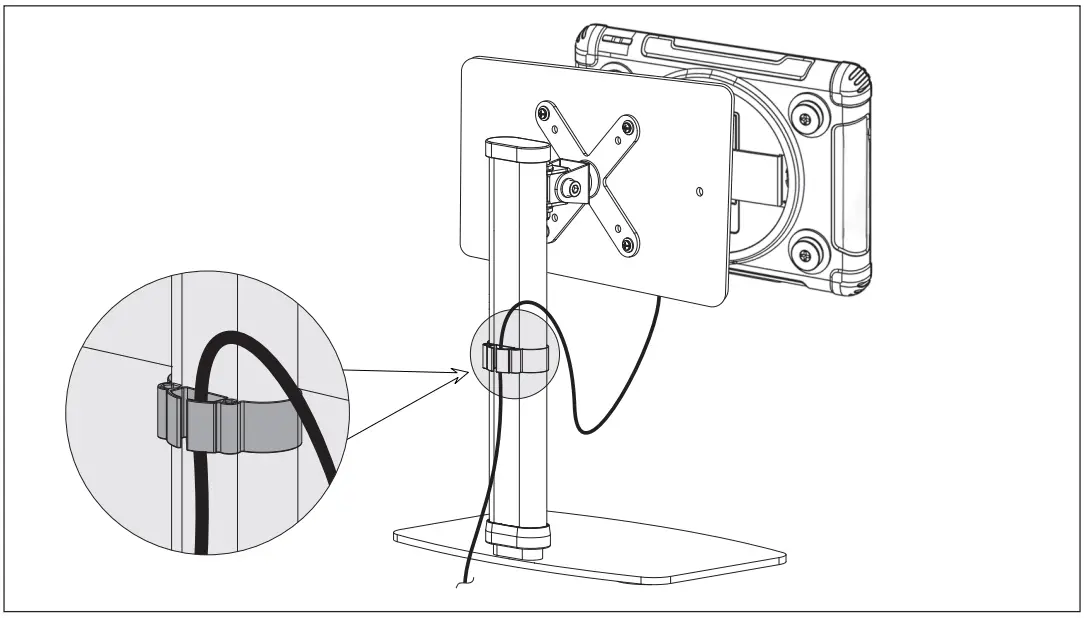 A. Fish the cable through the clip as shown.
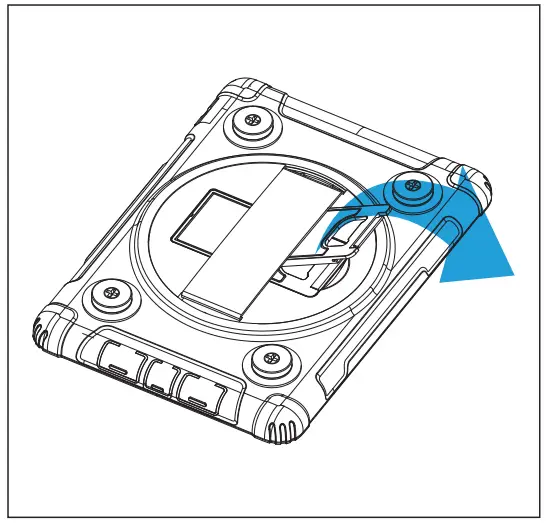 A. Locate kickstand at case rear and fold out underneath strap.
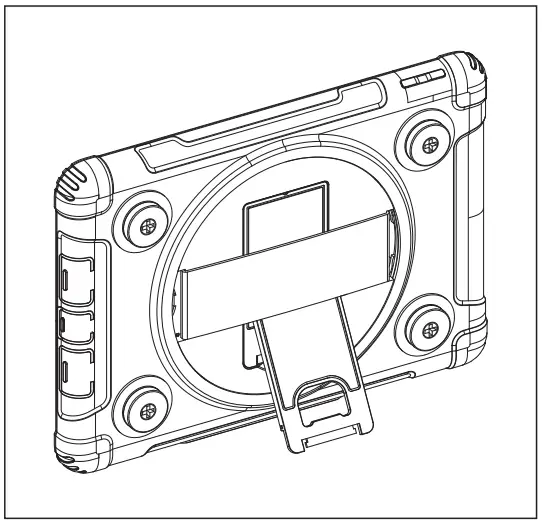 B. Display tablet at desired viewing angle.
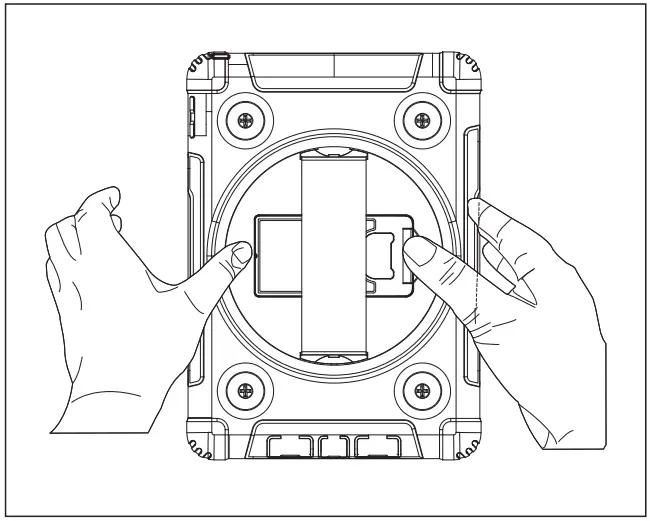 C. Press kickstand back in to return to handheld mode.