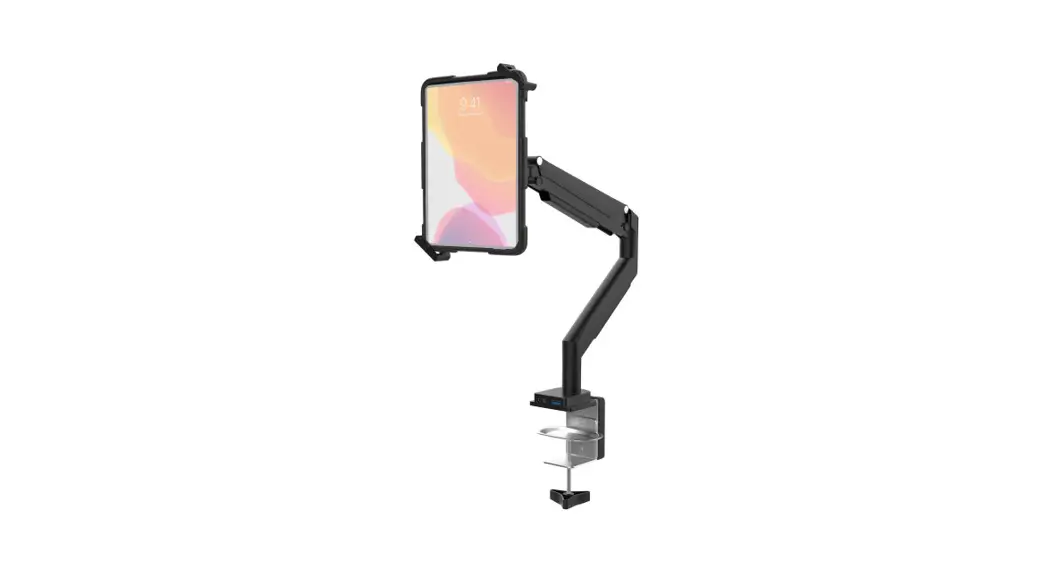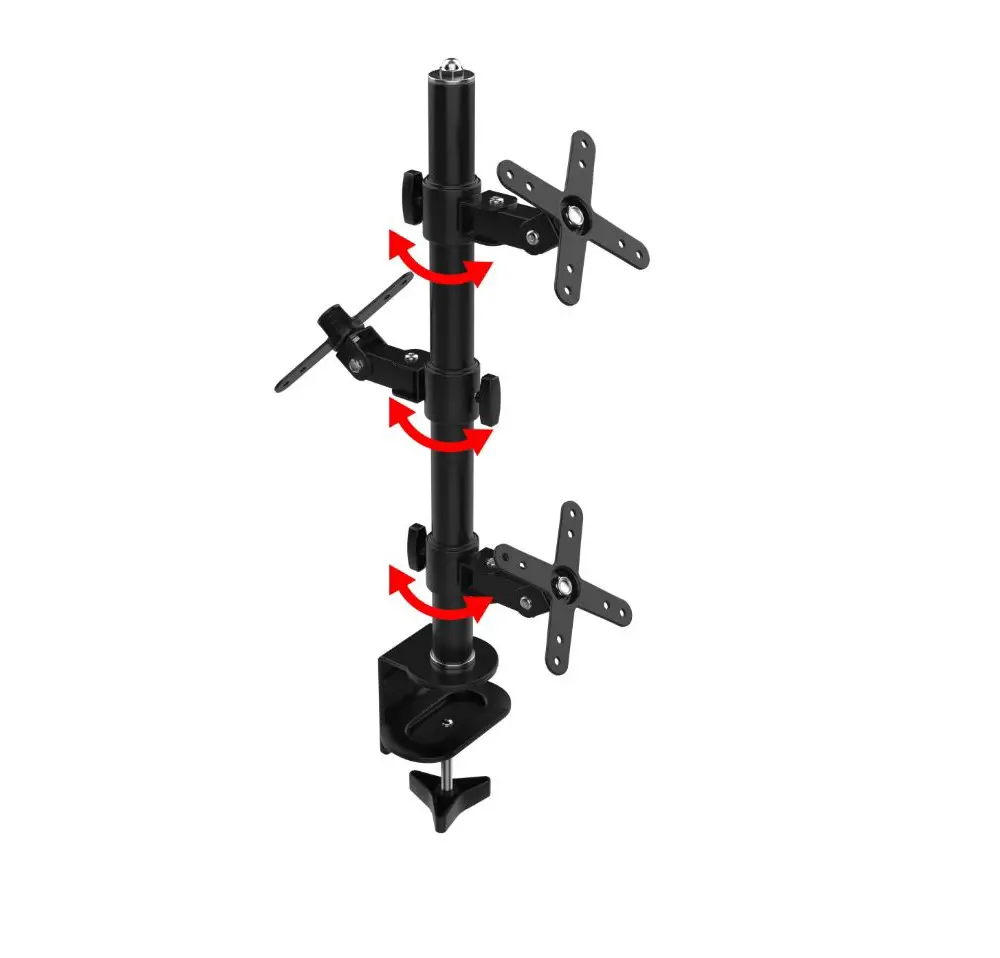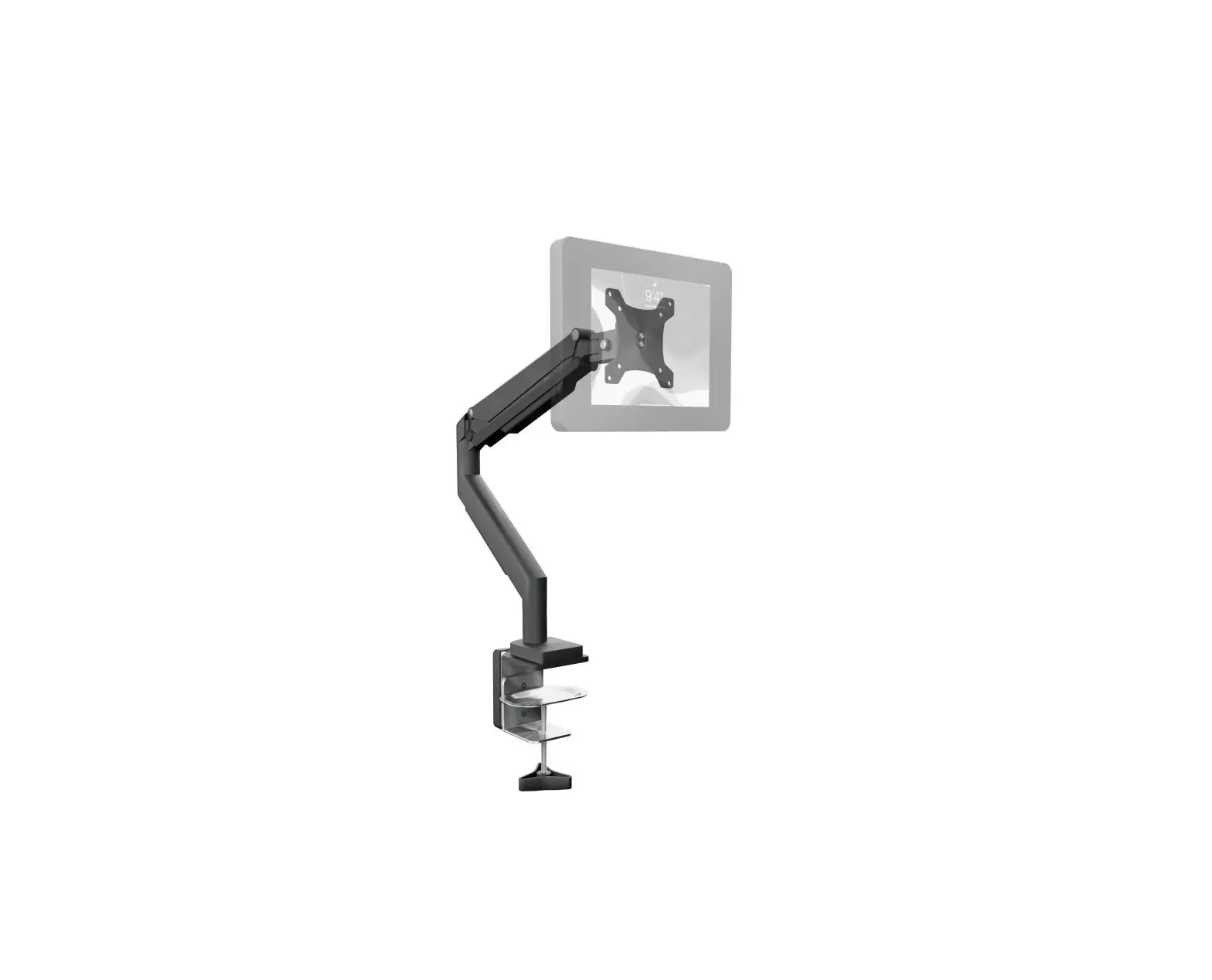
CTA PAD-LTMUH2 VESA Clamp Mount & Full Cable Management Instruction Manual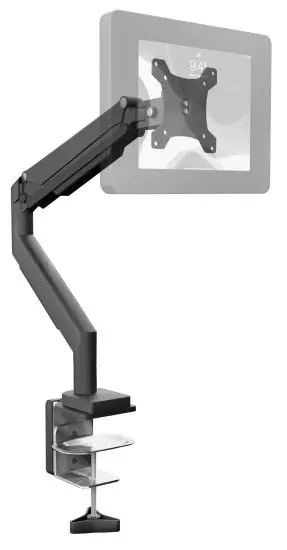
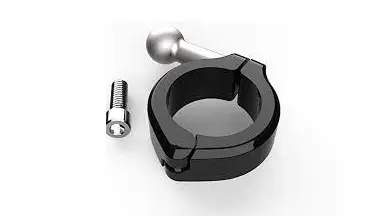
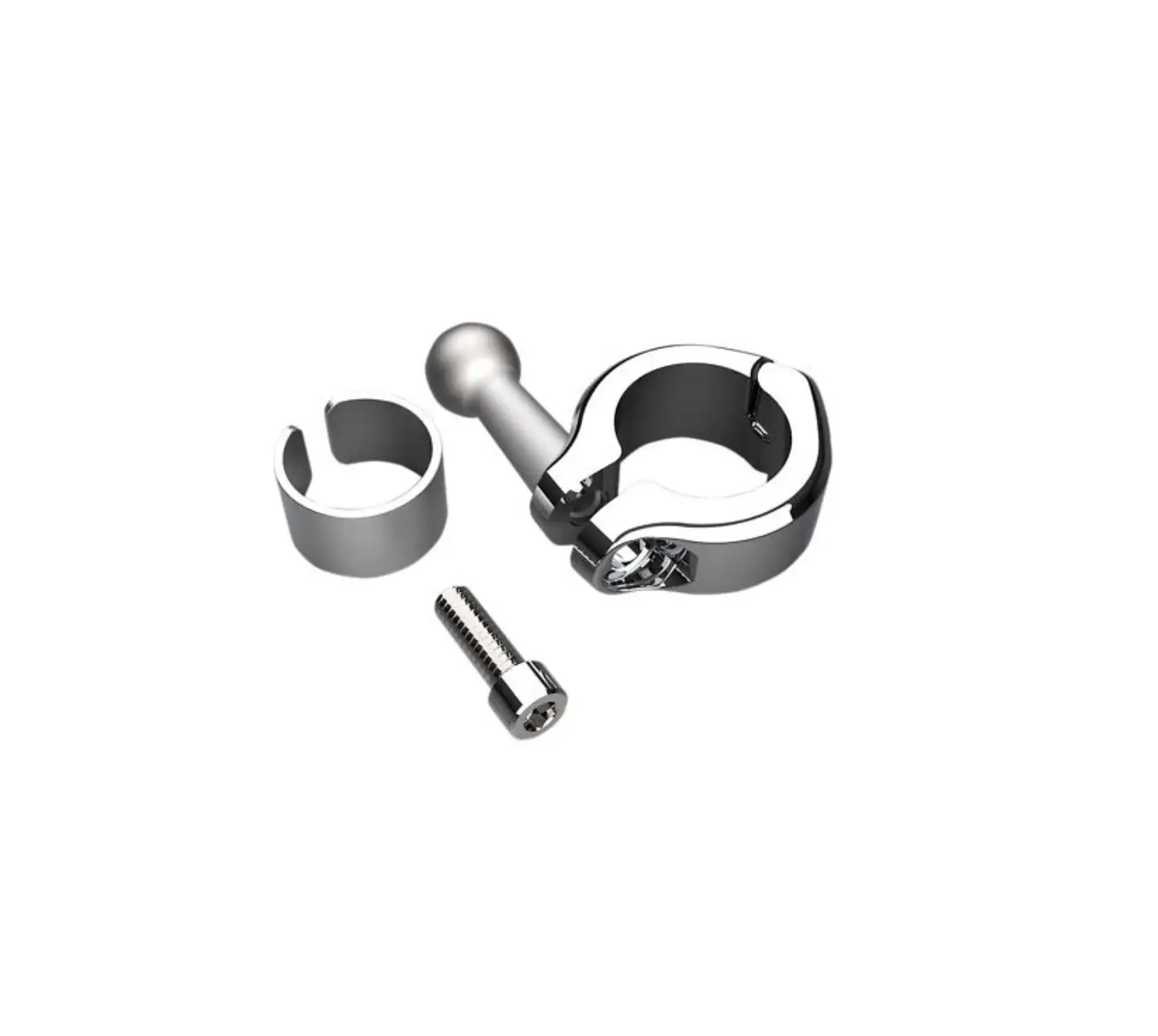
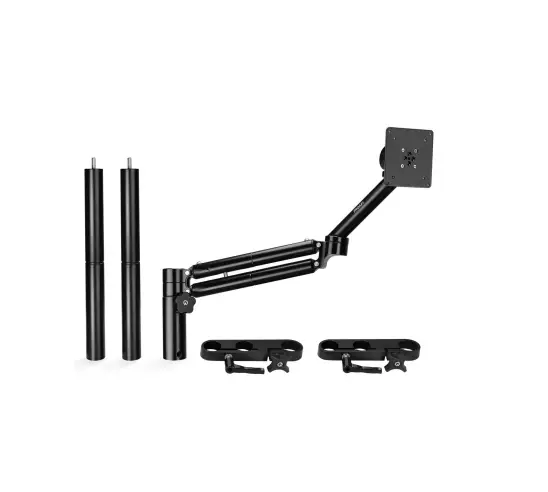
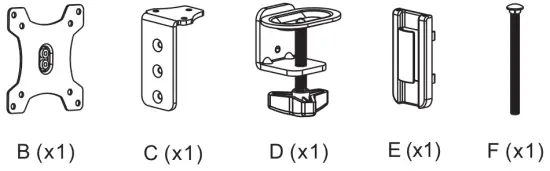
Package Contents
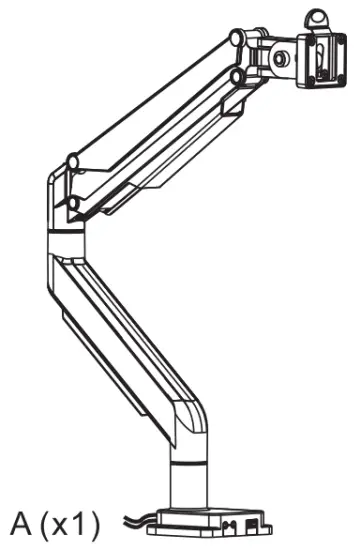
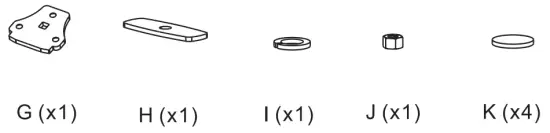
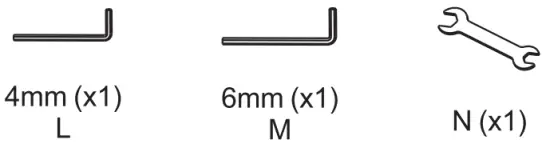

Instructions
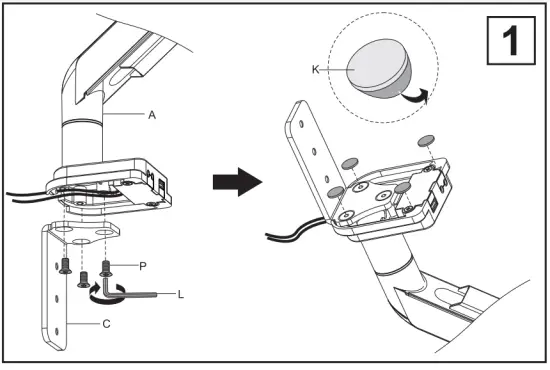
- Setup mounting base as illustrated.

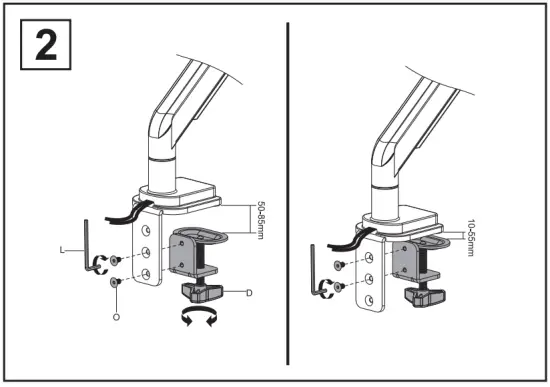
- Attach clamp with bolts and tools as illustrated. Left and right images illustrate (2) options. Select option pending table depth options. Measure table depth and select accordingly

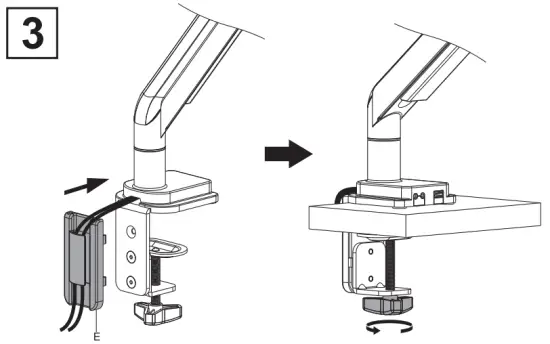
- Attach component and clamp down on table as illustrated.

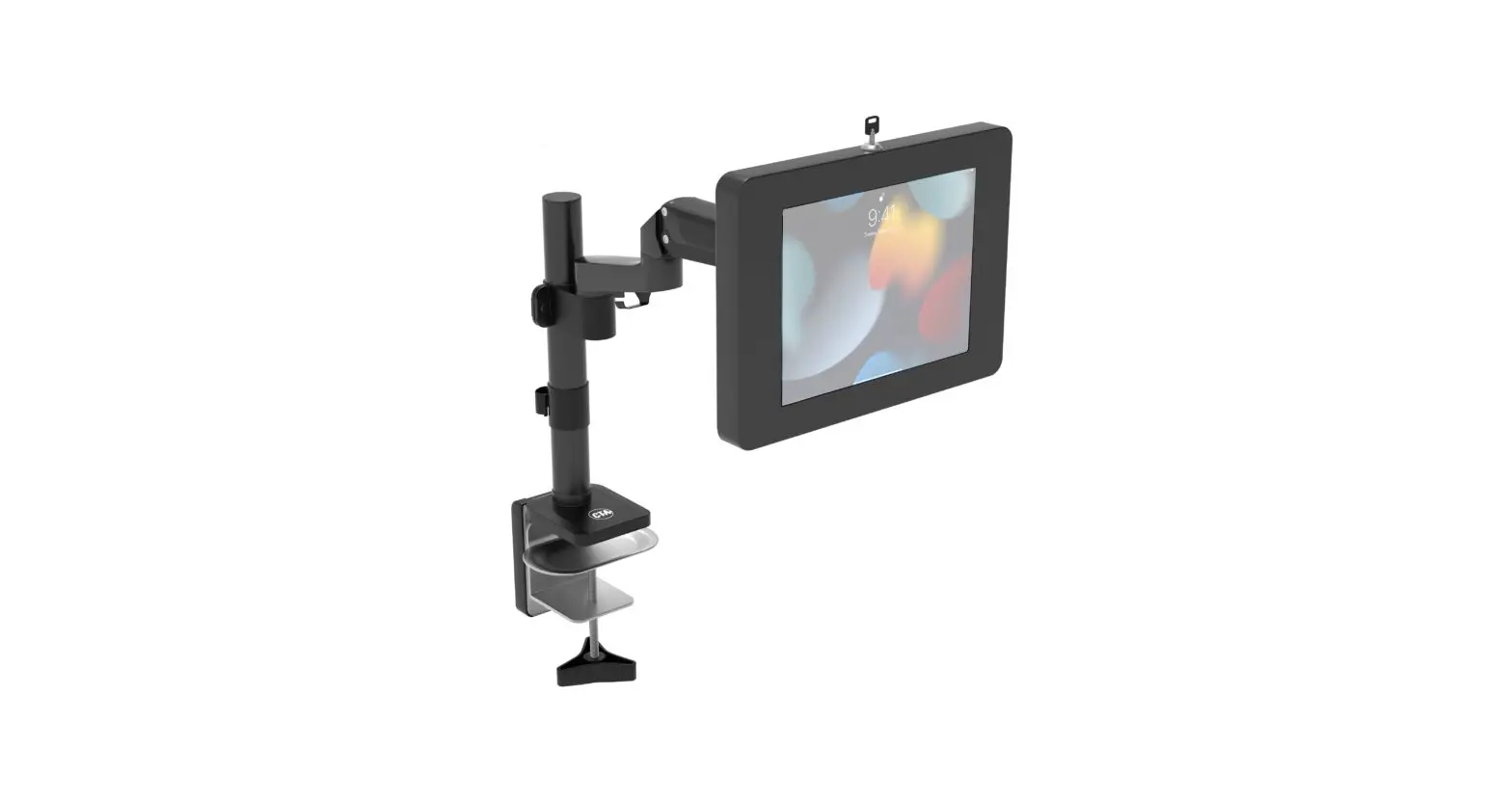
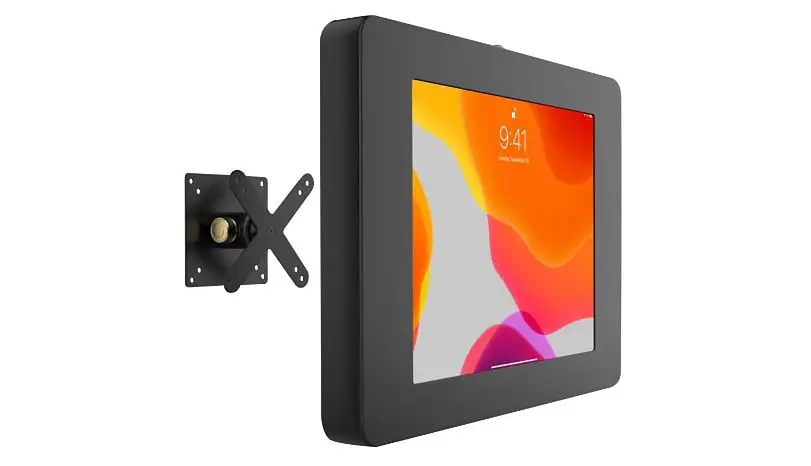
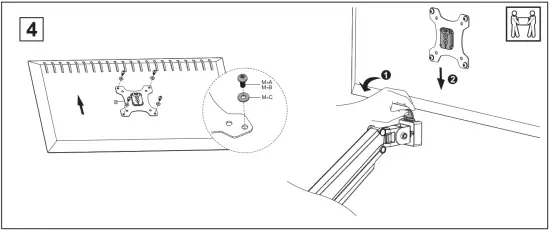
- Attach VESA plate to VESA compatible device. Attach VESA plate along with device to clamp mount arm as shown. (VESA compatible device not included and just for example)

HOW TO LOCK CLAMP ARM IN PLACE
Use allen key as illustrated to lock arm in a static position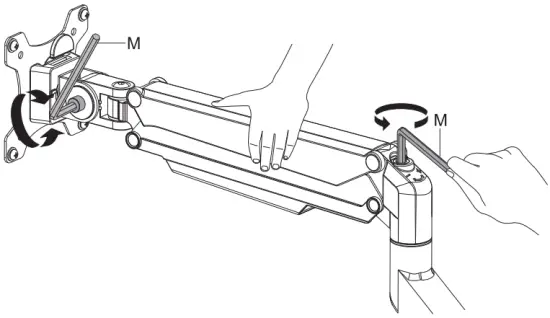
CLAMP ARM ADJUSTABLE JOINTS
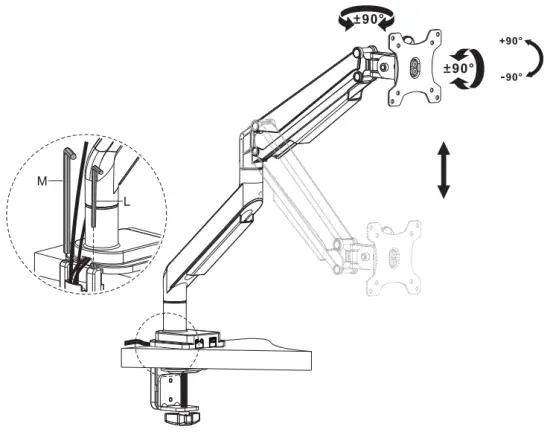
ATTACHING CABLE MANAGEMENT TRAY & CABLE ROUTING
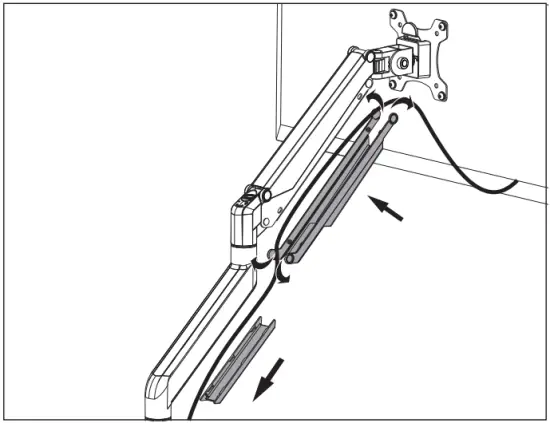
REMOVING CABLE MANAGEMENT TRAY
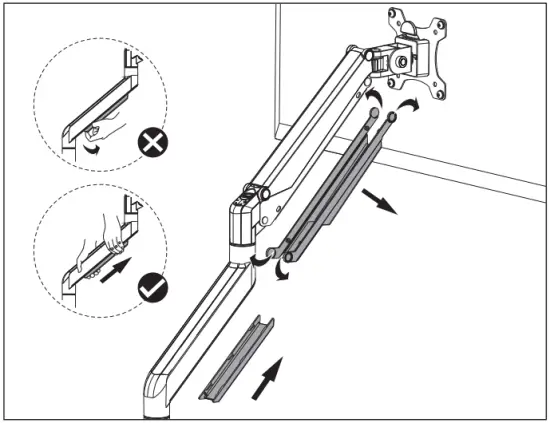
 Caution
Please be sure to fasten all the screws securely before using. Failure to do so may compromise integrity.