RAX-LCD-LITE Remote LCD Annunciator
Product Information:
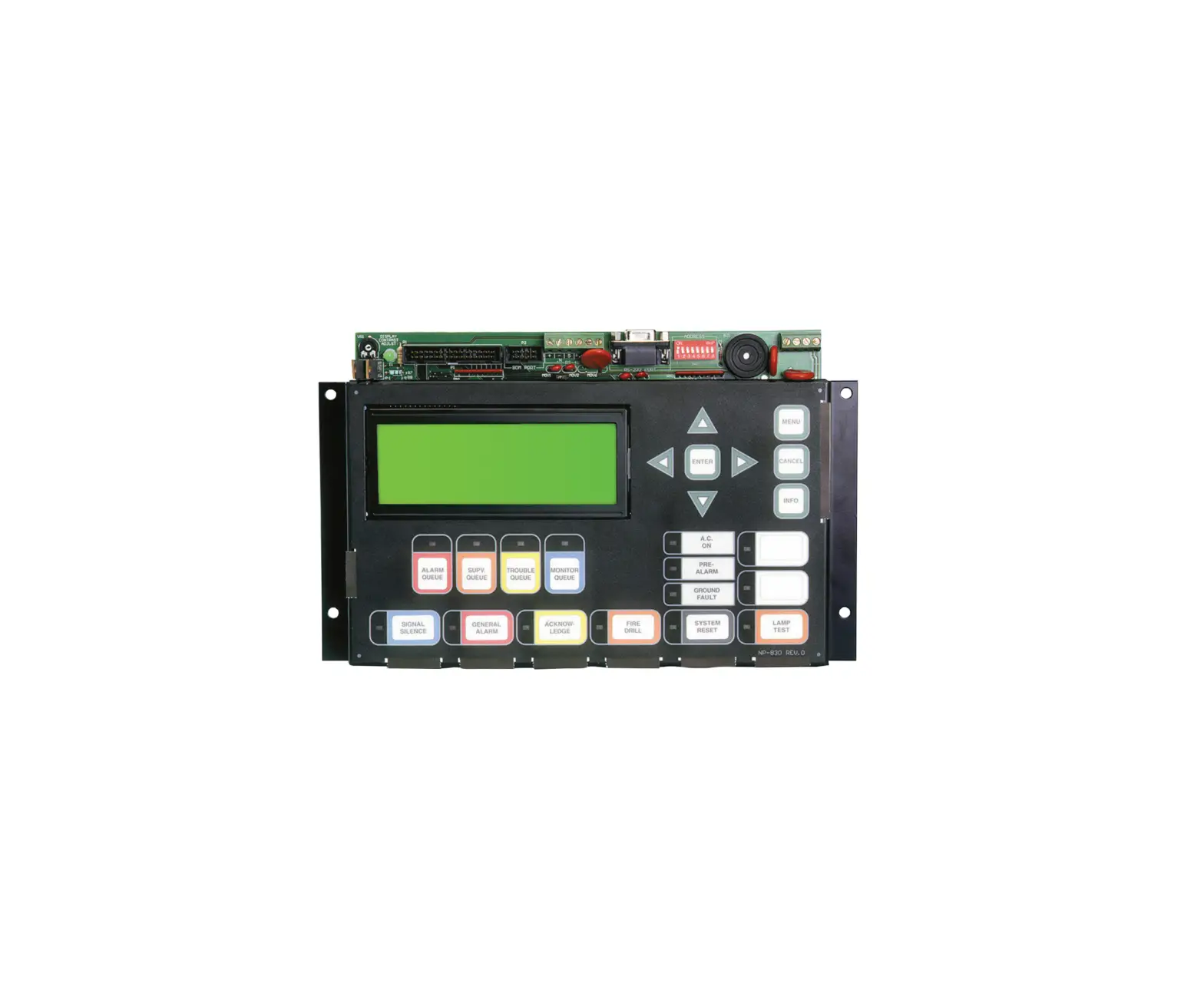
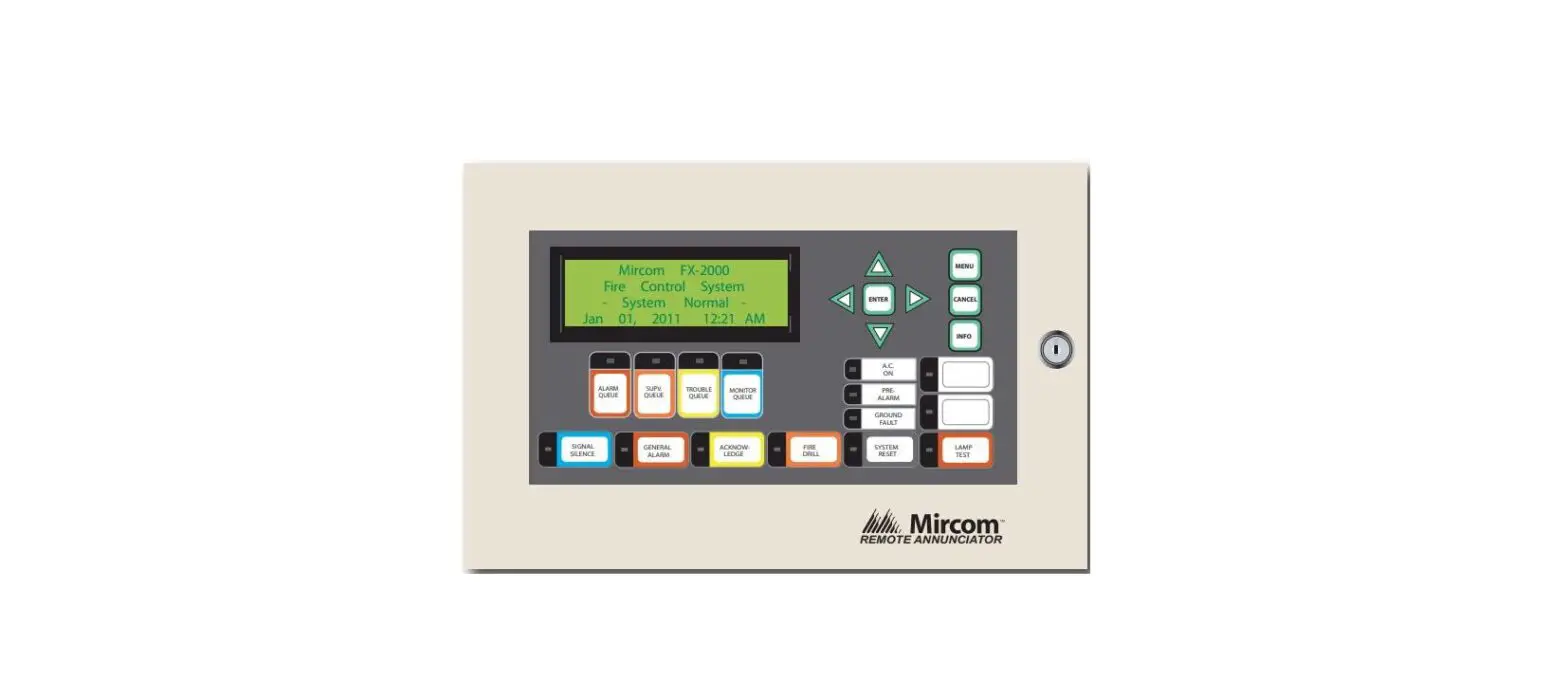
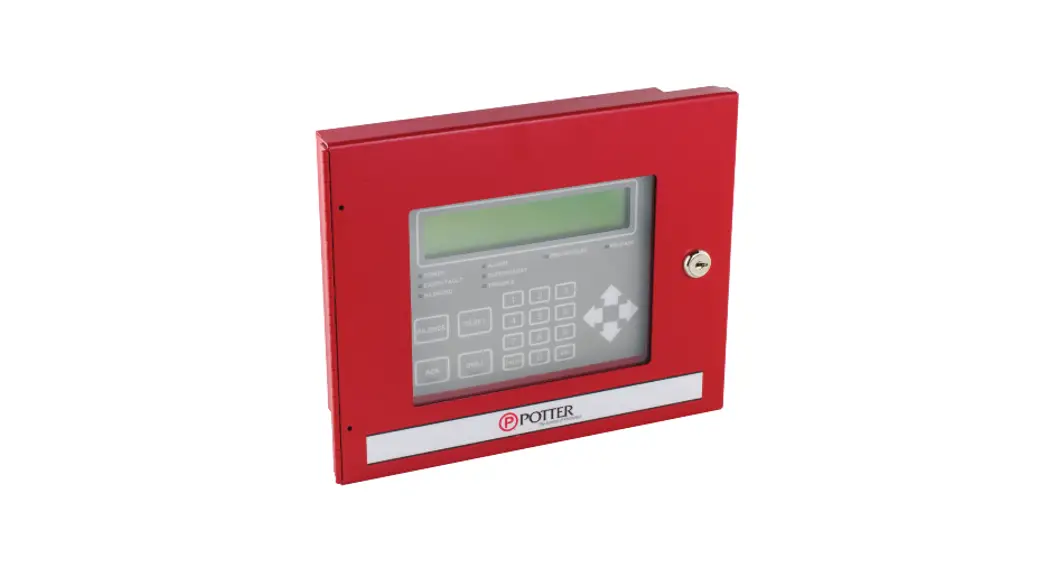
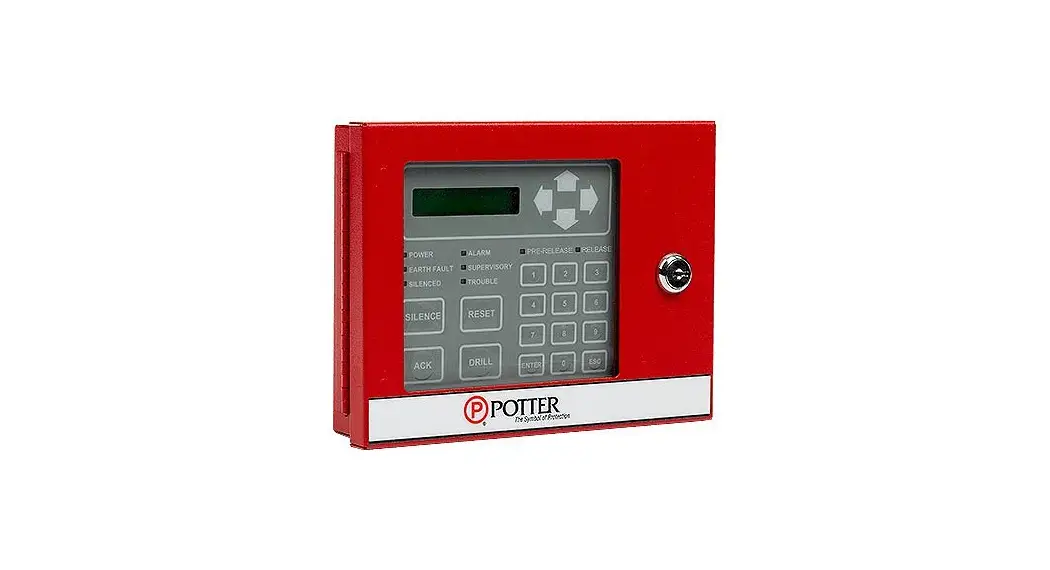
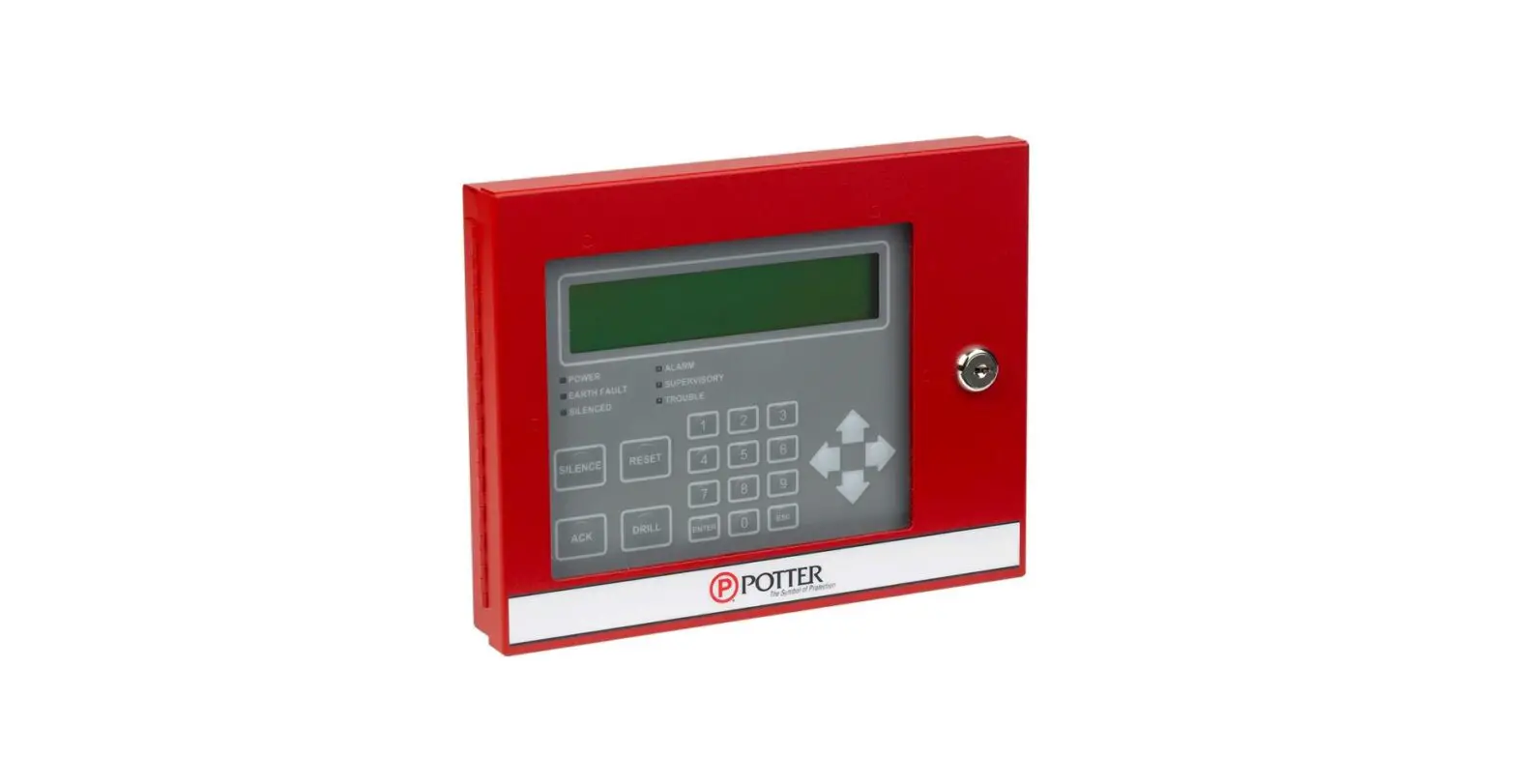
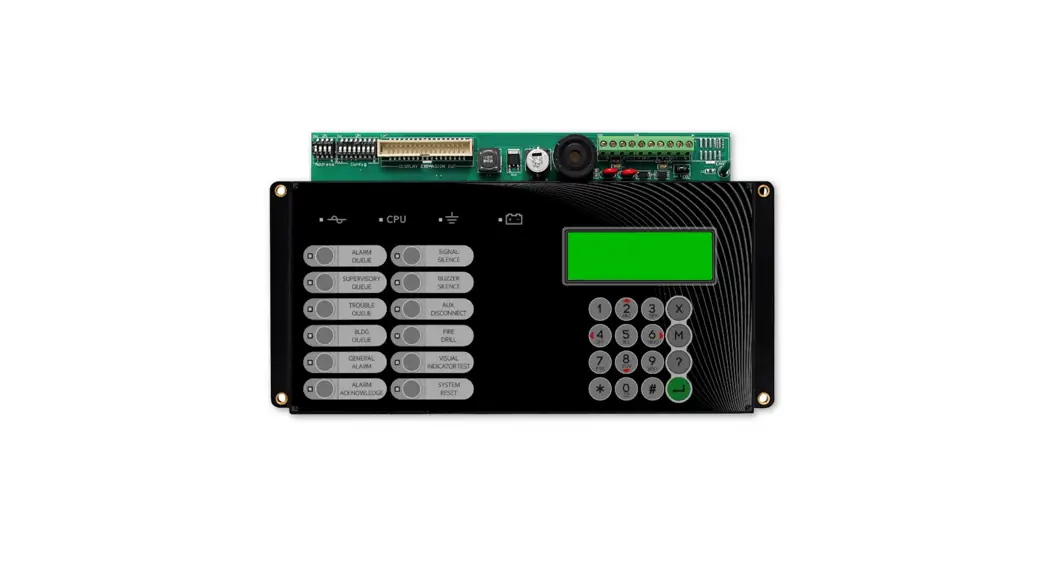
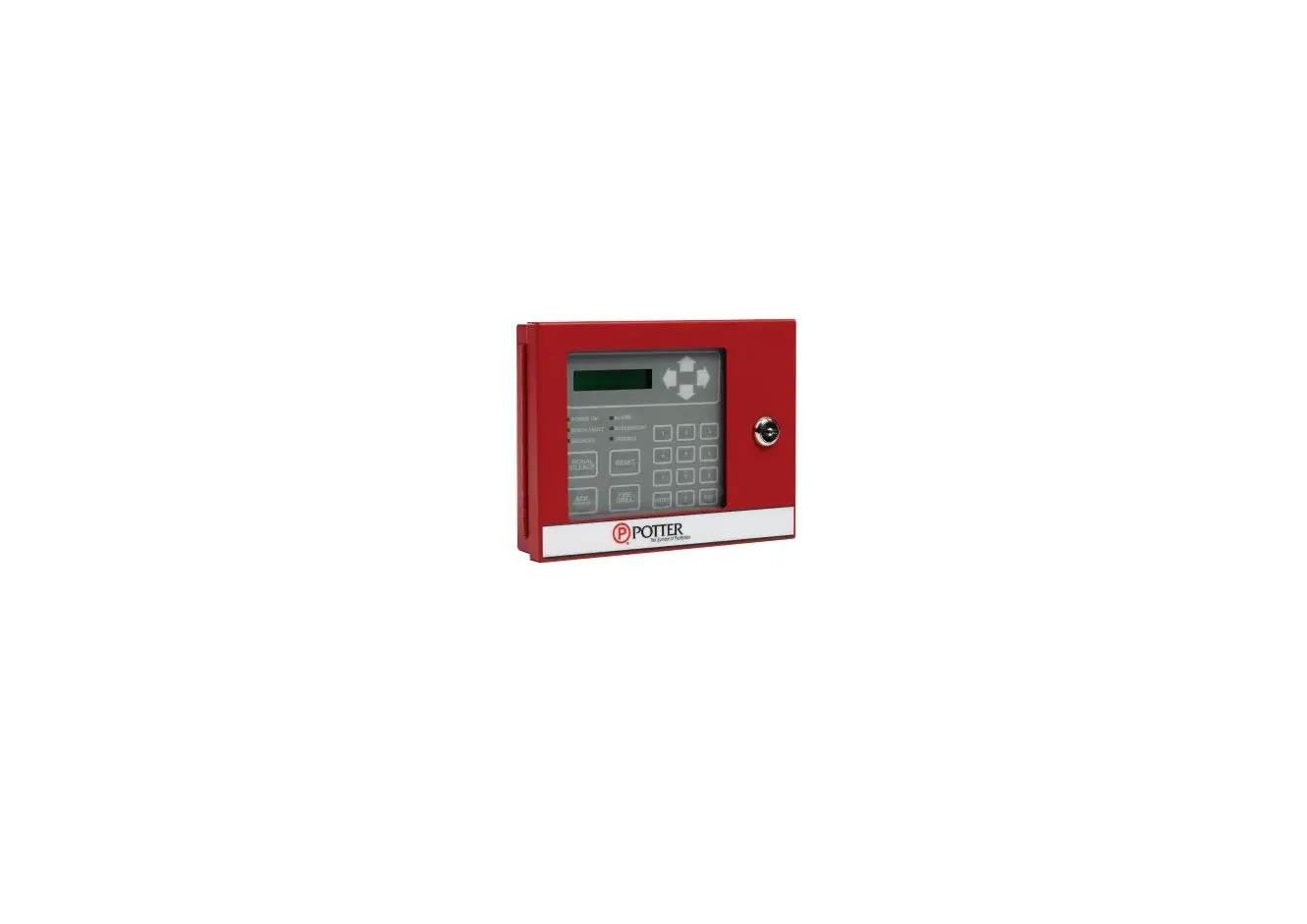
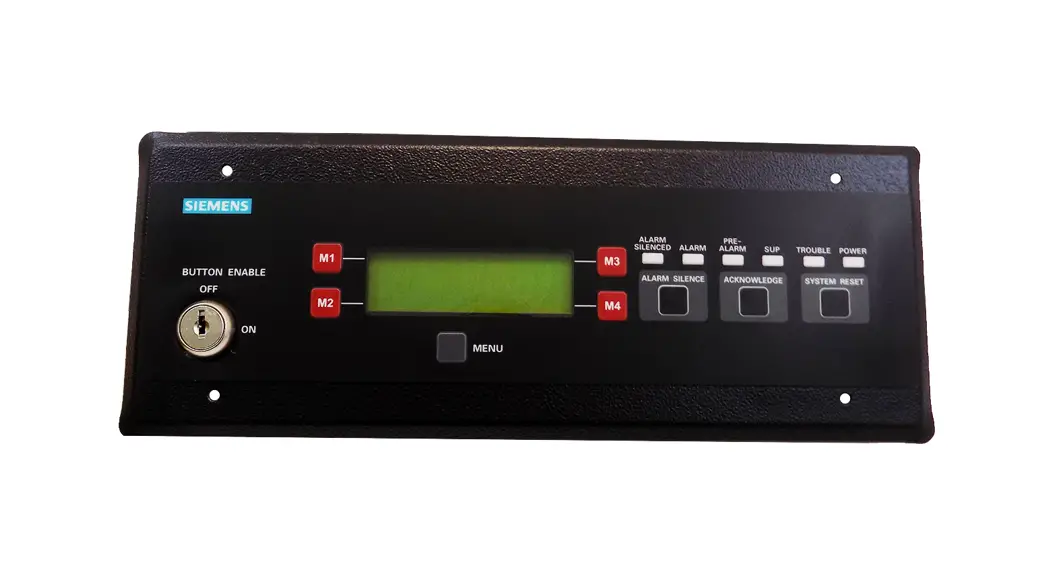
The RAX-LCD-LITE is a remote LCD annunciator that mimics the
main Fire Alarm Panel display at a remote location. It features a
large 4-line x 20-character back-lit alphanumeric LCD display. The
annunciator is equipped with a simple menu system, including a
directional keypad and switches for Enter, Menu, Cancel, and Info.
It is available in five different enclosure types: BB-1001,
BB-1002, BB-1003, BB-1008, and BB-1012, which can accommodate 1, 2,
3, 8, and 12 chassis respectively.
The product requires a 24 VDC power supply from either the Fire
Alarm Control Panel or a previous annunciator. It also utilizes
RS-485 input and output for communication with the fire alarm
system or other annunciators. The power consumption of the
RAX-LCD-LITE is 65 mA in normal operating voltage and 80 mA in
standby alarm mode.
For ordering the product, the model name is RAX-LCD-LITE. It is
described as a remote annunciator with a large LCD display.
Product Usage Instructions:
- Choose the appropriate enclosure type (BB-1001, BB-1002,
BB-1003, BB-1008, or BB-1012) based on the number of chassis
required. - Connect a 24 VDC power supply from either the Fire Alarm
Control Panel or a previous annunciator to the designated power
inputs on the RAX-LCD-LITE. - Connect the RS-485 input and output wires from the fire alarm
system or previous annunciator to the corresponding RS-485
terminals on the RAX-LCD-LITE. Use twisted shielded pair cables for
RS-485 connections. - If multiple annunciators are being used, connect the RS-485
output of one annunciator to the RS-485 input of the next
annunciator using twisted shielded pair cables. - Ensure the power supply is within the normal operating voltage
range to avoid excessive power consumption. - Use the directional keypad and switches (Enter, Menu, Cancel,
and Info) on the RAX-LCD-LITE to navigate the menu system and
access different functions and information on the LCD display.
Please refer to the technical literature for complete and
accurate technical information regarding performance, installation,
testing, and certification of the RAX-LCD-LITE. Note that the
information provided in this document is subject to change without
notice.
REMOTE LCD ANNUNCIATOR
RAX-LCD-LITE
Features · Large 4-line x 20-character back-lit alphanumeric LCD
display
· 24 VDC Power Limited Nominal Voltage · Sealed membrane-like buttons and LED indicators. · LCD display that uses a simple menu system · Directional keypad and switches for Enter, Menu, Cancel
and Info.
Description
The RAX-LCD-LITE display mimics the main Fire Alarm Panel display at a remote location. It is equipped with a large 4-line x 20-character back-lit alphanumeric LCD display that uses a simple menu system complete with a directional keypad and switches for Enter, Menu, Cancel and Info. There are five types of enclosure available: the BB-1001, BB-1002, BB-1003, BB-1008, and BB-1012 which can take 1,2,3,8,12 chassis respectively
Wiring Diagram
24 VDC INPUT 24 VDC OUTPUT
Power Consumption
Normal Operating Voltage Stand by Alarm
AMPS 65 mA 80 mA
RS-485 INPUT
RS-485 OUTPUT
24 VDC POWER FROM FIRE ALARM CONTROL PANEL OR PREVIOUS ANNUNCIATOR
24 VDC POWER TO NEXT ANNUNCIATOR
RS-485 FROM FIRE ALARM OR PREVIOUS ANNUNCIATOR (TWISTED SHIELDED PAIR)
RS-485 TO NEXT ANNUNCIATOR (TWISTED SHIELDED PAIR)
Ordering Information
Model RAX-LCD-LITE
Description Remote Annunciator with Large LCD Display
Canada 25 Interchange Way Vaughan, ON L4K 5W3 Telephone: (905) 660-4655 | Fax: (905) 660-4113
U.S.A. 4575 Witmer Industrial Estates Niagara Falls, NY 14305 Toll Free: (888) 660-4655 | Fax Toll Free: (888) 660-4113
www.mircom.com
THIS INFORMATION IS FOR MARKETING PURPOSES ONLY AND NOT INTENDED TO DESCRIBE THE PRODUCTS TECHNICALLY.
For complete and accurate technical information relating to performance, installation, testing and certification, refer to technical literature. This document contains intellectual property of Mircom. The information is subject to change by Mircom without notice. Mircom does not represent or warrant correctness or completeness.
5350 CATALOG NUMBER
Rev. 1
 Mircom - Smart Buildings. Smarter Solutions.