 JCHR35W3C3/C4/C5
Hand-held LCD Remote Controller
User Manual
Product Info
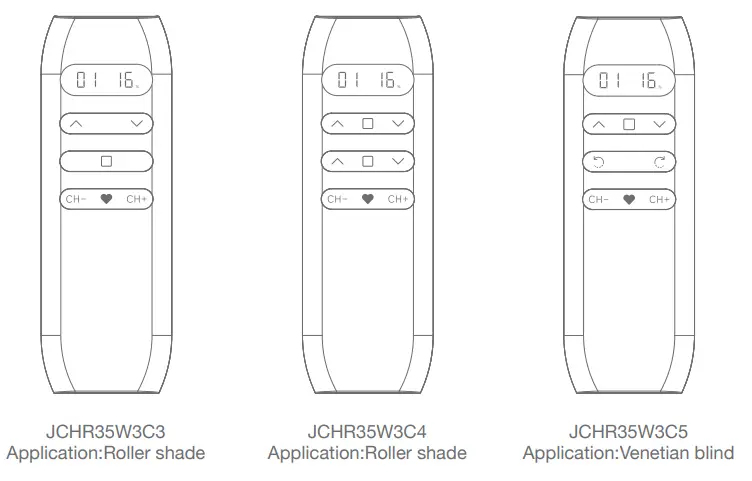
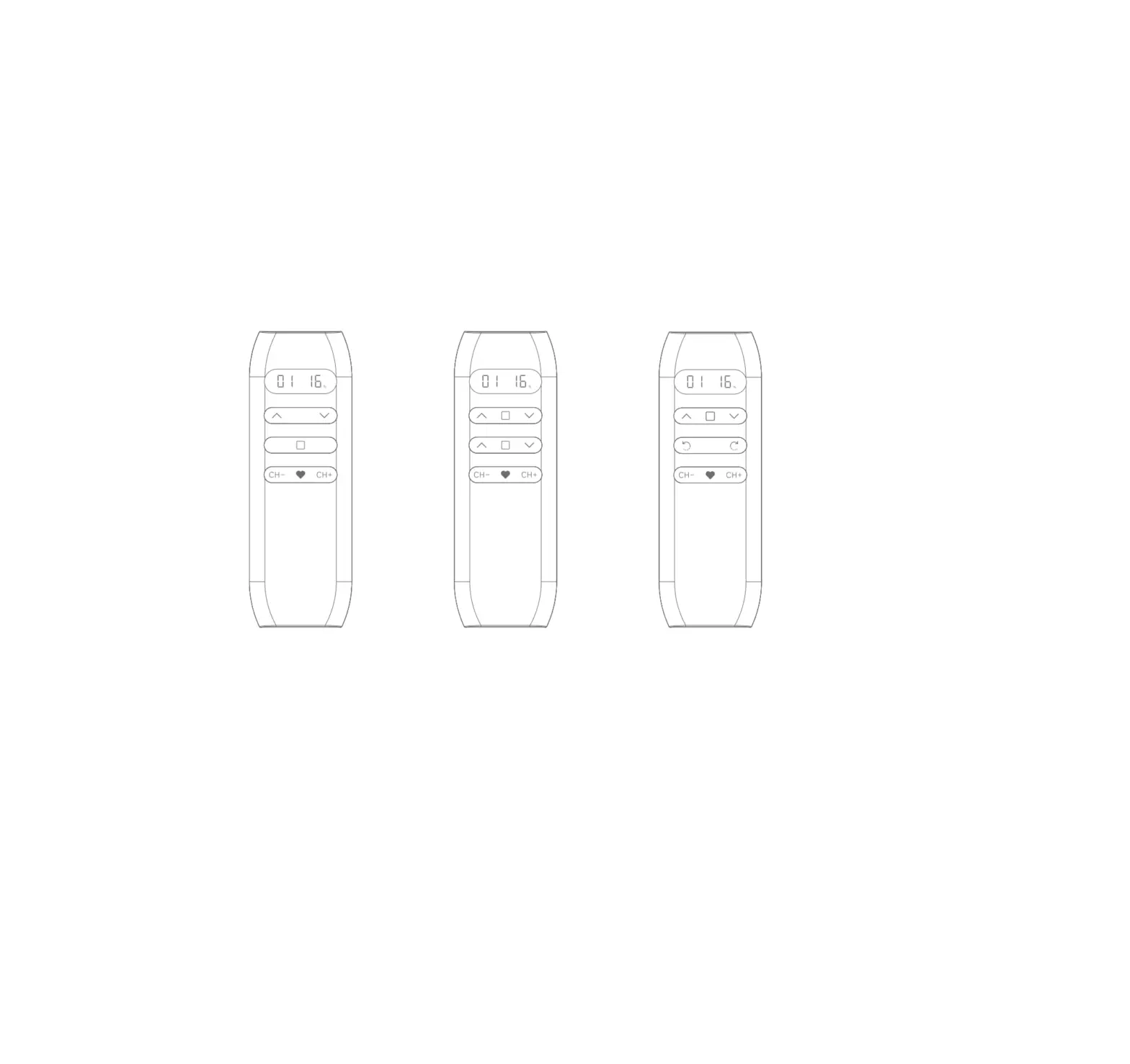
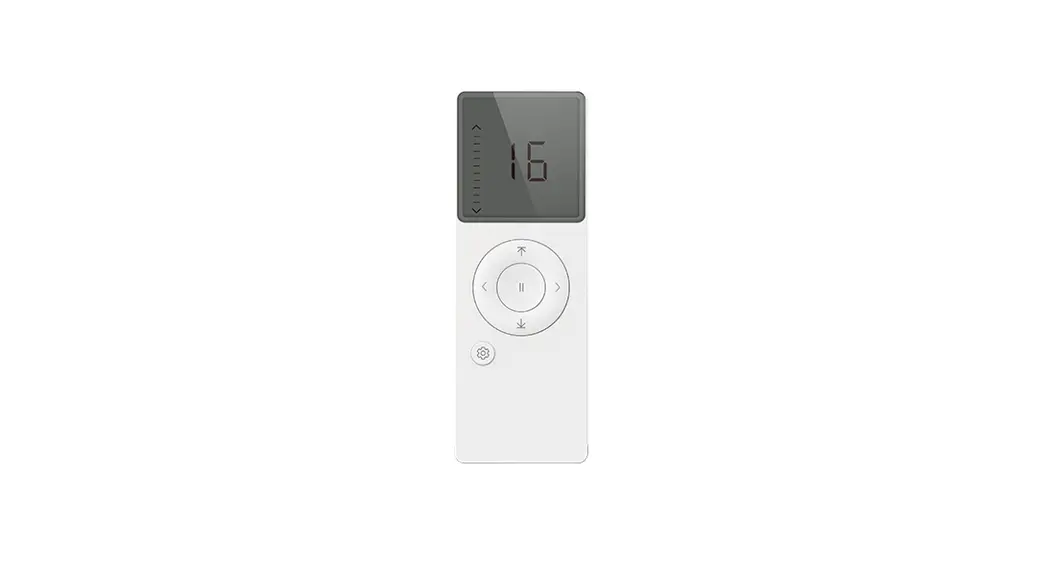
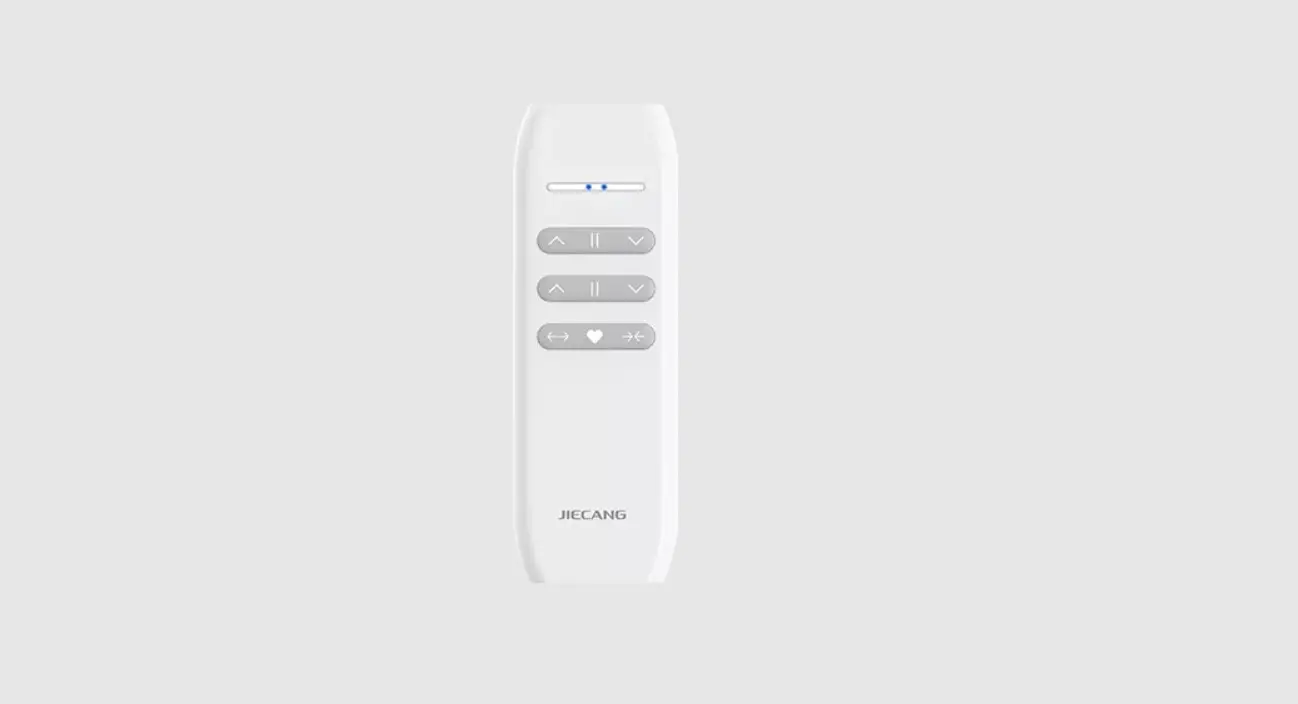
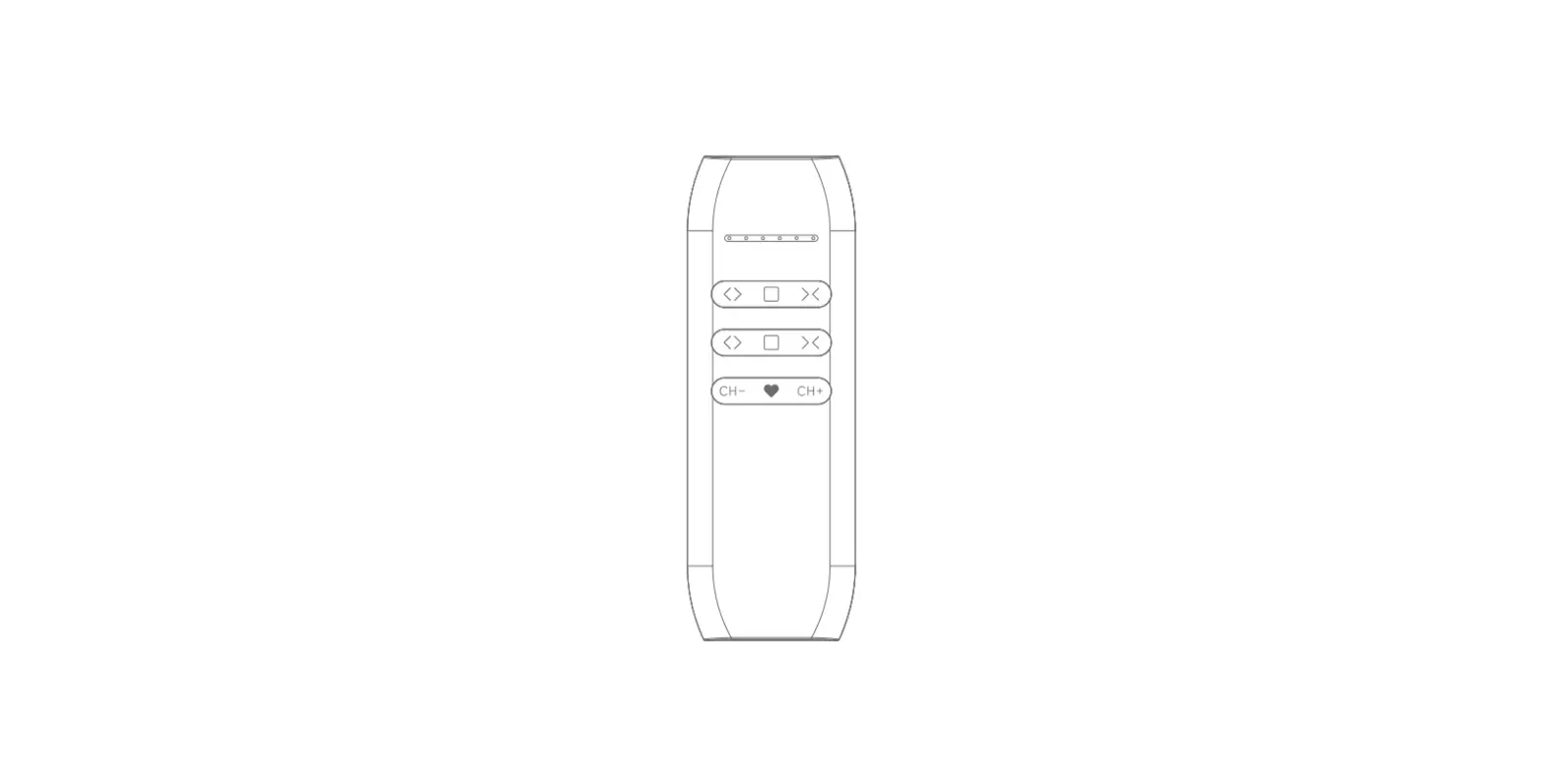
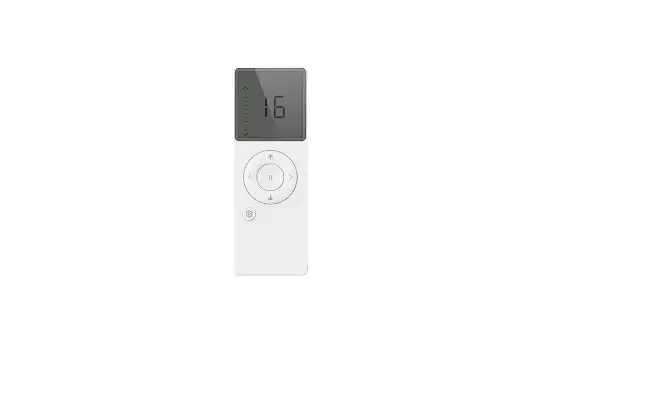
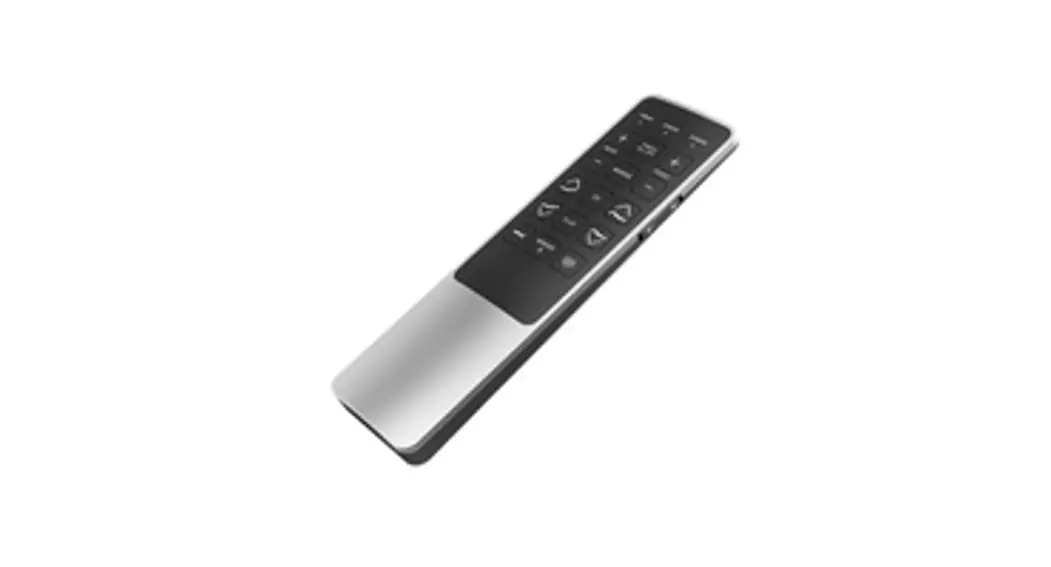
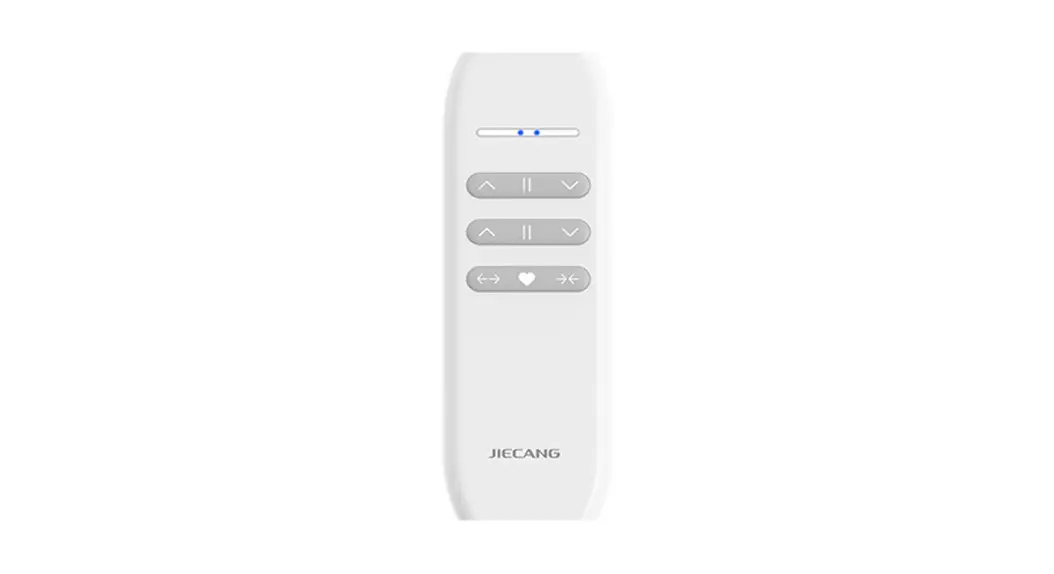
Buttons
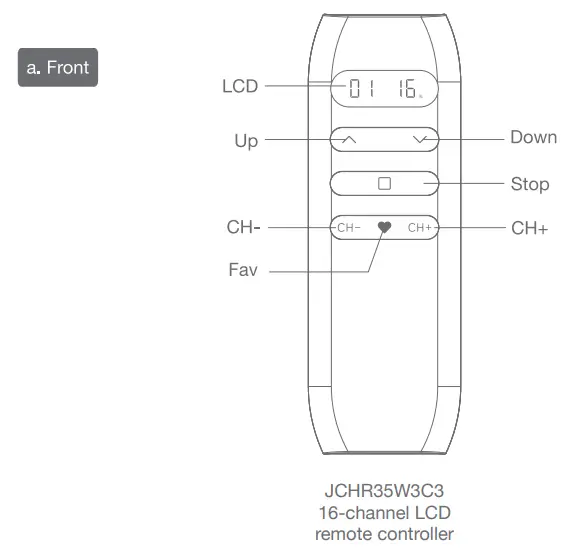
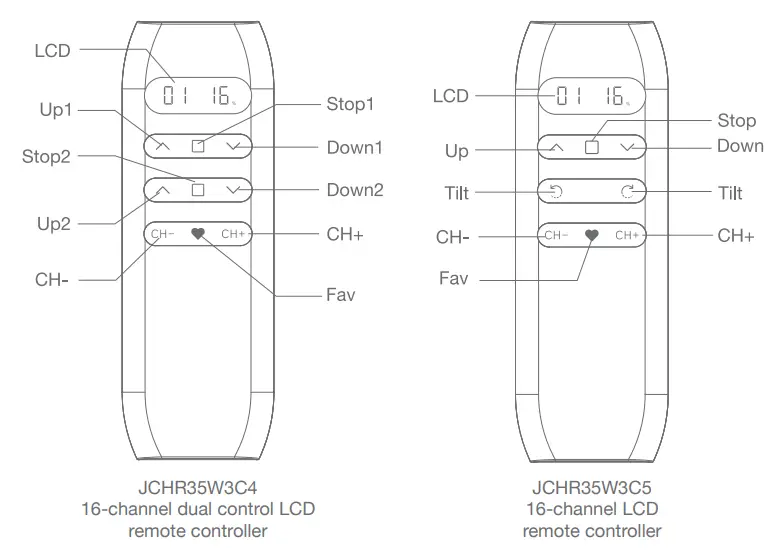
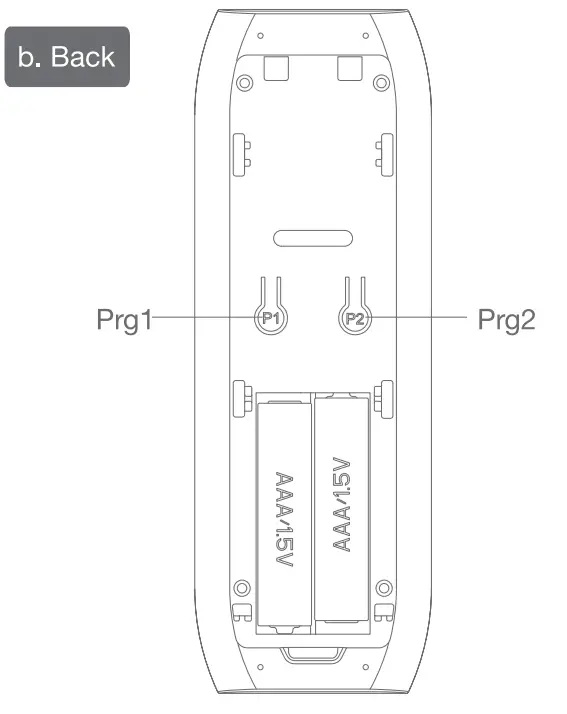
Parameters(more info please refer to the nameplate)
| Electricial Specification | Standard |
| Battery Type | AM battery*2 |
| Working Temperature | -10t-50t |
| Radio Frequency | 433.92M±100KHz |
| Transmit Distance | >=30m indoor |
 Caution!
- The transmitter should not be exposed to moisture or impact, so as not to affect its life
- During use, when the remote control distance is significantly shorter or less sensitive, please check whether the battery needs to be replaced.
- When the voltage is too low, the LCD screen digital display will be weak, prompting to replace the battery.
- Please properly dispose of used batteries according to the local garbage classification and recycling policy.
Instructions
a. Channels & Groups Toggling
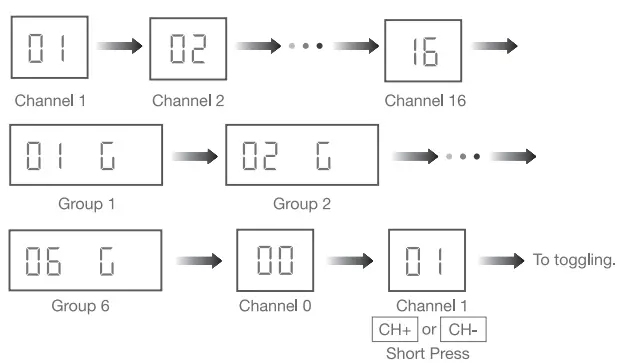
Note: Channel 0 is the group control for all the channels.
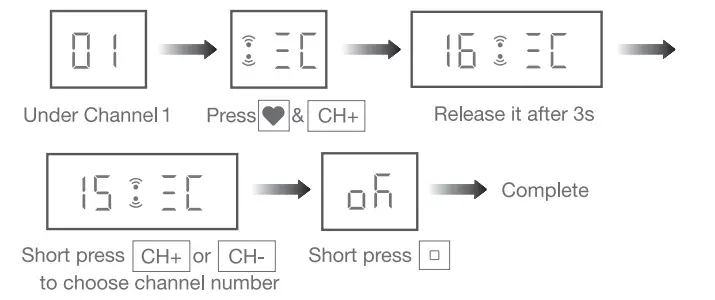
Note: Max & Min number is 16&1 when it’s set under channel 1-16
c. Number of Groups Setting
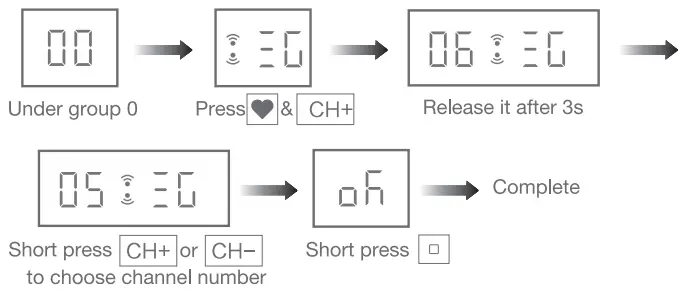
Note: Max & Min number is 6&0 when it’s set under channel 0.
d. Channel in Group Setting
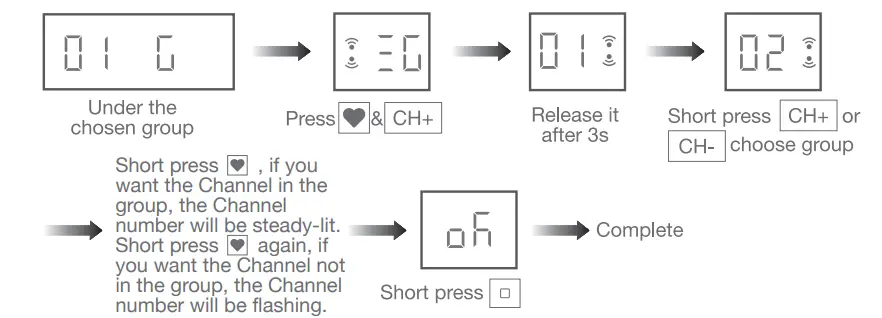
Note: Channel in groups setting is under GROUP 1-6.
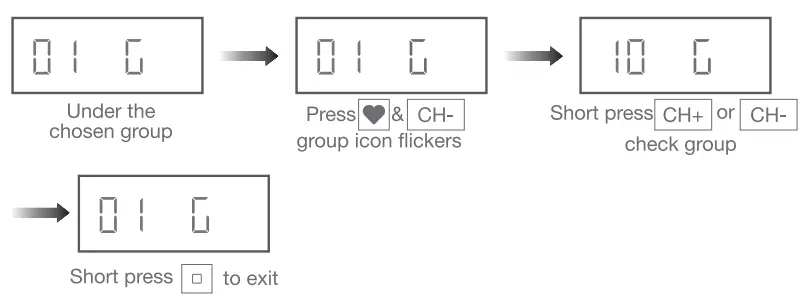
e. Check the Channels in Groups
f. Prohibit Dual-key Operation

Repeat the above, dual-key operation activated
Note: When dual-key operation prohibited, these programming setting functions are not allowed.
g. Position Percent Setting
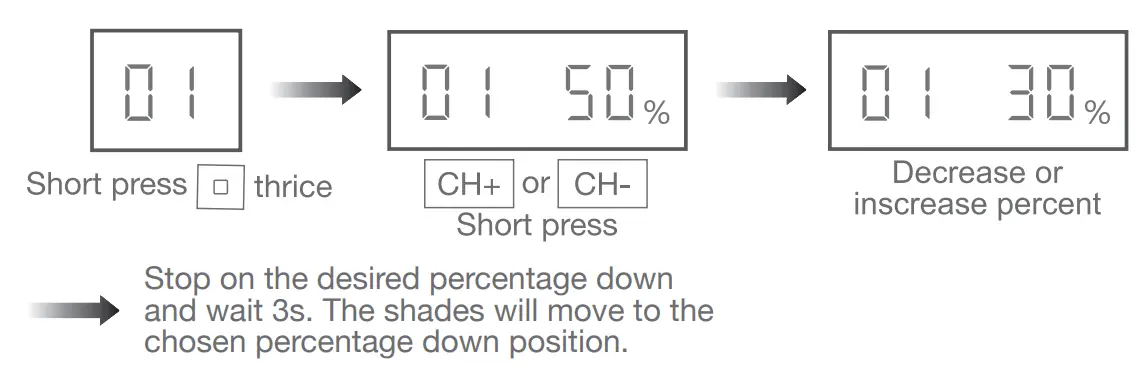
Note: All the shades under same group will run to same position after percent setting.
h. For other operations, please refer to the motor operation instruction