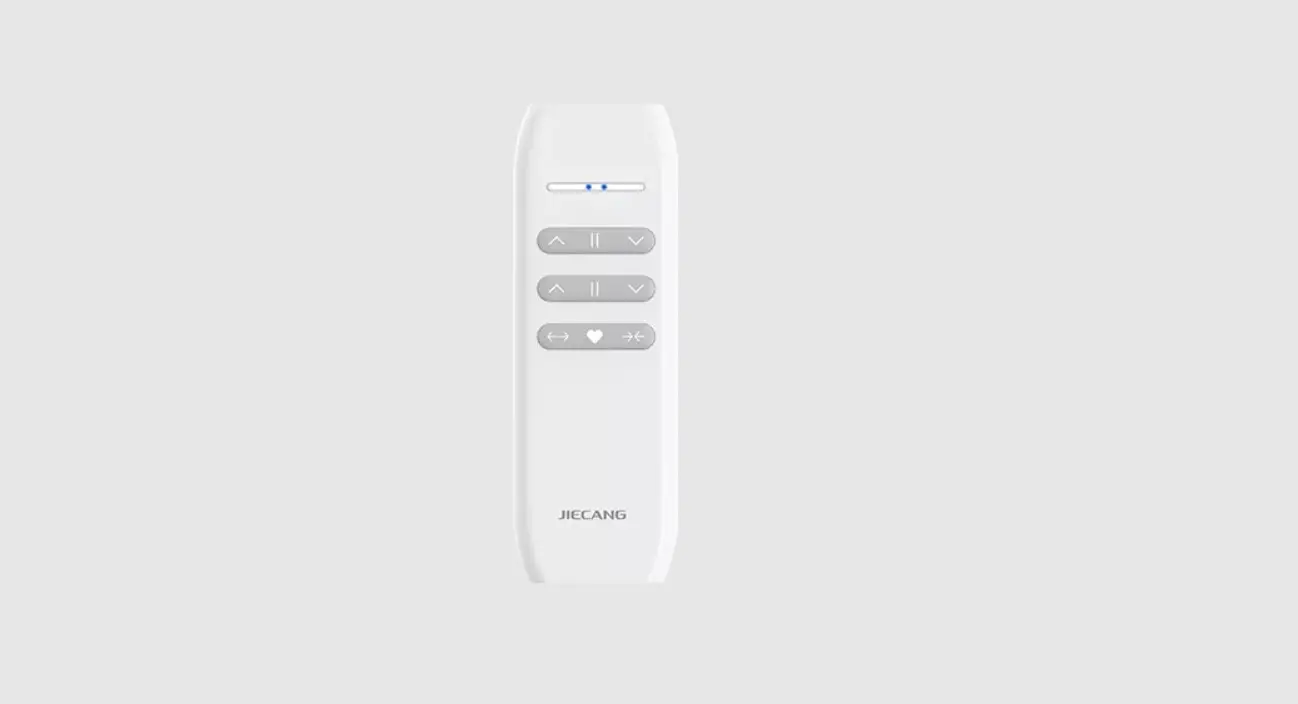
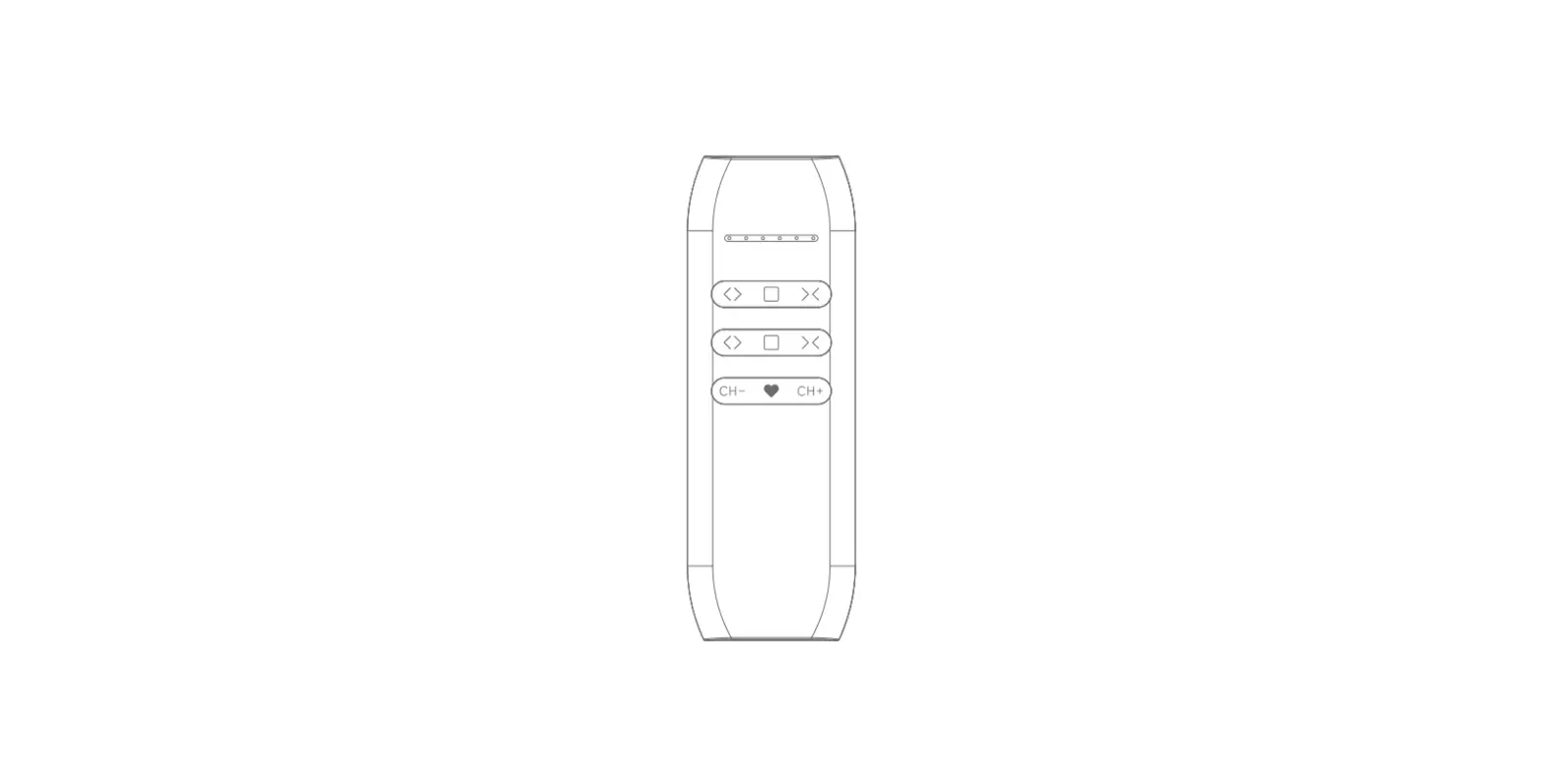
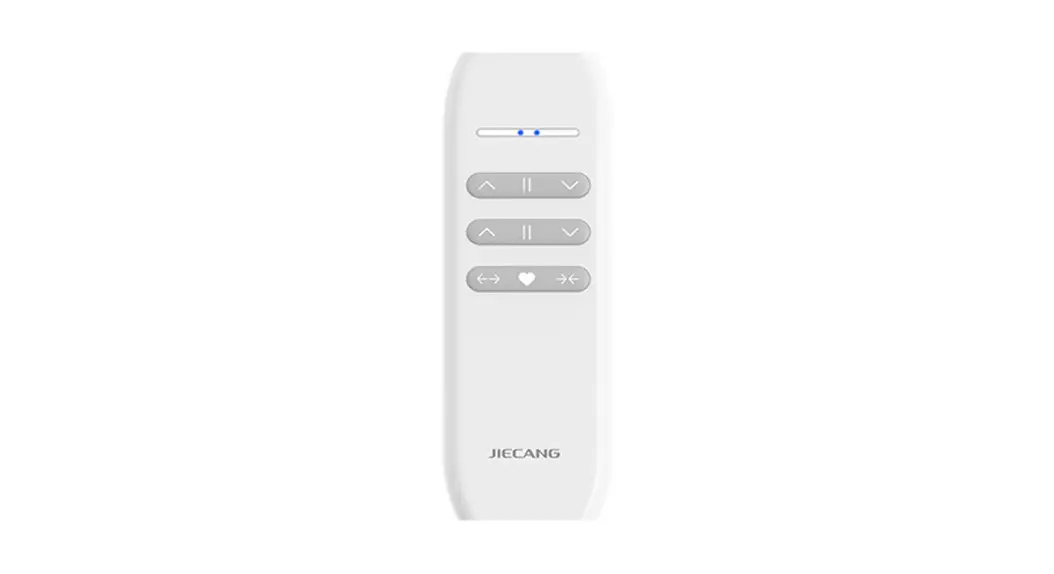
JCHR35W5C2 Remote Controller
Product Information
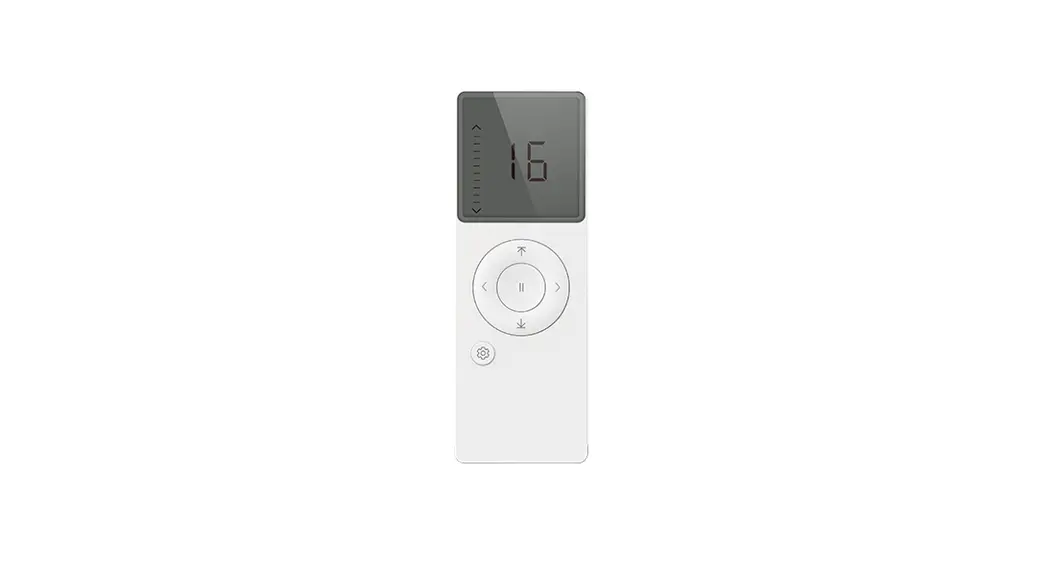
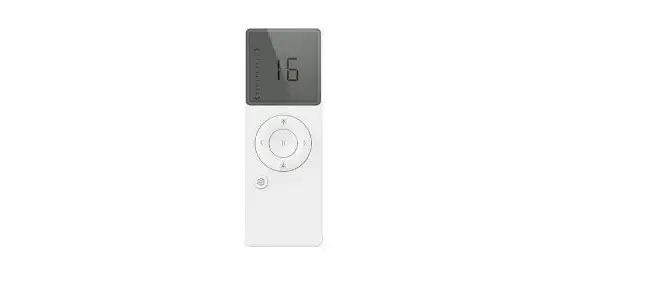
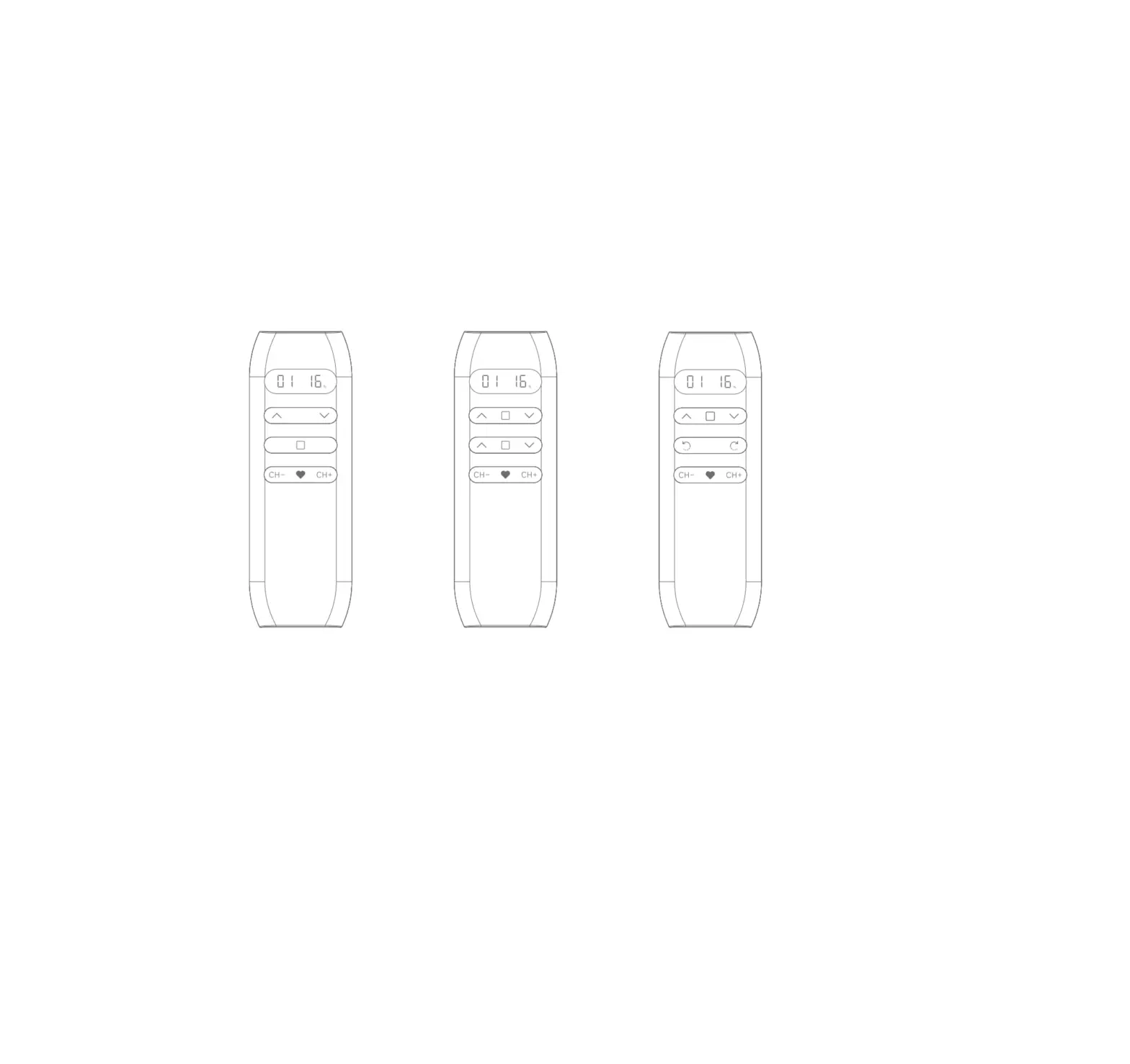
The JCHR35W5C2/C3 Remote Controller is a 16-channel LCD remote
controller designed for controlling motorized shades. The remote
controller comes in two models – JCHR35W5C2 and JCHR35W5C3. The
JCHR35W5C2/C3 remote controller supports channel and group control,
position percent setting, and special operations on the JCHR35W5C3
model.
The remote controller has a low voltage prompt feature that
indicates when the battery needs to be replaced. It is important to
dispose of used batteries properly according to local garbage
classification and recycling policy.
Product Usage Instructions
Caution: Do not expose the transmitter to
moisture or impact during use.
Channels & Groups Toggling
Note: Channel 0 is the group control for all the channels.
Number of Channels Setting
- JCHR35W5C2:
- JCHR35W5C3:
Number of Groups Setting
- JCHR35W5C2:
- JCHR35W5C3:
Channel in Group Setting
- JCHR35W5C2: Short press , if you want the Channel in the group,
the Channel number will be steady-lit. Short press again, if you
want the Channel not in the group, the Channel number will be
flashing. - JCHR35W5C3: Short press , if you want the Channel in the group,
the Channel number will be steady-lit. Short press again, if you
want the Channel not in the group, the Channel number will be
flashing.
Check the Channels in Groups
- JCHR35W5C2: pattern
- JCHR35W5C3: pattern
Prohibit Dual-key Operation
LCD shown a lock icon such as limits setting.
Position Percent Setting
Stop on the desired percentage down and wait 3s. The shades will
move to the chosen percentage down position.
Special operation on remote controller JCHR35W5C3:
- CH+ & Up: Upper limit set
- CH+ & Down: Lower limit set
- CH+ & Stop: Favorite position set
- Press the CH+ button for 2s to fast get to the Fav. point
For other operations, please refer to the motor operation
instruction.
JCHR35W5C2/C3 Remote Controller
User Manual
01 Product Info
CH+
CH-
JCHR35W5C2
16-channel LCD remote controller
Fav 1 (25%) Fav 2 (50%) Fav 3 (75%)
JCHR35W5C3
16-channel LCD remote controller
JCHR35W5C2/C3 02 Models & Parameters
(more info please refer to the nameplate)
03 Caution!
1. The transmitter should not be exposed to moisture or impact, so as not to affect its life 2. During use, when the remote control distance is significantly shorter or less sensitive,
please check whether the battery needs to be replaced. 3. When the battery voltage is too low, the LED screen will show a low voltage prompt,
indicating to replace the battery. 4. Please properly dispose of used batteries according to the local garbage classification
and recycling policy.
04 Instructions
a.Channels & Groups Toggling
NoteChannel 0 is the group control for all the channels.
b.Number of Channels Setting
(JCHR35W5C2) (JCHR35W5C3)
c.Number of Groups Setting
(JCHR35W5C2) (JCHR35W5C3)
d.Channel in Group Setting
(JCHR35W5C2) (JCHR35W5C3) Short press , if you want the Channel in the group, the Channel number will be steady-lit. Short press again, if you want the Channel not in the group, the Channel number will be flashing.
e.Check the Channels in Groups
(JCHR35W5C2) (JCHR35W5C3)
pattern f.Prohibit Dual-key Operation
LCD shown a lock icon such as limits setting.
g.Position Percent Setting
Stop on the desired percentage down and wait 3s. The shades will move to the chosen percentage down position.
h.Special operation on remote controller JCHR35W5C3:
CH+ & Up: Upper limit set CH+ & Down: Lower limit set CH+ & Stop: Favorite position set Press the “CH+” button for 2s to fast get to the Fav. point
i.For other operations, please refer to the motor operation instruction