JCHR35W3C1-C2 Hand-Held LCD Remote Controller
Product Information
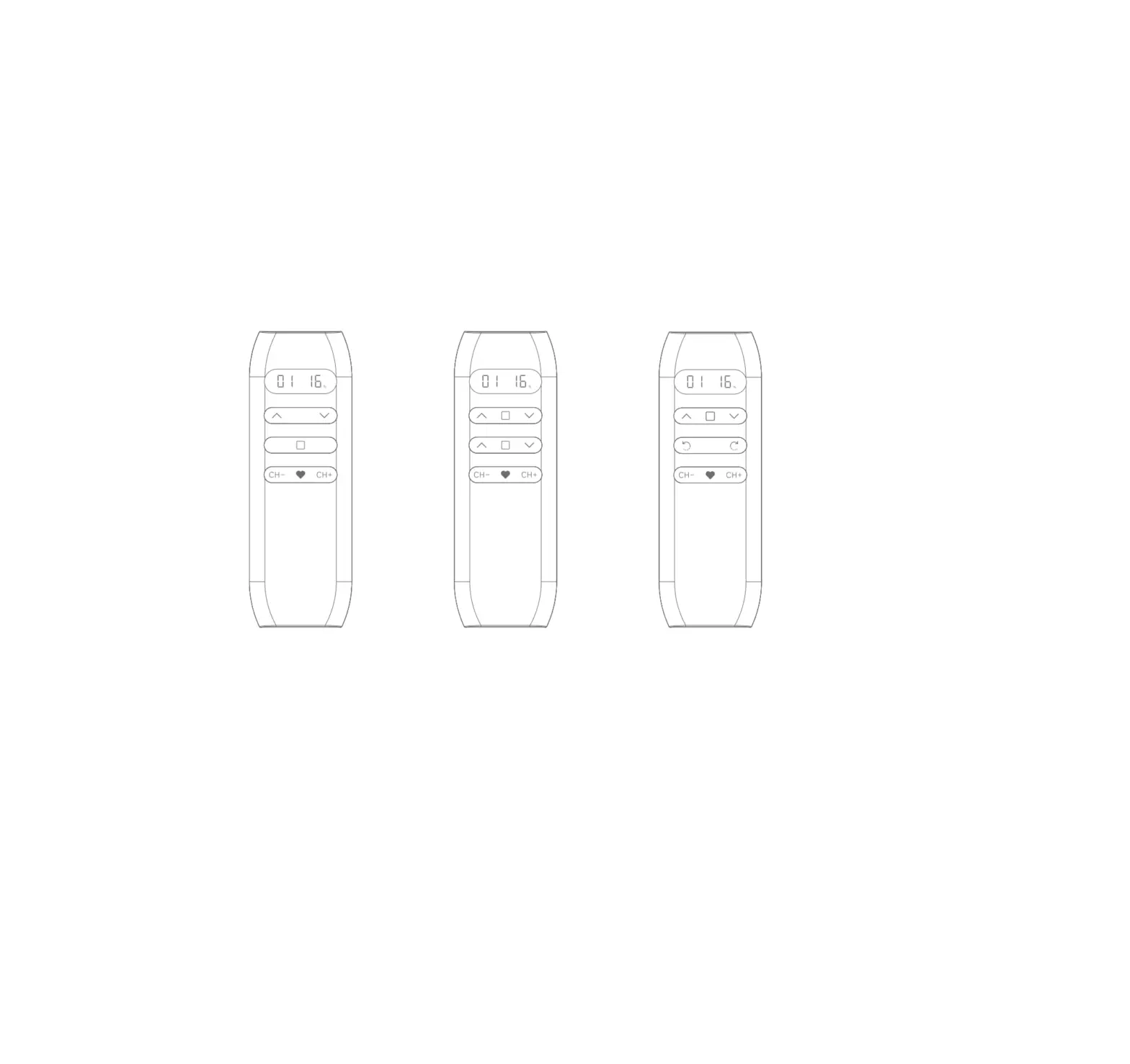
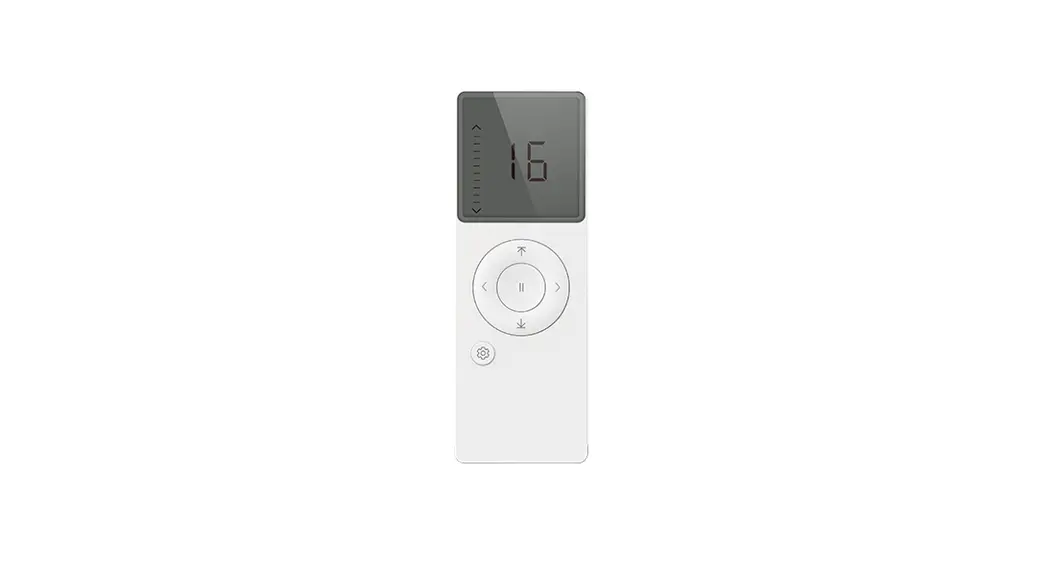
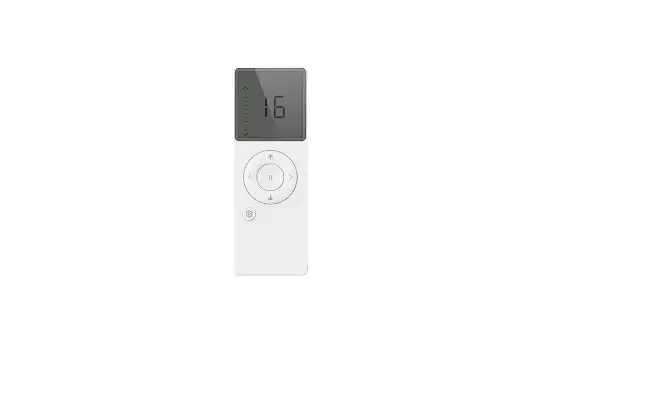
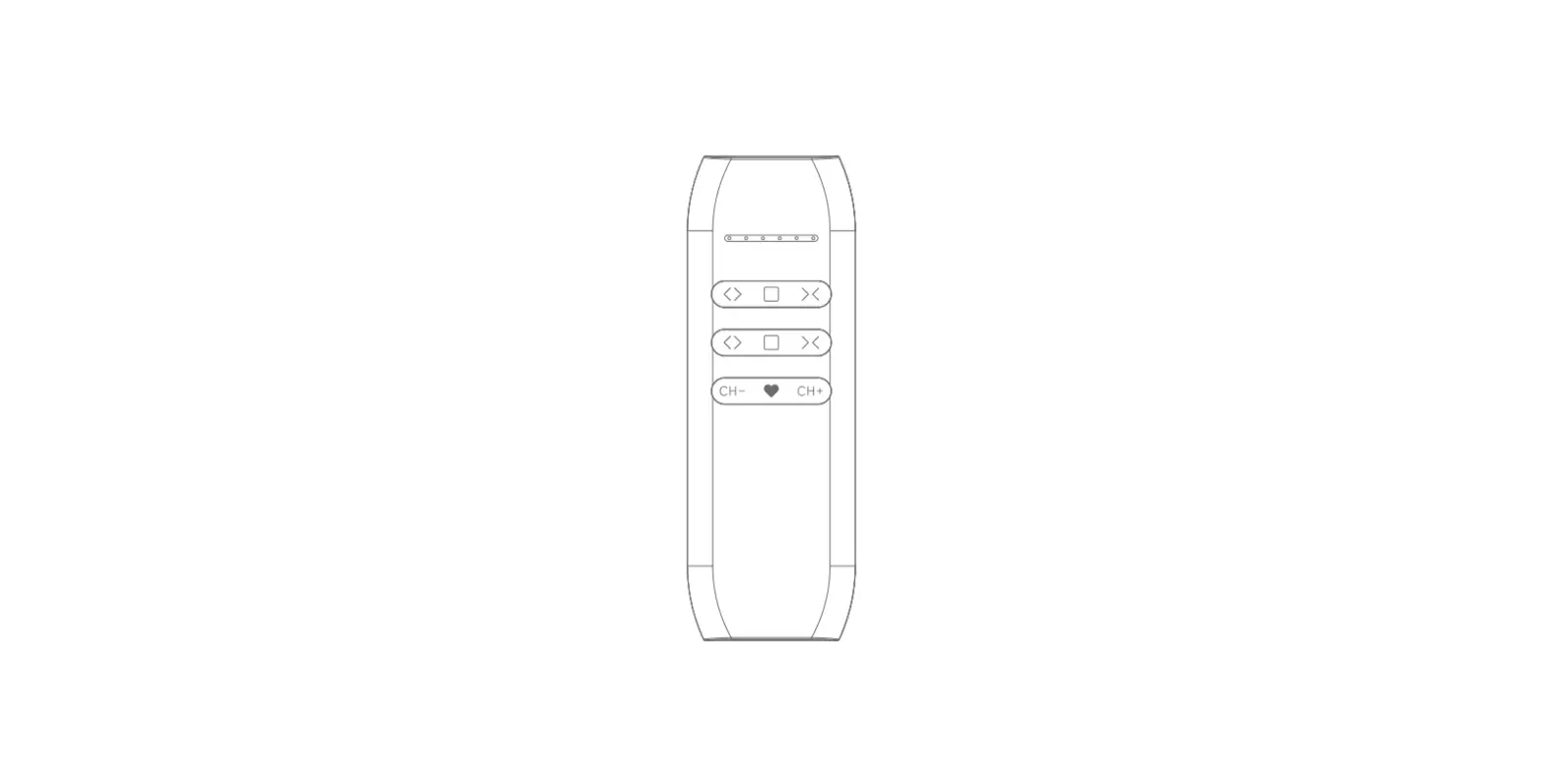
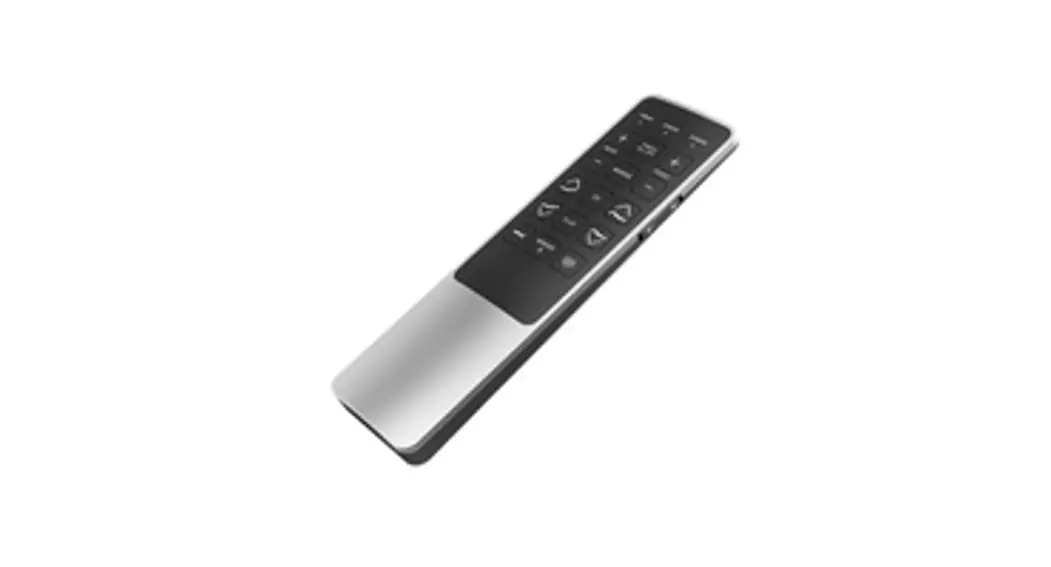
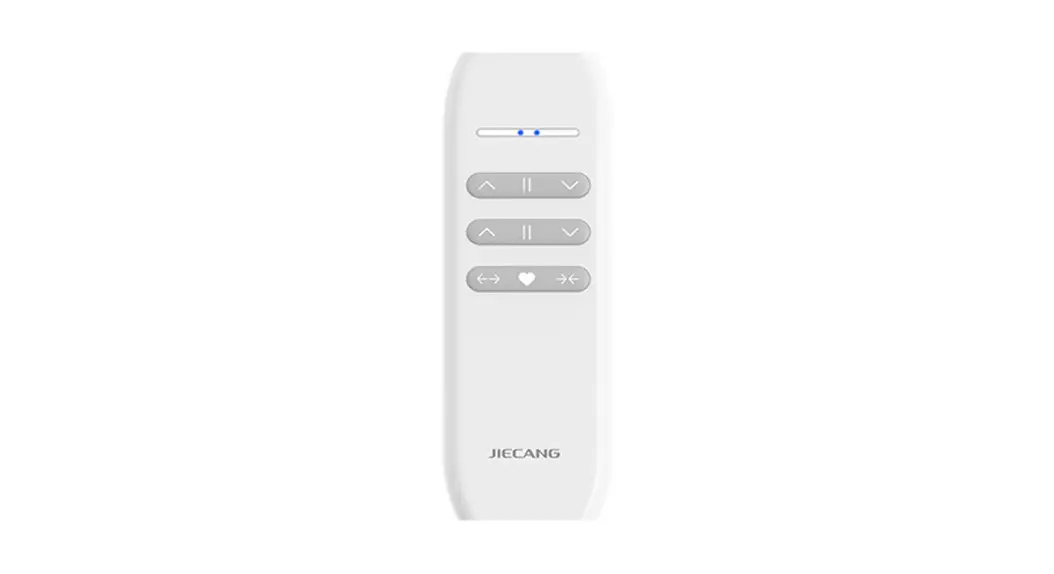
The JCHR35W3C1/C2 Hand-held LCD Remote Controller is a product
used to control motorized shades. It comes in two variations, the
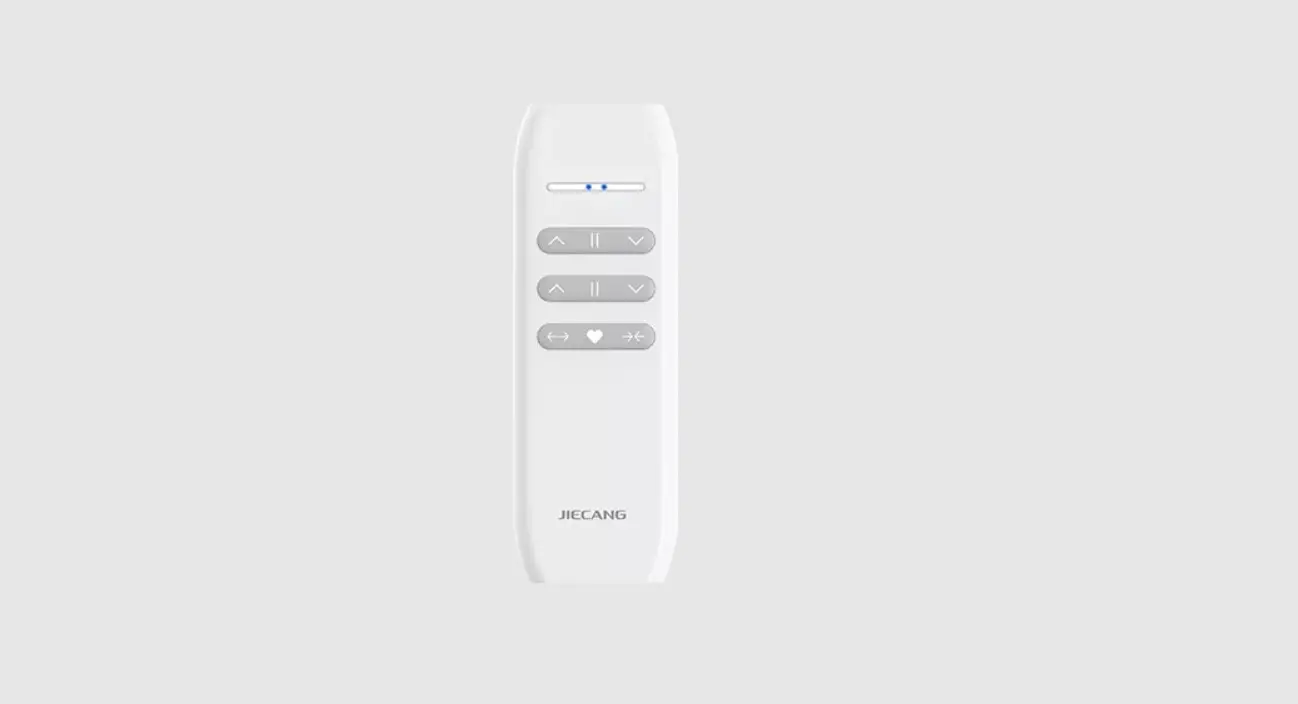
JCH35W3C1 16-channel LCD remote controller and the JCH35W3C2
16-channel dual control LCD remote controller.
Parameters
The product parameters can be found on the nameplate. For more
information, please refer to the nameplate.
- JCH35W3C1 16-channel LCD remote controller
- JCH35W3C2 16-channel dual control LCD remote controller
Caution!
If the voltage is too low, the LCD screen digital display will
be weak, prompting to replace the battery.
Instructions
Channels & Groups Toggling
- JCH35W3C1 16-channel LCD remote controller
- JCH35W3C2 16-channel dual control LCD remote controller
Note: Channel 0 is the group control for all the channels.
Number of Channels Setting
Number of Groups Setting
Channel in Group Setting
Short press , if you want the Channel in the group, the Channel
number will be steady-lit. Short press again, if you want the
Channel not in the group, the Channel number will be flashing.
Check the Channels in Groups
Prohibit Dual-key Operation
Icon
Position Percent Setting
Stop on the desired percentage down and wait 3s. The shades will
move to the chosen percentage down position.
Other Operations
Please refer to the motor operation instruction for other
operations.
JCHR35W3C1/C2 Hand-held LCD Remote Controller
User Manual
01 Product Info
03 Parameters(more info please refer to the nameplate)
JCH35W3C1 16-channel LCD remote controller
02 Buttons
JCH35W3C2 16-channel dual control LCD
remote controller
04 Caution!
When the voltage is too low, the LCD screen digital display will be weak, prompting to replace the battery.
05 Instructions
a.Channels & Groups Toggling
JCH35W3C1 16-channel LCD remote controller
JCH35W3C2 16-channel dual control LCD
remote controller
NoteChannel 0 is the group control for all the channels.
b.Number of Channels Setting
c.Number of Groups Setting
d.Channel in Group Setting Short press , if you want the Channel in the group, the Channel number will be steady-lit. Short press again, if you want the Channel not in the group, the Channel number will be flashing.
e.Check the Channels in Groups
f.Prohibit Dual-key Operation
icon
g.Position Percent Setting
Stop on the desired percentage down and wait 3s. The shades will move to the chosen percentage down position. h.For other operations, please refer to the motor operation instruction