JCHR35W6A1 Hand Hled Remote Controller
JCHR35W6A1/A2/A3/A4/A5 Hand-held Remote Controller
User Manual
01 Product Info
The JCHR35W6A1/A2/A3/A4/A5 Hand-held Remote Controller is a
series of remote controllers used to control various window
coverings. The different models are designed for different
applications:
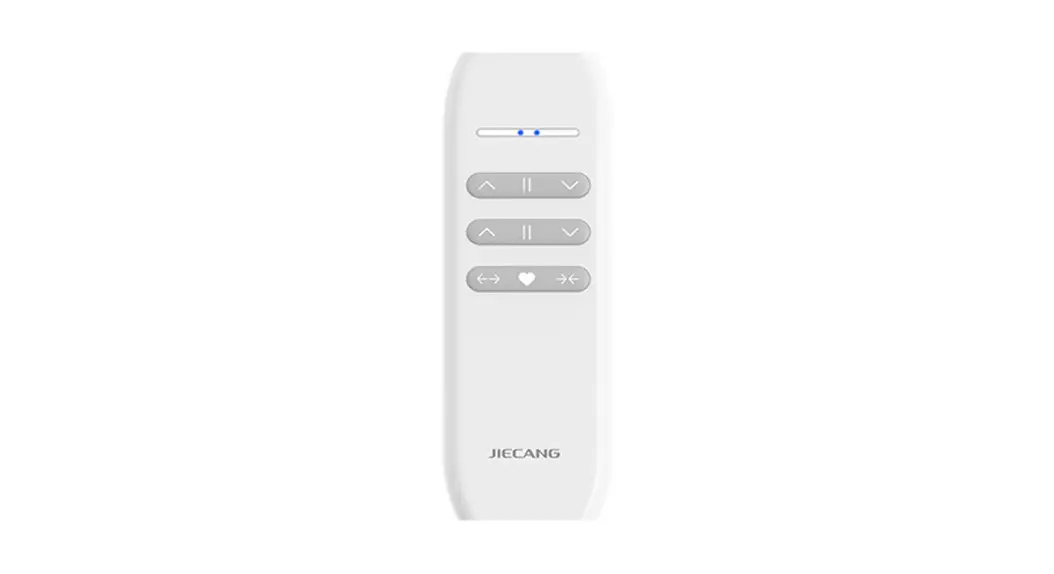
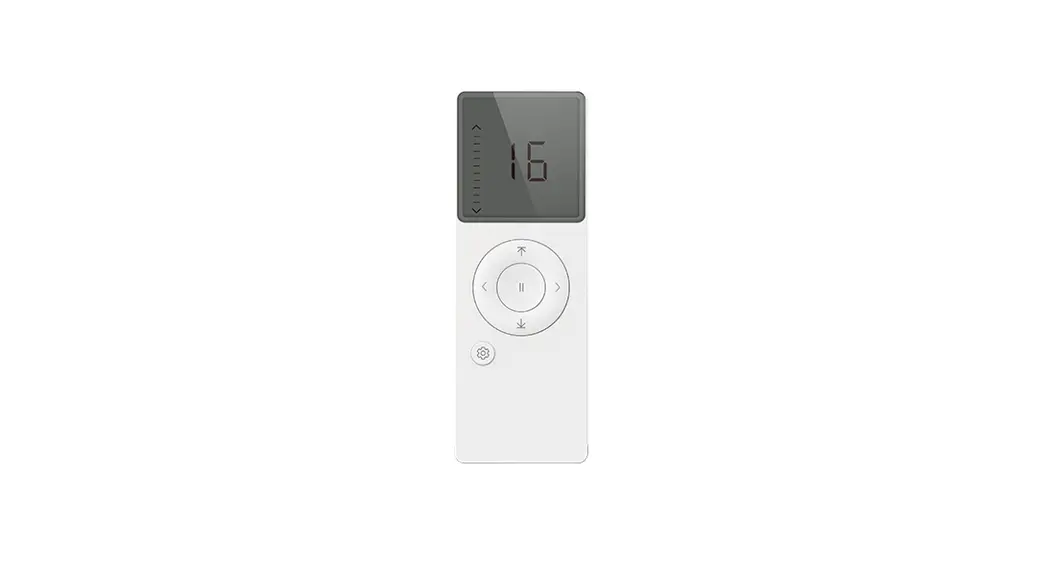
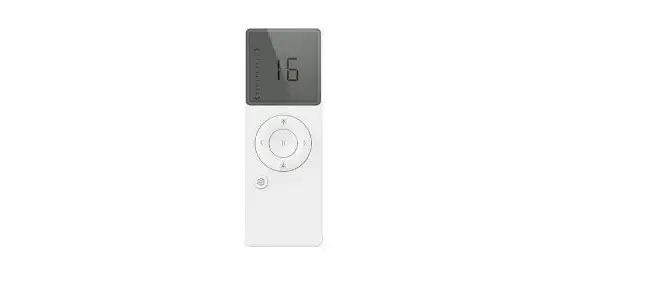
- JCHR35W6A1: 16-channel remote controller, Application: Roller
shade/Curtain - JCHR35W6A2: Single channel remote controller, Application:
Curtain - JCHR35W6A3: Single channel dual control remote controller,
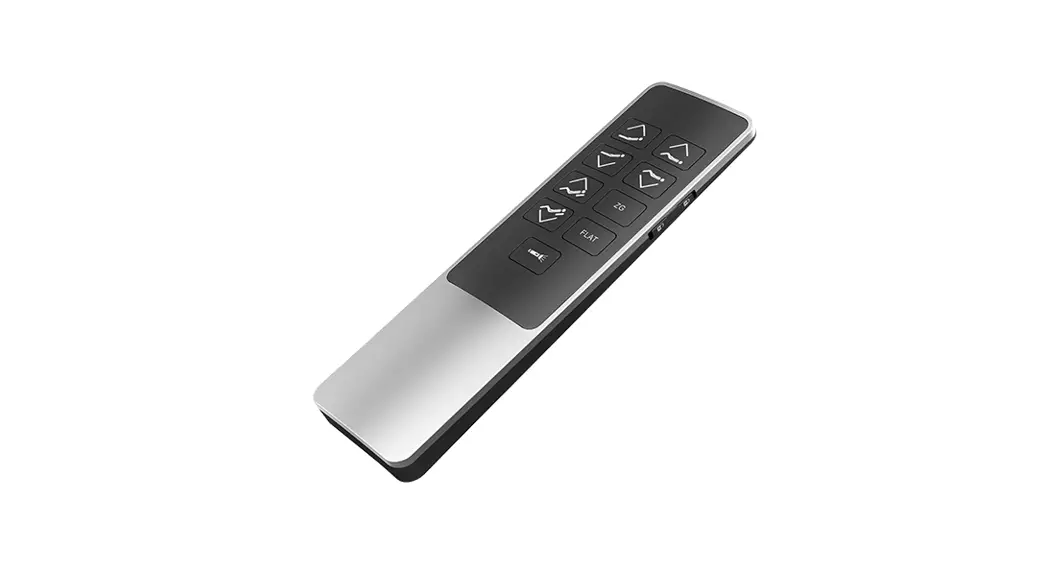
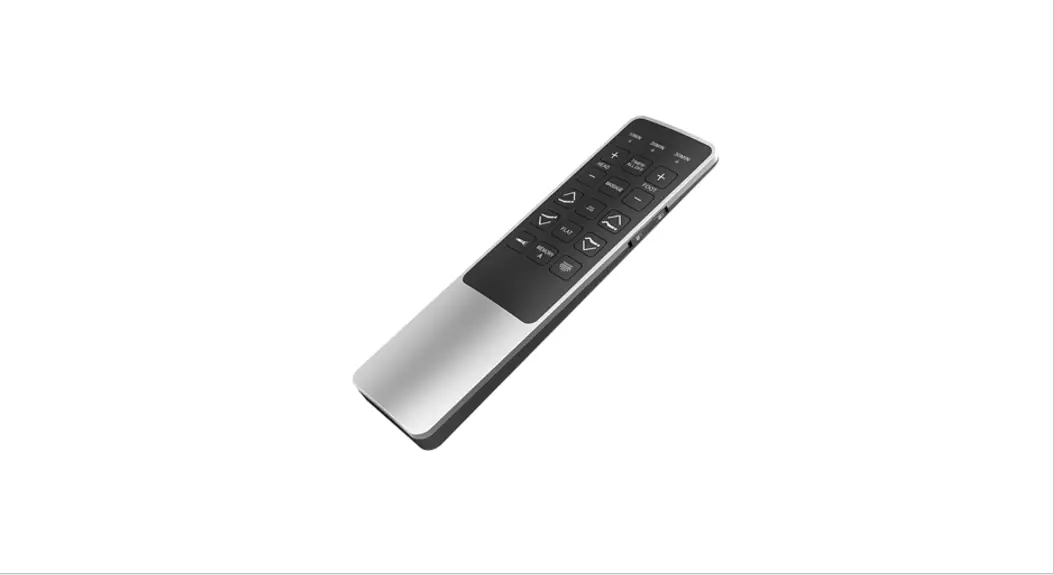
Application: Curtain - JCHR35W6A4: 16-channel remote controller, Application: Venetian
blind - JCHR35W6A5: Single channel remote controller, Application:
Venetian blind
02 Product Usage Instructions
Each model of the JCHR35W6A series uses two AAA batteries. To
use the remote controller, follow the instructions below:
JCHR35W6A1
- Open: Press the “Open” button to open the roller shade or
curtain. - Stop: Press the “Stop” button to stop the roller shade or
curtain at its current position. - Fav: Press the “Fav” button to move the roller shade or curtain
to its favorite position. - Close: Press the “Close” button to close the roller shade or
curtain. - Open 100%: Press the “Open 100%” button to fully open the
roller shade or curtain. - Open 1: Press the “Open 1” button to partially open the roller
shade or curtain. - Stop 1: Press the “Stop 1” button to stop the roller shade or
curtain at its partially open position. - Close 1: Press the “Close 1” button to partially close the
roller shade or curtain. - Close 100%: Press the “Close 100%” button to fully close the
roller shade or curtain.
JCHR35W6A2 & JCHR35W6A3
- Up: Press the “Up” button to move the curtain up.
- Stop: Press the “Stop” button to stop the curtain at its
current position. - Down: Press the “Down” button to move the curtain down.
- Tilt up: Press the “Tilt up” button to tilt the curtain
upward. - Tilt down: Press the “Tilt down” button to tilt the curtain
downward. - Fav: Press the “Fav” button to move the curtain to its favorite
position.
JCHR35W6A4 & JCHR35W6A5
- Up: Press the “Up” button to move the venetian blind up.
- Stop: Press the “Stop” button to stop the venetian blind at its
current position. - Down: Press the “Down” button to move the venetian blind
down. - Tilt up: Press the “Tilt up” button to tilt the venetian blind
upward. - Tilt down: Press the “Tilt down” button to tilt the venetian
blind downward. - Fav: Press the “Fav” button to move the venetian blind to its
favorite position. - Prg A: Press the “Prg A” button to program a favorite
position. - Prg B: Press the “Prg B” button to program a second favorite
position.
Low Voltage Warning
Note that for JCHR35W6A2/A3/A5 models, the orange LED will
flicker during operation when the battery voltage is too low. This
indicates that the batteries need to be replaced.
04 Caution!
When using the JCHR35W6A Hand-held Remote Controller, please
keep in mind the following:
- Avoid exposing the remote controller to moisture or impact, as
this can affect its lifespan. - If the remote control distance is significantly shorter or less
sensitive, check whether the battery needs to be replaced. - For JCHR35W6A2/A3/A5 models, the orange LED will flicker during
operation when the battery voltage is too low. For JCHR35W6A1/A4
models, the LCD screen digital display will be weak, indicating
that the batteries need to be replaced. - Properly dispose of used batteries according to local garbage
classification and recycling policies.
JCHR35W6A1/A2/A3/A4/A5 Hand-hled Remote Controller
User Manual
01 Product Info
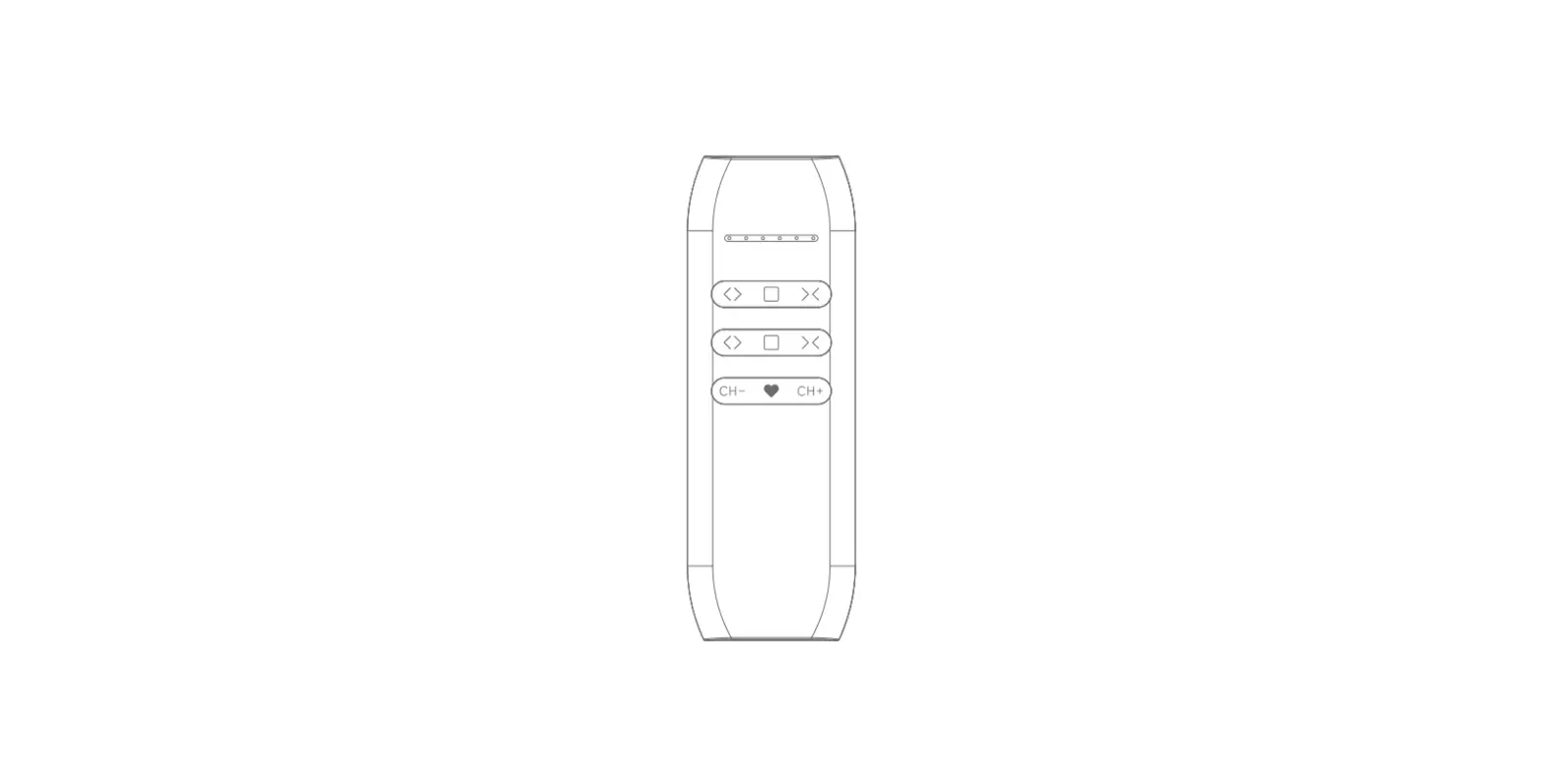
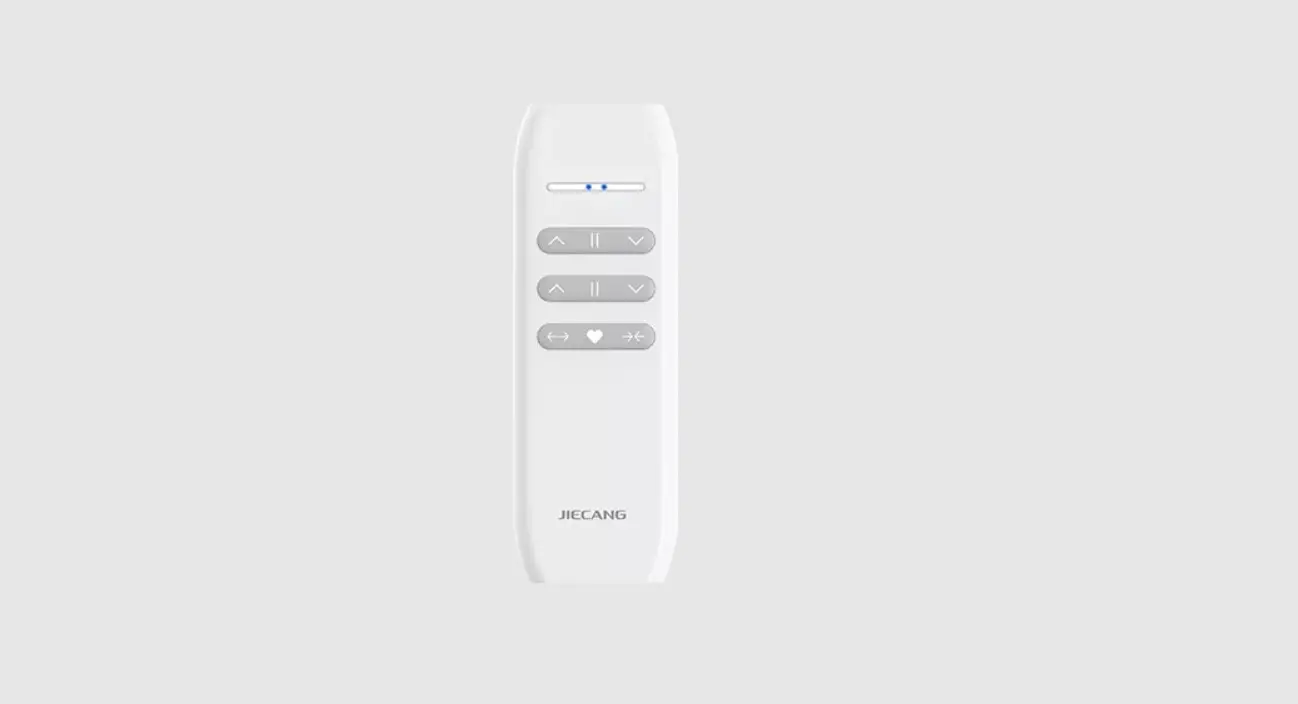
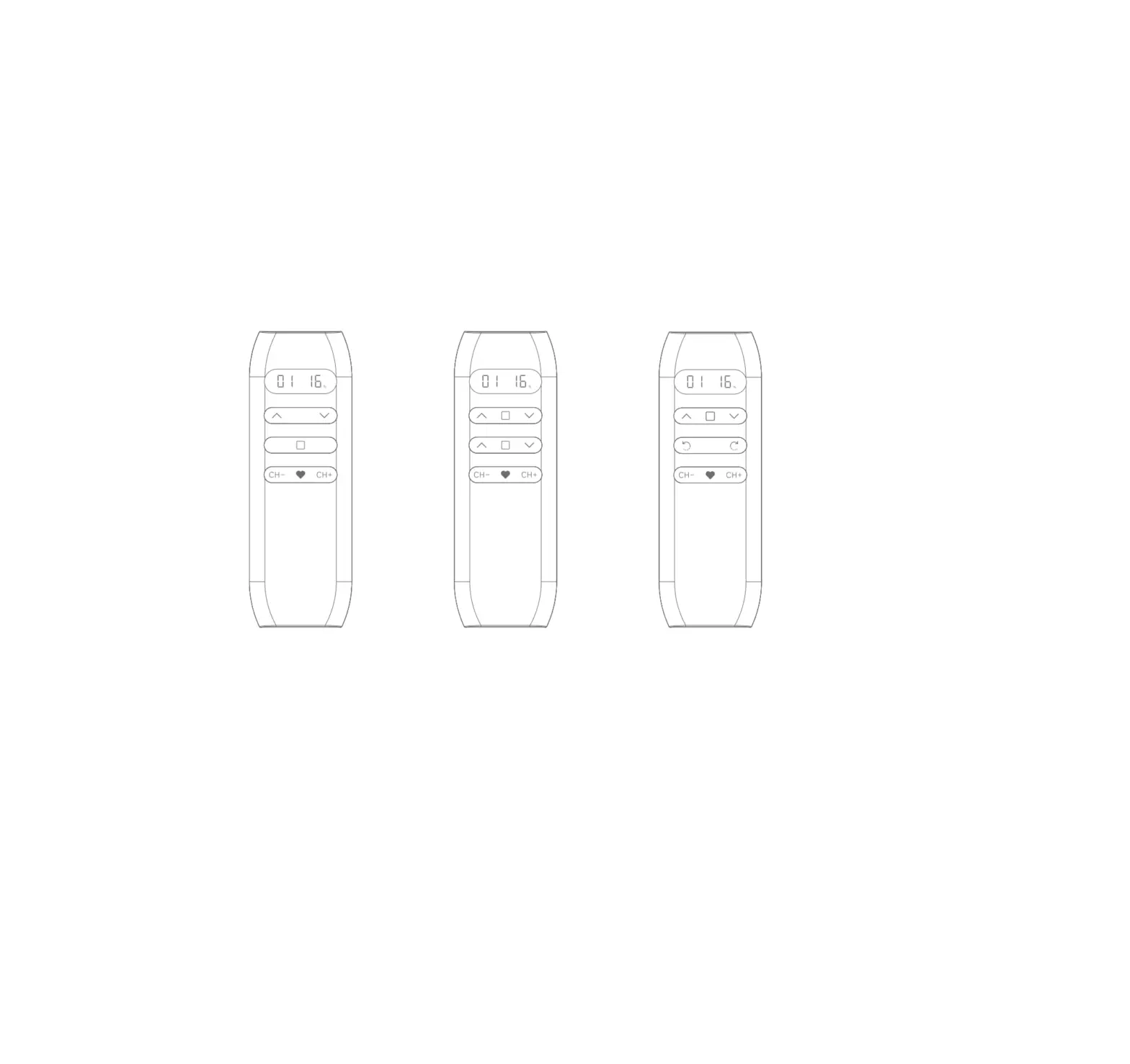
JCHR35W6A1 16-channel remote controller Application: Roller shade/Curtain
JCHR35W6A2 Single channel remote controller
Application: Curtain
JCHR35W6A3 Single channel dual control remote controller
Application: Curtain
JCHR35W6A4 16-channel remote controller
Application: Venetian blind
JCHR35W6A5 Single channel remote controller
Application: Venetian blind
Open Stop CH-
Close
Fav CH+
JCHR35W6A1
Open
Stop
Fav
Close
Open 100% Open 1
Stop 1
Close 1 Close 100%
Open 2 Stop 2 Close 2
JCHR35W6A2
JCHR35W6A3
Up Tilt up
Stop
CHDown
Tilt down Fav CH+
JCHR35W6A4
Up Tilt up
Stop
Down
Tilt down Fav
JCHR35W6A5
Prg A
Prg B
b. Low Voltage Warning (only apply to JCHR35W6A2/A3/A5)
when the voltage is too low, the orange LED will flicker during operation,prompting to replace the battery.
03 Models & Parameters (more info please refer to the nameplate)
AAA battery*2
c.For other operations, please refer to the motor operation instruction
04 Caution!
1. The transmitter should not be exposed to moisture or impact, so as not to affect its life 2. During use, when the remote control distance is significantly shorter or less sensitive, please
check whether the battery needs to be replaced. 3. When the voltage is too low, JCHR35W6A2/A3/A5 orange LED will flicker during operation,
JCHR35W6A1/A4 LCD screen digital display will be weak, indicating to replace the battery. 4. Please properly dispose of used batteries according to the local garbage classification and
recycling policy.
05 Instructions
a . Number of Channels Setting (only apply to JCHR35W6A1/A4)
CH+
CH+ CH-