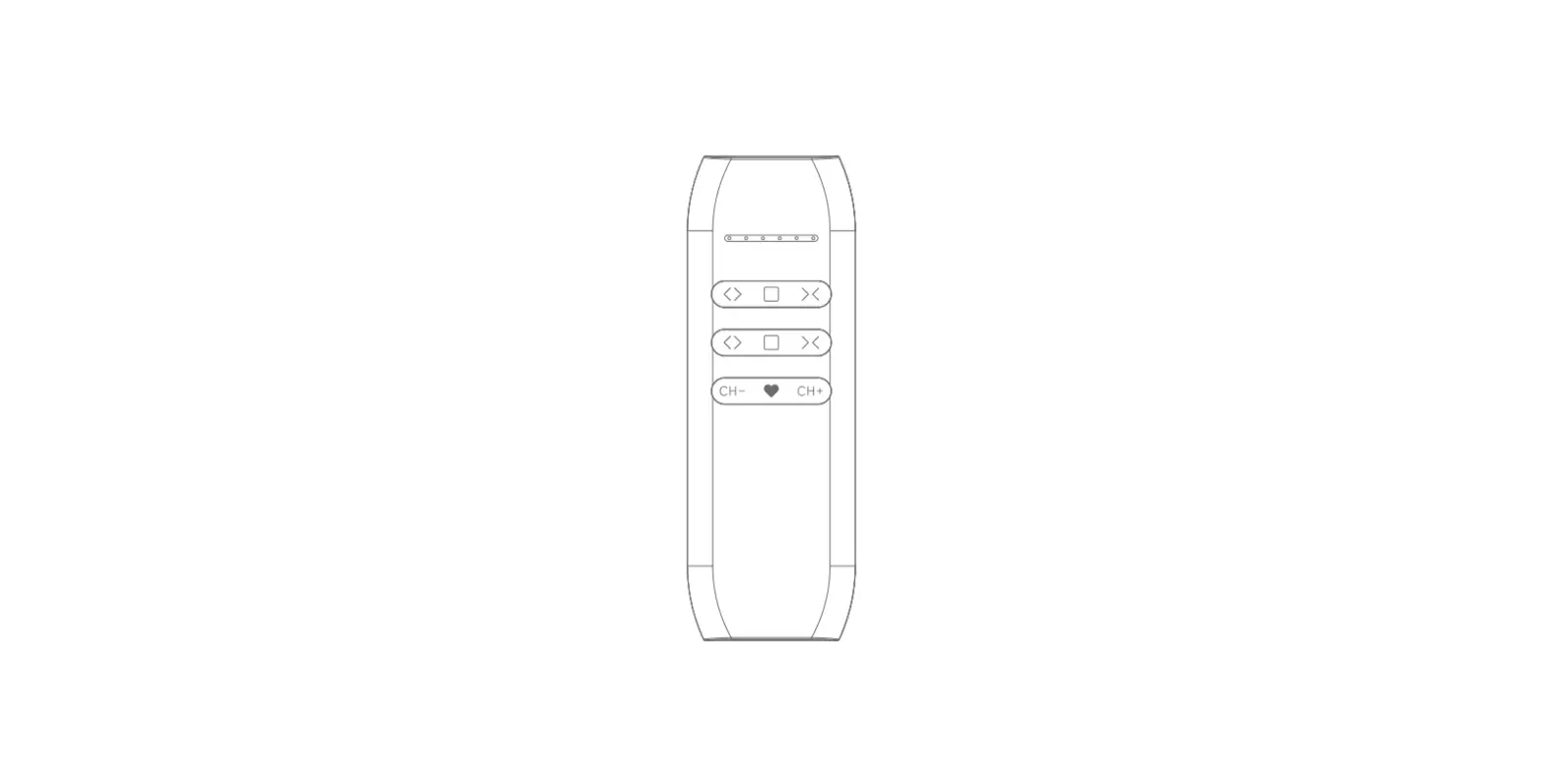
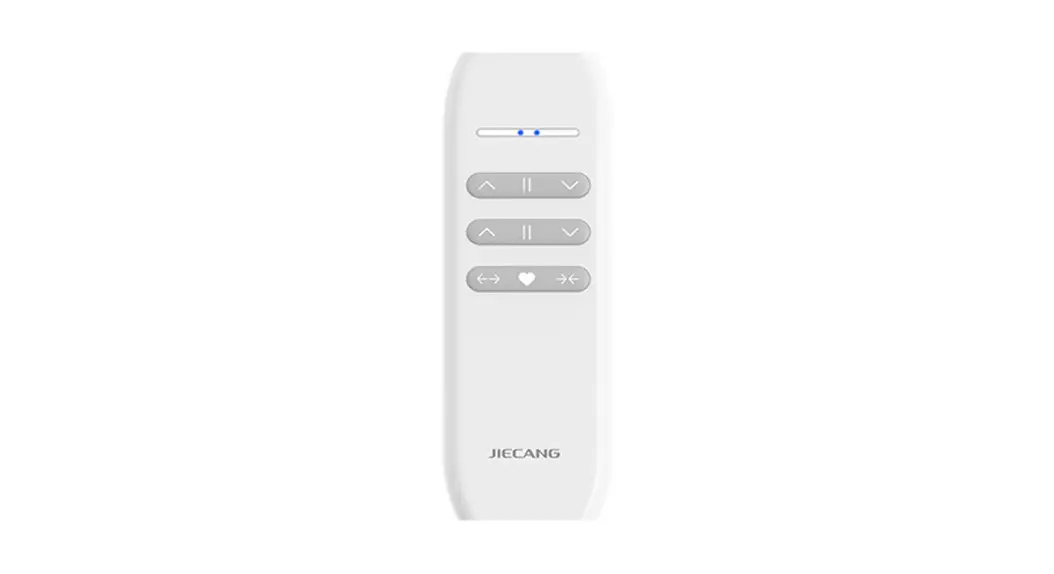
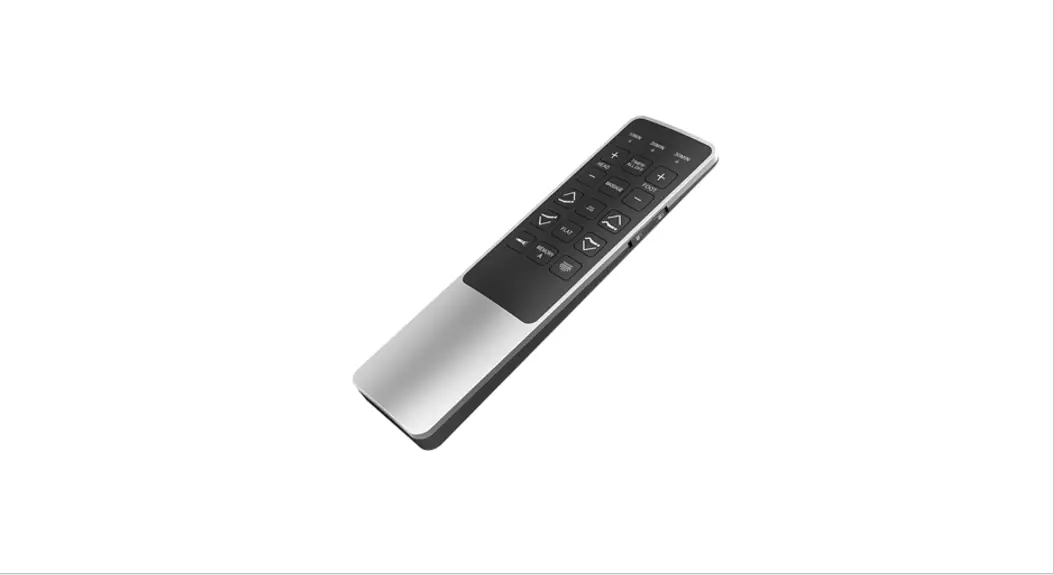
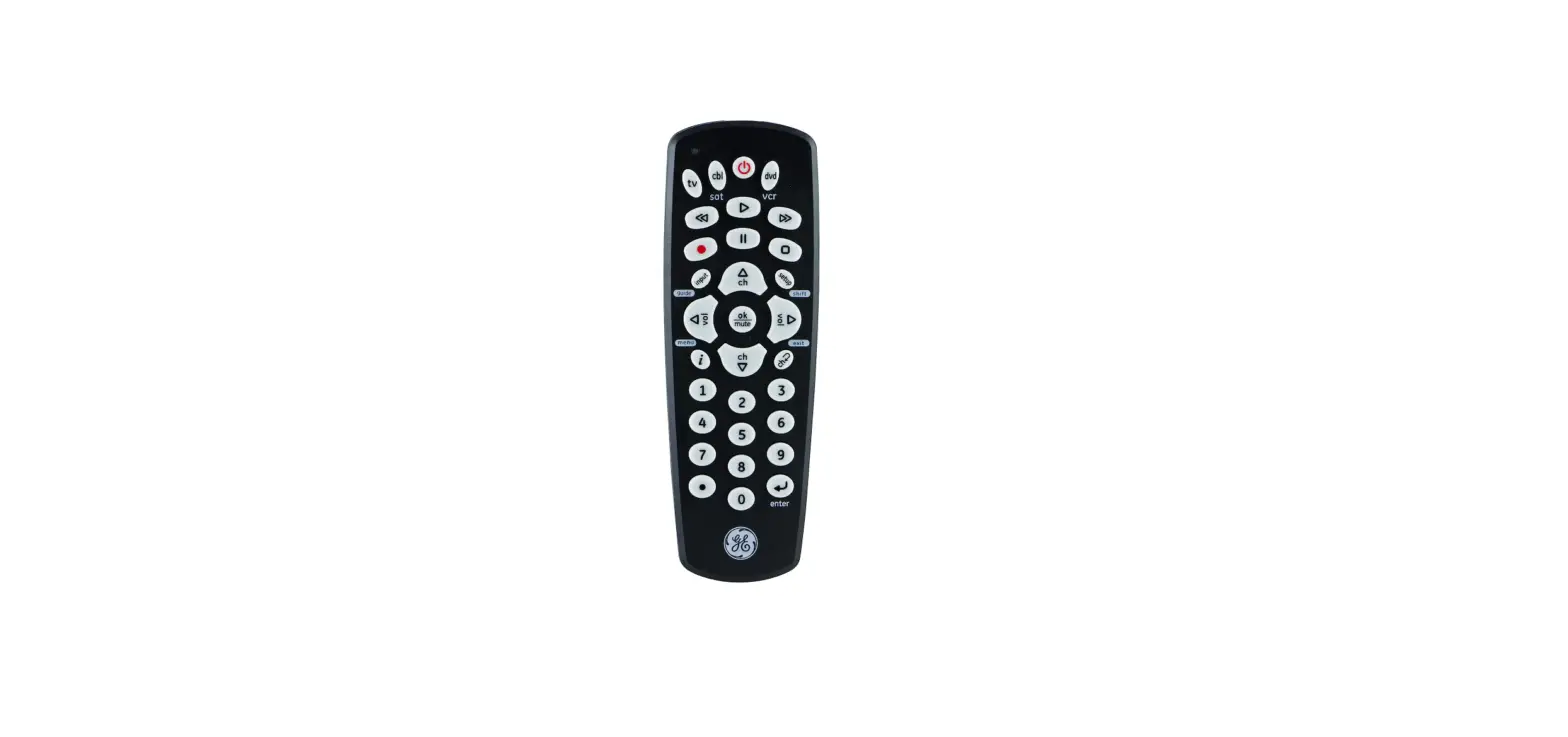
JCHR35W1C 16-Channel LCD Remote Controller
16-channel LCD Remote Controller User Manual
01 Product Info
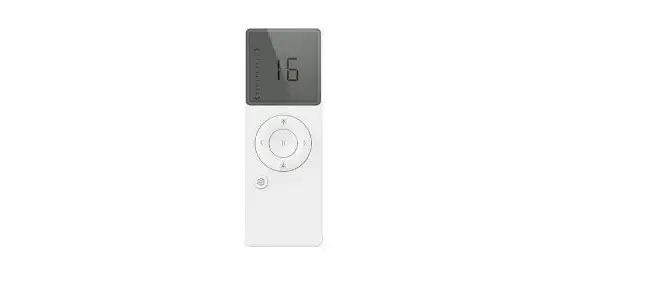
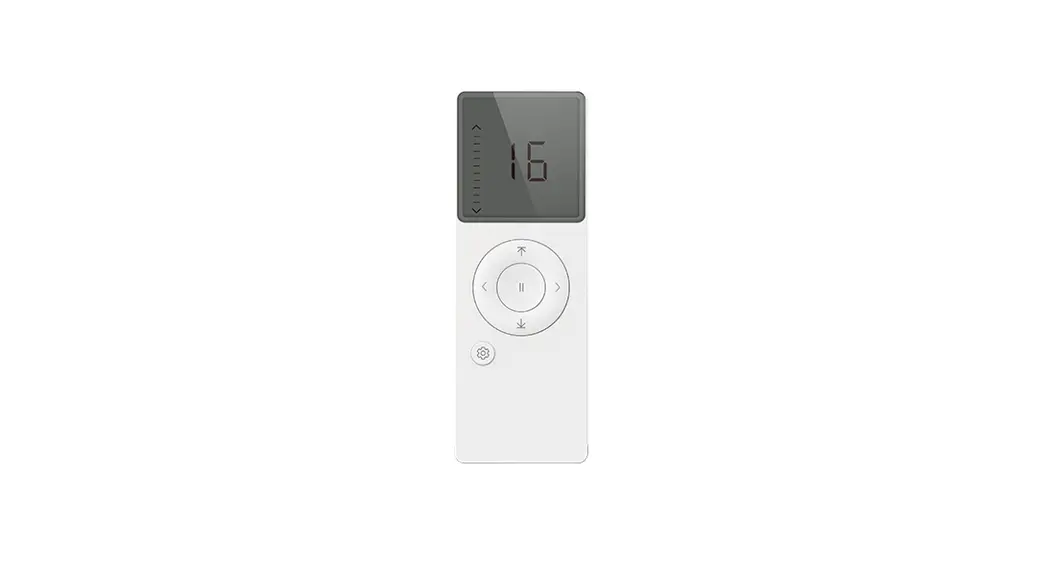
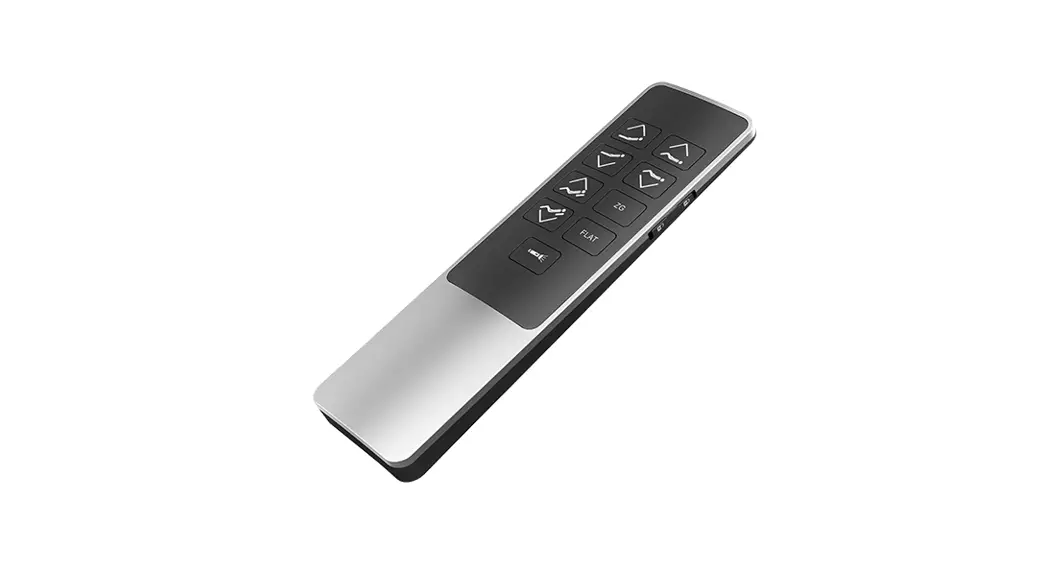
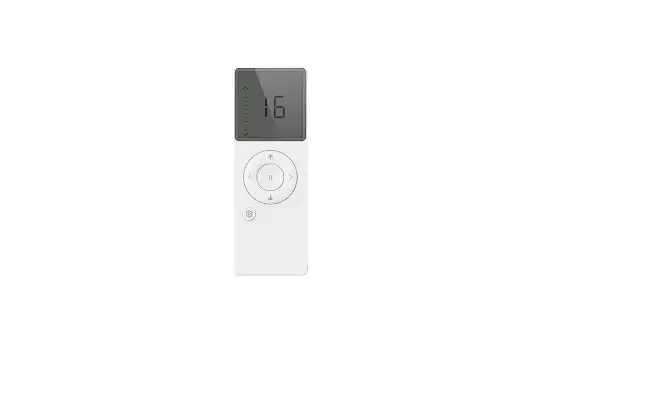
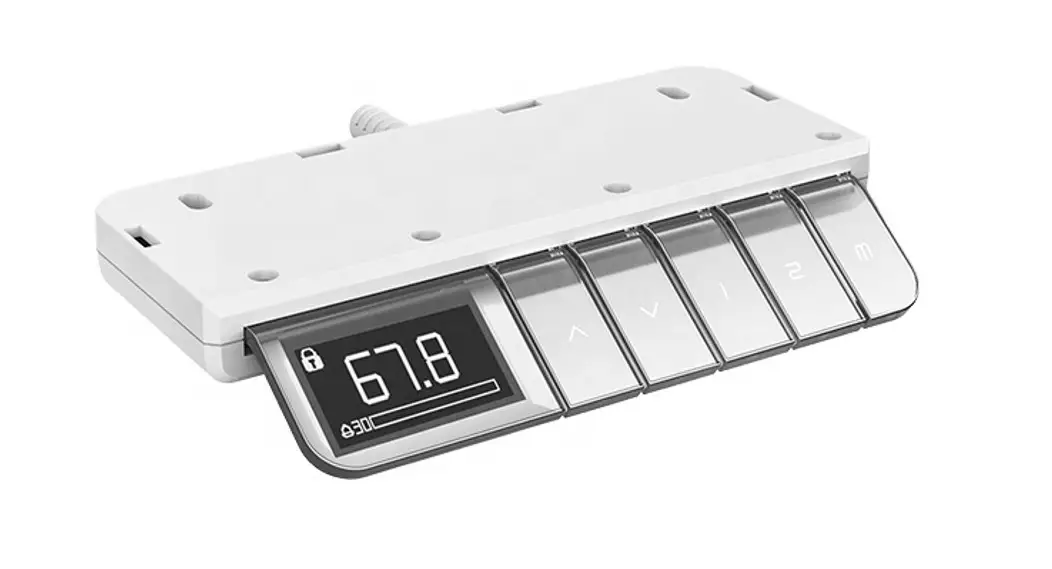
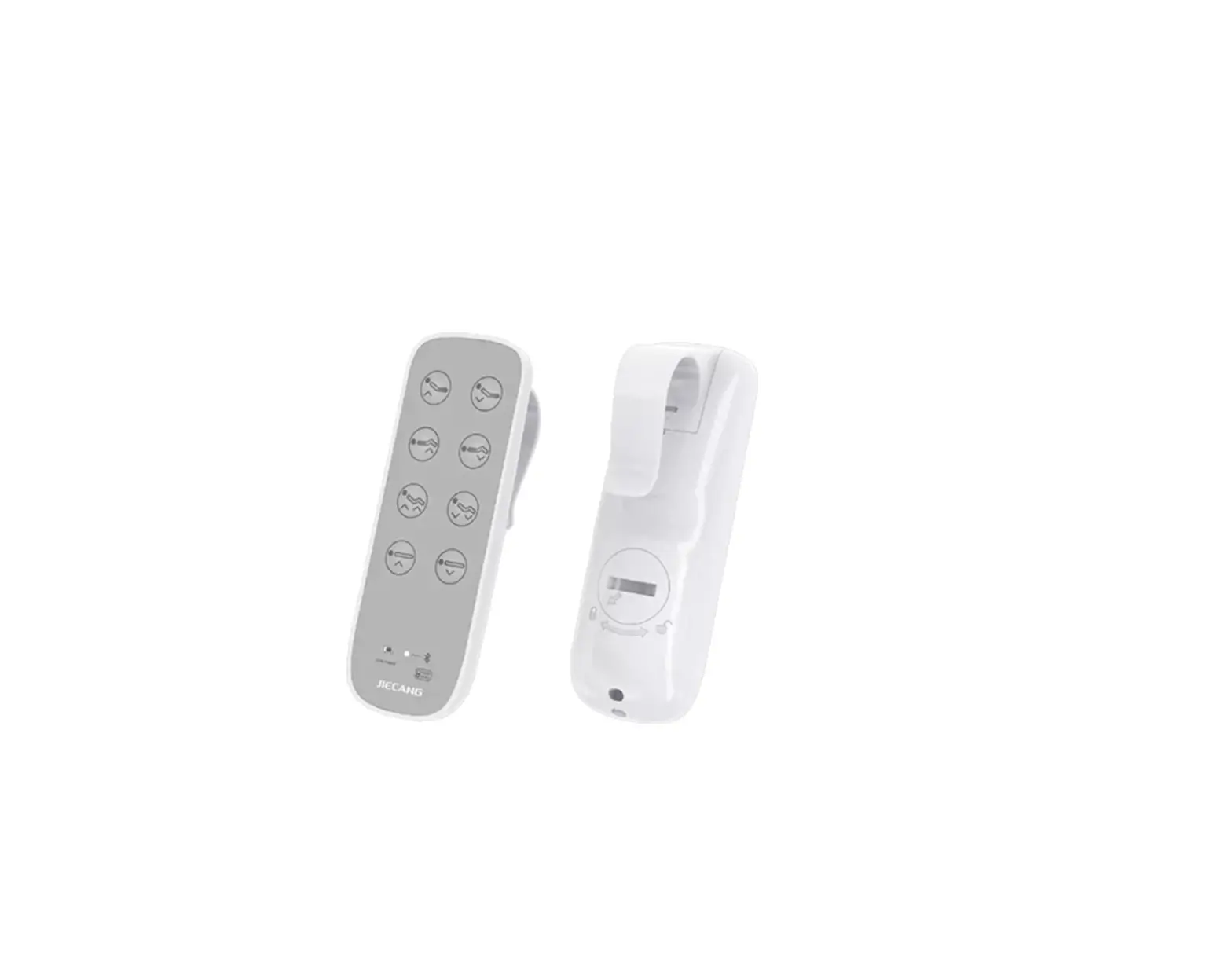
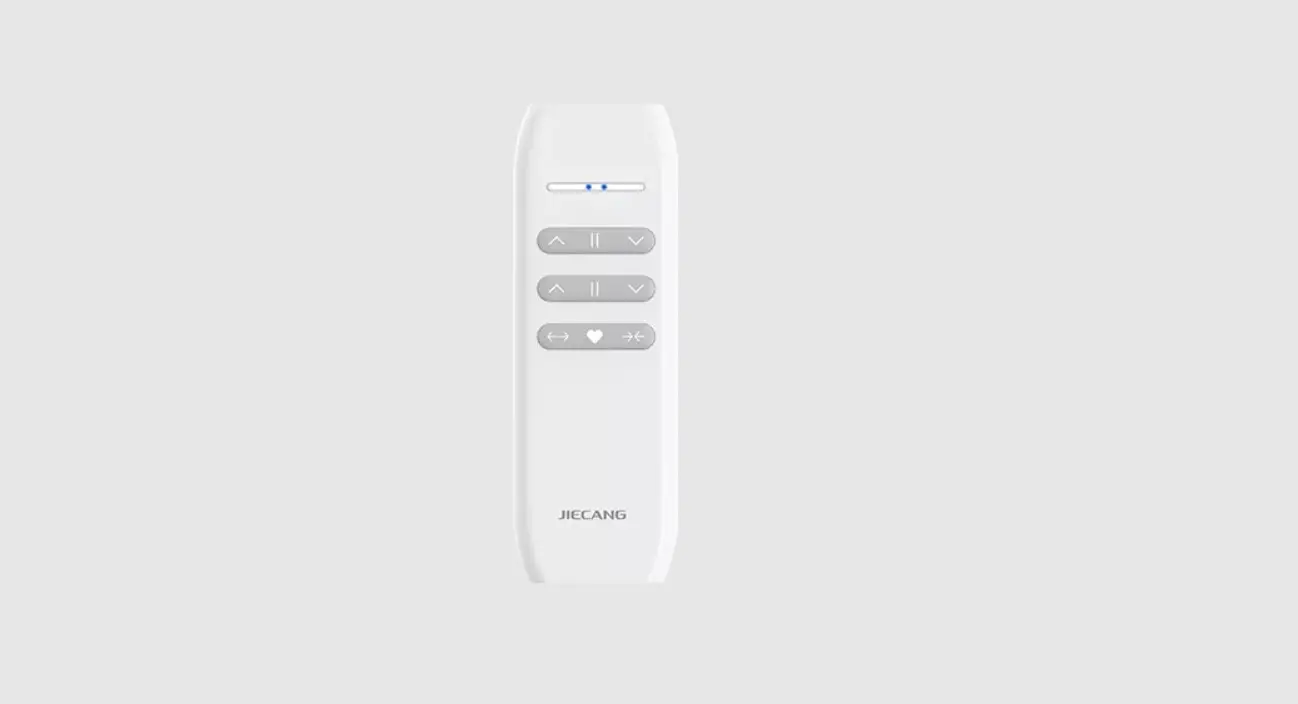
The 16-channel LCD Remote Controller is available in two models
– Wall-Mounted and Hand-held. The controller is used to control the
channels of a connected device.
03 Models & Parameters (more info please refer to the
nameplate)
The Wall-Mounted and Hand-held models have the following
parameters. Please refer to the nameplate for more information.
- Model: Wall-Mounted 16-channel LCD Remote Controller
- Model: Hand-held 16-channel LCD Remote Controller
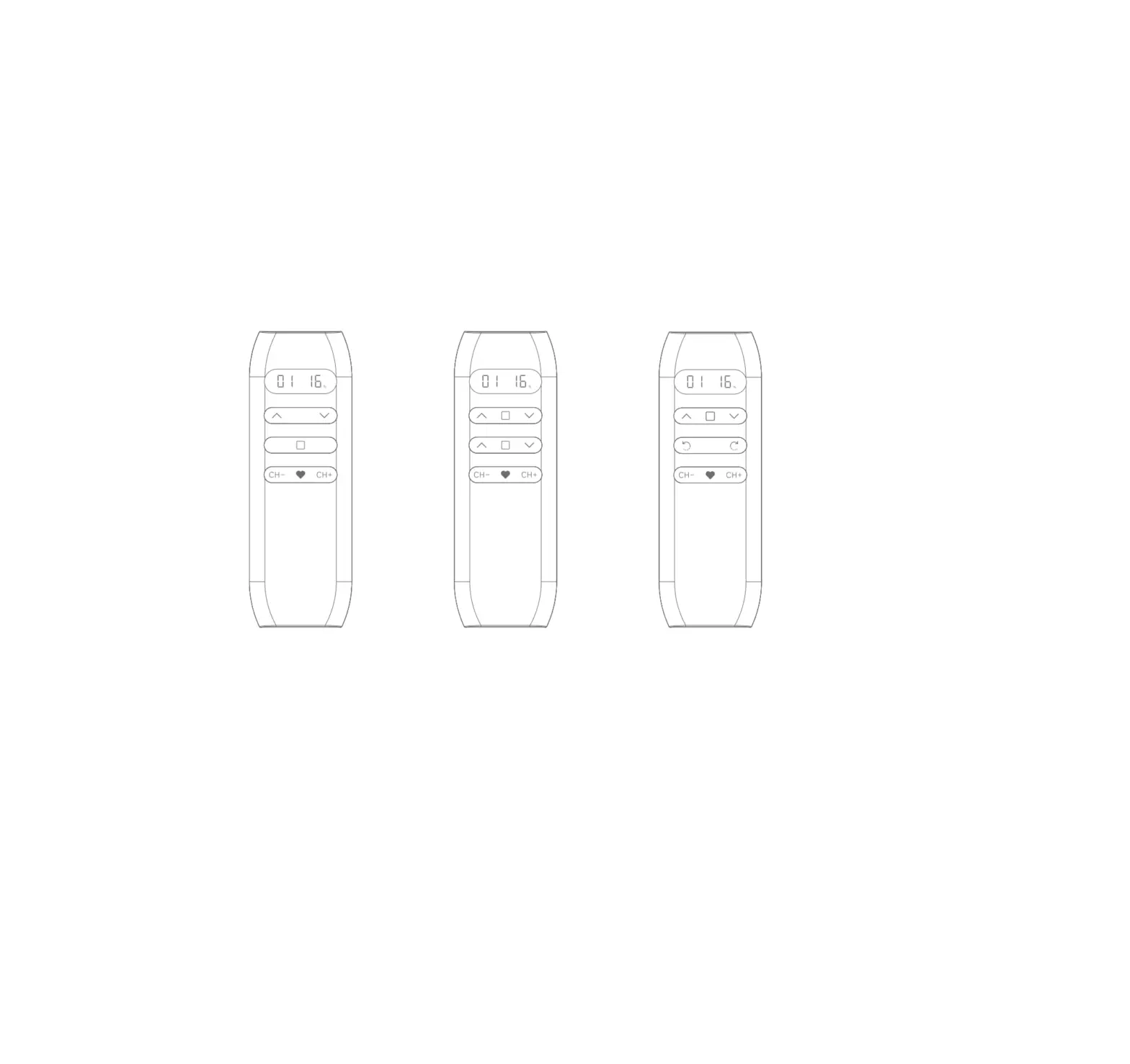
The controller has multiple buttons that allow the user to
control the channels of the connected device.
04 Caution!
Use the controller as per the instructions mentioned in this
manual. Improper usage may lead to damage to the device.
05 Instructions
Note: Channel 0 is the group control for all the channels.
To add a channel to the group:
- Short press the button corresponding to the channel number. The
channel number will be steady-lit. - Short press the button again, if you want the Channel not in
the group, and the Channel number will be flashing.
To set limits:
- Press and hold the button corresponding to the channel number
for 3 seconds. - Stop on the desired percentage down and wait 3 seconds. The
shades will move to the chosen percentage down position.
16-channel LCD Remote Controller User Manual
01 Product Info
Wall-Mounted 16-channel LCD Remote Controller Hand-held 16-channel LCD Remote Controller
03 Models & Parameters (more info please refer to the nameplate)
Wall-Mounted 16-channel LCD Remote Controller Hand-held 16-channel LCD Remote Controller
02 Buttons
04 Caution!
Wall-Mounted 16-channel LCD Remote Controller Hand-held 16-channel LCD Remote Controller
05 Instructions
NoteChannel 0 is the group control for all the channels.
Short press , if you want the Channel in the group, the Channel number will be steady-lit. Short press again, if you want the Channel not in the group, the Channel number will be flashing.
D
O
such as limits setting.
Stop on the desired percentage down and wait 3s. The shades will move to the chosen percentage down position.