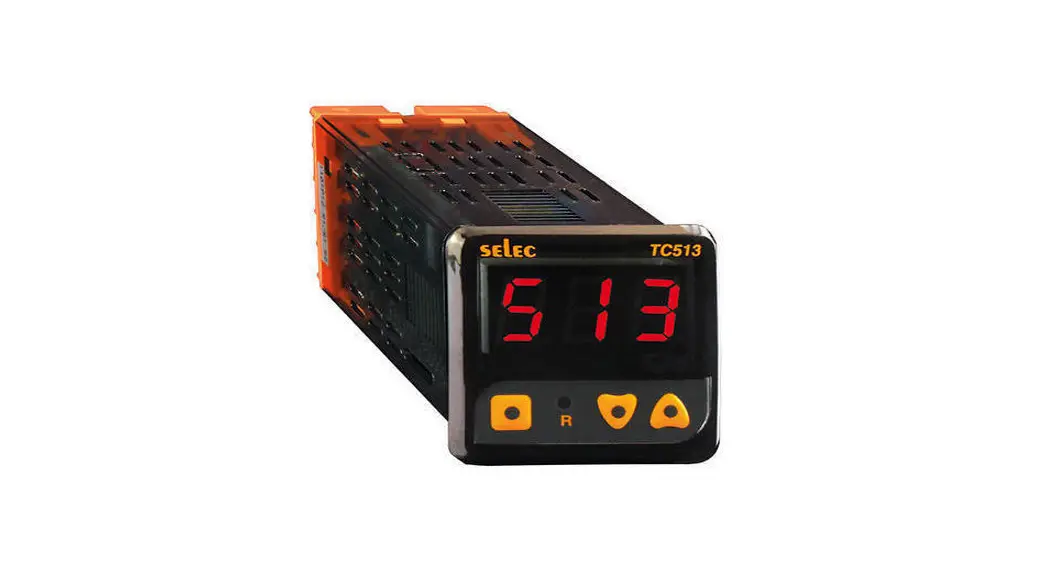
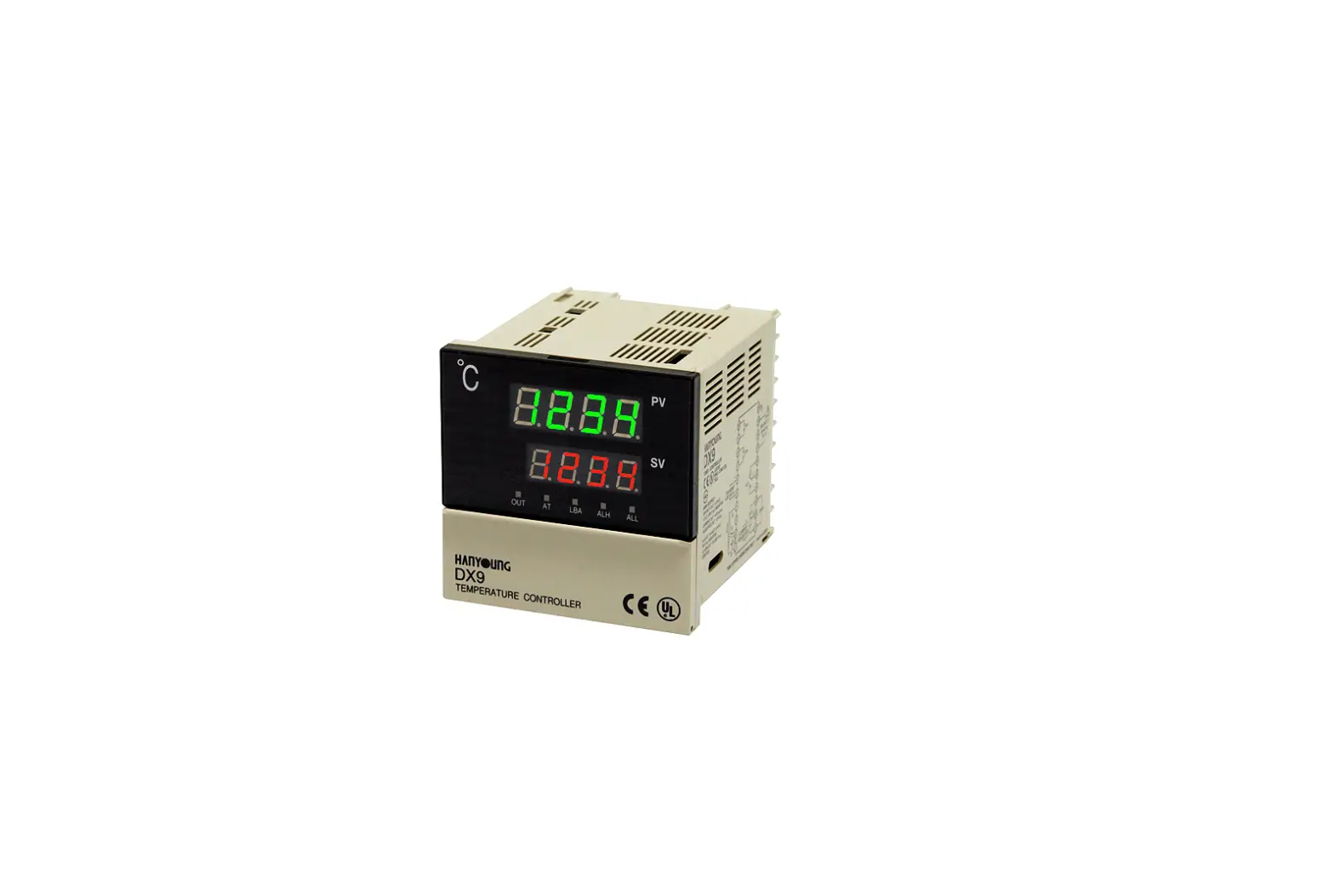
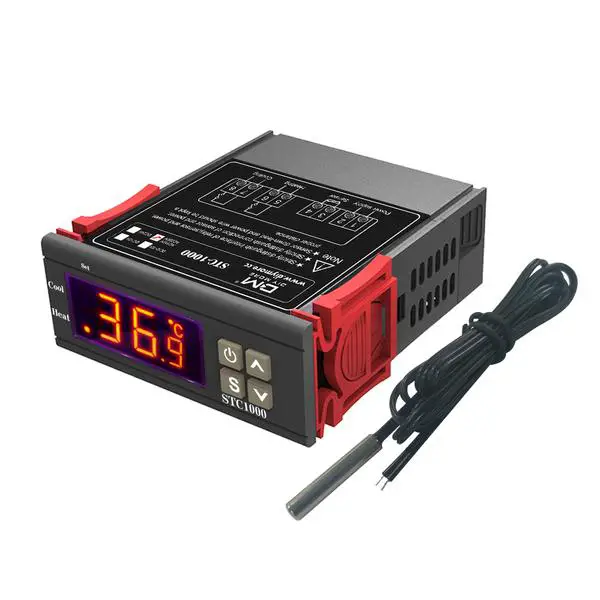
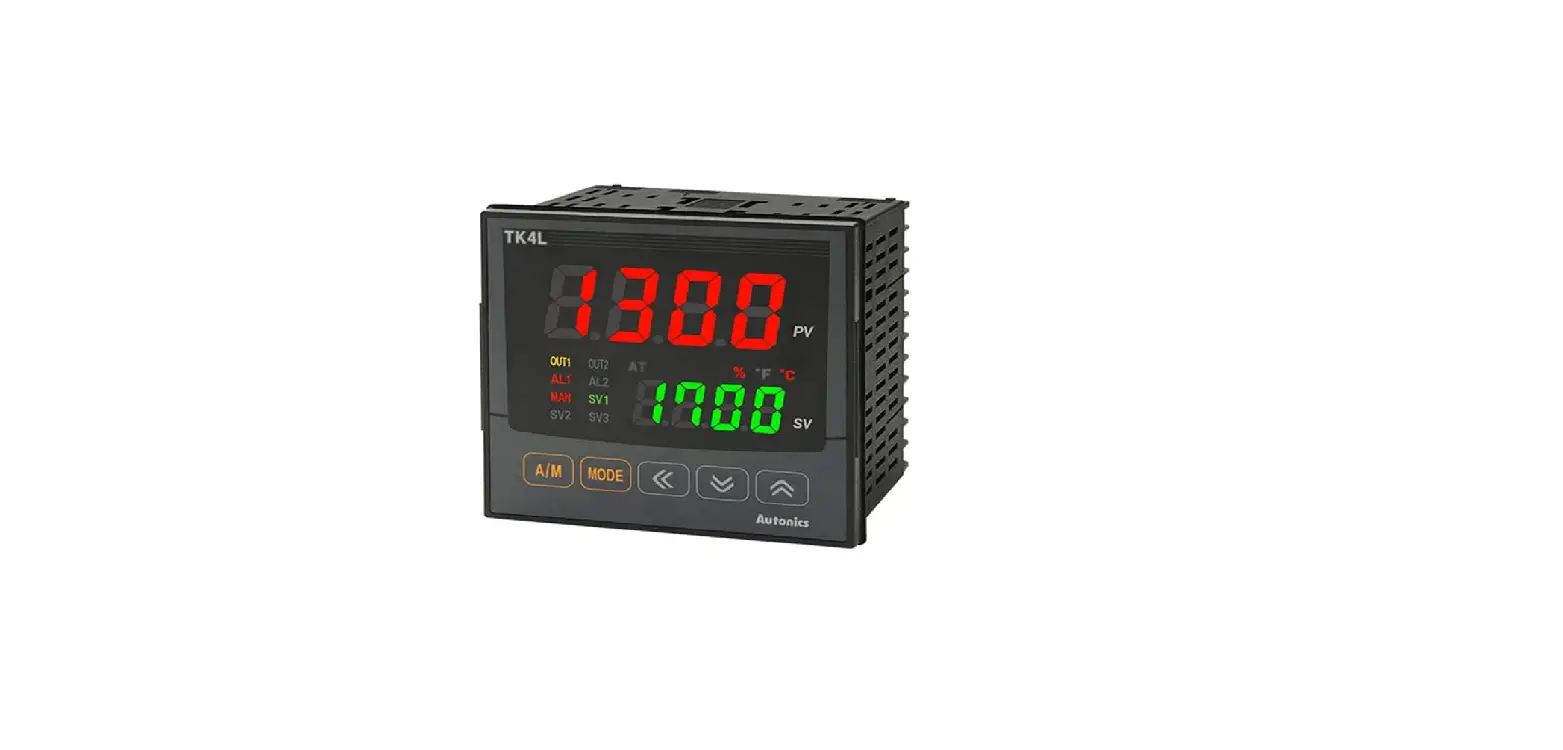
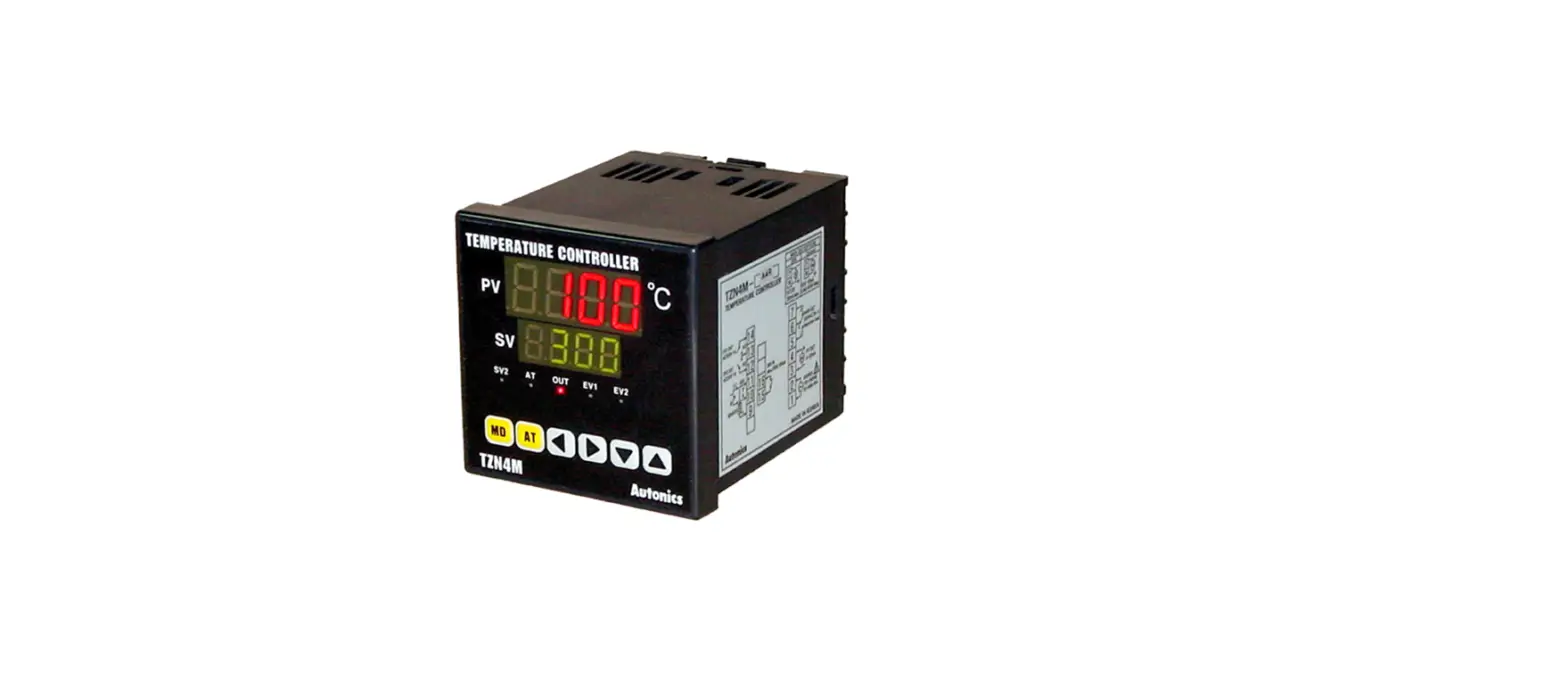
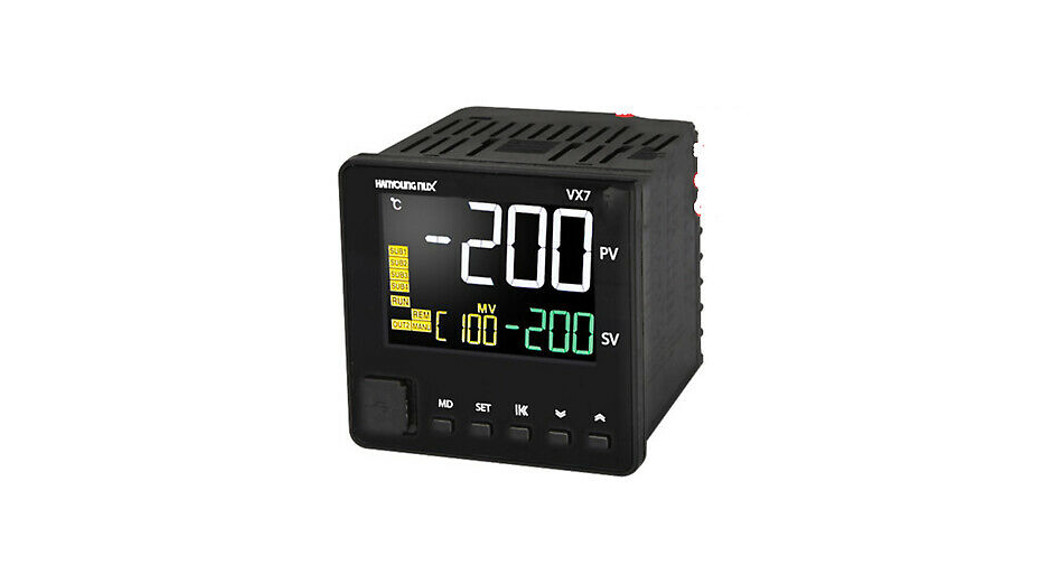
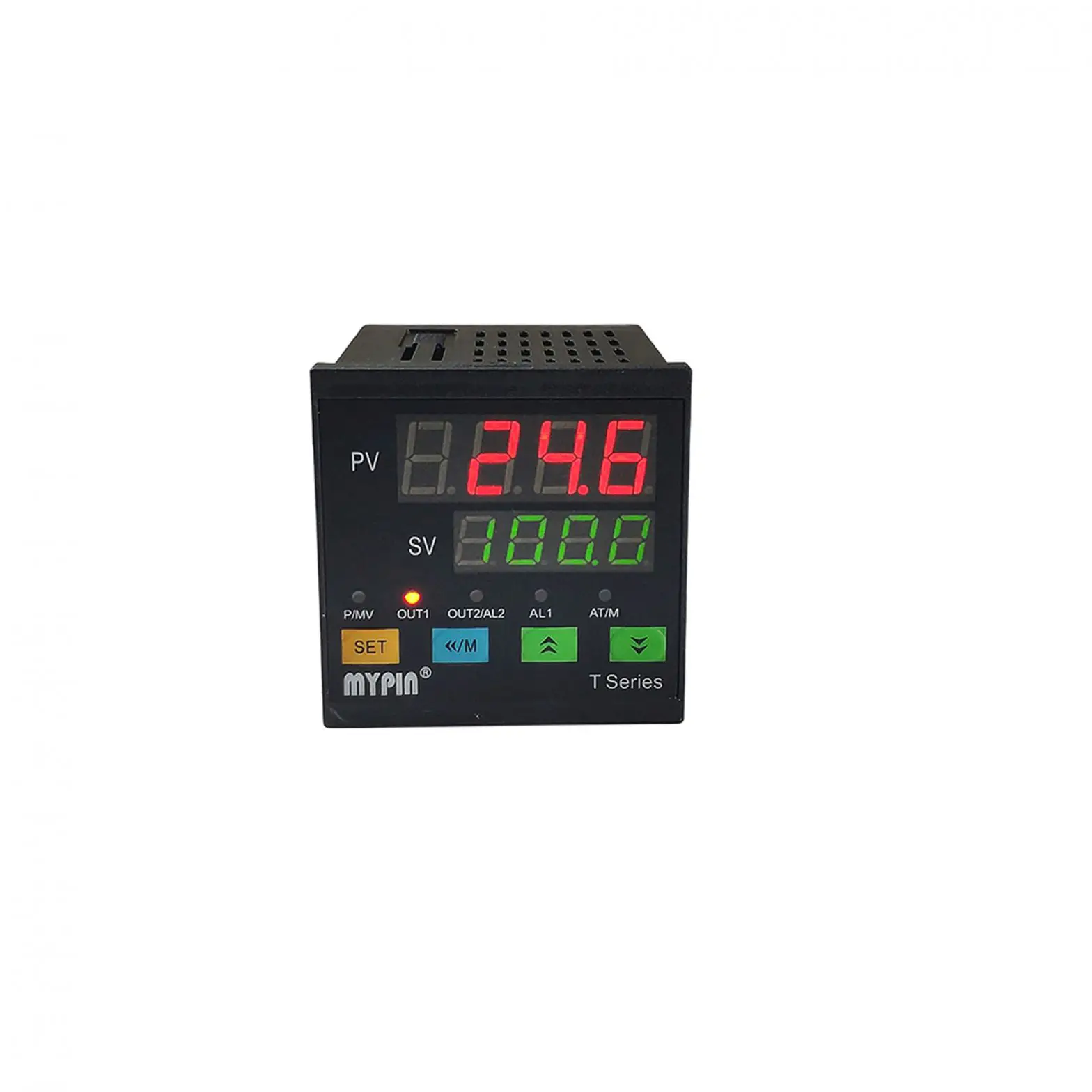
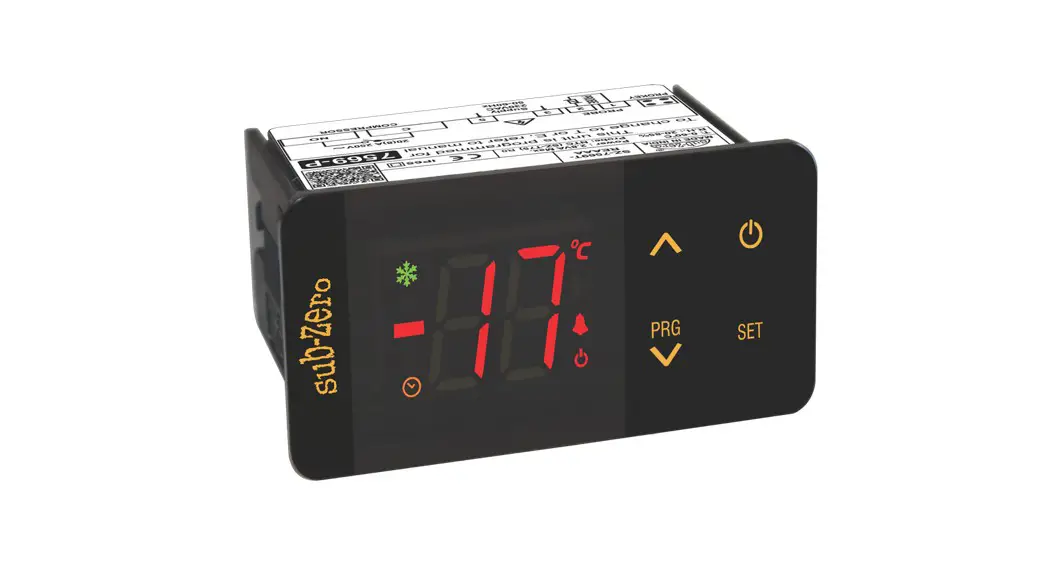
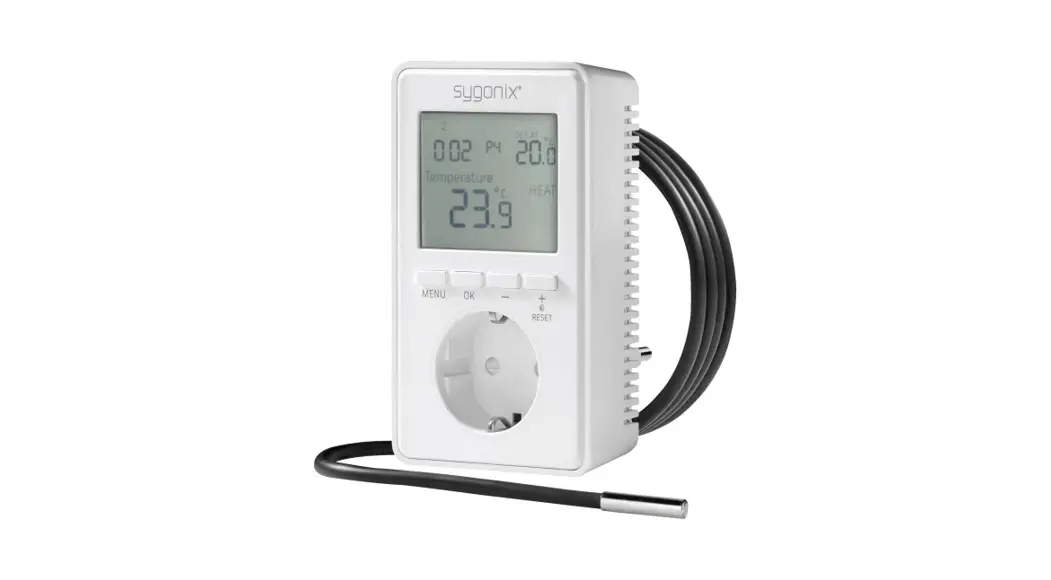
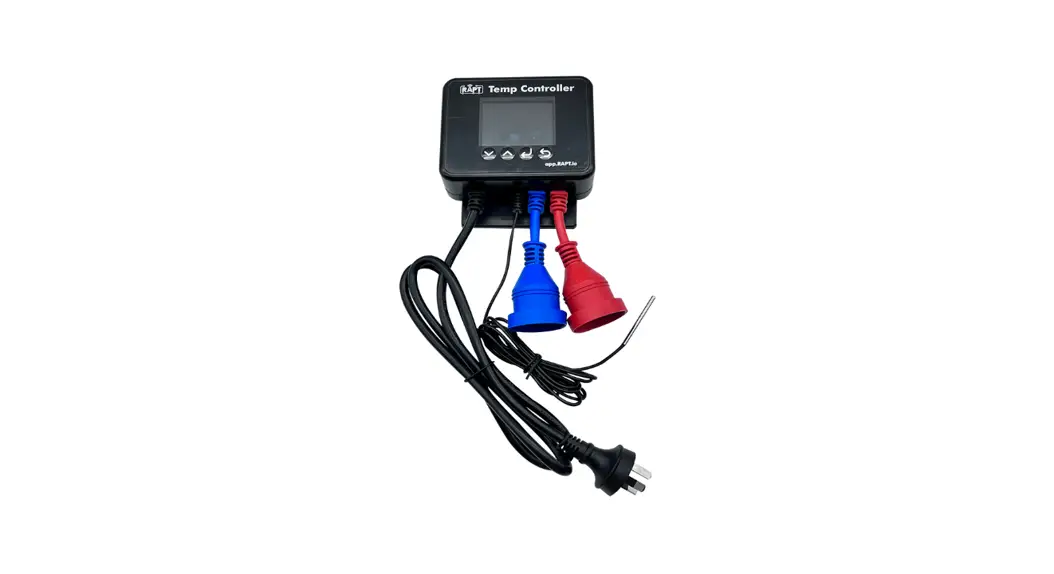
DTK Series Temperature Controller
Product Information – Series Temperature Controller
The Series Temperature Controller is an open-type temperature
controller that is used in various industrial applications. It is
designed to measure and control the temperature of a system and
maintain it at a desired level. This controller is not furnished
with a power switch or fuse, so it should be connected to a switch
or circuit-breaker in the application system. It is important to
follow the safety precautions mentioned in the manual to prevent
any harm.
Precautions
Before using the Series Temperature Controller, please comply
with the following precautions:
- Use recommended solder-less terminals and connect wires to the
correct polarity of terminals. - Avoid dust or foreign objects falling inside the controller and
never modify or disassemble the controller. - Keep away from high voltage, high frequency, dust, corrosive
gases and liquids, high humidity, high radiation, vibration, and
shock. - Use compensating wires that match the thermocouple types when
extending or connecting thermocouple wires. - Use wires with resistance when extending or connecting a
platinum resistance thermometer (RTD). - Keep the wire as short as possible when wiring an RTD to the
controller and route power wires as far as possible from load wires
to prevent interference and induced noise. - Place the controller in an enclosure away from high
temperature, humidity, dripping water, corrosive materials,
airborne dust, and electric shock or vibration. - Make sure power cables and signals from instruments are all
installed properly before energizing the controller. - Turn off the power first when maintaining the controller and
use a dry cloth to clean the surface. - Do not use any sharp objects to press the operation
buttons. - Use copper conductors only.
Product Usage Instructions
Follow the below steps to use the Series Temperature
Controller:
- Connect the controller to a switch or circuit-breaker in the
application system. - Make sure to follow all safety precautions mentioned in the
manual. - Use recommended solder-less terminals and connect wires to the
correct polarity of terminals. - Avoid dust or foreign objects falling inside the controller and
never modify or disassemble the controller. - Keep away from high voltage, high frequency, dust, corrosive
gases and liquids, high humidity, high radiation, vibration, and
shock. - Use compensating wires that match the thermocouple types when
extending or connecting thermocouple wires. - Use wires with resistance when extending or connecting a
platinum resistance thermometer (RTD). - Keep the wire as short as possible when wiring an RTD to the
controller and route power wires as far as possible from load wires
to prevent interference and induced noise. - Place the controller in an enclosure away from high
temperature, humidity, dripping water, corrosive materials,
airborne dust, and electric shock or vibration. - Make sure power cables and signals from instruments are all
installed properly before energizing the controller. - Turn off the power first when maintaining the controller and
use a dry cloth to clean the surface. - Do not use any sharp objects to press the operation
buttons. - Use copper conductors only.
By following these instructions and precautions, the Series
Temperature Controller can be used safely and effectively in
various industrial applications.
2023/03/15
Series Temperature Controller Instruction Sheet
Precaution
Warning! Please comply with safety precautions in the manual. Failure to do so may cause controller or peripheral products malfunction, or even result in serious harm such as fire, electrical injury or other damages.
DANGER! Caution! Electric Shock! Do not touch the AC terminals while the power is supplied to the controller to prevent electric shock. Make sure power is disconnected while checking the unit inside.
This controller is an open-type temperature controller. Be sure to evaluate any dangerous application in which a serious human injury or serious property damage may occur.
This controller is not furnished with a power switch or fuse, therefore a switch or circuit-breaker should be provided in the application system including this unit. The switch or circuit-breaker should be nearby and easily reached by operator, and must have the mark disconnecting means for this unit.
1. Always use recommended solder-less terminals: Fork terminal with isolation (M3 screw, width is 5.8 mm). Make sure all wires are connected to the correct polarity of terminals.
2. Do not allow dust or foreign objects to fall inside the controller to prevent it from malfunctioning. Never modify or disassemble the controller. Do not connect anything to the “No used” terminals.
3. To prevent interference, keep away from high voltage and high frequency when installing. Do not install and/or use the controller in places subject to: (a) Dust or corrosive gases and liquid; (b) High humidity and high radiation; (c) Vibration and shock;
4. Power must be off when wiring and replacing a temperature sensor. 5. Be sure to use compensating wires that match the thermocouple types when extending or connecting the thermocouple wires. 6. Please use wires with resistance when extending or connecting a platinum resistance thermometer (RTD). 7. Please keep the wire as short as possible when wiring a platinum resistance thermometer (RTD) to the controller and please route
power wires as far as possible from load wires to prevent interference and induced noise. 8. This controller is an open-type unit and must be placed in an enclosure away from high temperature, humidity, dripping water,
corrosive materials, airborne dust, and electric shock or vibration. 9. Make sure power cables and signals from instruments are all installed properly before energizing the controller, otherwise serious
damage may occur. 10. Do not touch the terminals in the controller or try to repair the controller when power is on, in order to prevent electric shock. 11. Wait at least one minute after power is disconnected to allow capacitors to discharge, and please do not touch any internal circuit
within this period. 12. When maintaining the controller, please turn off the power first and use a dry cloth to clean the surface. Do not open the enclosure or
touch the internal circuit to avoid circuit destruction or malfunction. 13. Do not use any sharp objects to press the operation buttons. It may result in button surface damage or even electrical injury when
accidentally access to internal circuit. 14. Use copper conductors only.
Product Features
DTK series is a new temperature controller with a high cost-performance ratio. It greatly decreases development costs and time, and improves the functions of temperature control systems. With a length of only 60mm and high resolution LCD display, it is easy for operators to monitor the temperatures of any environment or occasion. High resolution LCD panel: High contrast and customized display graphics for user’s easy understanding. High-speed sampling time 100ms: High-speed sampling for external temperature measurement and fast output response for
performance requirements of high-precision control. Shortened length to 60mm: Shorten the length of the controller to reduce the installation space. Conform with CE international safety certification
1
Basic System Structure
DTK obtains the temperature of the controlled environment from the sensor and sending the measured data to the electronic processor. After computing and under a fixed control cycle, it proportionally sends the heating signal via different output interfaces such as relays, voltage pulse or DC currents. By providing power to the heater and raise temperature, DTK will then control the temperature variation within a specific range.
Temperature Input
Detect Sensor
Temperature controller
Control Output (Realy) (DC Pulse) (DC Current)
Control Environment Heater
Display, LED & Pushbuttons
PV: Present value SV: Set value , : Celsius or Fahrenheit LED 1, 2: ALM1/ALM2 alarm output LED A/M: Auto-Tuning and manual mode LED OUT1, OUT2: Output LED
: “Select” and “Set up” keys : “Set value tuning” keys
Ordering Information
Series Panel Size (W×H)
Output options Communication option Alarm option
DTK 1 2 3 4 5 6 7
DTK: Delta DTK Series Temperature Controller 48484848 1/16 DIN W48 × H48mm 72727272 W72 × H72mm 48964896 1/8 DIN W48 × H96mm 96969696 1/4 DIN W96 × H96mm
R: Relay output, 250 VAC, 5A V: Voltage pulse output 12VDC +/-15% C: DC current output, 4 ~ 20 mA 0: None 1: RS485 communication 0: None 1: 1 alarm output 2: 2 alarm output
Specifications
Input Voltage
AC 100 ~ 240V +/-10%, 50/60 Hz
Power Consumption
5VA max.
Display Method
LCD display.Process value (PV): Red color, Set point (SV): Green color
Sensor Type
Thermocouple: K, J, T, E, N, R, S, B, L, U, TXK 3-wire Platinum RTD: Pt100, JPt100
2
Control Mode
Control Output
Alarm Output Type Display Accuracy Sampling Rate Vibration Resistance Shock Resistance Ambient Temperature Storage Temperature Altitude Relative Humidity Panel protection level
Resistance: Cu50, Ni120 PID, manual, and ON/OFF Relay output: Max. load 250VAC, 5A resistive load Voltage pulse output: DC 12V, Max. output current 40 mA Current output: DC 4 ~ 20 mA output (Load resistance: Max. 600) Relay output: Max. load 250VAC, 3A resistive load 0 or 1 digit to the right of the decimal point (selectable) Thermocouple or platinum resistor: 0.1 sec 10 to 55 Hz, 10 m/s2 for 10 min, each in X, Y, and Z directions Max. 300 m/s2, 3 times in each of 3 axes, 6 directions 0°C ~ +50°C -20°C ~ +65°C Max. 2000 m 35% ~ 80% RH (non-condensing) IP66
Operation
There are three modes of operation: operation, regulation, and initial setting. When power is applied, controller gets into the operation
mode. Press the
key to switch to regulation mode. If the
key is pressed for more than 3 seconds, controller will switch to
the initial setting mode. Pressing the
key while in the regulation mode or initial setting mode forces the controller to return to the
operation mode.
PV/SV: Sets the temperature set point and displays the temperature process value. Use
keys to set the temperature set
point.
Setting method: While in any function mode, press the
key to select the desired function and use
keys to change the
settings. Press
key to save the changes.
The flow chart below shows how to switch the settings and internal functions:
Regulation Mode
Press key less than 3 sec Press key
Parameter Settings for Operation Mode:
Display
Operation Mode
Press key more than 3 sec Initial Setting Mode
Press key
Description
Factory Setting
Use
to set temperature set point. Press
RUN/STOP: Control setting RUN/STOP
to switch between display parameters.
RUN
SELECT POINT: Decimal point setting (0: integral; 1: one decimal point)
0
LOCK: Setting lock mode (LOCK1: all; LOCK2: only SV is allowed)
OFF
ALARM1 HIGH: Upper limit alarm 1 (display according to the setting in ALARM mode)
4.0
ALARM1 LOW: Lower limit alarm 1 (display according to the setting in ALARM mode)
4.0
ALARM2 HIGH: Upper limit alarm 2 (display according to the setting in ALARM mode)
4.0
ALARM2 LOW: Lower limit alarm 2 (display according to the setting in ALARM mode)
4.0
OUT1: Display and adjust output value of 1st output group OUT2: Display and adjust output value of 2nd output group (display when OUT2 is set to Heating/Cooling Mode) OUT1 MAX.: Upper limit % of 1st output group (perform linear calculation again)
0.0 0.0 100.0
OUT1 MIN.: Lower limit % of 1st output group
0.0
OUT2 MAX: Upper limit % of 2nd output group (display when OUT2 is set to Heating/Cooling Mode)
OUT2 MIN: Lower limit % of 2nd output group (display when OUT2 is set to Heating/Cooling Mode)
Press
to return to target temperature setting.
100.0 0.0
3
Parameter Settings for Initial Setting Mode:
Display
Description
INPUT: Set input type (refer to “Temperature Sensor Type & Temperature Range Chart” for the selection of Thermocouple or Platinum Resistance types.) TEMP. UNIT: Set temperature unit / TEMP. HIGH: Set up upper temperature limit (the upper limit setting is different for different types of sensors) TEMP. LOW: Set up lower temperature limit (the lower limit setting is different for different types of sensors) CONTROL: Select control modes (3 different modes: ON-OFF, PID, and MANUAL) PID mode: PID mode setting, standard/ fast SELECT HEAT/COOL: Select heating, cooling or dual-output heating and cooling. ALARM1 SET: Set up Alarm 1 mode (refer to “Alarm Outputs”) ALARM1 OPTION: Set up Alarm 1 options (refer to “Alarm Outputs”) ALARM1 DELAY: Set up Alarm 1 delay ALARM2 SET: Set up Alarm 2 mode (refer to “Alarm Outputs”) ALARM2 OPTION: Set up Alarm 2 options (refer to “Alarm Outputs”) ALARM2 DELAY: Set up Alarm 2 delay COMMUNICATION WRITE: Enable/disable communication write-in COMMUNICATION SELECT: Select ASCII or RTU format COMMUNICATION NO.: Set up communication address BPS: Set up baudrate LENGTH: Set up data length STOP: Set up stop bit
PARITY: Set up parity bit Parameter Settings for Regulation Mode:
Press
to return to input type setting.
Display
Description
AT: Auto-tuning Switch (display when setting Ctrl = PID/RUN) P: Proportional Setting (display when setting Ctrl = PID and TUNE = AT)
Press
.
I: Integral Time Setting (display when Crtl = PID; this parameter is set automatically when TUNE = AT.)
D: Deviation Time Setting (display when Crtl = PID; this parameter is set automatically when TUNE = AT.)
PD OFFSET: PD offset when Integral = 0 to eliminate a consistent deviation.(display when Crtl = PID; this parameter is set automatically when TUNE = AT.)
OUT1 HYSTERESIS: Adjust Output 1 hysteresis (when in ON/OFF control)
OUT2 HYSTERESIS: Adjust Output 2 hysteresis (when in ON/OFF control)
OUT1 HEAT: Heating control cycle for Output 1 (when Ctrl = PID/MANUAL)
OUT1 COOL: Cooling control cycle for Output 1 (when Ctrl = PID/MANUAL)
OUT2 HEAT: Heating control cycle for Output 2 (when Ctrl = PID/MANUAL)
OUT2 COOL: Cooling control cycle for Output 2 (when Ctrl = PID/MANUAL)
COEF: Ratio of Output 1 against Output 2 (when Ctrl = PID and when in dual output control)
DEAD: Set up deadband (when Ctrl is not set to MANUAL and when in dual output)
PV FILTER: Set up input filter factor of PV
PV RANGE: Set up input filter range of PV
PV OFFSET: Adjust input compensation of PV
PV GAIN: Adjust input gain of PV
ANALOG OUT1 MAX.: Adjust upper limit compensation for analog Output 1 (1 scale = 1 A; 1 scale = 1 mV)
Factory Setting
K
1300
-200
PID STD H1
0 0 0 0 0 0 NO ASCII 1 9600 7 1 EVEN
Factory Setting
OFF 47.6 260
41
50.0
0 0
Output selection: C; V: 5 sec. R output 20 seconds
1.00 0 2
1.00 0.0 0.000
0
4
ANALOG OUT1 MIN.: Adjust lower limit compensation for analog Output 1
(1 scale = 1 A; 1 scale = 1 mV)
0
Initial Start-up Setting
When setting up DTK for the first time, press
key for more than 3 seconds till the screen display
and select according to
your temperature sensor type. Please be aware that incorrect selection of a model would cause PV temperature display error. (Refer to
the chart below)
When setting up the temperature sensor type by using RS-485, write your value (range 0~14) into register 1004H.
Temperature Sensor Type & Temperature Range Chart
Input Temperature Sensor Type
Thermocouple K type
Thermocouple J type
Register Value 0 1
Temperature Range
-200 ~ 1300°C
-100 ~ 1200°C
Input Temperature Sensor Type Thermocouple L type Thermocouple U type
Thermocouple T type
2 -200 ~ 400°C
Thermocouple TXK type
Thermocouple E type Thermocouple N type Thermocouple R type
3
0 ~ 600°C
Platinum Resistance (JPt100)
4 -200 ~ 1300°C Platinum Resistance (Pt100)
5
0 ~ 1700°C
Resistance (Ni120)
Thermocouple S type
6
0 ~ 1700°C
Resistance (Cu50)
Thermocouple B type
7 100 ~ 1800°C
Register Value
8 9 10 11 12 13 14
Temperature Range
-200 ~ 850°C -200 ~ 500°C -150 ~ 800°C -100 ~ 400°C -200 ~ 850°C -80 ~ 270°C -50 ~ 150°C
Display Unit Setting
Use following parameter to change the PV and SV display unit, select decimal point and switch between /.
In Operation Mode parameter degree).
: SP = 1 displays decimal place (ex: 25.5 degree); SP = 0 displays integral number (ex: 25
In Initial Setting Mode parameter
: Select temperature display unit /. (=* 9 / 5 + 32)
Set Value and Upper/Lower Limit of the Input Value
SV setting serves as reference for control.
Set the Upper Limit of Input Value: In Initial Setting Mode parameter shown in the chart “Temperature Sensor Type & Temperature Range”.
, the upper limit input value must be set within the range
Set the Lower Limit of Input Value: In Initial Setting Mode parameter
, the upper limit input value must be set within the range
shown in the chart “Temperature Sensor Type & Temperature Range”.
Set the SV: This parameter can be set in Operation Mode. SV value must be set within the range for upper/lower limit of the input
value.
Digital Filter and Linear Compensation Setting
To avoid interferences on input signal that would cause instable display value, two parameters are provided below for users to set up with.
In Regulation Mode, parameters
and
can be used to adjust filter status.
Filter Factors (setting range = 0~50; factory setting = 2). Linear Compensation Gain Calculation equation: PV = (Last
displayed PV * n + Measured Value) / (n+1).
When the parameter value is small, the PV display is close to the Measured Value. When the parameter value is large, the PV
response is slow.
Filter Range (setting range = 0.10~10.00).If factory setting = 1, it means the controller will begin Digital Filter Calcaulation
when the Measured Value lies within the range of “Last displayed PV + / – 1.00”. Therefore, it is recommended to set a larger value
when noise interference is serious enough to cause large temperature oscillations.
When PV display value is different from user’s expectation, Linear Compensation can be adjusted via parameters
and
in Regulation Mode.
Linear Compensation Value (setting range = -99.9 ~ 99.9). Linear Compensation Gain Calculation equation: PV = Measured
Value + Compensation Value.
For example: Measure Value = 25.0; Compensation = 1.2. After applying to the Compensation equation PV = 26.2.
Linear Compensation Gain (setting range = -0.999~0.999). Linear Compensation Gain Calculation equation: PV = Measured
Value * (1 + Gain/1.000) + Compensation.
For example: Measured Value = 25.0; Gain = 0.100. After applying to the Gain calculation equation PV = 25.0 * (1 + 0.100 / 1.000) = 27.5.
5
If temperature deviation is the same in every temperature, setting linear compensation value solves the deviation issue. If temperature deviation varies upon different temperatures, calculate the linear deviation error and adjust the temperature by setting Gain and Compensation value.
Analog Output Compensation
When the output mode is set to analog current output (4~20 mA), user’s desired output value can be obtained by using compensation
function. For example, the analog output 1 can be adjusted for compensation in parameters
and
in Regulation Mode.
The output value can be positive or negative (+/-) and can be changed by pressing the Up/Down key on the temperature controller. The
scale of each pressing is an increase or decrease of 1 uA. Ex: To change the current output range from 4~20 mA to 3.9~20.5 mA, set
parameter
to 500. (20.5-20=0.5mA; 0.5mA/1uA= 500)
Set parameter
to -100. (3.9-4=-0.1mA; -0.1mA/1uA=-100)
To control the output manually: Set parameter
to
in Initial Setting Mode.
To set output to 0%: Set parameter
(output 1) or
(output 2) to
in Operation Mode.
To adjust the lower limit of analog output: Input a desired value and check the meter to adjust the analog input value to the desired
value (for example: 4~20 mA, adjusting analog value will be 4 mA). Set parameter Mode.
to your desired value in Regulation
To set output to 100%: Set parameter
(Output 1) or
to
in Operation Mode.
To adjust the upper limit of analog output: Input a desired value and check the meter to adjust the analog input value to the desired
value (for example: 4~20 mA, adjusting analog value will be 20 mA). Set parameter Mode.
to your desired value in Regulation
Check Firmware Version and Output Type
When the temperature controller is ON, the PV and SV display will show firmware version, output type, and input type during the first 3 seconds. PV indicates the firmware version. Ex: V110 indicates firmware version V1.10. SV (first digit) indicates the output type of OUT1.
N: No function, V: Voltage pulse output, R: Relay output, C: Current output SV (second digit) indicates the output type of OUT2. No display: No OUT2 (default), R: Relay output The 3rd and 4th SV digit are input types.
K, J, T, E, N, R, S, B, L, U, TX (TXK), JP (JPT100), PT (Pt100), CU (CU50), NI (NI120)
Selection for Heating/Cooling/Alarm/Dual-Loop Output Control
DTK series features 1 set of Output Control (OUT1) and 1 set of Alarm Output (ALARM1), both of which are built-in. Users can also purchase a 2nd set of Alarm Output (ALARM2). Using 1 set of Output Control:
In Initial Setting Mode, set parameter Using 2nd set of Output Control:
to Heating (H1) or Cooling (C1) mode.
When the 1st set of alarm and the 2nd set of output control are used for dual output control, set parameter
in Initial
Setting Mode to controls such as heating (H1H2), cooling (C1C2), heating/cooling (H1C2), or cooling/heating (C1H2).
The Dead Band parameter
is automatically enabled when the temperature controller is in dual output control. As shown in the
diagram below, the purpose for setting the Dead Band function is to reduce waste of energy from frequent acts of heating/cooling. Ex: For
example, if SV = 100 degree and
= 2.0, there will be no output when the temperature is between 99~101°C.
Output of
when in ON-OFF control mode (Ctrl = ON-OFF control):
Adjust heating
Adjust cooling
Output of
Heatin
Set Point
Coolin
when in PID control mode (Ctrl = PID):
Heatin
Set Point
Coolin
Heating
Cooling
Set Point
6
When the controller is in PID control and dual loop output mode, parameter
sets the P value of the 2nd set of PID. The
1st set of PID is generated when TUNE = AT, but user can also manually set the PID value. The P value of the 2nd set of PID = the
P value of 1st set of PID x
. The I and D value of the 2nd set of PID remains the same as the 1st set of PID.
Control Mode Setting
There are 3 control modes, which are ON-OFF, PID, and MANUAL.
ON-OFF Mode: For heating output, the output is off when input is greater than the setting value; output is on when input is smaller than (setting value – adjustment sensitivity setting value). For cooling output, the output is on when the input is greater than (setting value + adjustment sensitivity setting value); output is off when input is smaller than the setting value. If one of 2 outputs is set for heating and the other for cooling, a non-action zone can be set as shown in the diagram below.
Adjust heating Dead Band Adjust cooling
Heating
Cooling
Set Value (Output ON-OFF control for both actions)
Set parameter
to
in Initial Setting Mode.
Set adjustment sensitivity: Via parameter in Regulation Mode, set adjustment sensitivity (output 2).
(output 1),
Setting of Dead Band for both outputs: Set Dead Band via parameter
in Regulation Mode.
PID Mode: When setting for heating or cooling, the program performs PID operation via input temperature and setting temperature, with the operation result output for control of the temperature. A PID parameter and control period must be set for this function; these parameters can also be generated automatically via auto-tuning (AT).
a. Set PID parameters and the control period: PID parameters can be adjusted manually according to system characteristics or created automatically by AT. Proportional error compensation is used when I parameter is set to 0 for adjusting reduced deviation from time to reach the temperature.The Control Period is the period of PID operation, if the control period is 10 seconds, it means a PID operation is carried out every 10 seconds. The result is then output to control the temperature.If the system heats up quickly, the control period shall not be set too long. For relay output, lifespan of the relay shall be considered. A short control period will shorten the lifespan of relay.
b. Coef and DeadBand are added in the PID parameter for double output (one for heating and one for cooling). Coef refers to the ratio between the first and second portions of output (P parameter of second group = Coef*P, Coef = 0.01~99.99). DeadBand is the overlapping temperature of the P output for the first and second group.
Set parameter
to
in Initial Setting Mode.
To set for heating or cooling control: Select desired output control via parameter
in Initial Setting Mode. If only
single output control is performed, items to be selected are H1 and C1 (H for heating, C for cooling, and 1 for output 1). If
dual output control is performed, the items to be selected are as follows: H1H2, C1H2,… C1C2 (H for heating, C for cooling,
1 for output 1, and 2 for output 2).
Set control period: In Regulation Mode parameter, PV is displayed as “o’x’ – ‘y'”. ‘x’ is 1 (output 1) or 2 (output 2). ‘y’ is H
(heating) or C (cooling).
Set double output Coef: Set Coef value via parameter
in Regulation Mode.
Setting of Dead Band for both outputs: Set Dead Band via parameter
in Regulation Mode.
Set control to running mode: Set parameter
to
in Operation Mode.
Set AT: Set parameter
to
in Regulation Mode. The selected number of PID sets will be adjusted
automatically. After that, a PID value will be created automatically and the display will automatically alter into
.
Note: When performing AT, set up for the entire system must be completed, i.e. the input sensor must be wired and correctly set,
and the output must be connected to a heater or cooler pipe.
MANUAL Mode: Manual control function may force output of a fixed value. However, it is normally operated in combination with switchover of PID control.
a. Switch from PID control to manual control: Control output will retain the original control output before switching over to manual control. E.g., if the control output calculated by PID is 20% before the switch, then the control output is 20% after
7
switching to manual control. You may force a fixed output value after the switch, for example, controlling the output to be 40%. b. Switch from manual control to PID control: If manual control is 40% before switching over to PID control, the program will take this 40% after the switch-over as the initial value for calculating the PID value and then output the new control. Note: If power of the controller is switched off under manual control mode, the original output % will be retained when the power is switched on again.
Set parameter
to
in Initial Setting Mode.
Set control period: In Regulation Mode parameter, PV is displayed as “o’x’ – ‘y'”. ‘x’ is 1 (output 1) or 2 (output 2). ‘y’ is H
(heating) or C (cooling).
Set output %: In Operation Mode parameter, PV is displayed as “oUt’x'”. ‘x’ is 1 (output 1) or 2 (output 2).
Tune Function
This control features Auto_Tuning for automatic generation of PID parameters (only applicable when control mode is set to PID control). Auto_Tuning: Through output of full heating or cooling, temperature is allowed for upward and downward oscillation. Obtain
parameters for the magnitude and period to calculate PID parameters. In addition, save the temperature setting value obtained from performing AT, so that it could be used with PID control. After Auto_Tuning, PID control will be carried out automatically.
AT setting: Set parameter
to
in Regulation Mode.
Limits on control of output range
Maximum and minimum output can be limited. If the original maximum control output is 100% and the minimum control output is 0%, you may set the maximum control output to 80% and the minimum control output to 20%.
Setting the upper limit of control output: Set values for parameters
(output 1),
(output 2) in Operation Mode.
Setting the lower limit of control output: Set values for parameters
(output 1),
(output 2) in Operation Mode.
Limits on range of temperature
Different input sensors have different ranges of application (e.g.: J type factory setting is -100 ~ 1200 ). Adjust parameters
(upper limit) /
(lower limit) in Initial Setting Mode.
If lower limit is altered to 0 and upper limit is altered to 200, the limit function will be enabled in the following conditions:
When setting the SV value, range for the setting will be limited to 0 ~ 200.
Under ON-OFF and PID control conditions, the control output will be forced to shut off if the PV value exceeds the upper/lower limit.
(Alarm output is still normal)
Restore Factory Settings
Lock all buttons by adjusting parameter
to
in Operation Mode. Press
and
keys simultaneously for 3 seconds
to display
, and enter password 1357. The screen displays
factory settings.
(Parameter reset). Select
and restart to restore
Key Lock Function
Adjusting parameter
to
SV setting values.
Unlock the key:
in Operation Mode to lock all keys. Adjusting the parameter to
allows adjustment of
Press
and
keys simultaneously in LOCK mode to display
password is 0000.
For altering key-lock password:
parameter. Enter the password to unlock the key. Default
1. Press
key in
screen to enter the change-password screen
.
2. Enter the current password in
screen. If the password is correct, you will be prompted to Set-New-Password
screen
. If the password is incorrect, the screen will return to PV/SV display mode.
3. Enter the new password two times in the
screen. The screen will return to PV/SV display mode with the keys
unlocked. If two entries of the password are not the same, the screen will return to the state of step 2.
Cannot remember the password:
Restore factory settings to release the locking.
Alarm Outputs
This controller features one or two alarm outputs. A total of 9 alarm settings can be made independently as shown in the table. Additional settings are provided, such as alarm delay, alarm standby, alarm output hold, and alarm reverse output, as described below: Alarm Delay Setting: Sets alarm delay time. When action conforms to the alarm setting mode, controller will delay generation of an alarm
8
signal. An alarm will only be activated when the alarm conditions remains confirmed within the delayed period of time. a. Alarm Standby Setting: An alarm detection will only be activated when the measured value falls within ±5 range of specified input
value, so as to prevent an alarm activation on start-up if the condition conforms to the alarm setting. b. Alarm Output Hold Setting: The alarm message will be held when the alarm is activated, unless it is switched off on the alarm. c. Alarm Reverse Output Setting: An alarm output can be set for NC (Normal close) or NO (Normal open).
Set Value
0 1
2
3
4
5
6
Alarm function disabled
Alarm Type
Deviation upper- and lower-limit: This alarm output operates when PV value is higher than the setting value SV+(AL-H) or lower than the setting value SV-(AL-L).
Deviation upper limit: This alarm output operates when PV value is higher than the setting value SV+(AL-H).
Deviation lower limit: This alarm output operates when PV value is lower than the setting value SV-(AL-L).
Absolute value upper and lower limit: This alarm output operates when PV value is higher than the setting value AL-H or lower than the setting value AL-L.
Absolute value upper limit: This alarm output operates when PV value is higher than the setting value AL-H.
Absolute value lower limit: This alarm output operates when PV value is lower than the setting value AL-L.
Alarm Output Operation
ON
OFF SV-(AL-L) SV
ON
OFF SV
ON
OFF SV-(AL-L) SV
ON
OFF ON
AL-L
OFF
ON OFF
AL-L
SV+(AL-H) SV+(AL-H)
AL-H AL-H
Hysteresis upper limit alarm output: This alarm output operates when PV value is 7 higher than the setting value SV+(AL-H). This alarm output is OFF when PV value is
lower than the setting value SV+(AL-L).
ON OFF
SV SV+(AL-L) SV+(AL-H)
Hysteresis lower limit alarm output: This alarm output operates when PV value is 8 lower than the setting value SV-(AL-H). This alarm output is OFF when PV value is
higher than the setting value SV-(AL-L).
ON OFF
SV-(AL-H) SV-(AL-L) SV
9
Disconnection Alarm: This alarm output operates if the sensor connection is incorrect or has been disconnected.
To set Alarm Mode: Use the parameters
,
modes (as shown in the table above).
in Initial Setting Mode to select the alarm mode. There are 9 different
To set Deviation Upper Limit of Alarm: Use the parameters
,
in Operation Mode to set the deviation upper limit.
To set Deviation Lower Limit of Alarm: Use the parameters
,
in Operation Mode to set the deviation lower limit.
To set Alarm Delay Time (Unit: seconds): Use the parameters
,
in Initial Setting Mode to set the alarm delay time.
To set Reverse Alarm: Use the parameters
,
xxYx (when Y = 0: forward, Y = 1: reverse).
in Initial Setting Mode to set value of the corresponding position Y in
To set Standby Alarm: Use the parameters
,
xxxY (when Y = 0: normal opeartion, Y = 1: standby).
in Initial Setting Mode to set value of the corresponding position Y in
To set Hold Alarm: Use the parameters
,
in Initial Setting Mode to set value of the corresponding position Y in xYxx
(when Y = 0: normal operation, Y = 1: Hold).
Note: Refer to the table below for corresponding flags for Standby Alarm, Reverse Alarm, Hold Alarm, and Peak Alarm.
Bit3
Bit2
Bit1
Bit0
No function Hold Alarm Reverse Alarm Standby Alarm
9
RS-485 Communication
1. Supported transmission speed: 2400, 4800, 9600, 19200, and 38400 bps; Communication formats not supported: 7, N, 1 or 8, E, 2 or 8, O, 2; Communication protocol: Modbus (ASCII or RTU); Function code: 03H to read contents of register (max. 8 words). 06H to write 1 (one) word into register.
2. Address and Content of Data Register:
Address
1000H
1001H 1002H 1003H 1004H 1005H 1006H 1007H
1008H 1009H 100AH 100BH 100DH
100EH
100FH 1010H 1011H 1012H 1013H 1014H 1015H 1016H 1017H 1018H 1019H 101AH 101BH 101CH 101EH 1020H 1021H 1022H 1023H 1024H 1025H 1026H 1027H 1028H 1029H 102AH
Content
Present value (PV)
Set point (SV) Upper limit of temperature range Lower limit of temperature range
Input temperature sensor type
Control method Selection for Heating/Cooling control
1st set of Heating/Cooling control cycle
2nd set of Heating/Cooling control cycle
PB Proportional band Ti Integral time Td Derivative time Proportional control offset error value, when Ti = 0. The setting of COEF when Dual Loop output controls are used. The setting of Dead Band when Dual Loop output controls are used. Hysteresis setting of the 1st output group Hysteresis setting of the 2nd output group Read Output 1 amount Read Output 2 amount Write Output 1 amount Write Output 2 amount Temperature regulation value PV gain Control RUN/STOP setting Temperature unit display selection Read Button Status Display decimal points Selection of communication write-in Software version Alarm 1 output mode Alarm 2 output mode AT setting Setting lock status Upper limit of alarm output 1 Lower limit of alarm output 1 Upper limit of alarm output 2 Lower limit of alarm output 2 Temperature Filter Range Temperature Filter Factor Read LED Status
Definition Expressed by current temperature with 0.1 scale as the measuring unit, updated once every 0.1 second. The following reading value indicates occurrence of error: 8001H: Initial process (temperature value not yet obtained) 8003H: Temperature sensor is not connected. 8004H: Type of temperature sensor incorrect 8006H: Unable to obtain temperature value, ADC input error. 8007H: Unable to read/write memory Expressed by current temperature with 0.1 scale as the measuring unit. The data content should not be higher than the temperature range. The data content should not be lower than the temperature range. Please refer to “Temperature Sensor Type and Temperature Range” table for detail of the compared value. 0: PID, 1: ON/OFF, 2: Manual control 0: H1; 1: C1; 2: C2H1; 3: C2C1; 4: H2H1; 5: H2C1 1~600, unit is 0.1 second. When the output setting = relay, the minimum control cycle is 5 second. 1~600, unit is 0.1 second. When the output setting = relay, the minimum control cycle is 5 second. 0.1 ~ 999.9 0~9999 0~9999
0 ~ 100%, unit is 0.1%.
0.01 ~ 99.99, unit is 0.01.
No decimal points: -99 ~ 999 One decimal points: -99.9 ~ 999.9 0~999.9 0~999.9 Unit is 0.1%. Unit is 0.1%. Unit is 0.1%. Write operation is valid only under manual tuning mode. Unit is 0.1%. Write operation is valid only under manual tuning mode. -99.9 ~ +99.9. Unit is 0.1. -0.999 ~ +0.999 0: Stop, 1: Run (default) 0: , 1: b0: Loop, b1: Up, b2: Set, b3: Down, When bit=0 means press down. 0: no decimal points, 1: one decimal point 0: Disallow (default), 1: Allow V1.00 indicated as 0x100 Please refer to “Alarm Output Selection” for detail. Please refer to “Alarm Output Selection” for detail. 0: Stop (default), 1: Start 0: no locking; 1: full locking; 2: SV adjustible. Please refer to “Alarm Outputs” for detail. Please refer to “Alarm Outputs” for detail. Please refer to “Alarm Outputs” for detail. Please refer to “Alarm Outputs” for detail. Range of temperature filter: 10~1000, unit: 0.01 , default: 100 (1.0 ) Setting range: 0~50, default: 8 b1: ALM2, b2: , b3: , b4: ALM1, b5: OUT2, b6: OUT1, b7: AT
10
3. Format of Communication Transmission: Command Code, 03: read words, 06: write 1 word. ASCII Mode
Read Command
Read Command Response
Write Command
Write Command Response
STX
” ”
STX
” ”
STX
” ”
STX
” ”
ADR 1
`0′ `0′
ADR 1
`0′ `0′
ADR 1
`0′ `0′
ADR 1
`0′ `0′
ADR 0
`1′ `1′
ADR 0
`1′ `1′
ADR 0
`1′ `1′
ADR 0
`1′ `1′
CMD 1
`0′ `0′
CMD 1
`0′ `0′
CMD 1
`0′ `0′
CMD 1
`0′ `0′
CMD 0
`3′ `2′
CMD 0
`3′ `2′
CMD 0
`6′ `5′
CMD 0
`6′ `5′
`1′ `0′ Number of data `0′ `0′
`1′ `0′
`1′ `0′
Starting data
`0′
`8′ (count by byte) `4′
`2′
Starting data
`0′
`8′
Starting data
`0′
`8′
address
`0′ `1′ Start address `0′ `1′
address
`0′ `1′
address
`0′ `1′
`0′ `0′
data
`1′ `7′
`1′ `0′
`1′ `0′
`0′
`0′ 1000H/081xH `F’
`0′
`0′ `F’
`0′ `F’
Number of data `0′ `0′
(word/Bit)
`0′ `0′
`4′ `1′
`3′ `F’
`3′ `F’
Data content
Data content
`0′
`E’ `0′
`E’ `0′
LRC 1 LRC 0 END 1
`2′ `9′ Address data `0′
`E’ `D’
1001H
`0′
`A’ `C’
`0′
CR CR
LRC 1
`0′ `E’
LRC1 LRC 0 END 1
`8′ `0′ `F’ `E’ `D’ `3′ CR CR
LRC1 LRC 0 END 1
`8′ `0′ `F’ `E’ `D’ `3′ CR CR
END 0
LF LF
LRC 0
`3′ `3′
END 0
LF LF
END 0
LF LF
END 1
CR CR
END 0
LF LF
LRC checksum: LRC check is the added sum from “Address” to “Data content”. For example: 01H + 03H + 10 + 00H + 00H + 02H = 16H. Then, take the complementary of 2 to get EA. RTU Mode
Read Command
Read Command Response
ADR
01H 01H
ADR
01H 01H
Write Command
Write Command Response
ADR
01H 01H
ADR
01H 01H
CMD
03H 02H
CMD
03H 02H
CMD
06H 05H
CMD
06H 05H
Starting data address
10H 08H Number of data 00H 10H (count by byte) 04H 02H
Starting data address
10H 08H 01H 10H
Starting data address
10H 08H 01H 10H
Number of data 00H 00H Start address 01H 17H
(word/bit)
02H 09H
data
F4H 01H
1000H/081xH
Data content
03H FFH 20H 00H
Data content
03H FFH 20H 00H
CRC 1 CRC 0
C0H BBH Address data 03H
CBH A9H
1001H
20H
CRC 1 CRC 0
DDH 8FH E2H 9FH
CRC 1 CRC 0
DDH 8FH E2H 9FH
CRC 1
BBH 77H
CRC 0
15H 88H
CRC check code: CRC (Cyclical Redundancy Check) is obtained via the following steps. 1. Load in a 16-bit register FFFFH as the CRC register. 2. Perform an exclusive OR operation for the first byte of the data and low byte of CRC register. Place the operation result back to the CRC register. 3. Right-shift the bits in the CRC register and fill the high bits with “0”. Check the lowest bit removed. 4. If the removed lowest bit is “0”, repeat step 3. Otherwise, perform an exclusive OR operation for the CRC register and the value of A001H. Place the operation result back to the CRC register. 5. Repeat step 3 and 4 until the 8 bits (1 byte) are all right-shifted. 6. Repeat step 2 and 5 and calculate all the bits in the data to obtain CRC check code.
Please be aware of order of transmission for the high/low bytes in the CRC register.
Error code
When error occurs, you can read 1000H registers via communication. Please refer RS485 section for displaying the different error reason with hexadecimal H8001~H8007 codes.
Panel shows error code :
: Sensor is not connected.
: Sensor type is error, the measured temperature has exceeded the usable range of the sensor.
11
Panel Cutout
Model
Panel Cutout (W * H)
Model
Panel Cutout (W * H)
4848
45mm * 45mm
7272
68mm * 68mm
4896
44.5mm * 91.5mm
9696
91.5mm * 91.5mm
When installing the temperature controller, a certain surrounding space should be maintained (as shown below) to ensure proper
cooling and easy removal of mounting accessories.
At least 60 mm space for upper and lower sides and 40 mm space for left and right sides.
Mounting and Bracket Installation
4848 series: Step 1: Insert the controller through the panel cutout. Step 2: Slide M3*0.5 nut into the opening in the top of the mounting bracket and insert the M3*0.5*30mm mounting screw in the mounting
bracket. Insert the mounting bracket into the mounting groove at the right and left of the controller and push the mounting bracket forward until the bracket stops at panel wall. Step 3: Tighten screws on bracket to secure the controller in place. (The screw torque should be 0.4 to 0.5N.m )
7272 series: Step 1: Insert the controller through the panel cutout. Step 2: Slide M3*0.5 nut into the opening in the top of the mounting bracket and insert the M3*0.5*30mm mounting screw in the
mounting bracket. Insert the mounting bracket into the mounting groove at the top and bottom of the controller and push the mounting bracket forward until the bracket stops at panel wall. Step 3: Tighten screws on bracket to secure the controller in place. (The screw torque should be 0.4 to 0.5N.m )
12
4896 series: Step 1: Insert the controller through the panel cutout. Step 2: Slide M3*0.5 nut into the opening in the top of the mounting bracket and insert the M3*0.5*30mm mounting screw in the
mounting bracket. Insert the mounting bracket into the mounting groove at the top and bottom of the controller and push the mounting bracket forward until the bracket stops at panel wall. Step 3: Tighten screws on bracket to secure the controller in place. (The screw torque should be 0.4 to 0.5N.m )
9696 series: Step 1: Insert the controller through the panel cutout. Step 2: Slide M3*0.5 nut into the opening in the top of the mounting bracket and insert the M3*0.5*30mm mounting screw in the
mounting bracket. Insert the mounting bracket into the mounting groove at the top and bottom of the controller and push the mounting bracket forward until the bracket stops at panel wall. Step 3: Tighten screws on bracket to secure the controller in place. (The screw torque should be 0.4 to 0.5N.m )
Wiring Diagrams and Precautions
Tighten the screw to the torque between 0.4 and 0.5N.m. To avoid signal interference, it is suggested that the power cable and the signal cable to be set separately. Please use solid wires between 14AWG/2C and 22AWG/2C. Maximum 300V and rated temperature to 105°C for input power pins.
The warning symbol
on the case indicated the ports for power input pins 1 and 2. If the power supply is connected to other
ports, the controller will be burned, and personnel injury or fire may occur.
Please use relay output models within the rated load. Otherwise, the cable and crimp terminal may build up heat due to overload.
When the temperature exceeds 50°C, contact burning may occasionally occur.
Please use the crimp terminal of maximum 5.8 mm.
13
4848 series: (1 set of alarm output)
(2 sets of alarm outputs or with RS485 communication)
7272 series: (1 set of alarm output)
(2 sets of alarm outputs or with RS485 communication)
4896 / 9696 series: (1 set of alarm output)
(2 sets of alarm outputs or with RS485 communication)
Prodcut Service
If you need more temperature controller information and technical support, please contact following website: www.deltaww.com/ to download and contact region service window.
14
 Welcome to Delta