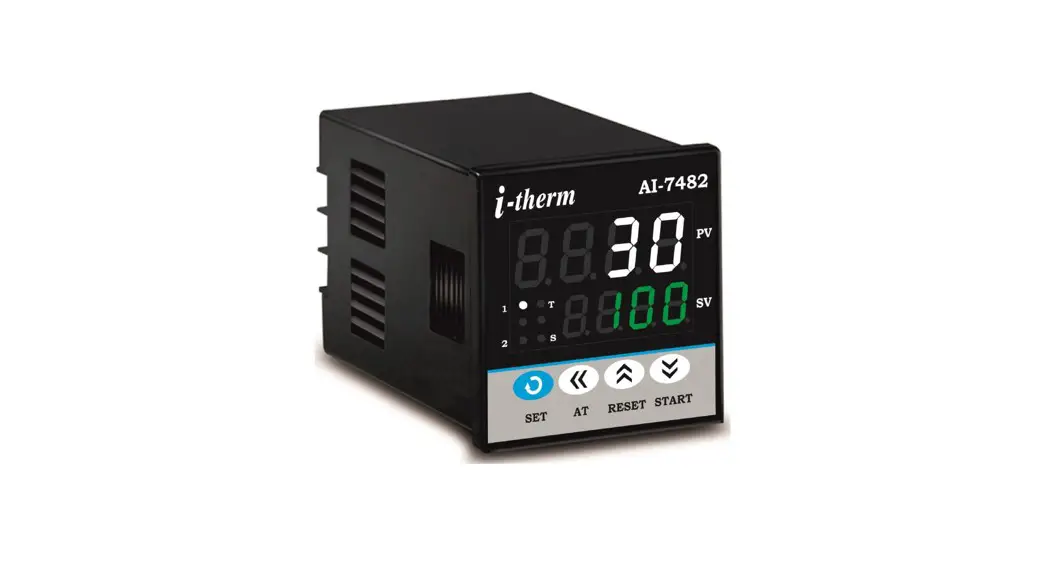
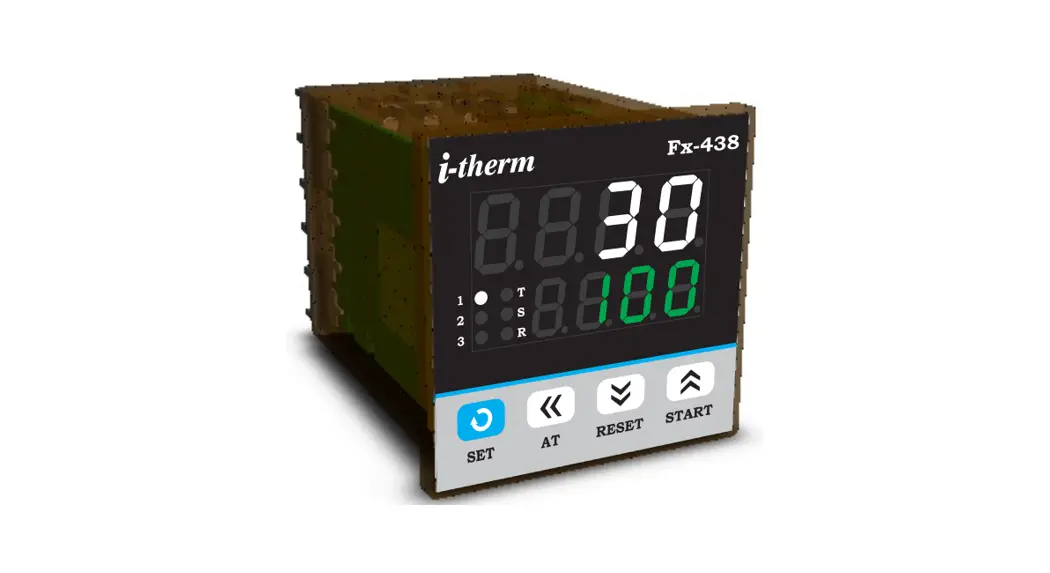
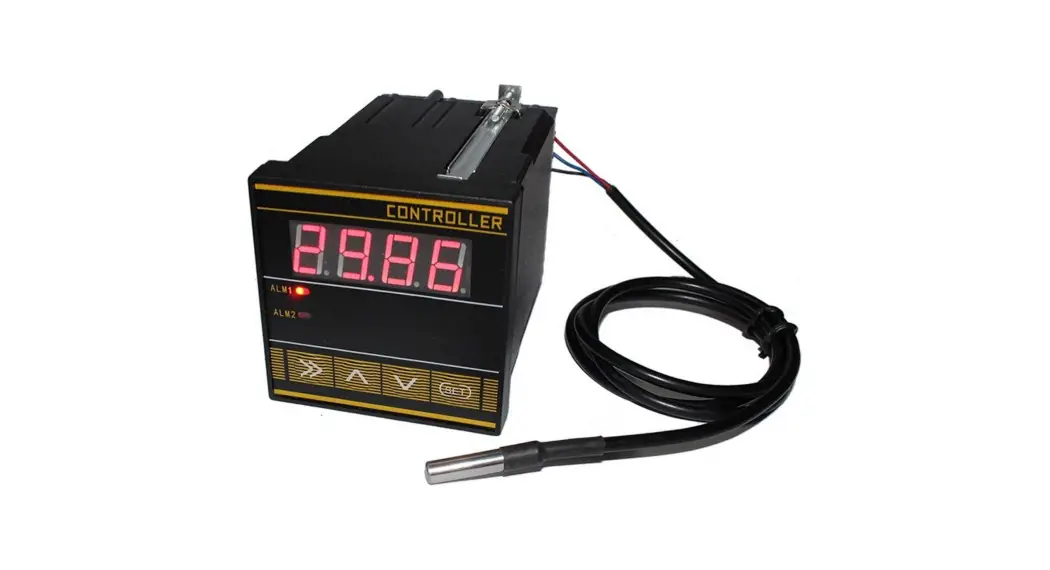
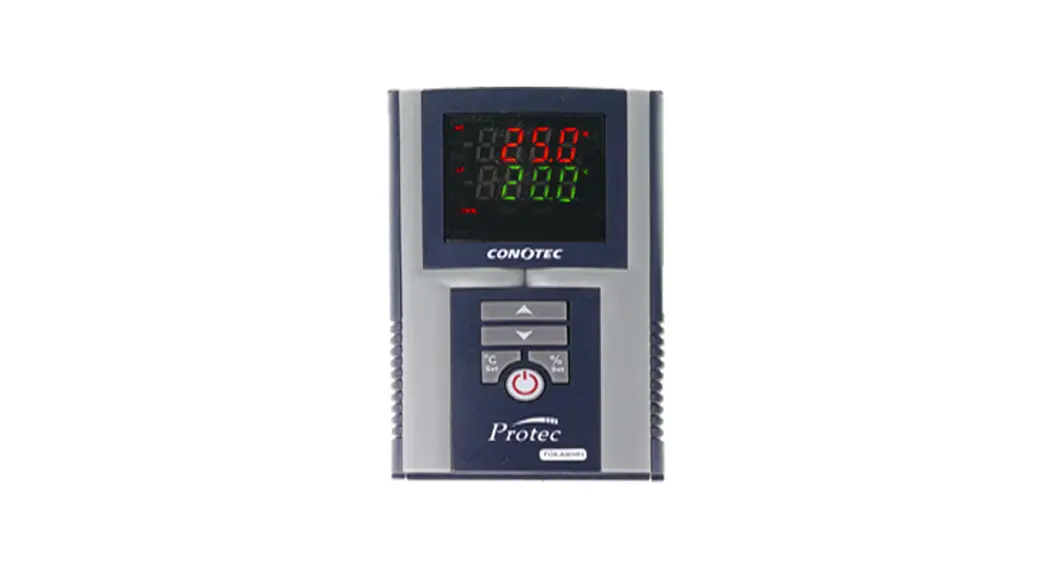
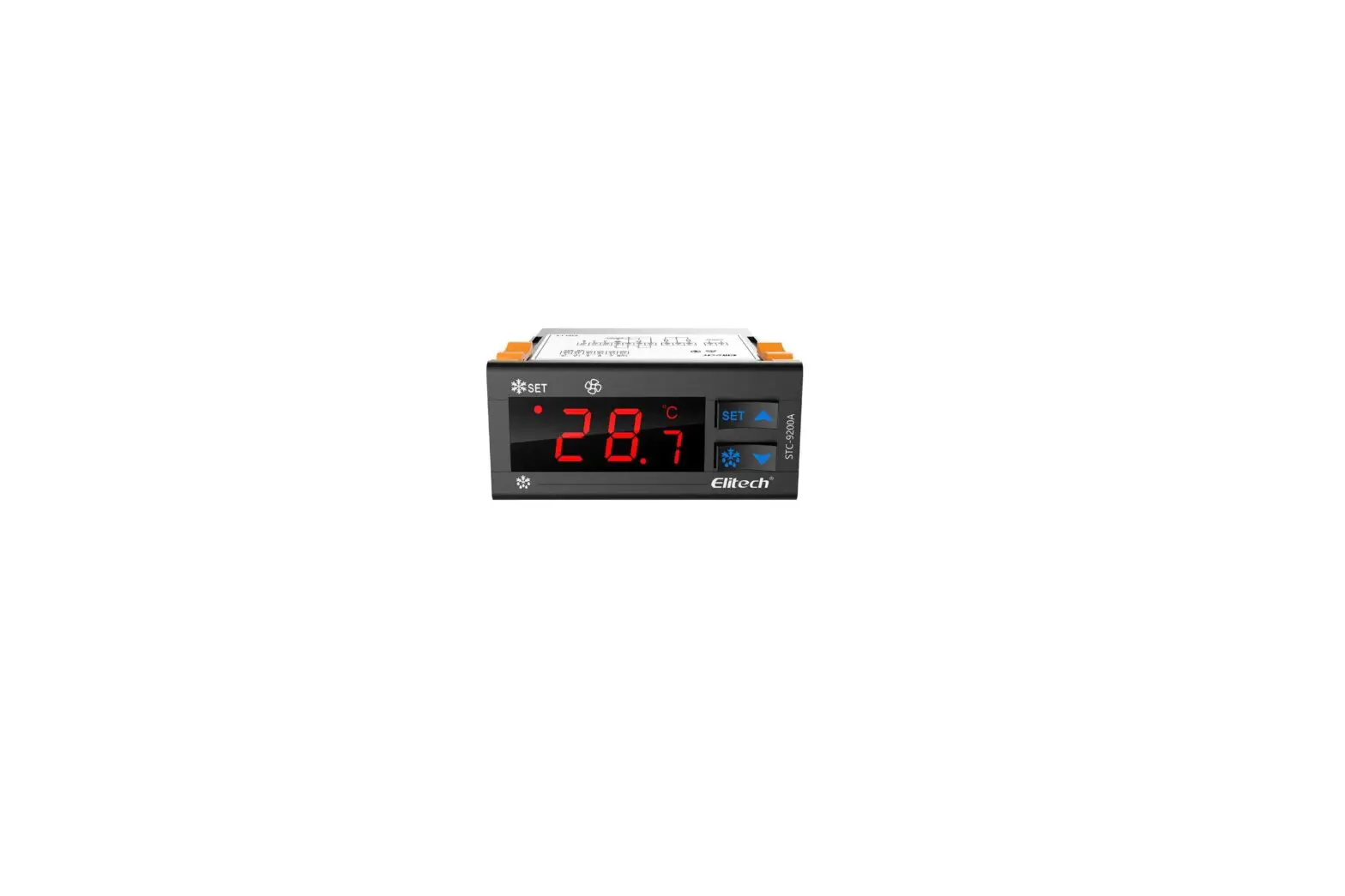
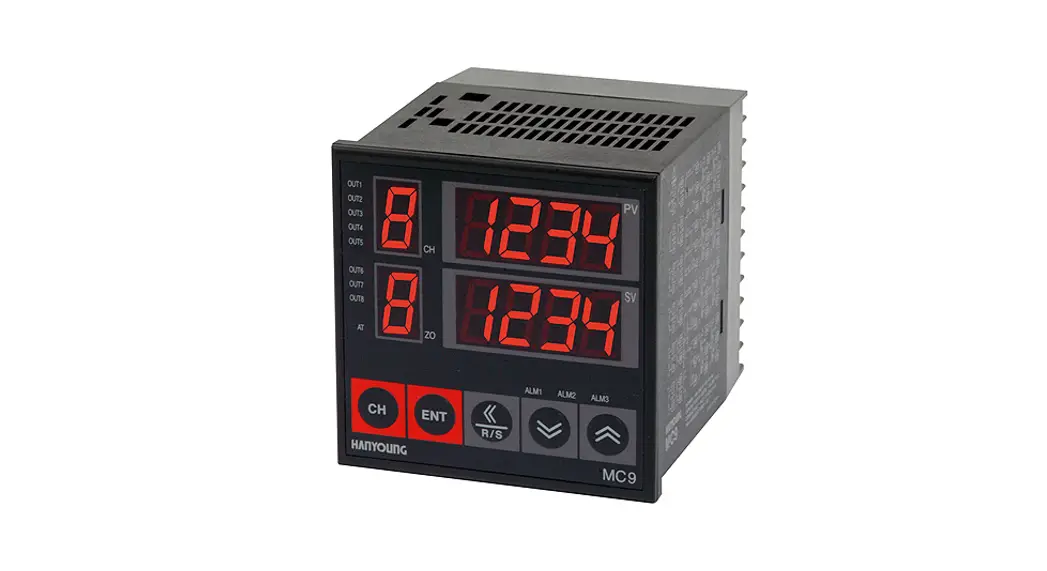
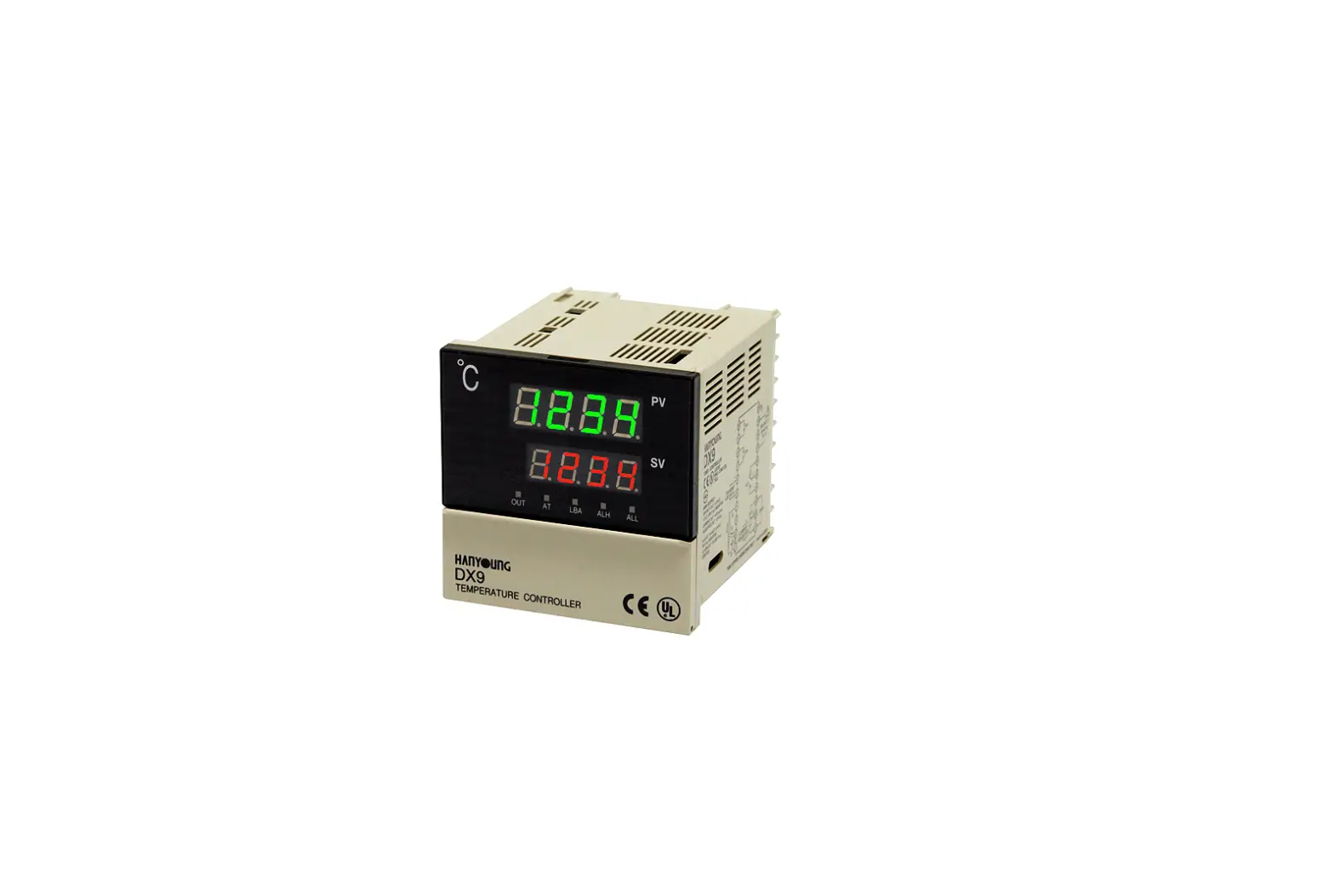
AI-5981 Digital Temperature Controller
User’s Operating Manual for Digital Temperature Controller
(Models: AI 5981)
Product Information
Specifications:
- Display Type: Dual 4-Digit 7 segment LED
- Model No.: AI-5981
- Display Height (PV): 0.56
- Display Height (SV): 0.56
- Status LED’s: OP 1 – Main Control Output
- Input Sensor: TC: J/K/R/S & RTD: Pt-100
- Range:
- Sensor Type: Fe-k(J) T/C
- Range: 0 ~ 760oC
- Resolution: 1 oC
- Sensor Type: Cr-AL(K) T/C
- Range: -99 ~ 1300oC
- Resolution: 1 oC
- Sensor Type: (R) T/C
- Range: 0 ~ 1700oC
- Resolution: 1 oC
- Sensor Type: (S) T/C
- Range: 0 ~ 1700oC
- Resolution: 1 oC
- Sensor Type: Pt-100(RTD)
- Range: -100 ~ 450oC
- Resolution: 1 oC
- Sensor Type: Pt-100(RTD 0.1)
- Range: -99.9 ~ 450.0oC
- Resolution: 0.1 oC
- Sampling Time: 125 msec.
- CJC for TC LWC for Pt-100: Built-in automatic
- Digital Filter: 1 to 10 Sec.
- Relay Output:
- Contact type: N/O, CM, N/C
- Contact Rating: 5A @ 250VAC or 30 VDC
- Life Expectancy: >5,00,000 operations
- Isolation: Inherent
- SSR Drive Output:
- Drive Capacity: 12V @ 30mA.
- Isolation: Non-Isolated.
- Function:
- Output 1 Control Action: Main Control Output
- Control Mode: ON-OFF/T.P (user selectable)
- Compliance: Heat/Cool (user selectable)
- Environmental:
- Operating Range
- Storage Humidity
- Power Supply:
- Supply Voltage: 90~270VAC, 50/60Hz.
- Consumption: 4W Maximum.
- Physical:
- Housing: ABS Plastic.
- Model No.: AI-5981
- Weight (gms.): 240
Safety Instructions:
This controller is meant for temperature control applications.
It is important to read the manual prior to installing or
commissioning the controller. All safety-related instructions
appearing in this manual must be followed to ensure the safety of
the operating personnel as well as the instrument.
General:
- The controller must be configured correctly for intended
operation. Incorrect configuration could result in damage to the
equipment or the process under control, or it may lead to personnel
injury. - The controller is generally part of the control panel, and in
such a case, the terminals should not remain accessible to the user
after installation.
Mechanical:
- The controller in its installed state must not come in close
proximity to any corrosive/combustible gases, caustic vapors, oils,
steam, or any other process by-products. - The controller in its installed state should not be exposed to
carbon dust, salt air, direct sunlight, or radiant heat. - Ambient temperature and relative humidity surrounding the
controller must not exceed the maximum specified limit for proper
operation of the controller. - The controller in its installed state must be protected against
excessive electrostatic or electromagnetic interferences.
Ventilation holes provided on the chassis of the instrument are
meant for thermal dissipation hence should not be obstructed in the
panel.
Electrical:
- The controller must be wired as per wiring diagram, and it must
comply with local electrical regulation. - Care must be taken not to connect AC supplies to low voltage
sensor input. - Circuit breaker or mains s/w with fuse (275V/1A) must be
Product, this could damage the process being controlled.
Product Usage Instructions:
To use the digital temperature controller, follow the steps
below:
- Read the User’s Operating Manual for Digital Temperature
Controller (Models: AI 5981) carefully before installing or
commissioning the controller. - Ensure that the controller is configured correctly for intended
operation. - Make sure that the controller is installed in a safe location
away from corrosive/combustible gases, caustic vapors, oils, steam,
or any other process by-products. - Avoid exposing the controller to carbon dust, salt air, direct
sunlight, or radiant heat. - Ensure that the ambient temperature and relative humidity
surrounding the controller do not exceed the maximum specified
limit for proper operation of the controller. - Protect the controller against excessive electrostatic or
electromagnetic interferences. - Wire the controller as per wiring diagram, and make sure it
complies with local electrical regulation. - Do not connect AC supplies to low voltage sensor input.
- Switch off the power before making/removing any connection or
removing the controller from its enclosure to prevent the risk of
electrical shock. - Select the appropriate sensor type and range from the table
provided in the manual. - Select the control mode and compliance based on your
requirement. - Connect the sensor input to the controller.
- Connect the relay output to the device being controlled.
- Connect the SSR drive output if required.
- Switch on the power and monitor the temperature display.
- Adjust the setpoint as per your requirement.
USER’S OPERATING MANUAL FOR DIGITAL TEMPERATURE CONTROLLER (Models: AI 5981 )
AI – 5981
(96 X 96)
SPECIFICATIONS : –
1. DISPLAY TYPE
: Dual 4- Digit 7 segment LED 4 Digit Bright White (PV) 4 Digit Luminous Green (SV)
Model no. AI-5981
i} Display height (PV)
Display height (SV)
0.56″ 0.56″
STATUS LED’S
: OP 1 : Main Control Output
2. INPUT
Sensor Input
: TC:J/K/R/S & RTD: Pt-100
Range Sensor Type Fe-k(J) T/C Cr-AL(K) T/C (R) T/C (S) T/C Pt-100(RTD) Pt-100(RTD 0.1)
: Refer below table
Range
Resolution
0 ~ 760oC
1 oC
-99 ~ 1300oC
1 oC
0 ~ 1700oC
1 oC
0 ~ 1700oC
1 oC
-100 ~ 450oC -99.9 ~ 450.0oC
1 oC 0.1 oC
Accuracy ± 1 oC ± 0.3 oC
Sampling Time
: 125 msec.
Resolution
: 1°C/0.1°C(Only for RTD)
CJC for TC LWC for Pt-100
: Built in automatic : Built in up to 18E max.
Digital Filter
: 1 to 10 Sec.
3. RELAY OUTPUT Contact type Contact Rating Life expectancy Isolation
: N/O, CM, N/C : 5A @ 250VAC or 30 VDC : > 5,00,000 operations : Inherent
4. SSR DRIVE OUTPUT Drive Capacity Isolation
5. FUNCTION Output 1 Control Action Control Mode Compliance
: 12V @ 30mA. : Non-Isolated.
: Main Control output : ON-OFF/T.P (user selectable) : Heat/Cool (user selectable) : —-
6. ENVIRONMENTAL Operating Range Storage Humidity
: 0 ~50°C, 5~90% Rh : 95% Rh (Non-condensing)
7. POWER SUPPLY Supply Voltage Consumption
: 90~270VAC, 50/60Hz. : 4W Maximum.
8. PHYSICAL Housing
: ABS Plastic.
Model no. Weight (gms.)
AI-5981 240
SAFETY INSTRUCTION : This controller is meant for temperature control applications. It is important to read the manual prior to installing or commissioning of controller. All safety related instruction appearing in this manual must be followed to ensure safety of the operating personnel as well as the instrument.
GENERAL v The controller must be configured correctly for intended
operation. Incorrect configuration could result in damage to the equipment or the process under control or it may lead
personnel injury. v The controller is generally part of control panel and in such
a case the terminals should not remain accessible to the user after installation.
MECHANICAL v The Controller in its installed state must not come in close
proximity to any corrosive/combustible gases, caustic vapors, oils, steam or any other process by-products. v The Controller in its installed state should not be exposed to carbon dust, salt air, direct sunlight or radiant heat. v Ambient temperature and relative humidity surrounding the controller must not exceed the maximum specified limit for
proper operation of the controller. v The controller in its installed state must be protected
against excessive electrostatic or electromagnetic interferences. Ventilation holes provided on the chassis of the instrument are meant for thermal dissipation hence should not be obstructed in the panel.
ELECTRICAL v The controller must be wired as per wiring diagram & it
must comply with local electrical regulation. v Care must be taken not to connect AC supplies to low
voltage sensor input. v Circuit breaker or mains s/w with fuse (275V/1A) must be
installed between power supply and supply terminals to protect the controller from any possible damage due to high voltage surges of extended duration. v Circuit breaker and appropriate fuses must be used for driving high voltage loads to protect the controller from any possible damage due to short circuit on loads. v To minimize pickup of electrical noise, the wiring for low voltage DC and sensor input must be routed away from high current power cables. Where it is impractical to do this, use shielded ground at both ends. v The controller should not be wired to a 3-Phase supply with unearthed star connection. Under fault condition such supply could rise above 264 VAC which will damage the controller. v The Electrical noise generated by switching inductive loads might create momentary Fluctuation in display, alarm latch up, data loss or permanent damage to the instrument. To reduce this use snubber circuit across the load. v It is essential to install a over Temp. Protection device to avoid any failure of heating system. Apart from spoiling the
Product, this could damage the process being controlled.
1
OIM AI-5X81 V2.1 Page 1 of 4
CAUTION: To prevent the risk of electrical shock, switch off the power before making/removing any connection or removing the controller from its enclosure.
MECHANICAL INSTALLATION
The label on the controller identifies the serial number, wiring connections and batch number.
OVER ALL DIMENSIONS & PANEL CUT OUT (IN MM)
MODEL:-AI-5981
INSTALLATION GUIDELINES
1. Prepare the cut-out with proper dimension as shown in figure.
2. Remove clamp from controller
A
E
PANEL CUTOUT
F
3. Push the controller through panel cut-out and secure the controller in its place by tightening the side clamp.
B
TABLE : 1
D
G
C
H
Dim Model
A
B
C
D
E
F
G
H
AI-5981 96 96 10 45 89 92 92 9
ELECTRICAL INSTALLATION
The electrical connection diagram is shown on the controller enclosure as below.
FRONT PANEL LAYOUT
i i 1 2 3 4 5 6 7 8 9
-therm
1
OP1
AI-5981
2 PV
SV 3
10 11 12 13 14 15 16 17 18
L
N
NO CM NC
SSR1
SUPPLY
RELAY1
AI – 5981
4
SET
AI – 5981
5
6
7
FRONT PANEL LAYOUT DESCRIPTION :
Sr. NAME
FUNCTION
1
OP1 LED
Glows when OP1 is ON & flashes when delay time (dly1) is in operation(if selected mode is ON-OFF)
2
UPPER DISPLAY
It will display (1) Measured value of selected input or Error massages in run mode. (2) Parameters Value in program mode.
3
LOWER DISPLAY
It will display (1) SP (Main set point) (2) Parameter code in program mode.
4
SET KEY
(1) For SP programming. (2) To access Control mode. (3) To access Configuration mode along with UP key. (4) To scroll the parameter & to store its value.
5
SHIFT KEY
(1) To increase/alter parameter value in program mode with Up / Dn Key. (2) Press for 3Sec in Programming this will help to go back to previous parameter.
6
UP KEY
(1) To increase/alter parameter value in program mode. (2) To Enter in configuration mode (with SET key) . (3) To acknowledge Alarm. (4) To enter in tune mode (with DOWN Key).
7
DOWN KEY
(1) To decrease / alter parameter value in program mode. (2) To enter in tune mode (with UP Key).
2
OIM AI-5X81 V2.1 Page 2 of 4
PROGRAMMING :
USER LIST : To access the user list press SET key once.
PARA METER
LOWER DISPLAY
CONTROL SET POINT
UPPER DISPLAY
RANGE
DESCRIPTION
DEFAULT
User can change SP1 value using UP/ DOWN keys. Holding the key, will change the
LSPL ~ HSPL value at a faster rate. Press SET key to store the value & move on to the next
0oC
parameter.
CONTROL LIST : To enter in this mode press SET & DOWN key simultaneously for 3 sec. User can set the control parameters as shown below.
PARA METER
LOWER DISPLAY
UPPER DISPLAY
RANGE
DESCRIPTION
DEFAULT
LOCK CODE
1 ~ 9999
Set this parameter to 15 (Default LOCK CODE) to access Control List. User has a choice to set different Lock Code via USER LOCK CODE in Config. List.
0
PROPORTIONAL BAND
0.5 to 999.9°C
This parameter will be prompted only if selected control action is PID. It sets bandwidth over which the output power is adjusted depending upon the error (SVPV). The value of this parameter is automatically set by Auto tune function.
5.0oC
ICYCLE TIME CONTROL
HYS. DELAY 1 MANUAL OFF SET
1.0 to 100.0 Sec.
This parameter will be prompted only if selected control action is PID. User can set this value based on process being controlled & type of output being selected. For Relay O/P, cycle time should be more than 12sec & for SSR O/P, cycle time should be less than 10sec.
This parameter will be prompted only if selected control action is ON-OFF. It sets the
dead band between ON & OFF switching of the output. Larger value of hysterisis 1 to 100 oC minimize the number of ON-OFF operation to the load. This increases life of
actuators like contactors but, also produces large errors (between PV & SV)
0 to 500 Sec. -25 to 25 oC
This parameter will be prompted only if selected control action is ON-OFF. It sets the main output restart time where O/P once turned OFF will turn ON only after restart time, regardless difference between PV & SP in Heat or Cool mode. If set to ‘0’, O/P will be switched without delay. Also, Delay will be applicable in case of every power ON.
This parameter will appear only if selected C.A is time proportional. (For more details: refer user guide.)
CONFIGURATION LIST : (1) To enter in this mode, Press and hold SET & UP key simultaneously for 3 sec. (2) Press UP or DOWN key to scroll between parameter options. (3) Press SET key to store the current parameter & move on to the next parameter.
16.0 Sec. 2°C
120 Sec. 0 oC
PARA METER
LOWER DISPLAY
UPPER DISPLAY
DESCRIPTION
DEFAULT
LOCK CODE
Set this parameter to 15 (Default LOCK CODE) to access Config. List. User has a choice to set different Lock Code via USER LOCK CODE in Config. List.
0
This parameter value is set according to the type of sensor (Thermocouple or RTD Input) connected to the Controller’s Input Terminals.
INPUT TYPE
Sensor Type
Range
Resolution
Accuracy
Fe-k(J) T/C Cr-AL(K) T/C
(R) T/C (S) T/C
0 ~ 760oC -99 ~ 1300oC 0 ~ 1700oC 0 ~ 1700oC
1 oC 1 oC 1 oC 1 oC
} ± 1 oC
tC-J
Pt-100(RTD) -100 ~ 450oC
1 oC
Pt-100(RTD 0.1) -99.9 ~ 450.0oC
0.1 oC
± 0.3 oC
3
OIM AI-5X81 V2.1 Page 3 of 4
PARA METER LOWER
SP LIMIT HIGHER SP LIMIT
LOWER DISPLAY
PROCESS VALUE OFFSET
INPUT FILTER
UPPER DISPLAY
DESCRIPTION
DEFAULT
Sets the minimum limit for set point adjustment. It can be set from minimum specified range of selected sensor to HSPL value.
0 oC
Sets the maximum limit for set point adjustment. It can be set from LSPL value to maximum specified range of selected sensor.
400 oC
Function of this parameter is to add/subtract a constant value to the measured PV to obtain Final PV for control applications. This parameter value needs to be altered for one of the following reason : (i) To compensate for known thermal gradient (ii)To match the display values with another recorder or indicator measuring the same PV.
The controller is equipped with an adaptive digital filter which is used to filter out any extraneous pulses on the PV. Filtered PV Value is used for all PV dependent functions. If PV signal is fluctuating due to noise, increase the filter time constant value.
0 oC 4
CONTROL MODE
FOR O/P 1
User can select between TP or ON-OFF action algorithm to be adopted for output.
ON-OFF
CONTROL LOGIC
FOR O/P 1 OUTPUT
TYPE SET POINT 1 USER LOCK CODE
iThis parameter will appear only if selected control mode is ON-OFF. User can select heating logic in which OP1 will remain ON till PV < SP. (PV increases when output is ON.)
This parameter will appear only if selected control mode is ON-OFF. User can select cooling logic in which OP1 will remain ON till PV > SP. (PV decreases when output is ON.) User has to set this parameter very carefully in accordance with the output used. (Separate terminals for RELAY & SSR : – Refer Electrical Installation ) Select Relay if LOAD is connected via contactor. Whenever user selects Relay, Cycle time will be automatically set to 16 sec. User can modify cycle time via control list. Select SSR if LOAD is connected via SSR (DC voltage pulses). Whenever user selects SSR, Cycle time will be automatically set to 1sec. User can modify cycle time via control list.
If Enabled, User can View & edit the Set point (SP1) in USER list.
If disabled, User can only View the Set Point (SP1) but Can not edit it in USER list.
Default USER LOCK CODE is 15 to access Control & Configuration List. User has a choice to set its own USER LOCK CODE between 1 to 9999, this is to prevent unauthorized access of Control & Configuration List.
Heat Relay Enable
15
USER GUIDE:
1) ON-OFF ACTION:
In this mode, output (Relay/SSR) remains ON
till actual temperature reaches to the set point.
On reaching SP, output turns OFF & remains
OFF till actual temperature drops down (in
heat logic) or raises (in cool logic) equal to
hysterisis set by user.
(As shown in Fig : 3.1 & 3.2)
TEMP (0C)
TEMP (0C)
HYSTERISIS
AMB
HYSTERISIS
SP SP
AMB
O/P ON
OFF ON OFF ON
HEAT LOGIC / ON-OFF TIME
O/P ON
OFF ON OFF ON O/P
COOL LOGIC / ON OFF
TIME
Fig: 3.1
Fig: 3.2
2) TIME PROPORTIONAL ACTION: In this mode, ON & OFF time of Output (Relay/SSR) varies proportionally in every cycle (cycle time settable by User) depending on the deviation of PV w.r.t. SP. This action starts/continues only when PV enters or is within the band. (As shown in Fig : 3.3)
TEMP (0C) SP
PROPORTIONAL BAND (P.BND) SET BY USER
AMB ON
100 %
OFF 100 %
ON 100 %
OUT PUT TIME PROPORTIONAL ACTION ACTIVE ZONE TIME
Fig: 3.3
3) MANUAL RESET
(OFFSET
ADJUSTMENT)
:
In
some
application,TEMP
(0C)
SP
after adopting-Time proportionating action, system may
stabilize at particular temperature over a period of time
which can be different than the set value. This steady
state (error) offset can be eliminated by setting this value,
equal and opposite to the existing offset. (As shown in Fig : 3.4)
AMB
OFFSET
after offset adjustment TIME
Fig: 3.4
ABBREVIATION
C.A. CJC CM LWC
: Control Action : Cold junction compensation : Common terminal of relay : Lead wire (Length)
compensation
NC relay NO relay OP1 PV
: Normally Close terminal of
: Normally Open terminal of
: Output 1 : Process Value (actual temp.)
SP temp.) SSR T.P. T/C
: Set Point Value(set
: Solid State Relay : Time Proportional : Thermocouple
i
Mfgd by: Innovative Instruments & Controls LLP
338, New Sonal Link Service Industrial Premises Co-op Society Ltd, Building No.2, Link Road, Malad (W), Mumbai – 400064. Tel: 022-66939916/17/18;
E-mail : [email protected]
Website : www.itherm.co.in
4
OIM AI-5X81 V2.1 Page 4 of 4
 Home - Itherm