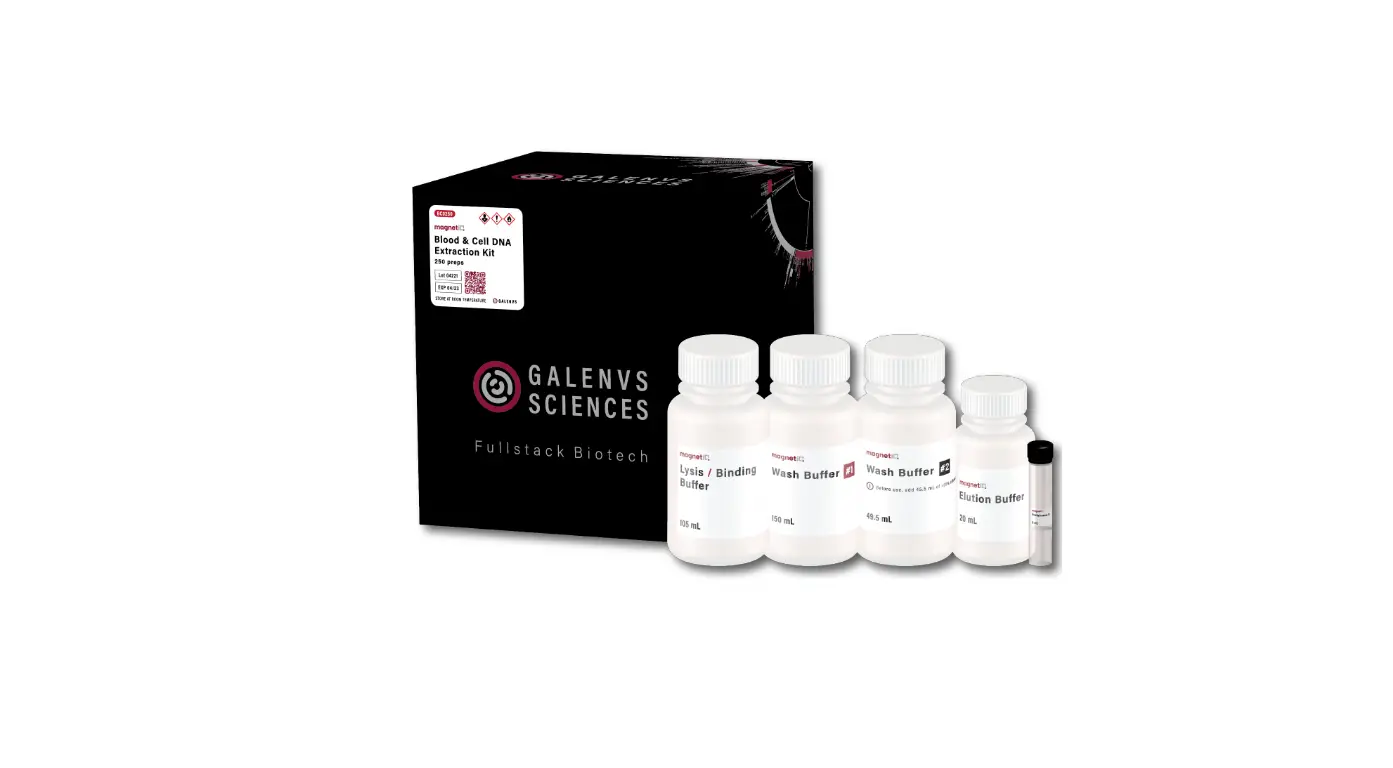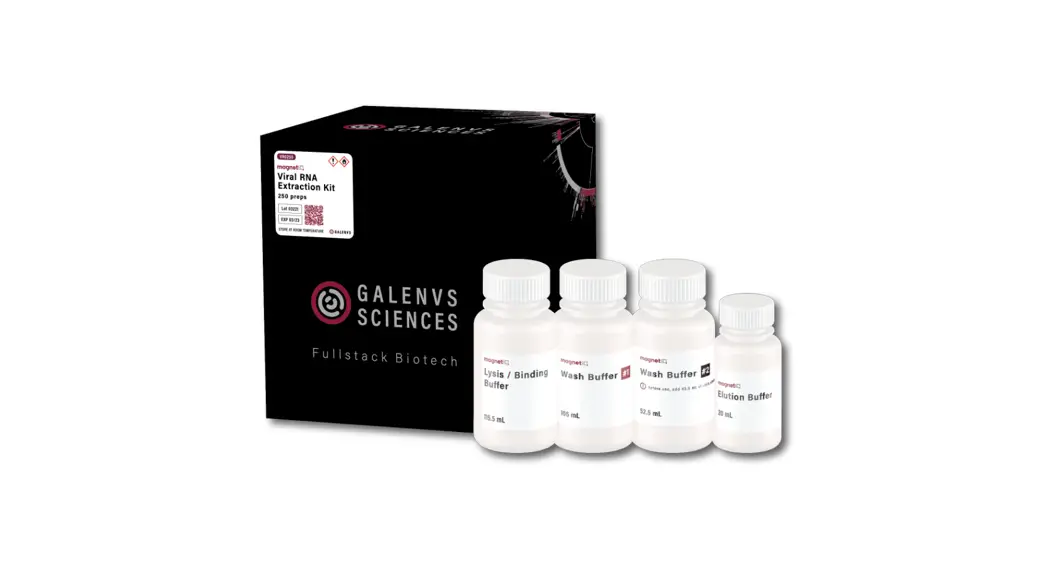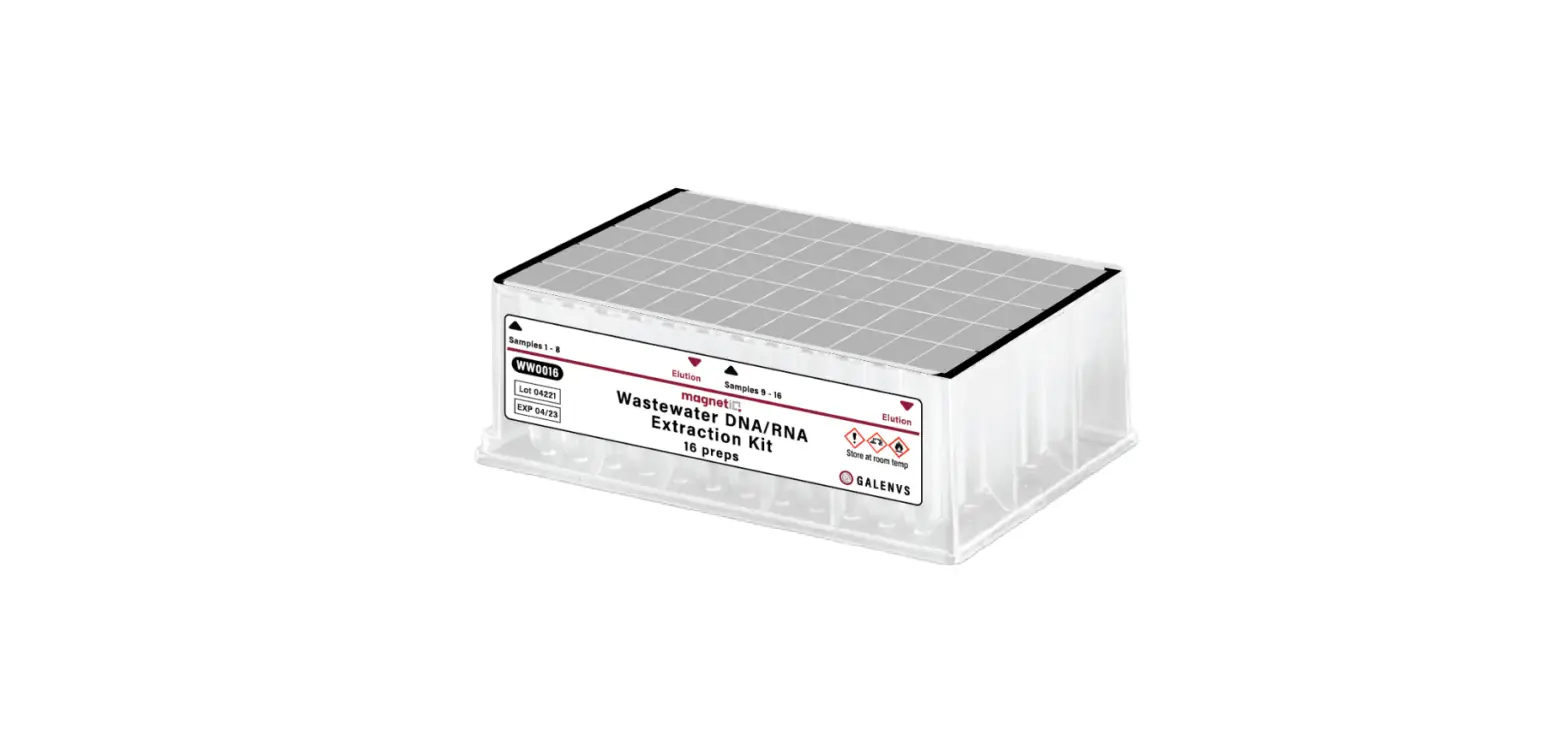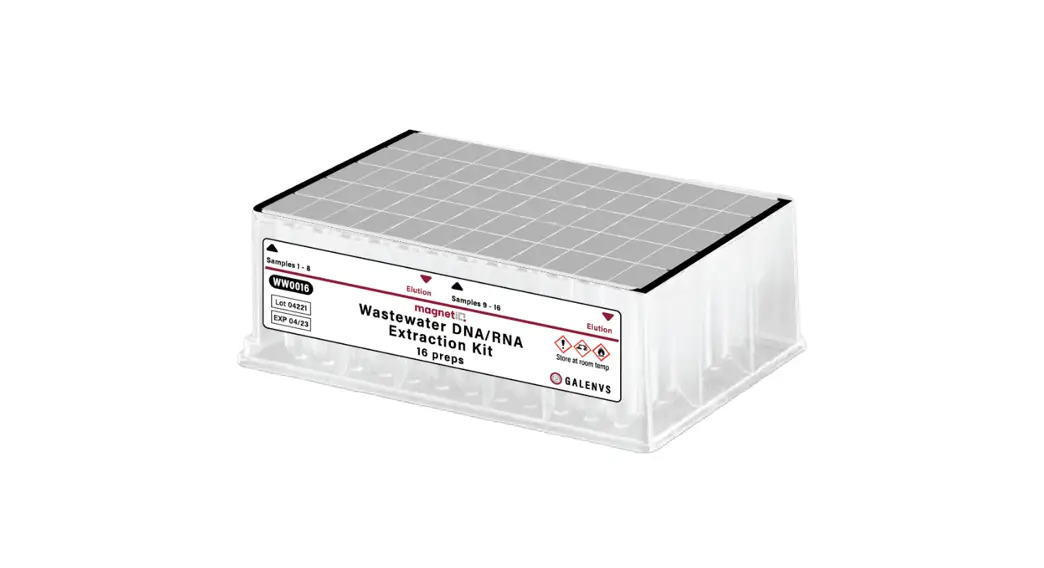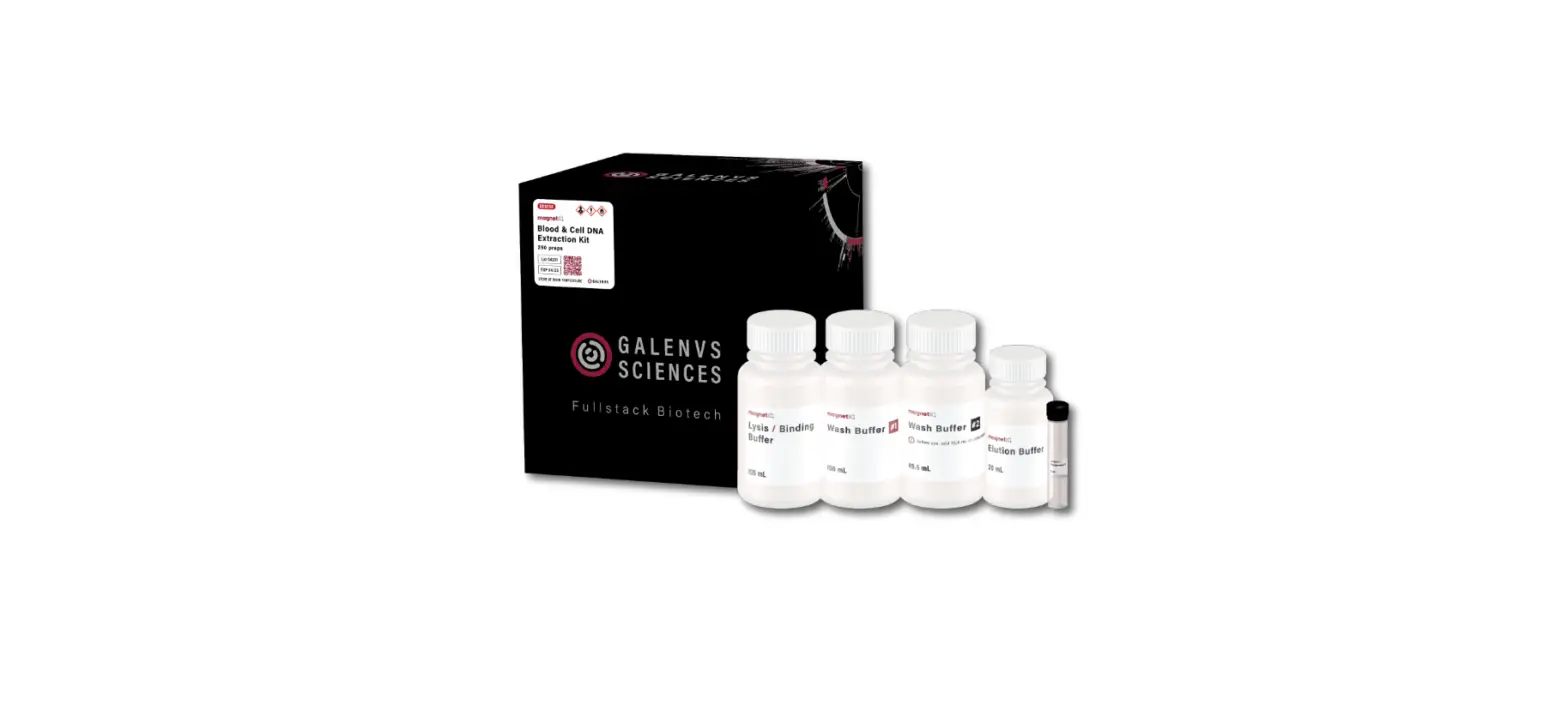

GALENVS Magneti Blood and Cell DNA Extraction Kit
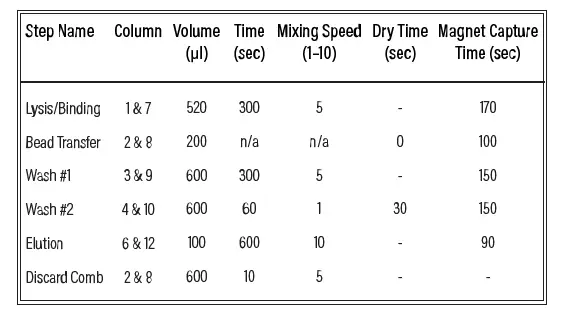
BCKit miQron protocol parameters
INSTRUCTION STEPS
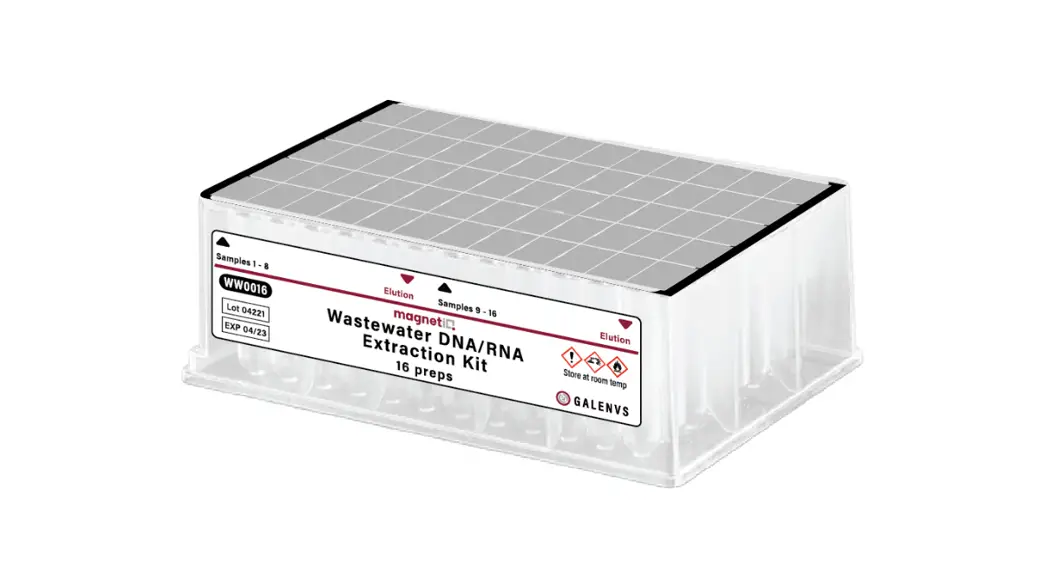
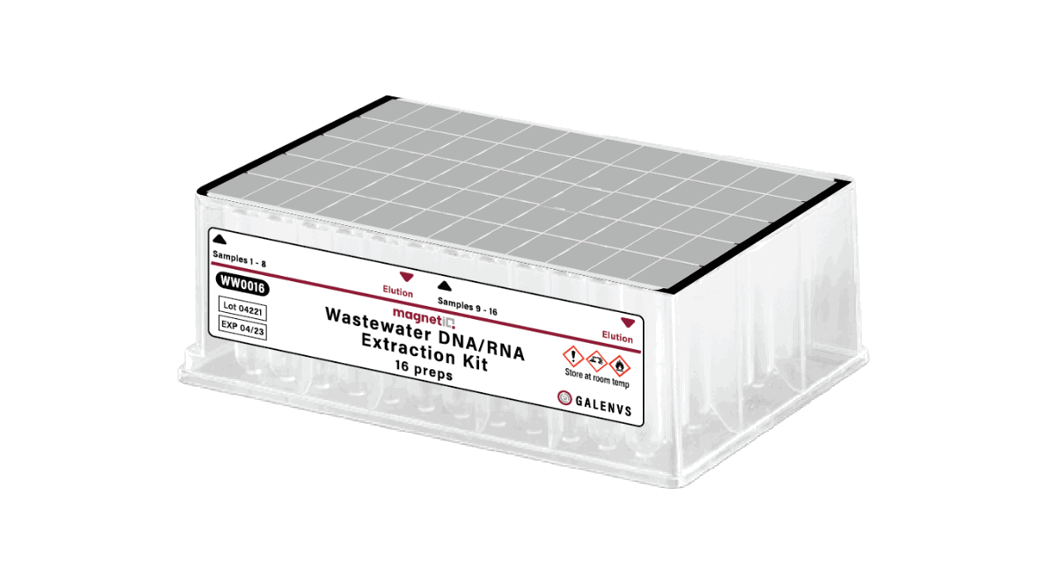
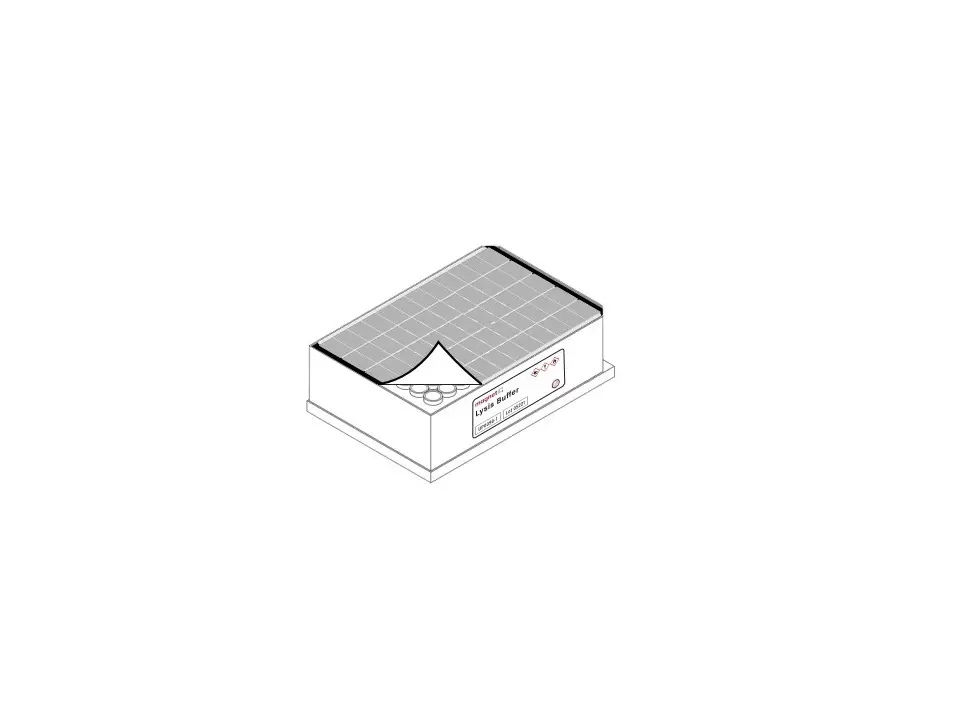
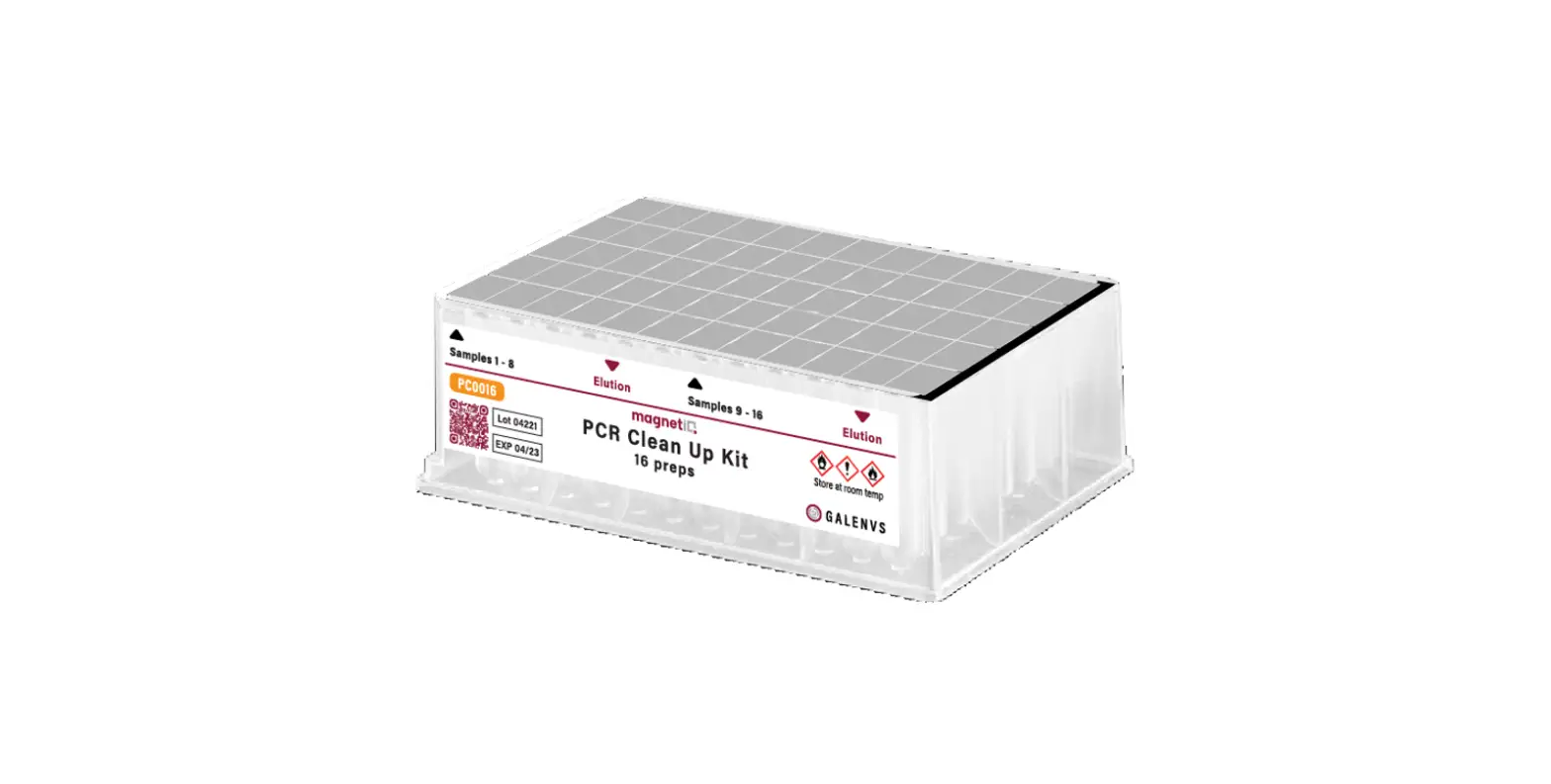
- Remove the protective foil
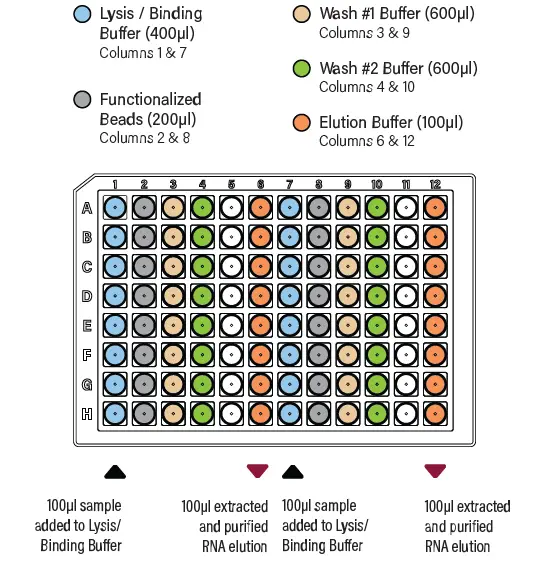
- Add up to 16 samples to the Lysis/Binding
- Buffer (columns 1 and 7).
- Then add 20ul Proteinase K to each sample.
- Place plate into the miQron, taking care that the label is facing outward
- Insert two combs
- Select the BCKit protocol and press
- When the program is complete, remove the plate from miQron and discard the combs.
- Columns 6 and 12 contain the purified DNA elution.
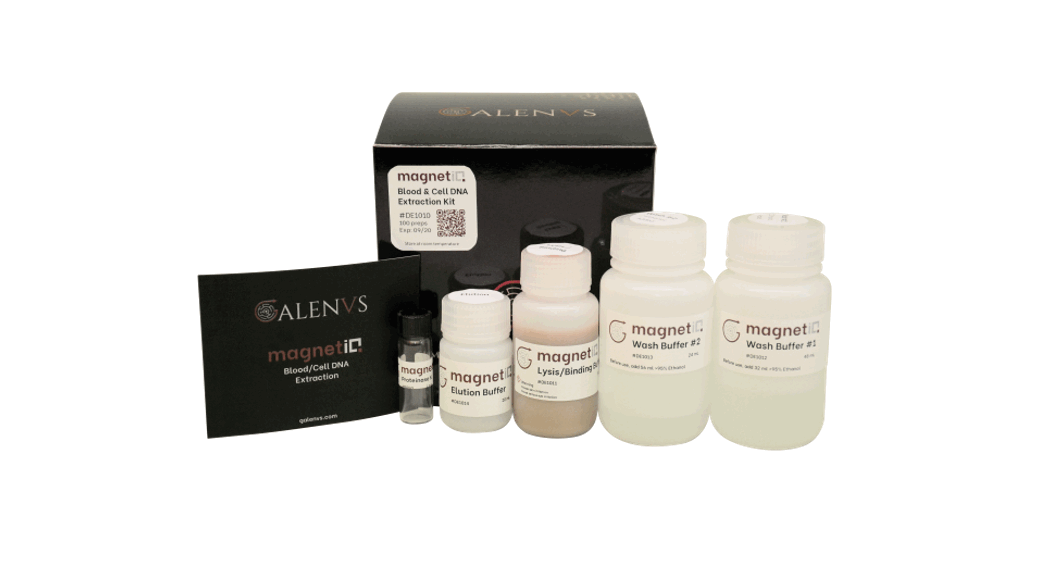
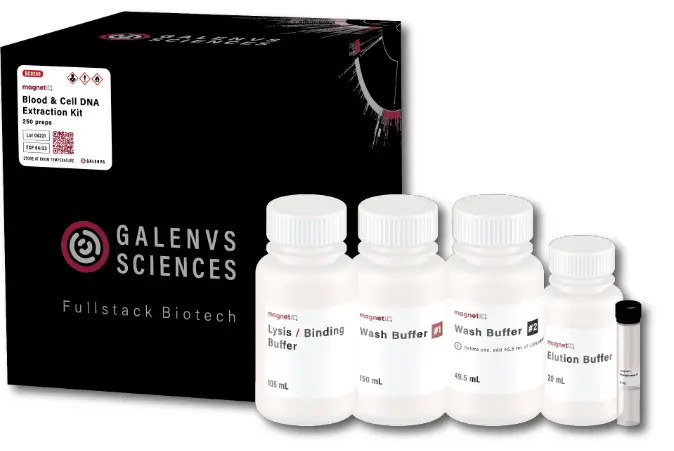
Blood & Cell DNA Extraction Kit