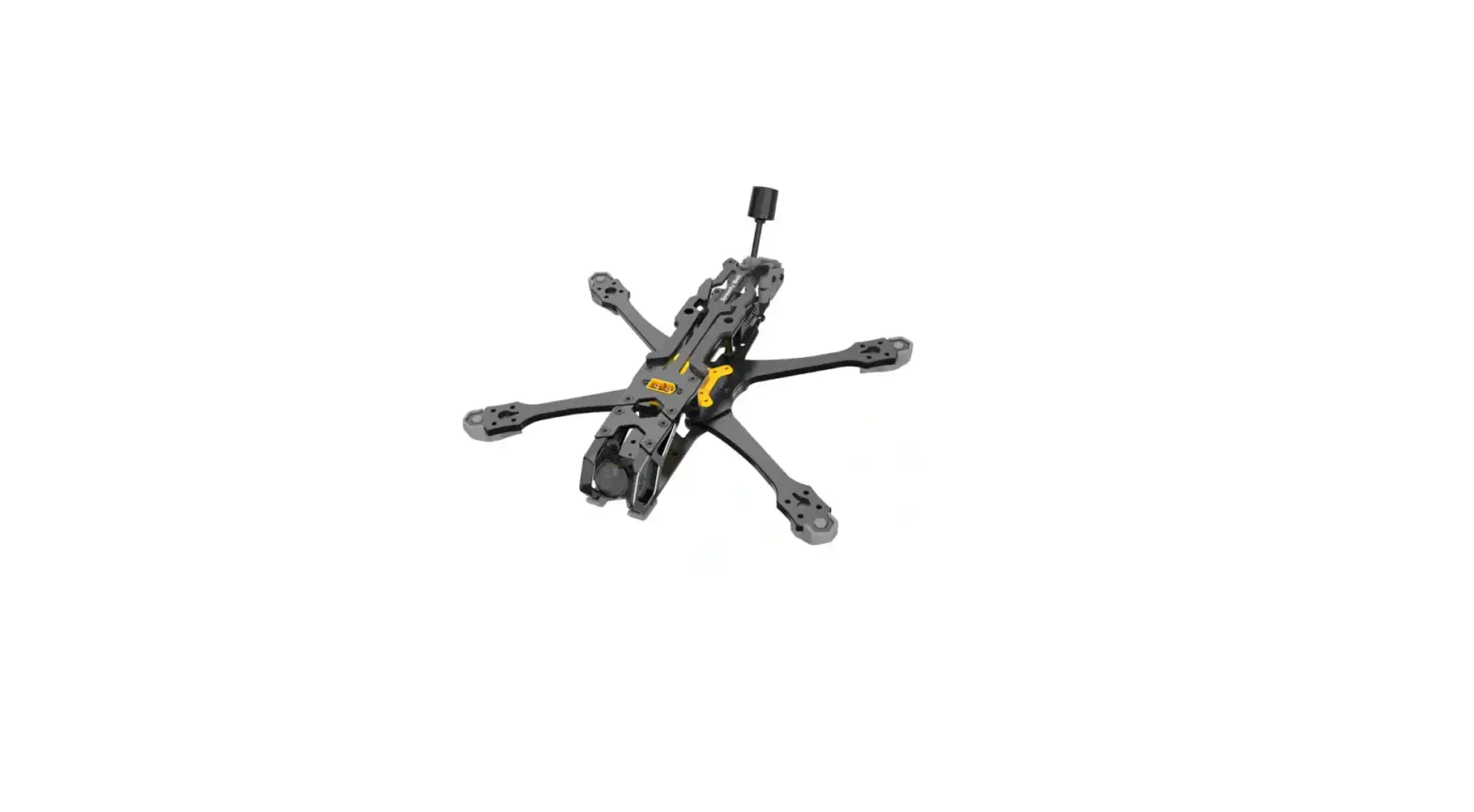
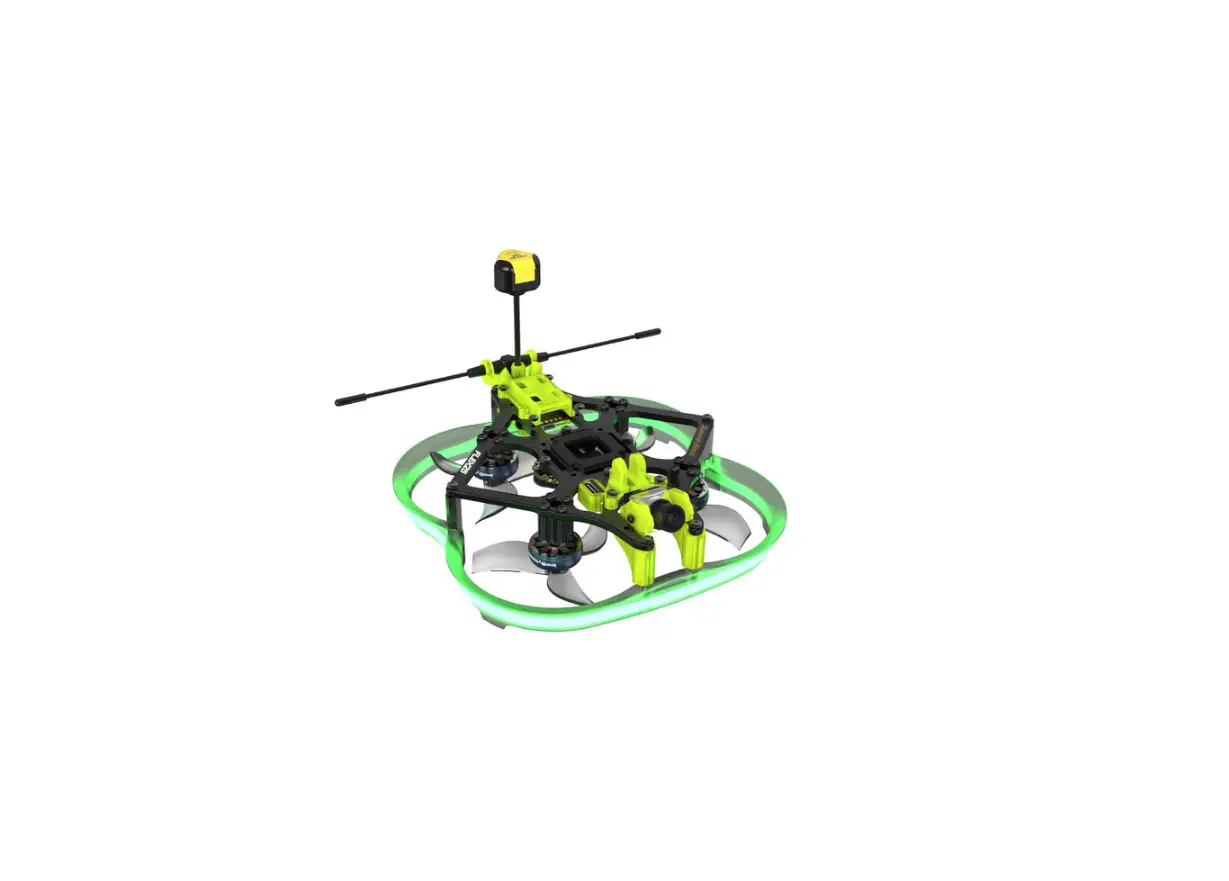
Master 5 V2 Frame
Product Information:
The product is a drone frame kit that includes various
components for assembly. It features a 3D CNC camera mount, camera
side plate, antenna base, GPS installation base, arms, middle
plate, bottom plate, rear top plate, battery anti-slip silicone, 3D
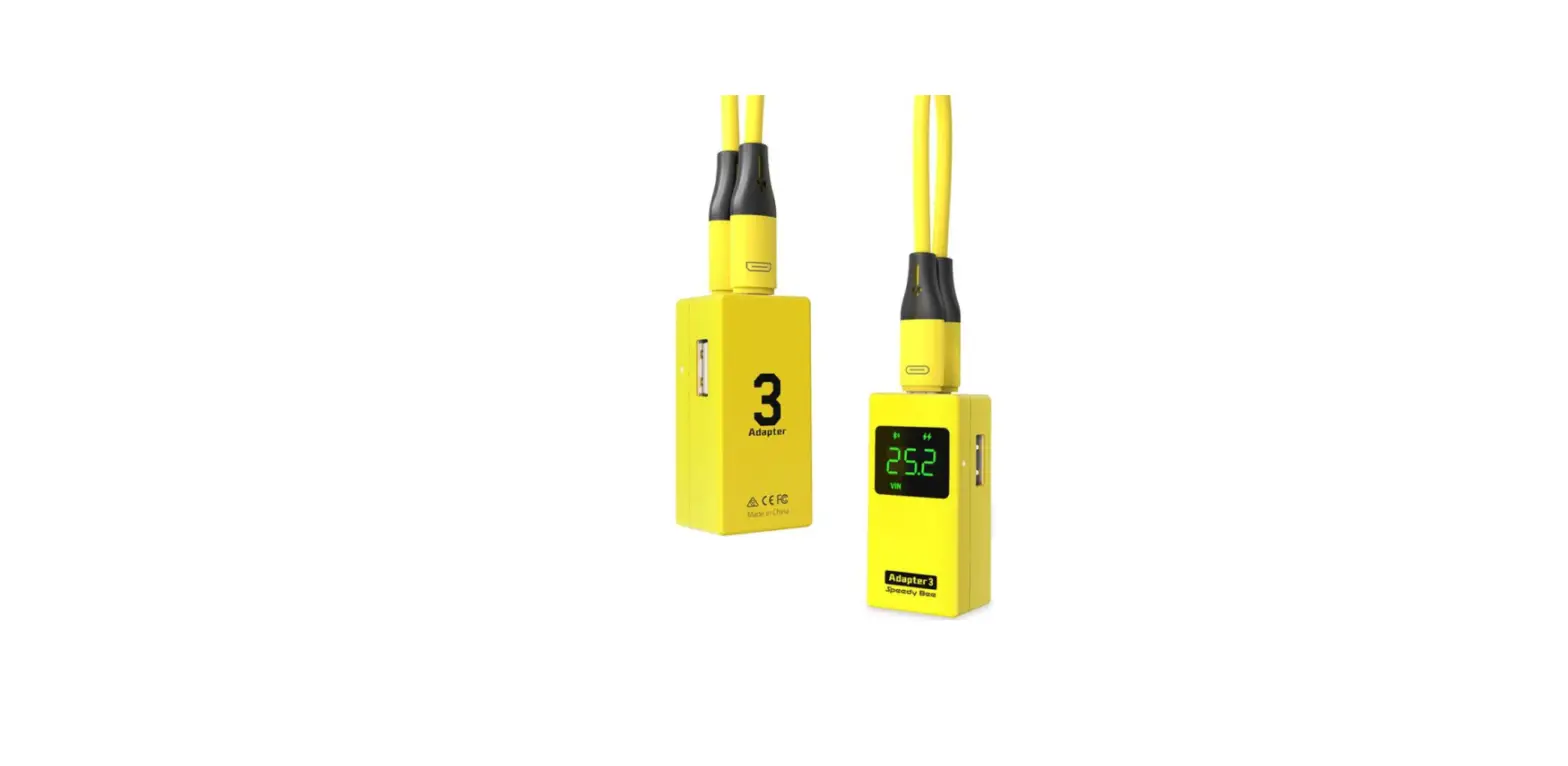
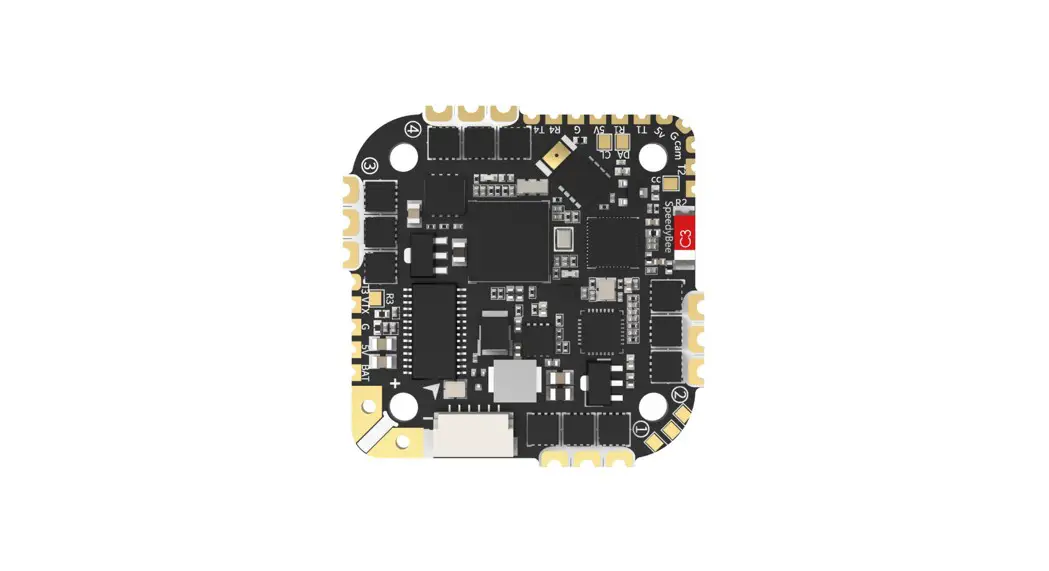
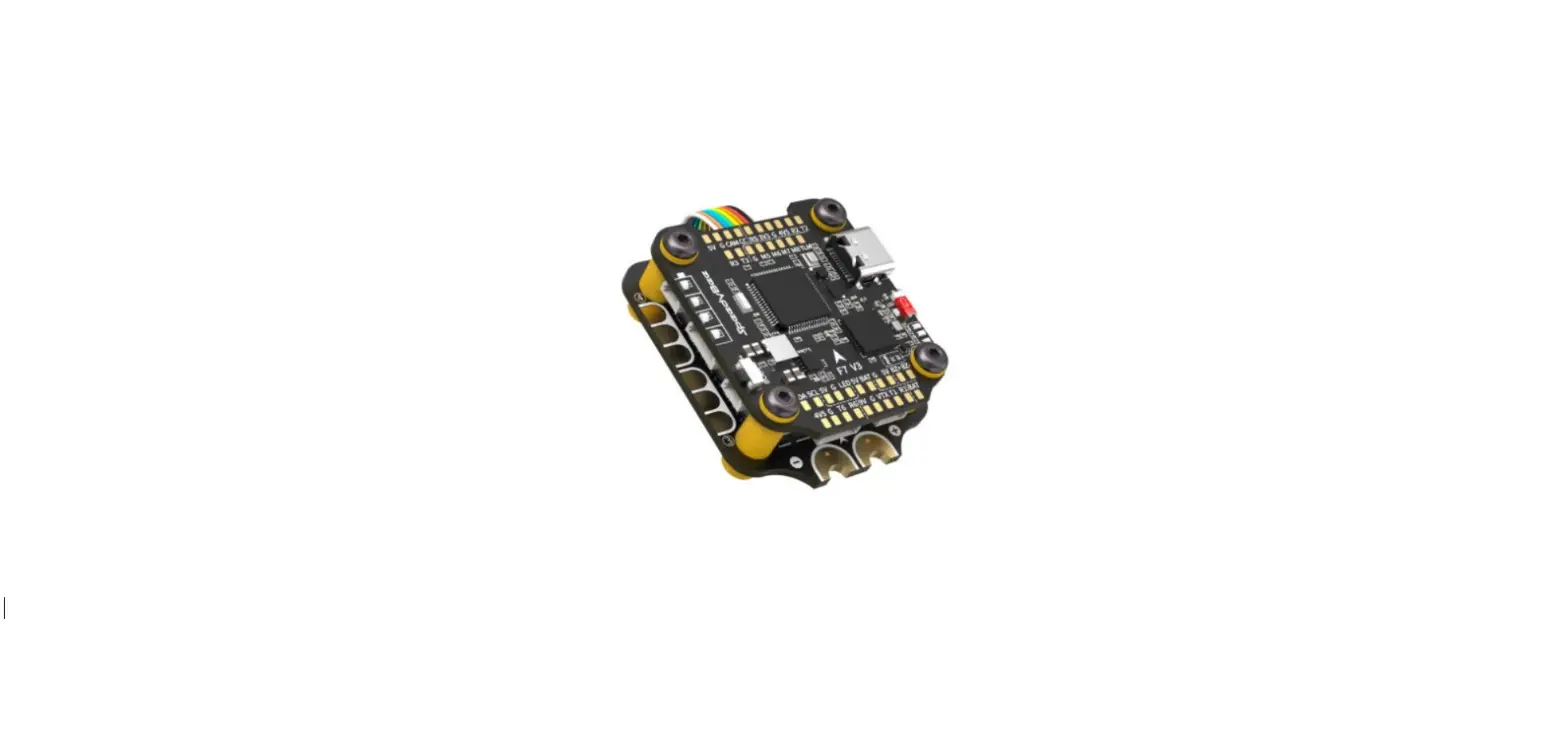
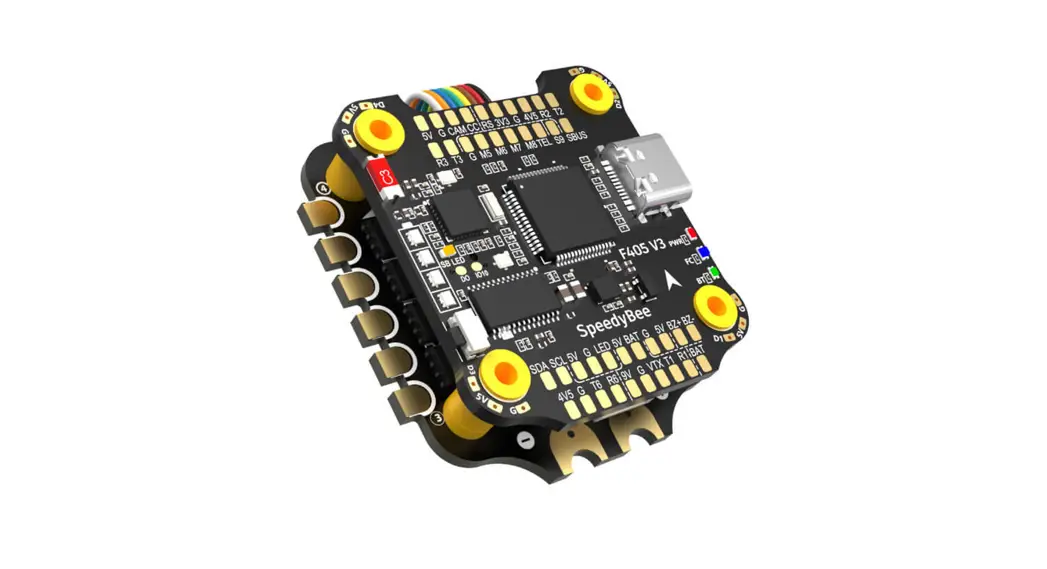
printed foot mount, stack protector, O3 Air Unit, ESC power cable,
buzzer, capacitor, and SpeedyBee App.
Installation Instructions:
1. Camera Mount and Camera Side Plate:
- Install the front top plate using M2*3 screws.
- Install the camera side plate using M3*5 screws.
2. Antenna Installation:
- Insert the O-ring into the antenna to secure it on the TPU
antenna base. - Choose a suitable VTX antenna base and install it.
3. GPS Installation:
- Install the plate on one side and GPS base using M2.5*8
screws. - Install the T-shaped antenna using M3*23 standoff and M2.5*8
button head hex socket screw. - Install the plate on the other side.
4. Arm and Anti-vibration Module Installation:
- Install the back arms and front arms by passing screws through
the bottom plate and the intersection position of the arms. - Install the anti-vibration stack module to the corresponding
position.
5. Middle Plate Installation:
- Install the middle plate to the corresponding 6 screw positions
using M2*8 screws.
6. Bottom Plate and Rear Top Plate Installation:
- Install the bottom protection silicone (0.5mm) using M2.5*6 and
M3*6 screws. - Combine the frame and antenna base.
- Install the rear top plate and battery anti-slip silicone using
M3*6 screws.
7. Arm Foot Mount Installation:
- Install the 3D printed foot mount to the arms.
- Use screws of proper length based on the motor installation
(recommended length: 5mm).
8. O3 Air Unit Installation:
- Pass the O3 Air Unit VTX through the top of the VTX.
- Connect the O3 Air Unit 6P flex cable.
- Remove the 4 original screws at the bottom of the O3 Air
Unit.
9. ESC Power Cable Soldering:
It is recommended to keep the power cable of ESC to be about
100mm. Please refer to the used battery for the actual length.
10. Buzzer and Capacitor Connection:
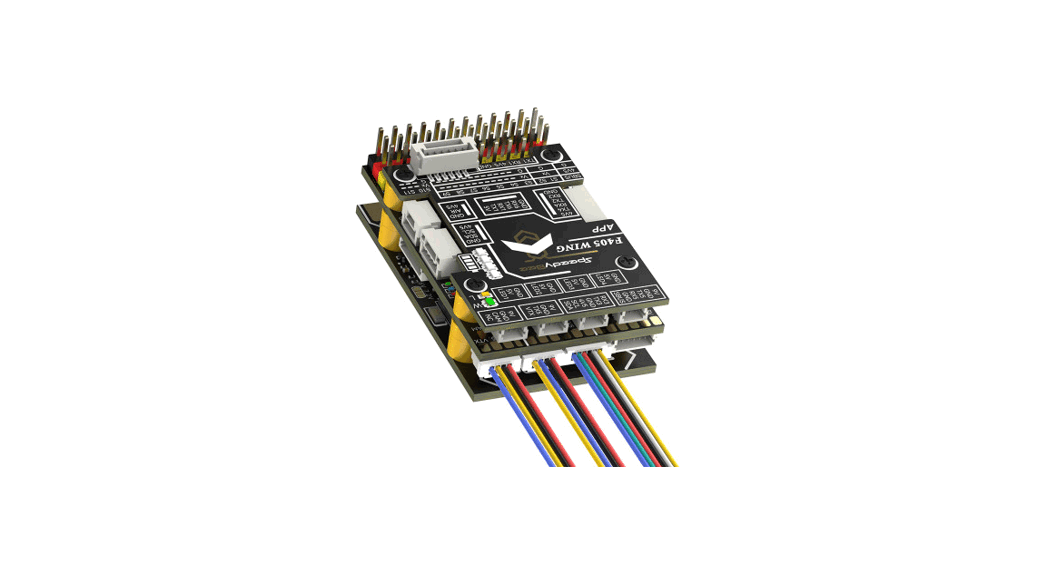
Connect the buzzer with a mark to BZ+ of the flight controller,
and buzzer without a mark to BZ-.
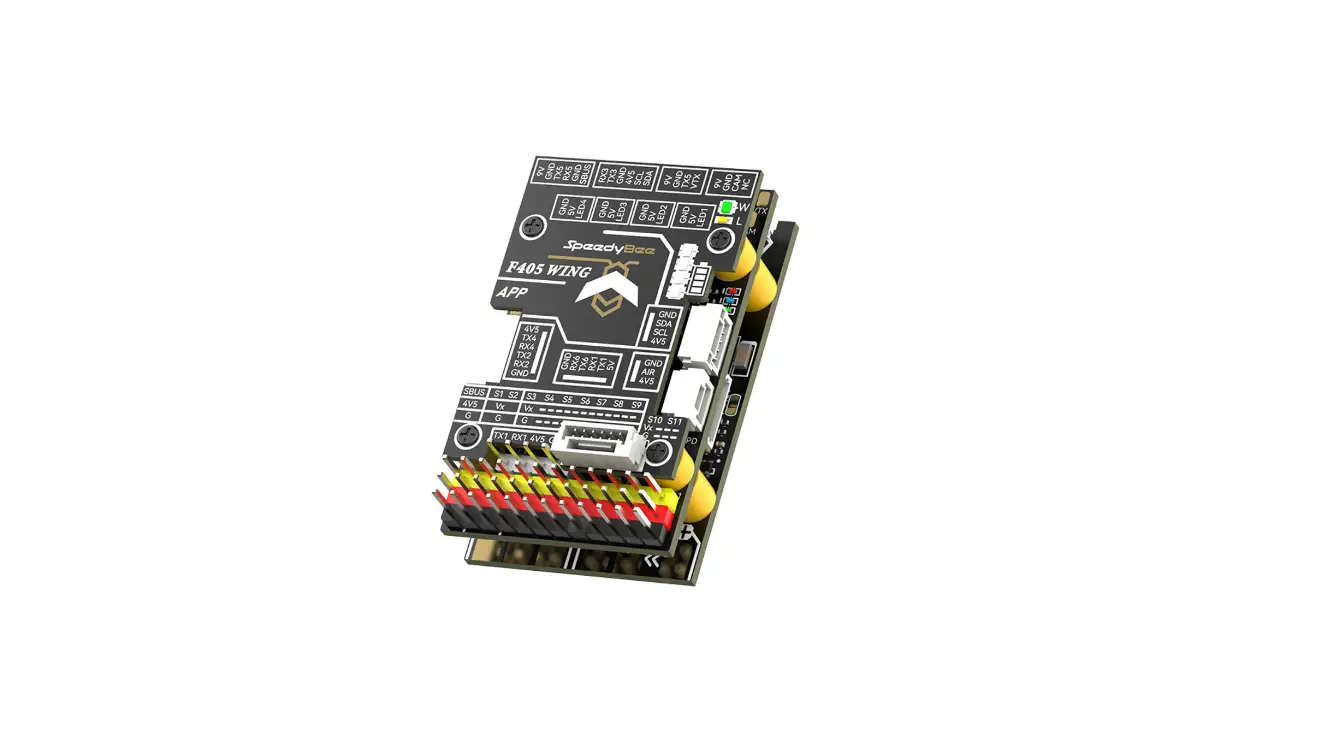
11. SpeedyBee App Installation:
Scan the QR code to get the installation guide. It is
recommended to use the SpeedyBee App for detailed instructions.
12. Inner and Outer Motor Wire:
Recommended wire lengths for inner and outer motor wires are not
specified in the user manual.
* (Note: 3D effect requirements, the actual object shall prevail) *(3D
CNC camera mount and camera side plate installation CNC
M3*5
Front top plate
Install the front top plate M2*3 Camera side plate
2
Antenna Installation Sequence
1
insert the O-ring into the antenna to secure it on the TPU antenna base.
O, TPU
Install the multi-function antenna base
Choose a suitable VTX antenna base
SMA antenna base SMA
(*Note: pictures for assembly reference only. Frame doesn’t include antenna)
*(
1 Install the plate on one side and GPS base
GPS
M2.5*8
Choose a suitable VTX antenna base RunCam LINK
2 Install the T-shaped antenna T
M3*23 standoff M3*23 O3 Air Unit antenna base O3 Air Unit
M2.5*8 Button head hex socket screw
()
GPS installation base GPS (Size:18*18*8mm)
Install the plate on the other side
*Notice: front and back arms *:
Install arms and anti-vibration module
(Complete the installation of 4 arms in turn) 4
Back arm x2
1 Screws pass through the bottom plate and the intersection position of the arms in turn
3 Install the anti-vibration stack module to the corresponding position
Direction for drone head
Front arm x2
Install middle plate
1 Install the middle plate to the corresponding 6 screw positions 6
Place for capacitor and buzzer
bottom plate
M2*8
Back arm
M3*14
2 Install the screws on both sides in the same way
M3*11
M3*14
Front arm
4 Install 4 arms in the same way 4
middle plate
2 Tighten the two press-in nuts where the arms intersect
Combination with completed parts 1 and 2 12
1 Combination of frame and CNC camera mount CNC
2 Install 7075 standoff 7075
M3*5
Bottom protection silicone
3
(0.5mm)
M2.5*6
M3*6
4 Frame and antenna base combination
Install rear top plate and battery anti-slip silicone
M3*6
Rear top plate
Battery anti-slip silicone (2.5mm)
M3*6
Arm foot mount installation
1 Install the 3D printed foot mount to arms 3D
2 Use screw of proper length based on the motor installation
5mm
Stack protector
M2*4
1 Finally, install the rear top plate and battery anti-slip silicone
M3*6
*Notice: please change to M3*6 button head hex socket screws if installing TPU protection at the drone head part. * TPU M3*6
M3*8
(*Notice: default screws are M3*8mm, M3*10mm) *(M3*8mmM3*10mm
M3*10
O3 Air Unit Installation Method O3 Air Unit
O3 Air Unit VTX O3 Air Unit
Pass through the top of the VTX
O3 Air Unit 6P flex cable O3 Air Unit 6P
Master Master honeycomb heat sink M1.6*8
The 4 original screws at the bottom of the O3 Air Unit need to be removed O3 Air Unit 4
Recommend installing ESC in reverse horizontally 180° 180
*Note (After the ESC is installed reversely, remember to redefine the correct position and direction of motors 1-4.)
* 1-4
It is recommended to keep the power cable of ESC to be about 100mm. Please refer to the used battery for actual length. 100mm
ESC power cable soldering and recommended length for cable of motor
*Notice: connect buzzer with mark to BZ+ of flight controller, and buzzer without mark to BZ*( BZ+, BZ-
Capacitor
Buzzer
SpeedyBee App
Scan the QR code to get the installation guide. We recommend you scan it through the SpeedyBee App for detailed instructions.
Inner motor wire recommended Outer motor wire recommended
length: 110mm
length: 93mm
110mm
93mm
Suggesting place for main power cable
ESC
ESC
11 Scale 11
0 10 20 30 40 50 60 70 80 90 100 110 120 130 140
SpeedyBee APP
Installation Guidance Facebook QR Code