CABIN LED LIGHT M18 Car Ambient Light
Product Information:
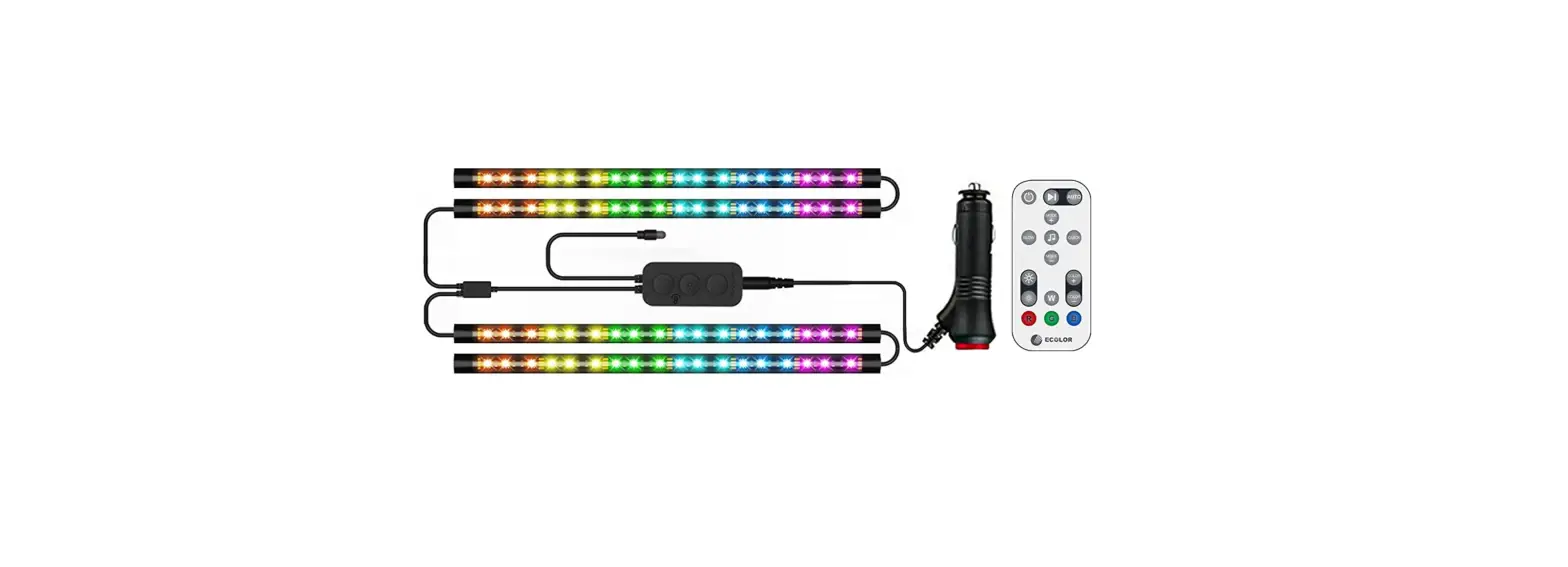
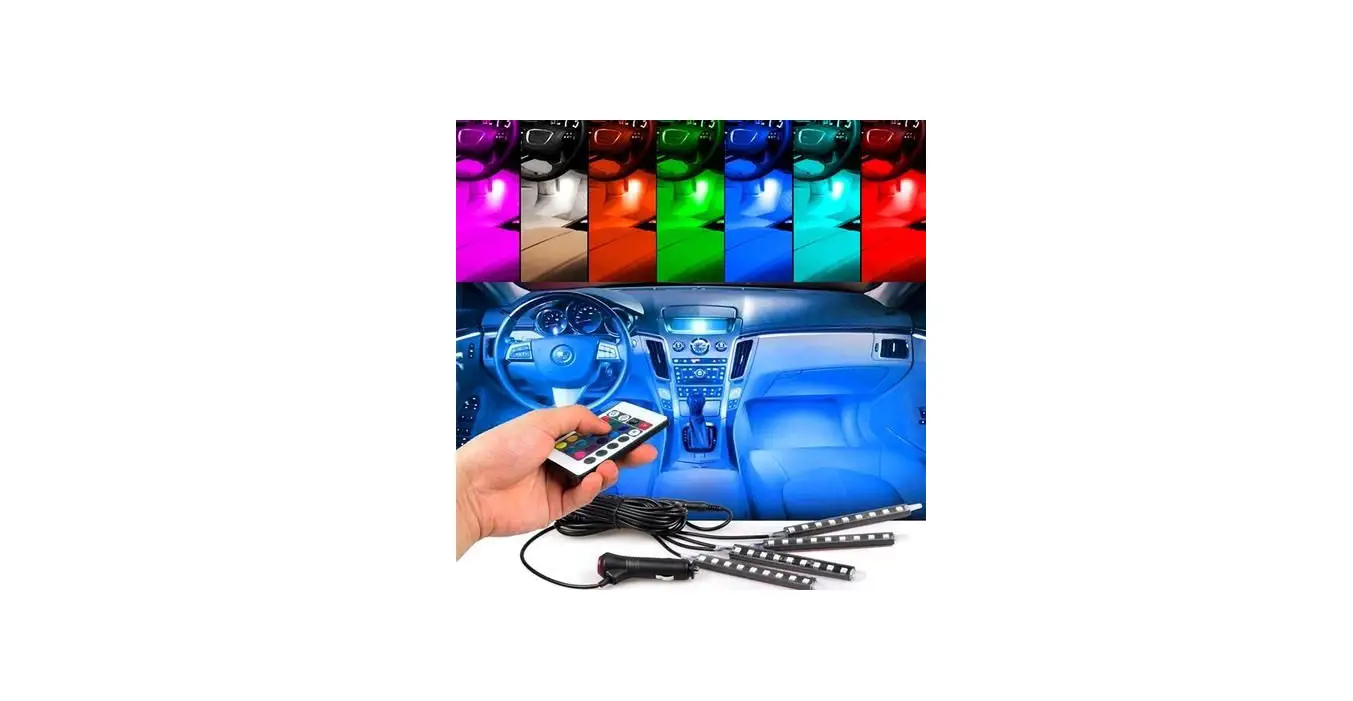
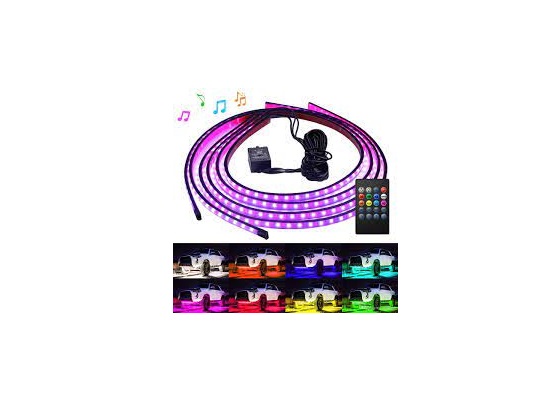
The M18 Car Ambient Light is a multicolor mood lighting system
designed for cars. It provides various lighting options and can be
controlled through an app via Bluetooth. The system includes a main
controller, side door controllers, foot well lights, door handle
lights, LED light strips for doors and dashboard.
Here are the features and specifications of the M18 Car Ambient
Light:
- Power Consumption: 10-30W
- Control box Input / Output Voltage: 12V/5V
- LED light strip voltage: 5V
- Light Color: 64 colors
- Application: Car Cabin Interior Mood Light Color
- Function: Ambient Light with APP Control via BT
- Durability: More than 5000 hours
- Various mood light setting options
- Wireless connectivity between main control module & door
control modules - Universal application – suitable for all cars with +12V
supply
Product Usage Instructions:
Before installation and use, please read the following
instructions carefully:
- Ensure that the Orange lead of the ambient light kit is
connected to the Illumination lead of the vehicle to enable
Illumination Sync with the main headlights. - If you have the dream colour version, you can control the
Ambient light kit using Intelligent Voice Control. - To adjust the sensitivity of the ambient light to match the
rhythm of the music, use the Rhythm Sensitivity option (0 being the
least sensitive and 7 being the most sensitive). - Set the frequency at which the ambient light flashes using the
Flashing Speed option (1 being the slowest and 10 being the
fastest). - If you have the dream colour version, you can choose different
themes from the app by selecting Theme selection. You can also
restore factory settings by using the Reset option. - The app can automatically identify the correct version of the
ambient light kit. In case of auto identification failure, manually
select the correct version in the Control box pre-set option.
For installation, please refer to the provided installation
diagram and connection description in the user manual.
M18 Car Ambient Light
Illumination Sync: If this feature is turned ON, the ambient light kit syncs with the status of the main headlights of the vehicle provided the Orange lead is connected to the Illumination lead of the vehicle.
Intelligent Voice Control: (Limited to dream colour version): This allows the Ambient light kit to be controlled by voice
Rhythm Sensitivity: With this option the sensitivity of the ambient light can be adjusted to match the rhythm of the music (0 being the least sensitive and 7 being the most sensitive)
Flashing Speed: Set the frequency at which the ambient light ashes (1 being the slowest and 10 being the fastest)
Theme selection: Choose different themes from the app Reset (Limited to dream colour version): Restore factory settings
Control box pre-set: The app can automatically identify the correct version of the ambient light kit – full colour or dream colour. Should the auto identi cation fail, please select the correct version manually.
CABIN LED LIGHT M18 Car Ambient Light
Multicolour Mood Lighting For Cars
BPIN Private Limited 47, Atlanta Society, Nariman Point, Mumbai – 400 021. Maharashtra. India. Toll Free: 1800 209 6820 | [email protected] | Shop Online at www.blaupunktcar.in
M18 Car Ambient Light
1. Product introduction:
Thank You for choosing Blaupunkt Car Ambient LED Light System.
This manual will help familiarize you with the various features of the Ambient LED light
system. Please read it carefully before installation and use.
01. Main controller & related accessories
02. Side door controllers & related
accessories
03. Door Handle light & related accessories
04. Foot Well Lights & related accessories
05. Side door storage cavity light
06. LED light strip for doors
07. LED light strip for dashboard
M18 Car Ambient Light
2. Features & speci cations: Y Power Consumption:10-30W Y Control box Input / OutputVoltage: 12V/5V Y LED light strip voltage: 5V Y Light Color: 64 colours
Y Application: Car Cabin Interior Mood Light Colour Y Function: Ambient Light with APP Control via BT Y Durability: More than 5000 hours Y Various mood light setting options Y Wireless connectivity between main control module & door control modules
Y Universal application – suitable for all cars with +12V supply
3. Installation Diagram Connection description of main controller
Foot Well Light
Main controller
To foot light cable Main controller cable
Wired remote control
To car ILL (Orange) To ACC
+12V (Red)
To extension cable
GND (Black)
LED light strip for dashboard Note: Dashboard light strip can be cut to match it’s width. Please connect the cut end to 07 connector. Important: DO NOT connect to 07 connect if no changes are made to the Dashboard Light Strip.
M18 Car Ambient Light
Connection description of side door controller
Side door controller
To power 12V {Yellow) GND (Black)
Side door controller cabel
To door storage case light To door knob light
To door strip light
4. Remote control operation
Mode button(M): Functions: 1. Start: short press 2.Turn off: long press 3. Mode switch: after starting, short press;
Equipped to provide preset patterns for the following loops:
RED ® Yellow ® Green ® Cyan ® Blue ® Violet ® White ® Automatic (64 Colors) ®
Breathing (Colorful gradual change) ® Burst ash (Colorful burst change) ® Cheerful
Rhythm ® Soothing Rhythm ® Red loop
M18 Car Ambient Light
4. Turn off the dashboard light strip: long press 2 seconds 5. Turn on the dashboard light strip: long press 2 seconds 6. Main-Sub controller box pair: in OFF state, long press for 10 seconds
Here are some tips: 01. If the Main Controller works and the subsidiary Controllers do not turn ON (suitable for one box or all subsidiary controllers), it is recommended to try manual pairing 02. Manual pairing process takes about 5 seconds, during which the ambient lights will ash in white. 03. If the pairing is successful, all the lights will be red. If pairing fails, all lights will be blue. 04. If manual pairing fails once, please try again. 05. If there are two or more cars installed with the same ambient light kit in close proximity there could be an issue of interference between them and to prevent this it is recommended to follow below instructions:
a. After completing the installation and pairing for a particular vehicle, do not turn off the vehicle power and keep the ambient light in ON mode before proceeding to the next vehicle. b. After completing the installation and pairing of one vehicle completely disconnect the positive and negative terminals of the car battery or disconnect the power connections of the main and subsidiary controllers , and then pair the next car c. Keep the two vehicles approximately 40 meters apart. 06. This kit has auto-pairing function, which means the main and subsidiary controllers will pair automatically when they are powered ON. If the main controller and all the subsidiary boxes pair normally and appear to be working properly, there is no need to manually pair them.
Brightness adjustment button (S): This button is to adjust the brightness of the ambient light kit, there are 10 brightness level selection options with 0 being for lowest brightness, and 10 for brightest.
5. APP Menu Operation
Connection steps:
1) Please download and install the “M18 LED” APP on your smart phone from iOS or PlayStore 2) Bluetooth connection steps: Please use your smartphone to search for the name of the Bluetooth device starting with “Blaupunkt M18″, to pair and connect with it. Click”Settings”®”Bluetooth search”® Select ®” Blaupunkt M18″®”Connected”
M18 Car Ambient Light
Step 1
Step 2
Step 3
Step 4: Connection successful
M18 Car Ambient Light
Set interface
1. Ambient light switch: Here you can turn ON or OFF the ambient light kit with your phone via the APP
2. Full Colour: You can set the ambient light working mode you want. Refer below for each mode function introduction:
Single colour: in this mode, go to “Colour” to select any single colour you choose. In “Colour”, other than the 7 preset single colours, you can add any other colour you wish as new presets.
Automatic: in this mode, the light colour will change among preset 64 colours gradually.
Breathing: in this mode, you can choose from 7 different colour presets for breathing ashing effect.
Burst ash: in this mode, you can choose from 8 different colour presets for fast and sharp
ashing effect.
Music rhythm Sync-in this mode, the light will ash fast and according to any music or voice
played in the car (the music can be from a phone or car audio system).
Soothing rhythm: in this mode, the light will ash slowly and softly according to any music or
voice played in the car(the music can be from a phone or car audio system).
Note: You can go to Settings ® Rhythm sensitivity to adjust the response level to music/voice volume
3. Brightness: Here you can set the ambient light brightness level (1 being minimum brightness & 100 being maximum brightness)
Uniform brightness: Uniform control of the brightness of all lights Strip lights: Control the brightness of the dashboard light strip & side door light strip respectively Other lights: Control the brightness of the door handle lights, side door storage pocket lights and the footwell lights respectively
M18 Car Ambient Light
Colour interface (in single colour mode)
Uniform color: Uniformly set the colours of all lights
Strip lights: Set the colour of the dashboard light strip & side door light strip respectively
Other lights: Set the colour of the door knob light, the side door storage case light and the footwell light respectively
Area 1: Please select any colour on the colour wheel (64 colors)
Area 2: Select from any of the 7 prese colours, click on the corresponding colour to display it on the ambient light kit
Area 3: 1. Post selecting any colour in the colour circle of area 1, click the ” ” button to save this colour in area 3 2, Click on different custom saved colours to switch 3. To delete a colour from the Custom Colour select the particular colour and click Delete
5. Setting Interface
M18 Car Ambient Light
Clear the paired con guration Pairing succeeded
Con gure Subsidiary Controllers: To con gure the main & the subsidiary controllers manually, please follow below steps: “Subsidiary control box con guring” ® “Clear subsidiary controllers box” ® “Con gured subsidiary control box” If it displays”con gure success”that indicates pairing is complete
 Premium Car Audio & Accessories for Various Cars | Blaupunkt India