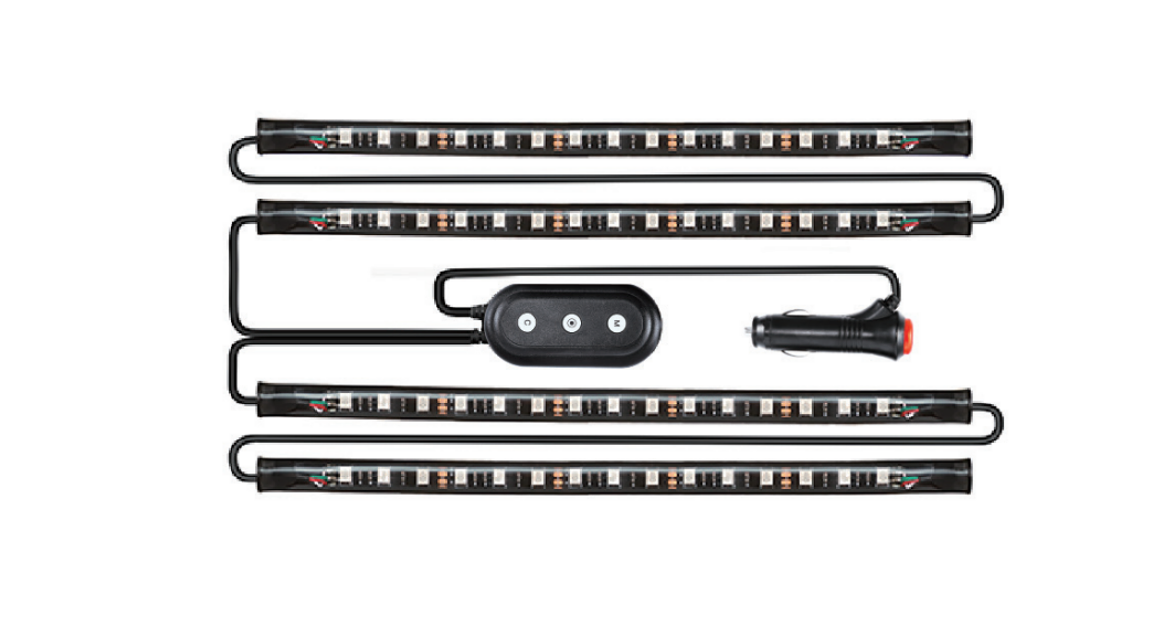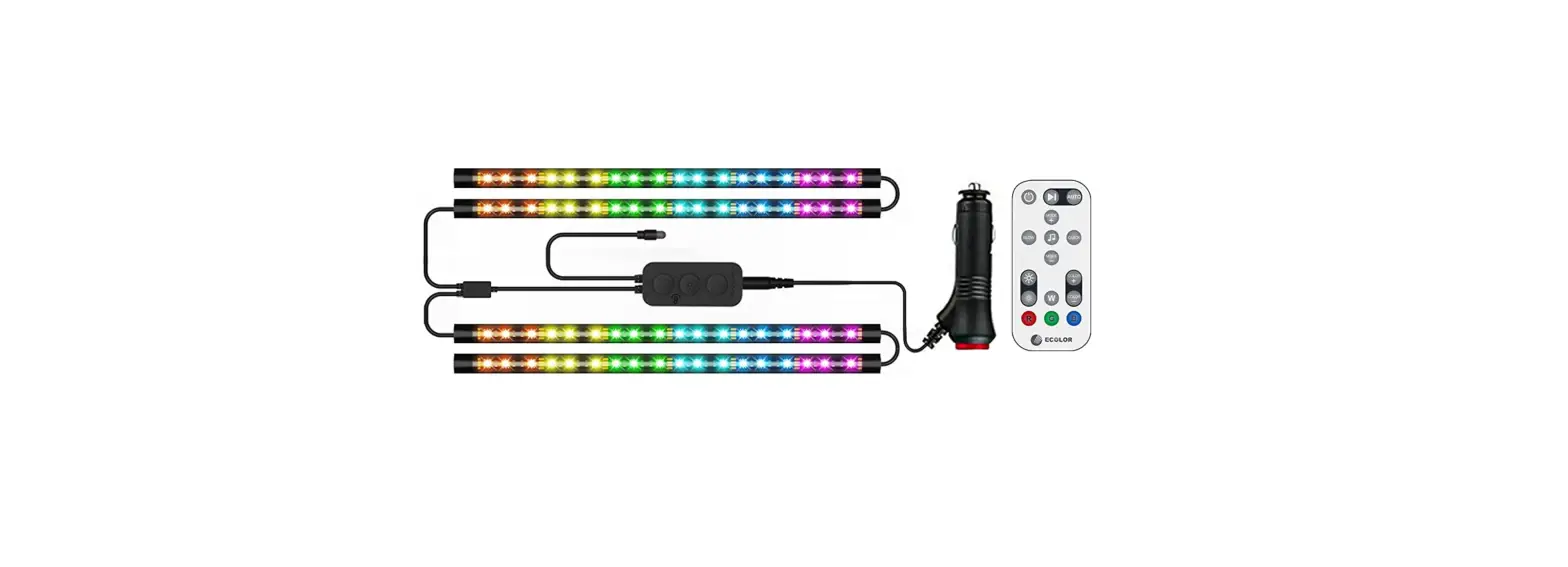
ECOLOR E0303 Interior Car Lights User Manual
What’s in the Box
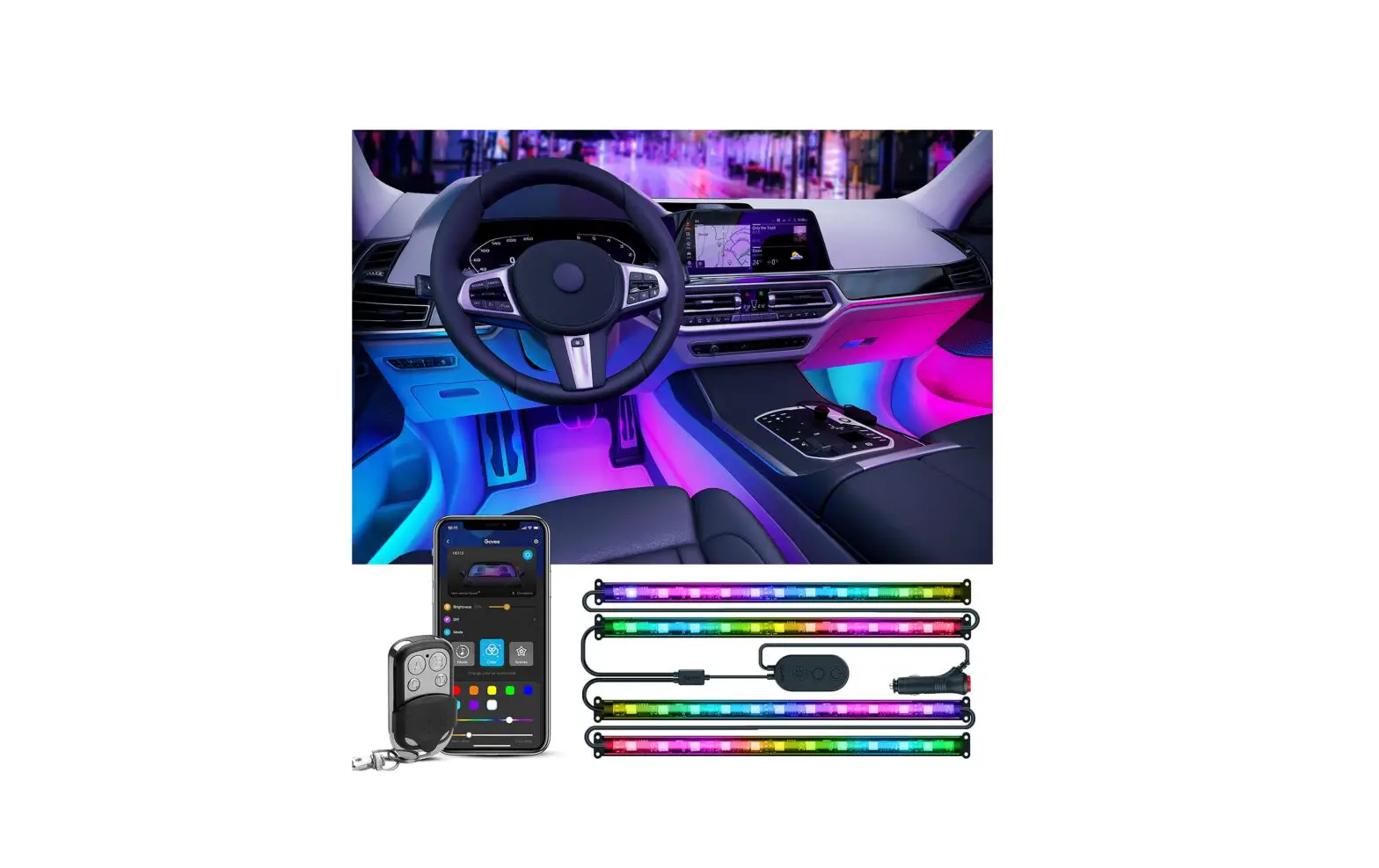
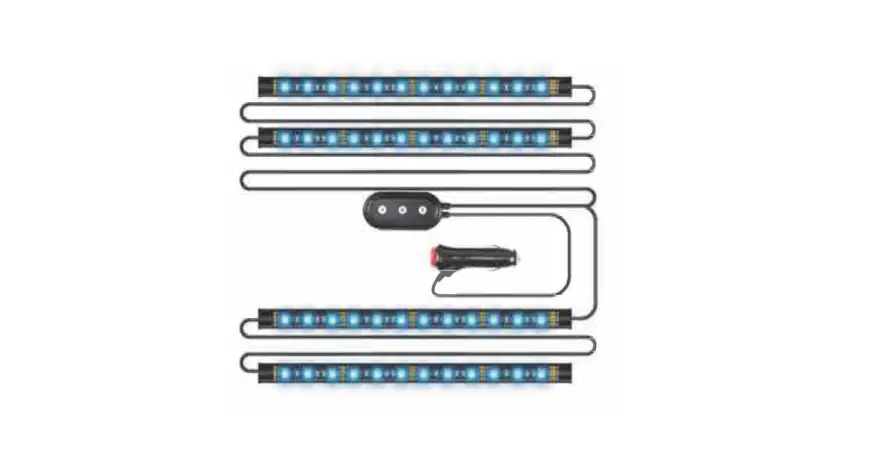
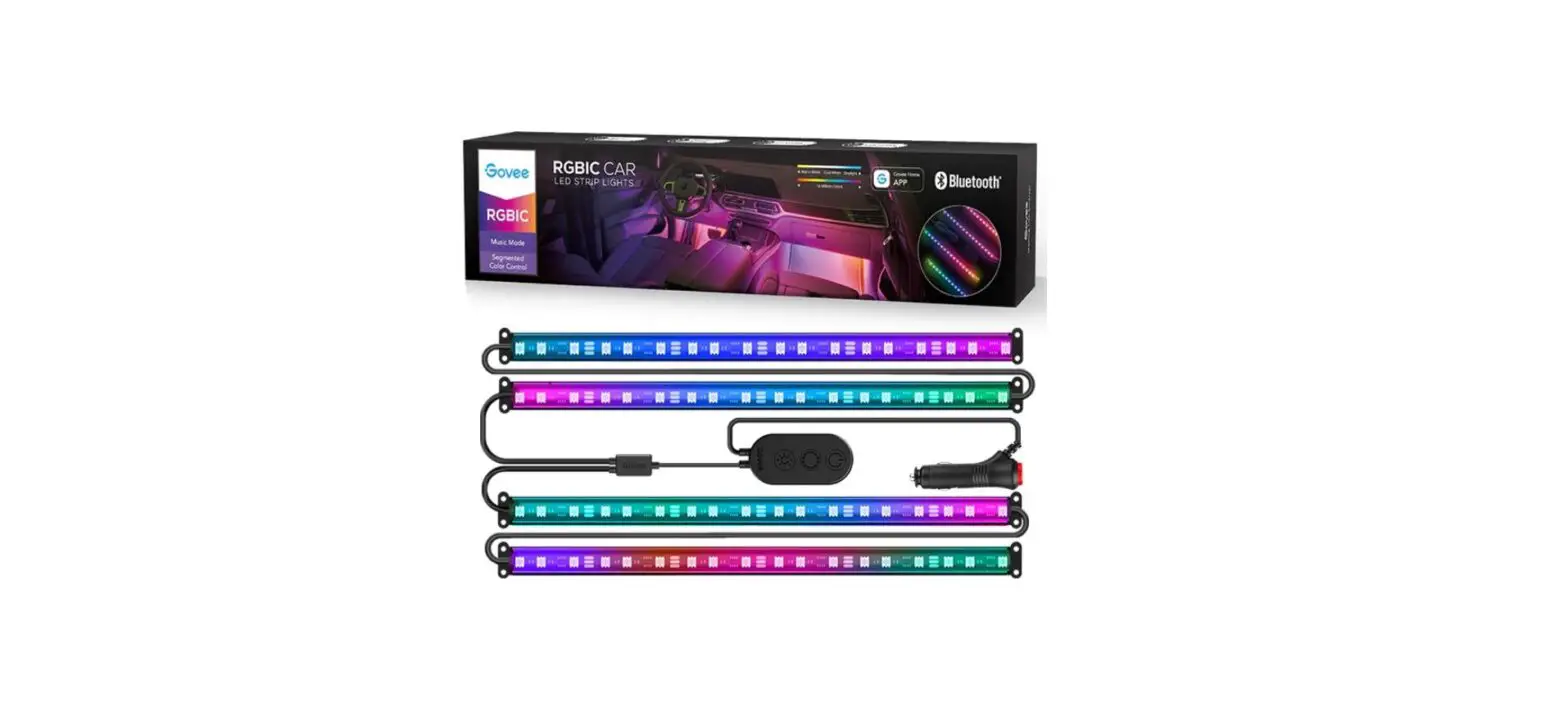
- Remote Control 1

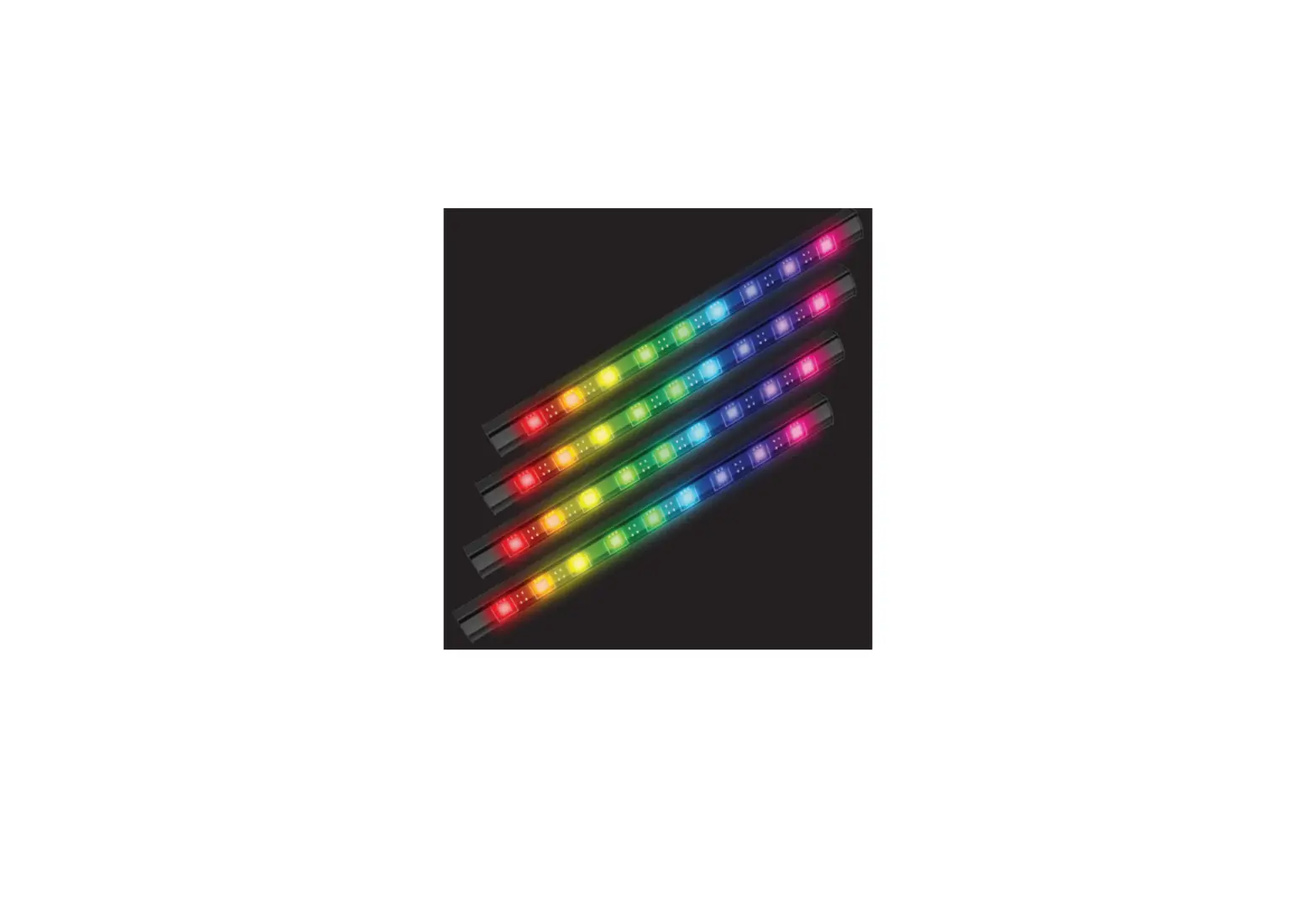
- Car interior Light 4
- Controller 1
- Cigarette Lighter Connector 1

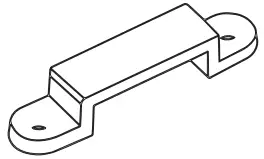
- Silicone Mounting Clips 8

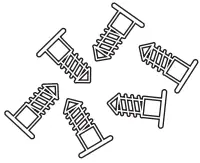
- Retaining screw 16

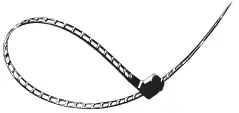
- Nylon Cable ties 12

Specifications
Model Number | E0303 |
| Length of LED Lights | 4*1ft/4*0.33m |
Color | Full Color |
| Connector Output | 12V |
Rated Power | 10W |
| Working Temperature | 14°F-104°F |
Control Type | IR Remote/Controller/Bluetooth APP |
| Wireless Protocol | Bluetooth 5.1 (164ft wireless range) |
Installation
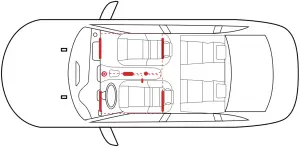
How to install the car strip lights?
- Power on the car strip lights and make sure whether they light up firstly.
- Clean the target installing surface.
- Connect the controller and cigarette lighter then stick controller on the central console.
- Tear off the adhesive and stick car lights on target CLEAN surface.
- Firmly press the strip from end to end and reinforceends of the strip with mounting clips and screws.
- Plug the cigarette lighter into the socket and press the button on it. The button will light on, means that the strip light is power on.
- Control with Smart App control / IR remote / Controller.
Setting up
- Turn on the strip light you are adding to the App.
- Turn on your Bluetooth and open the “Ecolor Life” App.
- Tap the “+” icon in the top-right corner and select “E0303” or tap the
 icon in the top-right corner to search a nearby device.
 - Complete setup and start using it.
 icon in the top-right corner to search a nearby device.
Downloading (either way is accessible)
- Download and install “Ecollor Life” App via IOS App Store (devices with IOS 10.0+) or Google Play Store (devices with Android 5.0+); or


- Scan the following QR code to download ‘Ecolor Life” App with any Android or 103 devices.



Encolor Life
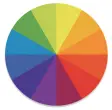 | Multiple Colors: change the color of your lights. |
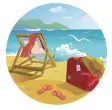 | Scene Mode: a variety of lighting scenes will create the perfect mood. |
 | Brightness: change your light brightness from 1%-100%. Use App to turn each strip on/off. |
 | My Color: choose any color or scene you like and save it in “My Color”. |
 | Music Mode: turn every beat of your music into a light effect. |
 | Timing: your strip can be scheduled to turn on/off automatically. |
 | DIY Color: find your favorite color on the multi-color wheel and save it. |
 | OTA Upgrade: update to the latest version. |
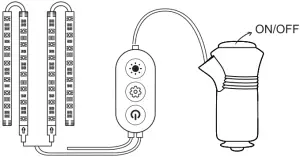
Controller Diagram
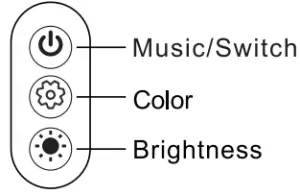
Button | Function |
Music/Switch | Short press to enter music mode Long press 3 seconds to turn on/off |
| Color | Click to change colors preset in “My Color” in your app. |
Brightness | Short press to have 6 brightness levels |
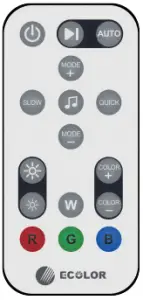
Remote control Diagram
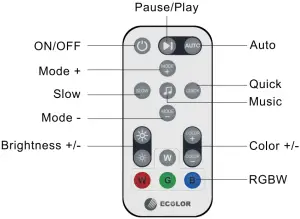
| Button | Function |
| ON/OFF | Turn on/off the light |
| Pause/Play | Pause or play music mode or scene modes |
| Auto | Play preset colors in your App (“My Color”) on a loop |
| Music | Enter music mode |
| Quick/Slow | Change the lighting speed in music mode |
| Mode +/- | Change preset colors in your App (“My Color”) |
| Brightness +/- | 6 brightness levels (10%-20%-40%-60%-80%-100%) |
| Color +/- | Change 8 preset colors |
| RGBW | Choose a specific color (R-red, G-green, B-blue, W-white) |
Notes
- Pull out the transparent insulation inside the remote control before using it.
- Please remove physical obstacles in the transmission path between the remote control and the IR receiver.
- Physical obstacles like concrete walls in the transmission path may reduce Bluetooth range.
- Keep the product away from heat sources and dangerous chemicals, like corrosive acid or alkali.
Troubleshooting
- Why does my strip light fail to connect with Ecolor Life?
- You may not start the car and turn on the cigarette lighter connector.
- You may not turn on the Bluetooth of your phone.
- Your light may be over 164ft away from the App.
- If there is still failed connection, please delete the device by pressing the icon
 the top-right corner and reconnect it.
- Does the strip light work with voice assistants, like Alexa/Google?
No, it doesn’t.
 the top-right corner and reconnect it.
FCC Statement
This device complies with part 15 of the FCC rules. Operation is subject to the following two conditions:
- this device may not cause harmful interference, and
- this device must accept any interference received, including interference that may cause undesired operation.
Changes or modifications not expressly approved by the party responsible for compliance could void the user’s authority to operate the equipment.
NOTE: This equipment has been tested and found to comply with the limits for a Class B digital device, pursuant to part 15 of the FCC Rules. These limits are designed to provide reasonable protection against harmful interference in a residential installation. This equipment generates uses and can radiate radio frequency energy and, if not installed and used in accordance with the instructions, may cause harmful interference to radio communications. However, there is no guarantee that interference will not occur in a particular installation. If this equipment does cause harmful interference to radio or television reception, which can be determined by turning the equipment off and on, the user is encouraged to try to correct the interference by one or more of the following measures:
- Reorient or relocate the receiving antenna.
- Increase the separation between the equipment and receiver.
- Connect the equipment into an outlet on a circuit different from that to which the receiver is connected.
- Consult the dealer or an experienced radio/TV technician for help important announcement.
Radiation Exposure Statement
This equipment complies with FCC radiation exposure limits set forth for an uncontrolled environment. This equipment should be installed and operated with minimum distance 20cm between the radiator and your body. This transmitter must not be co-located or operating in conjunction with any other antenna or transmitter.
Customer Service
 Warranty: 12-month Limited Warranty
 Support: Lifetime Service Center
 Email: [email protected]
Follow Our Social Media to Explore More
 @EcolorLED.fans
 @ecolor.official
 @Ecolor13
 @ecolor.led