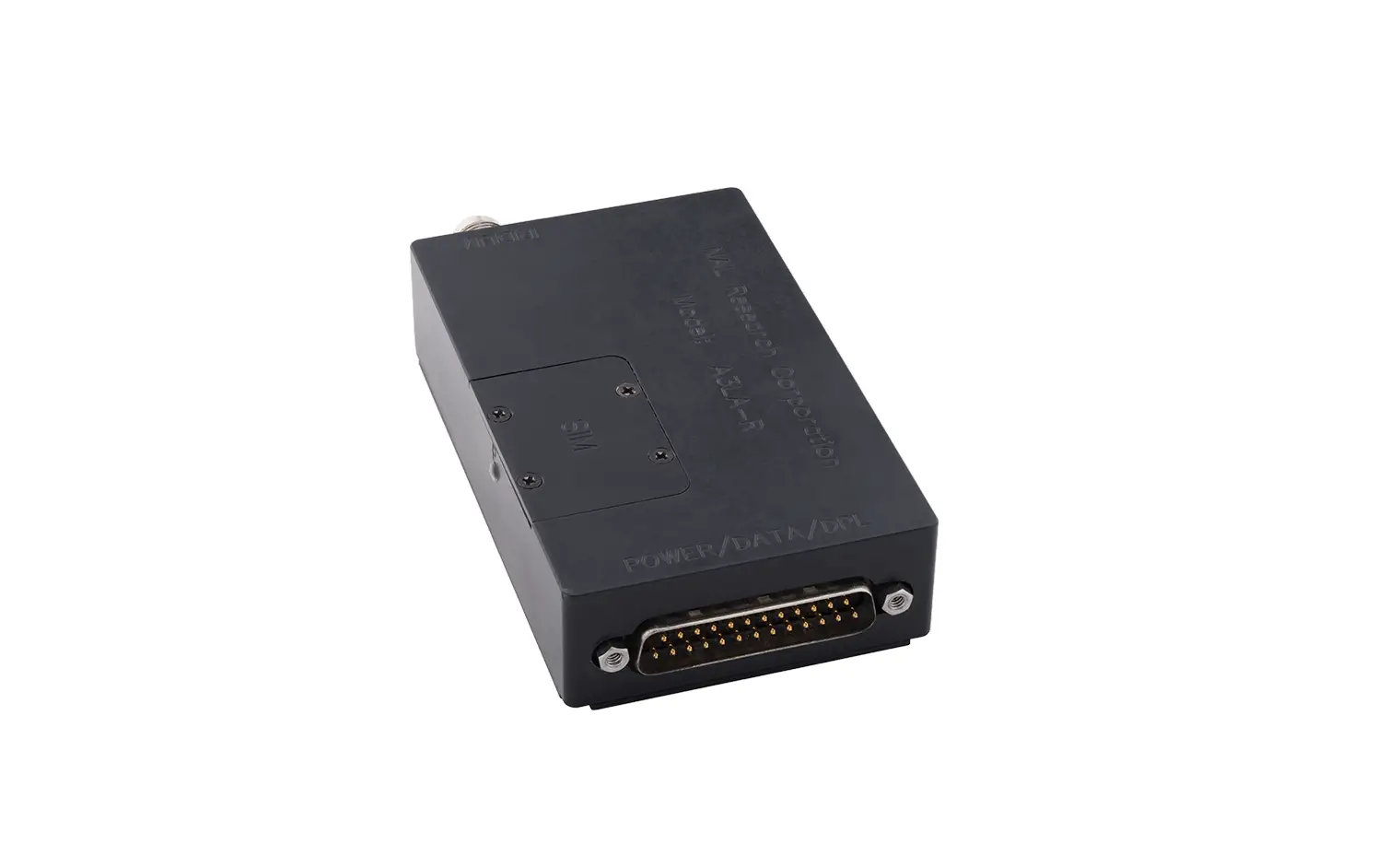
9602-LP-BTI Satellite Tracker
Product Information
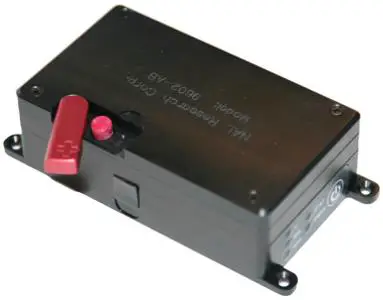
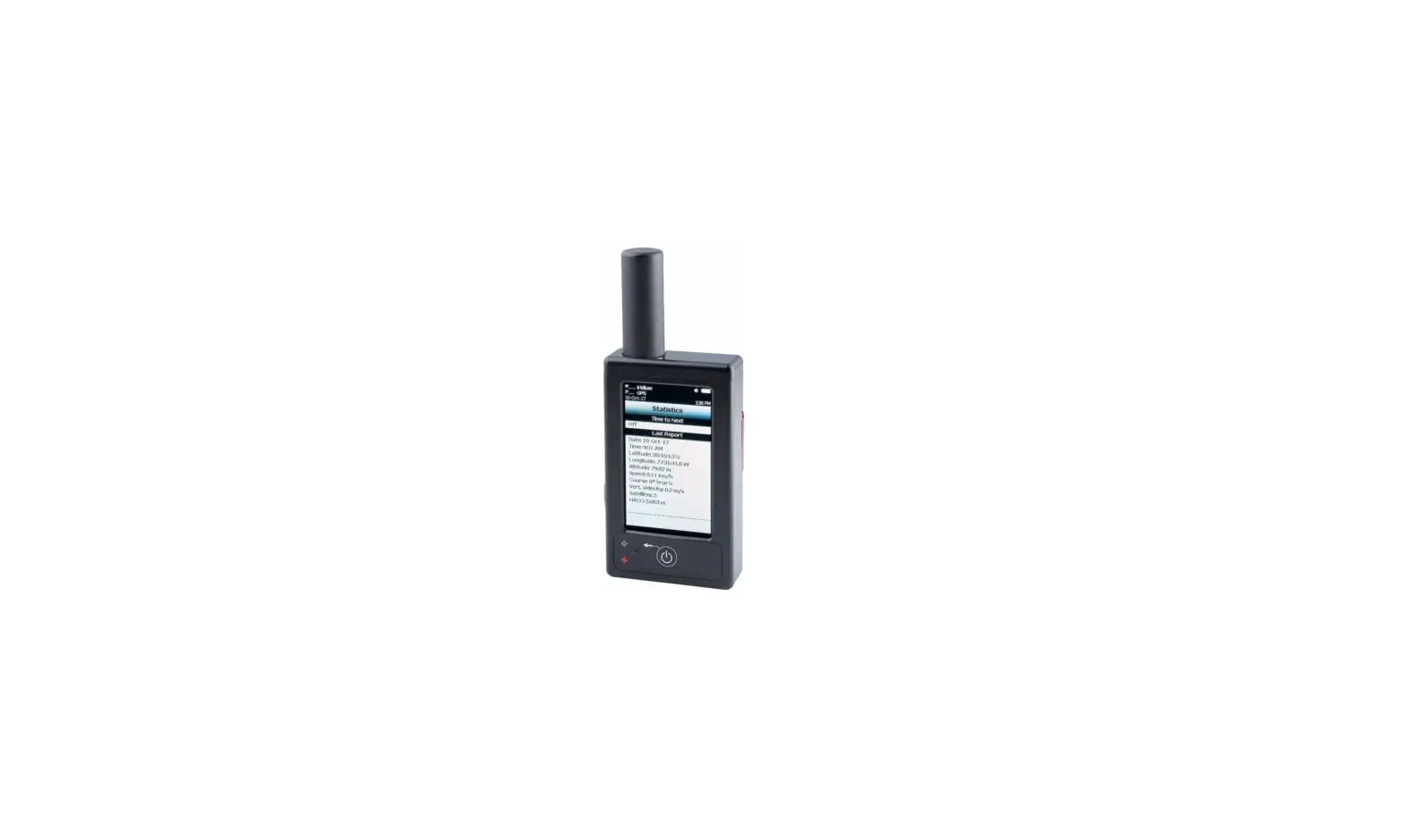
The 9602-LP and 9602-LP-BTI are satellite trackers designed to
operate with the Iridium low-Earth orbit satellite network. They
both comprise an Iridium 9602 transceiver module and a 50-channel
GPS receiver. The 9602-LP allows only SBD (Short Burst Data)
connectivity to the Iridium satellite network. The 9602-LP-BTI is a
variation of the original 9602-LP that is built to be waterproof
and weather-resistant, making it suitable for more hostile
environments.
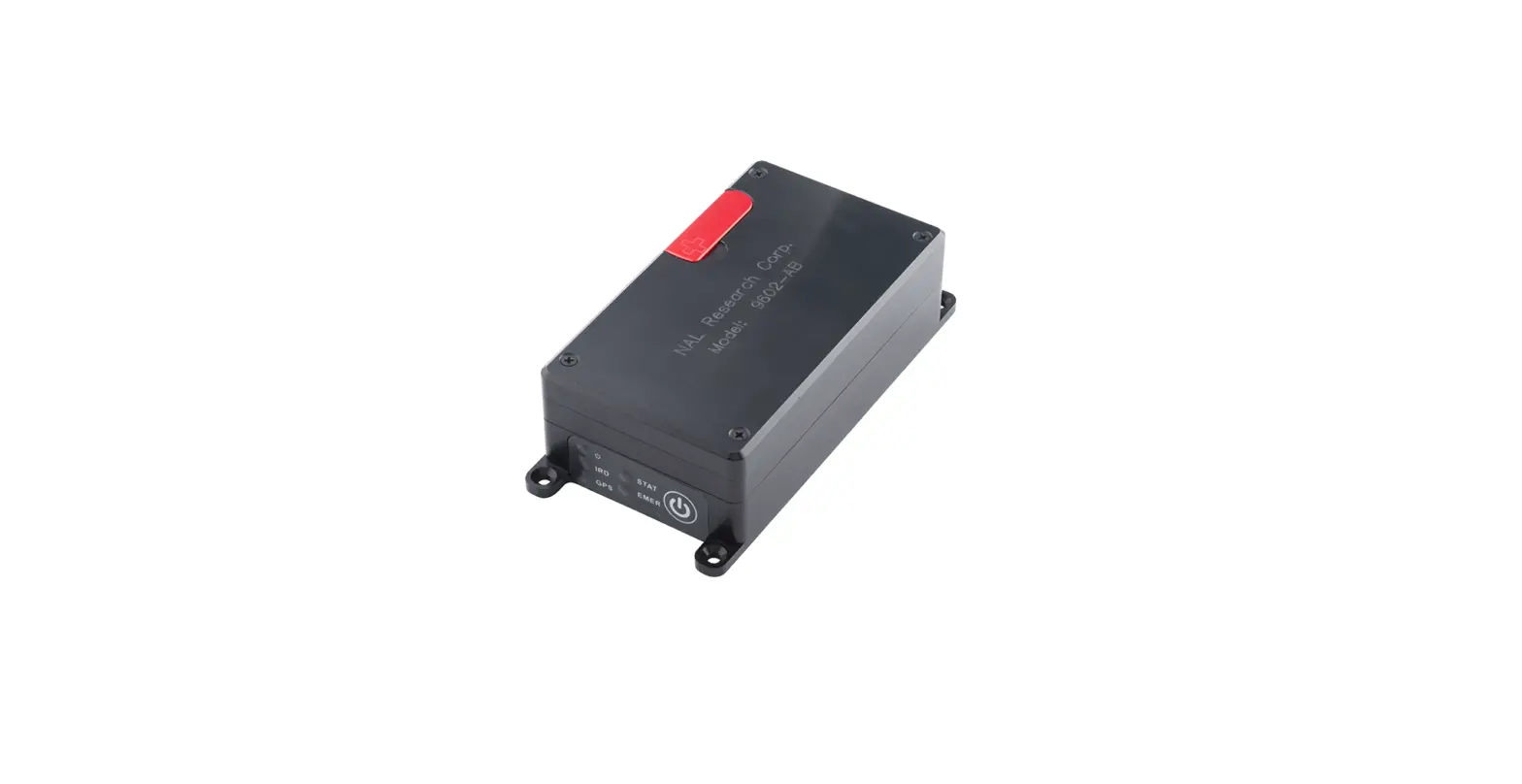
The devices come with five status LEDs that provide visual
indications for power, Iridium signal strength, GPS availability,
SBD transmission status, and emergency mode alert. The connectors
on the backside of the devices include a mini DB-15 connector, an
Iridium SMA female 50-ohm antenna connector, and a GPS SMA female
50-ohm antenna connector. There is also an emergency button located
on the top side of the device.
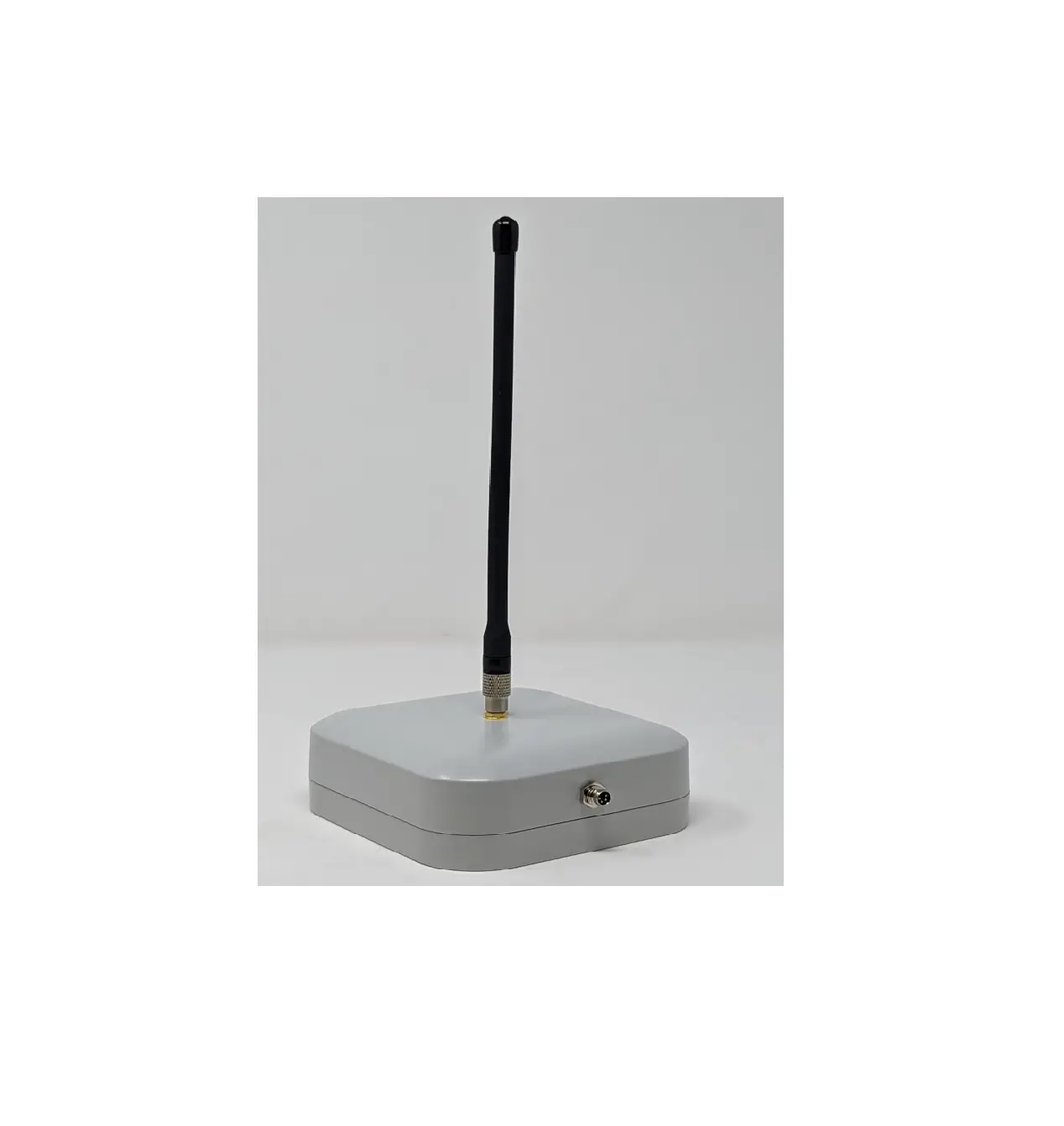
The recommended antenna for the devices is the SAF7352-IG model
antenna. It is important not to connect or disconnect the antenna
when the 9602-LP is turned on to avoid any malfunctions.
Product Usage Instructions
- Power On Device:
- With the device turned off, connect the Iridium antenna (gold)
connector to the Iridium (gold) connector port and connect the GPS
antenna (silver) connector to the GPS (silver) connector port. - Ensure that the antenna has a full view of the sky and the
cable loss between the tracker and antenna is less than 2 dB. - Supply the appropriate DC power to the 9602-LP via a data/power
cable. - Connect the external power input (GND) to Pin#2.
- If necessary, change the voltage input range to +3.6 VDC to
+5.3 VDC by resetting the jumper. - To do this, remove the modem’s top plate to find the
jumper. - Set the red jumper onto the middle and top pins to change the
voltage input range to +3.6 VDC to +5.3 VDC. - To reset the input voltage range back to +6.0 VDC to +32 VDC,
set the red jumper onto the middle and bottom pins.
- To activate emergency tracking, quickly press and release the
Emergency button. The Emergency LED will illuminate when emergency
tracking is active. - You can also activate emergency tracking via input Pin S0.
- To deactivate emergency tracking, press and hold the Emergency
button for longer than three (3) seconds.
If you have any further questions or require assistance, please
contact our support team at 571-833-2169 or email us at [email protected].
9602-LP / 9602-BTI QUICK START GUIDE
Support Phone#: 571-833-2169 [email protected] 451-92750-002B 2023-03-31
DEVICES DESCRIPTION
9602-LP
The 9602-LP is a satellite tracker designed to operate with the Iridium low-Earth orbit satellite network. It comprises an Iridium 9602 transceiver module; and a 50-channel GPS receiver. The 9602-LP allows only SBD connectivity to the Iridium
satellite network.
9602-LP-BTI
The 9602-BTI is a variation of the original 9602-LP. It functions the same as the 9602-LP, but also is built more ruggedly to be waterproof and weather-resistant in order to endure more hostile environments.
LED Settings: There are five (5) status LEDs that provide quick visual check to ensure proper operations . These include Power indicator, Iridium signal strength, GPS availability, SBD transmission status, and Emergency mode alert. NOTE: The 9602-LP ships with all LEDs set to ACTIVE.
Connectors: On the backside of the 9602-LP there is a mini DB-15 connector, an Iridium SMA female
50-ohm antenna connector, and a GPS SMA female 50-ohm antenna connector. The Emergency button is located
on the top side of the device.
Power LED (Top)
Emergency Button
Iridium LED GPS LED
Status LED (Top)
Emergency LED
Mini DB-15 Connector Power On/Off Button
GPS Antenna Connector Iridium Antenna Connector
1
9602-LP / 9602-BTI QUICK START GUIDE
Support Phone#: 571-833-2169 [email protected] 451-92750-002B 2023-03-31
DEVICE DESCRIPTION (Continued) Antennas: NAL Research recommends the SAF7352-IG model antenna.
CAUTION: Do not connect or disconnect the antenna when the 9602-LP is turned on.
SAF7352-IG Antenna
Data/Power Cable
Gold Connector
POWER ON DEVICE
Silver Connector
The 9602-LP accepts either +3.6 VDC to +5.3 VDC input through pin #1 or +6.0 VDC to +32 VDC input through pin #9. The 9602-LP ships with hardware set for +6.0 VDC to +32 VDC input.
1. With the device turned off, connect the Iridium antenna (gold) connector to the Iridium (gold) connector port and connect the GPS antenna (silver) connector to the GPS (silver) connector port.
2. Ensure the antenna has a full view of the sky and the cable loss between the tracker and antenna is less than 2 dB.
3. Supply the appropriate DC power to the 9602-LP via a data/power cable.
a) Connect external power input (+6.0 VDC to +32 VDC Factory default) to Pin #9 on the multi-interface connector.
b) Connect external power input (GND) to Pin#2.
· The 9602-LP defaults to “Tracking” mode and begins tracking.
· The device automatically powers up when external power is applied. This can be changed via configuration.
· The cable that supply power to the 9602-LP should be as short as possible to prevent significant voltage
drop, which can cause the 9602-LP to malfunction during an SBD session.
2
9602-LP / 9602-BTI QUICK START GUIDE
Change Voltage Input to +3.6 VDC to +5.3 VDC IMPORTANT Power must be disconnected before resetting the jumper. 1. Remove the modem’s top plate to find the jumper. 2. Set the red jumper onto the middle and top pins.
NOTE: To reset the input voltage range back to +6.0 VDC to +32 VDC , set the red jumper onto the middle and bottom pins. EMERGENCY MODE Activate: Quickly press and release the Emergency button to trigger emergency tracking. When emergency tracking is active, the Emergency LED illuminates. You can also activate emergency tracking via input Pin S0. Deactivate: Press/hold the Emergency button longer than three (3) seconds to take the 9602-LP out of emergency tracking.
Support Phone#: 571-833-2169 [email protected] 451-92750-002B 2023-03-31
Jumper used to set input voltage range
Emergency Button
POWER OFF DEVICE
1. Press the Power button for two (2) seconds to turn off the device. NOTE: Depending on device configuration, press the Power button for two (2) seconds to turn the device back on.
IMPORTANT: The antenna must have a clear view of the sky during transmission.
3