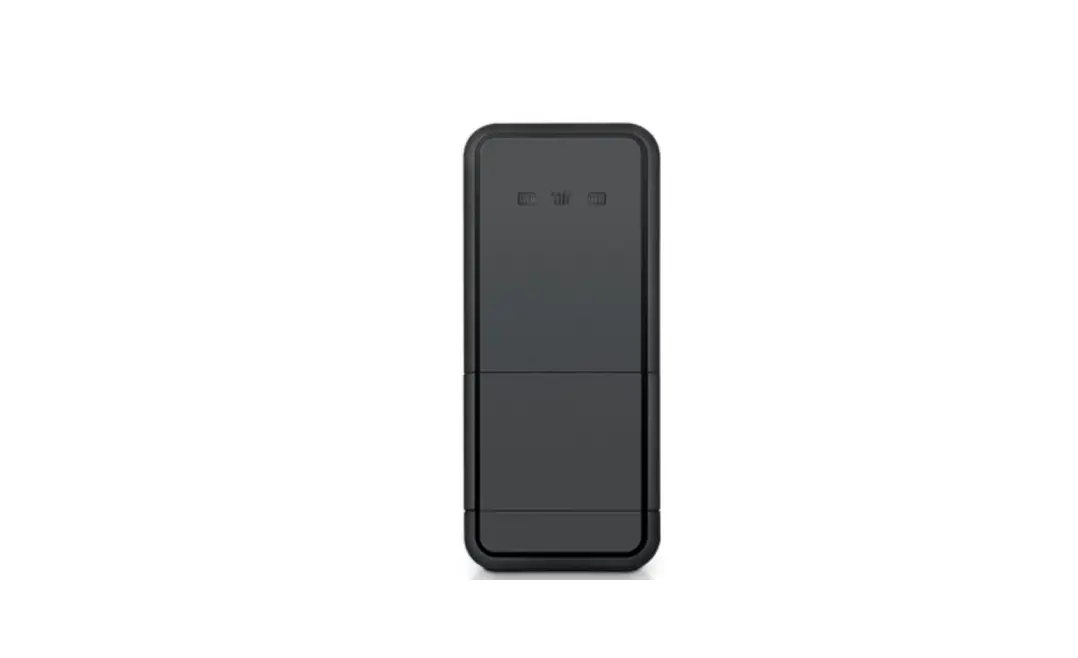
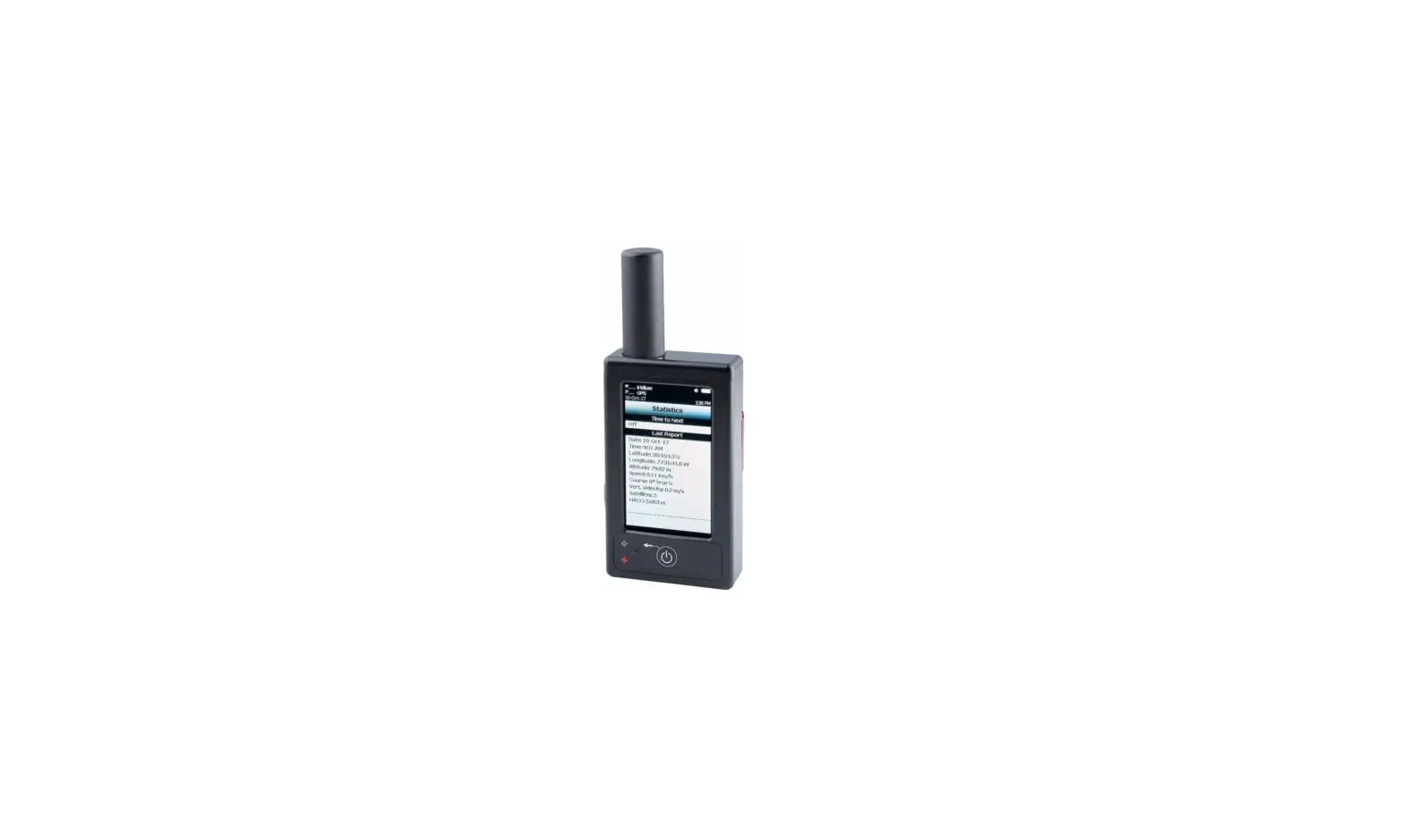
9602-A Satellite Tracker
Product Information:
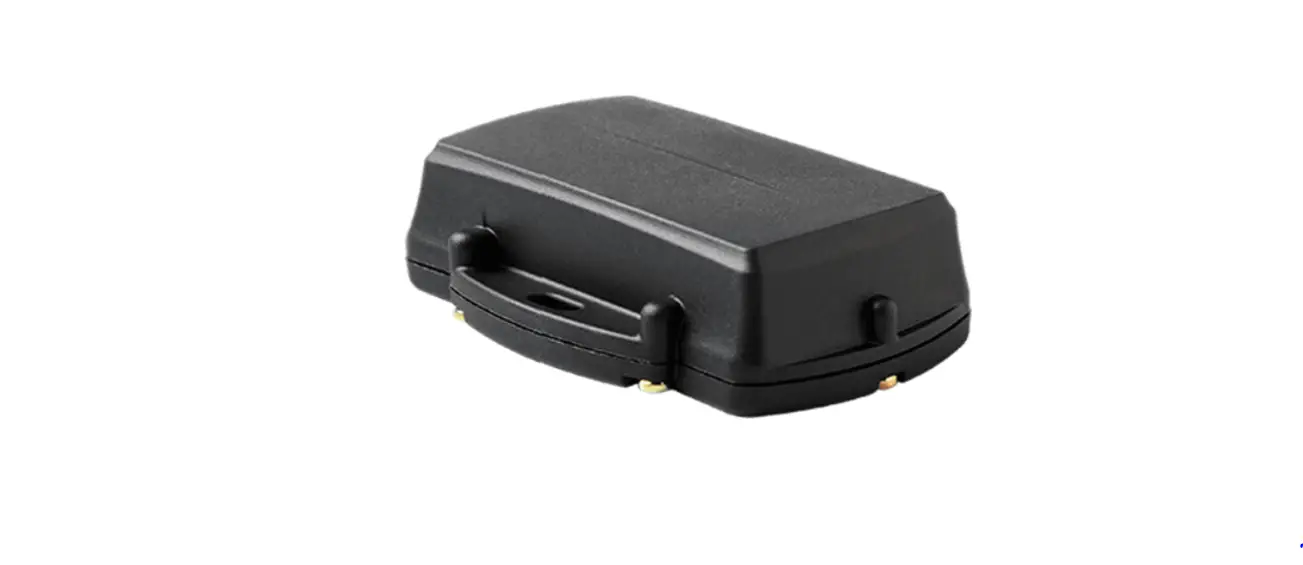
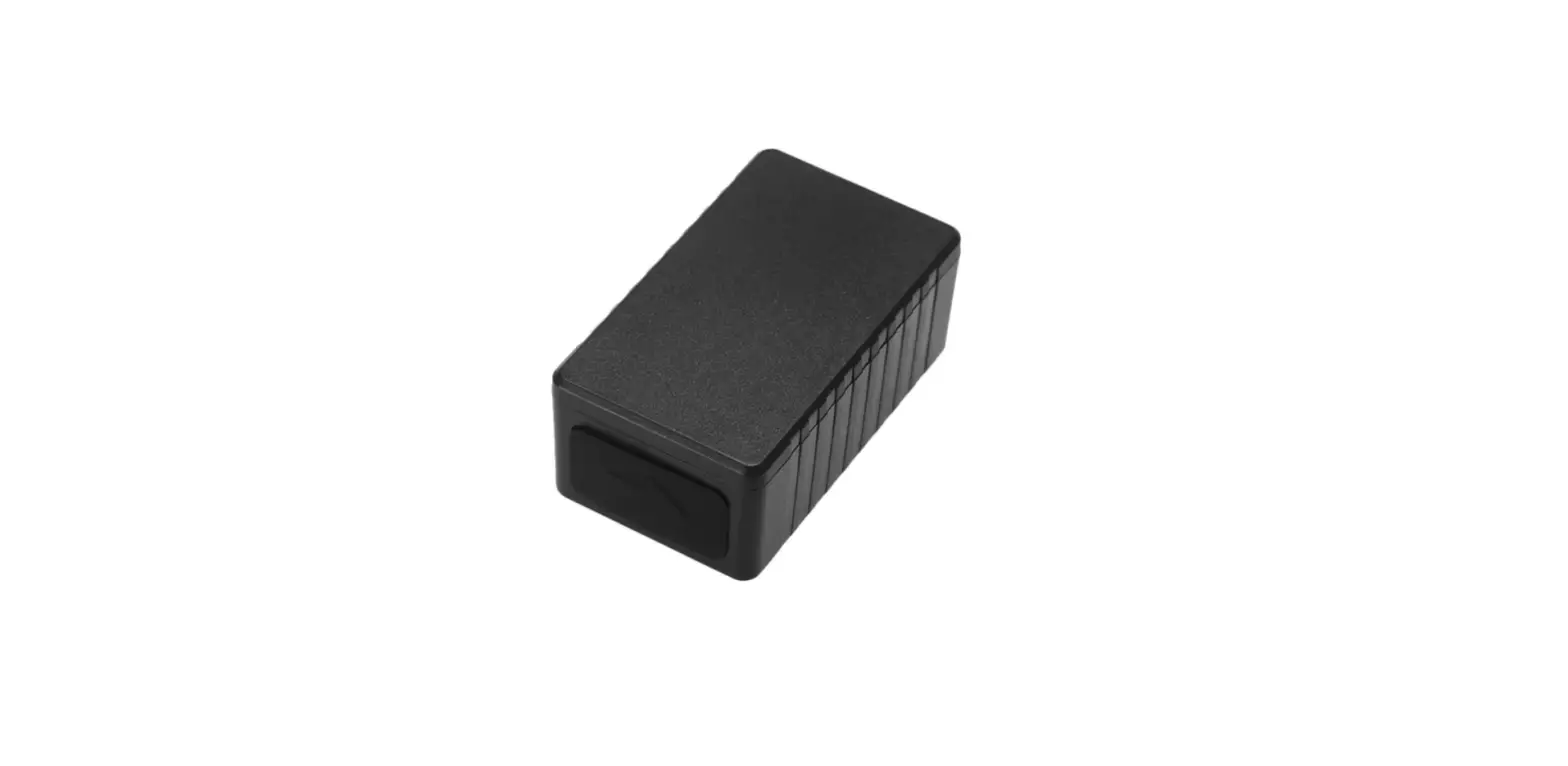
The 9602-A is a tracker designed to operate with the Iridium
low-Earth orbit satellite network. It consists of an Iridium 9602
transceiver module and a 50-channel GPS receiver. The device allows
only SBD (Short Burst Data) connectivity to the Iridium satellite
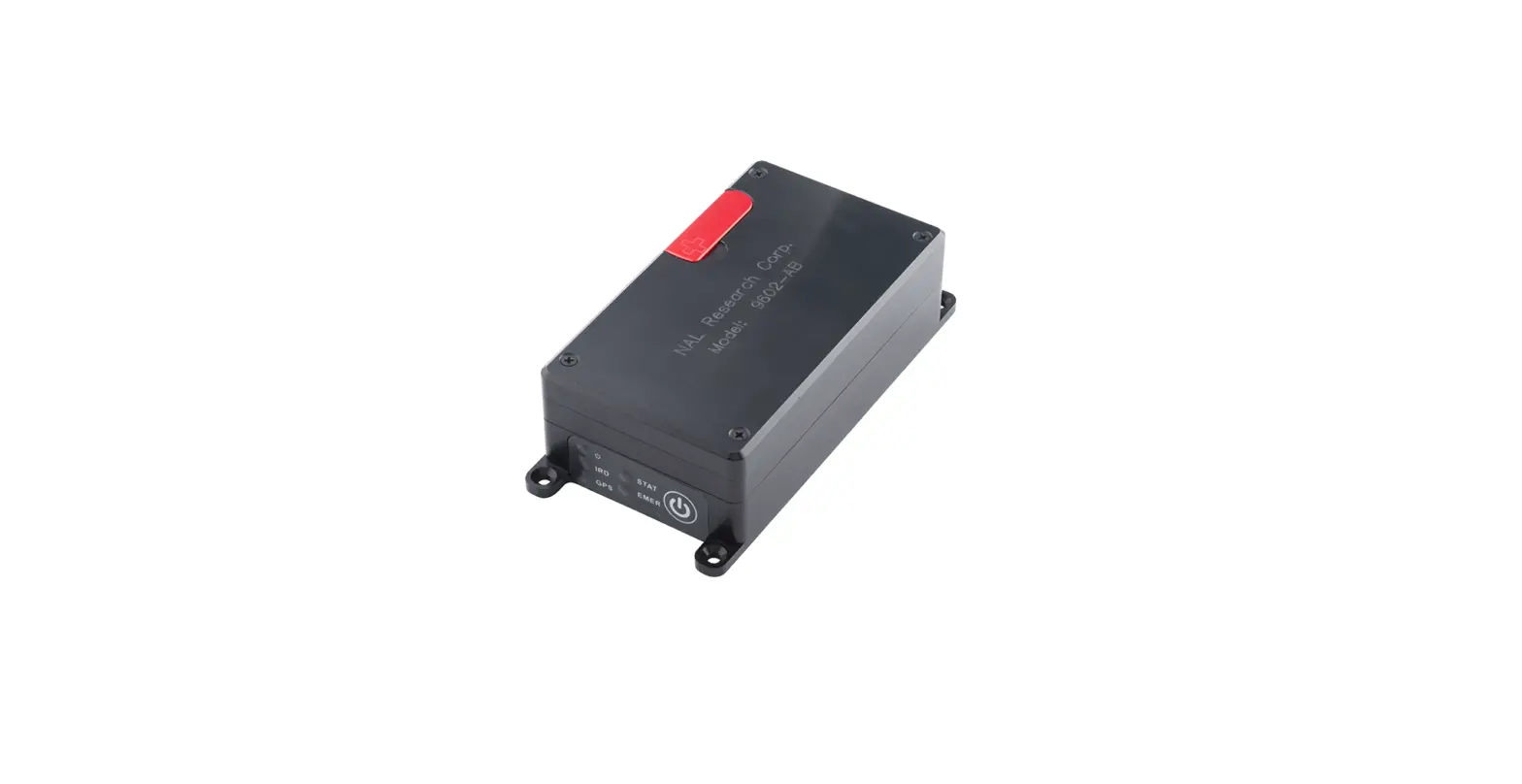
network. It features five status LEDs for power indicator, Iridium
signal strength, GPS availability, SBD transmission status, and
Emergency mode alert. The device also includes a mini DB-15
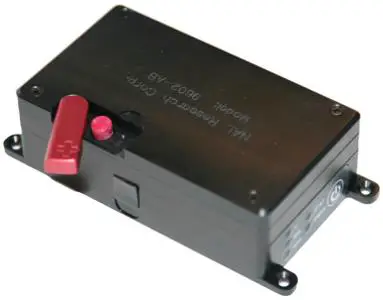
multi-interface connector on the backside and an emergency button
on the top side. The 9602-A antennas must have a clear view of the
sky during transmission.
Product Usage Instructions:
- Ensure the device has a clear view of the sky for proper
operation. - Supply the appropriate DC power to the device using the
recommended HRC-24-12 Data/Power Cable Assembly. - To change the voltage input to +3.6 VDC to +5.3 VDC, follow
these steps:- Disconnect power from the device.
- Remove the modem’s top plate to locate the jumper.
- Set the red jumper onto the middle and top pins.
- Note: To reset the input voltage range back to +6.0 VDC to +32
VDC, set the red jumper onto the middle and bottom pins.
- To activate emergency tracking:
- Quickly press and release the Emergency button or use input Pin
S0. - When emergency tracking is active, the Emergency LED
illuminates.
- Quickly press and release the Emergency button or use input Pin
- To deactivate emergency tracking, press and hold the Emergency
button for longer than three (3) seconds. - To power off the device, press the Power button for two (2)
seconds. Note: Depending on device configuration, press the Power
button for two (2) seconds to turn the device back on. - The serial port allows a connected DTE (Data Terminal
Equipment) to configure the 9602-A using NAL Research’s defined AT
commands (SatTerm) and any terminal emulator software.
9602-A QUICK START GUIDE
Support Phone#: 571-833-2169 [email protected] 451-92750-004A 2023-03-31
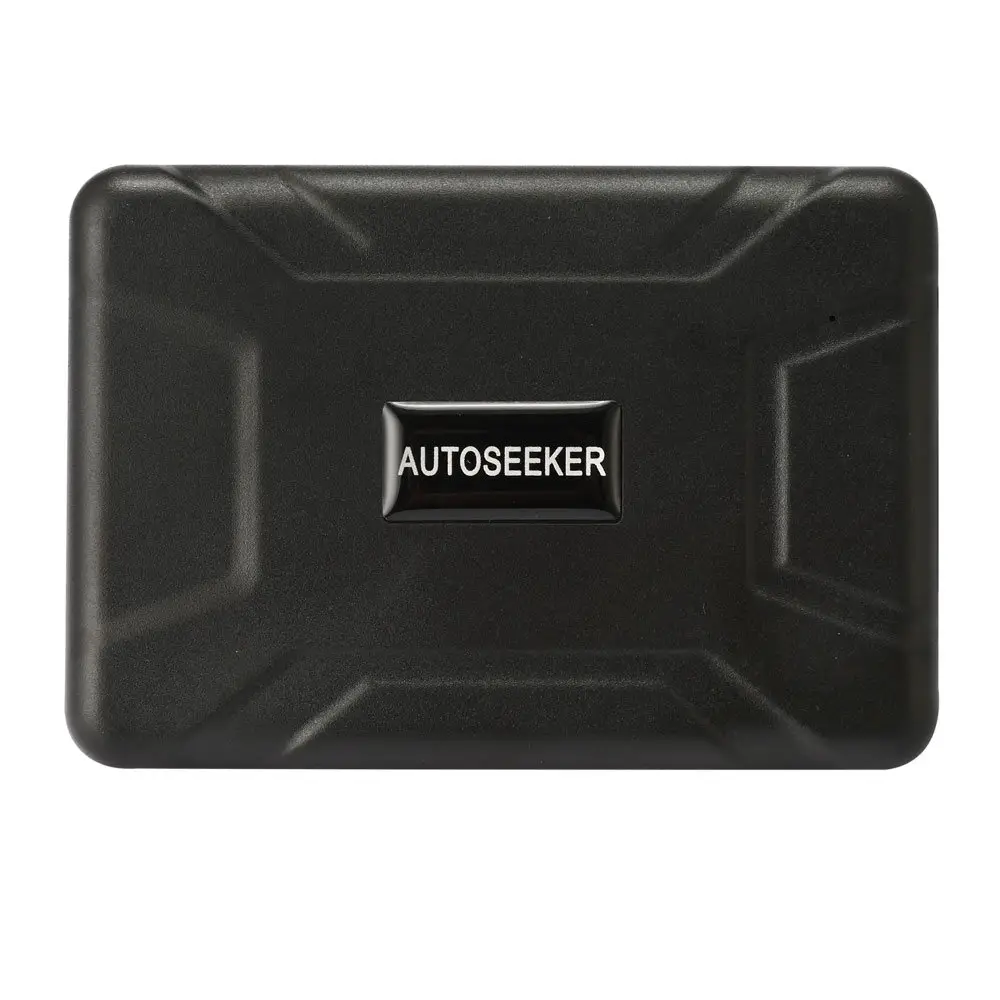
DEVICE DESCRIPTION: The 9602-A is a tracker designed to operate with the Iridium low-Earth orbit satellite network. It comprises an Iridium 9602 transceiver module; and a 50-channel GPS receiver. The 9602-A allows only SBD connectivity to the Iridium satellite network.
LED Settings: There are five (5) status LEDs that provide quick visual check to ensure proper operations . These include Power indicator, Iridium signal strength, GPS availability, SBD transmission status, and Emergency mode alert. NOTE: The 9602-A ships with all LEDs set to ACTIVE.
Connector: On the backside of the 9602-A, there is a mini DB-15 multi-interface connector.
Emergency Button: This is located on the top side of the device.
IMPORTANT: The 9602-A antennas must have a clear view of the sky during transmission.
1
9602-A QUICK START GUIDE
Support Phone#: 571-833-2169 [email protected] 451-92750-004A 2023-03-31
DEVICE DESCRIPTION (Continued)
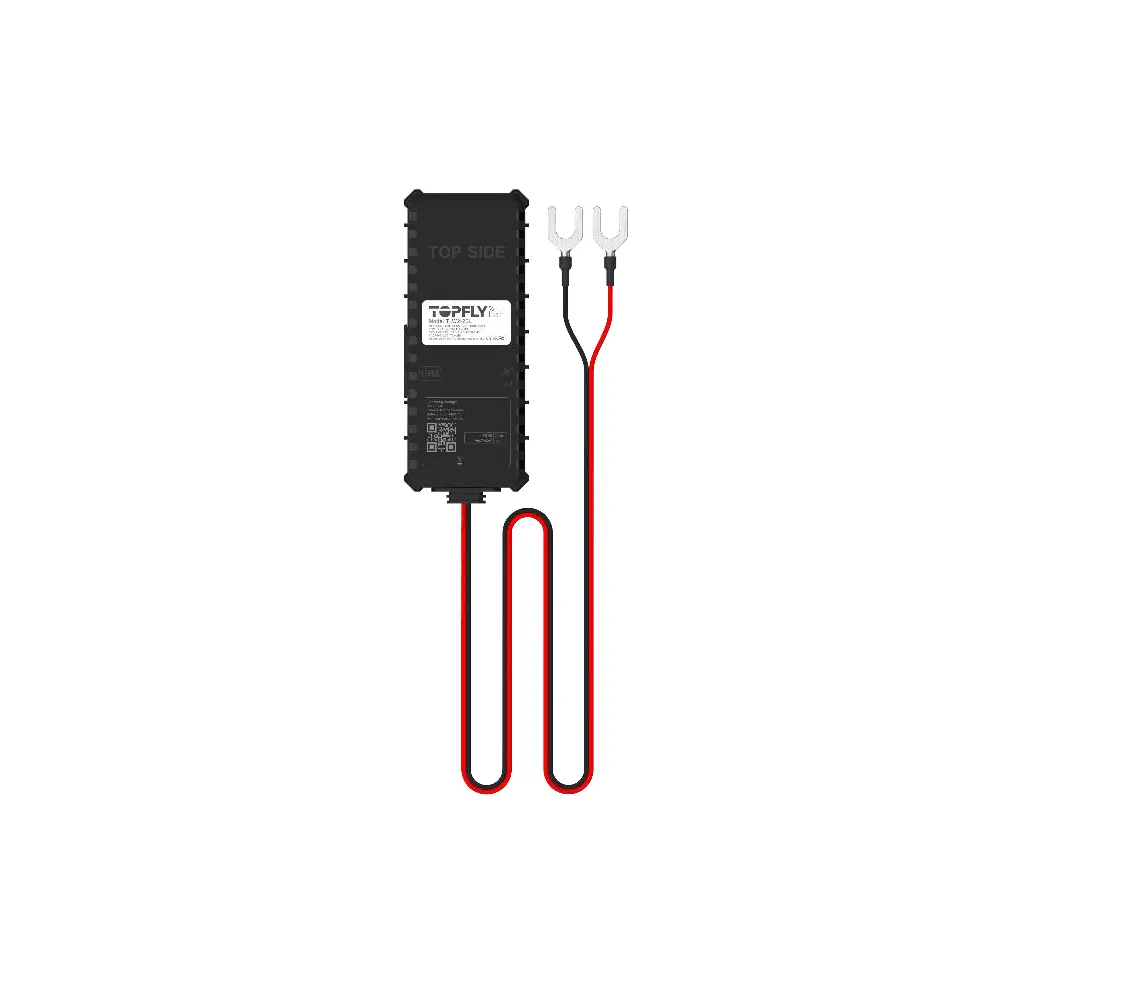
Power/Data Cable: NAL Research recommends the HRC-24-12 Data/Power Cable Assembly.
POWER ON DEVICE
The 9602-LP accepts either +3.6 VDC to +5.3 VDC input through pin #1 or +6.0 VDC to +32 VDC input through pin #9. The 9602-A ships with hardware set for +6.0 VDC to +32 VDC input.
1. Ensure the device has a clear view of the sky.
HRC-24-12 Data/Power Cable
2. Supply the appropriate DC power to the 9602-LP via a data/power cable.
a) Connect external power input (+6.0 VDC to +32 VDC Factory default) to Pin #9 on the multi-interface connector.
b) Connect external power input (GND) to Pin#2.
· The 9602-LP defaults to “Tracking” mode and begins tracking.
· The device automatically powers up when external power is applied. This can be changed via configuration.
· The cable to the 9602-LP should be as short as possible to prevent significant voltage drop, which can cause the 9602-LP to malfunction during an SBD session.
CHANGE VOLTAGE INPUT TO +3.6 VDC TO +5.3 VDC
IMPORTANT Power must be disconnected before resetting the jumper.
1. Remove the modem’s top plate to find the jumper.
2. Set the red jumper onto the middle and top pins. NOTE: To reset the input voltage range back to +6.0 VDC to +32 VDC,
set the red jumper onto the middle and bottom pins.
2
9602-A QUICK START GUIDE
Support Phone#: 571-833-2169 [email protected] 451-92750-004A 2023-03-31
EMERGENCY MODE
Activate: Quickly press and release the Emergency button to trigger emergency tracking. When emergency tracking is active, the Emergency LED illuminates. You can also activate emergency tracking via input Pin S0.
Deactivate: Press/hold the Emergency button longer than three (3) seconds to take the 9602-A out of emergency tracking.
POWER OFF DEVICE
1. Press the Power button for two (2) seconds to turn off the device. NOTE: Depending on device configuration, press the Power button for two (2) seconds to turn the device back on.
CONFIGURE DEVICE
1. The serial port allows a connected DTE to configure the 9602-A using NAL Research’s defined AT commands (SatTerm) and any terminal emulator software.
3