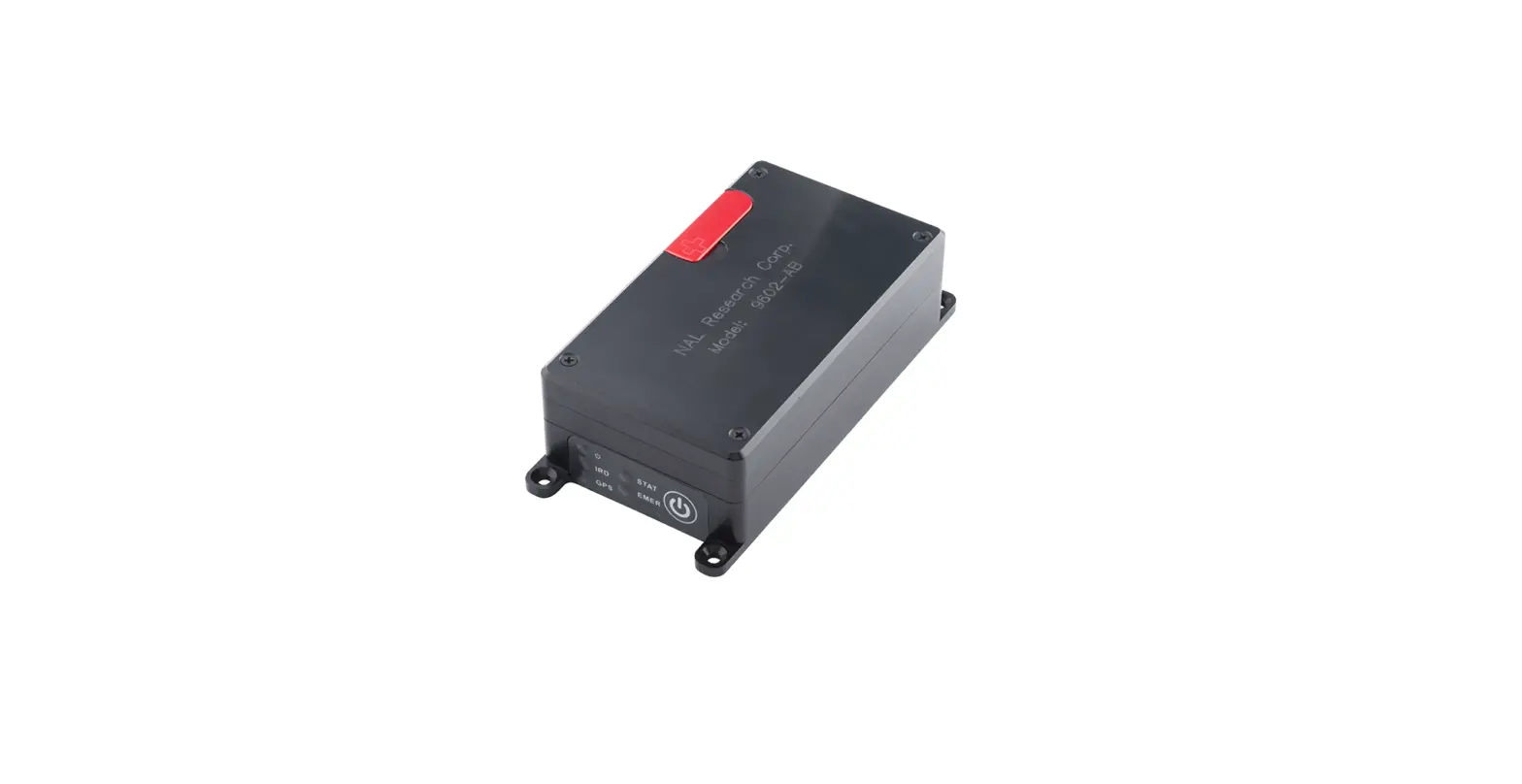
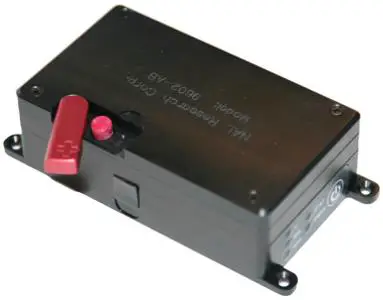
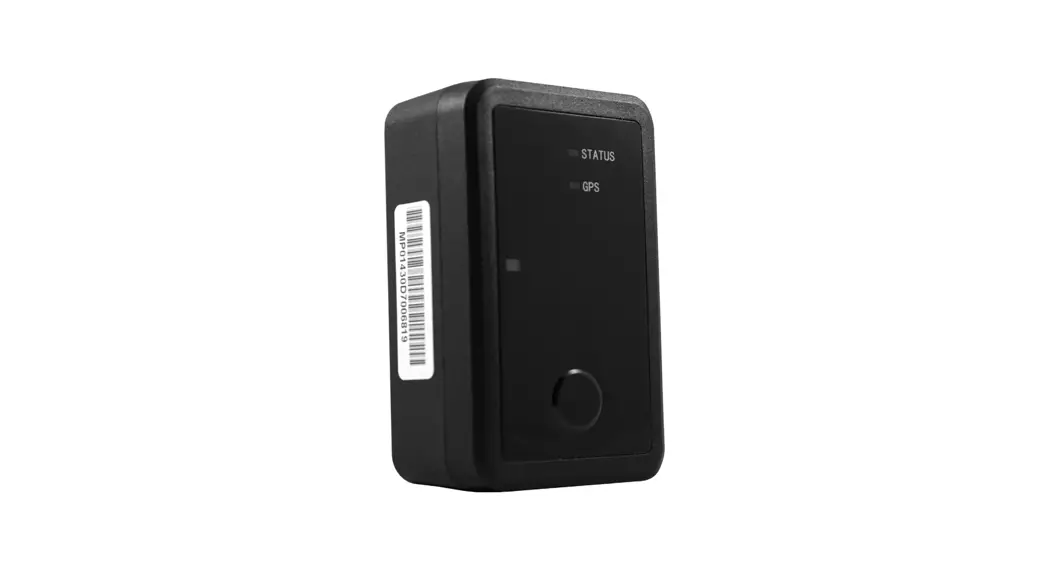
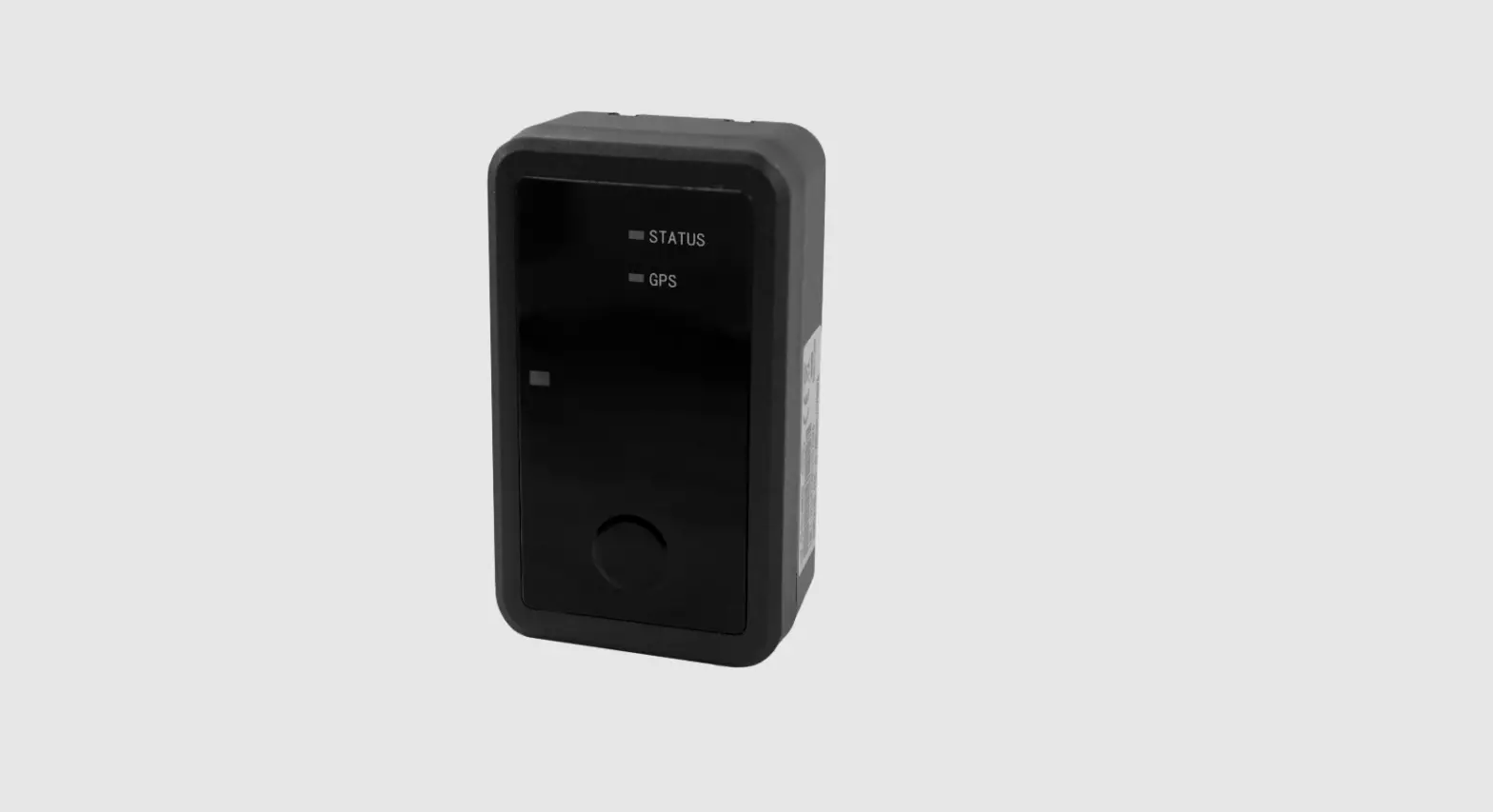
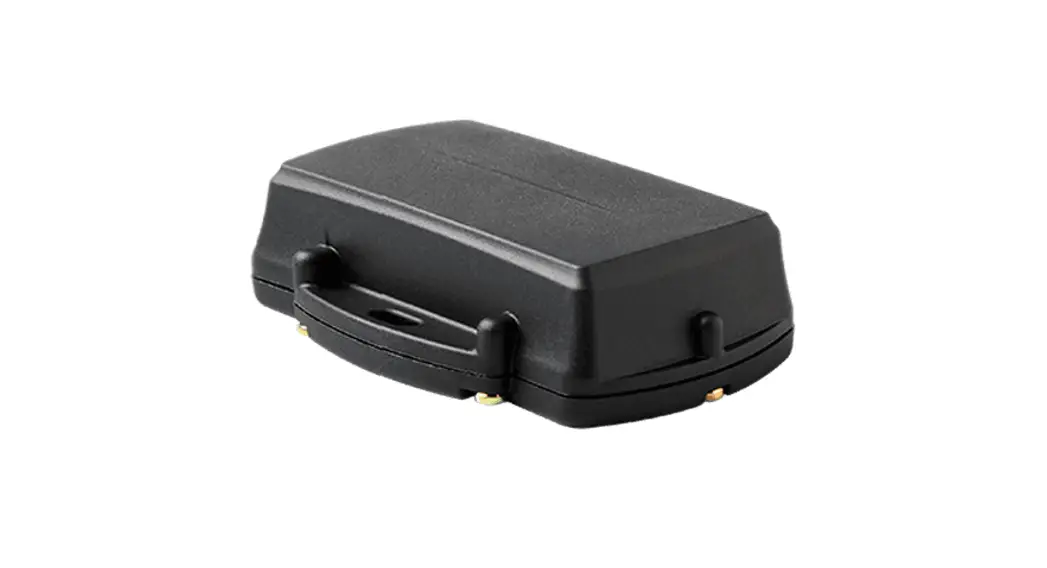
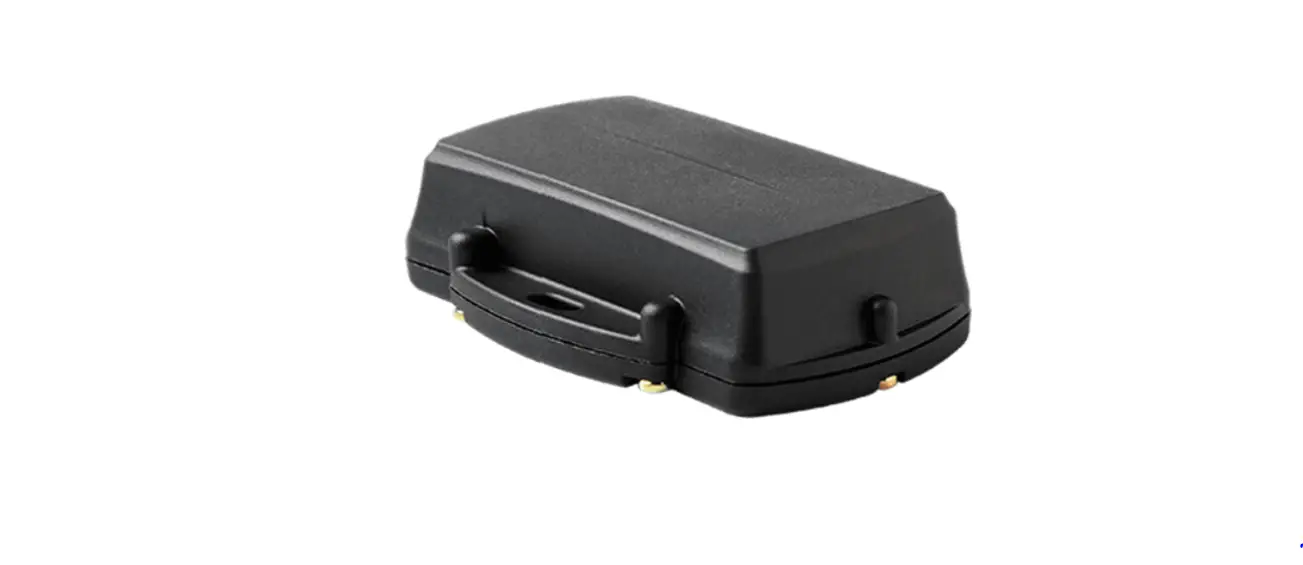
9602-LP Asset Tracker
Product Information
Product Name:
9602-LP
Product Description:
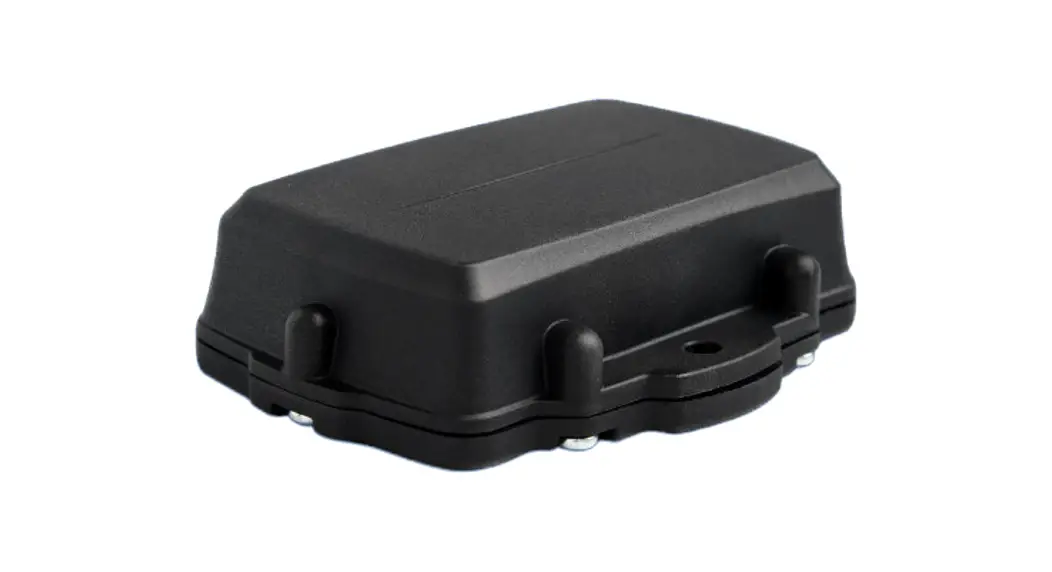
The 9602-LP is a pocket-size, low-cost, satellite tracker
designed to operate with the Iridium low-Earth orbit satellite
network.
Reference Documents:
| Reference Title | Revision/Date |
|---|---|
| 9602-LP User Guide | Version A, 03/28/2022 |
| SatTerm User Guide (supports v8.9.7) | Version A, 03/28/2022 |
| AT Commands for 9602-LP | Version A, 03/31/2022 |
Product Usage Instructions
1. Introduction
The 9602-LP is a pocket-size, low-cost, satellite tracker
designed to operate with the Iridium low-Earth orbit satellite
network.
2. Device Description
2.1 Multi-Interface Connector
The multi-interface connector on model 9602-LP is a standard
male 15-pin miniature D-Sub type (DB-15) connector.
Pin Assignments for the 9602-LP Multi-Interface Connector
| Pin # | Signal | Description | Interface |
|---|---|---|---|
| 1 | EXT_PWR | External power input (+3.6 VDC to +5.3 VDC) | DC Power (+) |
| 2 | EXT_GND | External power input (GND) | DC Power (GND) |
| 3 | Tx1 | RS232 Input | RS232 Data |
| 4 | Rx1 | RS232 Output | RS232 Data |
| 5 | Signal_GND | Signal Ground, 0 V signal reference and return | RS232 GND |
| 6 | EMERGENCY | External TTL/CMOS Input S0 | |
| 7 | TTL | TTL/CMOS Output 0 | |
| 8 | TTL | TTL/CMOS Output 1 | |
| 9 | EXT_PWR | External power input (+6.0 VDC to +32.0 VDC) | DC Power (+) |
| 10 | Rx2 | Reserved | RS232 Data |
| 11 | Tx2 | Reserved | RS232 Data |
| 12 | TEST | External TTL/CMOS Input S1 | |
| 13 | TTL | External TTL/CMOS Input S3 | |
| 14 | TTL | External TTL/CMOS Input S2 | |
| 15 | TTL | TTL/CMOS Output 2 |
Model HRC-24-12 is a data/power cable assembly designed to work
with the 9602-LP tracker. It has a three-foot RS-232 cable for
connection onto a computer and three wires for DC power inputs to a
9602-LP.
For more information, please visit the NAL website at https://www.nalresearch.com.
9602-LP Quick Start Guide
Version A April 15, 2022
451-92750-001A
Copyright © 2021 by NAL Research Corporation 11100 Endeavor Ct., Suite 300 Manassas, Virginia 20109 USA Phone: 703-392-1136
Email: [email protected]
9602-LP Quick Start Guide Version A
LEGAL DISCLAIMER AND CONDITION OF USE
This document contains information for the 9602-LP tracker and accompanying accessories (“Product”), which are provided “as is.” Reasonable effort has been made to make the information in this document reliable and consistent with specifications, test measurements and other information. However, NAL Research Corporation and its affiliated companies, directors, officers, employees, agents, trustees or consultants (“NAL Research”) assume no responsibility for any typographical, technical, content or other inaccuracies in this document. NAL Research reserves the right in its sole discretion and without notice to you to change Product specifications and materials and/or revise this document or withdraw it at any time. User assumes the full risk of using the Product specifications and any other information provided.
NAL Research makes no representations, guarantees, conditions or warranties, either express or implied, including without limitation, any implied representations, guarantees, conditions or warranties of merchantability and fitness for a particular purpose, non-infringement, satisfactory quality, non-interference, accuracy of informational content, or arising from a course of dealing, law, usage, or trade practice, use, or related to the performance or nonperformance of any products, accessories, facilities or services or information except as expressly stated in this guide and/or the Product and/or satellite service documentation. Any other standards of performance, guarantees, conditions and warranties are hereby expressly excluded and disclaimed to the fullest extent permitted by the law. This disclaimer and exclusion shall apply even if the express limited warranty contained in this guide or such documentation fails of its essential purpose.
In no event shall NAL Research be liable, whether in contract or tort or any other legal theory, including without limitation strict liability, gross negligence or negligence, for any damages in excess of the purchase price of the Product, including any direct, indirect, incidental, special or consequential damages of any kind, or loss of revenue or profits, loss of business, loss of privacy, loss of use, loss of time or inconvenience, loss of information or data, software or applications or other financial loss caused by the Product (including hardware, software and/or firmware) and/or the Iridium satellite, or arising out of or in connection with the ability or inability to use the Product (including hardware, software and/or firmware) and/or the Iridium satellite to the fullest extent these damages may be disclaimed by law and whether advised of the possibilities of such damages. NAL Research is not liable for any claim made by a third party or made by you for a third party.
Document Number: 451-92750-001A
2 of 15
REVISION HISTORY
Revision Date
Description
1.4.5
05/30/2014 Initial version
1.5
07/30/2021 Updated to new template
A
04/20/2022 Formal release
9602-LP Quick Start Guide Version A
REFERENCE DOCUMENTS
The latest revisions of the NAL documents are available from the NAL Research website at https://www.nalresearch.com/support/documentation-downloads/.
Reference Title
[1]9602-LP User Guide
[2]SatTerm User Guide (supports v8.9.7)
[3]AT Commands for 9602-LP
Revision/Date
Version A, 03/28/2022
Version A, 03/28/2022
Version A, 03/31/2022
Document Number: 451-92750-001A
3 of 15
TABLE OF CONTENTS
9602-LP Quick Start Guide Version A
1 Introduction………………………………………………………………………………………………….. 6 2 Device Description …………………………………………………………………………………………. 7 2.1 Multi-interface Connector ………………………………………………………………………………………. 7 2.2 Emergency Button …………………………………………………………………………………………………. 9 2.3 LED Settings…………………………………………………………………………………………………………… 9 3 Antennas ……………………………………………………………………………………………………. 11 3.1 Iridium Antenna Connector …………………………………………………………………………………… 11 3.2 GPS Antenna Connector ……………………………………………………………………………………….. 12 4 Configuring the 9602-LP ………………………………………………………………………………… 13 5 Technical Support ………………………………………………………………………………………… 15
TABLE OF FIGURES
Figure 1: 9602-LP Mountable Tracker ……………………………………………………………………………….. 6 Figure 2: Multi-Interface Connector ………………………………………………………………………………….. 7 Figure 3: Model HRC-24-12 Data/Power Cable Assembly …………………………………………………….. 8 Figure 4: Emergency Button …………………………………………………………………………………………….. 9 Figure 5: LED Status ………………………………………………………………………………………………………… 9 Figure 6: SMA Female 50-ohm Antenna Connector (Iridium) ……………………………………………… 11 Figure 7: Model SYN7391-C Antenna ………………………………………………………………………………. 11 Figure 8: SMA Female 50-ohm Antenna Connector (GPS) ………………………………………………….. 12 Figure 9: Model SAF7352-IG Antenna ……………………………………………………………………………… 12
TABLE OF TABLES
Table 1: Pin Assignments for the 9602-LP Multi-Interface Connector ……………………………………. 7 Table 2: Description of LED States …………………………………………………………………………………… 10
Document Number: 451-92750-001A
4 of 15
ACRONYM LIST
9602-LP Quick Start Guide Version A
AC ………………………….alternating current AT ………………………….Two-letter sequence starting a string of terminal commands. The AT is
intended to get the terminal’s attention prior to executing a command. dB ………………………….decibel DC ………………………….direct current DoD ……………………….Department of Defense EMSS ……………………..Enhanced Mobile Satellite Services GPS ………………………..Global Positioning System kbps ……………………….kilobits per second LED ………………………..light-emitting diode SatTerm ………………….satellite terminal emulator software SBD ………………………..short burst data SIM ………………………..subscriber identification module
Document Number: 451-92750-001A
5 of 15
1 INTRODUCTION
9602-LP Quick Start Guide Version A
The 9602-LP is a pocket-size, low-cost, satellite tracker designed to operate with the Iridium low-Earth orbit satellite network (see Figure 1).
Note: For immediate information on how to configure the 9602-LP device, refer to section 4.
Figure 1: 9602-LP Mountable Tracker
The 9602-LP comprises an Iridium 9602 transceiver module; a built-in, 50-channel Global Positioning System (GPS) receiver; and low-power microcontrollers. The 9602-LP allows only Short Burst Data (SBD) connectivity to the Iridium satellite network. It does not support voice, circuit switched data, or Short Message Service (SMS). It can transmit messages in NAL Research’s defined formats compatible with models 9601-DGS and 9601-DGS-LP. The 9602-LP can also transmit in PECOS Message Structure (PMS). The 9602-LP supports 256-bit AES encryption algorithm. NAL Research can enable the 9602-LP to utilize the Department of Defense (DoD) Enhanced Mobile Satellite Services (EMSS) gateway when requested by an authorized user. When a Data Terminal Equipment (DTE) is connected to the 9602-LP with SatTerm software installed (or any terminal emulator software), the DTE can be used to set up the operating parameters of the 9602-LP via a serial connection. A DTE can be a desktop computer, a laptop computer, or a tablet.
Document Number: 451-92750-001A
6 of 15
2 DEVICE DESCRIPTION
9602-LP Quick Start Guide Version A
2.1 MULTI-INTERFACE CONNECTOR
The multi-interface connector on model 9602-LP is a standard male 15-pin miniature D-Sub type (DB-15) connector, as shown in Figure 1.
Figure 2: Multi-Interface Connector
The connector comprises four interfaces with the pin assignments shown in Table 1. These interfaces include:
External DC power input 3-wire RS232 serial data interface TTL/CMOS I/Os Reserved RS232 serial data interface
Table 1: Pin Assignments for the 9602-LP Multi-Interface Connector
Pin # Signal
Description
Interface
1 EXT_PWR External power input (+3.6 VDC to +5.3 VDC) DC Power (+)
2 EXT_GND External power input (GND)
DC Power (GND)
3 Tx1
RS232 Input
RS232 Data
Document Number: 451-92750-001A
7 of 15
9602-LP Quick Start Guide Version A
Table 1: Pin Assignments for the 9602-LP Multi-Interface Connector
Pin # Signal
Description
Interface
4 Rx1
RS232 Output
RS232 Data
5 Signal_GND Signal Ground, 0 V signal reference and return RS232 GND
6 EMERGENCY External TTL/CMOS Input S0
05 V TTL
7 TTL
TTL/CMOS Output 0
05 V TTL
8 TTL
TTL/CMOS Output 1
05 V TTL
9 EXT_PWR External power input (+6.0 VDC to +32.0 VDC) DC Power (+)
10 Rx2
Reserved
RS232 Data
11 Tx2
Reserved
RS232 Data
12 TEST
External TTL/CMOS Input S1
05 V TTL
13 TTL
External TTL/CMOS Input S3
05 V TTL
14 TTL
External TTL/CMOS Input S2
05 V TTL
15 TTL
TTL/CMOS Output 2
05 V TTL
Model HRC-24-12 is a data/power cable assembly (see Figure 3) designed to work with the 9602-LP tracker. The HRC-24-12 has a three-foot RS-232 cable for connection onto a computer and three wires for DC power inputs to a 9602-LP. Model HRC-24-12 is available on the NAL website (www.nalresearch.com).
Figure 3: Model HRC-24-12 Data/Power Cable Assembly
Document Number: 451-92750-001A
8 of 15
2.2 EMERGENCY BUTTON
9602-LP Quick Start Guide Version A
Under the default configuration, you can trigger Emergency Tracking at any time with a quick press and release of the Emergency button (momentary switch). See Figure 4. Once enabled, holding the Emergency button longer than three seconds takes the 9602-LP out of Emergency Tracking. When Emergency Tracking is active, the Emergency LED illuminates. Refer to section 2.3 for information on LEDs status.
Figure 4: Emergency Button
2.3 LED SETTINGS
The 9602-LP has five status LEDs. These include Power indicator, Iridium signal strength, GPS availability, SBD transmission status, and Emergency mode alert (see Figure 5).
Figure 5: LED Status
They provide a quick visual check to ensure proper operations. These LEDs provide the following information during Normal Tracking mode shown in Table 2:
Document Number: 451-92750-001A
9 of 15
9602-LP Quick Start Guide Version A
Table 2: Description of LED States
Label
Name
LED Off
LED Blinking
LED Solid
Power
Device is off
N/A
Device is on
IRIDIUM Iridium
Off or has no signal
Has 12 bars of signal
Has 35 bars of signal
GPS1
GPS
GPS off or time 2-D fix or dead
only
reckoning
3-D fix
STATUS
Message Status
No SBD transmission with a valid GPS fix was sent to the gateway
Last SBD transmission was not successfully sent or did not have a valid GPS fix, but one was sent since the unit was turned on
Last SBD transmission had a valid GPS fix and successfully received it by the gateway
EMERGENCY
Emergency
Emergency mode not activated
N/A
Emergency button is pressed or the S0 Input is activated
1 Watch closely for the LED because it can briefly stay on.
The 9602-LP is shipped with all LEDs set to ACTIVE. The LEDs can be disabled to reduce power consumption.
Document Number: 451-92750-001A
10 of 15
3 ANTENNAS
9602-LP Quick Start Guide Version A
3.1 IRIDIUM ANTENNA CONNECTOR
The 9602-LP uses a single SMA female 50-ohm antenna connector for both transmission and reception of the Iridium signal, as shown in Figure 6. NAL Research offers several types of antennas for use with the 9602-LP. For low-cost and applications where small form-factor and light weight are required, NAL Research highly recommends model SYN7391-C, as shown in Figure 7.
Figure 6: SMA Female 50-ohm Antenna Connector (Iridium)
Figure 7: Model SYN7391-C Antenna
Document Number: 451-92750-001A
11 of 15
3.2 GPS ANTENNA CONNECTOR
9602-LP Quick Start Guide Version A
The 9602-LP tracker uses a SubMiniature Version A (SMA) female connector for the GPS antenna, as shown in Figure 8. For low-cost and applications where small form-factor and lightweight are required, NAL Research highly recommends model SAF7352-IG, as shown in Figure 9.
Figure 8: SMA Female 50-ohm Antenna Connector (GPS)
Figure 9: Model SAF7352-IG Antenna
IMPORTANT: DO NOT CONNECT OR DISCONNECT THE GPS ANTENNA WHEN THE 9602-LP IS TURNED ON.
Document Number: 451-92750-001A
12 of 15
4 CONFIGURING THE 9602-LP
9602-LP Quick Start Guide Version A
The 9602-LP supports a 3-wire serial data interface to a computer, allowing the computer running SatTerm software (or any terminal emulator software) to configure its operating profile using NAL Research’s defined AT commands. These AT commands can be found in the manual “AT Commands for 9602-LP” [3]. The 9602-LP does not support auto-baud, and the default baud is factory-set at 19.2 kbps but can be changed to other bauds with the +IPR command.
Required hardware and software for the configuration of the 9602-LP include:
A desktop or laptop computer (not provided). A 3-wire RS232 cable (not provided). A DC power source (not provided). SatTerm software or any terminal emulator software (SatTerm is available on the NAL
Research web site).
To configure and initialize the 9602-LP:
1. . Connect the power/RS232 cable to the computer and to the 9602-LP.
2. Install the SatTerm software to computer. See the NAL document “SatTerm User Guide” [2] for details.
3. Apply the appropriate DC power to the 9602-LP. The 9602-LP defaults to power on when DC power is first applied. It is not necessary to push the ON/OFF button. An NAL Research message appears along with the firmware version to indicate proper serial communications and power input.
4. Use the SatTerm software (or any terminal emulator) installed on the computer to set the 9602-LP’s operating parameters.
5. With the unit turned off, connect an Iridium antenna and a GPS antenna to the 9602-LP antenna ports.
6. Ensure the antennas have a full view of the sky and the cable loss between the tracker and antenna is less than 2 dB.
Document Number: 451-92750-001A
13 of 15
9602-LP Quick Start Guide Version A
7. Supply appropriate DC power to the 9602-LP. The 9602-LP defaults to “Tracking” mode, and begins tracking.
IMPORTANT: EMSS-enabled 9602-LP must first be provisioned (signed up for airtime) with EMSS SBD service before testing or field use. Accessing the DoD EMSS Gateway is not authorized until the 9602-LP is provisioned. Unauthorized attempts to access the DoD EMSS Gateway will result in immediate disabling of the offending device, which must then be returned to NAL Research for repair. See https://sbd.pac.disa.mil for more information regarding EMSS service provisioning.
IMPORTANT: For detailed information on how to configure the 9602-LP device, refer to the 9602-LP User Guide [1].
Document Number: 451-92750-001A
14 of 15
5 TECHNICAL SUPPORT
For technical support, please contact us at:
Phone: 703-392-1136, x203 Fax: 703-392-6795 Email: [email protected]
9602-LP Quick Start Guide Version A
Technical documents are also available to download on NAL Research’s website www.nalresearch.com in the Support > Documentation & Downloads section.
Document Number: 451-92750-001A
15 of 15
 Home - NAL Research
 File:IEC5009 Standby Symbol.svg - Wikipedia