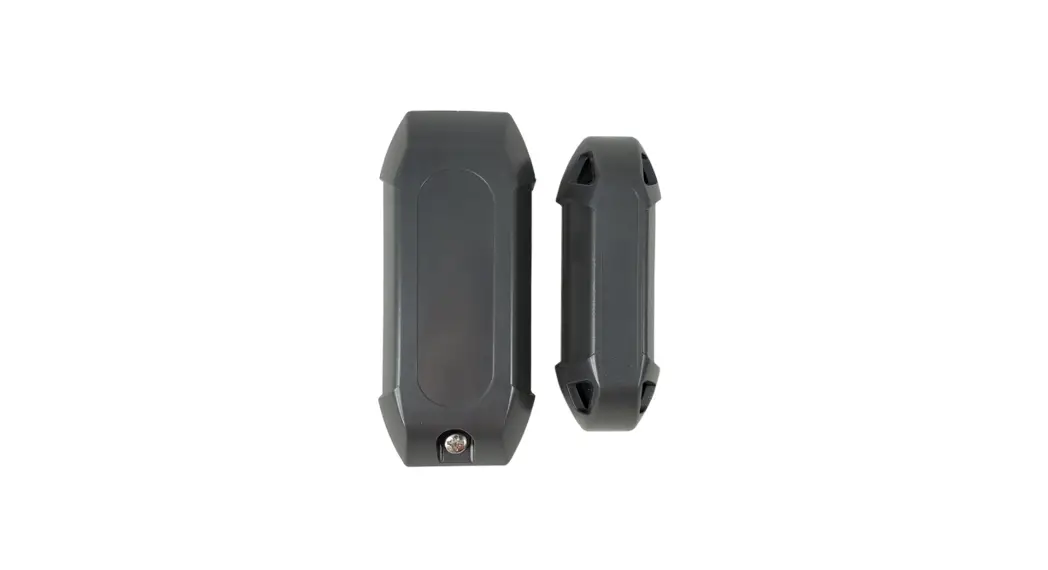
CM9-486, CM9-487 Photocell Sensor
Product Information: Photocell Sensor
The Photocell Sensor is a device designed to enhance the safety
and functionality of your gate opener system. By using infrared
technology, it detects obstacles in the path of the gate and
prevents it from closing, providing added security and
protection.
Product Specifications (CM9-486 / CM9-487):
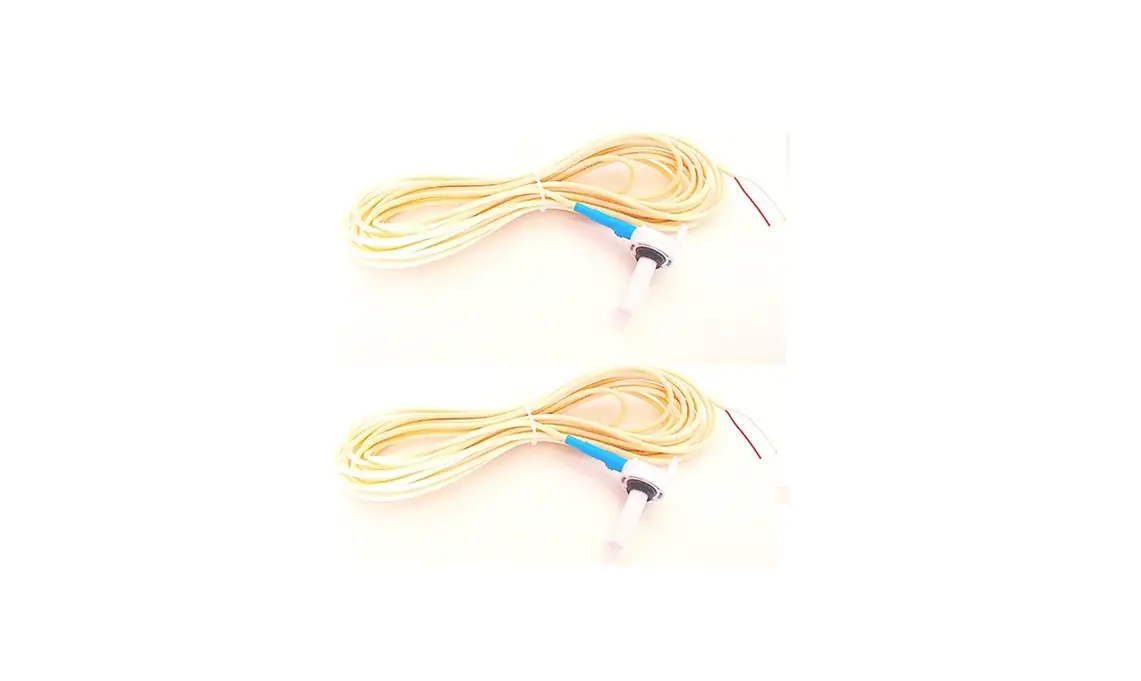
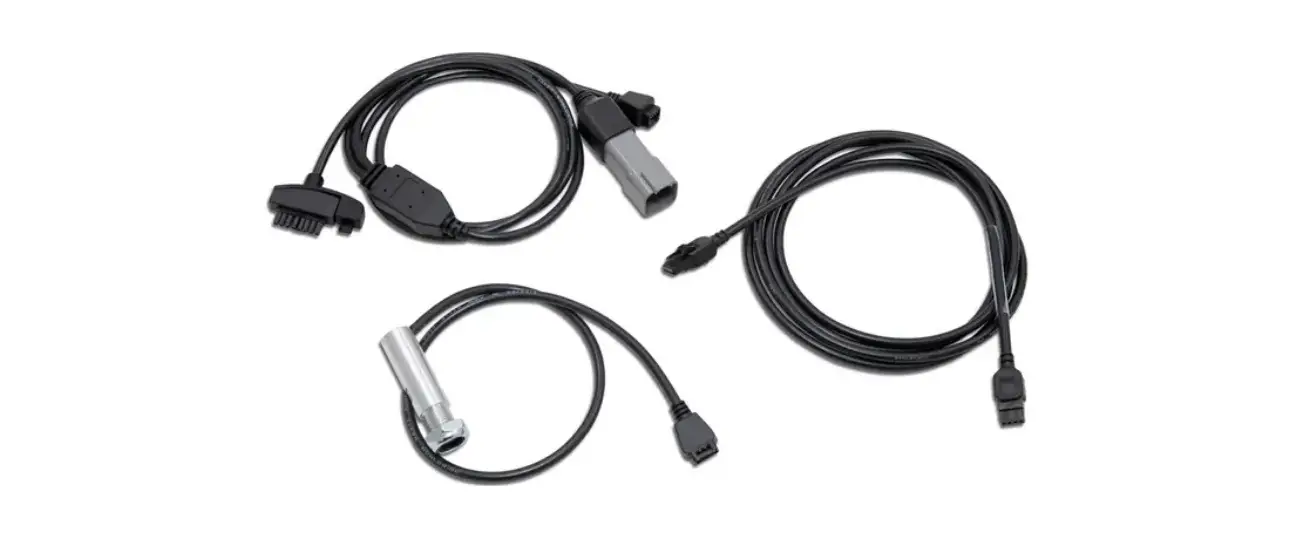
- Photosensor Cable: Included
- Photosensor Wire Length: Adjustable
- Photosensor Model Options: 3-wire or 4-wire
- Mounting Height: Approximately 23 inches from the ground
Optional Features:
- Extension Wire: Allows you to place the photosensor further
away from the gate opener - Youtube Video Guide: Provides additional installation
instructions and visual aid
Product Usage Instructions:
- Plug the photosensor cable into the designated port located at
the back of the gate opener, behind the circuit board. Refer to
Figure 1. - Locate the reset button on the gate operator control board and
press it to initialize the system. - Choose a suitable spot on either the stationary part of your
gate or a nearby post. Mount the photo eye approximately 23 inches
from the ground. - To activate the infrared beam, press the orange button on the
photo eye. - Attach the reflector on the opposite side, ensuring that the
infrared beam falls within the circle of the reflector. Refer to
Figure 2. - To deactivate the infrared beam, press the orange button on the
photosensor. The installation process is now complete.
Note: For swing gates, whether single or
double, it is recommended to install the photosensor on the outside
of the gate.
Optional: Extending the Photosensor Wire Length
If you need to position the photosensor further away from the
gate opener and the provided wire length is insufficient, you can
purchase additional wires to extend it. Simply splice the wires
together and connect them to the gate opener outlet.
Optional: Photosensor Wiring
Different models of photosensors may contain either 3 or 4
wires. Please refer to the following wiring configurations:
4-Wire Photosensor:
- Brown wire: MON_24VDC
- Blue and White wires: COMMON
- Black wire: MON_CLOSE
3-Wire Photosensor:
- Brown wire: MON_24VDC
- Blue wire: COMMON
- Gray wire: MON_CLOSE
For a more detailed visual guide on how to install the
photosensor, you can watch the following Youtube video: Photocell Sensor Installation
Guide.
Photocell Sensor Installation Manual
CM9-486 / CM9-487
1. Plug the photosensor cable to the back of the gate opener, behind the circuit board. Figure 1
2. Press the reset button on the gate operator control board.
3. Mount the photo eye on the stationary part of your gate or a post next to your gate, about 23″ inches from the ground.
Plug photosensor cable here
4. Press the orange button on the photo eye to turn on the infrared beam.
5. Mount the reflector to the opposite side. Make sure the infrared beam hits inside the circle of the reflector. Figure 2
Figure 1
Infrared beam inside circle
Figure 2
6. Press the orange button on the photosensor to turn off the infrared beam. Finished.
Swing Gates For single or double swing gates, install the photosensor outside.
(OPTIONAL) Extending the Photosensor Wire Length
If the photosensor needs to be placed further away from the gate opener and the wire isn’t long enough to get it to the position you want, you can purchase wires to extend the length. Simply join(splice) the wires together and connect them to the gate opener outlet.
Youtube Youtube video with more details on how to install the photosensor: https://youtu.be/F7NpB9W_OMY
(OPTIONAL) Photosensor Wiring
Differnet model photosensors contain 3 or 4 wires. 4 Wires: Brown > MON_24VDC Blue and White > COMMON Black > MON_CLOSE
3 Wires: Brown > MON_24VDC Blue > COMMON Gray > MON_CLOSE