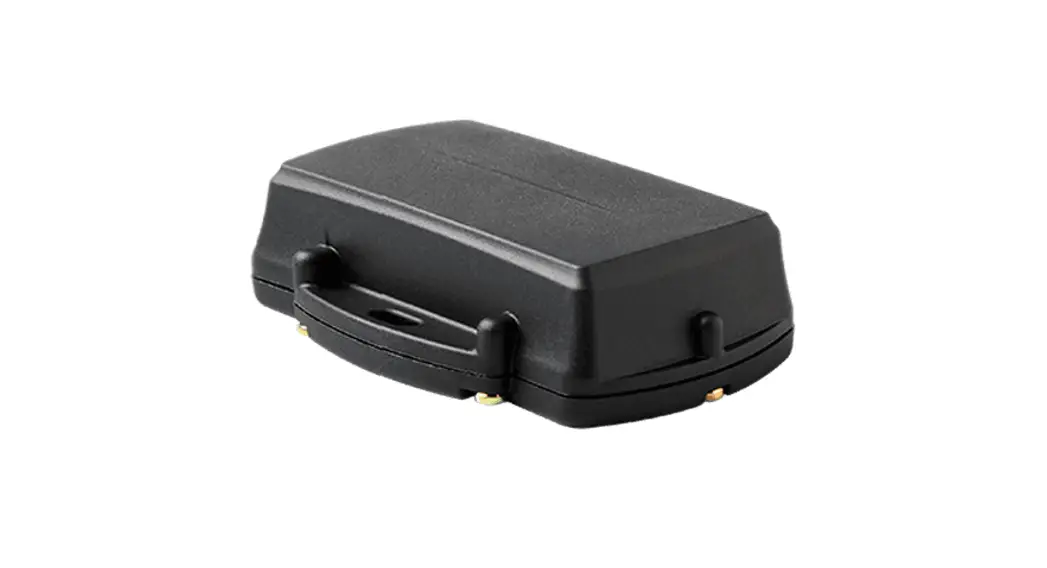
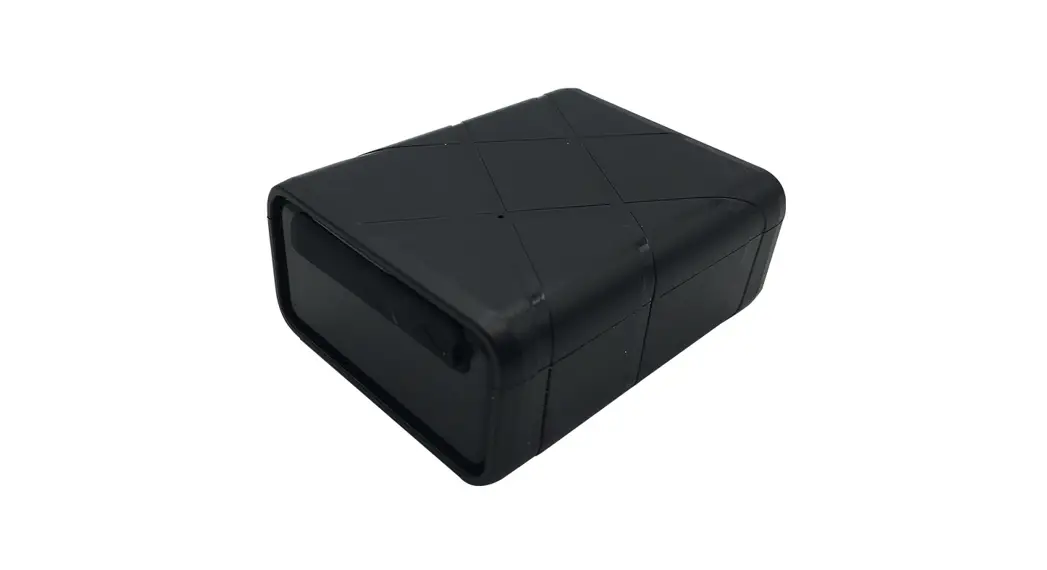
9602-AB Tracker
Product Information:
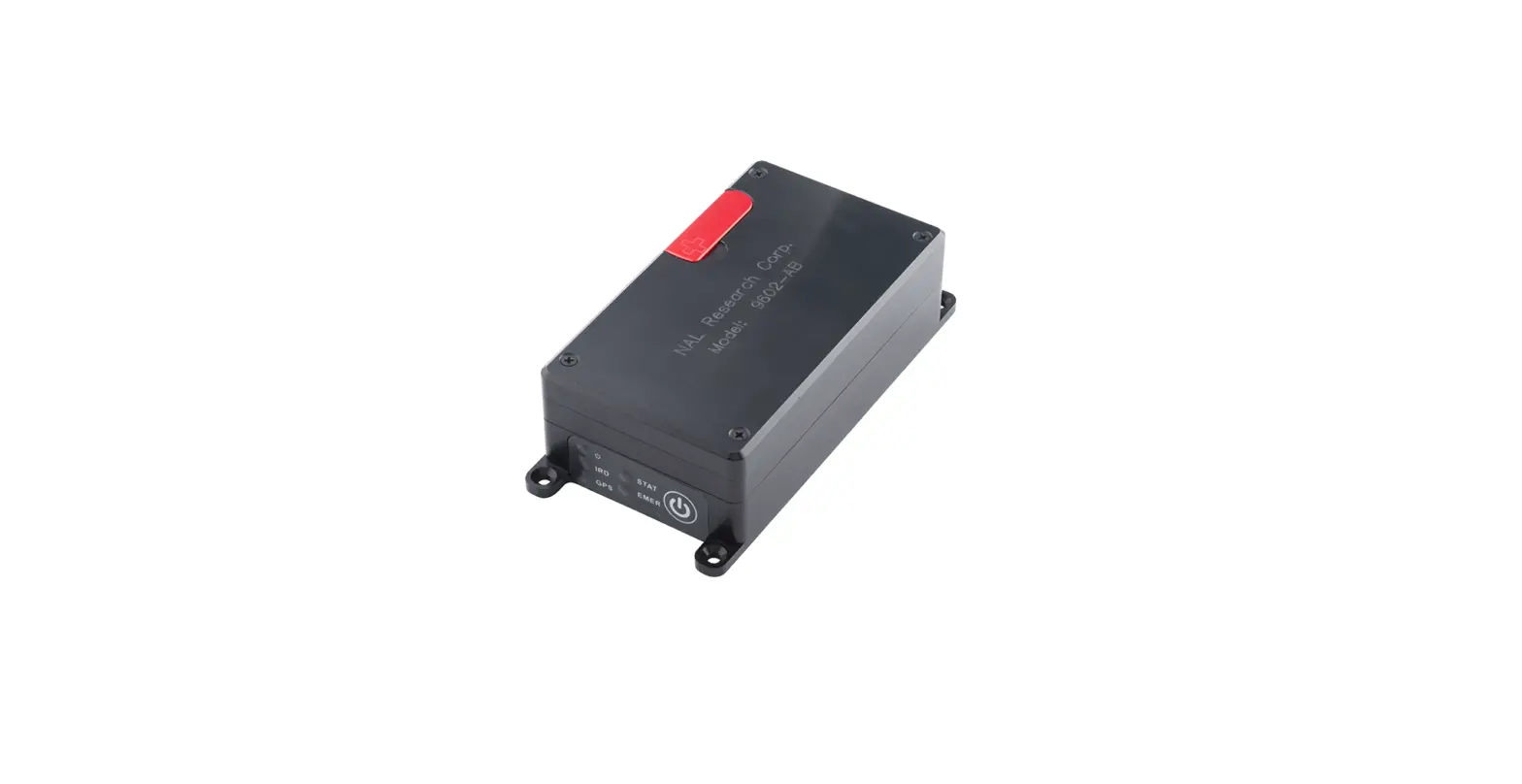
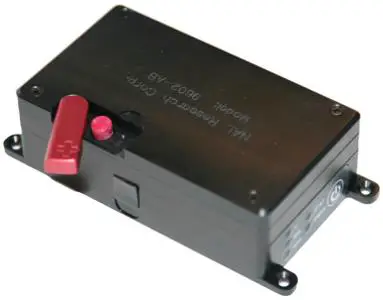
The 9602-AB is a device equipped with various indicators and
buttons for tracking and emergency purposes. It features a power
indicator, Iridium signal strength indicator, GPS availability
indicator, SBD transmission status indicator, and an emergency mode
alert indicator. The device comes with all LEDs set to active by
default. The lid of the device contains embedded Iridium and GPS
antennas. It also includes an emergency button, power LED, Iridium
LED, GPS LED, status LED, USB-Mini connector, and a power on/off
button.
Product Usage Instructions:
- Emergency Mode:
- Activate: Quickly press and release the
Emergency button to trigger emergency tracking. The Emergency LED
illuminates. - Deactivate: Press and hold the Emergency
button longer than three (3) seconds to take the 9602-LP out of
emergency tracking.
- Press the Power button for two (2) seconds to turn on the
device. - Depending on the device configuration, press the Power button
for two (2) seconds to turn the device off. The device starts in
Track mode and sends out tracking reports.
- Connect the USB-mini cable to the 9602 device and to the AC
Wall Adapter. - Plug the AC Wall Adapter into a power source.
- Connect the USB-mini cable to the 9602 device and to a Data
Terminal Equipment (DTE). - Configure the device using SatTerm/At Commands on a DTE. The
SatTerm application is available on the NAL Research website.
9602-AB QUICK START GUIDE
451-92681-004A
DEVICE DESCRIPTION: The 9602-AB Tracker is an ultra-low power consumption tracker designed for Short Burt Data (SBD) communication using the Iridium satellite network. It comprises internal Iridium and GPS antennas and an internal Li-ion battery. The 9602-AB can send either standard or 256-bit AES-encrypted GPS reports at a pre-programmed interval ranging from once every four seconds to once every seven days. The interval can be changed via SatTerm and or AT commands via a Data Terminal Equipment (DTE). IMPORTANT: The 9602-AB antennas must have a full view of the sky during transmission. LED Settings: There are five (5) status LEDs that provide quick visual check to ensure proper operations . These
include Power indicator, Iridium signal strength, GPS availability, SBD transmission status, and Emergency mode alert. NOTE: The 9602-AB ships with all LEDs set to ACTIVE.
Iridium and GPS Antennas Embedded Inside the Lid
Emergency Button
Power LED (Top) Iridium LED GPS LED
Status LED (Top) Emergency LED
USB-Mini Connector
Power On/Off Button 1
9602-AB QUICK START GUIDE
451-92681-004A
EMERGENCY MODE Activate: Quickly press and release the Emergency button to trigger emergency tracking. The Emergency
LED illuminates. Deactivate: Press/hold the Emergency button longer than three (3) seconds to take the 9602-LP out of
emergency tracking.
POWER ON/ OFF DEVICE 1. Press the Power button for two (2) seconds to turn on the
device. 2. Depending on device configuration, press the Power button
for two (2) seconds to turn the device off. The device starts in Track mode and sends out tracking reports.
CHARGE BATTERY
1. Connect the USB-mini cable to the 9602 device and to the AC Wall Adapter.
2. Plug the AC Wall Adapter into power source.
3. Fully charge the SHOUT ns/nsx before use. It must be kept in environments between 0°C (32°F) and 45°C (113°F) when charging.
CONFIGURE DEVICE 1. Connect the USB-mini cable to the 9602 device and to a Data Terminal Equipment (DTE). 2. Configure the device using SatTerm/At Commands on a DTE. The SatTerm application is available on the NAL
Research website.
2