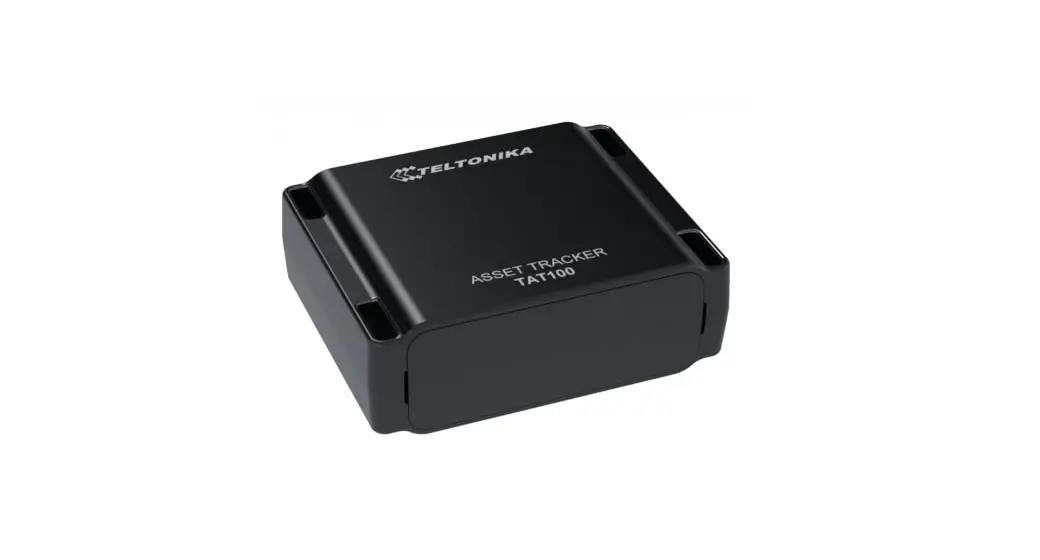
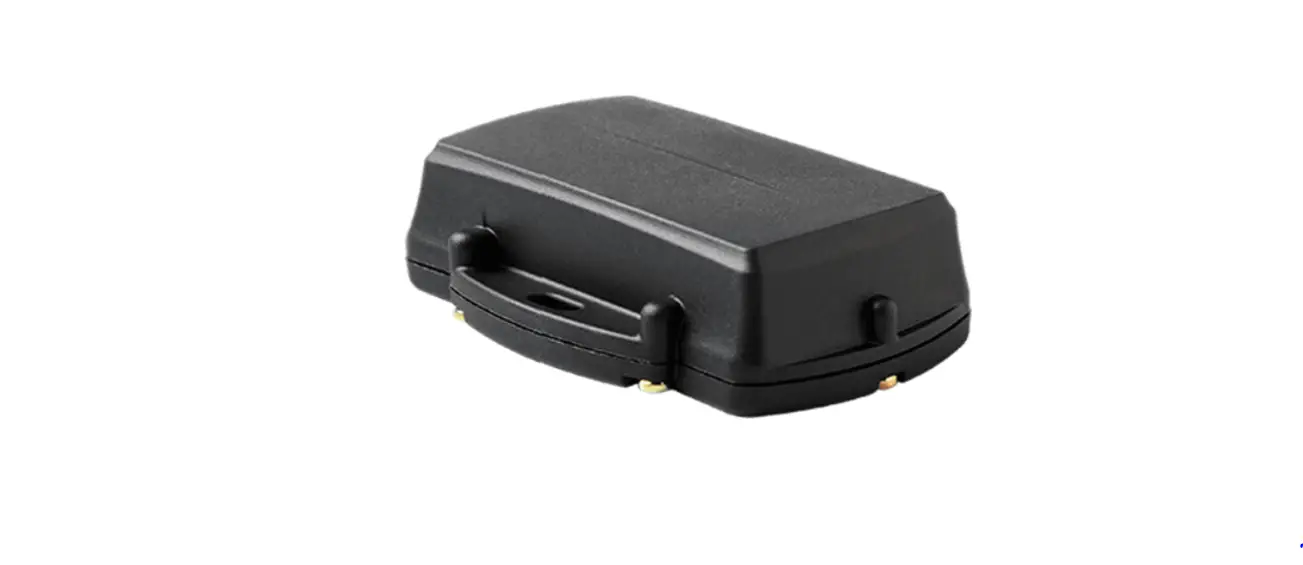
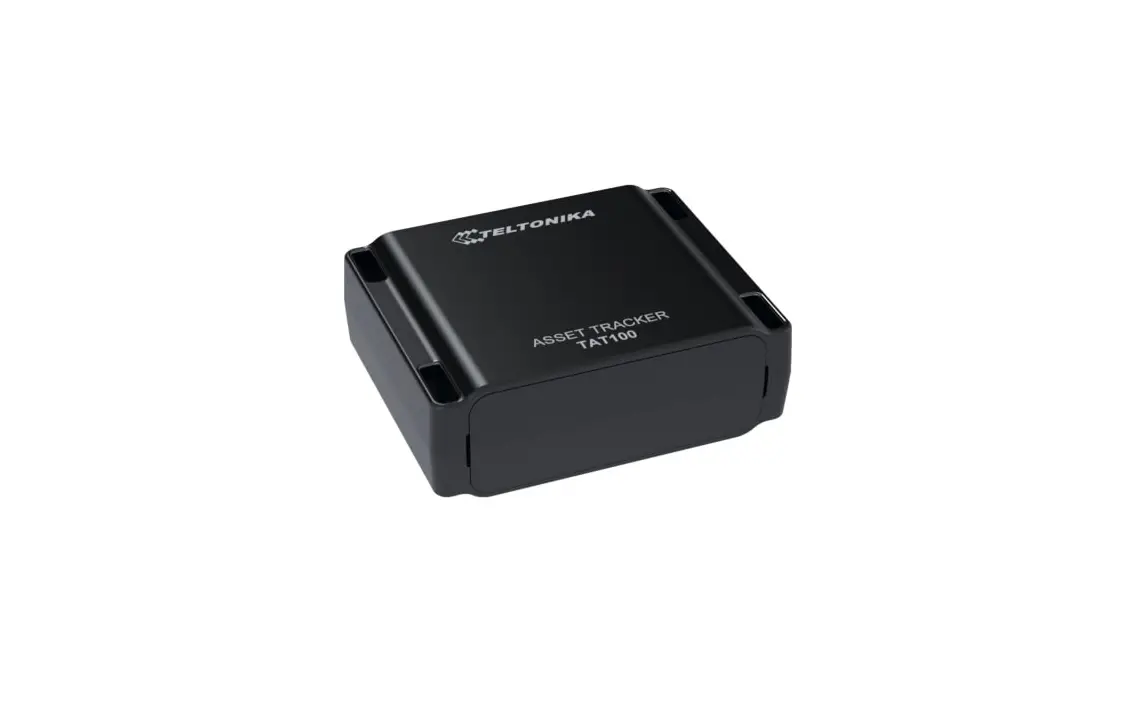
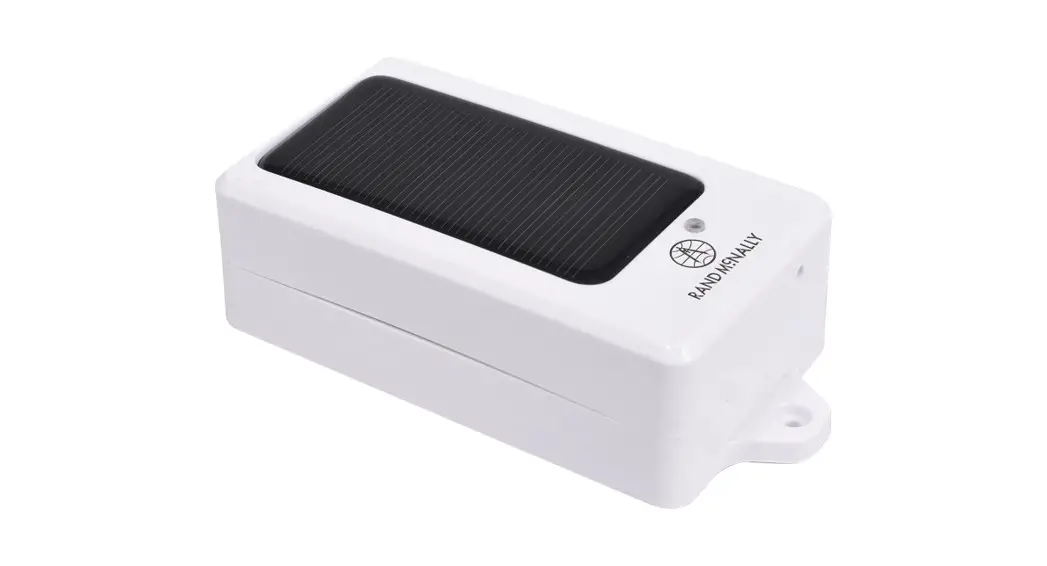
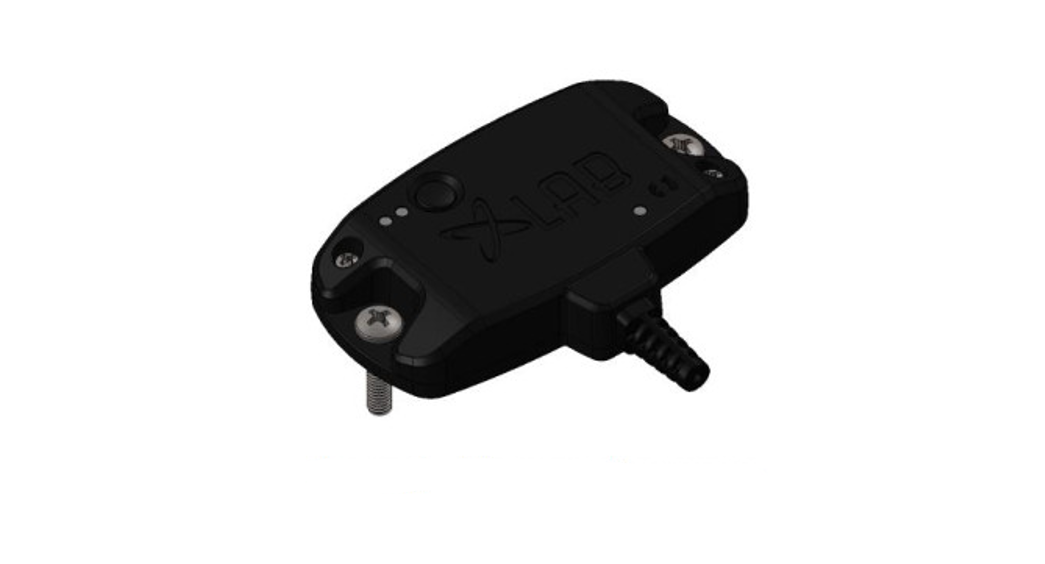
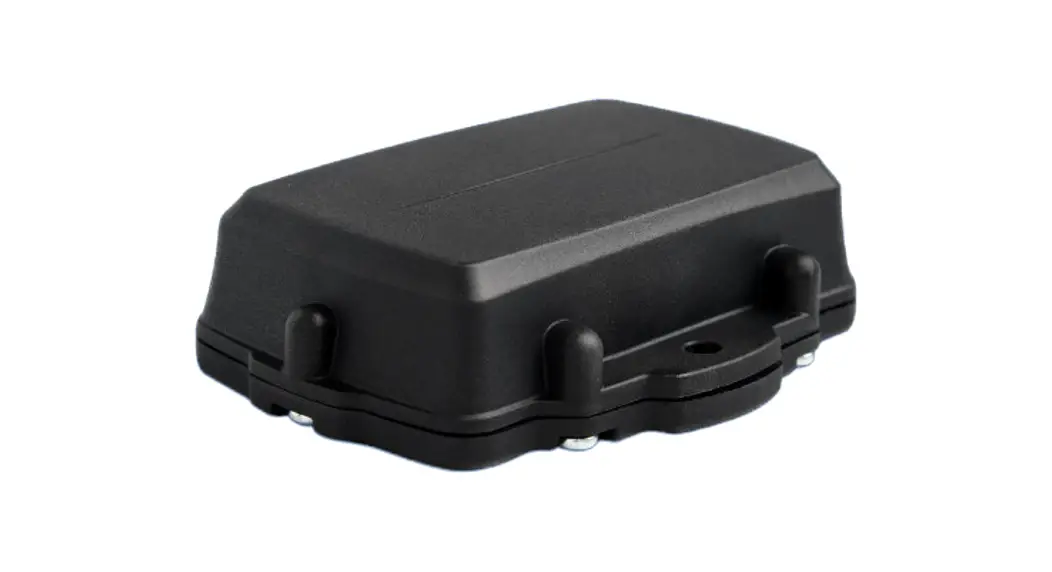
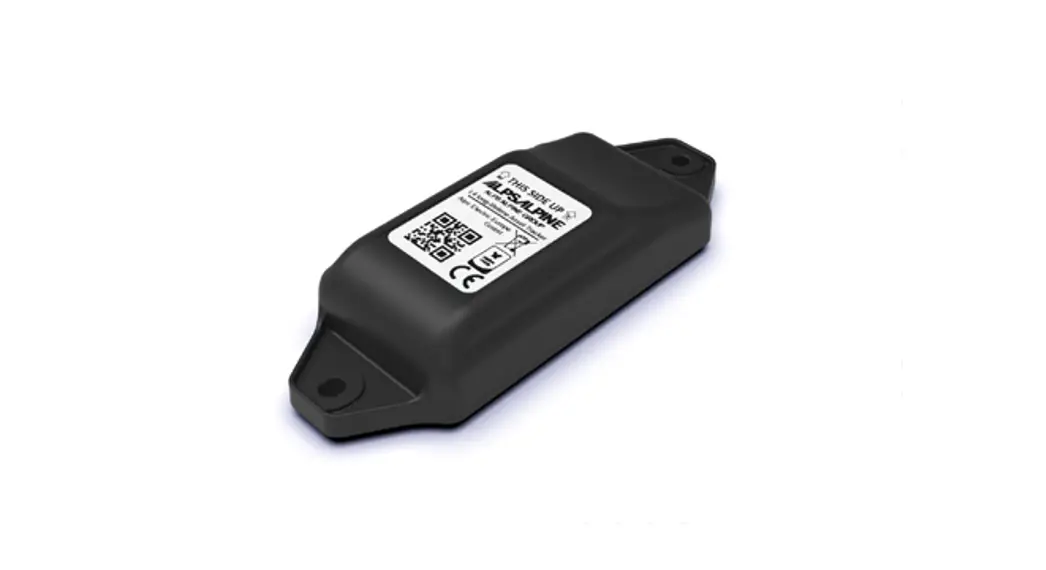
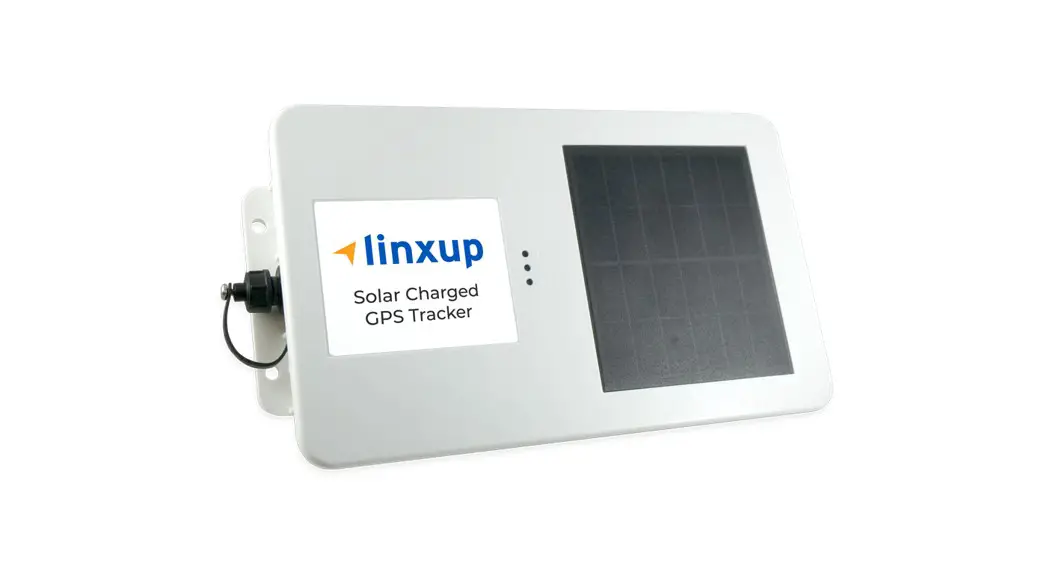
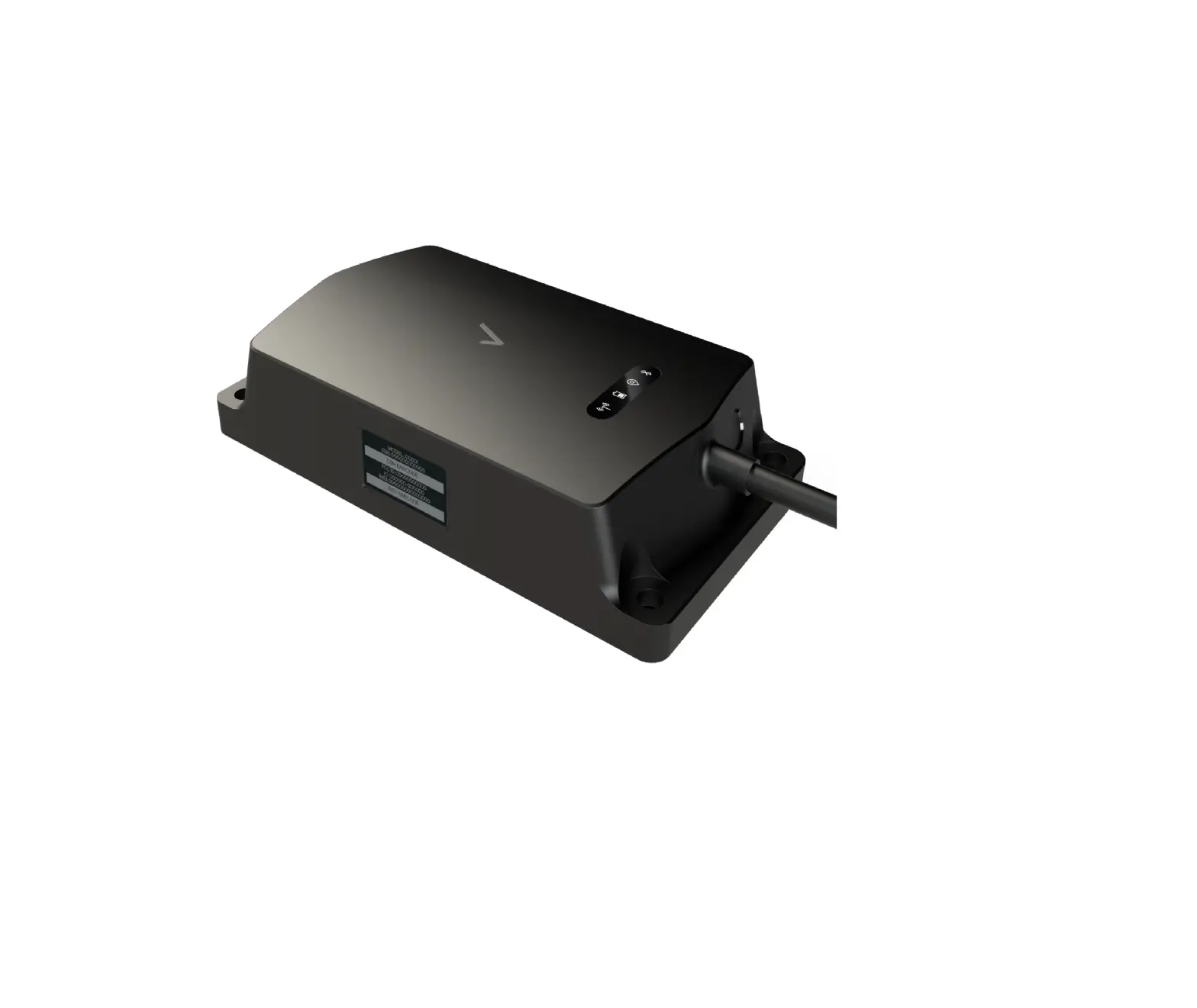
AT101 Asset Tracker
Product Information
The AT101 Asset Tracker is a device featuring LoRaWAN
technology. It is designed to track and monitor assets using
low-power long-range communication. The tracker is equipped with
NFC (Near Field Communication) for easy setup and configuration.
The device has a power button for turning it on/off and resetting
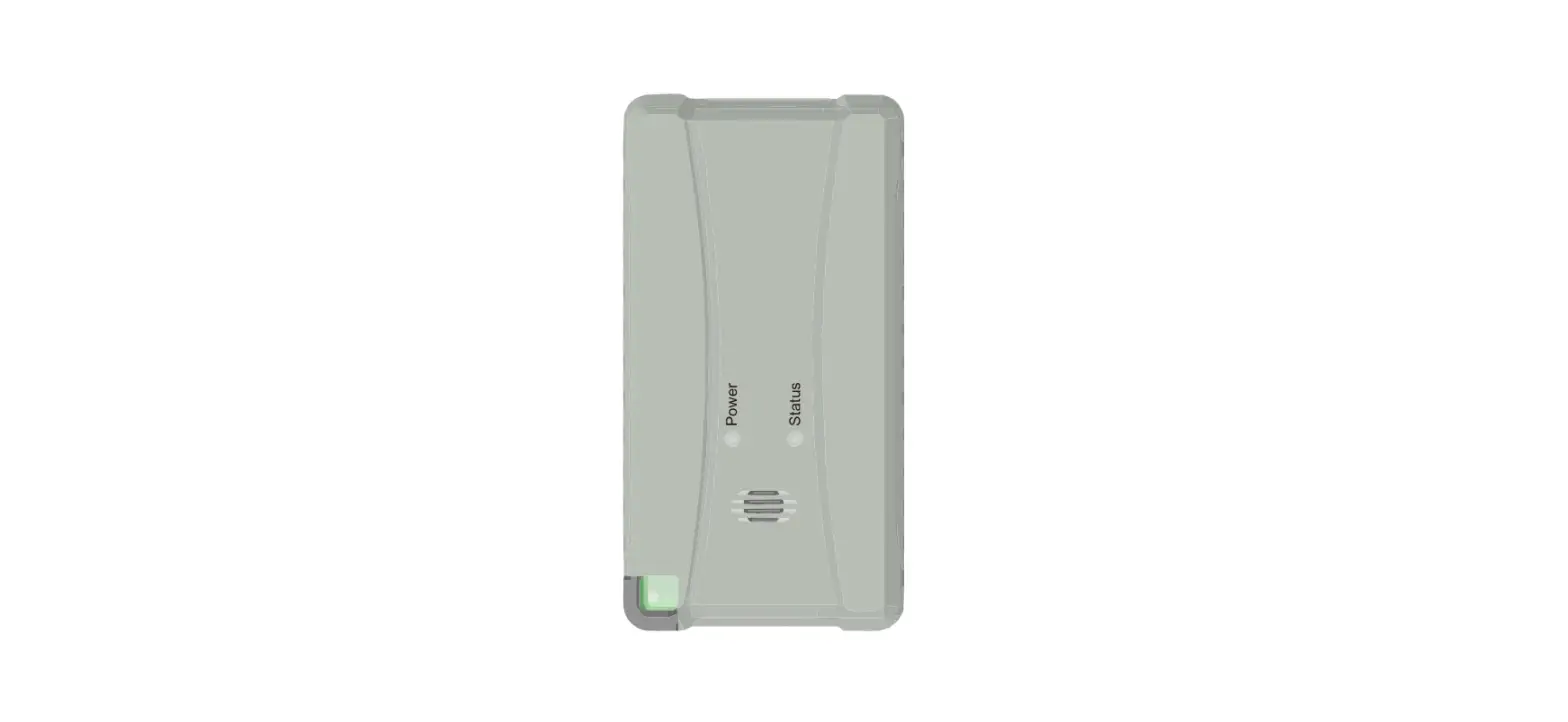
it to factory default settings. It also has LED indicators to
display its status.
The AT101 tracker comes with a packing list and can be fixed to
target places using either mounting kits or 3M tape. It is
compliant with FCC regulations and has been tested to meet
radiation exposure limits for an uncontrolled environment.
To download software and files related to the device, please
visit https://www.milesight-iot.com/documents-download/
Product Usage Instructions
- Check the packing list to ensure all components are
included. - To power on the device, remove the cover and press and hold the
power button for more than 3 seconds. The LED indicator should turn
on. - To power off the device, press and hold the power button for
more than 3 seconds. The LED indicator should turn off. - To reset the device to factory default settings, press and hold
the power button for more than 10 seconds. - To check the on/off status of the device, quickly press the
power button. The LED indicator will blink quickly if the device is
on, and it will remain off if the device is off. - For configuration:
- Download the Milesight ToolBox App on a Bluetooth-supported
smartphone (available for Android and iOS). - Enable the Bluetooth function on your smartphone.
- Open the ToolBox App and click on “Bluetooth Connect”. Enter
the Bluetooth password (default: 123456). - Read/write the device until the App shows a successful
prompt.
- Download the Milesight ToolBox App on a Bluetooth-supported
- For installation:
- If using mounting kits, fix the device to target places using
two M4 mounting screws and wall plugs. - If using 3M tape, attach the tape to the back of the AT101 and
then attach it to the measured object.
- If using mounting kits, fix the device to target places using
For any further assistance or technical support, please consult
the product dealer or an experienced radio/TV technician.
Note: Please comply with FCC rules and guidelines when
operating the device. Ensure a minimum distance of 20cm between the
device and your body to comply with radiation exposure limits.
AT101
Asset Tracker FEATURING LoRaWAN
1.Packing List
1 × AT101 Device
2 × Mounting Kits
1 × 3M Tape
1 × Quick Start Guide 1 × Warranty Card 2.Hardware Introduction
NFC Area Mounting Holes
Tamper Button
3.Power Button Patterns
AT101 tracker equips with power button inside the device, please remove the cover for emergency switch on/off. Usually users can use NFC to complete all steps.
Function Power On
Power Off
Reset to Factory Default
Action
Press and hold the power button for more than 3 seconds.
Press and hold the power button for more than 3 seconds.
Press and hold the power button for more than 10 seconds.
Check On/Off Status
Quickly press the power button.
LED Indicator Off On
On Off
Blinks quickly Light On Device is On. Light Off Device is Off.
Quick Start Guide
Cloud App
All software & files can be downloaded from https://www.milesight-iot.com/documents-download/
Milesight IoT Co., Ltd. www.milesight-iot.com Building C09, Software Park Phase III, Xiamen 361024, Fujian, China
4.Configuration Guide
1.Download “Milesight ToolBox” App on a Bluetooth-supported smartphone.
Android
iOS
2.Enable the Bluetooth function on your smart phone before opening ToolBox App. Click “Bluetooth Connect” and enter the Bluetooth password to read/write the device until App shows a successful prompt. (The default Bluetooth password: 123456).
NFC
Note:
1.NFC password is the same as Bluetooth password. 2.If the Bluetooth password is entered over 1min, please re-enter the password. 3.The waiting interval will be increased gradually after the fifth time if entering the incorrect password continuously, the maximum interval is 15min. 4.It will disconnect Bluetooth automatically and require re-enter password if there is no data interaction after establishing the Bluetooth connection. 5.It’s not supported to connect one sensor to multiple phones via Bluetooth at the same time; the connection on phone A will be disconnected after phone B is connected to the sensor via Bluetooth.
5.Installation
Fixed by Mounting Kits
Install the device to target places by using two M4 mounting screws and wall plugs.
Fixed by 3M Tape Attach the 3M Tape to the back of AT101, tear another part and attach it to the measured object.
6.FCC Statement Any Changes or modifications not expressly approved by the party responsible for compliance could void the user’s authority to operate the equipment. This device complies with part 15 of the FCC Rules. Operation is subject to the following two conditions: (1) This device may not cause harmful interference, and. (2) This device must accept any interference received, including interference that may cause undesired operation.
Note: This equipment has been tested and found to comply with the limits for a Class B digital device, pursuant to part 15 of the FCC Rules. These limits are designed to provide reasonable protection against harmful interference in a residential installation. This equipment generates, uses and can radiate radio frequency energy and, if not installed and used in accordance with the instructions, may cause harmful interference to radio communications. However, there is no guarantee that interference will not occur in a particular installation. If this equipment does cause harmful interference to radio or television reception, which can be determined by turning the equipment off and on, the user is encouraged to try to correct the interference by one or more of the following measures:
–Reorient or relocate the receiving antenna. –Increase the separation between the equipment and receiver. –Connect the equipment into an outlet on a circuit different from that to which the receiver is connected. –Consult the dealer or an experienced radio/TV technician for help.
FCC Radiation Exposure Statement:
This equipment complies with FCC radiation exposure limits set forth for an uncontrolled environment. This equipment should be installed and operated with minimum distance 20cm between the radiator& your body. This transmitter must not be co-located or operating in conjunction with any other antenna or transmitter.
 Milesight IoT - LoRaWAN, 5G & AIoT