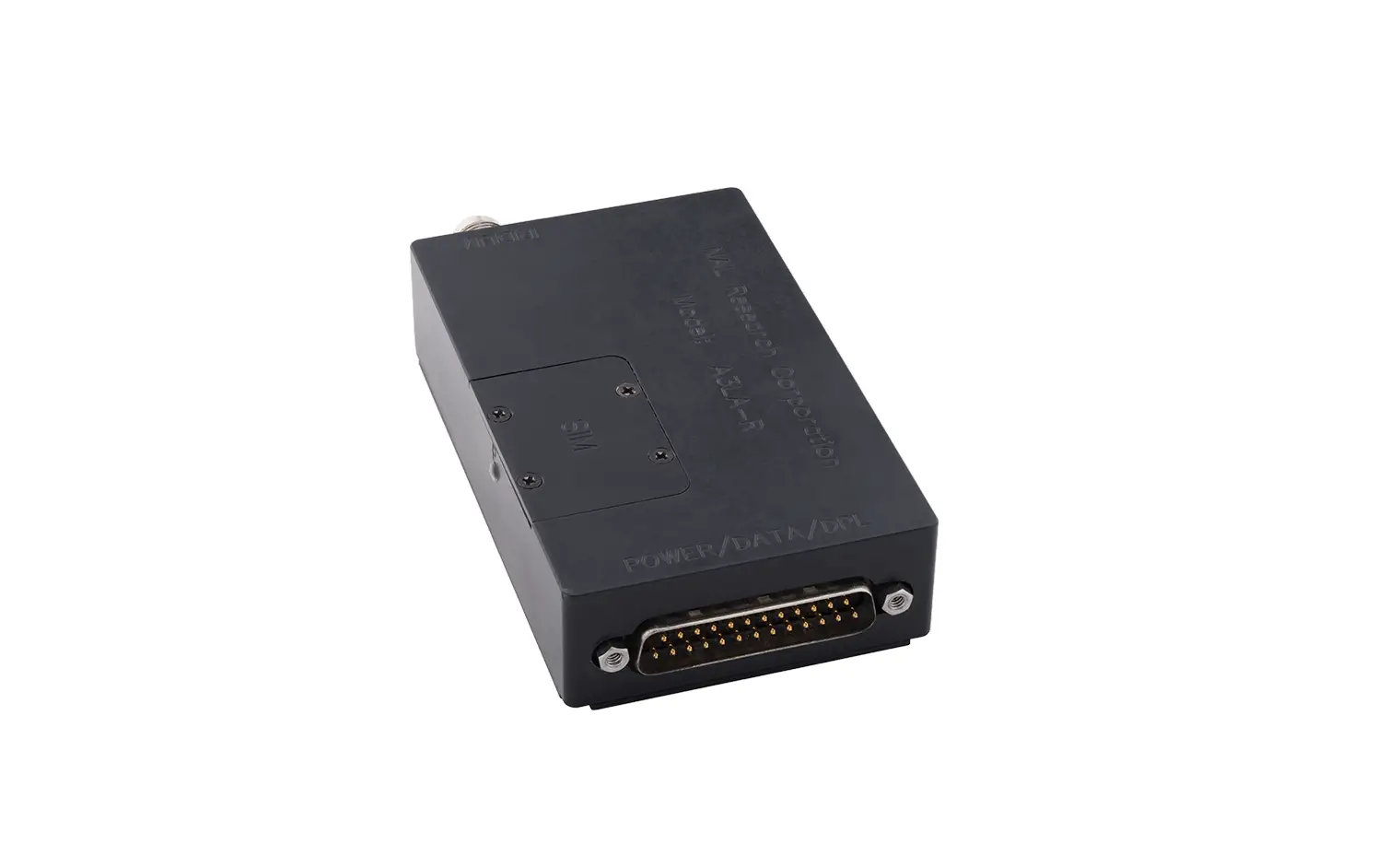
NAL RESEARCH A3LA-RS Satellite Modem Comprised
DEVICE DESCRIPTION:
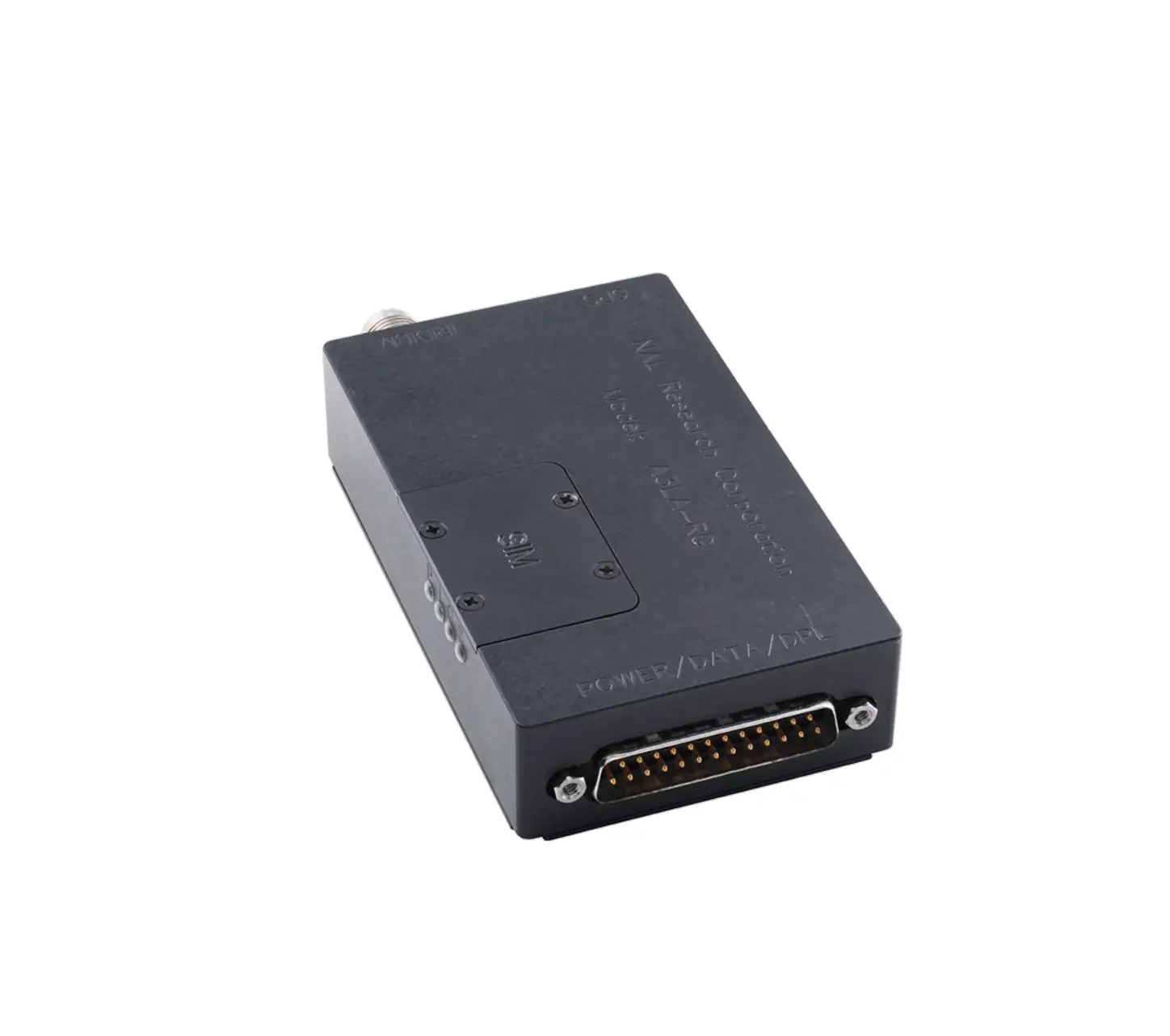
The A3LA-RS is a satellite modem comprised of an Iridium® 9523 transceiver. It supports SBD, SMS, dial-up data switch Direct internet connection (or NIPRNET connection), Direct internet connection using Apollo Emulator (only for DoD EMSS Gateway), and RUDICS connectivity to the Iridium satellite network. The A3LA-RS does not support voice communications. The A3LA-RM can be controlled by a DTE capable of sending standard AT commands via a serial port.
- IMPORTANT: The A3LA-RS antenna must have a full view of the sky during transmission
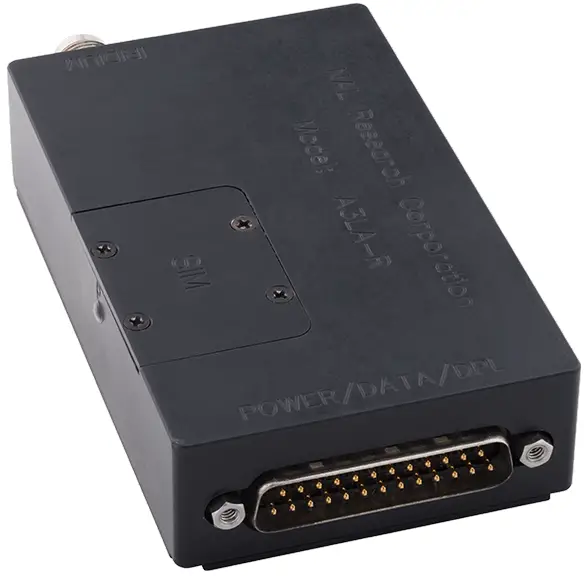
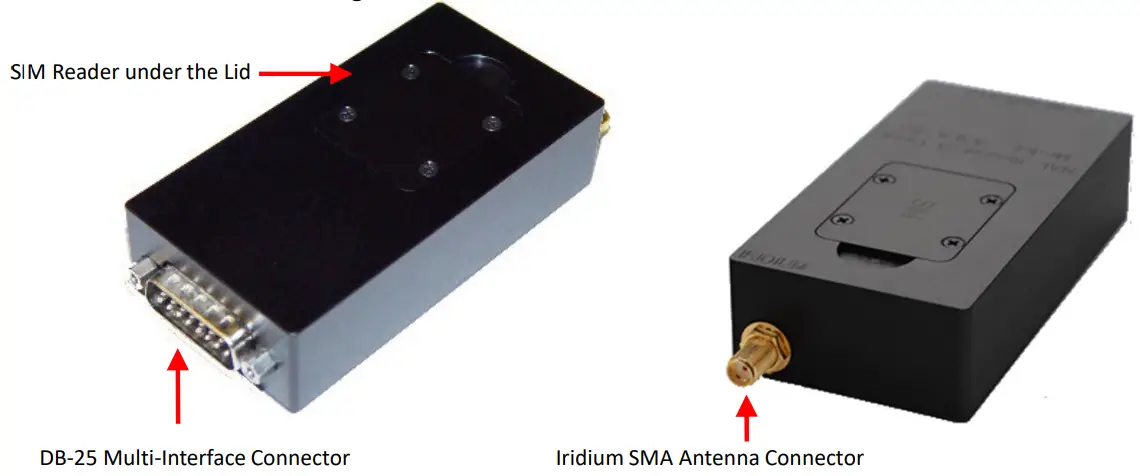
- DB25 Multi-Interface Connector: The multi-interface connector is a male 15-pin miniature D-sub type that includes four interfaces – RS232, DC input power, ON/OFF control line, and TX_ACTIVE.
- Iridium TNC Antenna Connector: The A3LA-RS modem uses a single SMA female 50-ohm connector to both transmit and receive message from the Iridium network.

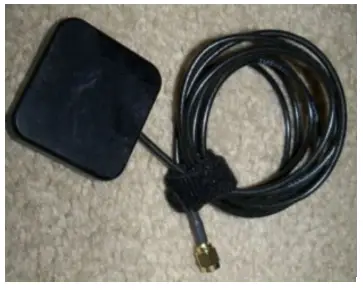
- Antenna: NAL Research recommends the SYN7391-C antenna.
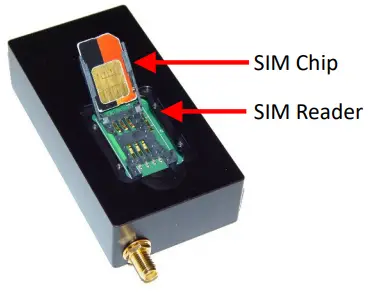
CAUTION: Do not connect or disconnect the antenna while device is powered. - SIM Card Interface: The device uses and requires an Iridium SIM chip for operation, in support of Non-SBD features.
- RS232 Data Interface: This interface allows a connected DTE to utilize the A3LA-RS’s modem functionality through standard AT and extended sets of AT commands.
- DC Power Input: Power is supplied through pin 1 (EXT_B+) and pins 3 & 8 (EXT_GND) on the DB-15 connector. Factory default: the A3LA-RS automatically powers on when external DC power is applied.

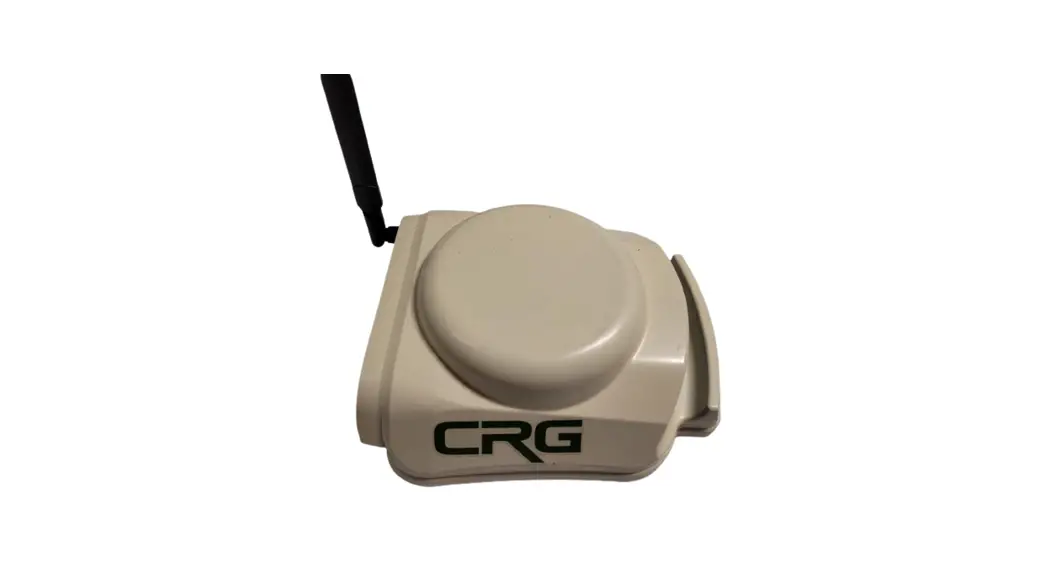
SYNC7391-C
CONFIGURE DEVICE TO OPERATE
- With the device turned off, remove the SIM cover located on top of the device.
- Insert the SIM chip (facing down) into the SIM chip reader bracket, ensure SIM chip cut-off aligns with the SIM reader, and then lower and lock the SIM chip reader’s bracket.
- Connect the antenna connector to the Iridium connector port on the device.
- Verify the antenna has a clear view of the sky and the cable loss between the modem and antenna is <3 dB.
- Connect a DTE to the DB15 port on the device using the RS232/data cable model HRC-24-7R.
- Supply DC power through pin 1 (EXT_B+) and pins 3 & 8 (EXT_GND.
- Configure the A3LA-RS using AT commands (SatTerm)

Customer Support
Support Phone#: 571-833-2169
451-92899-002B
2023-03-31
[email protected]