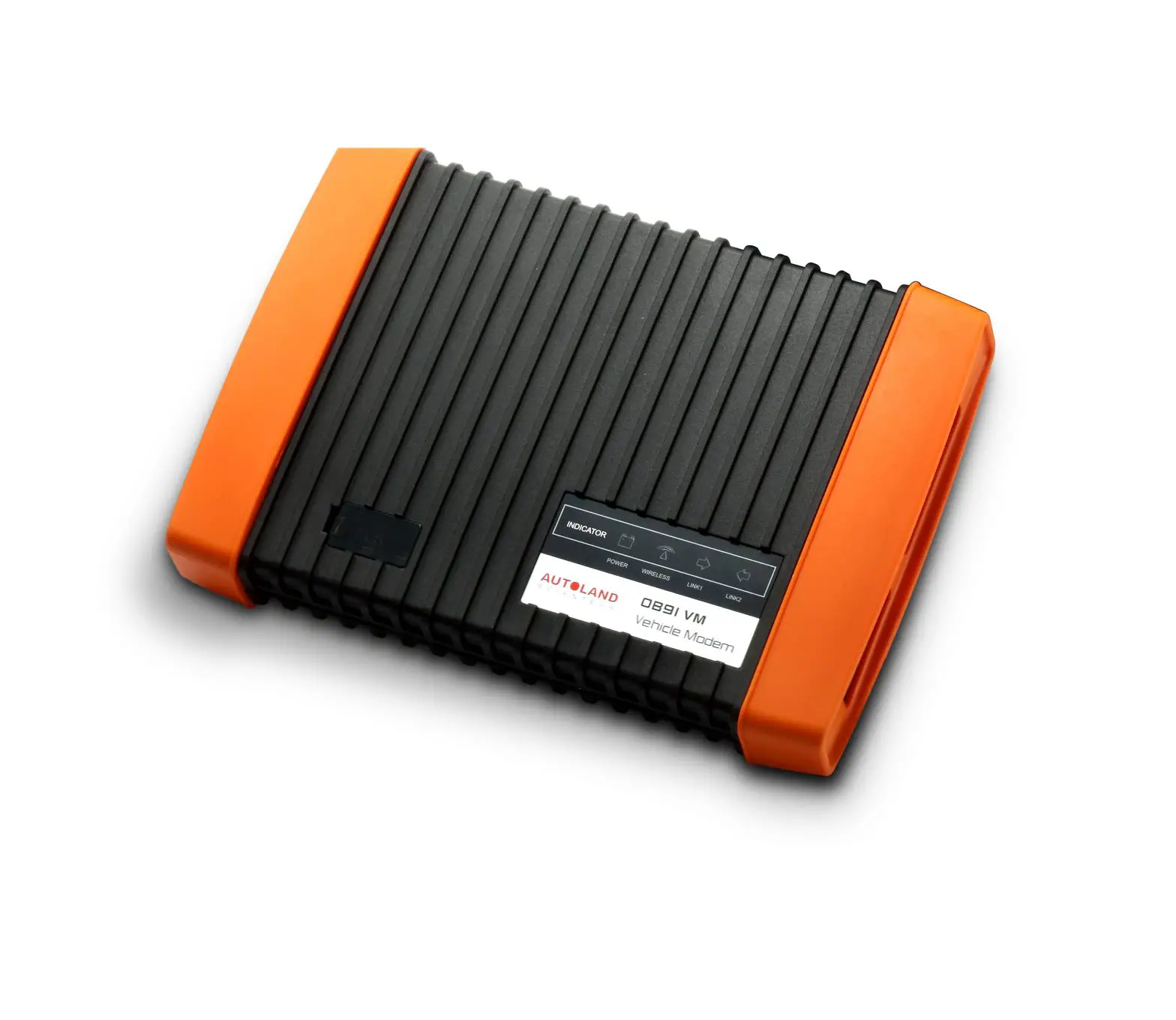
AUTOLAND iSCAN-e On-Line
iSCAN-e On-Line Diagnostic
- The Smart phone or tablet requires internal storage 32G or above, and Android 6.0.
- Download iSCAN-e Online app from our official website at www.autolandscientech.com, under iSCAN-e section.
- Connect OB15-DM to vehicle.
- Launch iSCAN-e Online app, connect the app to OB15-DM via Bluetooth.
- Start to diagnose vehicle.
Features
- The Smart phone or tablet requires internal storage 32G or above, and Android 6.0.
Connection
- The Smart phone or tablet download the iSCAN-e Online app from our official website at www.autolandscientech.com, under iSCAN-e section.
PRODUCTS
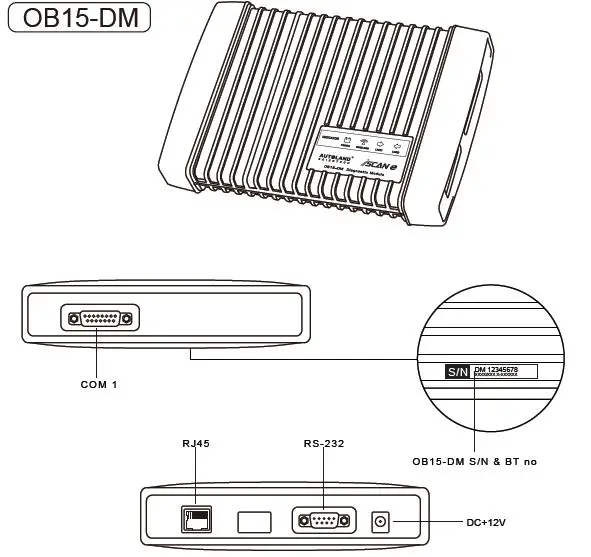
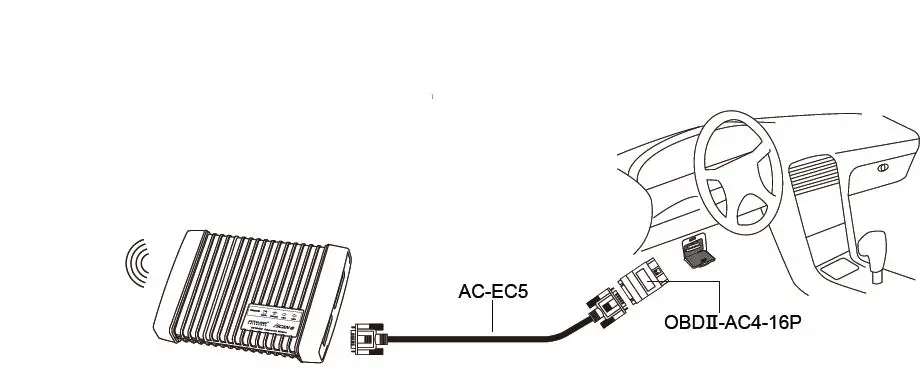
- Connect OB15-DM to the vehicle with AC-EC5 & OBD-ll adaptor.
- Turn on the Bluetooth feature on the Android device. Launch iSCAN-e Online app, and connect the app with OB15-DM via Bluetooth.

- iSCAN-e system automatically searches and pairs to OB15-DM’s Bluetooth. After completing the connection, please enter user & password to Login. Login to the main page, select SET UP and then enter “Online Activation / YUP Renewal” to enter password to start diagnosis.

- Diagnostic




 AUTOLAND SCIENTECH CO,. LTD.