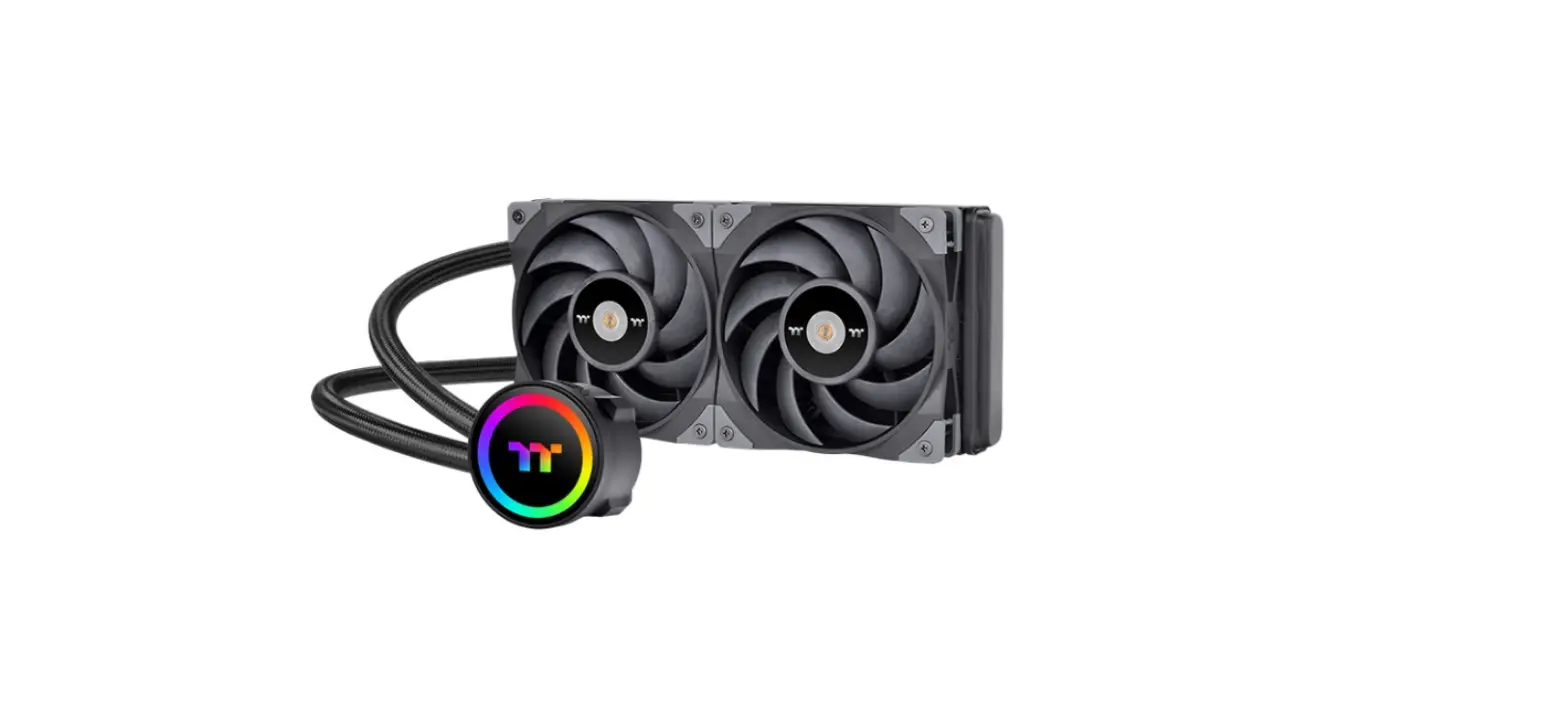
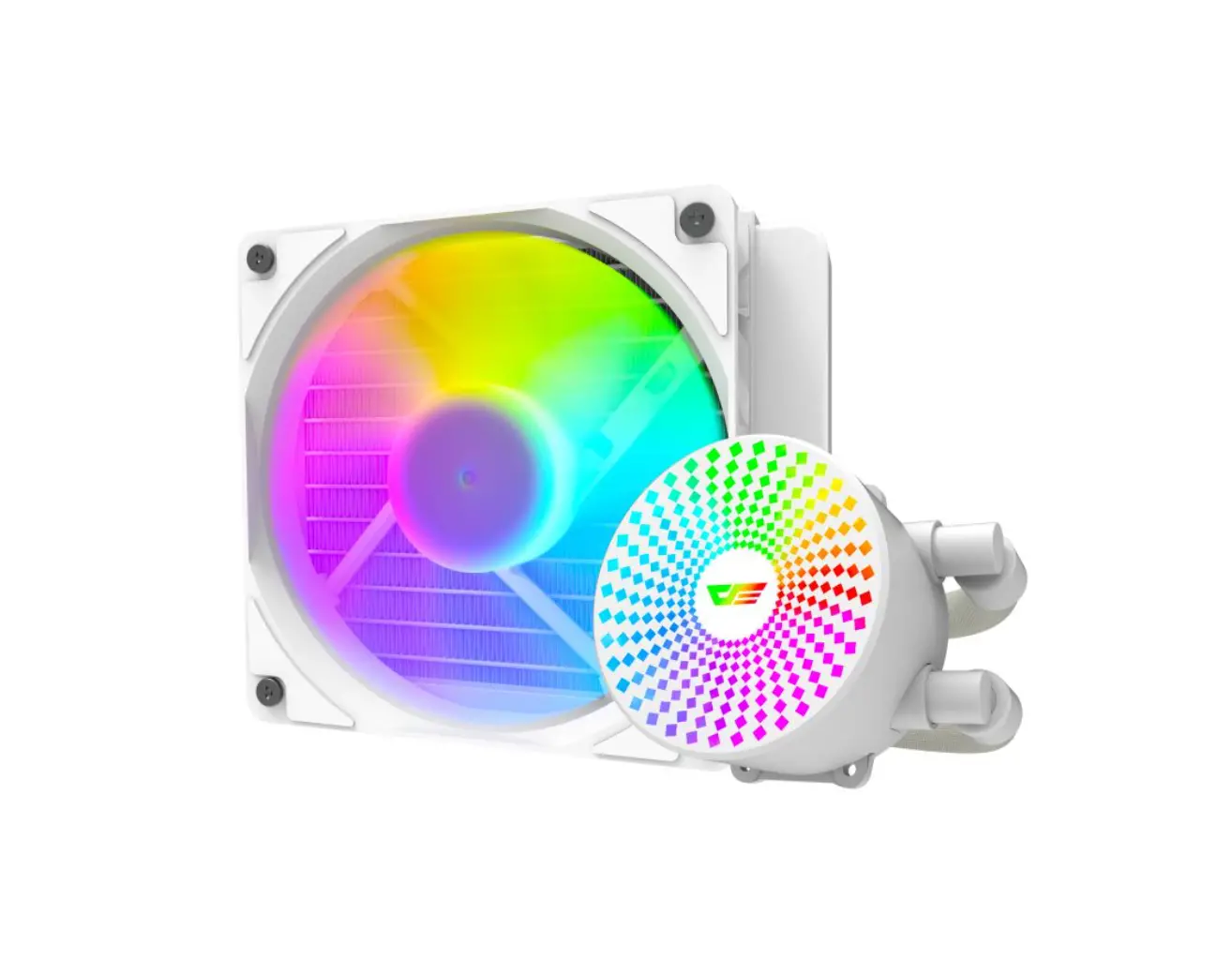
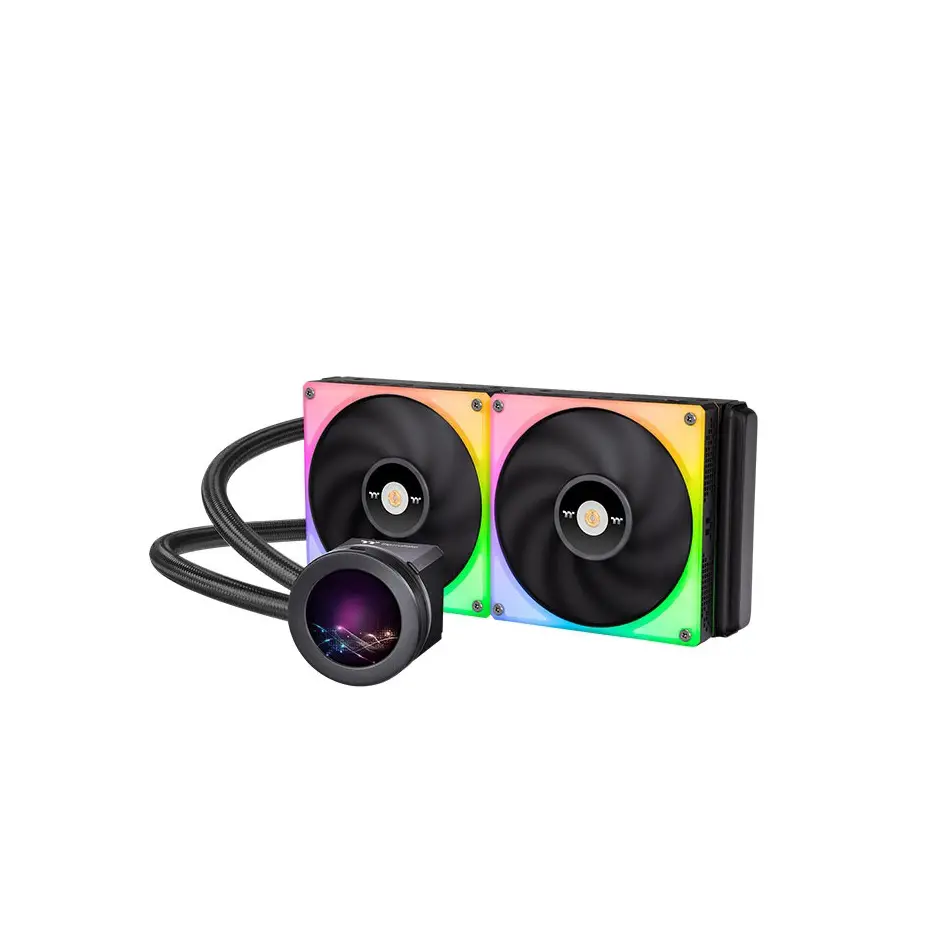
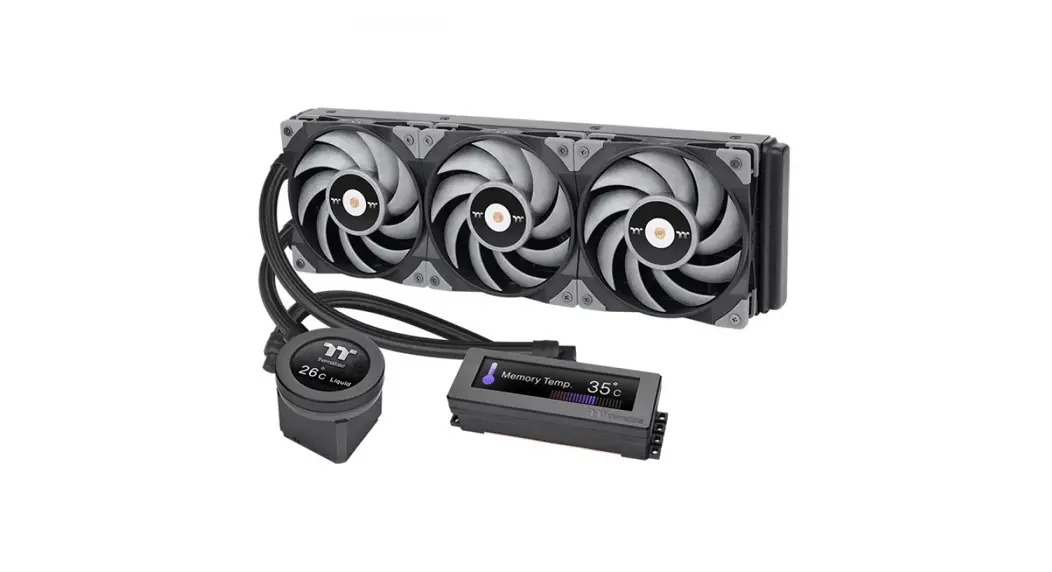
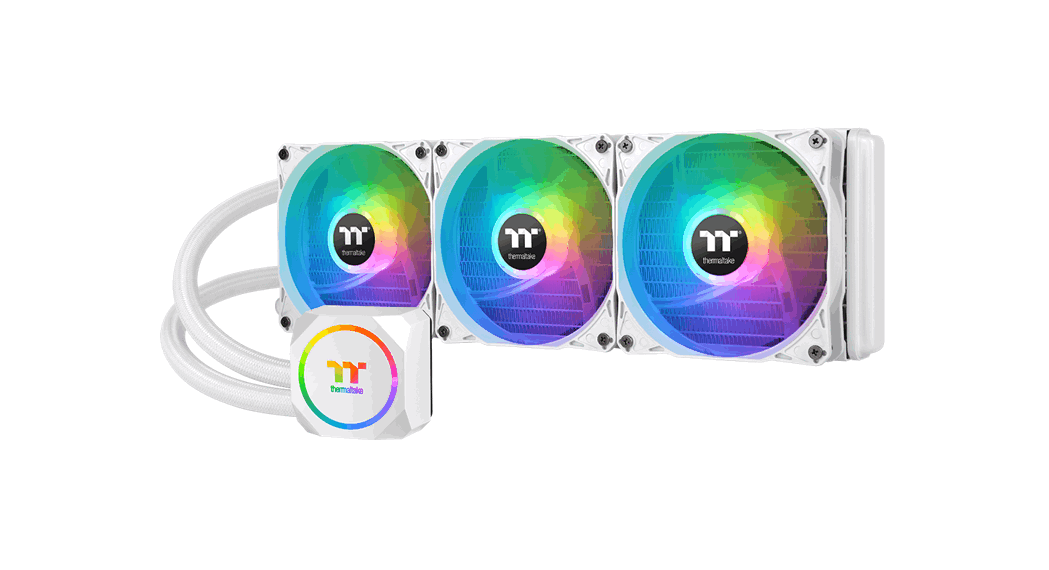
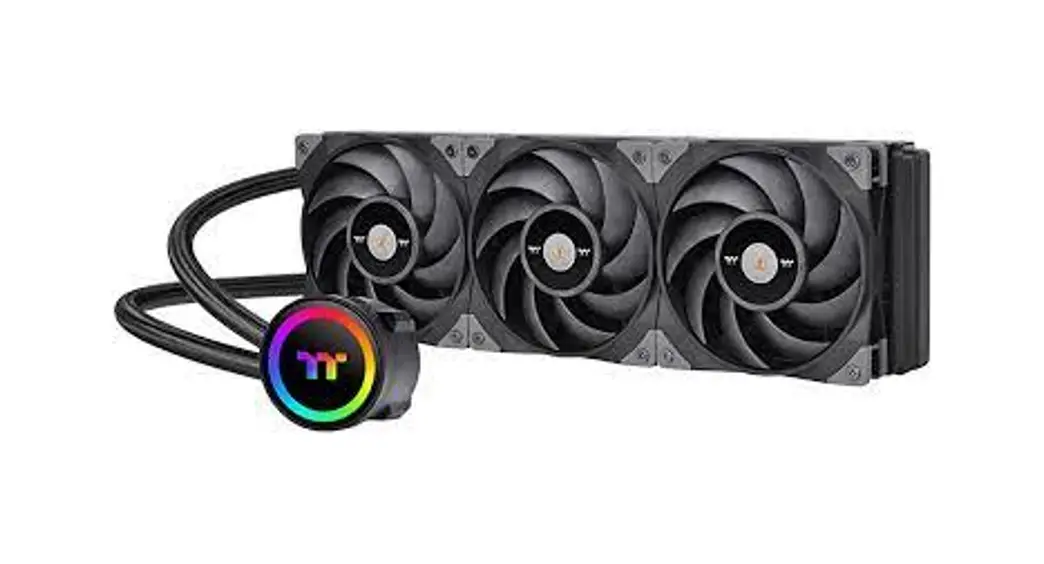
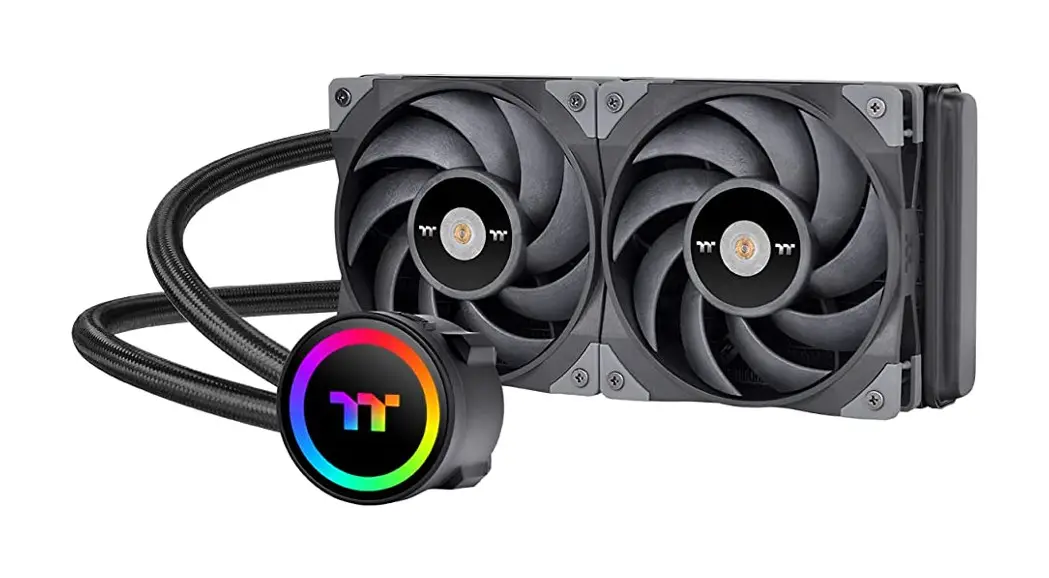
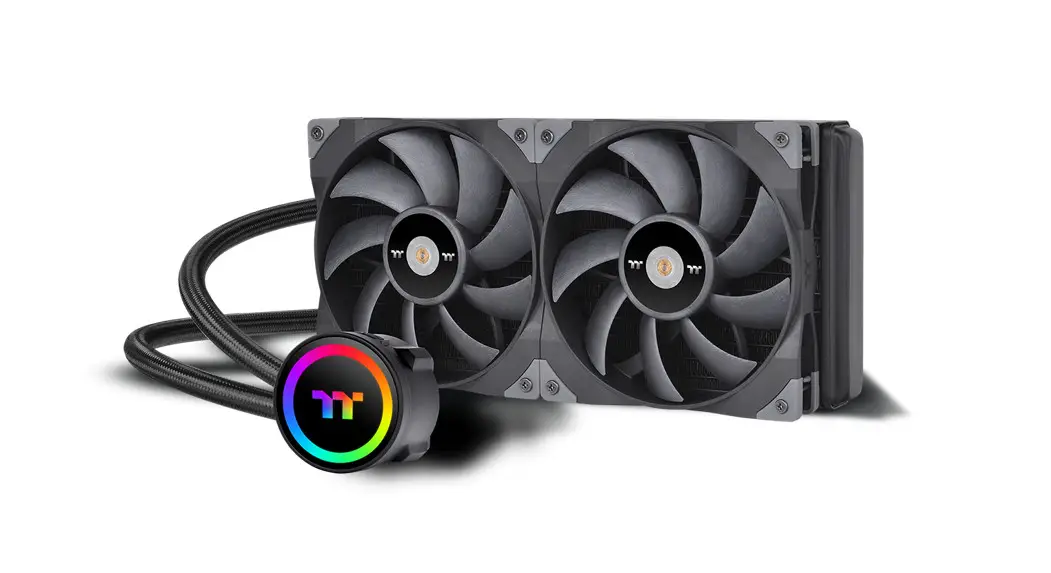
TH120 V2 ARGB Sync All In One Liquid Cooler
Product Information:
The product is called TH120 V2 ARGB Sync.
Parts List:
- A x1
- B x1
- C x1
- D x1
- E x4
- F x4
- Hx 1
- I x2
- J x4
- K x4
- L x1
- Mx 1
- Nx1
- Ox 1
- P x2
Supported CPU Sockets: LGA 1700/1200/115X
Supported CPUs: Intel 1700, Intel 1200/115X, AMD B 1700 or C
1200/115X
Product Usage Instructions:
- Scan the provided QR code to access the Installation
Guide. - Follow the Intel or AMD Installation Guide based on your CPU
type. - Tighten screw E to the halfway.
- Tighten screw E again to ensure the waterblock is securely
attached. - Refer to the MB SYNC Installation Guide for connecting cables
to the mainboard. - Ensure to power off the PC before connecting the cable and
verify the Positive and Negative ends on the connector. - Use the specifically designed clip to ensure proper cable
connection. - For more information, visit www.thermaltake.com
CAUTION: Connecting the cable to the mainboard
with the wrong end can damage the fans.
A x1
B x1
TH120 V2 ARGB Sync
Parts List
Scan Here
Installation Guide
C x1
D x1
E x4
LGA 1700/1200/115X
F x4
Hx 1
I x2
1 1700
B
1200/115X C
J x4
K x4
L x1
Mx 1
Nx1
Intel Installation Guide
3 1700/1200/1156/1155/1151/1150
A E
F
Ox 1
F L
Black
P x2
2 D B 1700 or C 1200/115X
AMD Installation Guide
1 Tighten screw E to the halfway.
2
3
Tighten screw E again to ensure your waterblock is secure enough.
H E
A H
A
E L
I
Installation Guide
1 K
A M
2 M W X Y Z
J
3
X
W
N
4
W FAN
N
CPU FAN
5
Intel
A U
or AMD
U
CPU FAN or AIO_PUMP
U
CPU FAN or AIO_PUMP
T
U
S
MB SYNC Installation Guide
CAUTION
Please power off the PC and check the Positive and Negative ends on the connector before connecting the cable to mainboard. Connecting the wrong end can damage the fans.
1
Y
Z
O
S
T
2
P
Y
Z
The specifically designed clip could ensure the cable is connected properly
3
T
© 2023 Thermaltake Technology Co., Ltd. All Rights Reserved.
www.thermaltake.com
 Thermaltake