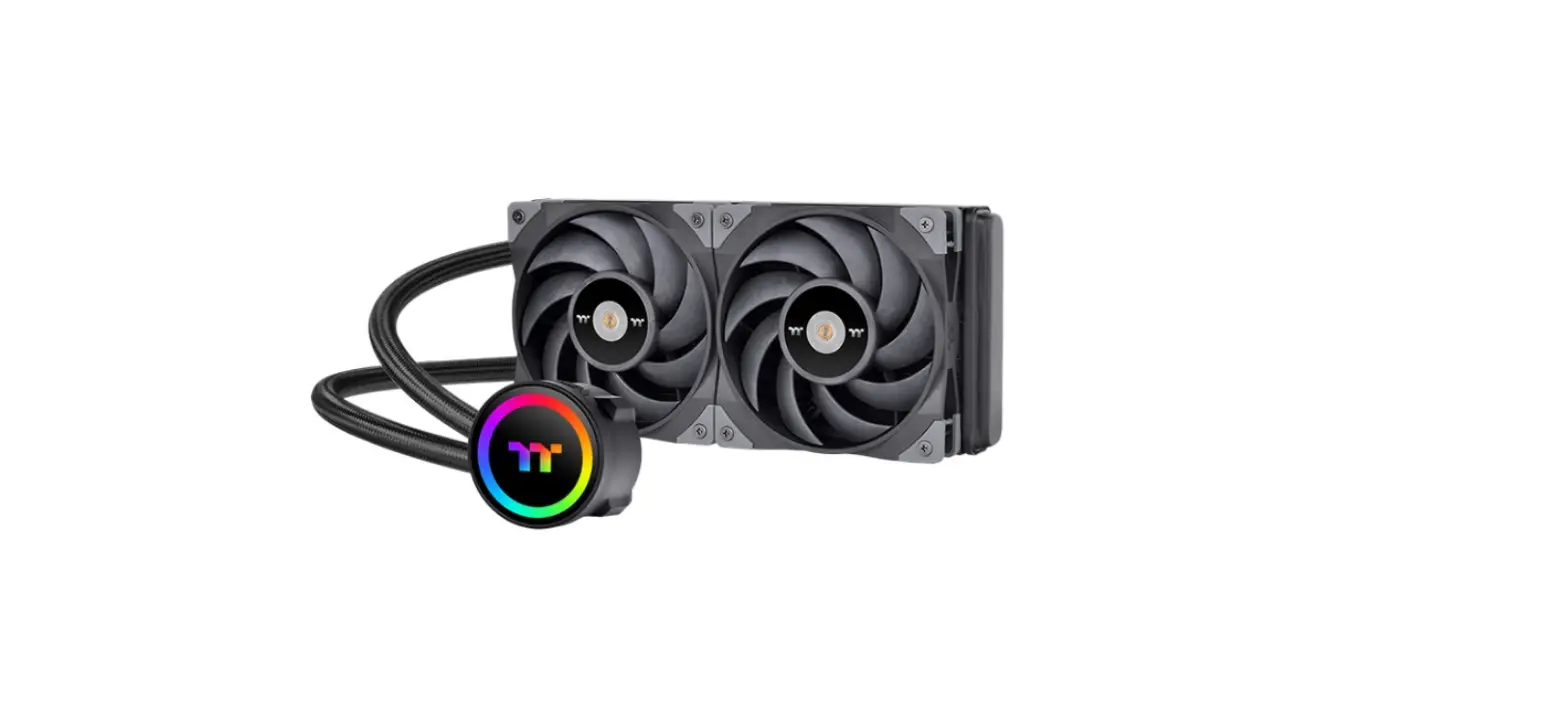
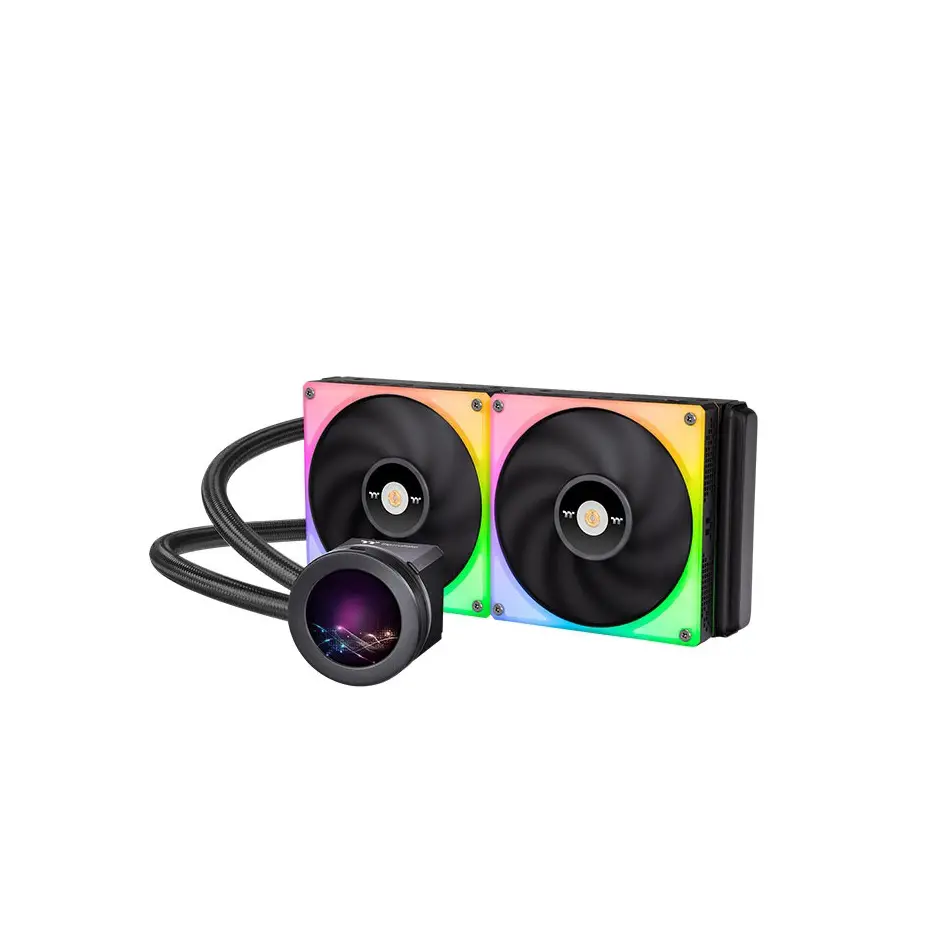
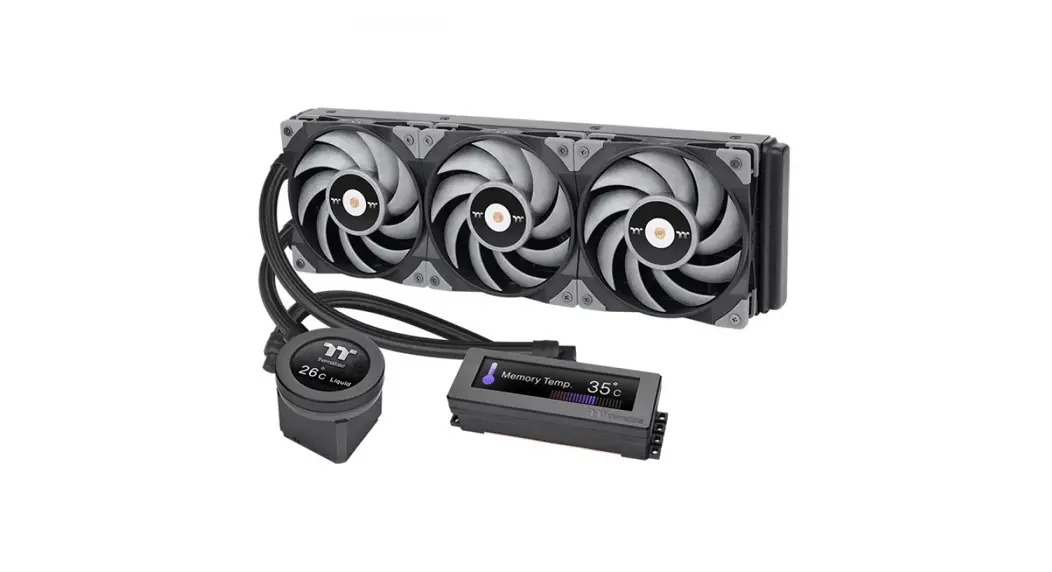
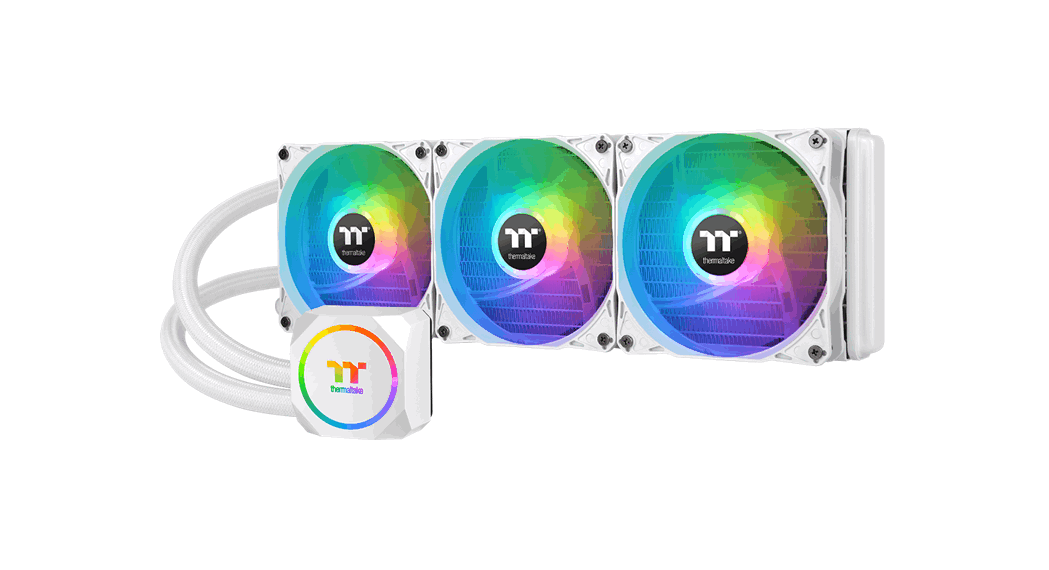
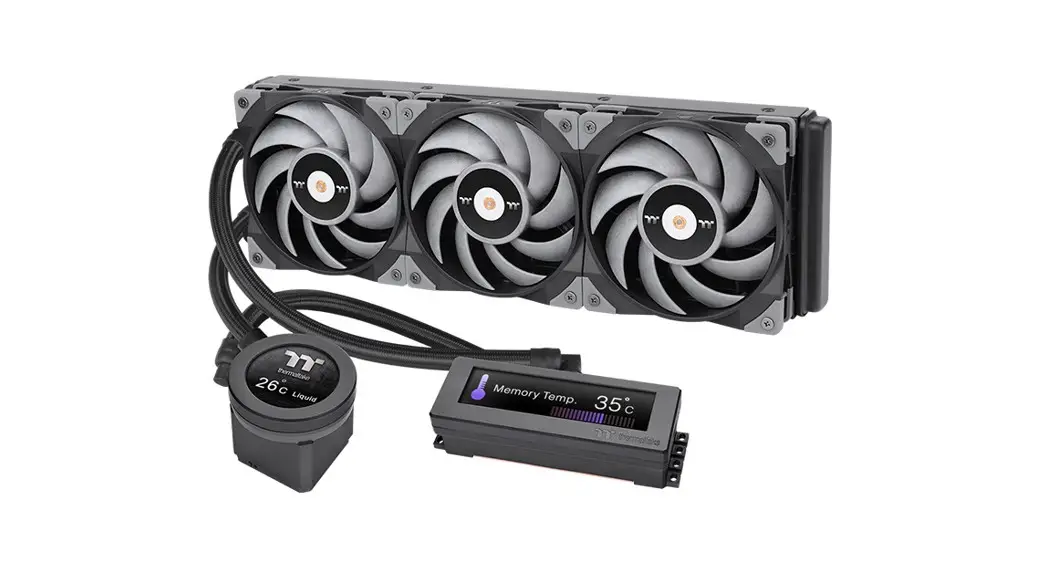
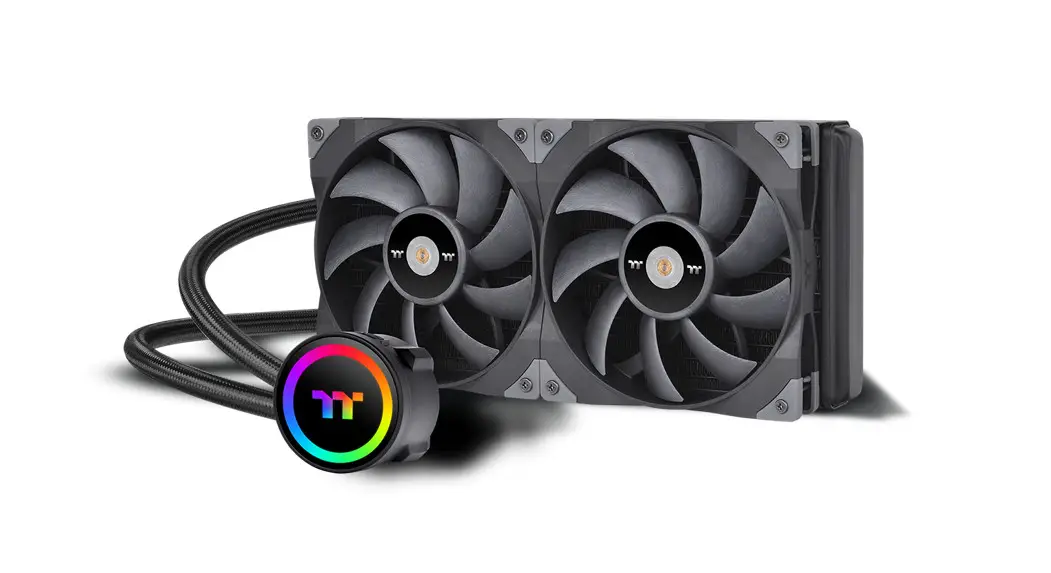
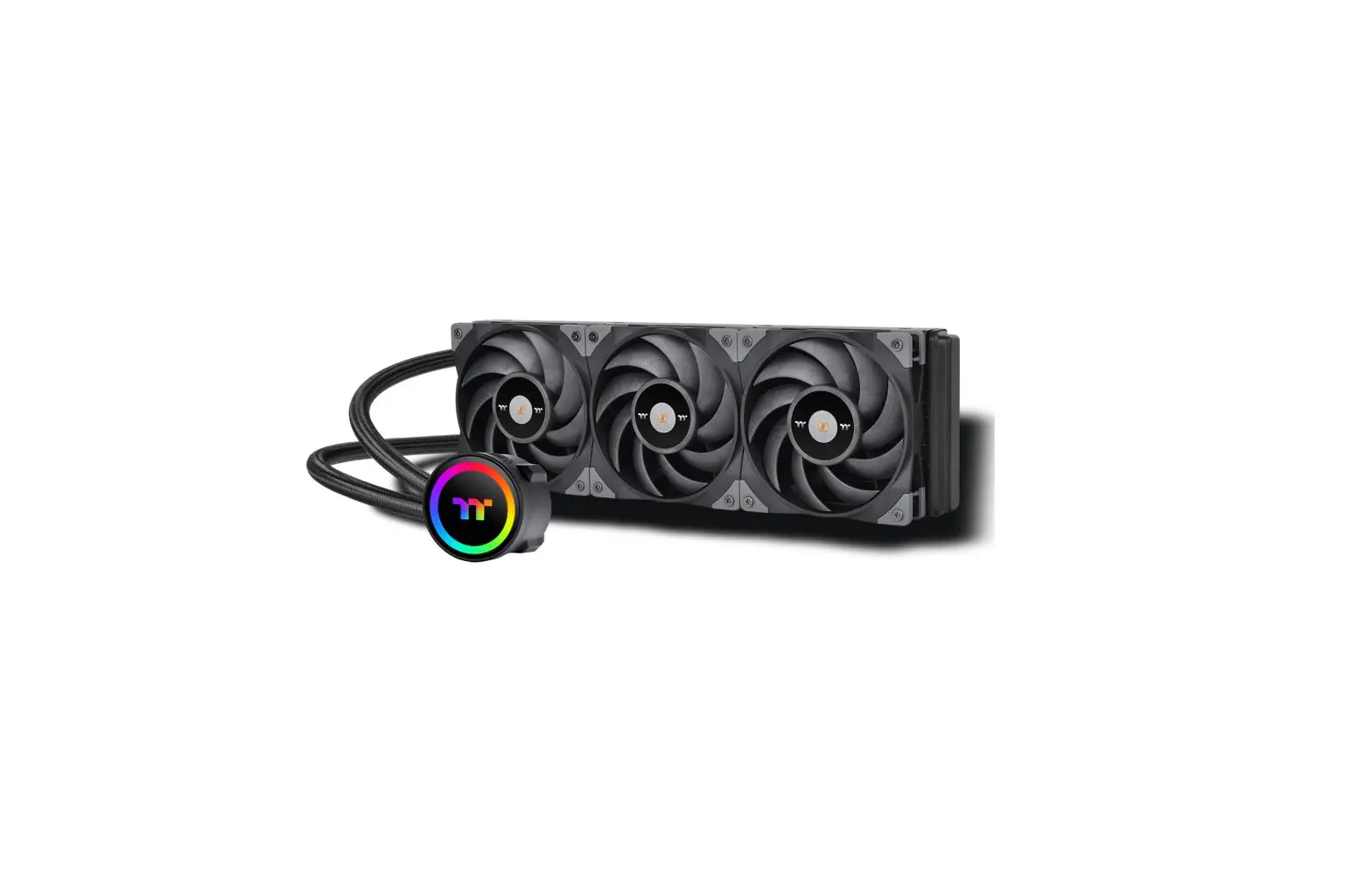
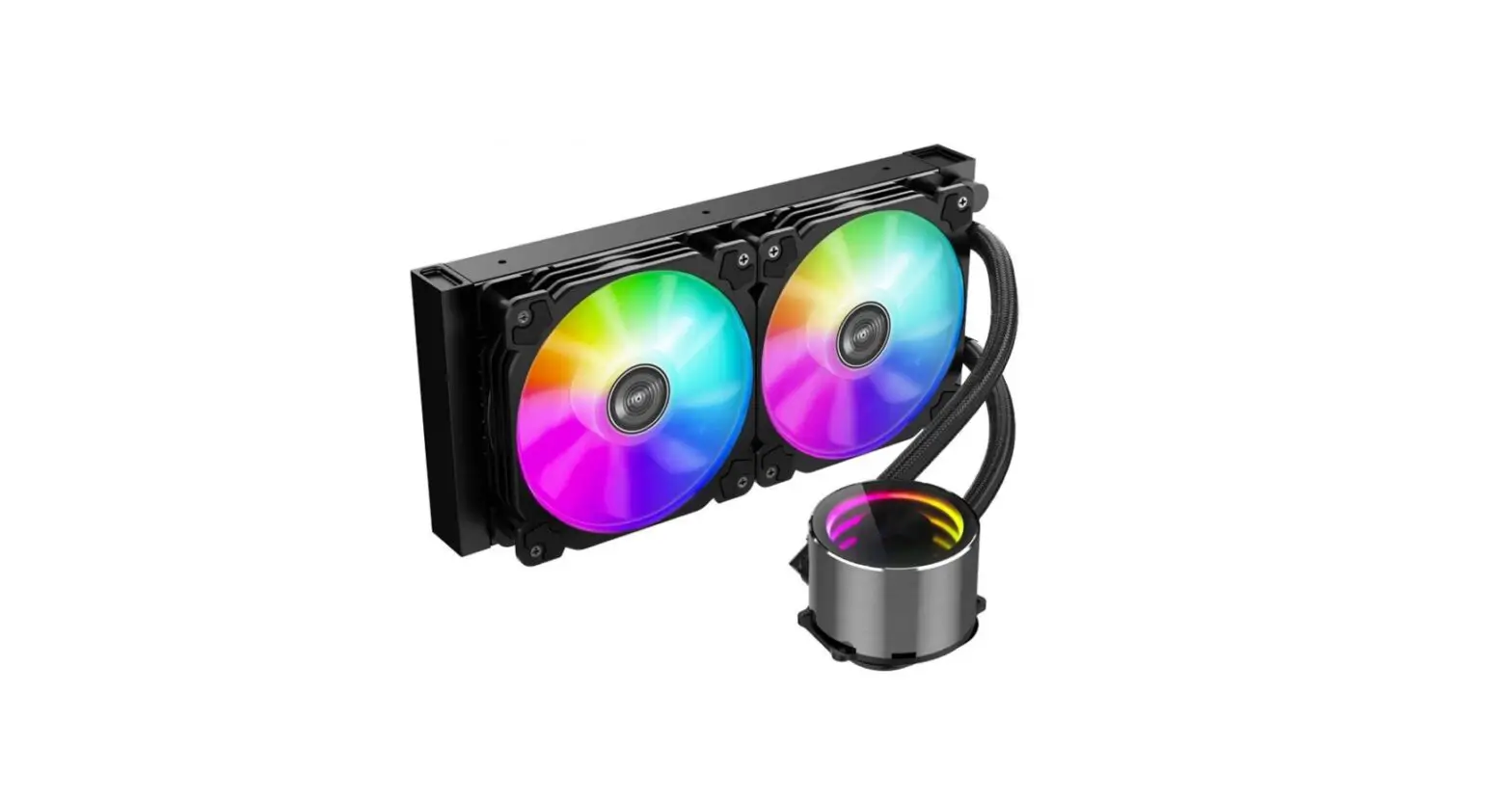
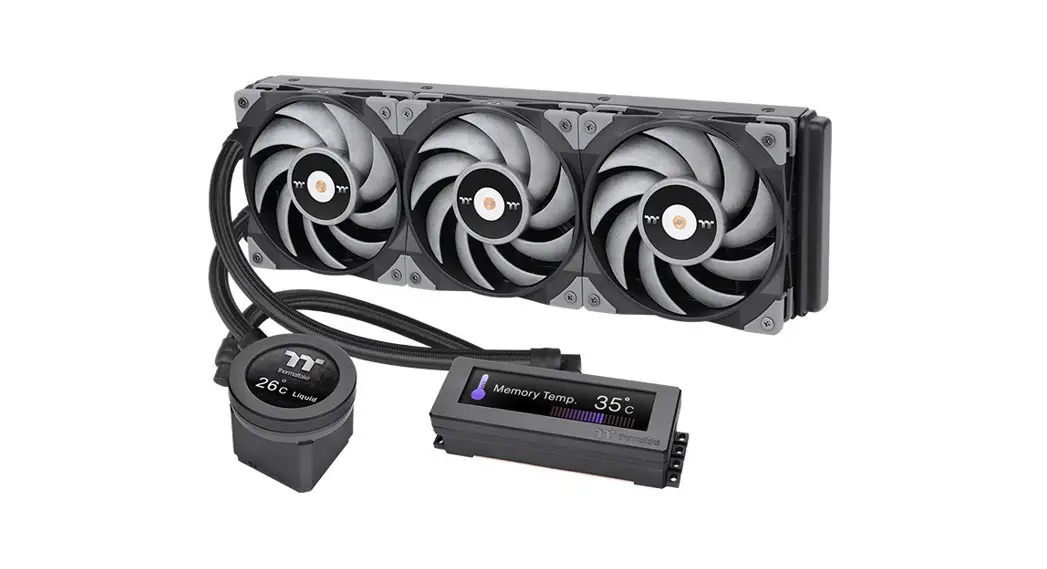
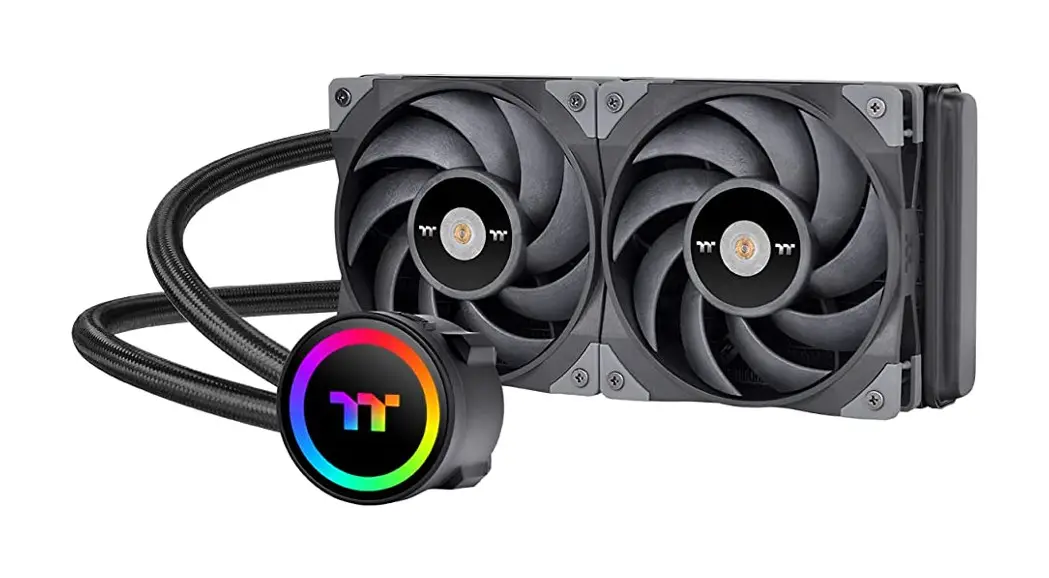
TH360-420 V2 Ultra ARGB Sync All-In-One Liquid Cooler
Product Information
| Part | Description |
|---|---|
| A | x1 |
| B | x1 |
| C | x1 |
| D | x1 |
| E | x4 |
| F | x4 |
| G | x4 |
| H | x1 |
| I | x2 |
| J | x12 |
| K | x12 |
| L | x1 |
| M | x3 |
| N | x1 |
| O | x1 |
| P | x1 |
| Q | x3 |
Product Usage Instructions
Intel Installation Guide
- Tighten screw E to the halfway.
- Tighten screw E again to ensure your waterblock is secure
enough.
AMD Installation Guide
- Tighten screw E to the halfway.
- Tighten screw E again to ensure your waterblock is secure
enough.
LCD Display Setup Guide
- Connect the water block and motherboard with cable P.
- To control the LCD display using TT RGB PLUS Software, please
connect the water block and motherboard with cable P.
MB SYNC Installation Guide
- Power off the PC and check the Positive and Negative ends on
the connector before connecting the cable to the mainboard.
Connecting the wrong end can damage the fans. - Use the specifically designed clip to ensure the cable is
connected properly.
TH360/420 V2 Ultra ARGB Sync
Parts List
Scan Here
Installation Guide
A x1
B x1
C x1
D x1
E x4
LGA 1700/1200/115X
F x4
LGA 2066/2011
Gx 4
Hx 1
I x2
J x 12 K x 12 L x 1
Mx 3
Nx1
Ox 1
P x1 Q x3
1 1700
B
1200/115X C
2
Intel Installation Guide
3 1700/1200/1156/1155/1151/1150
A E
FG
2066/2011-3/2011
E
A
LF
Black Silver
G L
D
B 1700 or C 1200/115X
AMD Installation Guide
1 Tighten screw E to the halfway.
2
3
Tighten screw E again to ensure your waterblock is secure enough.
H E
A H
A
E L
I
1
K
A M
J
3X
W
X
Installation Guide
2
M
WX
W
4
N
5
Intel
or
A
CPU FAN or AIO_PUMP
AMD
W X Y Z
W FAN
N
CPU FAN
A
CPU FAN or AIO_PUMP
LCD Display Setup Guide
1
A
2
CAUTION
P
P
To control the LCD display by
TT RGB PLUS Software,
Please connect the water block
and motherboard with cable P.
MB SYNC Installation Guide
CAUTION
2
Please power off the PC and check the Positive and Negative ends on the connector before
connecting the cable to mainboard. Connecting the wrong end can damage the fans.
3
Q
O
1Y
Z
Y
Z
Y
Z
O
Z
Y
The specifically designed clip could ensure the cable is connected properly