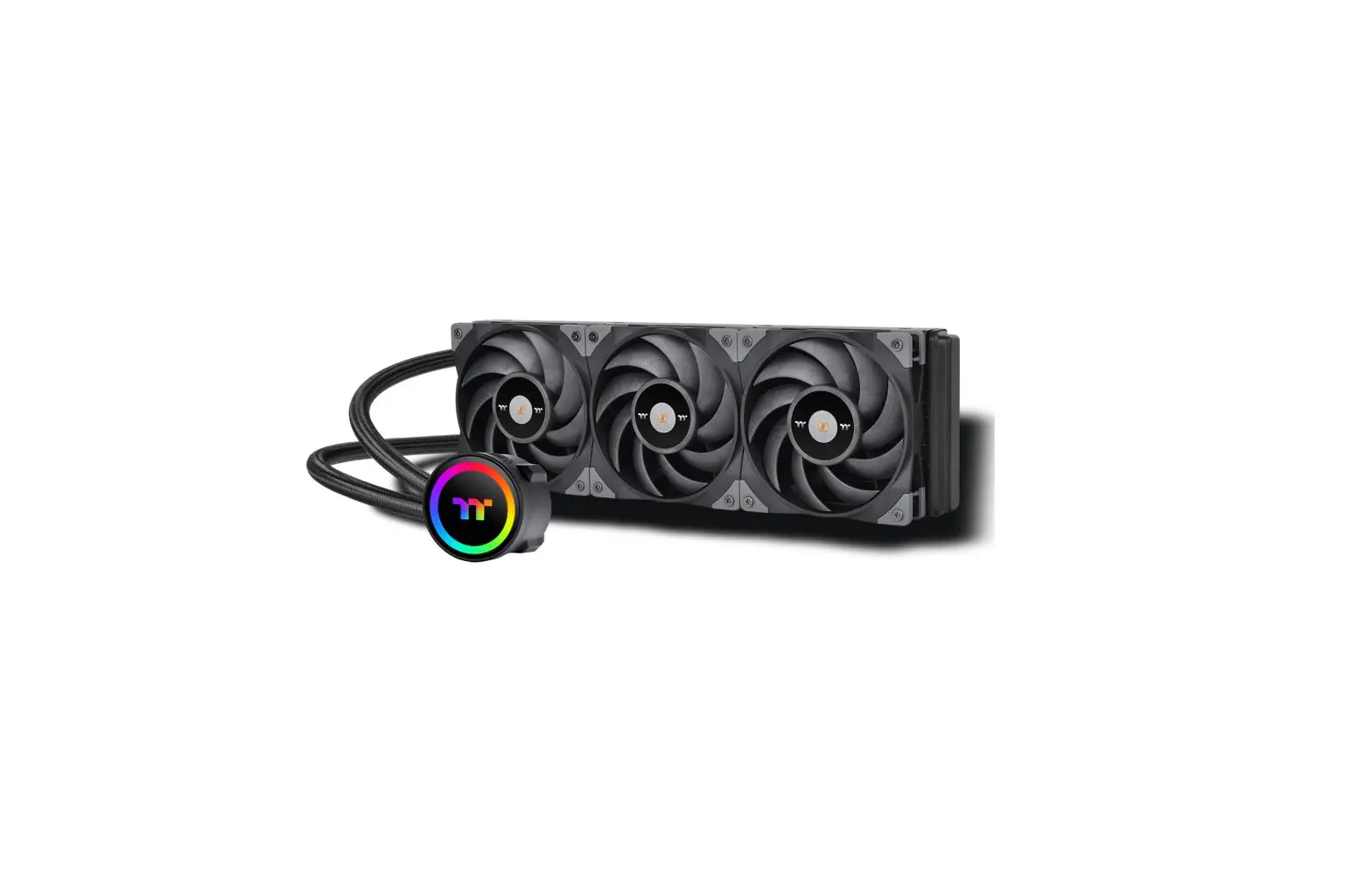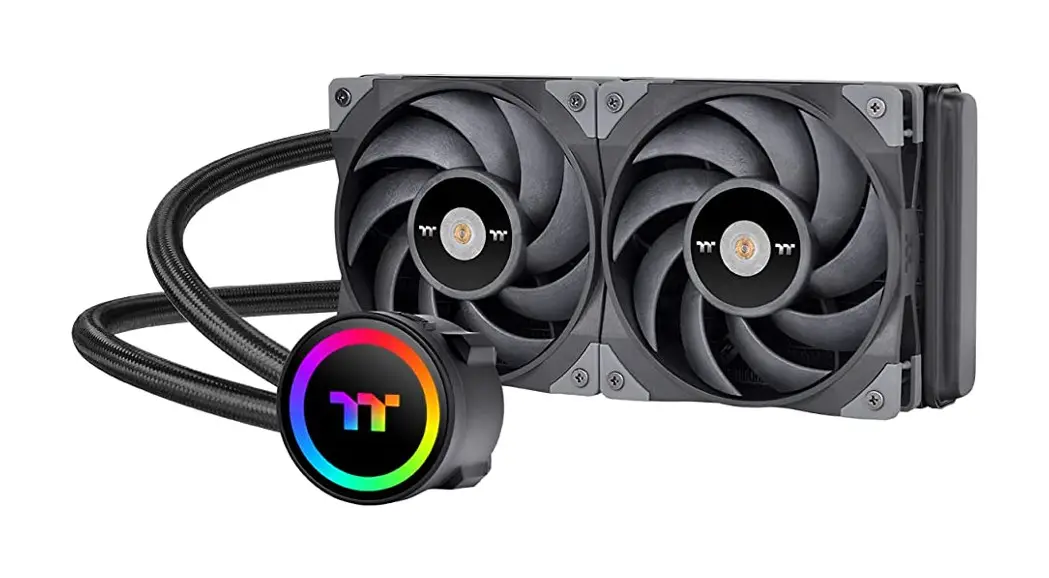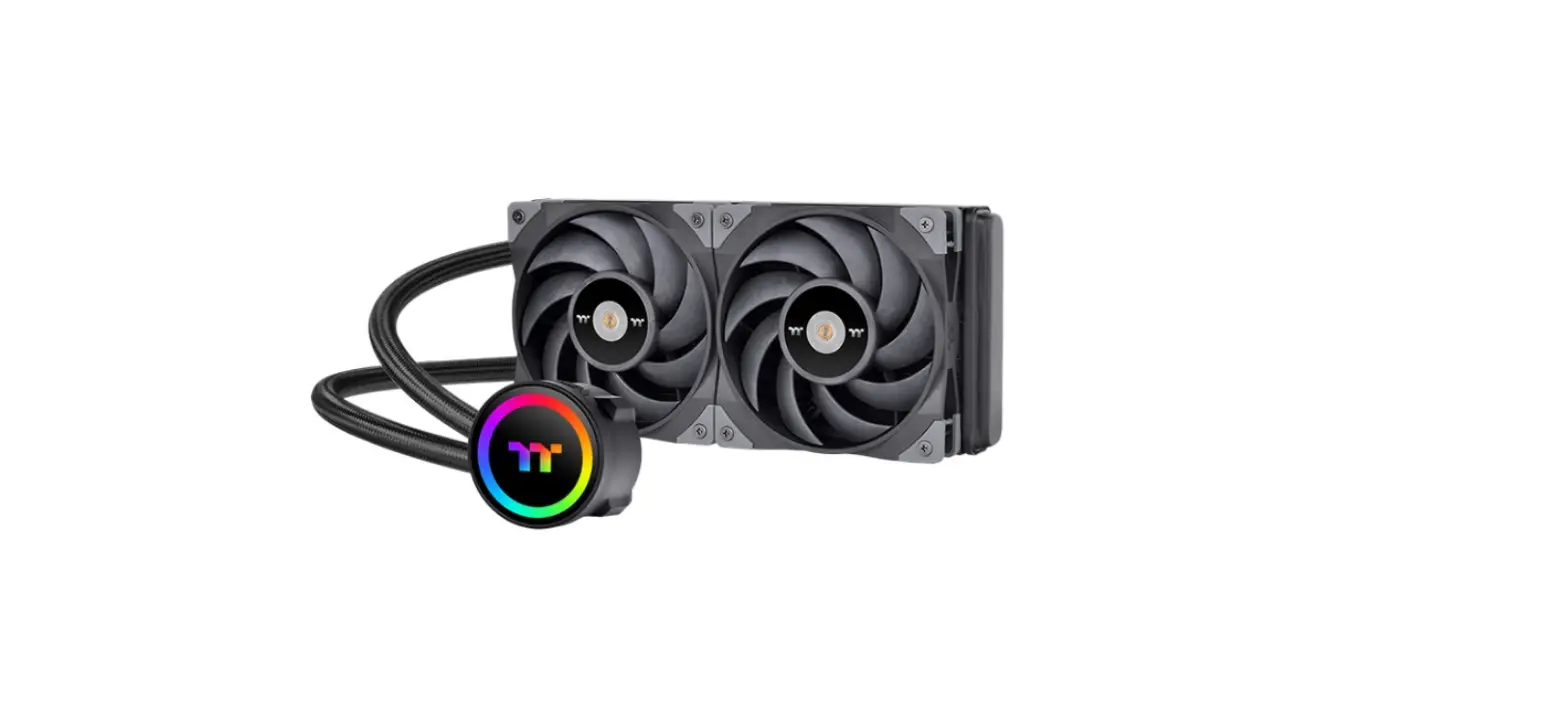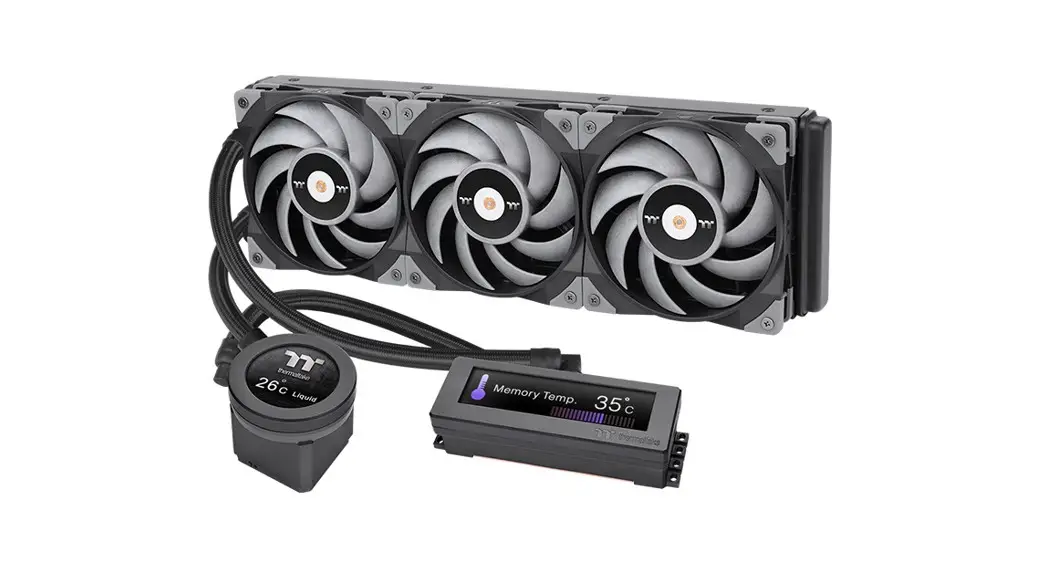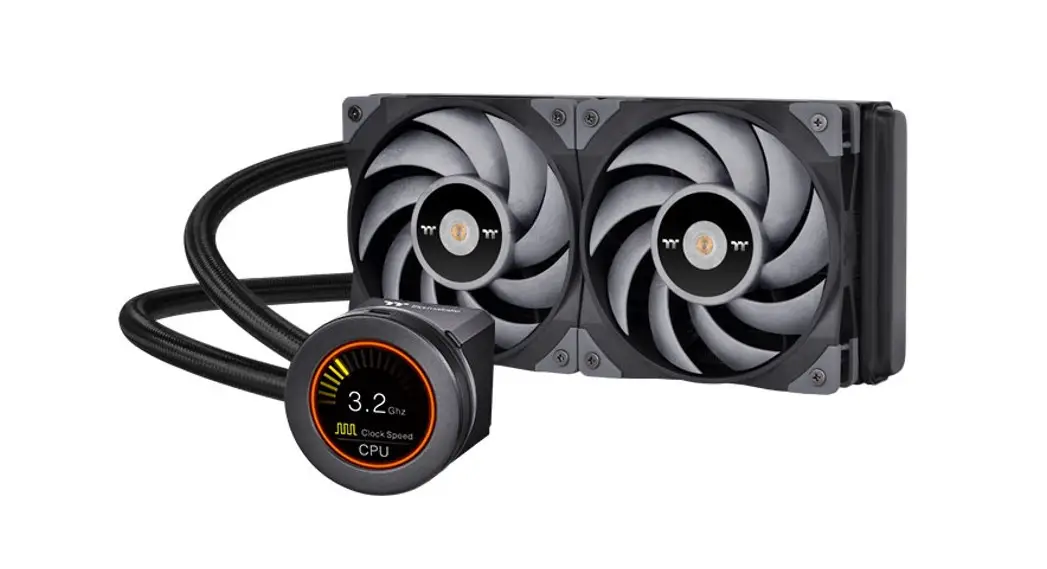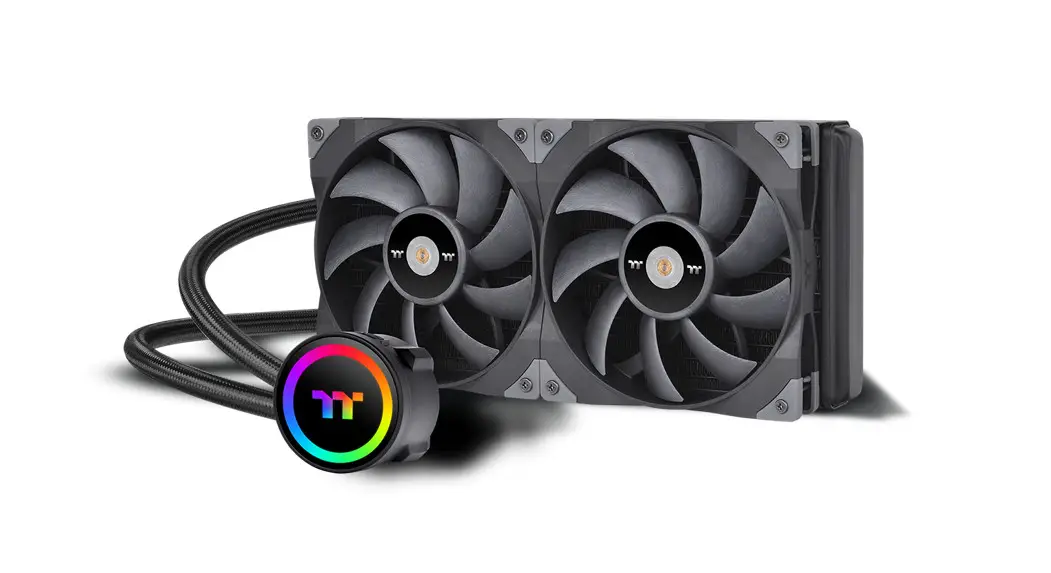

TOUGHLIQUID 280 ARGB Sync
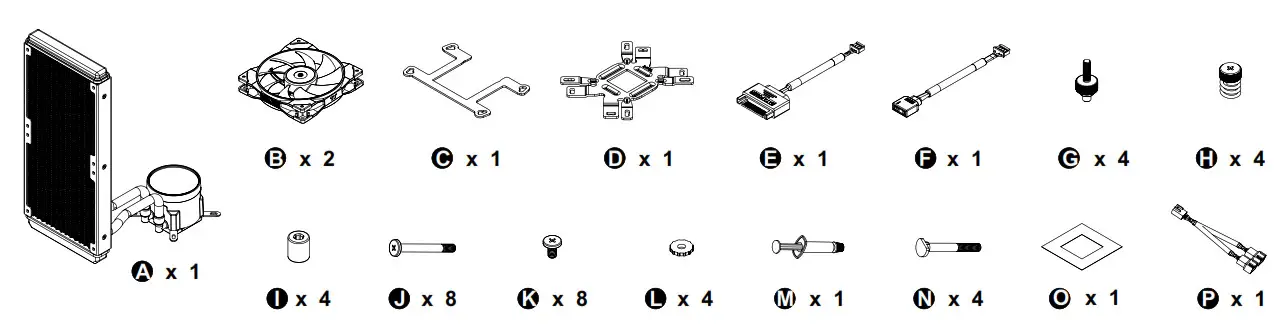
Parts List
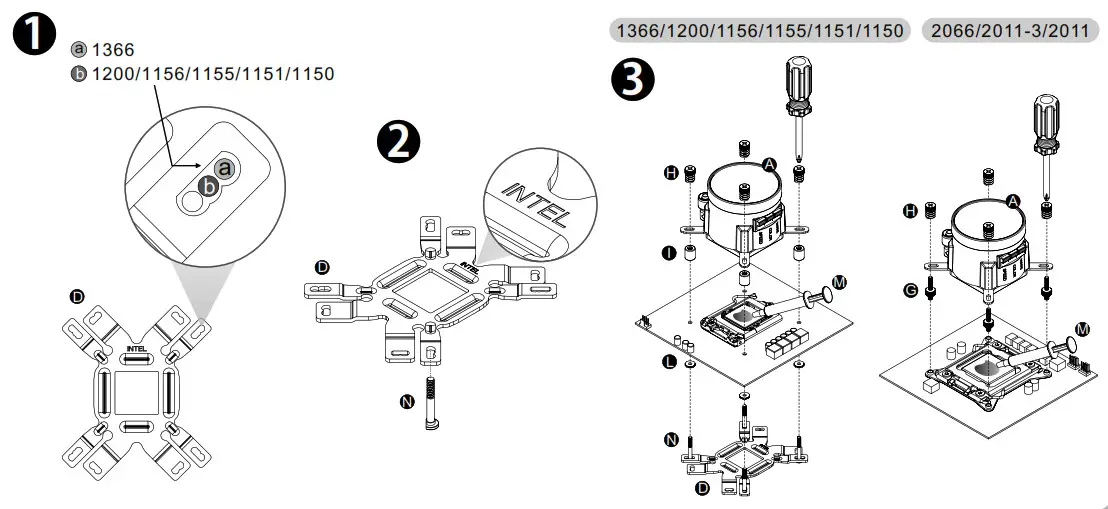
Intel Installation Guide
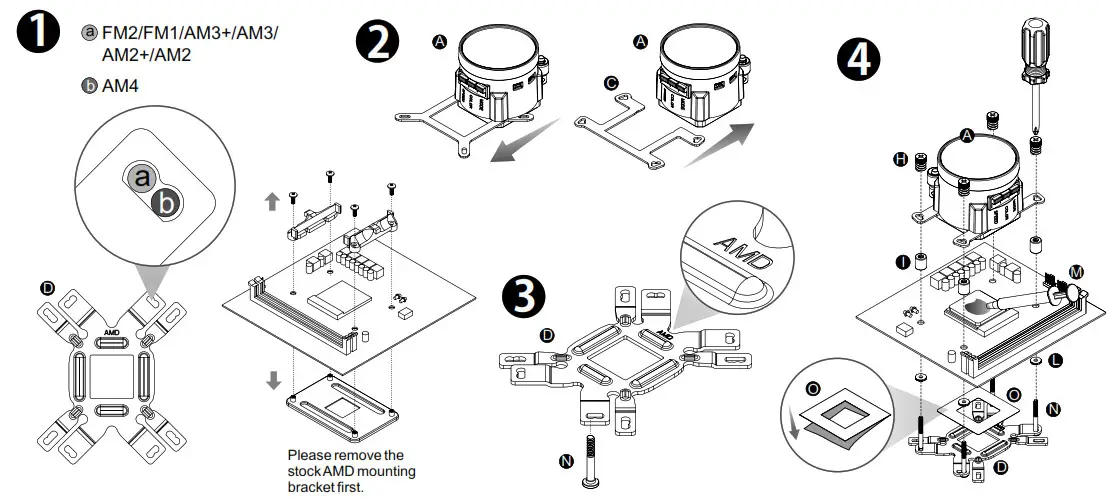
AMD Installation Guide
Installation Guide
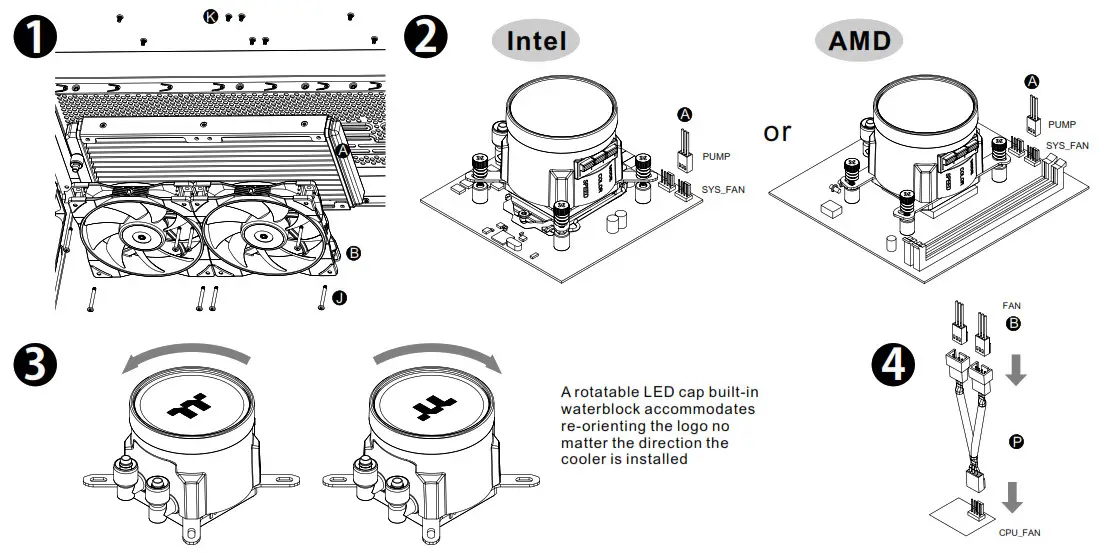
ARGB Controller Installation Guide
 CAUTION
To use the ARGB Controller, please only connect Cable E to the water block
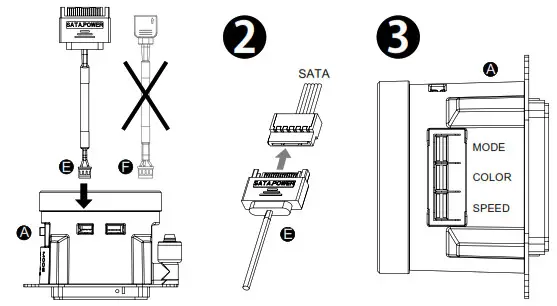
- Light Mode:
Switch over between 7 LED modes.
Rainbow Full light RGB Spectrum Off Flow Radar Pulse Blink - Color Mode:
When light mode is in Full Lighted, Pulse and Blink:
Switch over 8 LED colors .
Red → Yellow → Green → Teal → Blue → White → Purple → Rainbow
When light mode is in Ripple:
Switch over 7 LED colors .
Red → Yellow → Green → Teal → Blue → White → Purple
When light mode is in RGB Spectrum:
Click to memorize and lock the color you want, click again to unlock the 256 colors auto rotation.
When light mode is in Wave and Flow:
LED color can not be adjusted. - Light Speed:
Switch over between 4 light modes.
Slow → Normal → Fast → Extreme
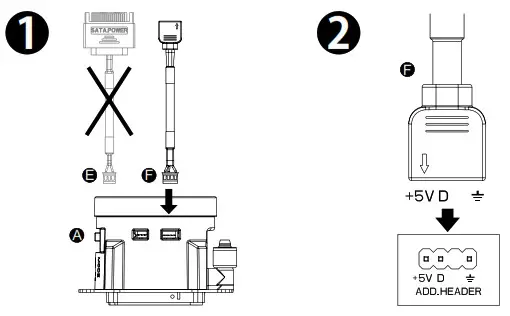
MB SYNC Installation Guide
CAUTION
- To use Motherboard RGB Software, please only connect Cable F to the water block
- Please power off the PC and check the Positive and Negative ends on the connector before connecting the cable to the mainboard. Connecting the wrong end can damage the product.


© 2021 Thermaltake Technology Co., Ltd. All Rights Reserved.
www.thermaltake.com
 Thermaltake