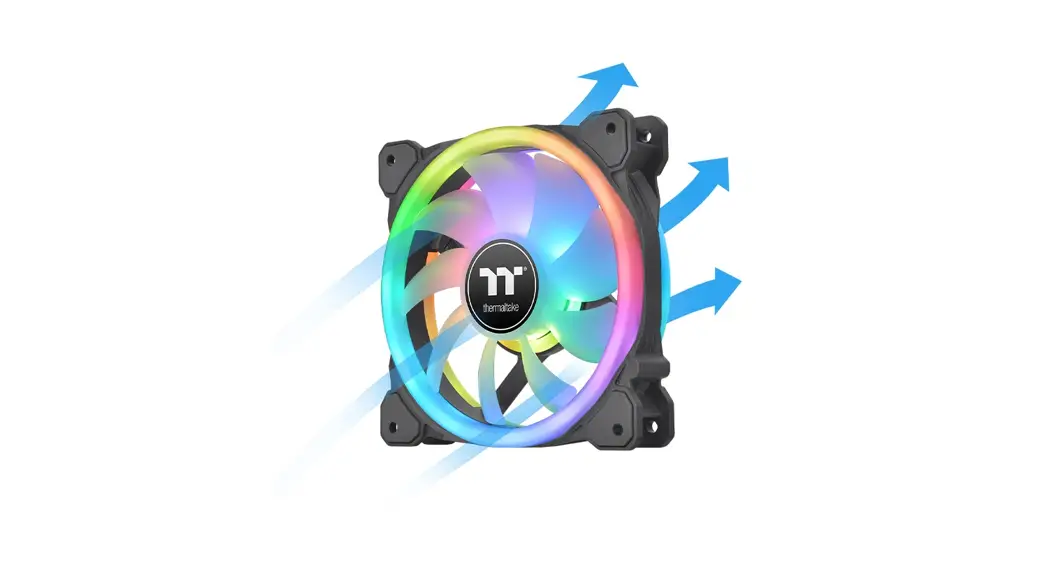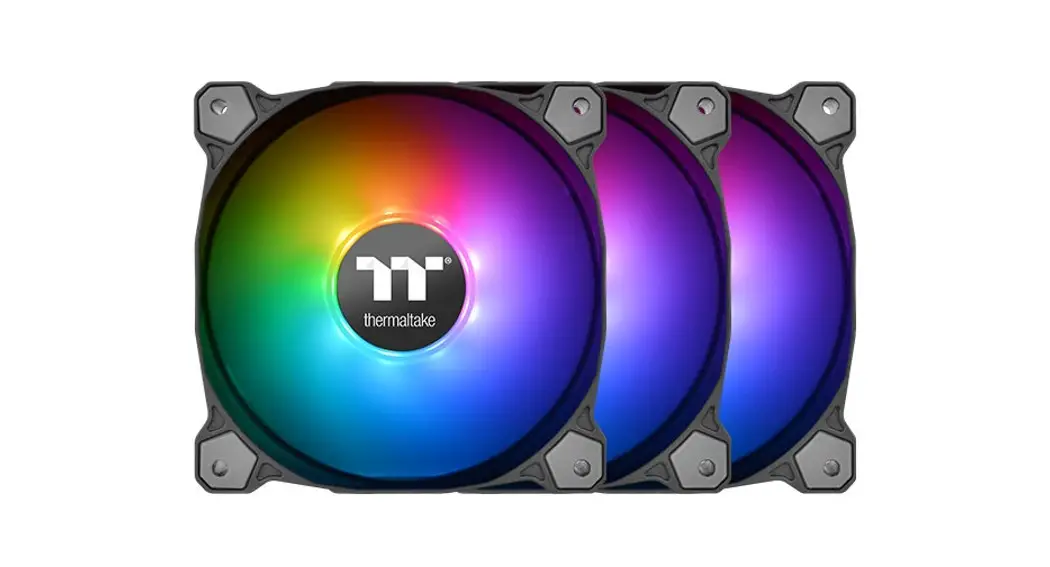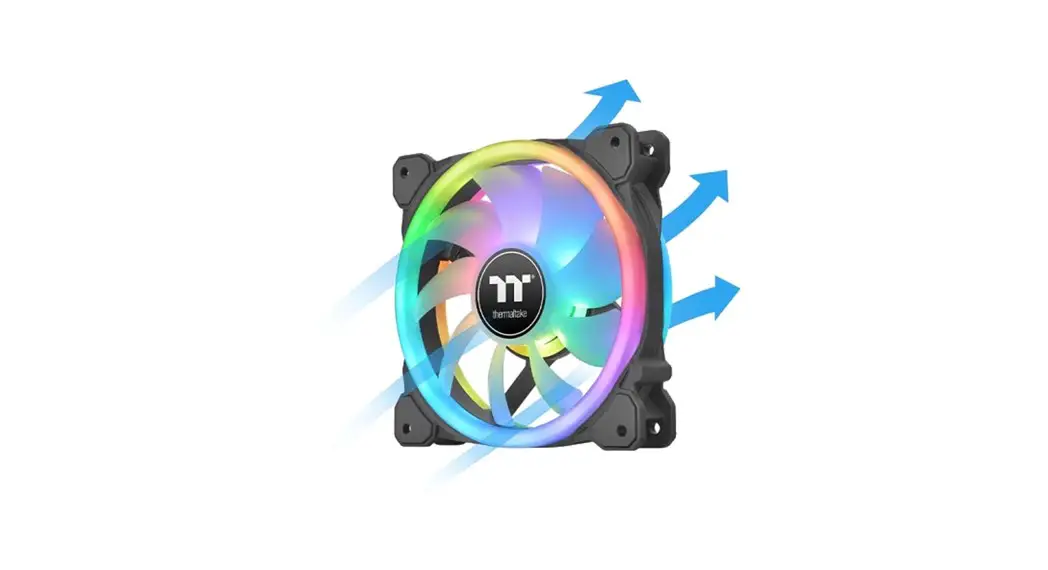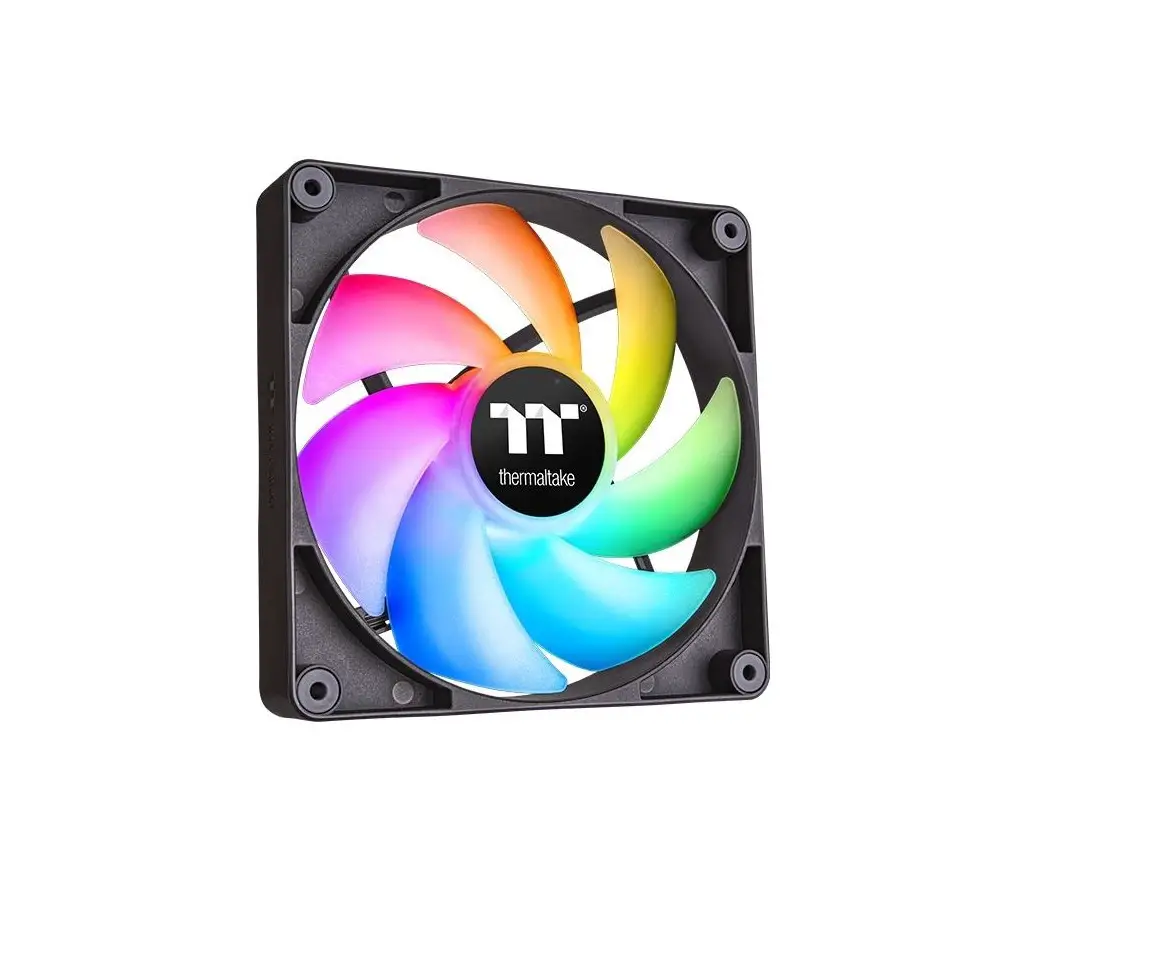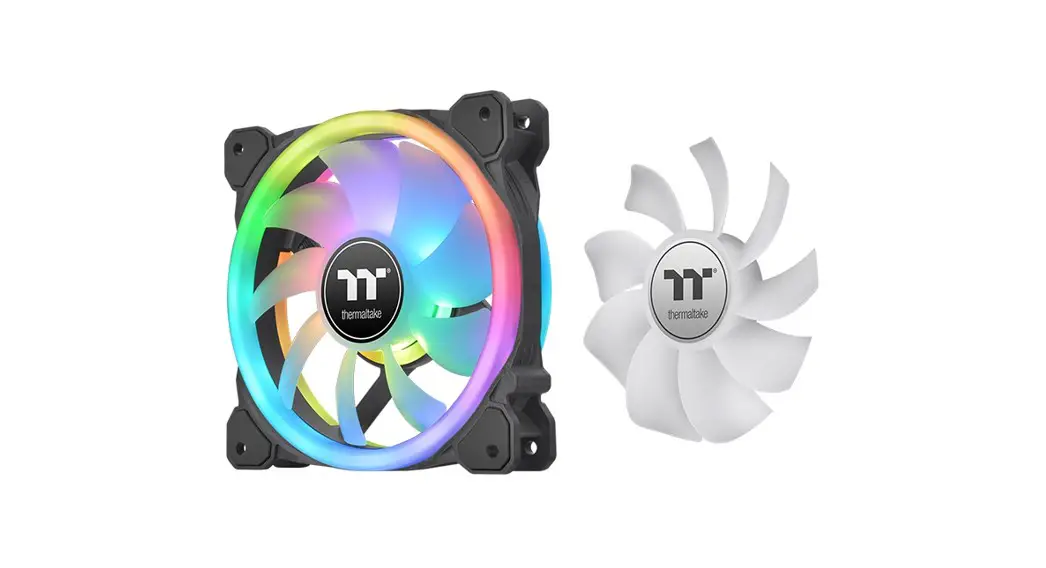
thermaltake CL-F127-PL12SW-A Pure 12 ARGB Sync Radiator Fan White TT Premium Edition Installation Guide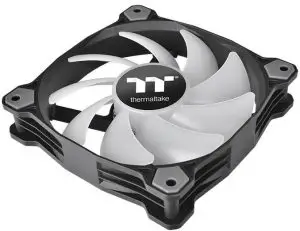
Parts List
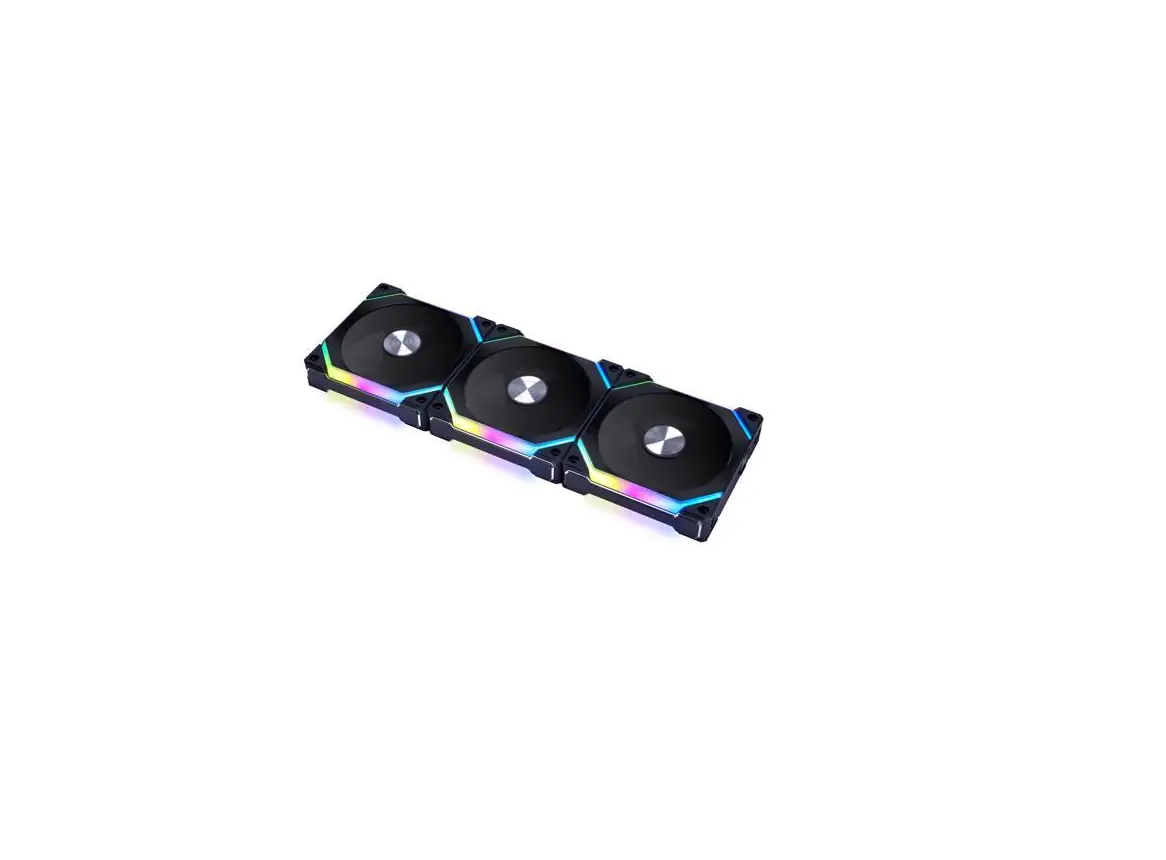
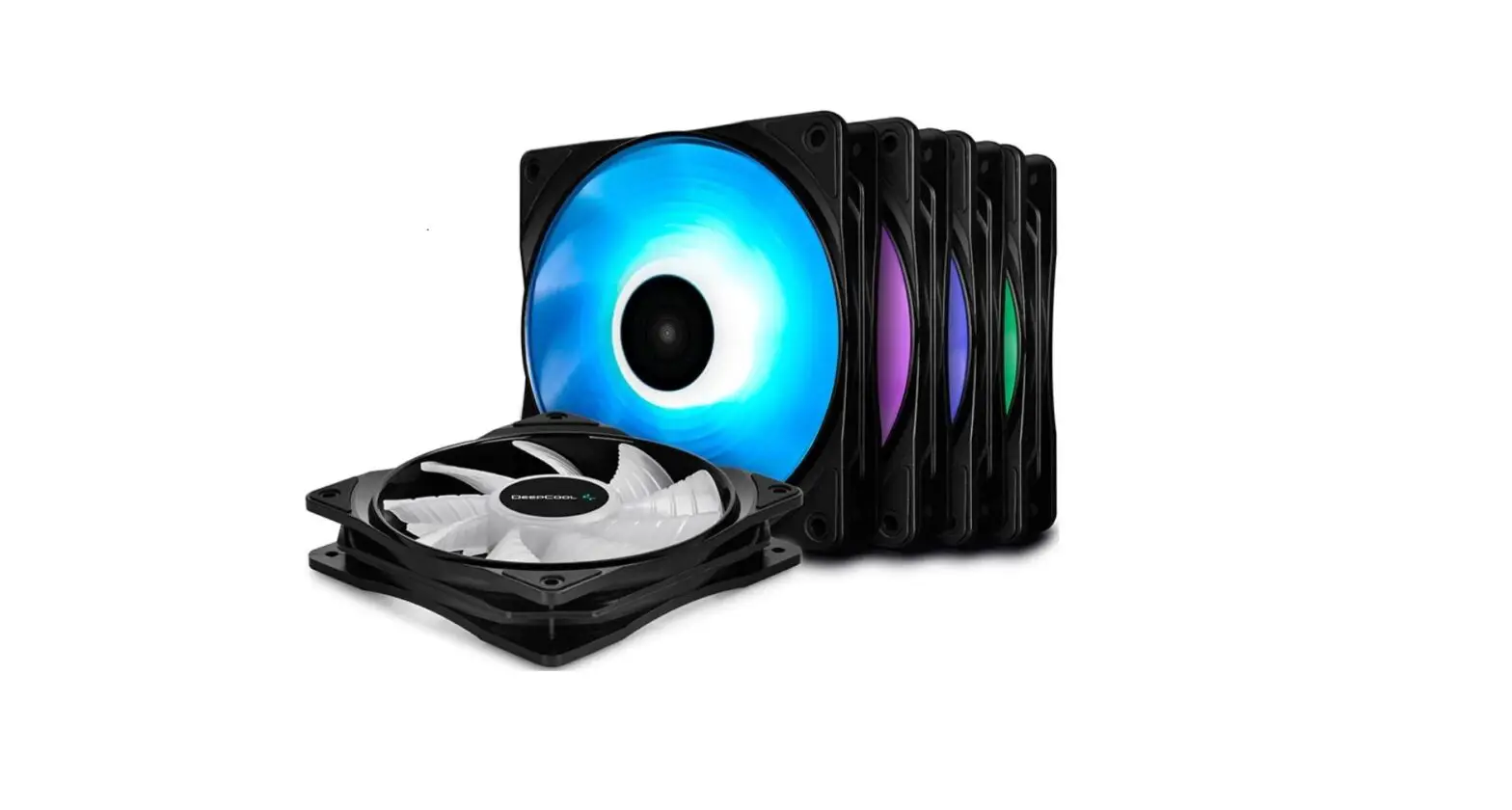
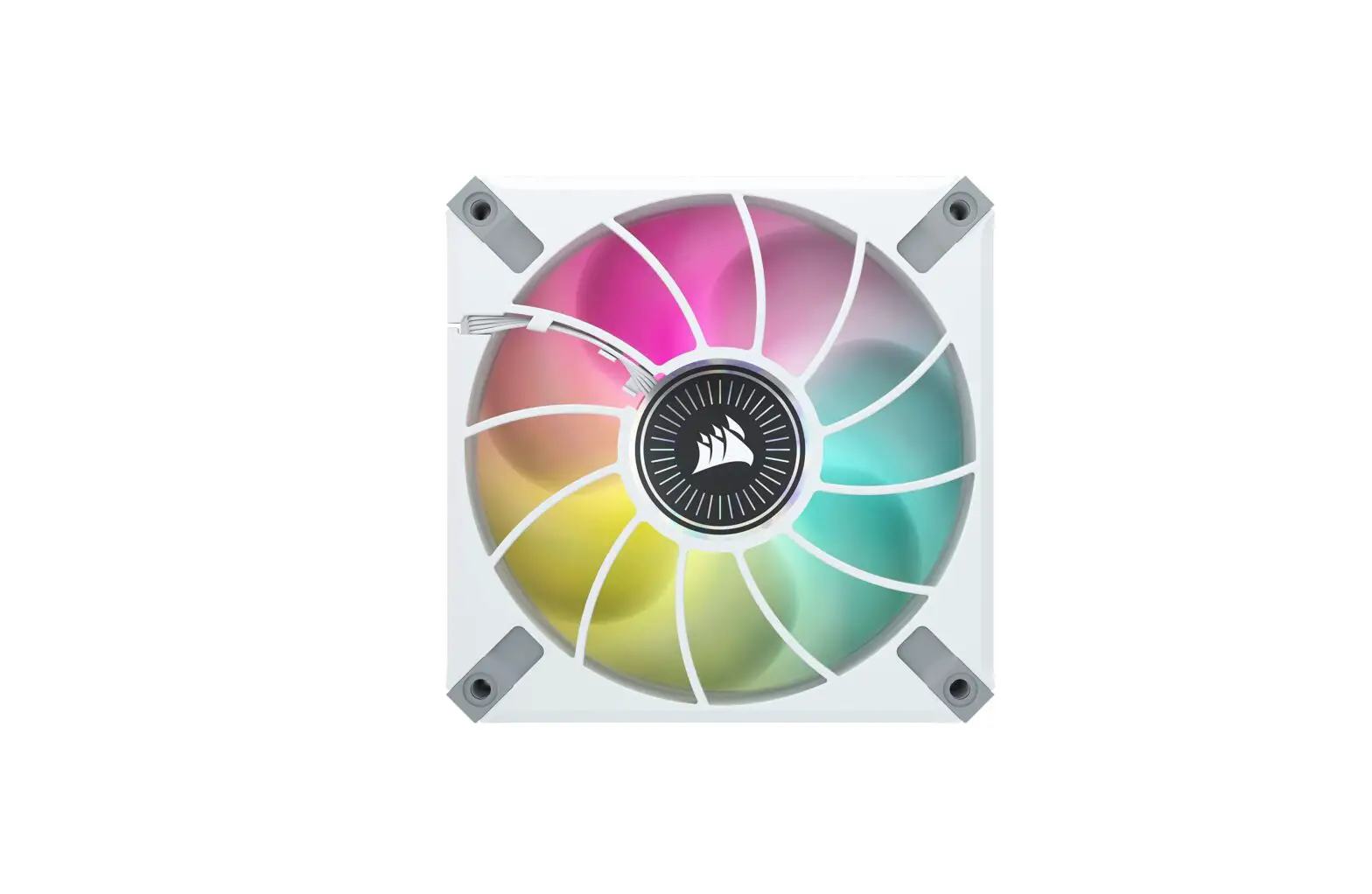
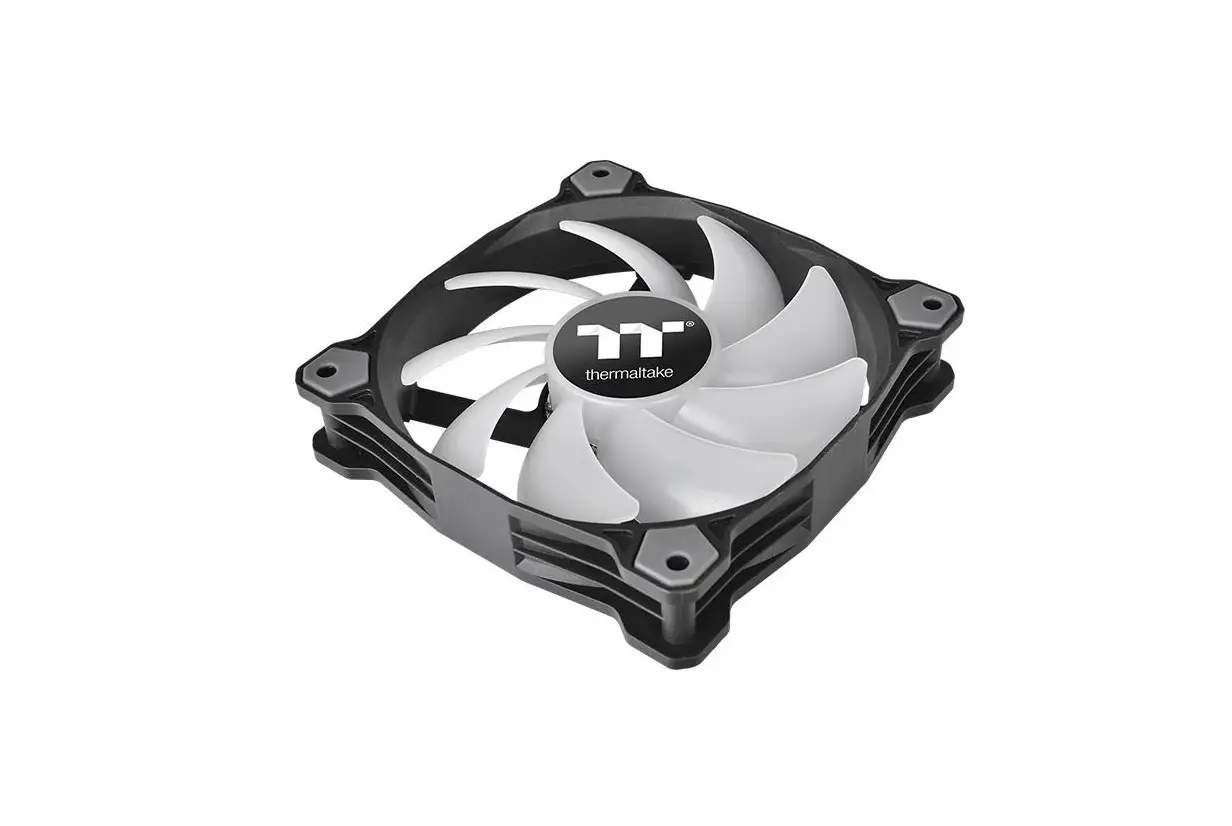
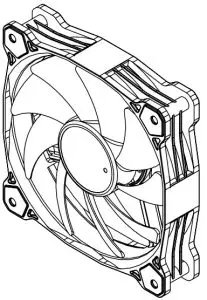
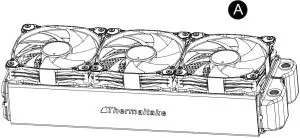
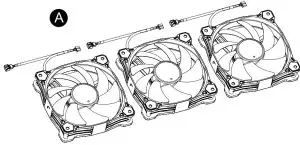
- A. x 3 Fan

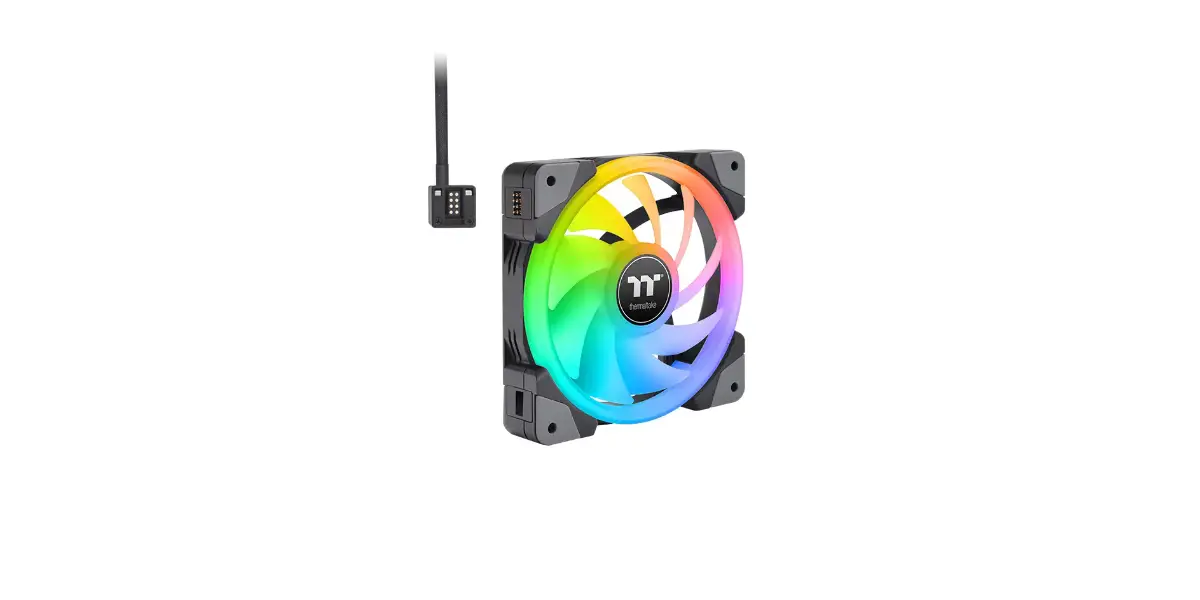
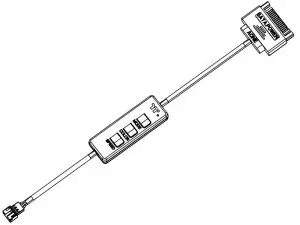
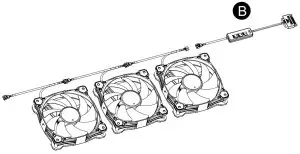
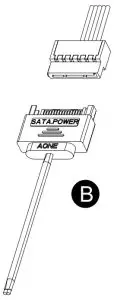
- B. x 1 ARGB Controller

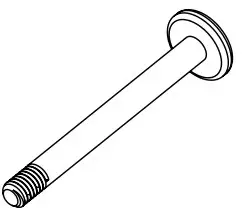
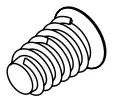
- C. x 12 Long Screw

- D. x 12 Short Screw

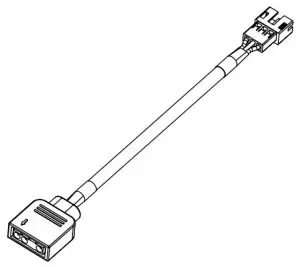
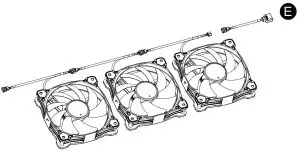
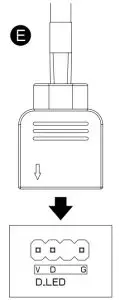
- E. x 1 Mainboard Signal Bridge Cable
(ASUS,MSI,GIGABYTE)
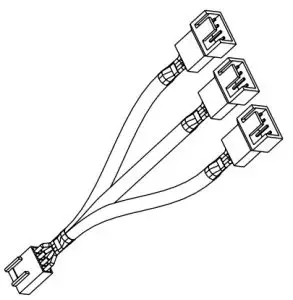
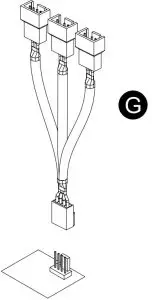
- G. x 1 PWM Cable

Installation Guide
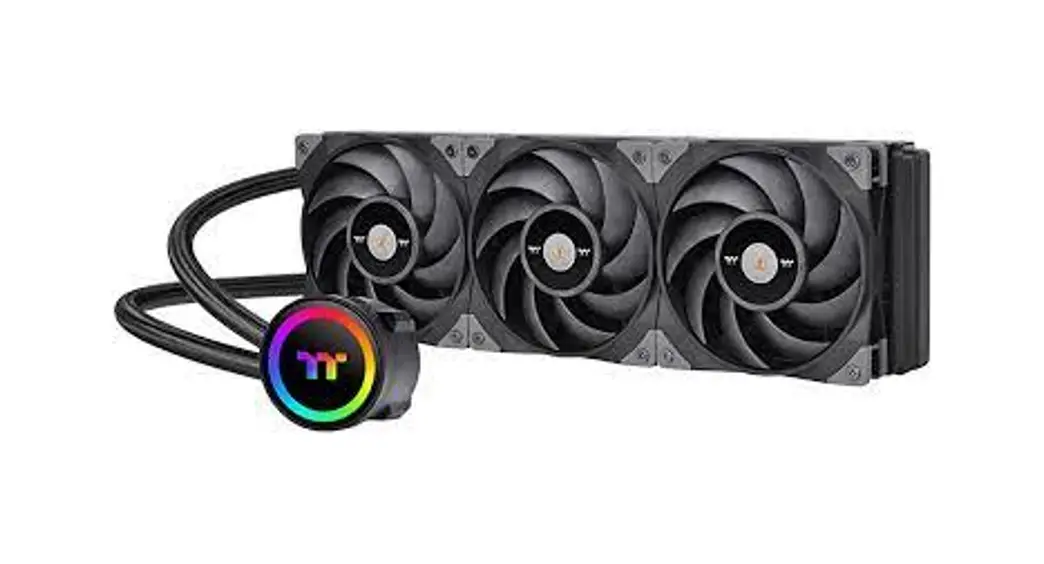
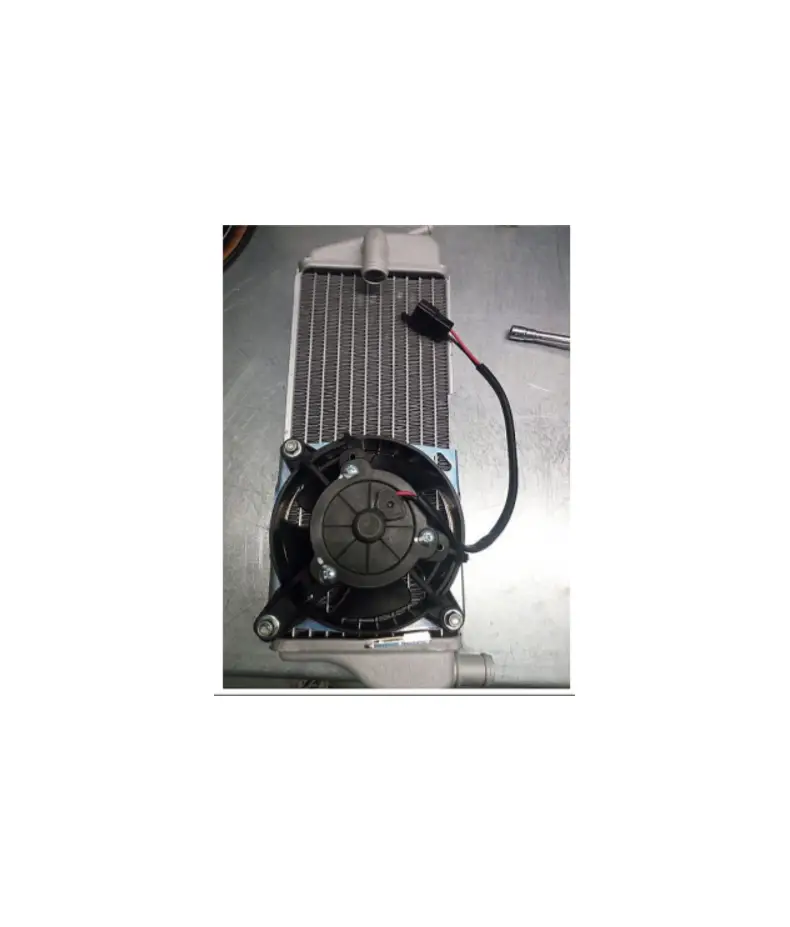
- Install the fans properly onto the radiator

- Connect the Fans in series

- Connect the PWM cable to mainboard.

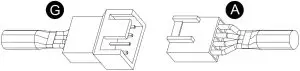
- Connect the fan power cable to PWM cable

ARGB Controller Installation Guide
- Connect the ARGB controller to the Fans

- Connent the ARGB controller to the SATA connector

Mianboard SYNC installtation Guide
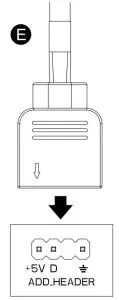
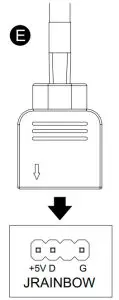
 CAUTION: Please power off the PC and check the Positive and Negative ends on the connector before connecting the cable to mainboard. Connecting the wrong end can damage the fans.
- Connect the Mainboard Signal Bridge Cable to fan led cable

- ASUS: Aura Addressable Strip Header(s)

- MSI: JRGB-strip Header(S)
- GIGABYTE: AOURS RGB Fusion with Digital LEDs
ARGB Controller
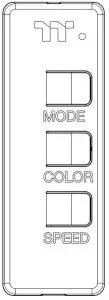
- Light Mode:
Switch over between 7 LED modes
Rainbow → Full light → RGB Spectrum → Off → Flow → Ripple → Pulse → Blink - Color Mode:
When light mode is in Full Lighted, Pulse and Blink :
Switch over 8 LED colors .
Red → Yellow → Green → Teal → Blue → White → Purple → Rainbow
When light mode is in Ripple :
Switch over 7 LED colors .
Red → Yellow → Green → Teal → Blue → White → Purple
When light mode is in RGB Spectrum:
Click to memorize and lock the color you want, click again to unlock the 256 colors auto rotation.
When light mode is in Wave and Flow :
LED color can not be adjusted. - Light Speed:
Switch over between 4 light modes.
Slow → Normal → Fast → Extreme
© 2021 Thermaltake Technology Co., Ltd. All Rights Reserved. www.thermaltake.com

 Thermaltake