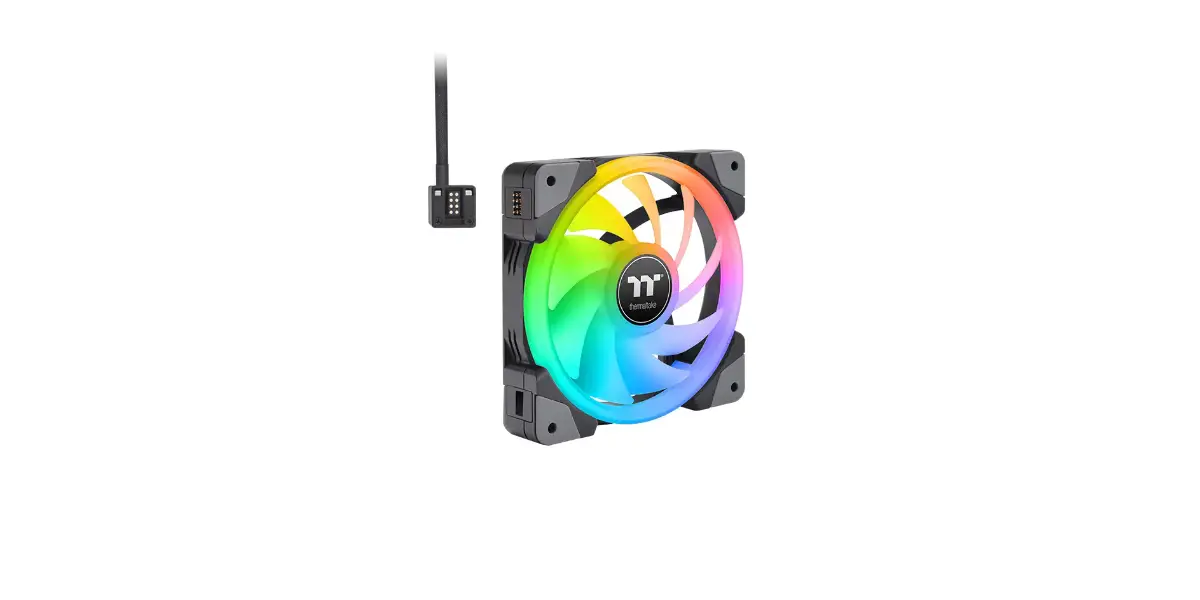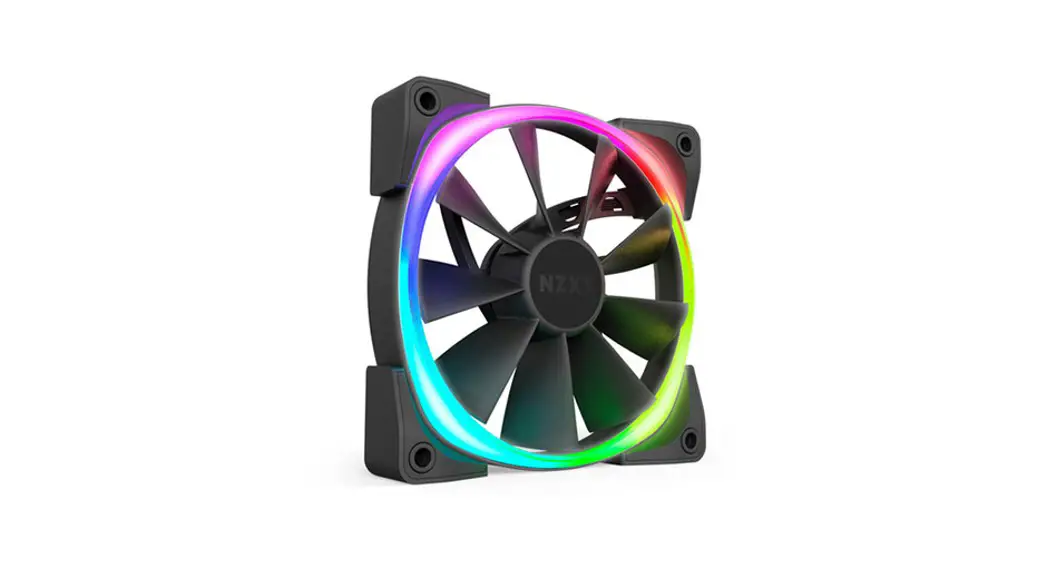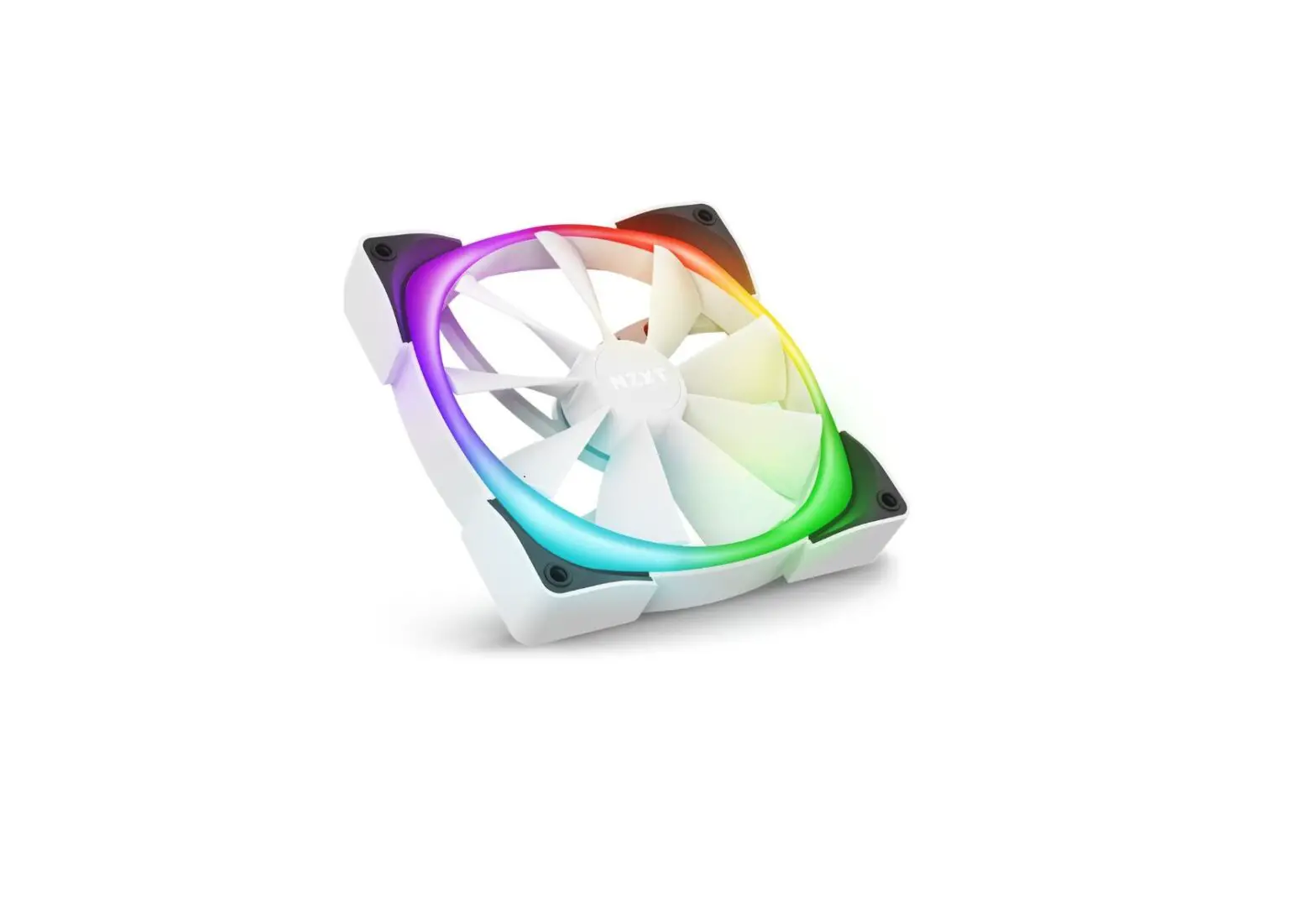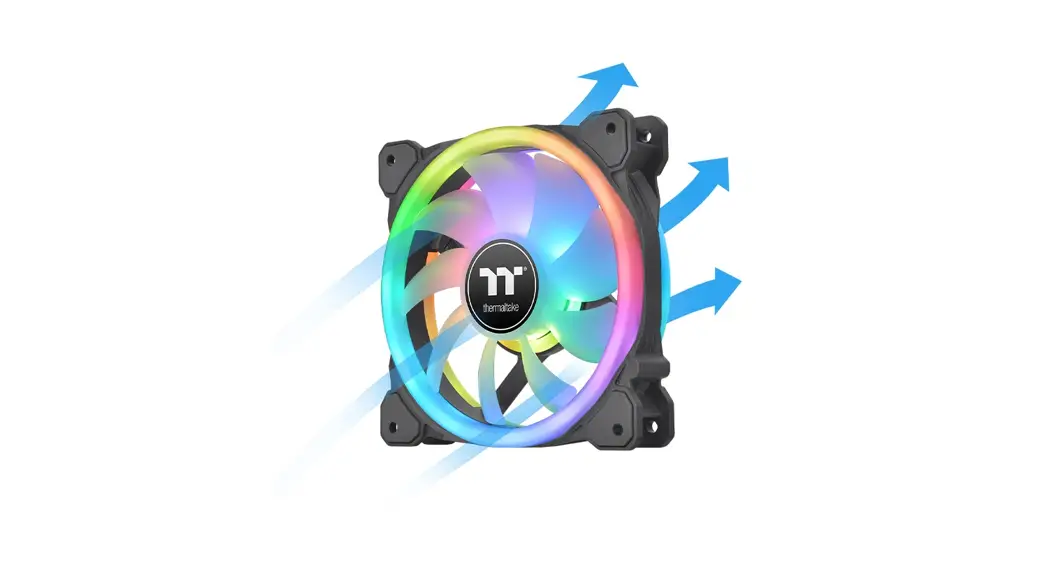

SWAFAN RGB
Radiator Fan
 https://www.thermaltake.com/swafan-12-rgb-radiator-fan-tt-premium-edition-3-pack.html#productattach | Scan Here Installation Guide |
Parts List

Installation Guide
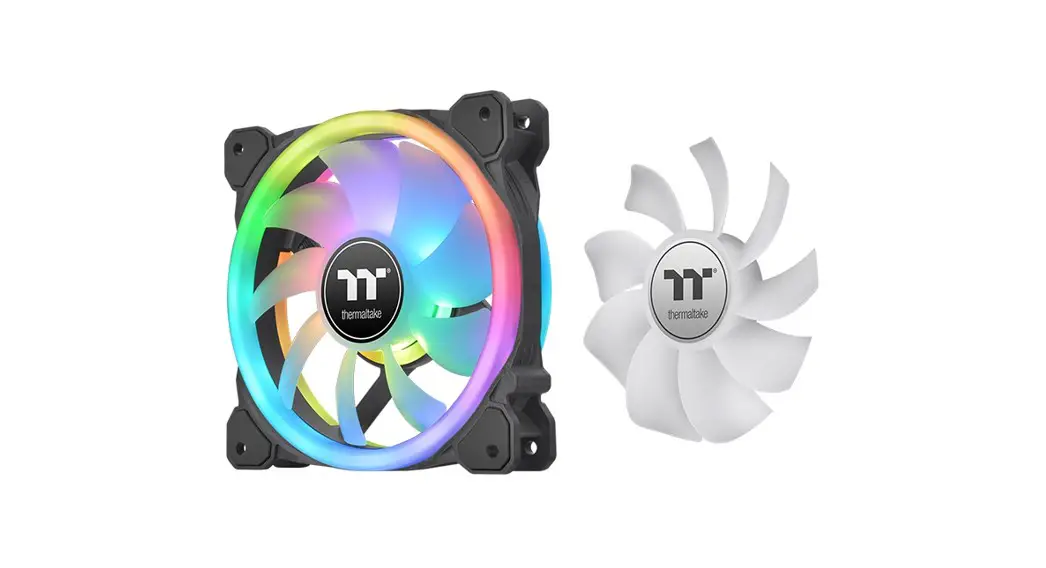
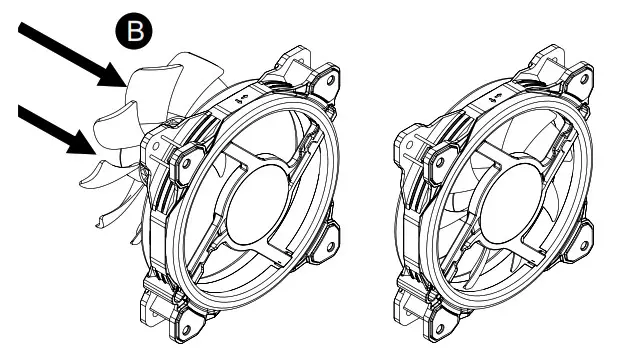
1. Choose your fan blade type
Fan Blade 1 (Pre installed on the fan A )
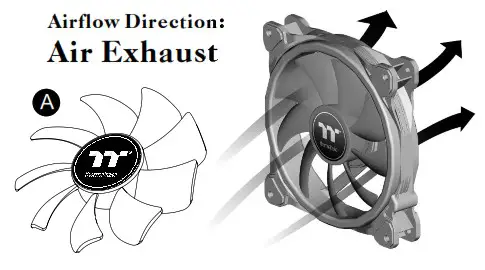
2 Replace fan blades
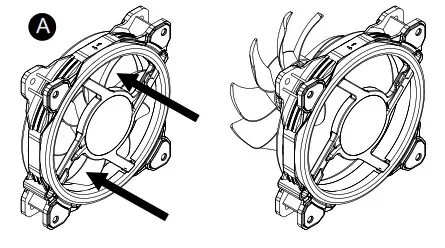
3
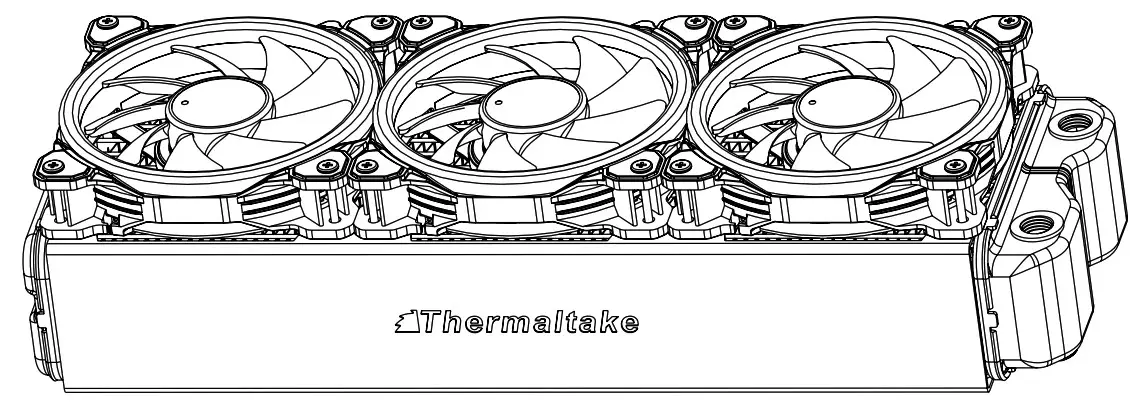
Install the fans properly onto the radiator.
Fan Blade 2
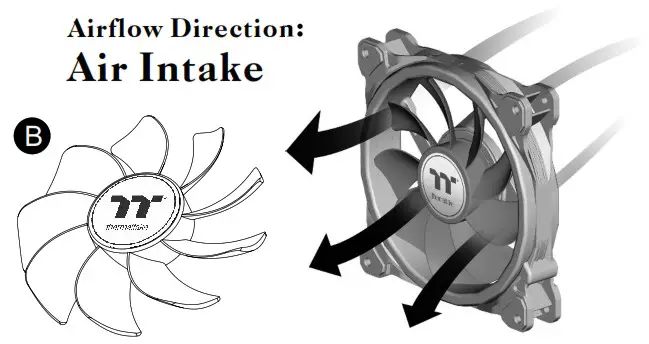
Oil Setup Guide
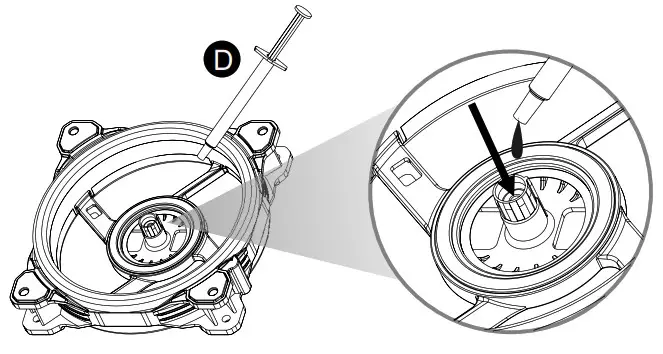
After replacing the fan blades several times, readd the oil into the bearing (about 0.1ml)
Controller Installation Guide
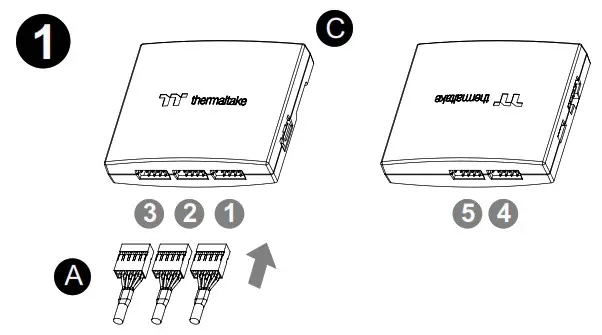
Connect the fans to the controller.
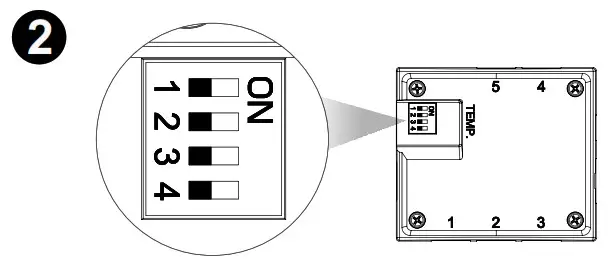
Set the DIP switch on the back side of the controller to assign the number of the controller

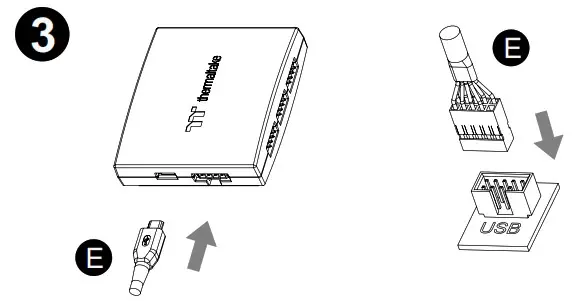
Connect the controller cable onto the motherboard (USB 2.0 9 pin) and controller.
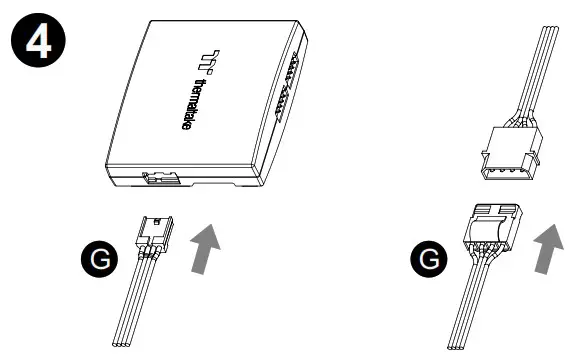
Connect the power cable to the 4pin Molex connecter and controller.
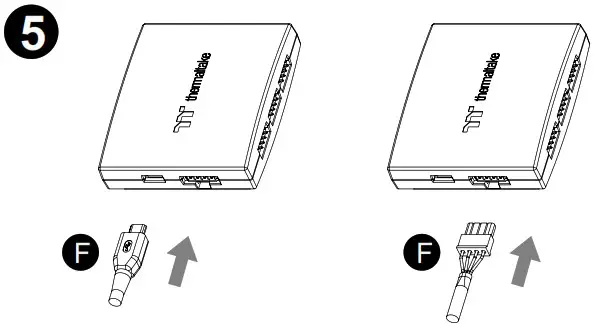
If you want to connect two or more controllers, you can sync the controllers with the bridge connector.

© 2022 Thermaltake Technology Co., Ltd. All Rights Reserved.
www.thermaltake.com
 Thermaltake