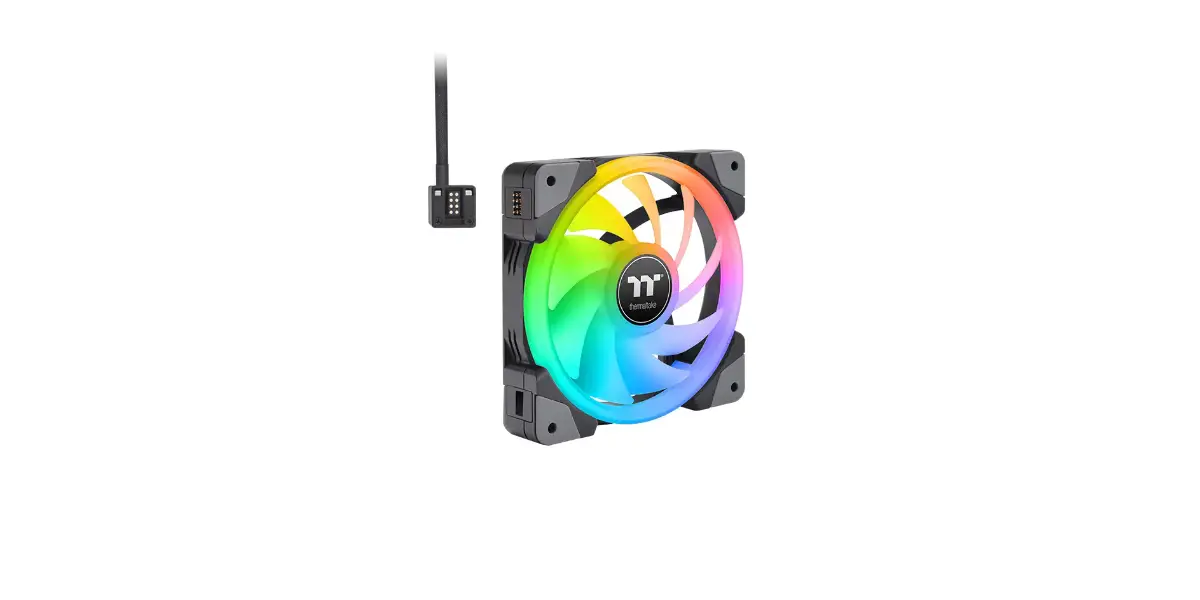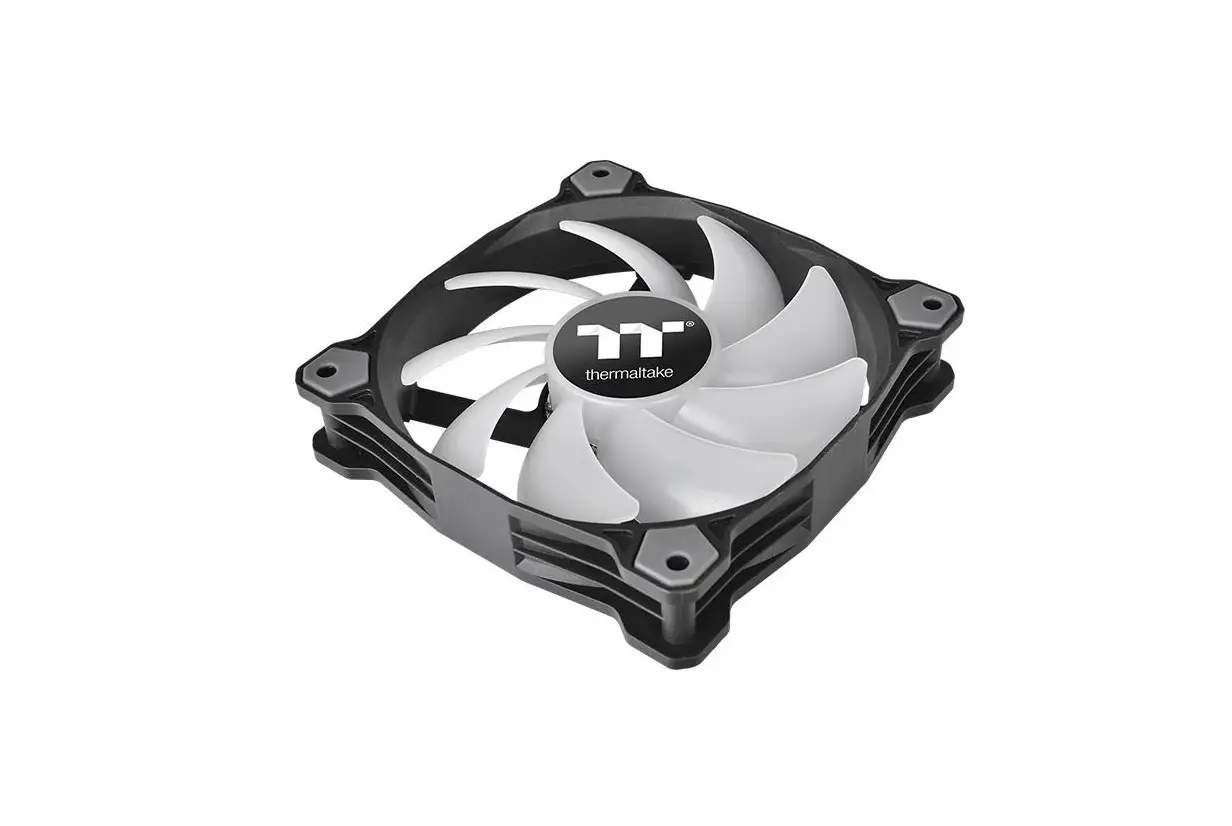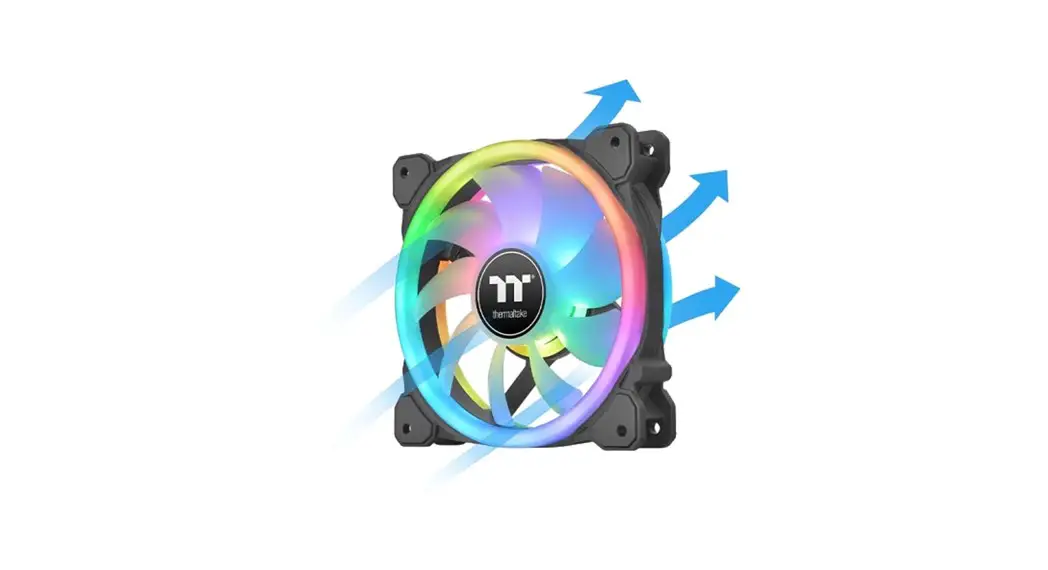
 SWAFAN GT
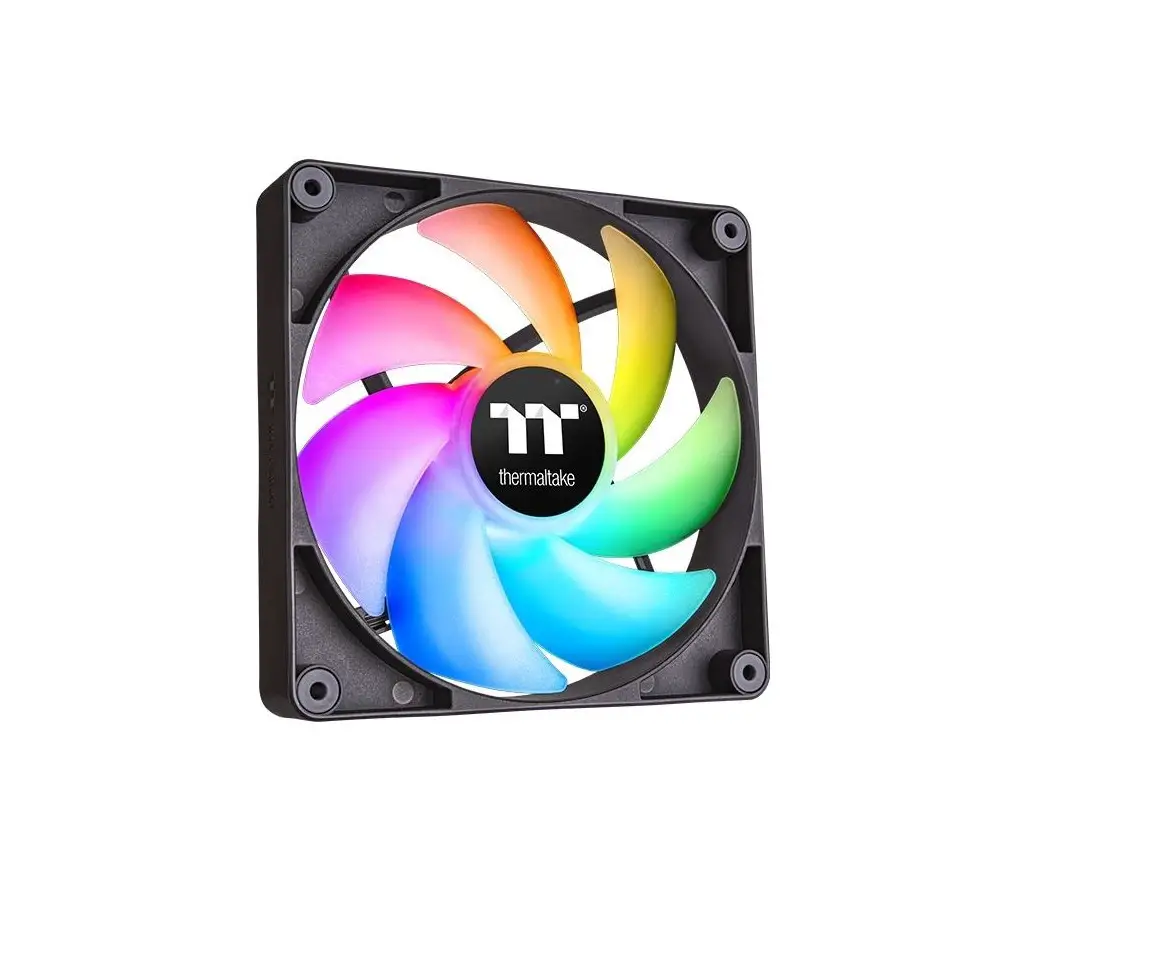
PC Cooling Fan
Parts List

Installation Guide
- Choose your fan blade type High Air Pressure Fan Blade (Pre installed on the fan A )
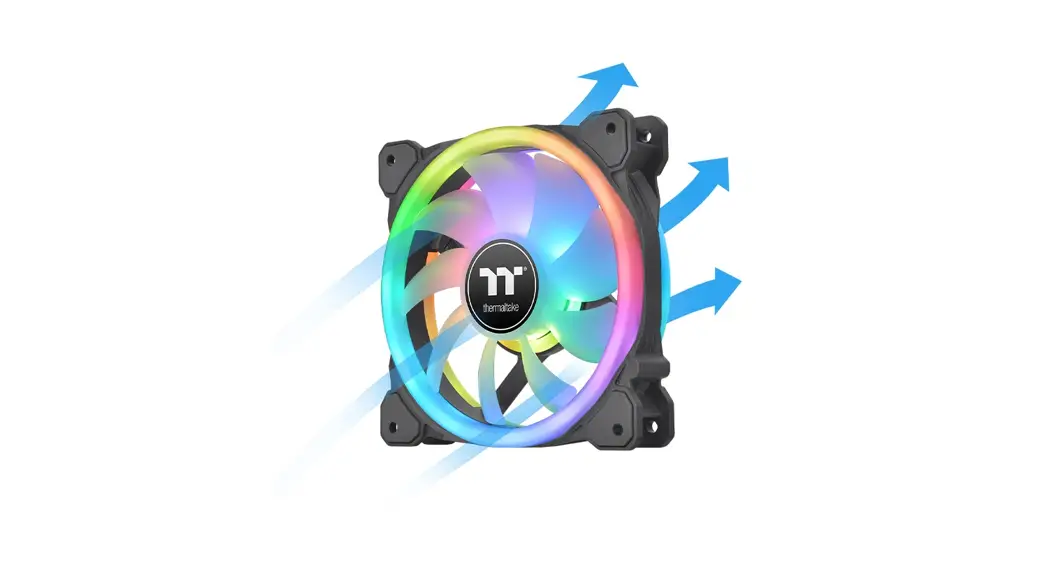
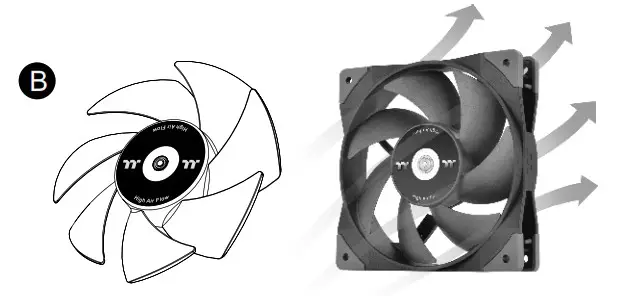
Airflow Direction: High Air Flow Fan Blade
Airflow Direction: Reverse High Air Flow Fan Blade
Airflow Direction:
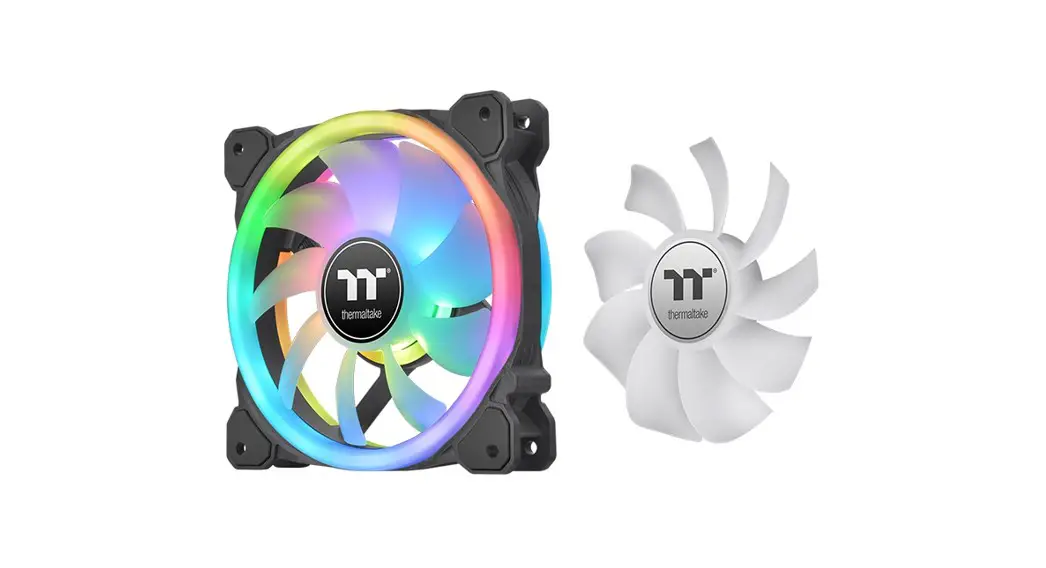
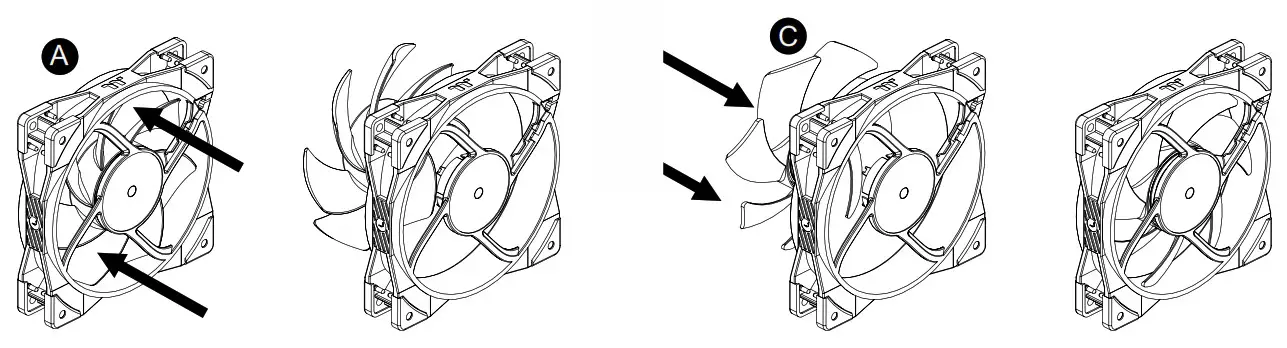
- Replace fan blades


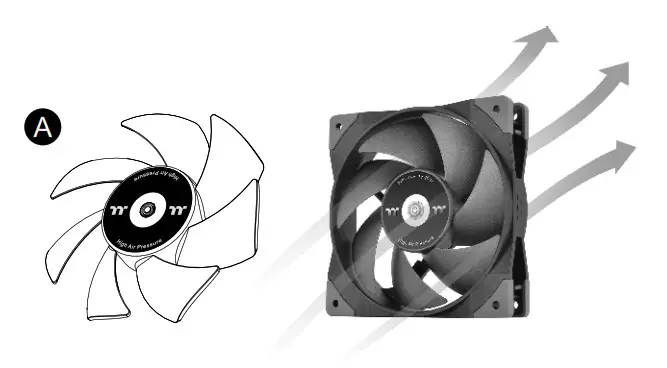 High Air Flow Fan Blade
 Reverse High Air Flow Fan Blade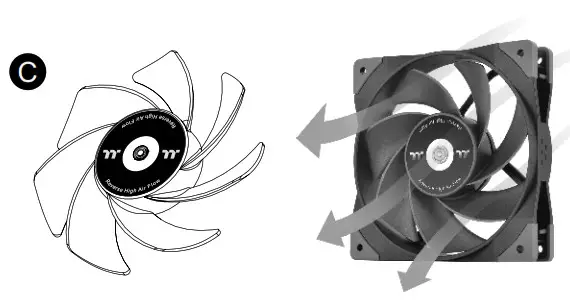
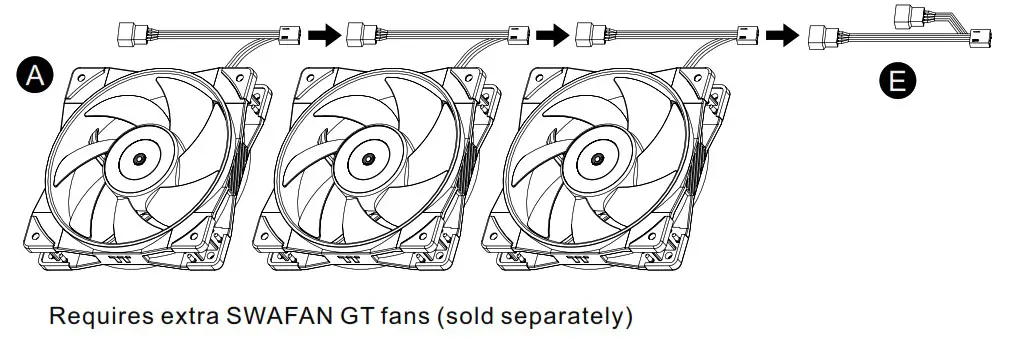
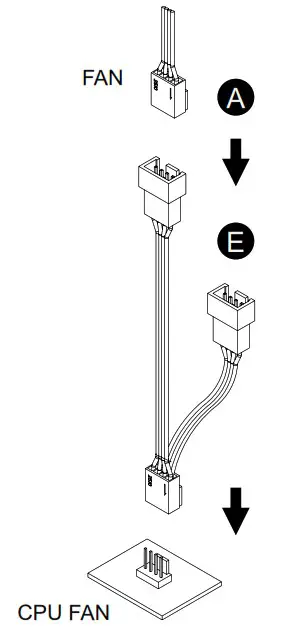
Lubricant Setup Guide
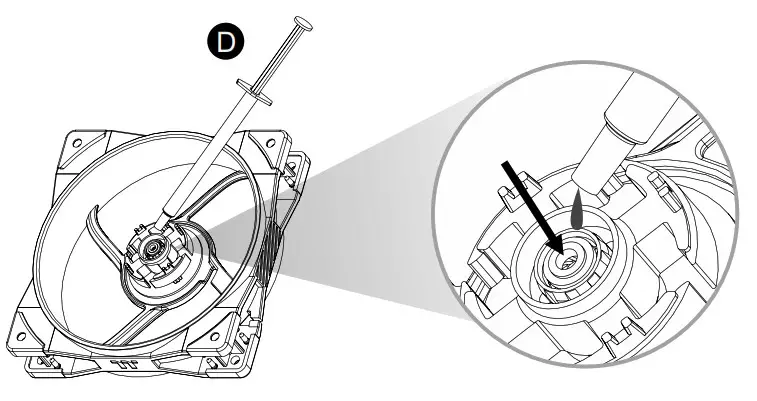
After replacing the fan blades several times, re-add the lubricant into the bearing (about 0.1ml)

© 2023 Thermaltake Technology Co., Ltd. All Rights Reserved.
www.thermaltake.com
Scan Here
Installation Guide
https://www.thermaltake.com/swafan-gt12-pc-cooling-fan-1-pack.html#productattach
 Thermaltake