Contents hide

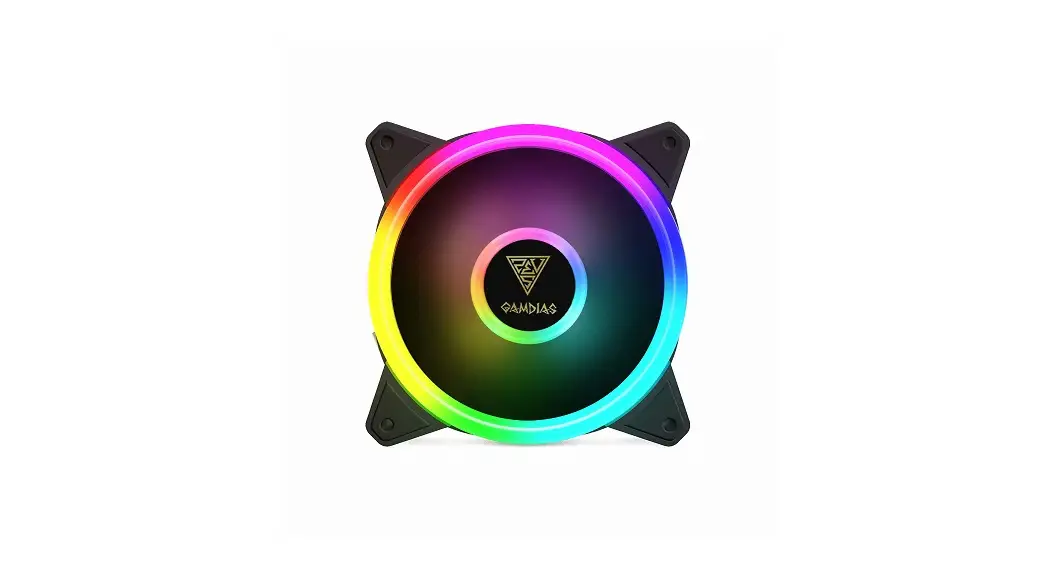
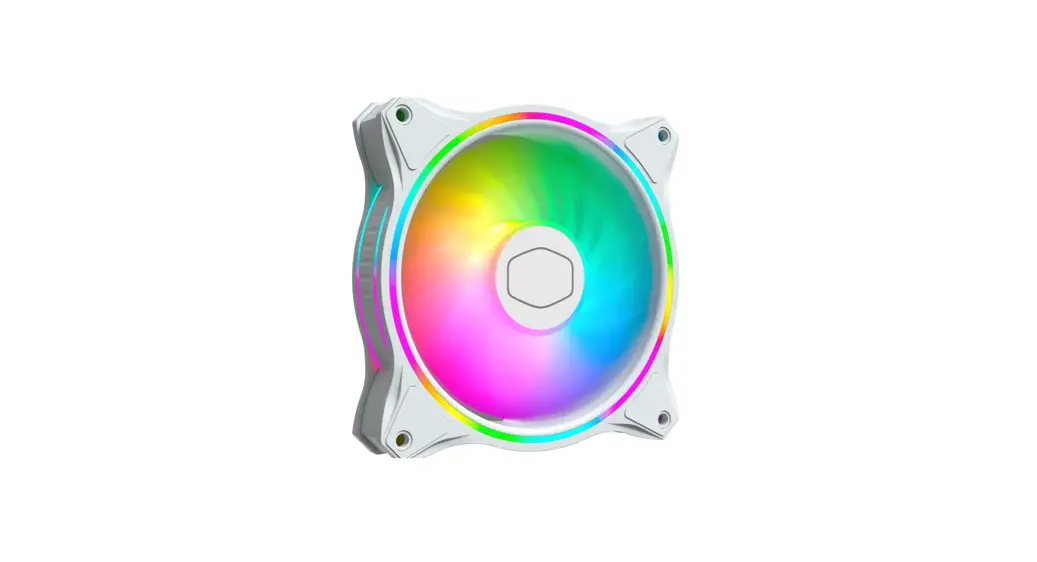
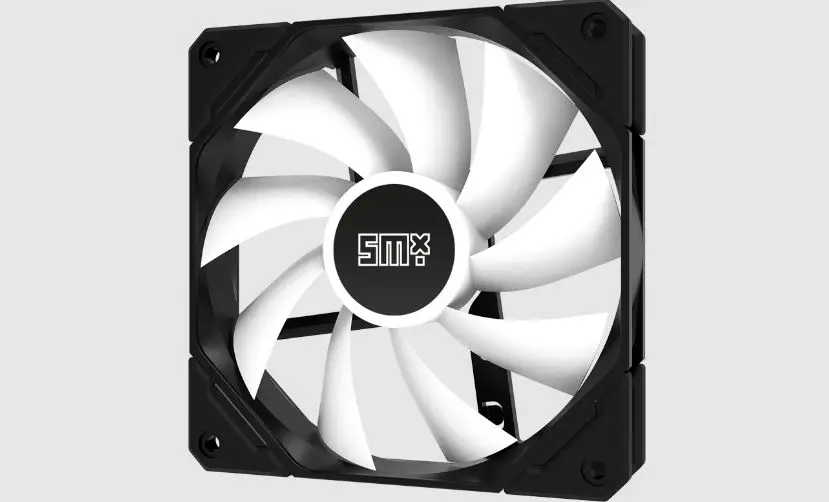
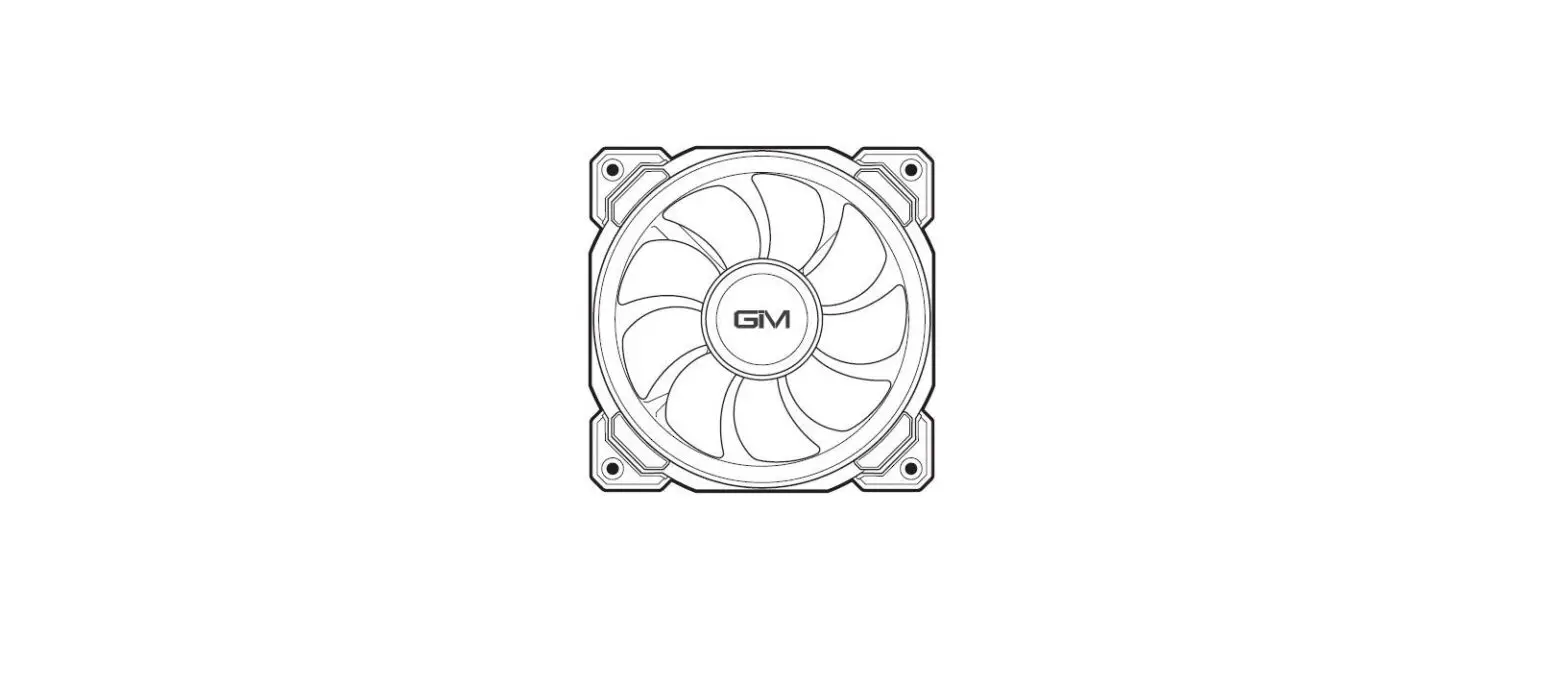
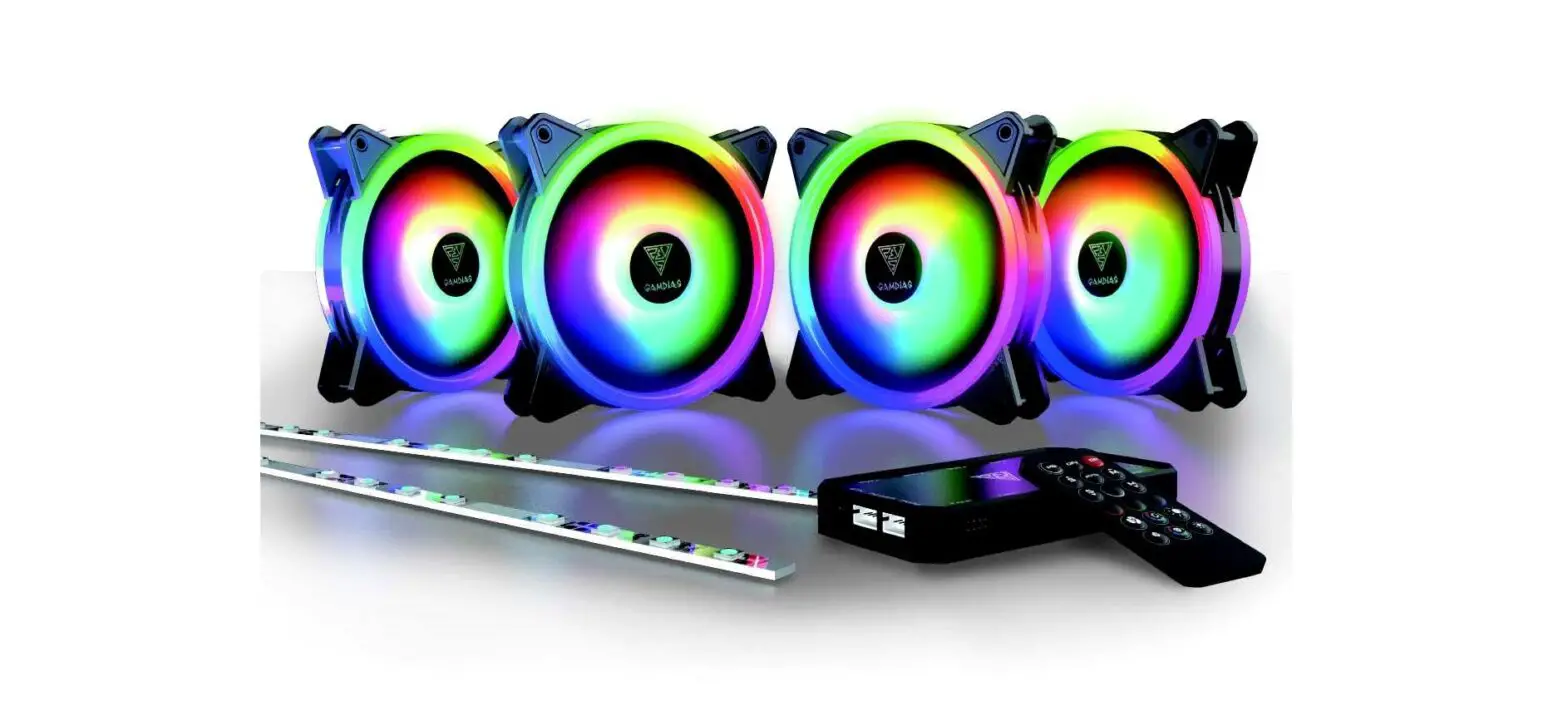
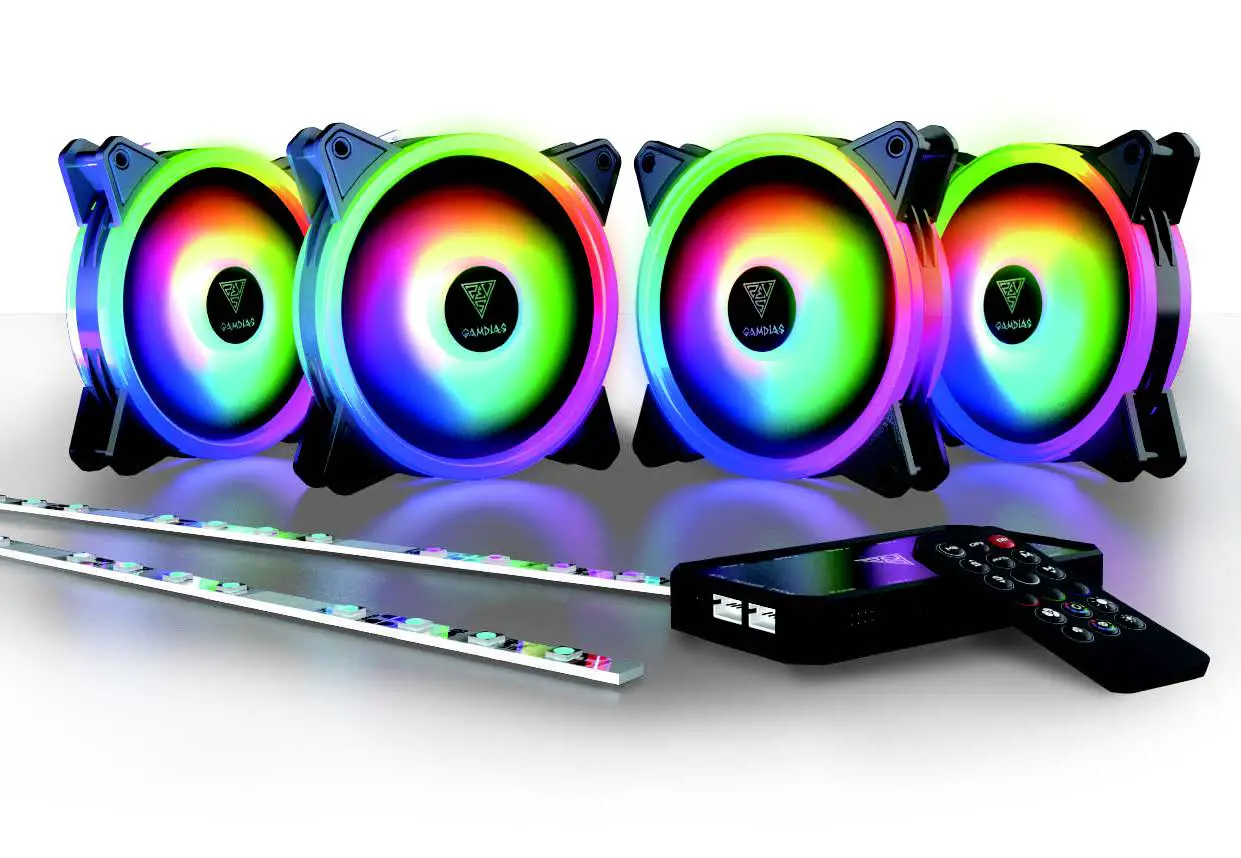
GAMDIAS AEOLUS M2 1204R Elite 120mm RGB Case Fan
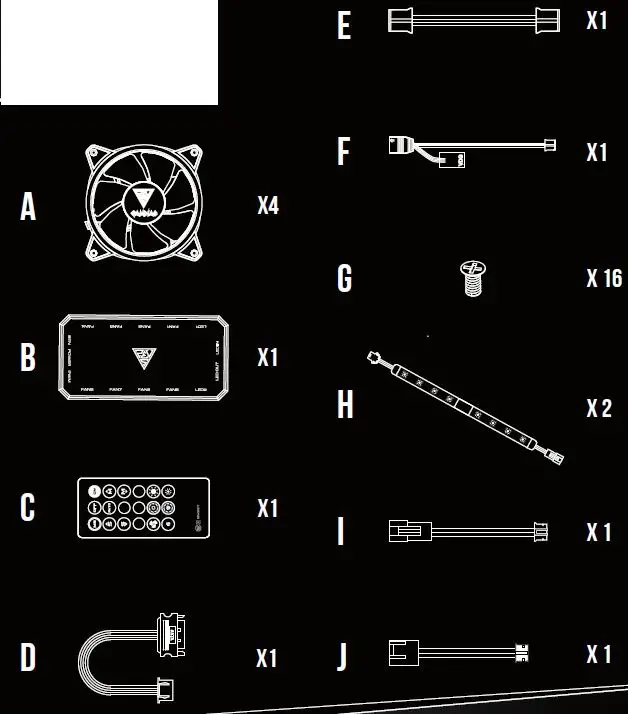
Package Contents
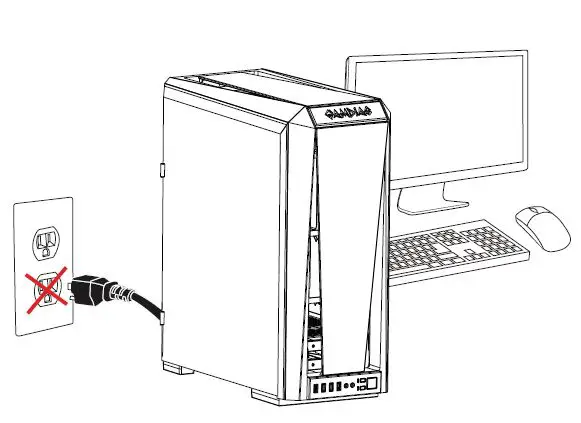
Turn off the computer before installing 

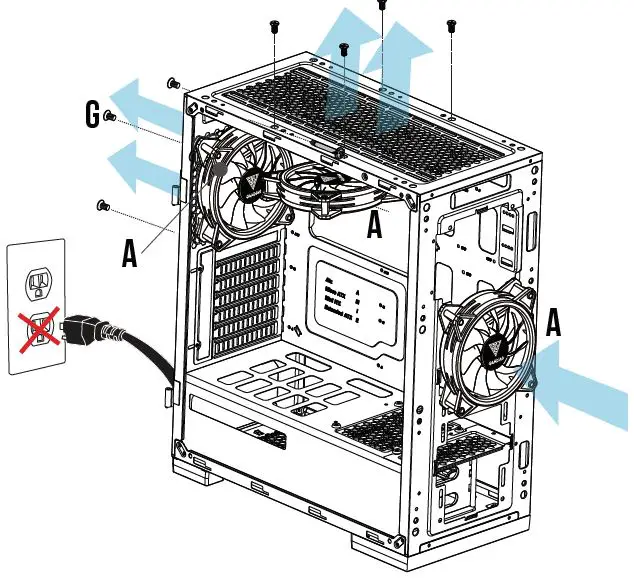
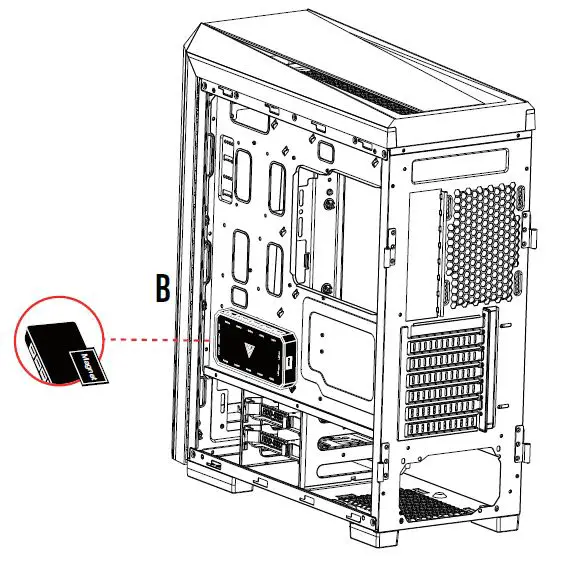
AEOLUS Box attaches to the computer case via magnet

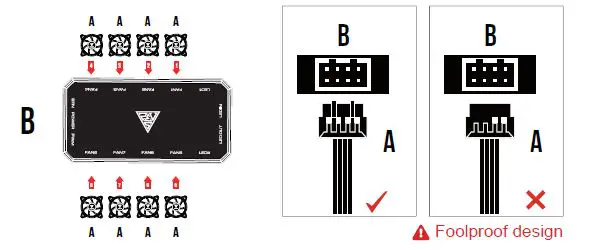
- Fans must start at “1” and continue in series. FAN1 → FAN2 → FAN3 → FAN4 → FAN5 → FAN6 → FAN7 → FAN8
- Any fan not connected in series will break communication and the RGB lighting fuction will not work.
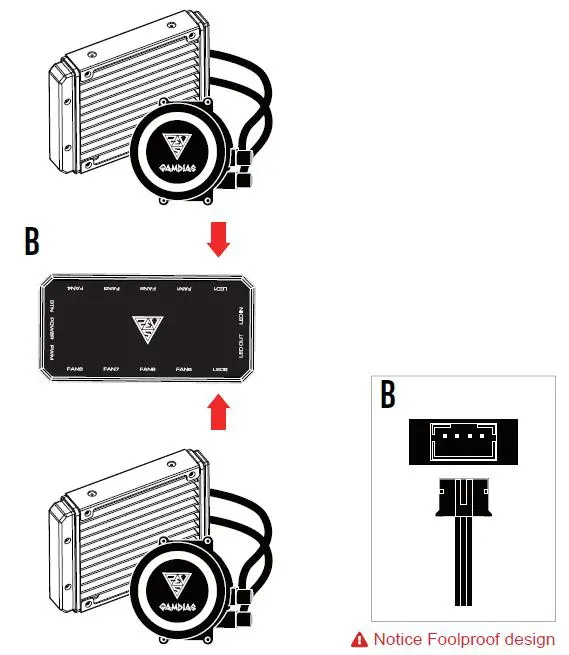
AEOLUS Box also supports the following liquid cooler
- CHIONE P2-360R
- CHIONE M1A-280R
- CHIONE M1A-240R
- CHIONE E1A-120R
- CHIONE P1A-360R
- CHIONE M2-240R
- CHIONE E2-120R

PWM and Motherboard Sync.
If your motherboard has 5V 3-Pin addressable (digital) RGB header, you can customize RGB lighting via motherboard manufacture sync software.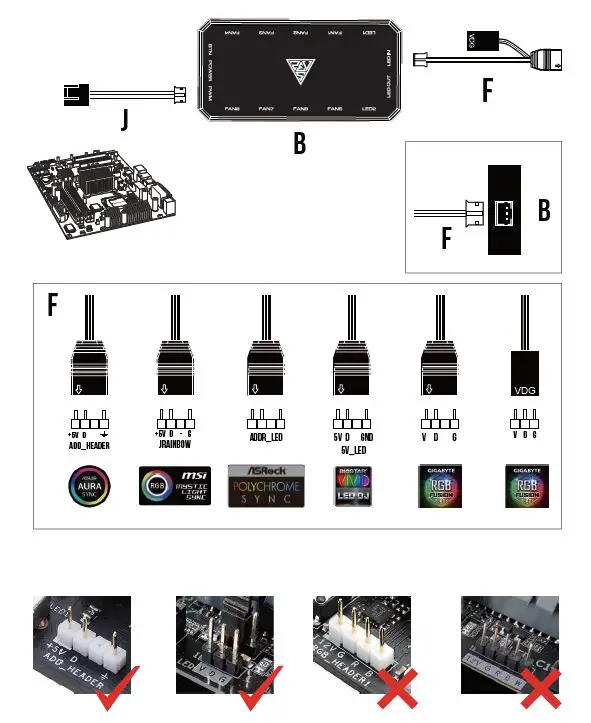
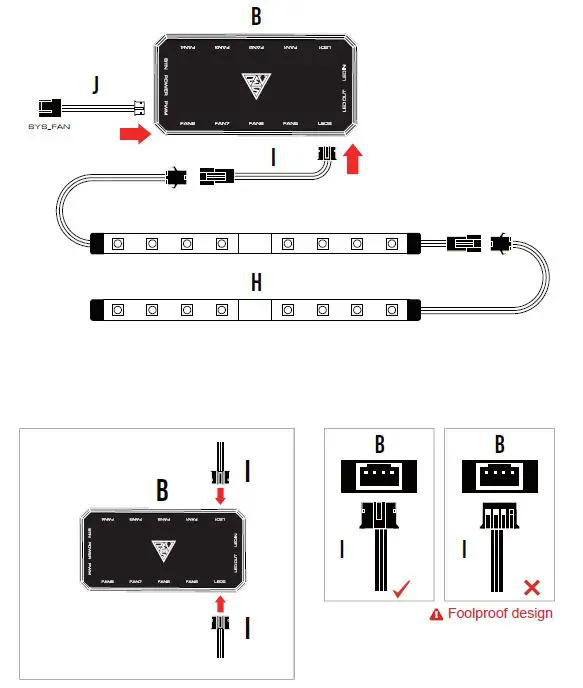
Connect led strip lights
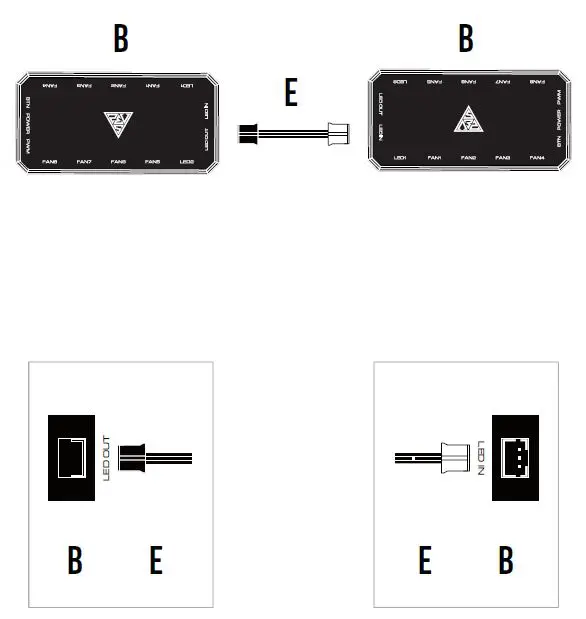
Daisy chain another AEOLUS Box for more lighting effects

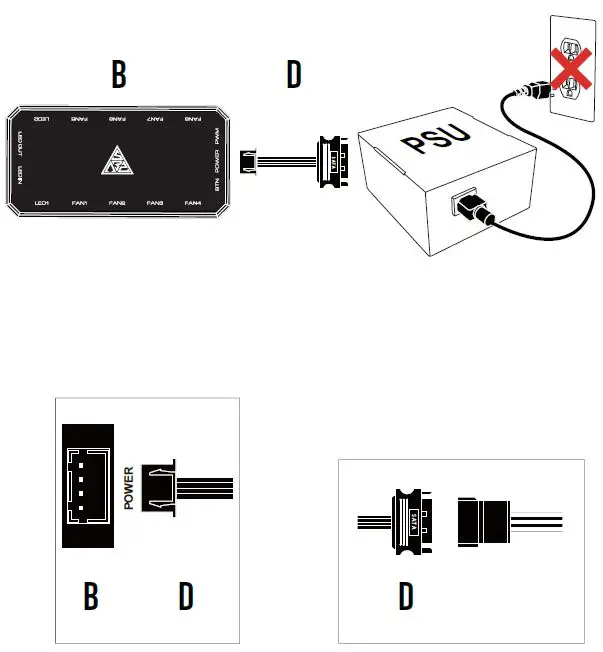
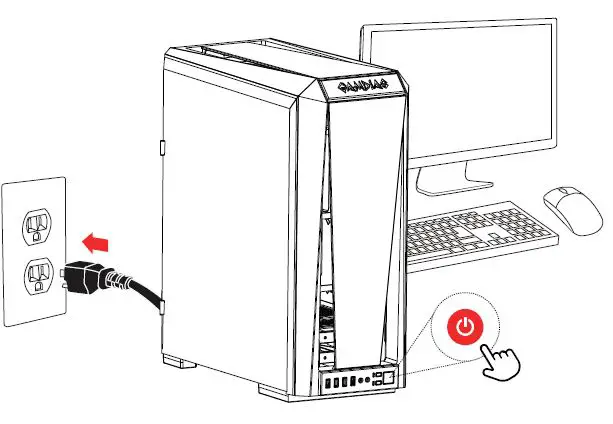
Turn on the computer after installing

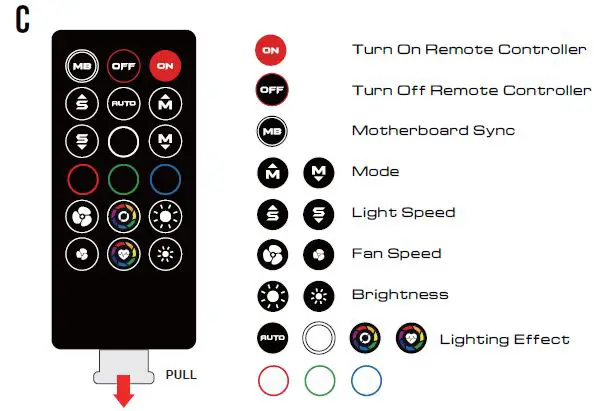
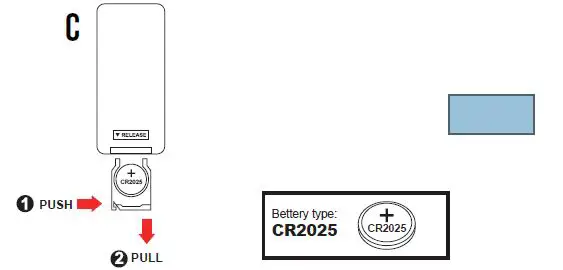
- When pressing “OFF” button, the remote controller will be automatically disabled. Please press “ON” button to activate.
- Press “MB” button to switch to motherboard sync mode.