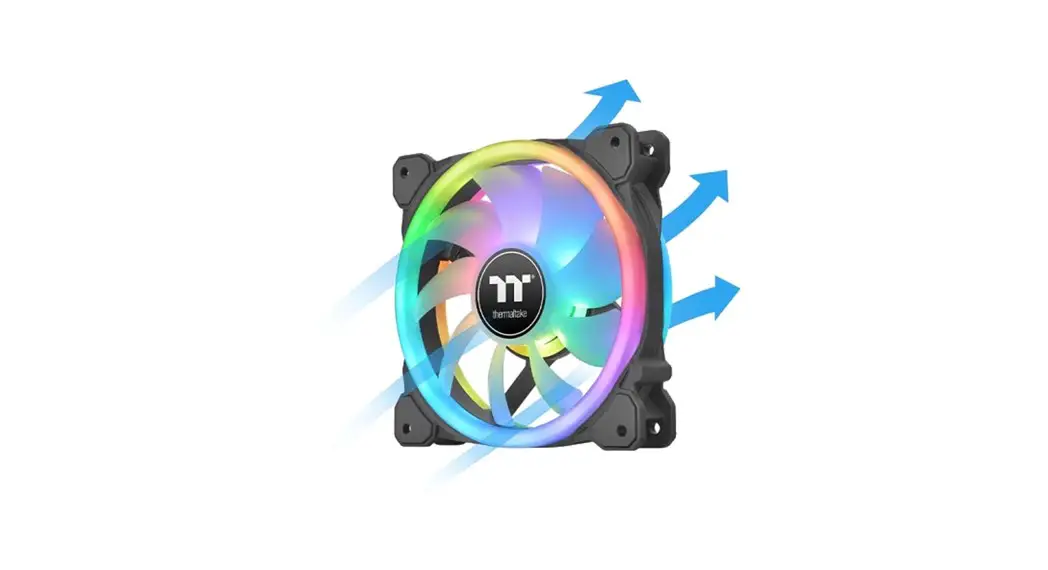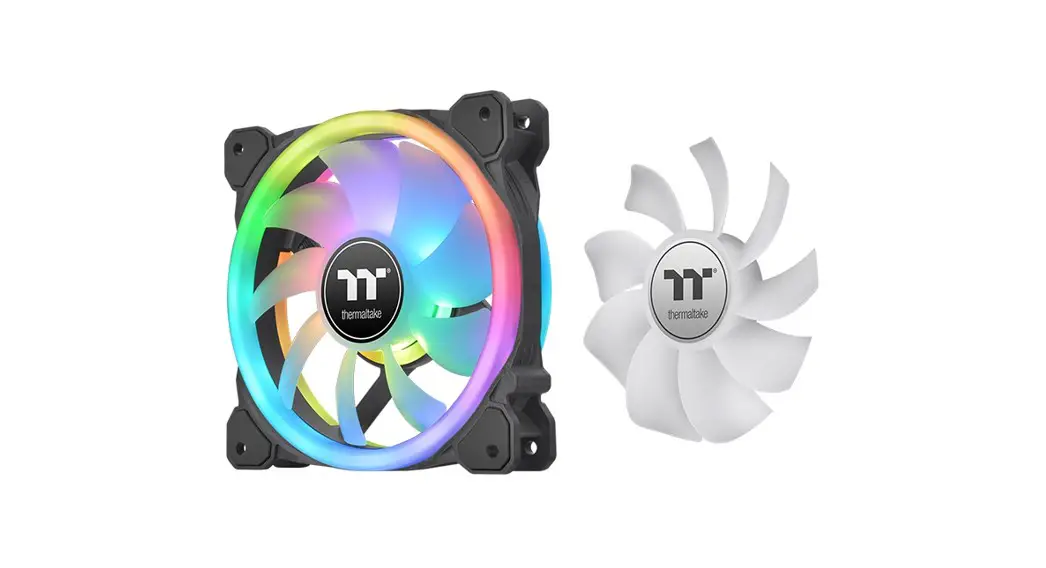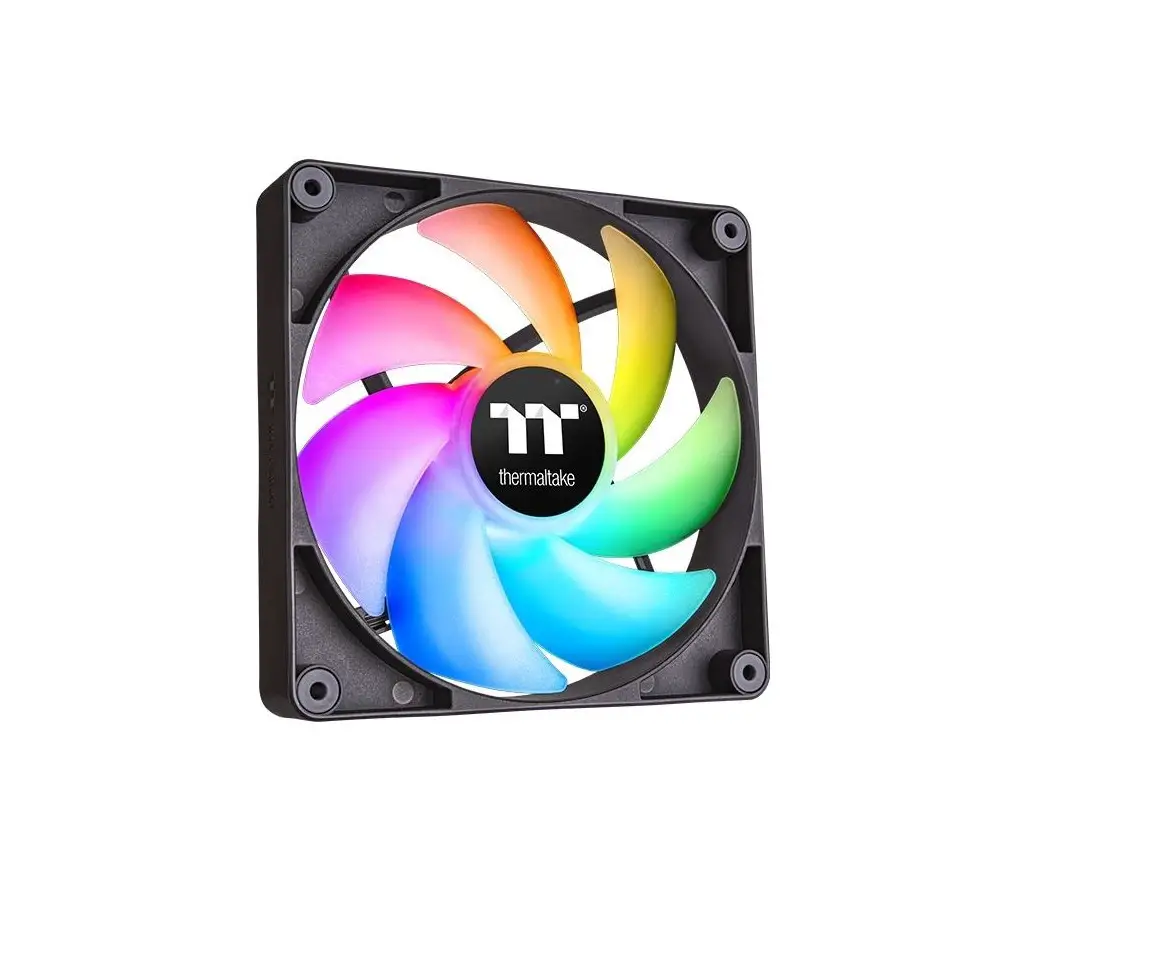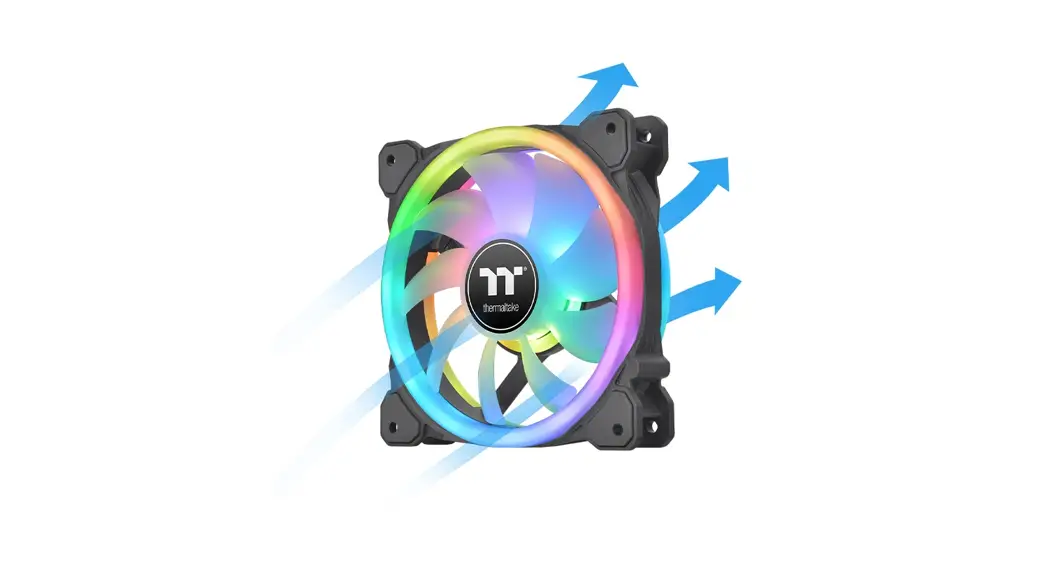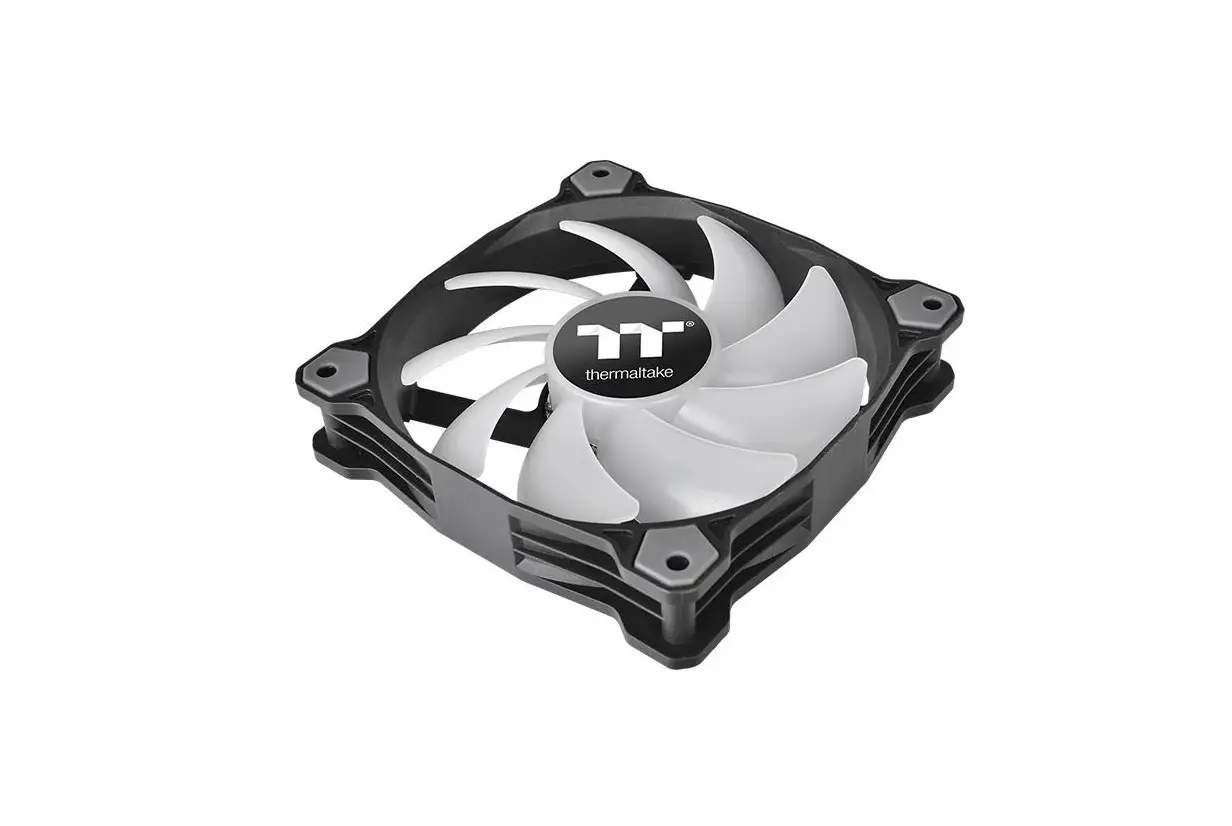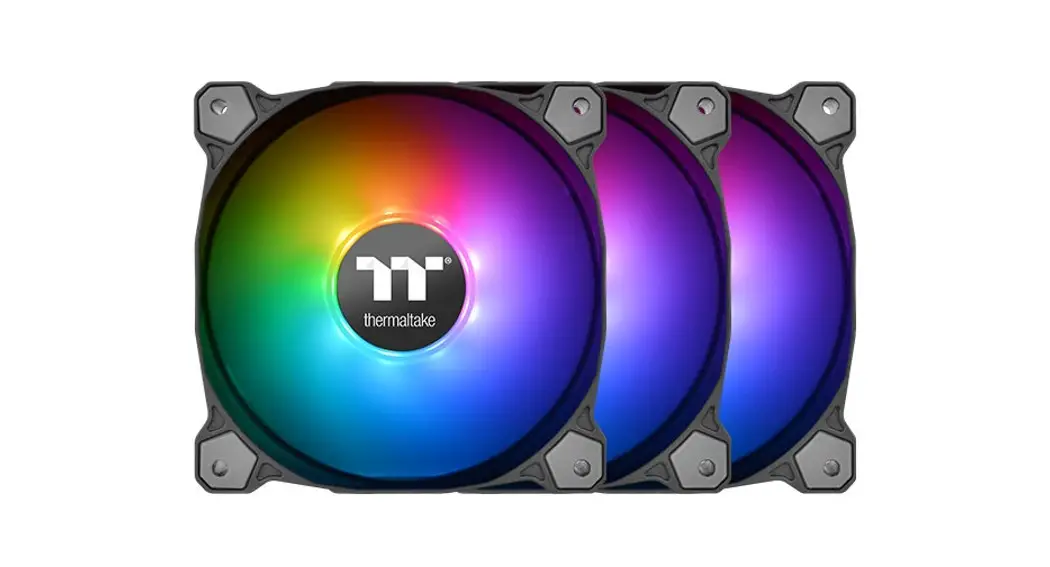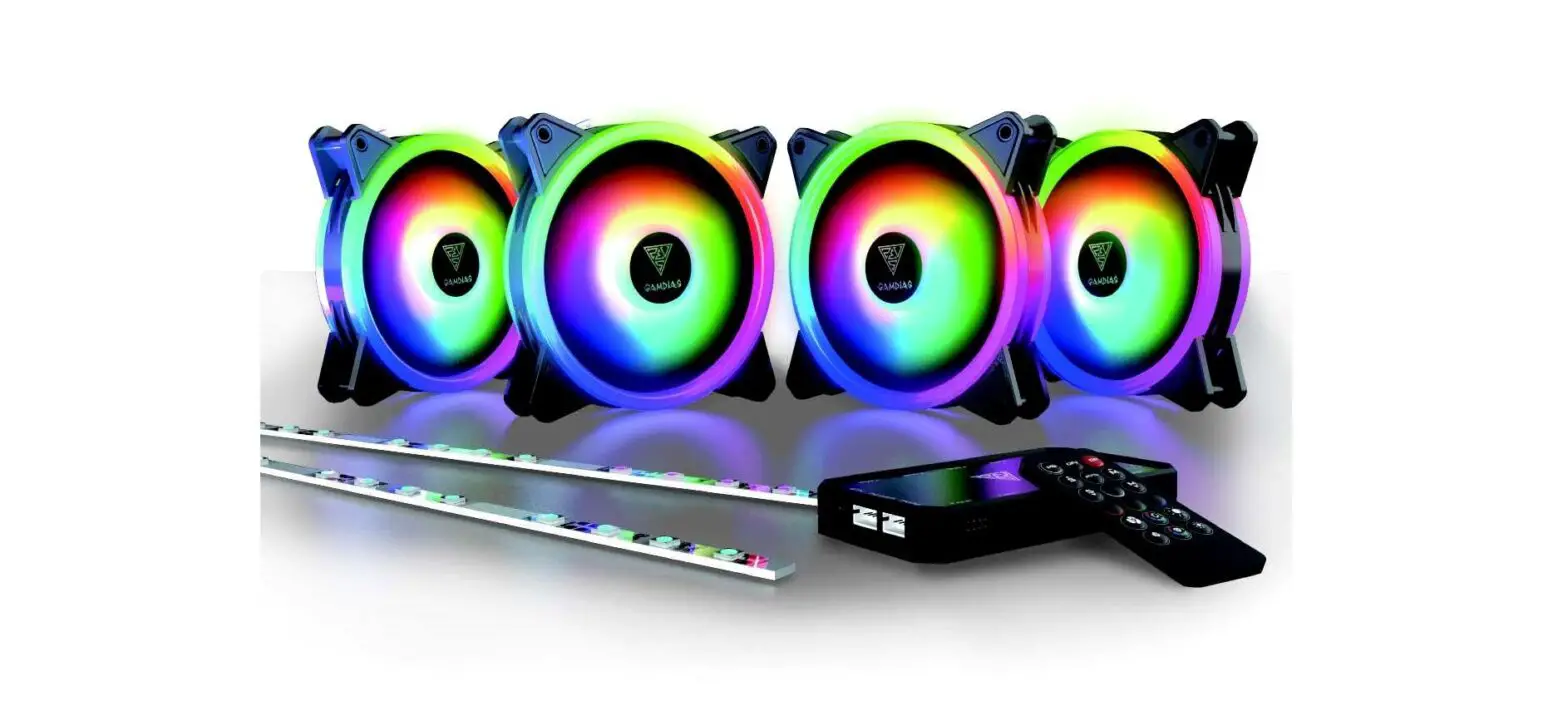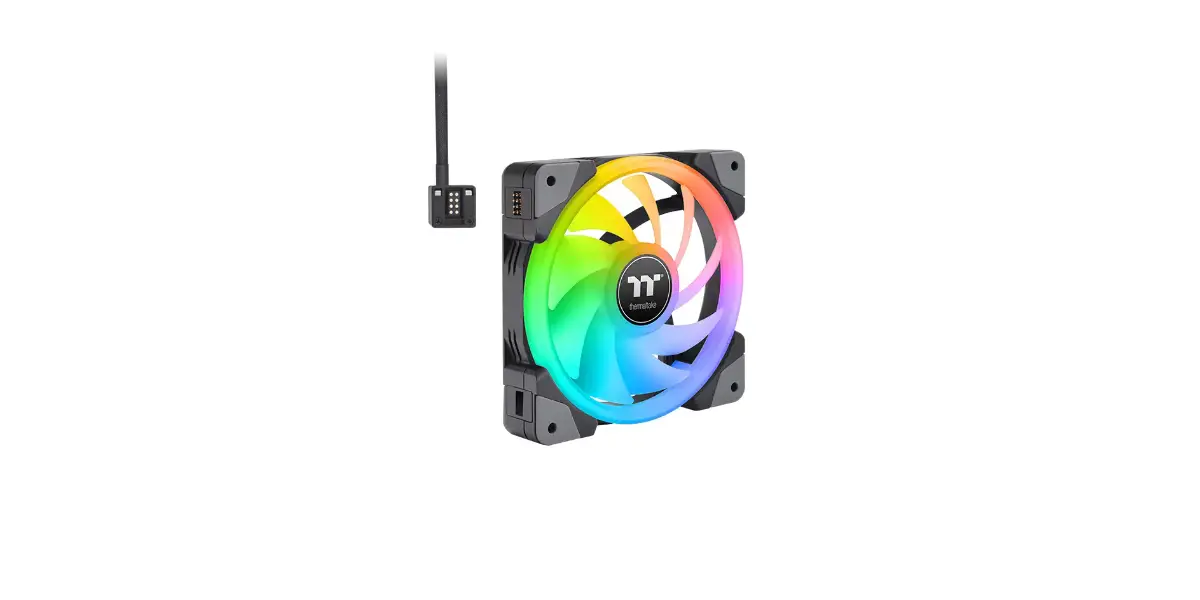
Thermaltake SWAFAN EX RGB PC Cooling Fan Installation Guide


Parts List

Installation Guide
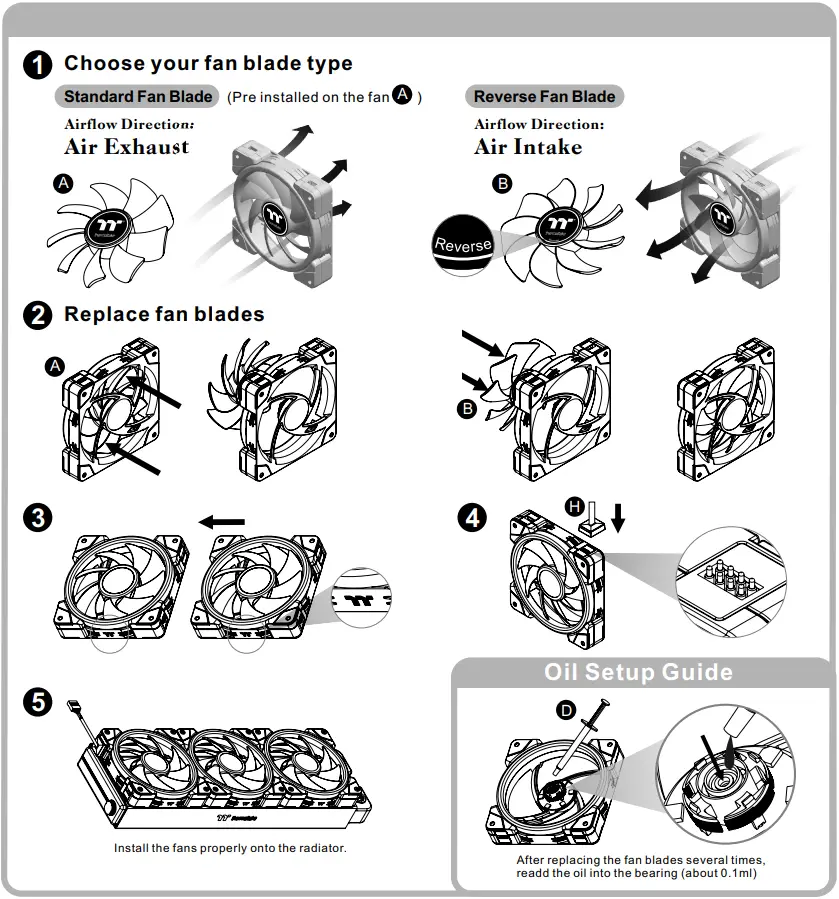
Controller Installation Guide
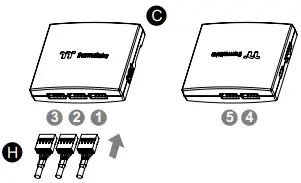
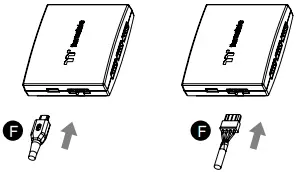
- Connect the fans to the controller.

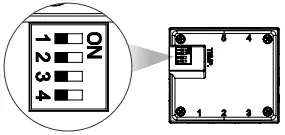
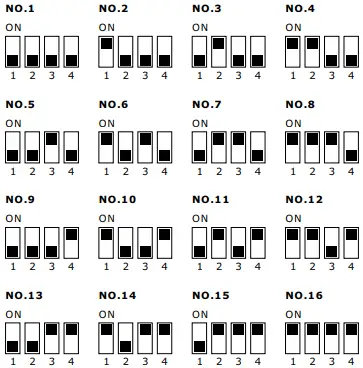
- Set the DIP switch on the back side of the controller to assign the number of the controller


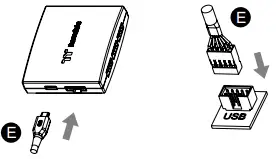
- Connect the controller cable onto the motherboard (USB 2.0 9 pin) and controller.

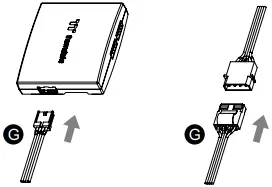
- Connect the power cable to the 4pin Molex connecter and controller.

- If you want to connect two or more controllers, you can sync the controllers with the bridge connector.



© 2022 Thermaltake Technology Co., Ltd. All Rights Reserved.
www.thermaltake.com
 Thermaltake