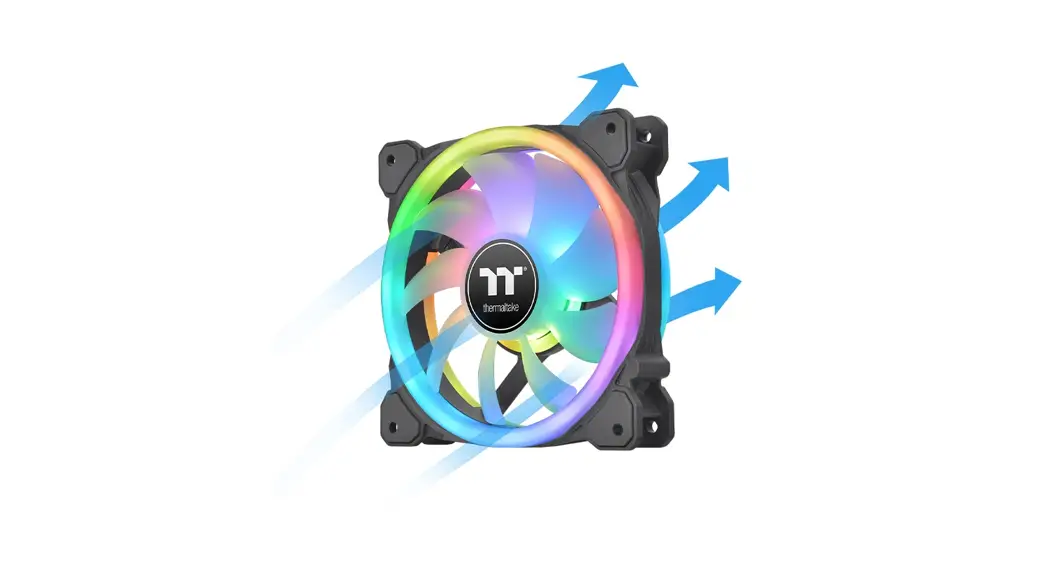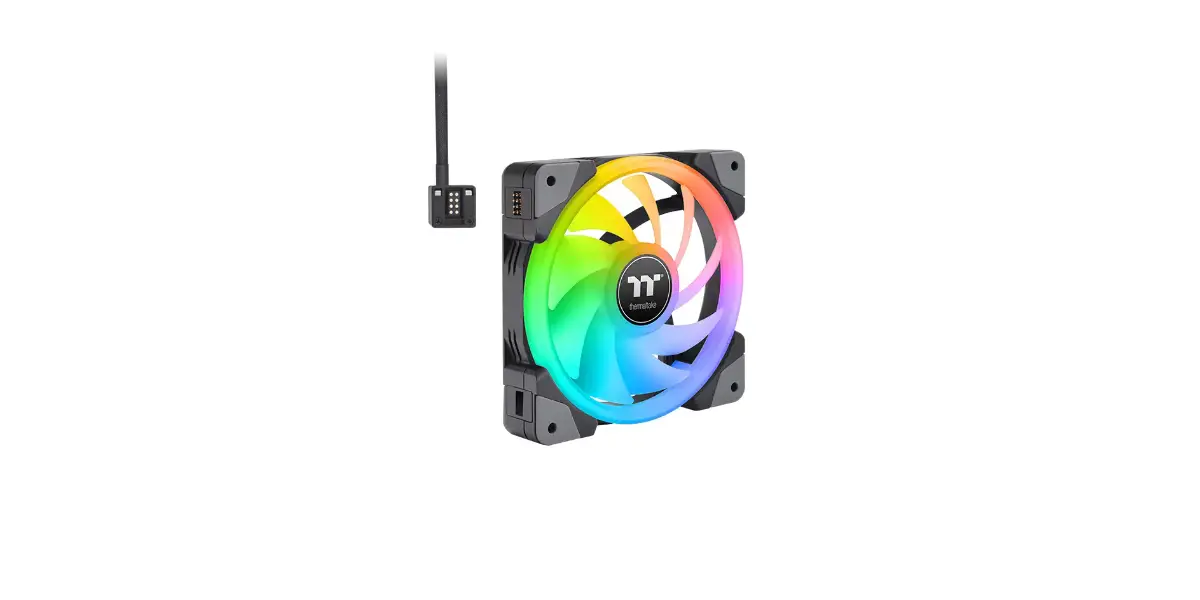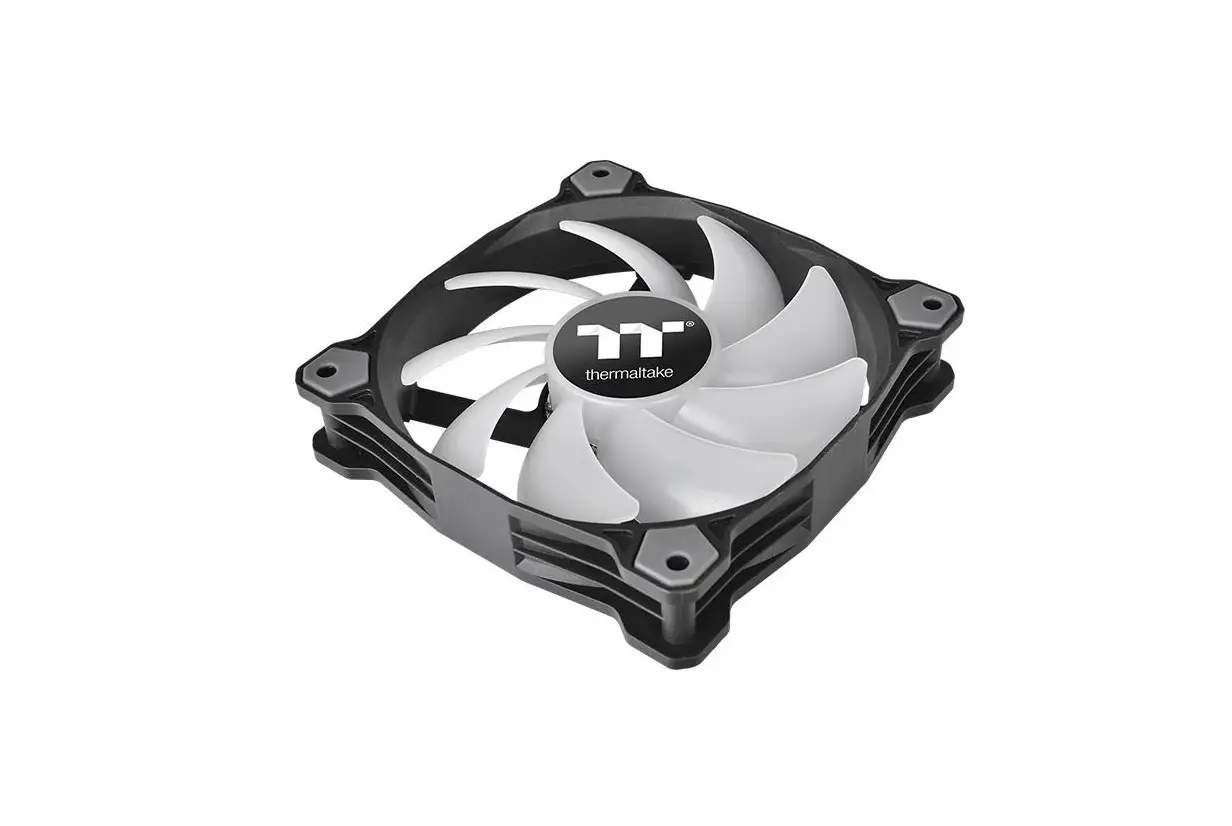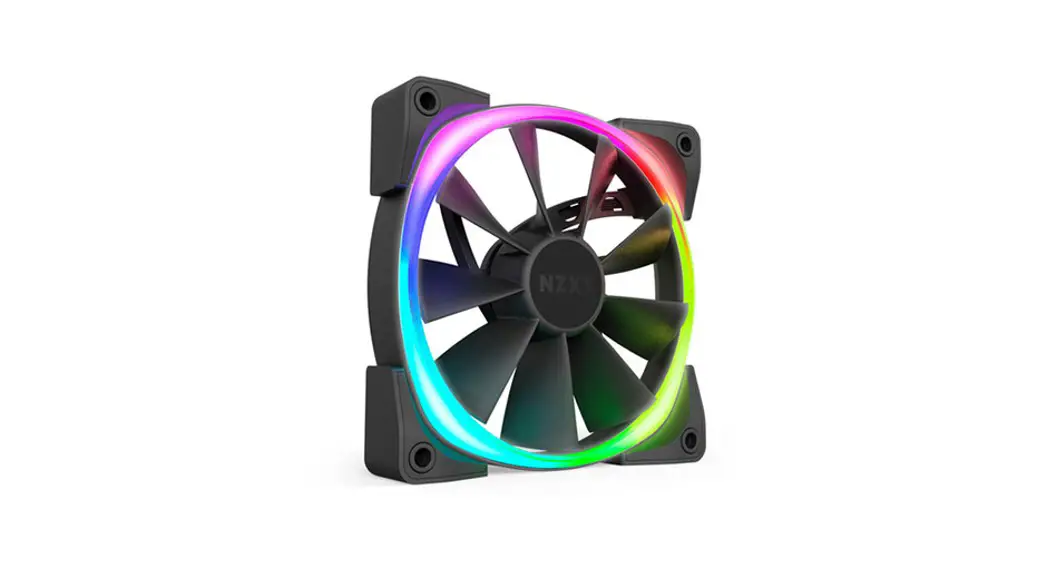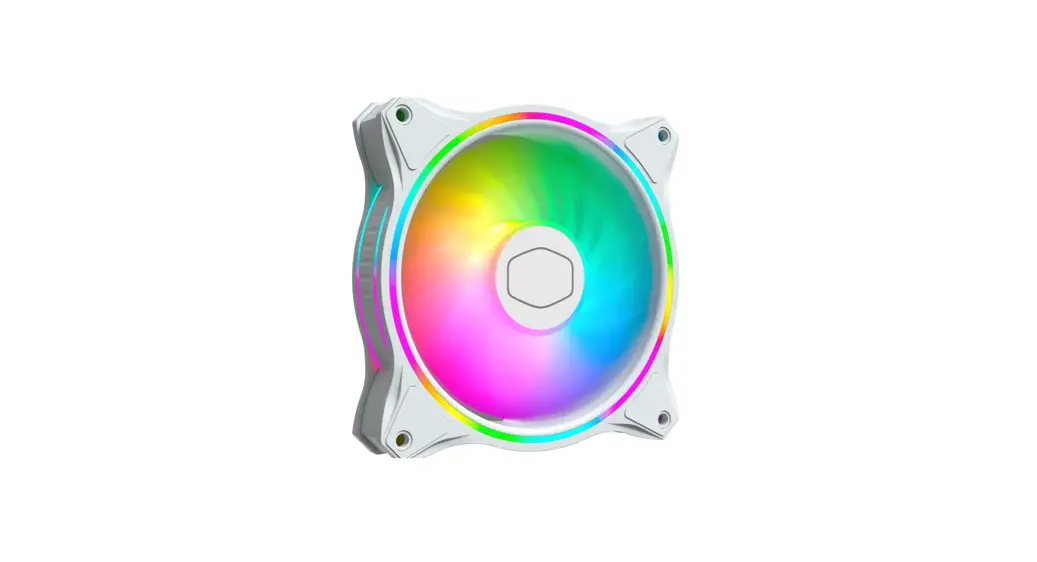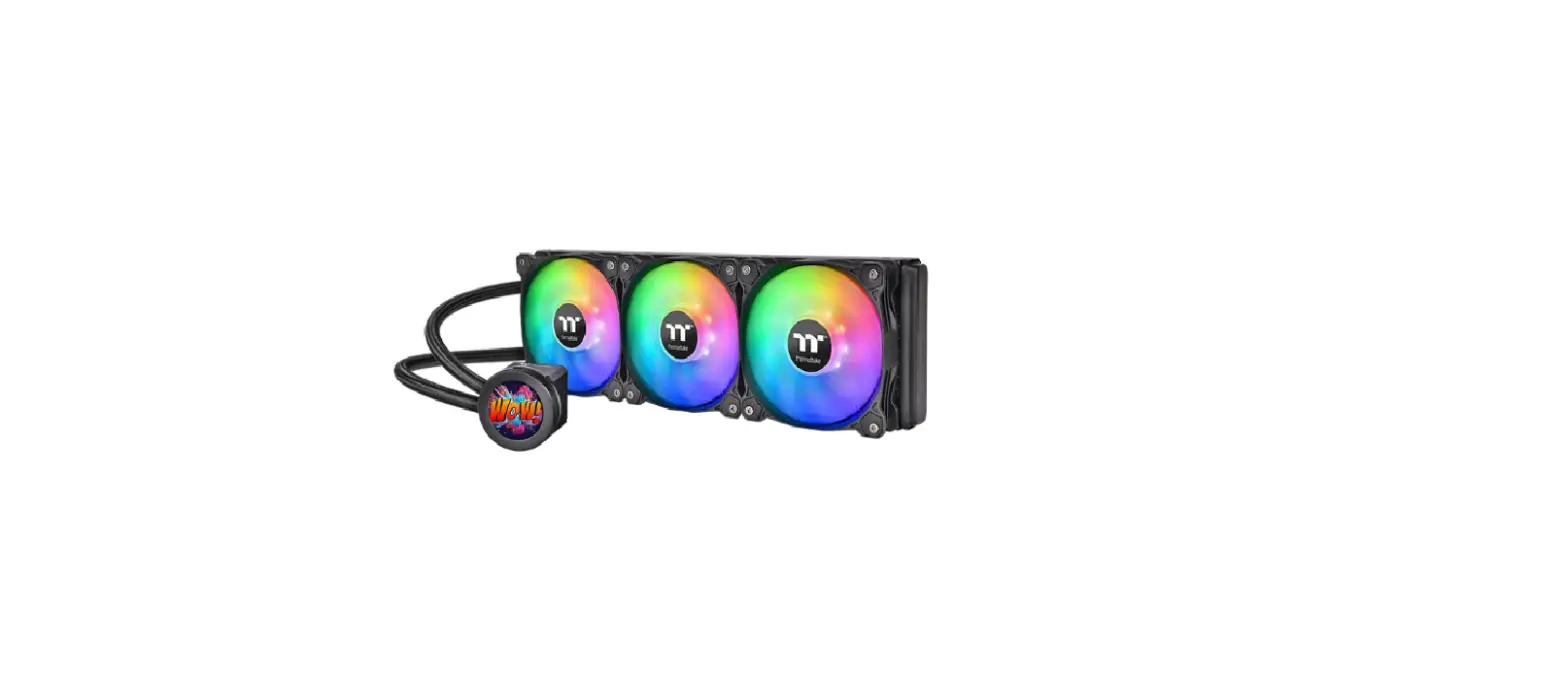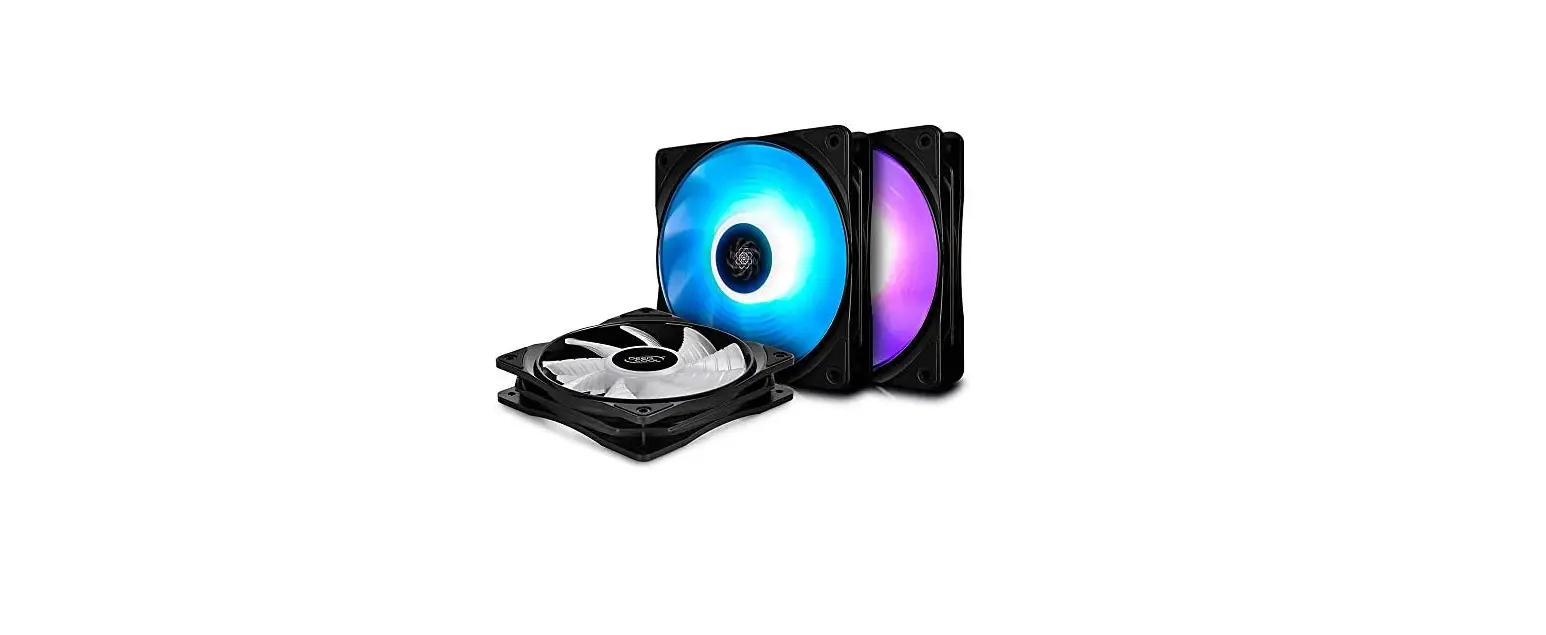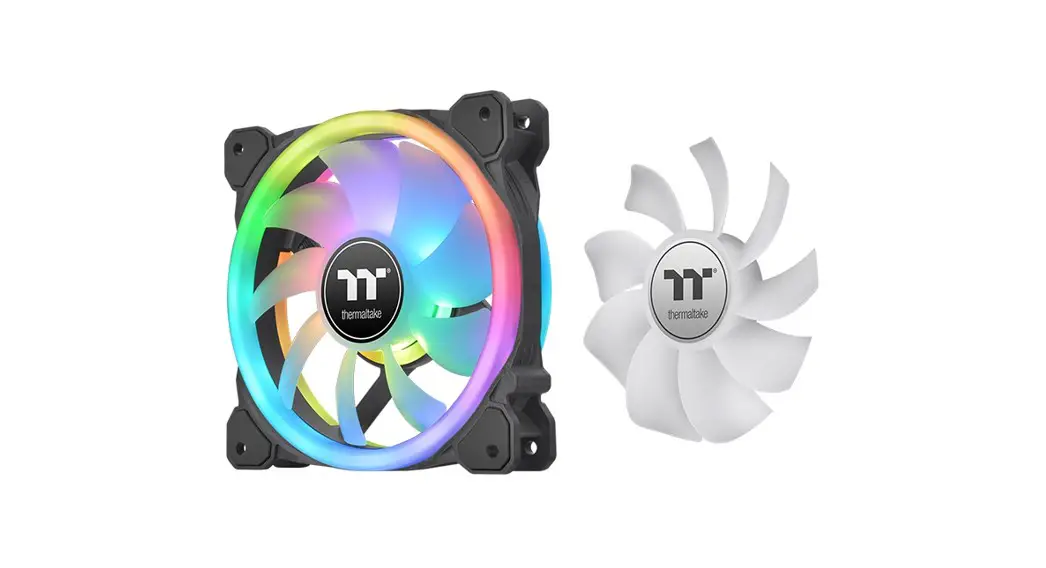

SWAFAN RGB Radiator Fan
Scan Here Installation Guide
https://www.thermaltake.com/swafan-12-rgb-radiator-fan-tt-premium-edition-3-pack.html#productattach
TT RGB Plus Software control interface
Please download TT RGB PLUS from Thermaltake’s Official website. https://www.thermaltake.com/downloads
OS compatibility: Windows 10, Windows 11
SWAFAN RGB Radiator Fan Software User Interface
CONNECT – CONTROLLER
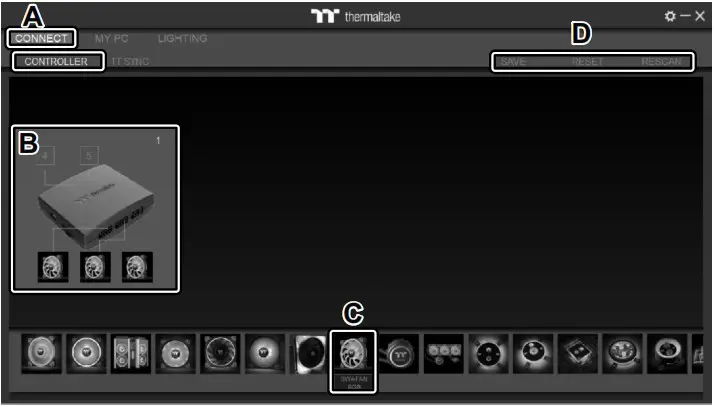
A. After installation of TT RGB PLUS, you can find controllers on the “CONNECT” & “CONTROLLER” page.
B. Click the controller port to make the “SWAFAN RGB” fan glow red lighting to pair.
C. Drag and drop to pair the “SWAFAN RGB” fan with controller port.
D. SAVE: Save the controller pairing settings.
RESET: Reset the controller pairing.
RESCAN: Rescan the controllers.
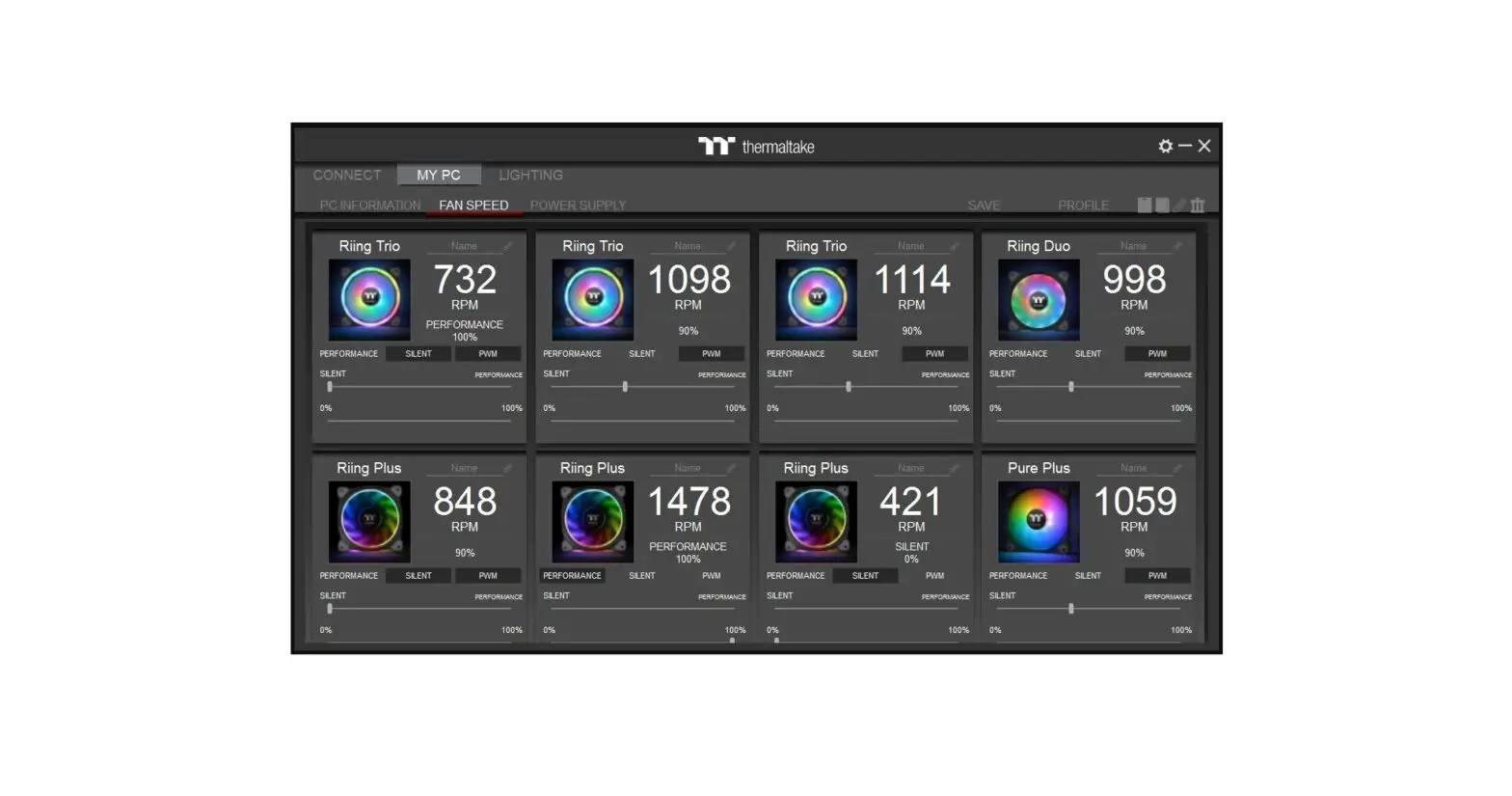
MY PC – FAN SPEED
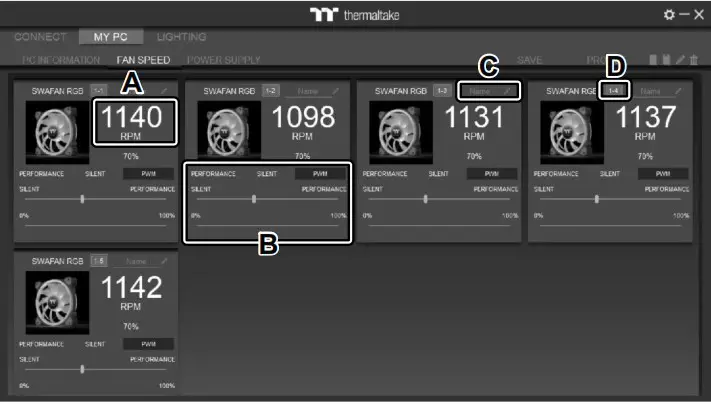
SWAFAN RGB Radiator Fan Speed Information and PWM
Performance Settings.
A. SWAFAN RGB real-time fan speed.
B. Fan speed settings
- PERFORMANCE: 0% 100% (1500rpm)
- SILENT: 0% (300~500rpm)
- PWM: Set PWM silent (50%) to PWM performance (100%).
C. NAME: Edit the case fan name.
D. Controller Port number.
LIGHTING
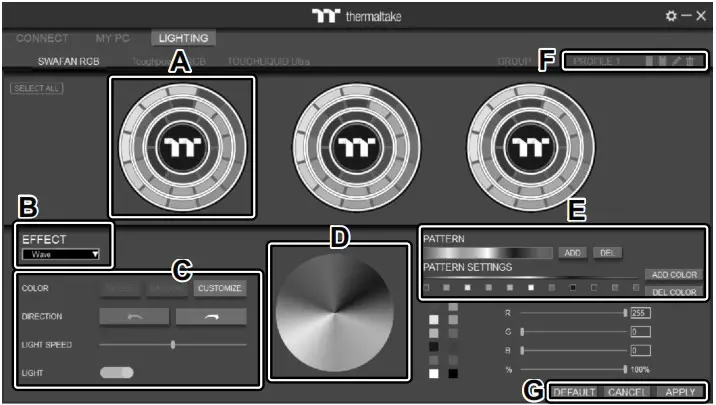
A. Preview and edit the lighting effect.
B. Select 23 Lighting Effects.
C. Lighting effect settings.
D. Color palette: select lighting color
E. PATTERN: Set up the color pattern ring.
F. Profile Settings: New, Copy, Edit, Delete
G. DEFAULT: Reset the lighting effects.
CANCEL: Deselect the LEDs for the preview screen.
APPLY: Execute and store lighting effects.
 The software interface may vary with feature updates, please download the latest software version from www.thermaltake.com
© 2022 Thermaltake Technology Co., Ltd. All Rights Reserved.
www.thermaltake.com

 Thermaltake