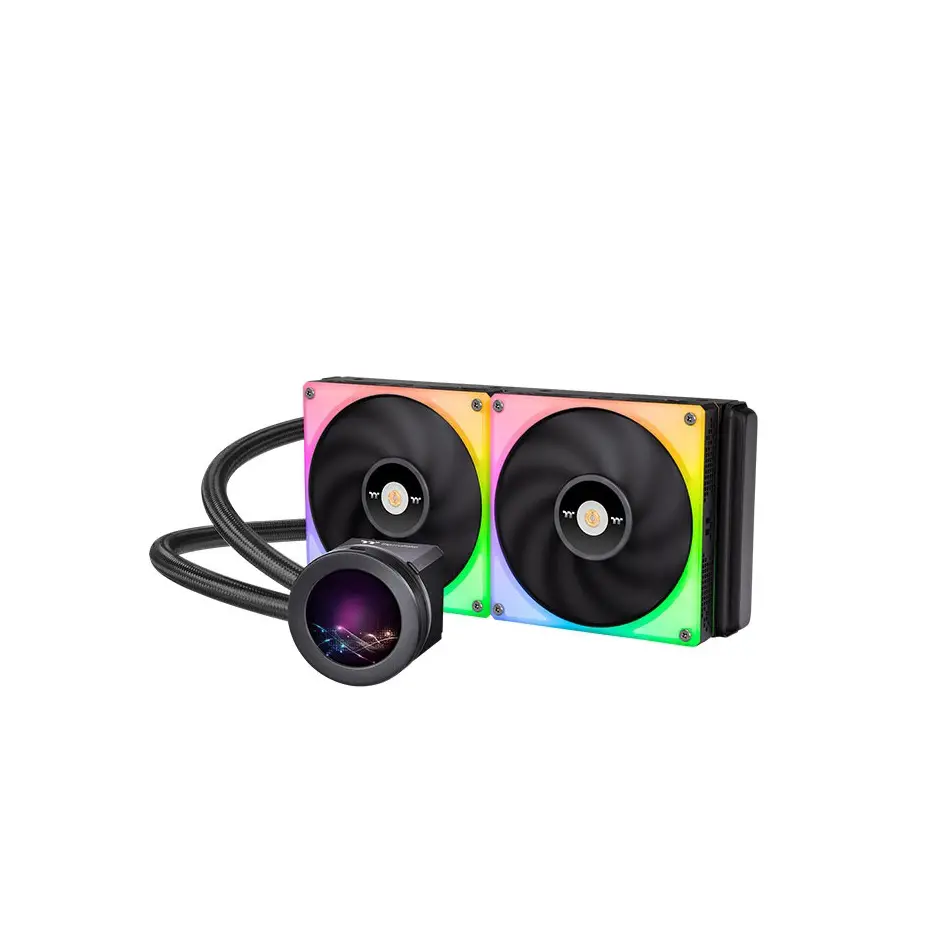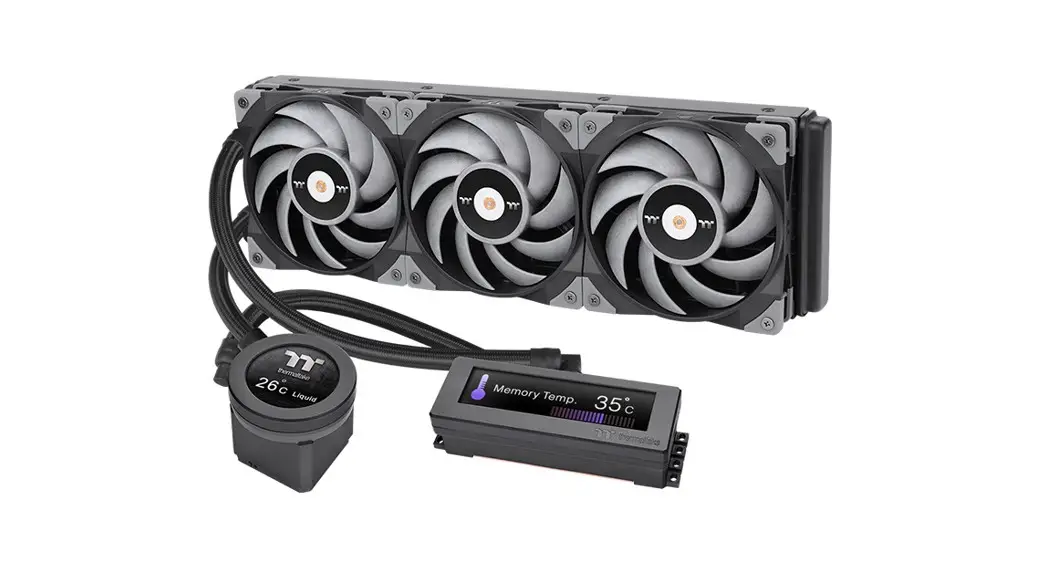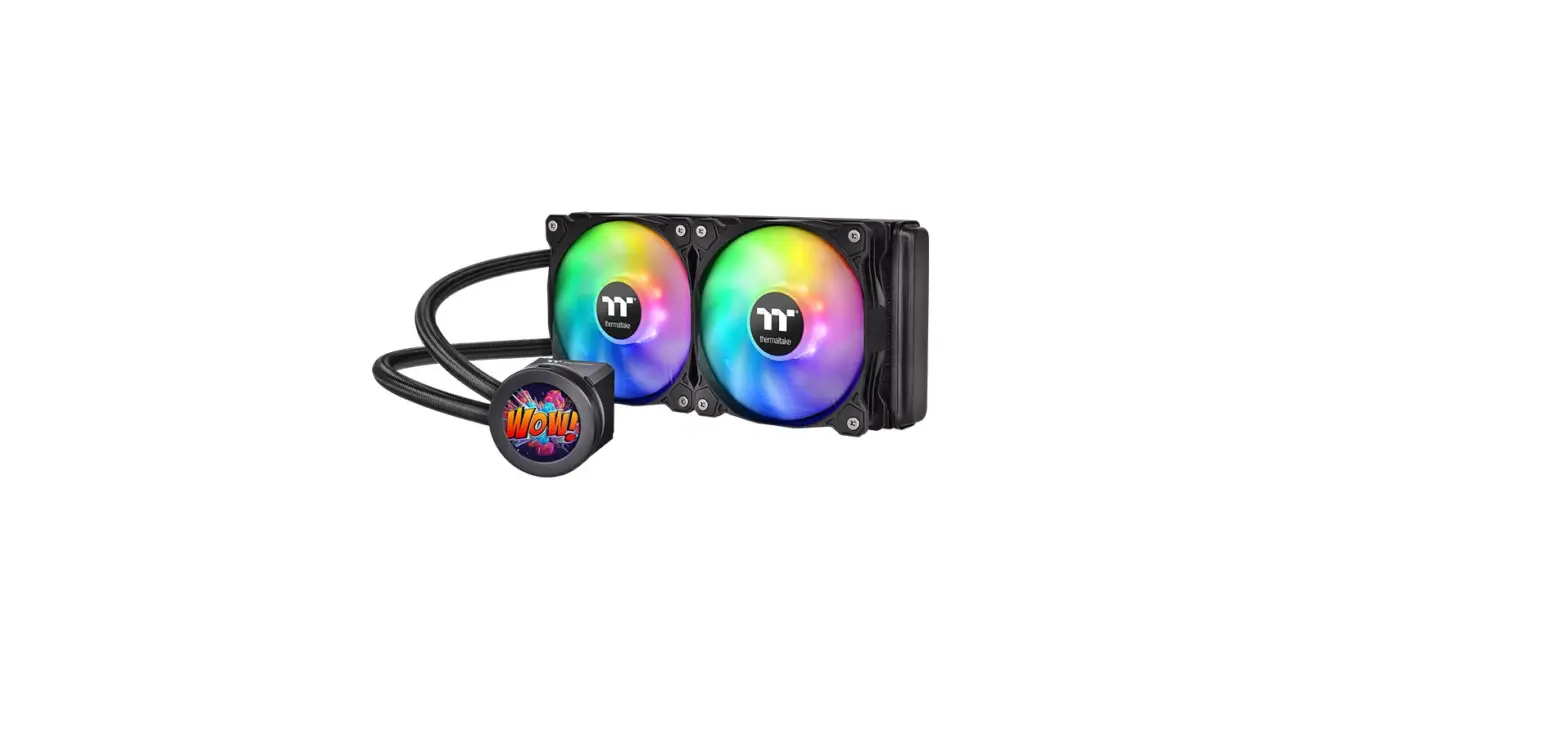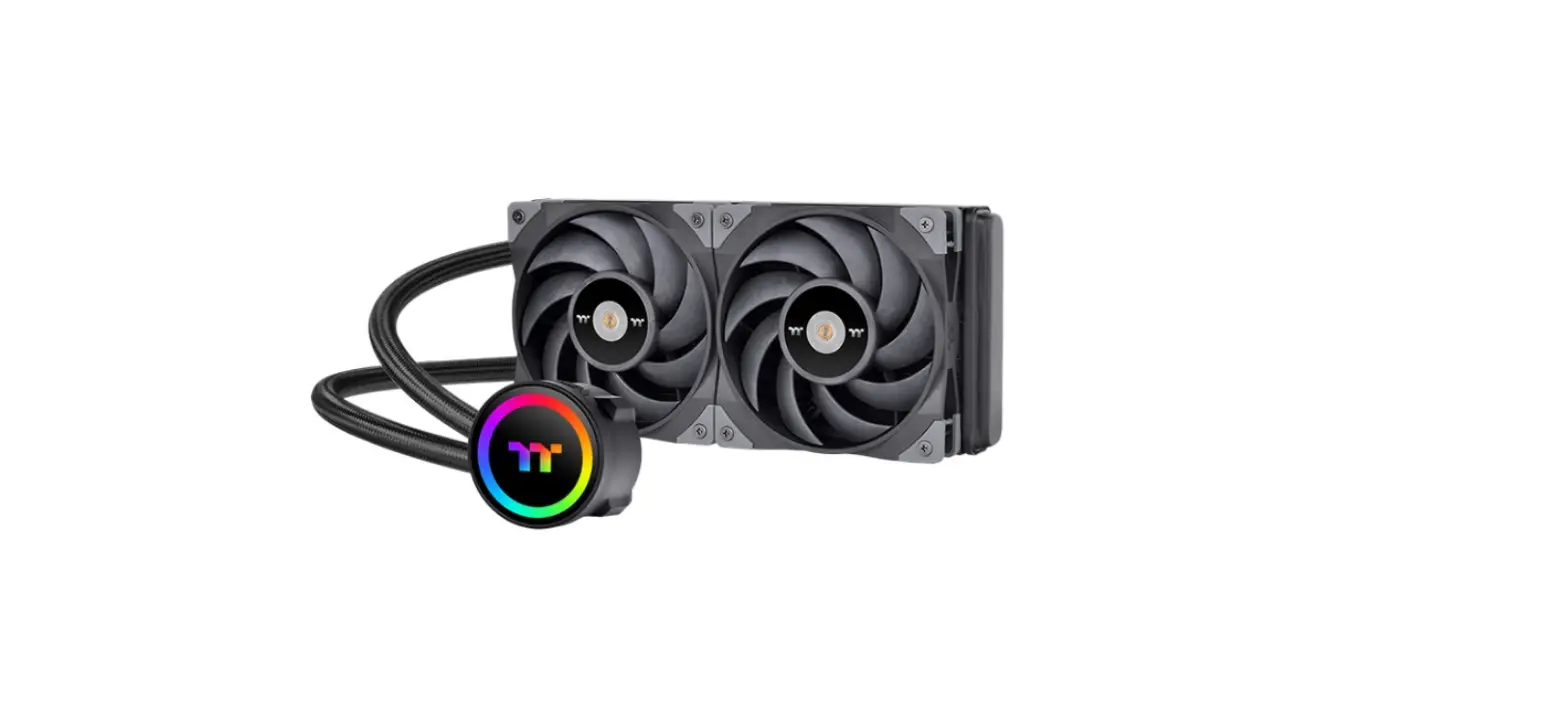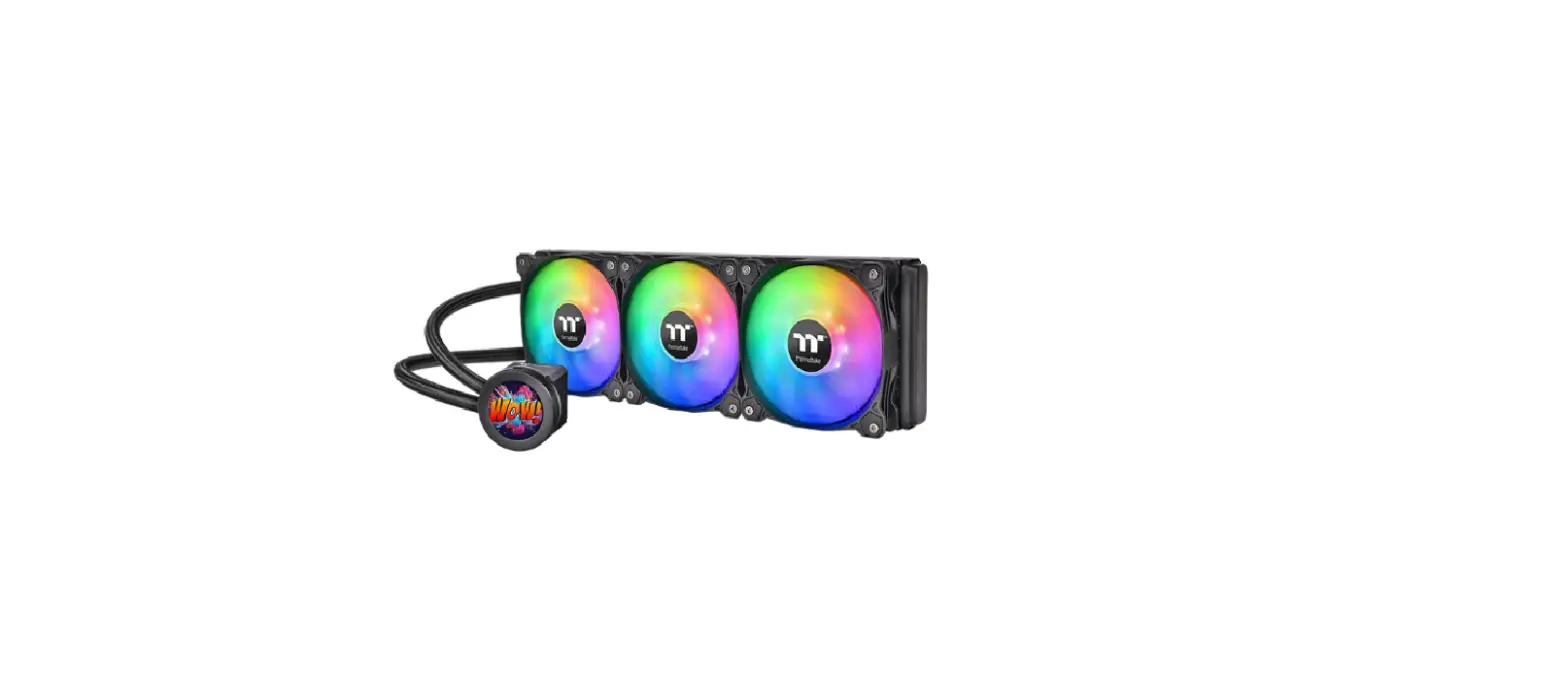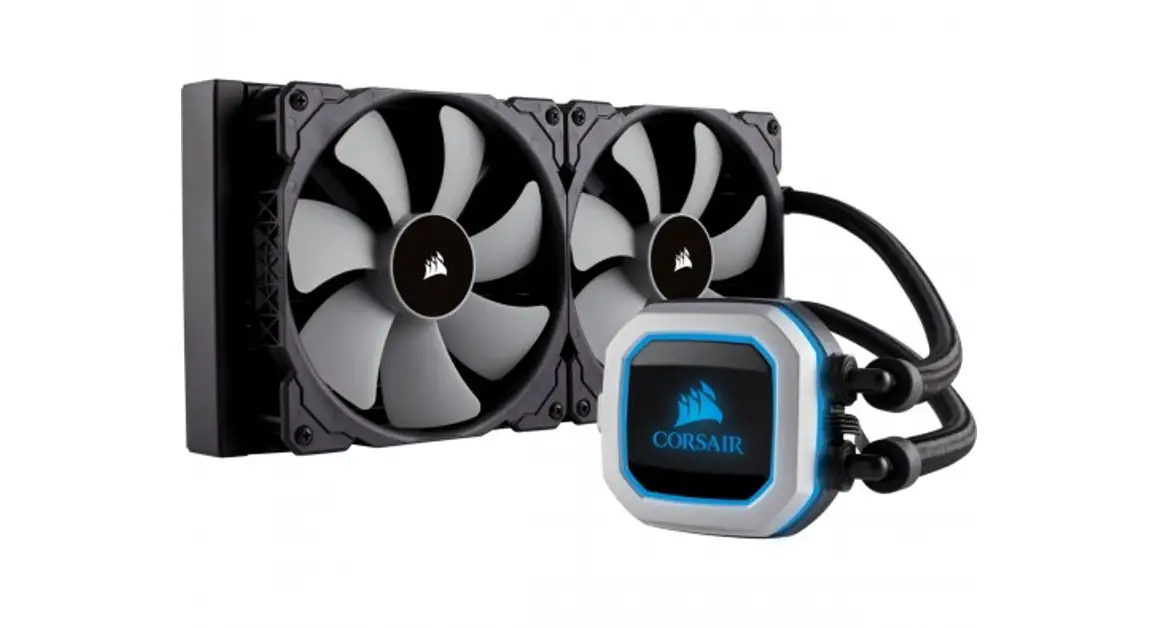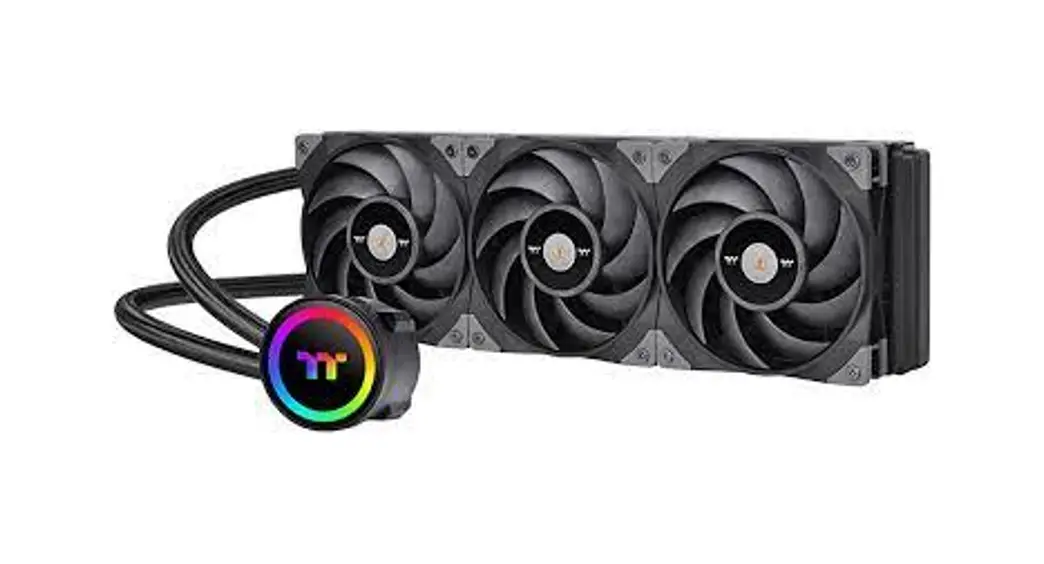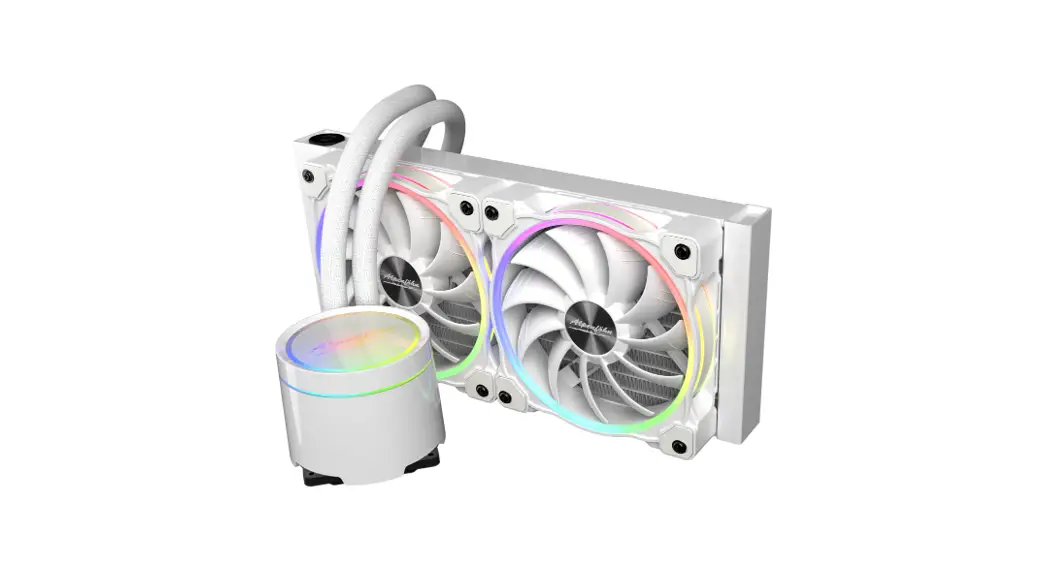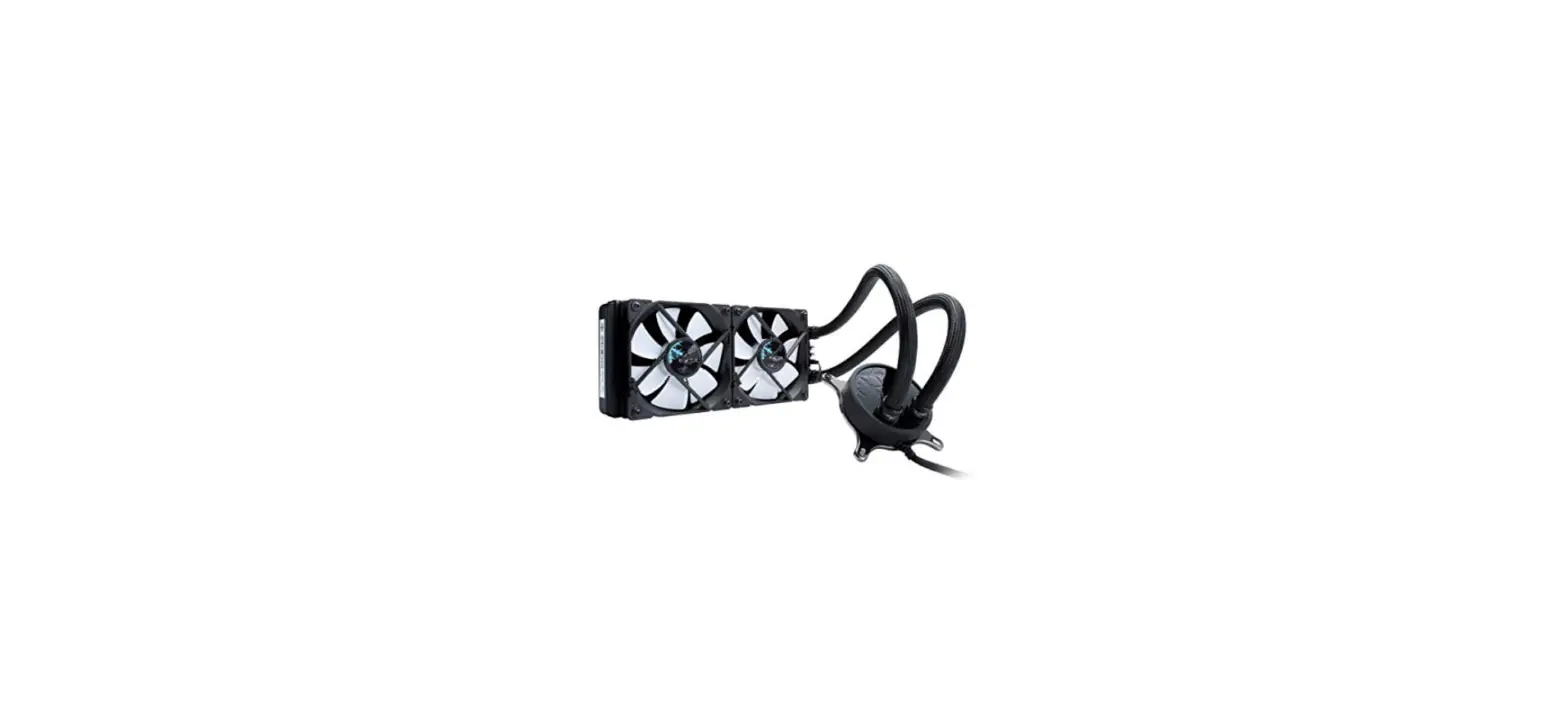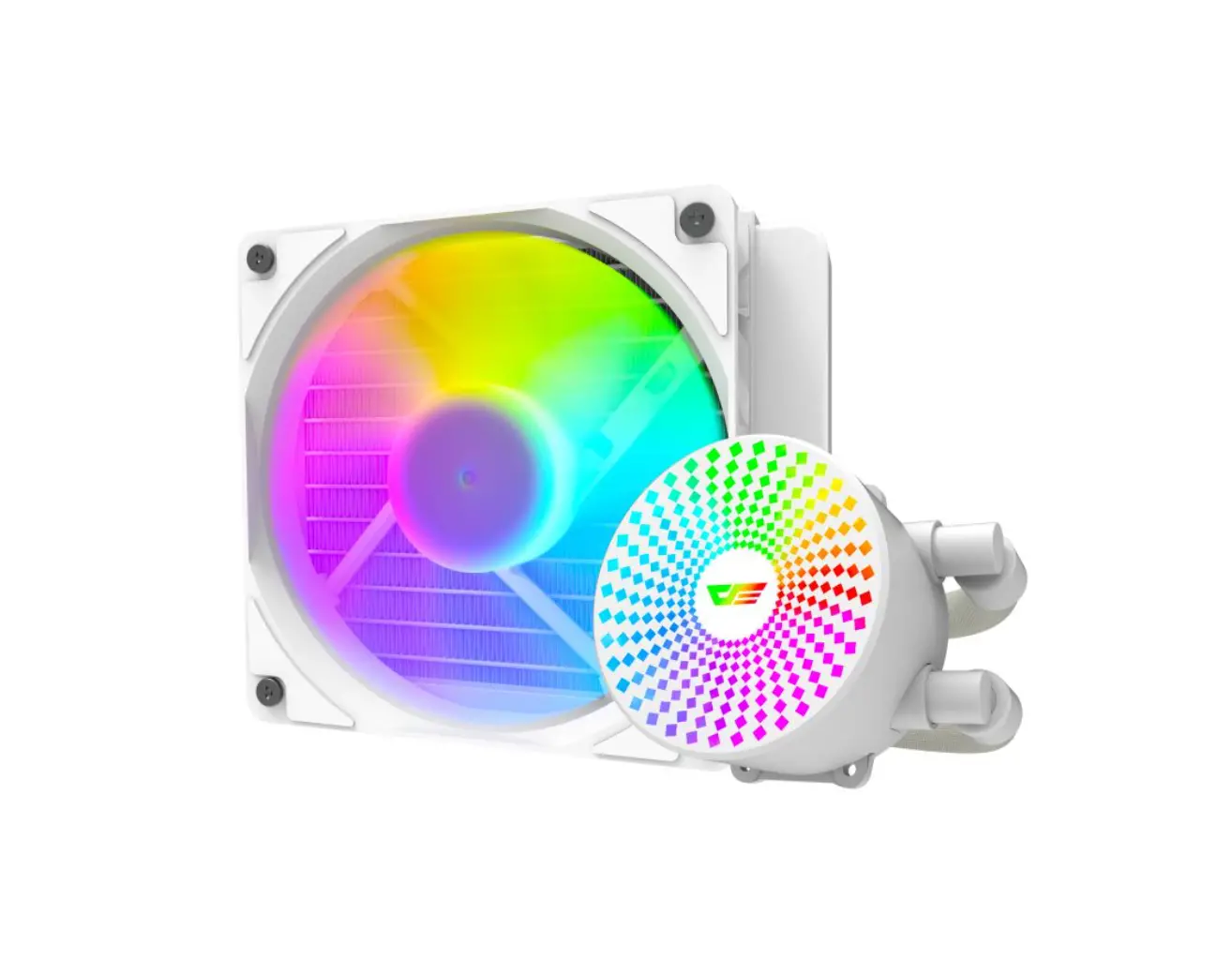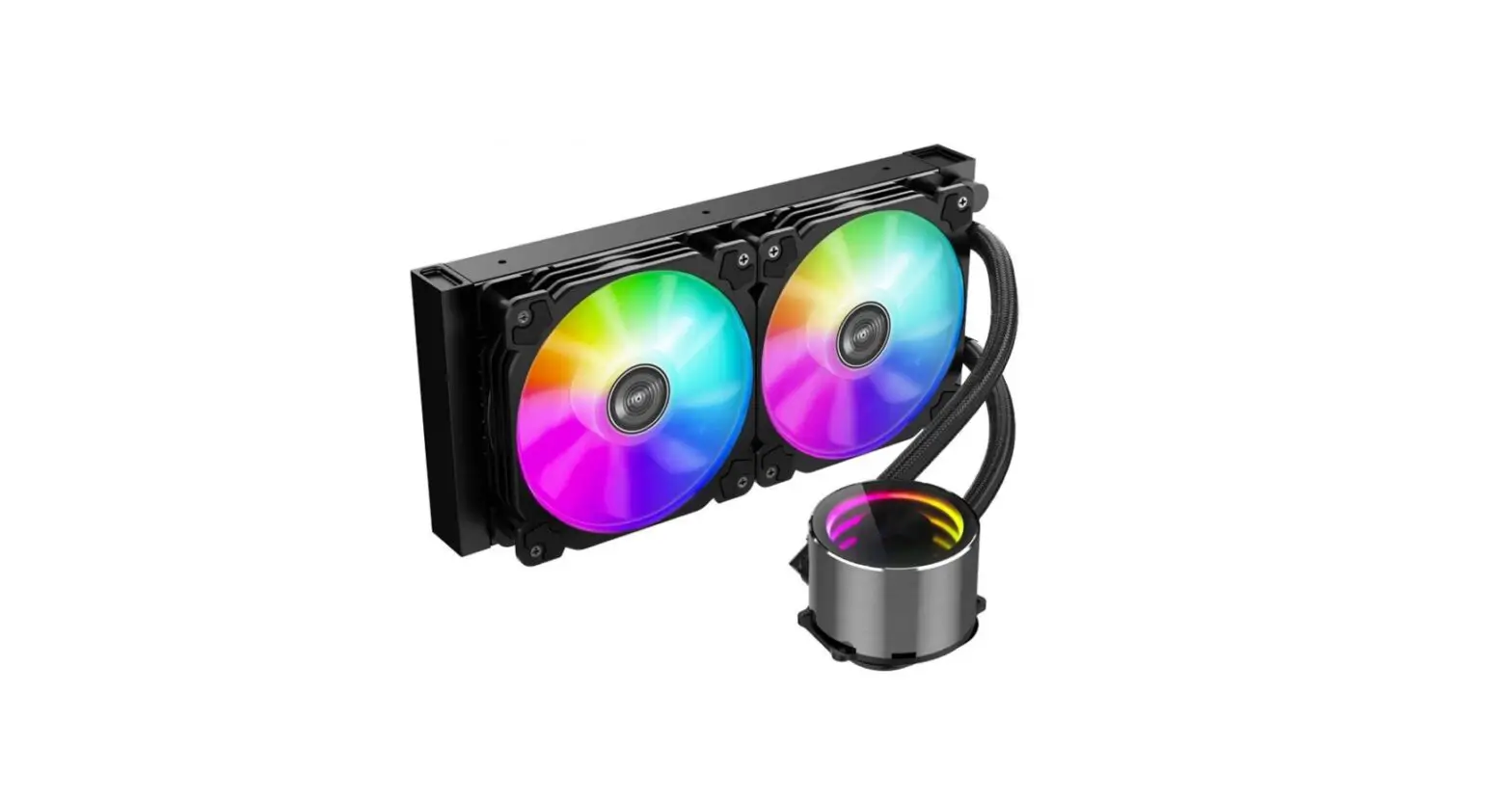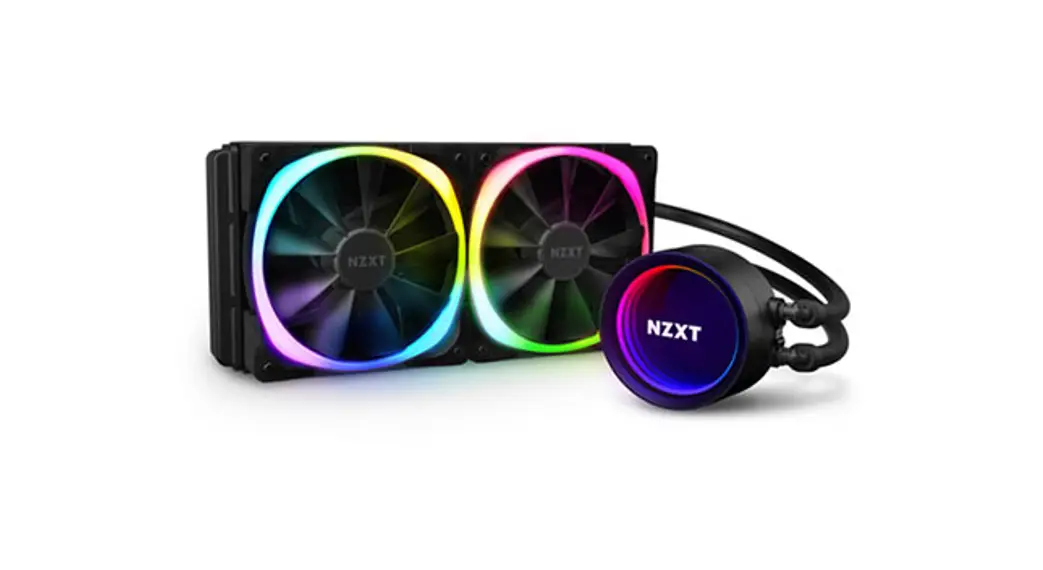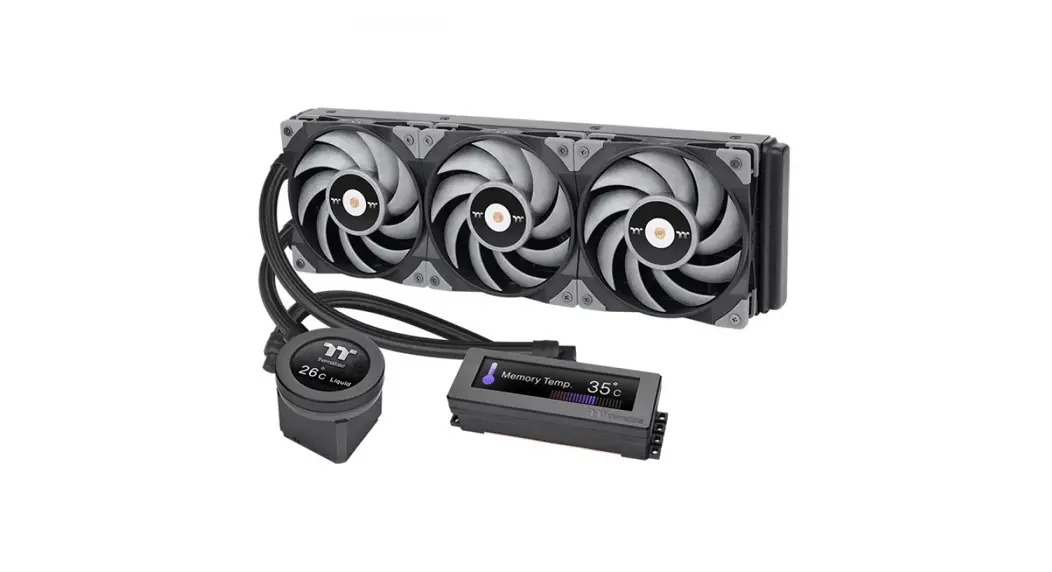
 Floe Ultra 240 RGB All-In-One Liquid Cooler
Installation Guide
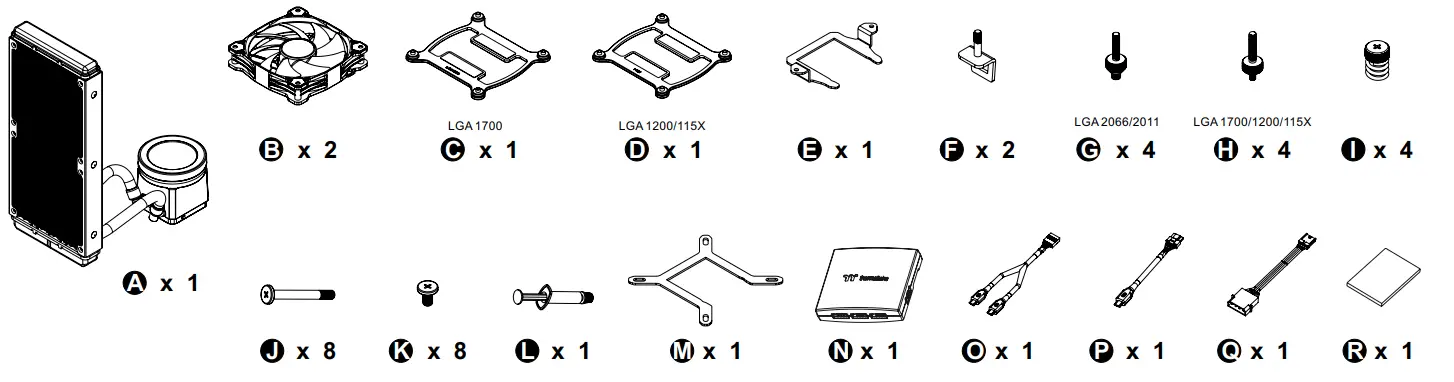
Parts List
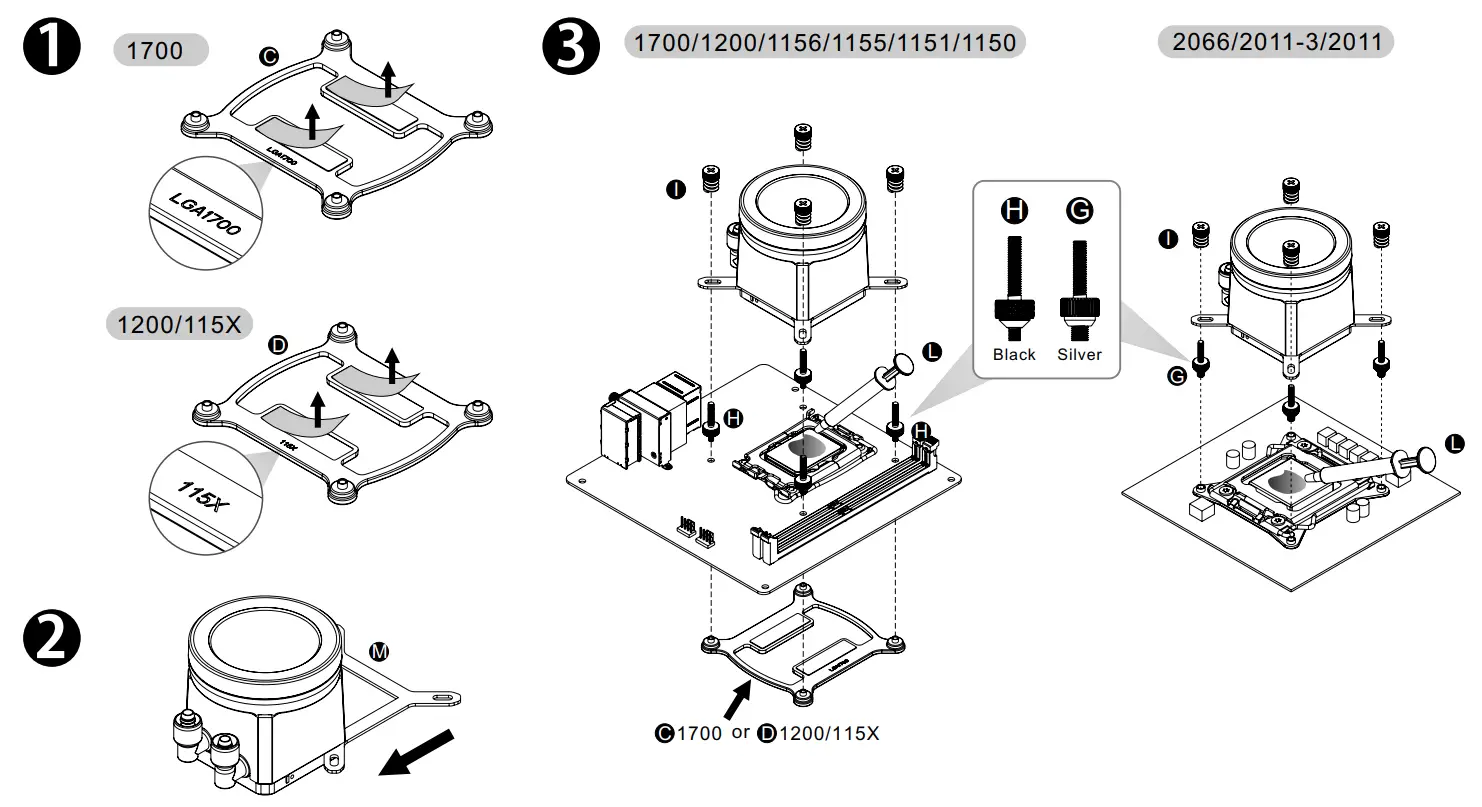
Intel Installation Guide
AMD Installation Guide
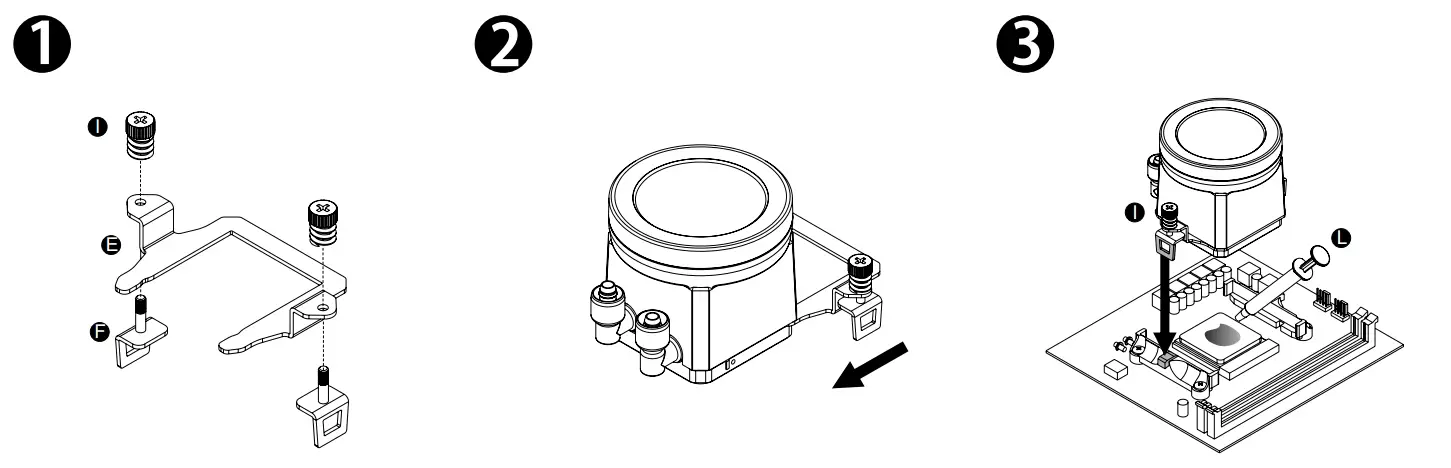 | |
| Tighten screw to the halfway. | Tighten screw again to ensure your waterblock is secure enough. |
Installation Guide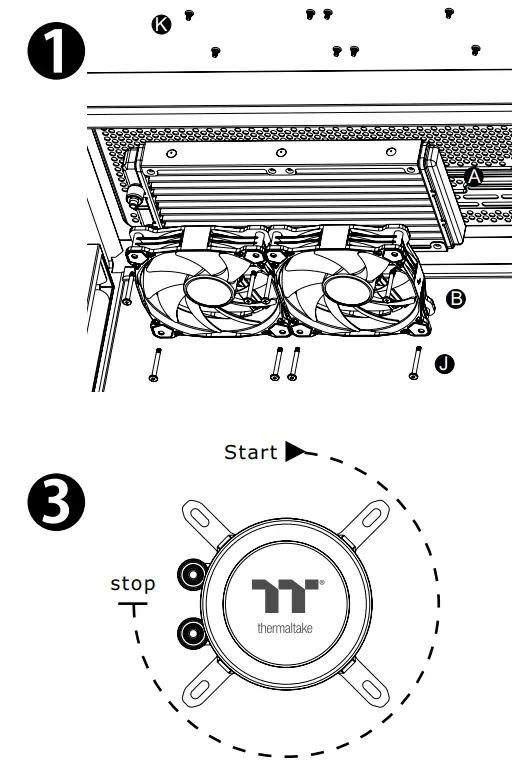
Adjust the display to fit your PC build in clockwise rotation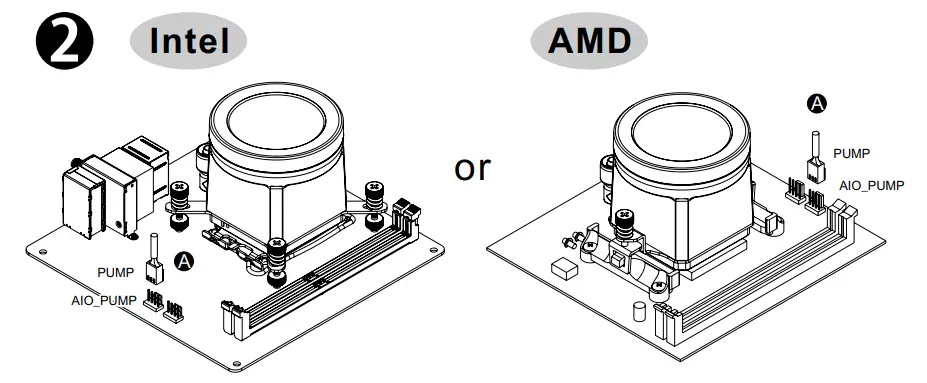
LCD Display Setup Guide
CAUTION
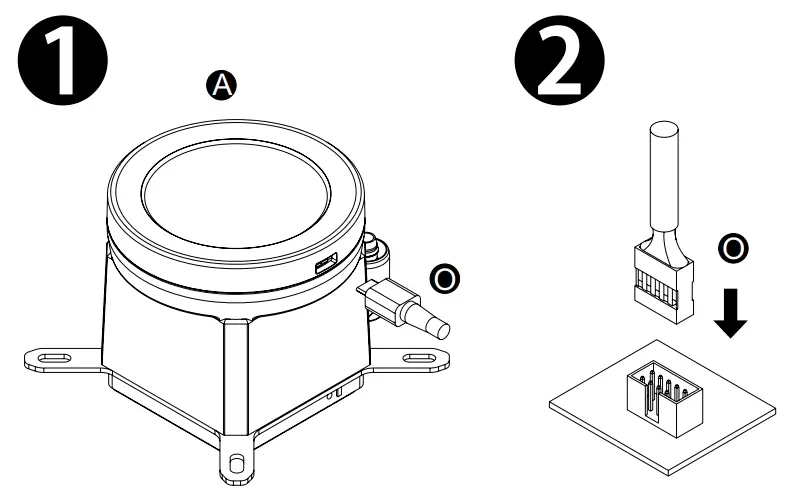
To control the LCD display by TT RGB PLUS Software, please connect the water block and motherboard with cable O.
Controller Installation Guide
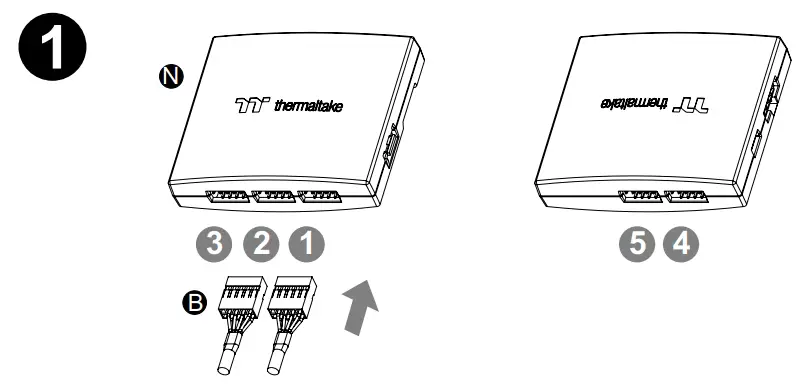
- Comnect the fans to the controller.

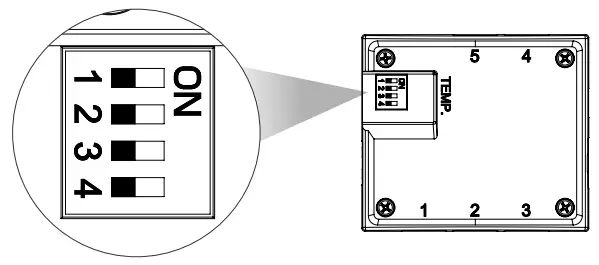
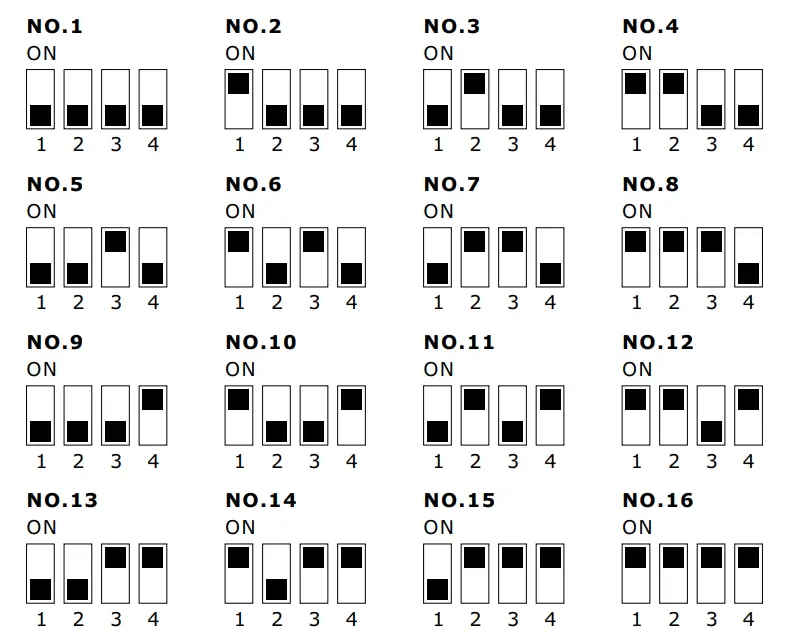
- Set the DIP switch on the back side of the controller to assign the number of the controller

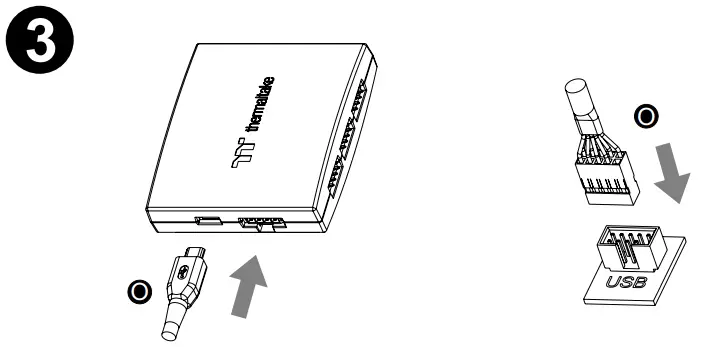
- Connect the controller cable onto the motherboard (USB 2.0 9 pin) and controller.

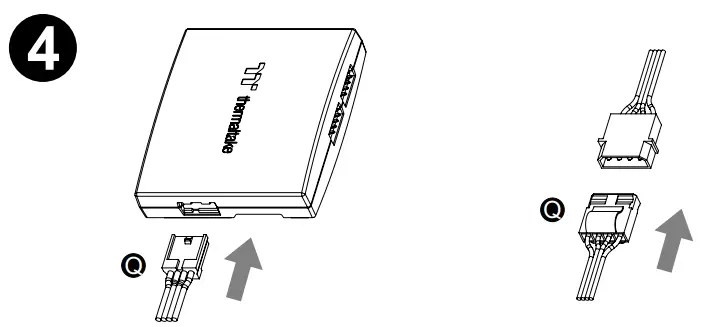
- Connect the power cable to the 4pin Molex connecter and controller.

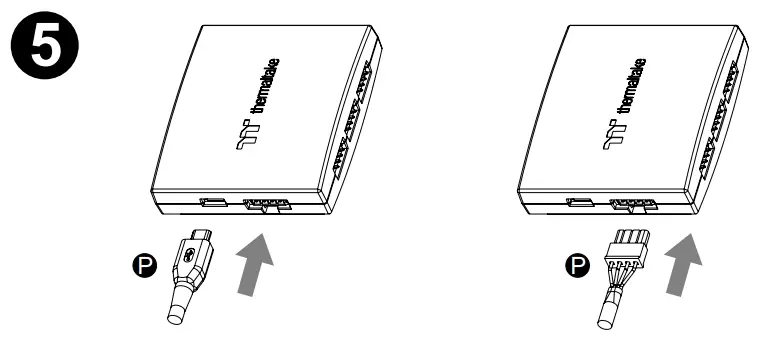
- If you want to connect two or more controllers, you can sync the controllers with the bridge connector.
 https://www.thermaltake.com/floe-ultra-240-rgb-all-in-one-liquid-cooler.html#productattach
Scan Here
Installation Guide