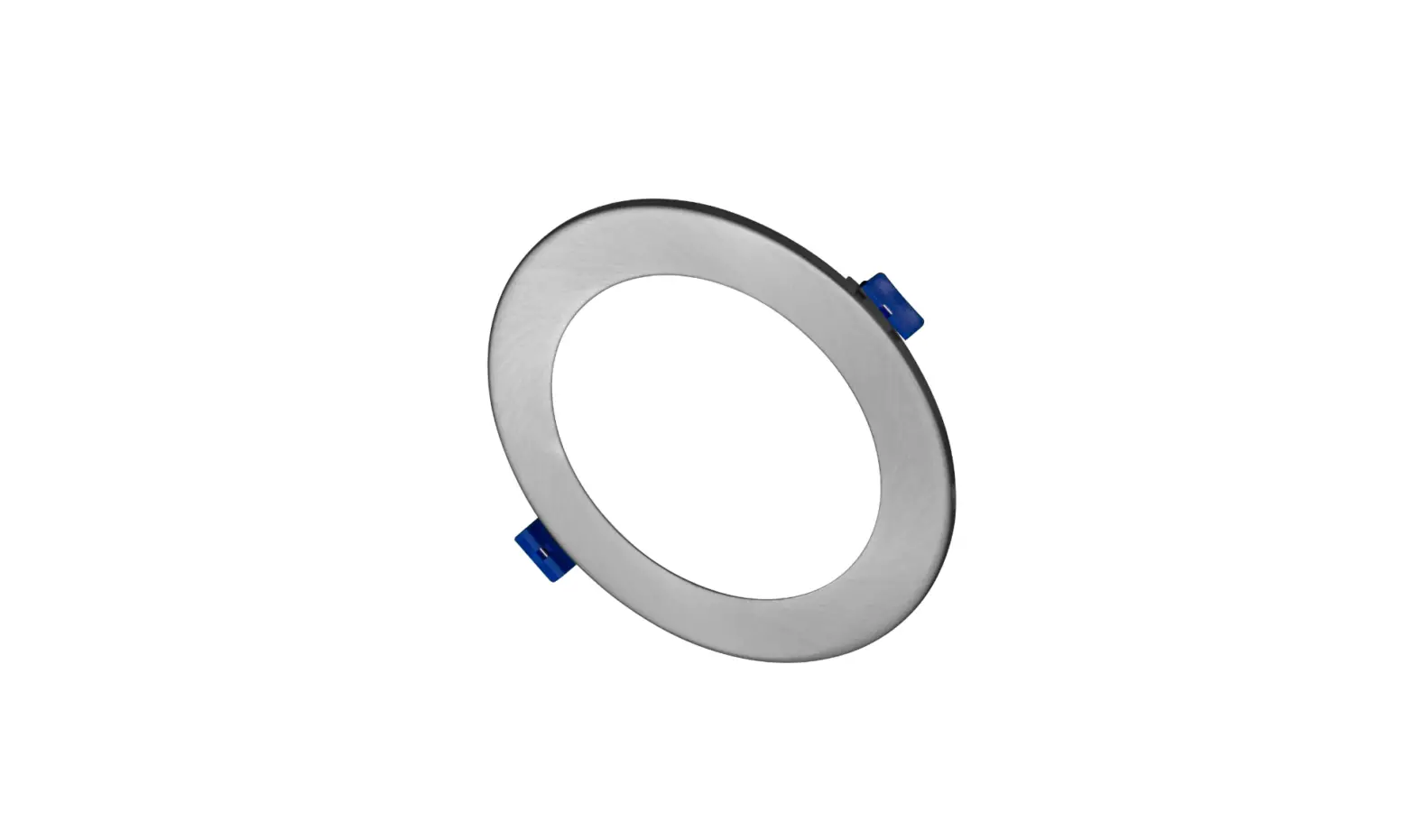
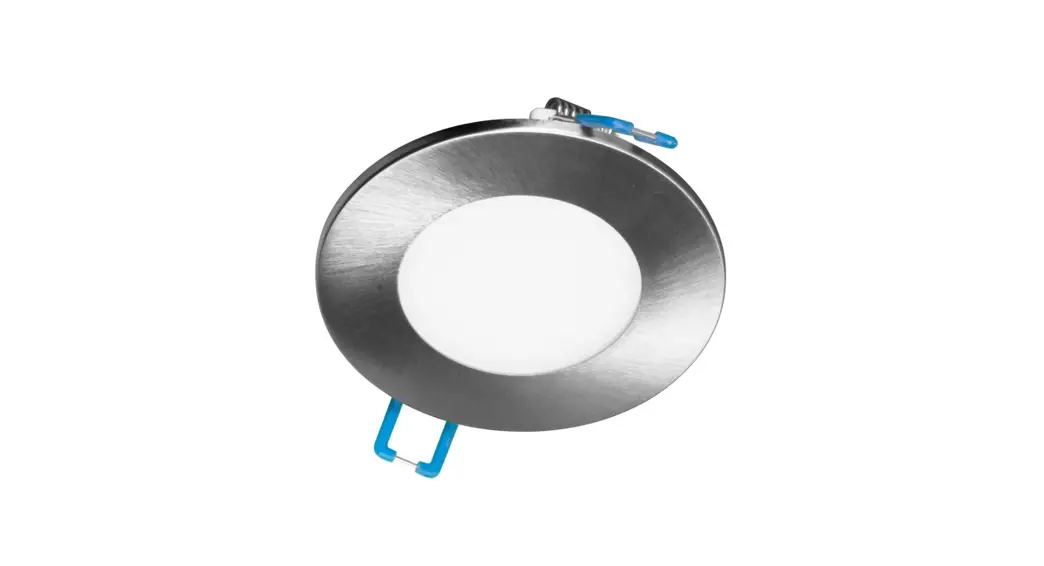
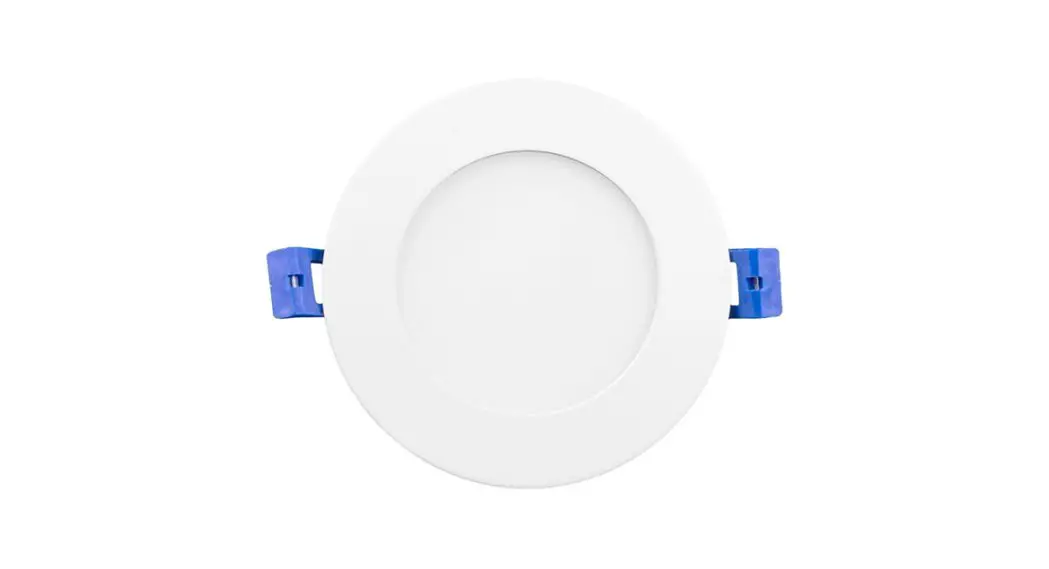
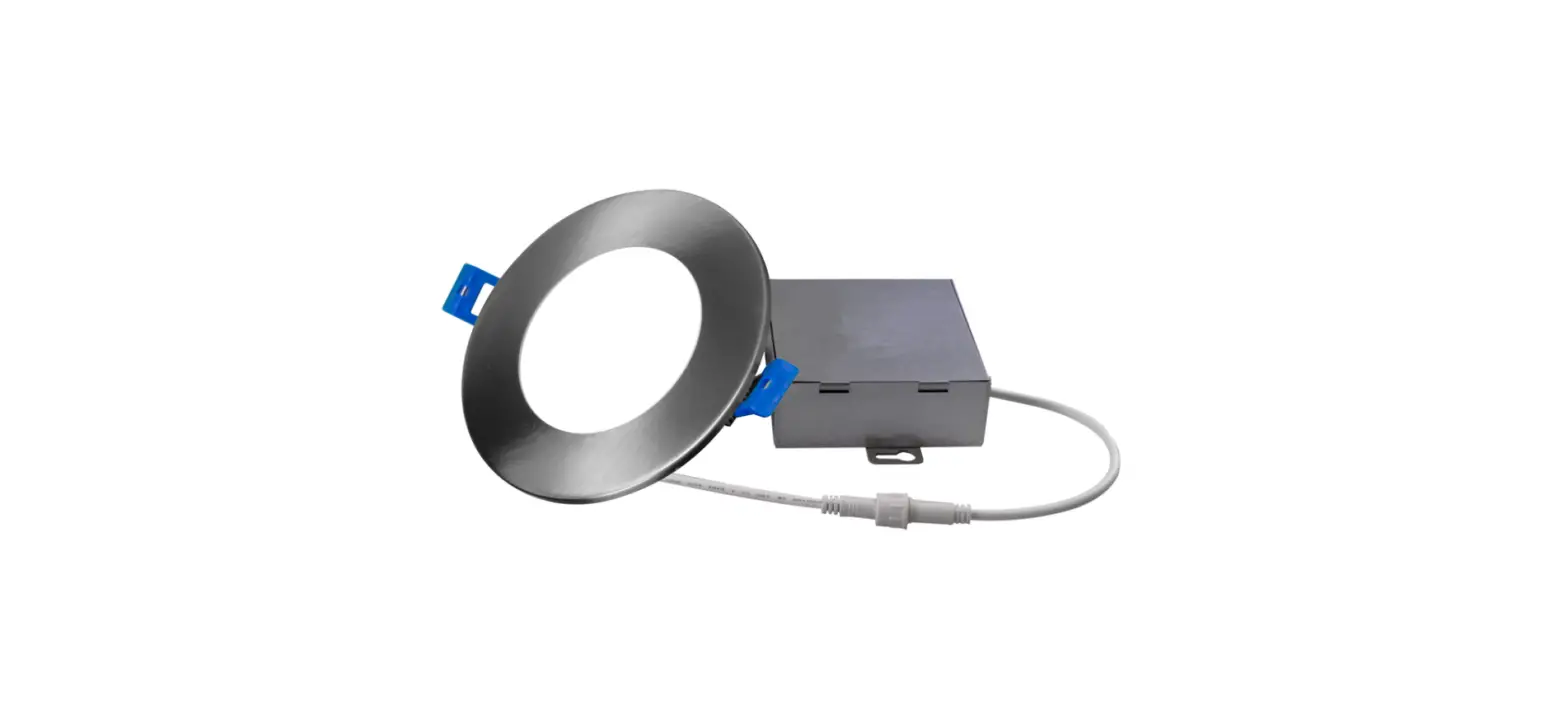
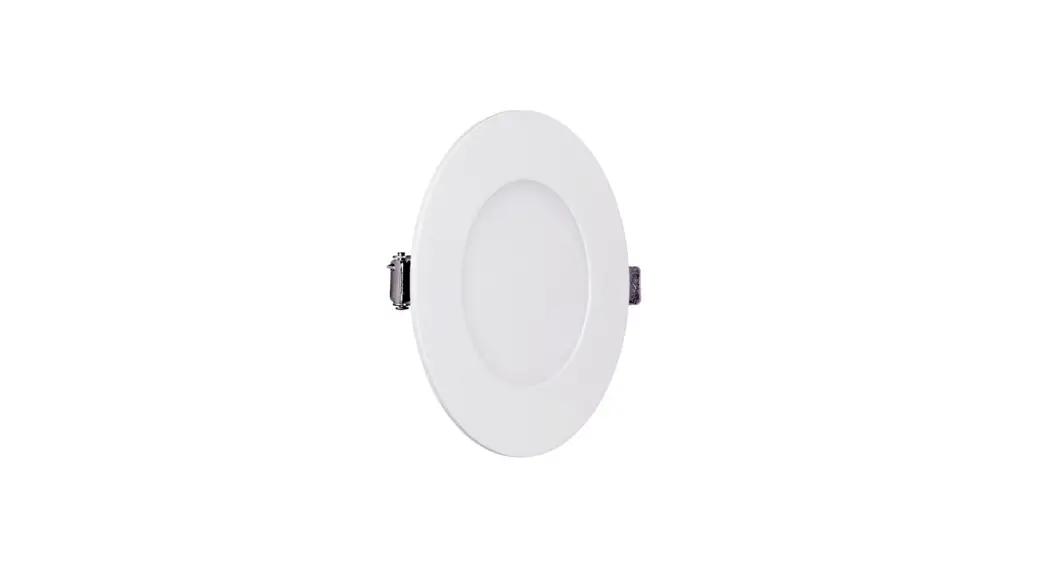
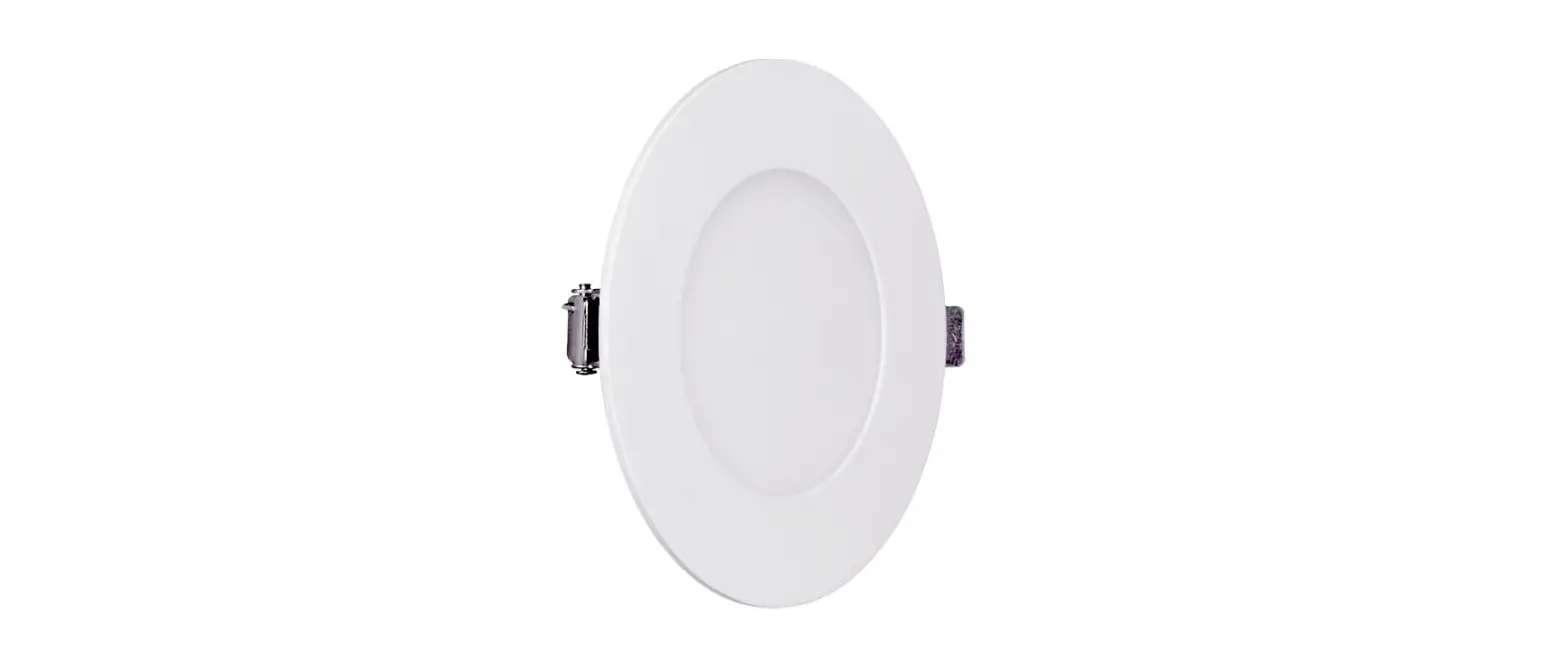
IND305 Edge-Lit Surface Mount Downlight Emergency Battery Pack Accessory
Product Information: Edge-Lit Surface Mount Downlight Emergency
Battery Pack Accessory
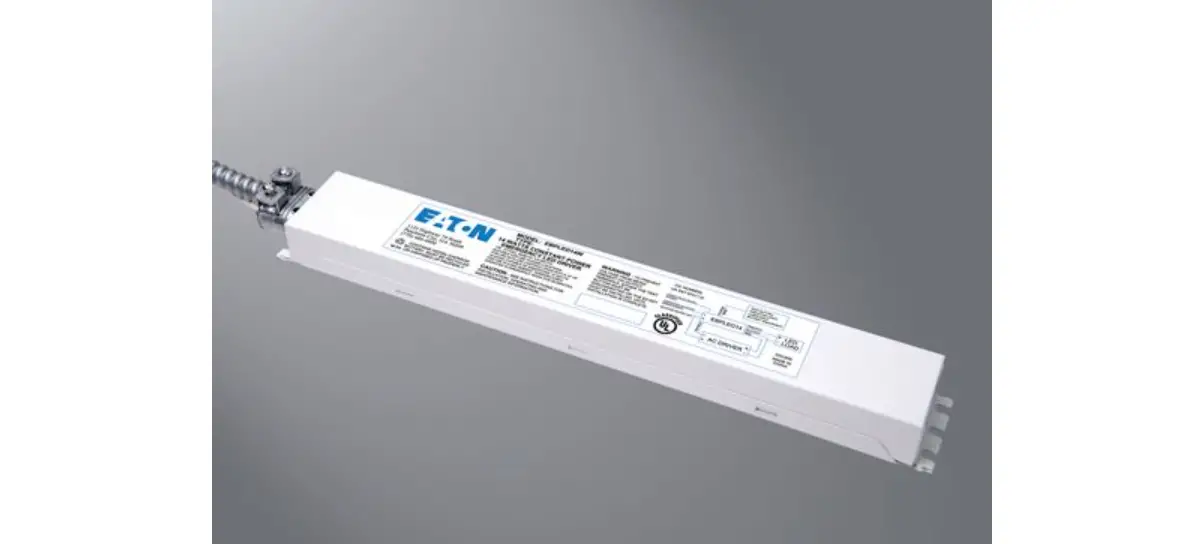
The Edge-Lit Surface Mount Downlight Emergency Battery Pack
Accessory is a device designed to provide emergency lighting
functionality to corresponding Edge-Lit surface mount downlights.
It is compliant with Part 15 of the FCC Rules and operates under
specific conditions to avoid interference. The accessory kit is
compatible only with corresponding Edge-Lit surface mount
downlights.
Please read and follow all safety instructions before
installation.
Product Usage Instructions:
- Drill a 3.50 hole using a hole saw.
- Connect the male plug from the Driver Box to the female plug
from the Inverter Box. - Connect the Driver Box to the Inverter Box using the supplied
conduit and connectors. - Pass wiring from Inverter Box through conduit into Driver Box.
Connect battery and make electrical connections using supplied wire
nuts and securely close both Driver Box and Inverter Box. Connect
cable from EM Trim Ring to Inverter Box. - Place Driver Box and Inverter Box into ceiling plenum and
install remodel sleeve into hole as shown. Note: Keyholes on the
Driver and Inverter Box can be used to attach to joist or plenum
substrate if required by local codes. - Tighten screws until mounting wings extend and the bottom
flange of the sleeve is tight to the ceiling surface. For Square
Apertures: Orient flat sides of the sleeve with wall for proper
alignment. - If using a color trim ring accessory: Snap it onto the fixture
before attaching the EM Trim Ring. Also remove and discard the
white spacer insert behind the EM test switch panel. - Snap EM Trim Ring into the back of the fixture as shown.
- Connect the male plug from the Inverter Box to the female plug
from the fixture. Align springs with remodel sleeve slots and push
fixture to the ceiling to securely snap into place. - Supply power to the fixture and let charge for 24 hours before
conducting a full discharge test.
Operation and Maintenance:
Test Button Functions:
- While main power is on: Press test button for 6 seconds to
initiate a full self-check test routine (90-minute runtime). Note:
The system will completely discharge the battery during this
routine. The LED indicator will quickly flash green @3
cycles/second as the system runs a more detailed check on battery
power and circuit connections. Press the test button again at any
time to stop the routine. (Recommended yearly or per local code
requirements)
Edge-Lit Surface Mount Downlight Emergency Battery Pack Accessory
Installation Guide
BEFORE YOU BEGIN
IMPORTANT SAFETY INFORMATION. READ AND FOLLOW ALL SAFETY INSTRUCTIONS.
Follow label information and instructions concerning Wet or Damp Locations, installation near combustible materials, insulation, building materials, and proper lamping. Do not install in areas subject to combustible vapors or gases. Before wiring to power supply and during servicing or relamping, turn off power at fuse or circuit breaker. All servicing or relamping must be performed by qualified service personnel. Product must be grounded to avoid potential electric shock or other potential hazard. Product must be mounted in locations and at heights and in a manner consistent with its intended use, and in compliance with the National Electrical Code and local codes. The use of accessory equipment not recommended by the manufacturer or installed contrary to instructions may cause an unsafe condition. Do not block light emanating from product in whole or part, as this may cause an unsafe condition. Do not allow items such as drapes, curtains, screens or the like to come into contact with the product or to block light from the product, as this may cause an unsafe condition.
WARNING
CAUTION: Any changes or modifications not expressly approved by the party responsible for compliance could void the user’s authority to operate this equipment.
This device complies with Part 15 of the FCC Rules. Operation is subject to the following two conditions: (1) This device may not cause harmful interference, and (2) this device must accept any interference received, including interference that may cause undesired operation. CAN ICES005 (A) / NMB-005 (A)
NOTE:
This equipment has been tested and found to comply with the limits for a Class A digital device, pursuant to part 15 of the FCC Rules. These limits are designed to provide reasonable protection against harmful interference when the equipment is operated in a commercial environment. This equipment generates, uses, and can radiate radio frequency energy and, if not installed and used in accordance with the instruction manual, may cause harmful interference to radio communications. Operation of this equipment in a residential area is likely to cause harmful interference in which case the user will be required to correct the interference at his own expense.
EM Accessory Compatibility
Accessory Kit are compatible only with corresponding Edge-Lit surface mount downlights. Use maximum mounting height of 9FT (2.7m) to comply with UL 924 minumum foot-candle requirements
6″ round shown for reference only
Current · 25825 Science Park · Beachwood, OH 44122 ·864-678-1000 © 2022 Current Lighting Holdco, Inc. All rights reserved. Information and specifications subject to change without notice. All values are design or typical values when measured under laboratory conditions.
Page 1 of 8 (Rev 04/25/23) CUR_SLE_EM_inst_R02
Edge-Lit Surface Mount Downlight Emergency Battery Pack Accessory
Installation Guide
1 Drill a 3.50″ hole using a hole saw.
2 Connect the male plug from the Driver Box to the female plug from the Inverter Box.
3 Connect the Driver Box to the Inverter Box using the supplied conduit and connectors.
4 Pass wiring from Inverter Box through conduit into Driver Box. Connect battery and make electrical connections using supplied wire nuts and securely close both Driver Box and Inverter Box. Connect cable from EM Trim Ring to Inverter Box.
5 Place Driver Box and Inverter Box into ceiling plenum and install remodel sleeve into hole as shown. Note: Keyholes on the Driver and Inverter Box can be used to attach to joist or plenum substrate if required by local codes.
6 Tighten screws until mounting wings extend and the bottom flange of the sleeve is tight to the ceiling surface. For Square Apertures: Orient flat sides of the sleeve with wall for proper alignment.
Current · 25825 Science Park · Beachwood, OH 44122 ·864-678-1000
© 2022 Current Lighting Holdco, Inc. All rights reserved. Information and specifications subject to change without notice. All values are design or typical values when measured under laboratory conditions.
Page 2 of 8 (Rev 04/25/23) CUR_SLE_EM_inst_R02
Edge-Lit Surface Mount Downlight Emergency Battery Pack Accessory
Installation Guide
7 If using a color trim ring accessory: Snap it onto the fixture before attaching the EM Trim Ring. Also remove and discard the white spacer insert behind the EM test switch panel.
8 Snap EM Trim Ring into the back of the fixture as shown.
9 Connect the male plug from the Inverter Box to the female plug from the fixture. Align springs with remodel sleeve slots and push fixture to the ceiling to securely snap into place.
10 Supply power to the fixture and let charge for 24 hours
before conducting a full discharge test.
Li-ion
Current · 25825 Science Park · Beachwood, OH 44122 ·864-678-1000
© 2022 Current Lighting Holdco, Inc. All rights reserved. Information and specifications subject to change without notice. All values are design or typical values when measured under laboratory conditions.
Page 3 of 8 (Rev 04/25/23) CUR_SLE_EM_inst_R02
Edge-Lit Surface Mount Downlight Emergency Battery Pack Accessory
Installation Guide
OPERATION AND MAINTENANCE
Test Button Functions
1. While main power is on: Press test button for <3 seconds to simulate “line power outage” or “emergency mode”. The light fixture will come on using battery power.
Press test button for 3-6 seconds to initiate a brief self-check test routine (approx. 3-minute runtime). The LED indicator will flash green @1 cycle/second as the system runs its check on the battery power and circuit connections. Press the test button again at any time to stop the routine. (Recommended monthly or per local code requirements)
Press test button for >6 seconds to initiate a full self-check test routine (90-minute runtime). Note: The system will completely discharge the battery during this routine. The LED indicator will quickly flash green @3 cycles/second as the system runs a more detailed check on battery power and circuit connections. Press the test button again at any time to stop the routine. (Recommended yearly or per local code requirements)
2. While in Emergency Mode (line power outage): Press test button for <6 seconds to turn off the unit. Press again to turn back on.
Press test button for >6 seconds completely shuts off the emergency output. In this state, the system will not function unless the line power is reset.
LED Indicator Color/Functions RED Battery is charging GREEN (steady) Battery is at full charge GREEN (flashing) Self-check routine is in process YELLOW Check system possible battery replacement or system maintenance required OFF Indicates power outage; EM unit is in “Emergency Mode”
Minimum Charge Time: 24 Hours
Current · 25825 Science Park · Beachwood, OH 44122 ·864-678-1000
© 2022 Current Lighting Holdco, Inc. All rights reserved. Information and specifications subject to change without notice. All values are design or typical values when measured under laboratory conditions.
Page 4 of 8 (Rev 04/25/23) CUR_SLE_EM_inst_R02
Instructions D’installation
Accessoire de batterie d’éclairage d’urgence pour plafonnier edgelit à montage en surface
AVANT DE COMMENCER
IMPORTANTES INFORMATIONS SUR LA SÉCURITÉ. LISEZ ET RESPECTEZ TOUTES LES CONSIGNES DE SÉCURITÉ.
Lisez les informations et suivez les consignes sur l’étiquette relativement aux emplacements mouillés ou humides, à l’installation à proximité de matériaux combustibles, à l’isolation, aux matériaux de construction et aux ampoules appropriées. Ne pas installer dans des endroits où il y a possibilité de vapeurs ou de gaz combustibles. Avant de relier l’appareil à l’alimentation électrique et pendant son entretien ou le remplacement des ampoules, coupez le courant au niveau du fusible ou du disjoncteur. Tous les travaux d’entretien et le remplacement d’ampoules doivent être effectués par un personnel d’entretien qualifié. Le produit doit être mis à la terre afin d’éviter les risques d’électrocution ou autres dangers potentiels. Le produit doit être installé dans des endroits et à des hauteurs, ainsi que par des moyens compatibles avec l’usage prévu et ce, en conformité au Code national de l’électricité et aux codes locaux. L’utilisation d’appareils accessoires non recommandés par le fabricant ou installés contrairement aux instructions peut créer des conditions dangereuses. Ne bloquez pas la lumière émise par le produit, complètement ou partiellement, car cela peut créer des conditions dangereuses. Ne laissez pas des articles tels que des draps, des rideaux ou autres objets semblables entrer en contact avec le produit ou bloquer la lumière émise par celui-ci, car cela peut créer des conditions dangereuses.
AVERTISSEMENT
AVERTISSEMENT: Tout changement non expressément autorisé par le fabricant peut annuler l’autorisation d’utiliser cet équipement.
Cet appareil est conforme à la partie 15 des règles de la FCC. Le fonctionnement de cet appareil est assujetti aux deux conditions suivantes : 1) cet appareil ne doit pas causer d’interférence préjudiciable, et (2) cet appareil doit accepter toute autre interférence reçue, y compris les interférences pouvant entraîner un fonctionnement non désiré. CAN ICES-005 (A) / NMB-005 (A)
Compatibilité des accessoires EM
Les accessoires LBSE EM sont compatibles uniquement avec les plafonniers edgelit à montage en surface Utilisez la hauteur de montage maximale de 9pi (2.7m) pour être conforme aux exigences minimales de bougie UL 924.
REMARQUE:
Cet appareil a été testé et reconnu conforme aux limites établies pour les appareils numériques de classe A, selon la section 15 des règlements de la FCC. Ces limites visent à fournir une protection raisonnable contre l’interférence préjudiciable lorsque l’équipement est utilisé en milieu commercial. Cet équipement produit, utilise et peut émettre de l’énergie radioélectrique et, s’il n’est pas installé et utilisé conformément aux instructions d’installation, il peut causer une interférence préjudiciable aux communications radio. L’utilisation de cet équipement en milieu résidentiel est susceptible de causer une interférence préjudiciable, auquel cas l’utilisateur devra corriger l’interférence à ses frais.
Boîte de batterie et onduleur
Réduire
Configuration 6po ronde illustré à titre de référence
Current · 25825 Science Park · Beachwood, OH 44122 ·864-678-1000
© 2022 Current Lighting Holdco, Inc. All rights reserved. Information and specifications subject to change without notice. All values are design or typical values when measured under laboratory conditions.
Page 5 of 8 (Rev 04/25/23) CUR_SLE_EM_inst_R02
Accessoire de batterie d’éclairage d’urgence pour plafonnier edgelit à montage en surface
Instructions D’installation
1 Percer un trou de 3,50 po à l’aide d’une scie cloche.
2 Connectez la fiche mâle du Driver Box à la fiche femelle du Inverter Box.
3 Connectez le boîtier de commande au boîtier de l’onduleur à l’aide du conduit et des connecteurs fournis.
4 Faites passer le câblage du boîtier de l’onduleur à travers le conduit dans le boîtier de commande. Connectez la batterie et effectuez les connexions électriques à l’aide des serre-fils fournis et fermez solidement le boîtier de commande et le boîtier de l’onduleur. Connectez le câble de l’anneau de garniture EM au boîtier de l’onduleur.
5 Placez le boîtier de commande et le boîtier de l’onduleur dans le plénum du plafond et installez le manchon de rénovation dans le trou comme illustré. Remarque: les trous de serrure sur le boîtier du conducteur et de l’onduleur peuvent être utilisés pour se fixer à la solive ou au substrat du plénum si requis par les codes locaux.
6 Serrez les vis jusqu’à ce que les ailes de montage s’étendent et que la bride inférieure du manchon soit bien serrée contre la surface du plafond. Pour les ouvertures carrées: Orientez les côtés plats du manchon avec le mur pour un alignement correct.
Current · 25825 Science Park · Beachwood, OH 44122 ·864-678-1000
© 2022 Current Lighting Holdco, Inc. All rights reserved. Information and specifications subject to change without notice. All values are design or typical values when measured under laboratory conditions.
Page 6 of 8 (Rev 04/25/23) CUR_SLE_EM_inst_R02
Accessoire de batterie d’éclairage d’urgence pour plafonnier edgelit à montage en surface
Instructions D’installation
7 Si vous utilisez un accessoire de bague de finition de couleur: fixez-le sur le luminaire avant de fixer la bague de finition EM. Retirez et jetez également l’insert d’espacement blanc derrière le panneau de l’interrupteur de test EM.
8 Enclenchez l’anneau de garniture EM à l’arrière de l’appareil comme indiqué.
9 Connectez la fiche mâle du boîtier de l’onduleur à la fiche femelle de l’appareil. Alignez les ressorts avec les fentes de manchon de rénovation et poussez le luminaire au plafond pour le mettre en place en toute sécurité.
10 Alimentez l’appareil et laissez-le charger pendant 24
heures avant d’effectuer un test de décharge complète.
Current · 25825 Science Park · Beachwood, OH 44122 ·864-678-1000
© 2022 Current Lighting Holdco, Inc. All rights reserved. Information and specifications subject to change without notice. All values are design or typical values when measured under laboratory conditions.
Page 7 of 8 (Rev 04/25/23) CUR_SLE_EM_inst_R02
Accessoire de batterie d’éclairage d’urgence pour plafonnier edgelit à montage en surface
Instructions D’installation
OPÉRATION ET MAINTENANCE
Fonctions du bouton de test
1. Lorsque l’alimentation principale est activée: Appuyez sur le bouton de test pendant <3 secondes pour simuler une «panne de courant» ou un mode d’urgence ». Le luminaire s’allumera en utilisant la batterie.
Appuyez sur le bouton de test pendant 3 à 6 secondes pour lancer une brève routine de test d’autocontrôle (durée d’exécution d’environ 3 minutes).
Le voyant LED clignote en vert à 1 cycle / seconde pendant que le système effectue sa vérification de l’alimentation de la batterie et des connexions du circuit. Appuyez à nouveau sur le bouton de test à tout moment pour arrêter la routine. (Recommandé mensuellement ou selon les exigences du code local)
Appuyez sur le bouton de test pendant> 6 secondes pour lancer une routine de test d’auto-vérification complète (durée d’exécution de 90 minutes).
Remarque: le système déchargera complètement la batterie pendant cette routine. L’indicateur LED clignotera rapidement en vert à 3 cycles / seconde pendant que le système exécute une vérification plus détaillée de l’alimentation de la batterie et des connexions du circuit. Appuyez à nouveau sur le bouton de test à tout moment pour arrêter la routine. (Recommandé annuellement ou selon les exigences du code local)
2. En mode d’urgence (coupure de courant): Appuyez sur le bouton de test pendant <6 secondes pour éteindre l’appareil. Appuyez à nouveau pour le rallumer.
Appuyez sur le bouton de test pendant> 6 secondes pour couper complètement la sortie d’urgence. Dans cet état, le système ne fonctionnera que si l’alimentation secteur est réinitialisée.
Couleur / fonctions du voyant LED ROUGE La batterie se recharge VERT (fixe) La batterie est à pleine charge VERT (clignotant) La routine d’autocontrôle est en cours JAUNE Vérifier le système – remplacement possible de la batterie ou entretien du système requis OFF Indique une panne de courant; L’unité EM est en «mode d’urgence»
Temps de charge minimum: 24 heures
Current · 25825 Science Park · Beachwood, OH 44122 ·864-678-1000
© 2022 Current Lighting Holdco, Inc. All rights reserved. Information and specifications subject to change without notice. All values are design or typical values when measured under laboratory conditions.
Page 8 of 8 (Rev 04/25/23) CUR_SLE_EM_inst_R02