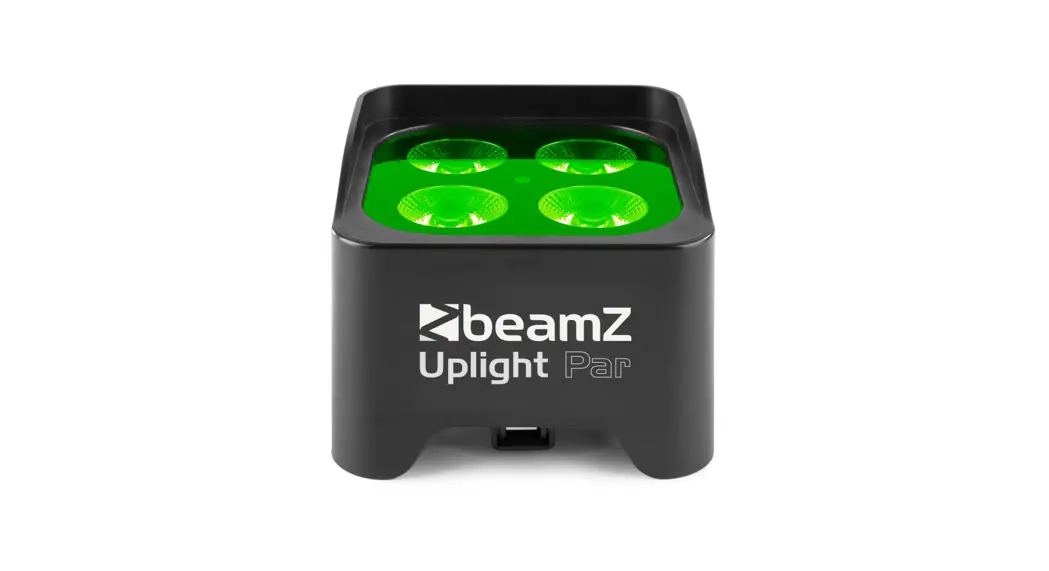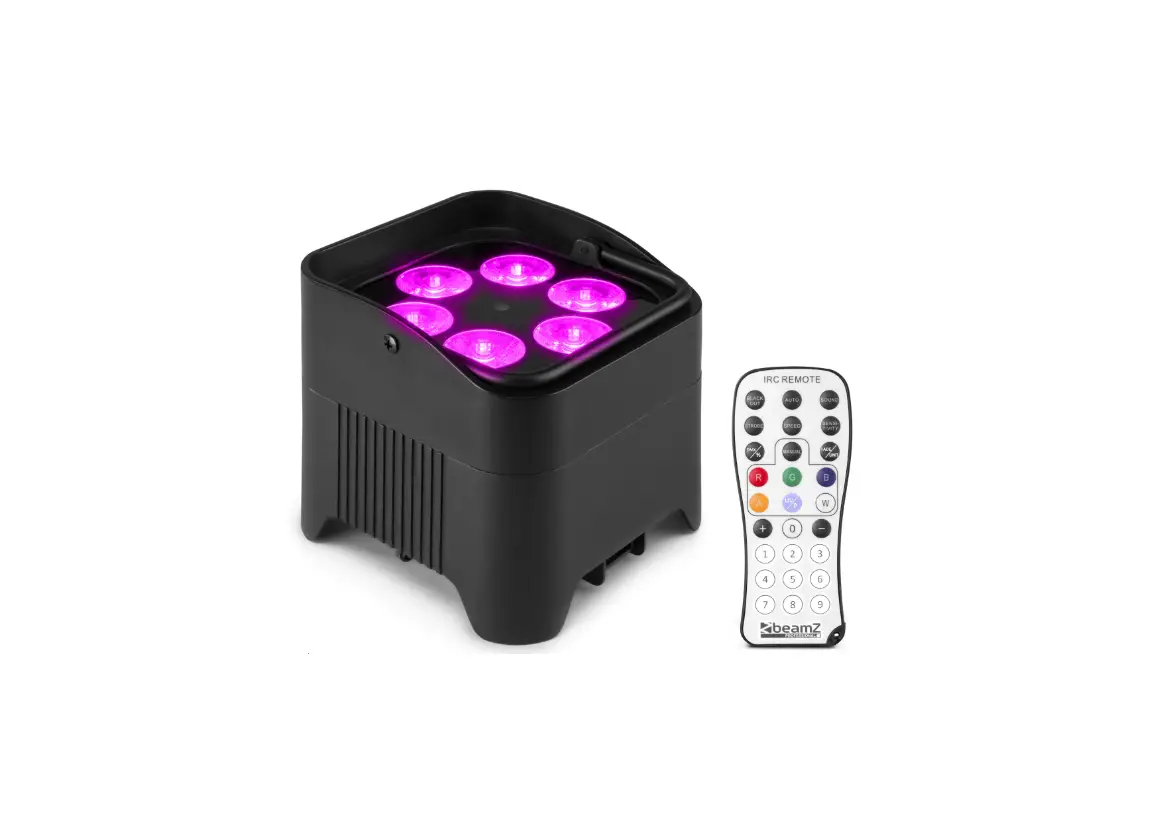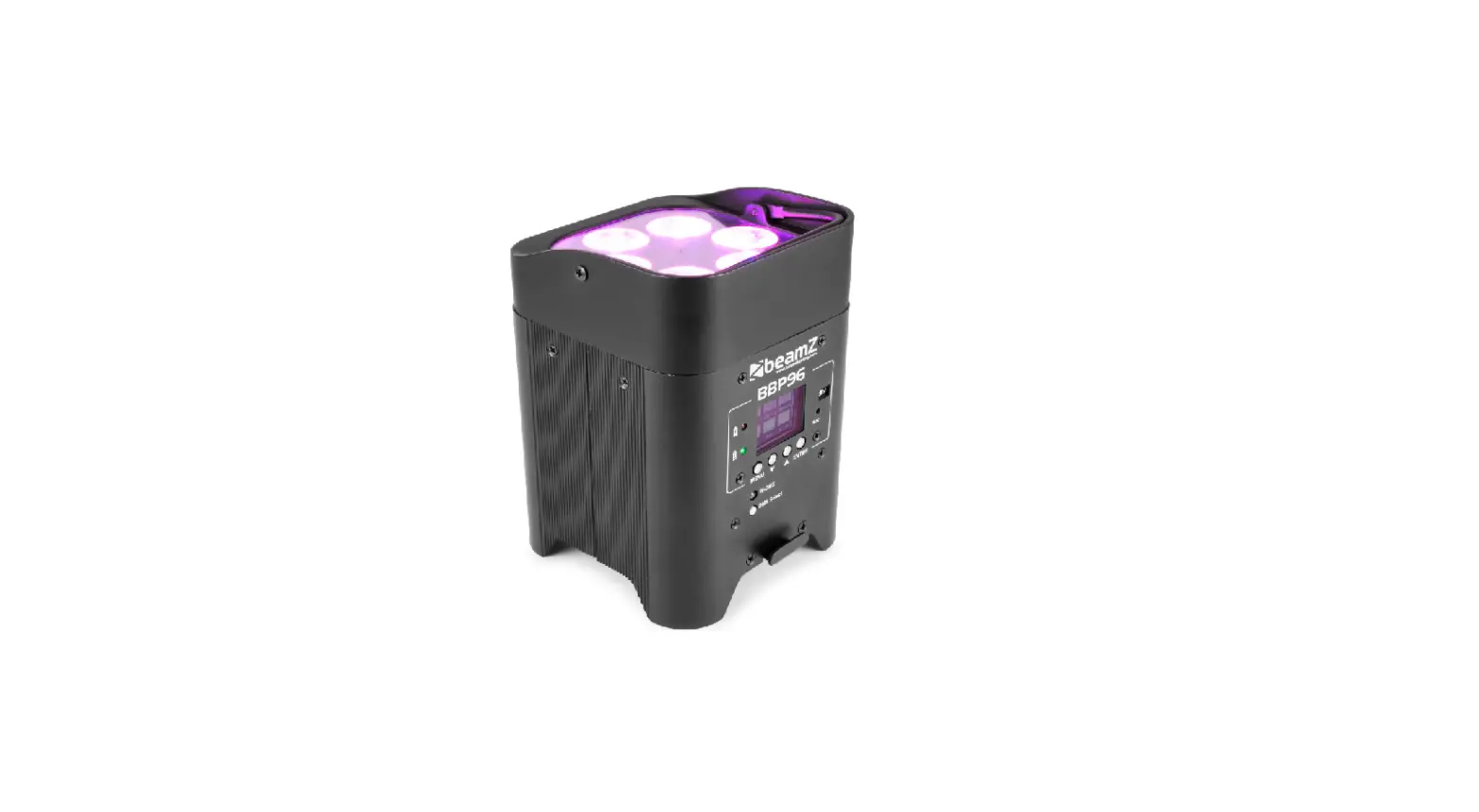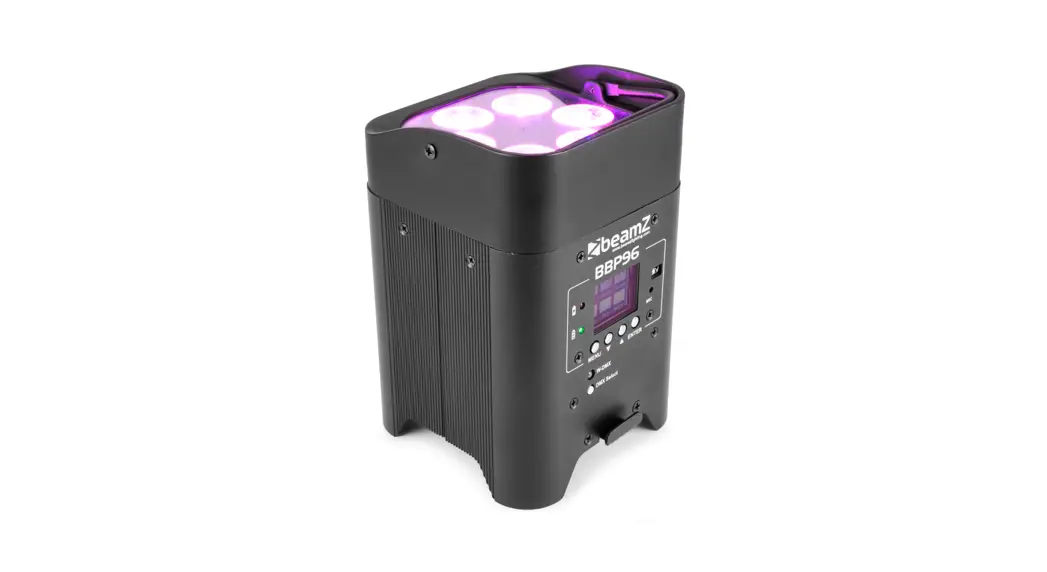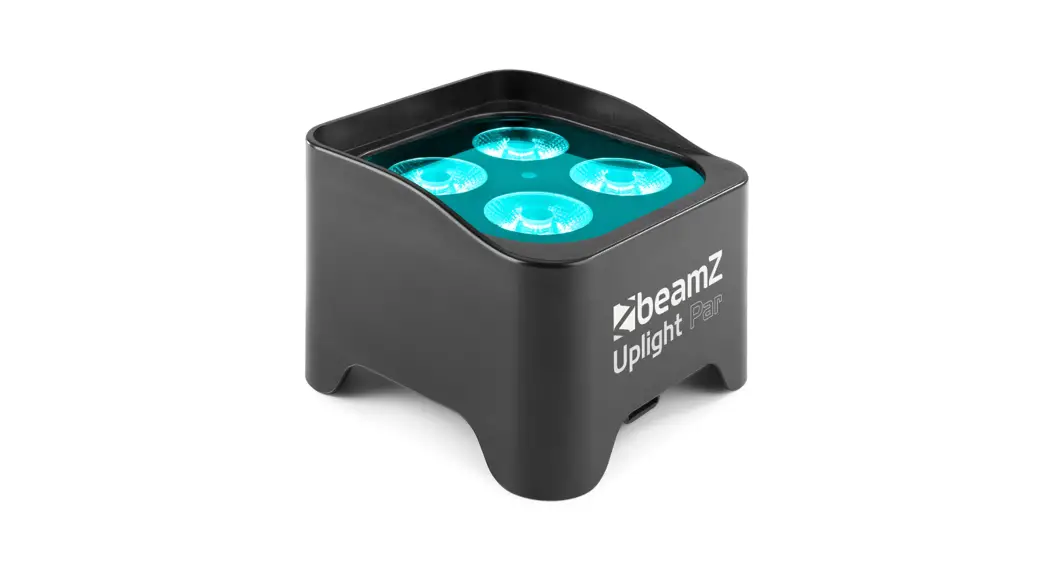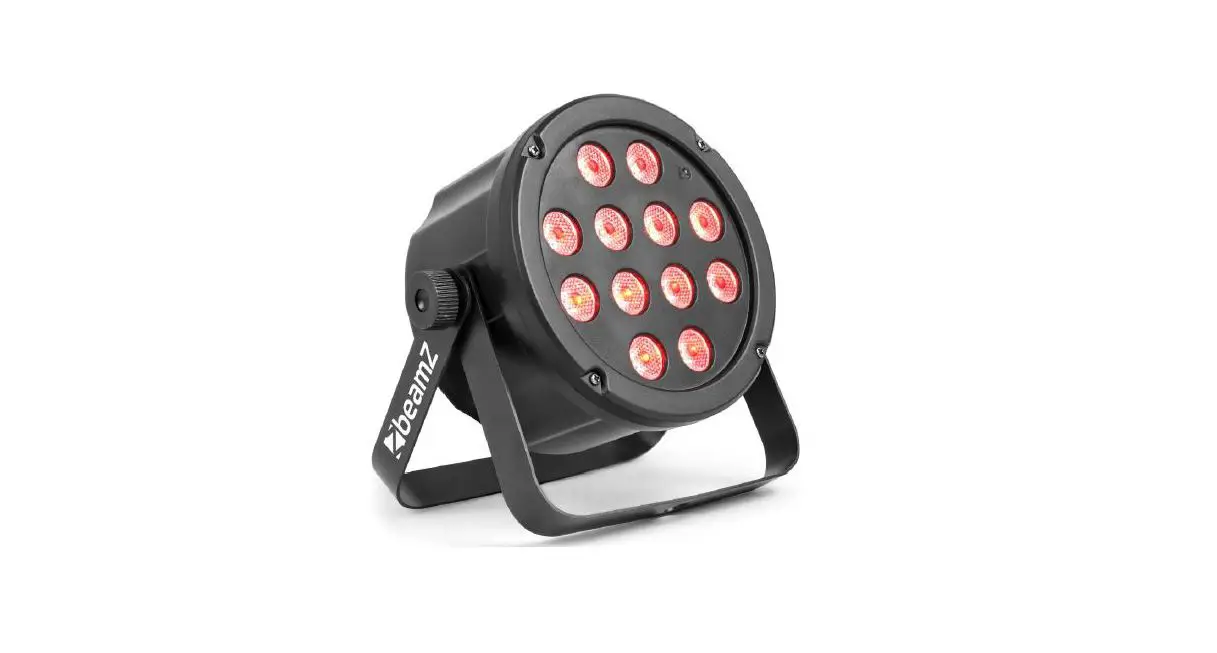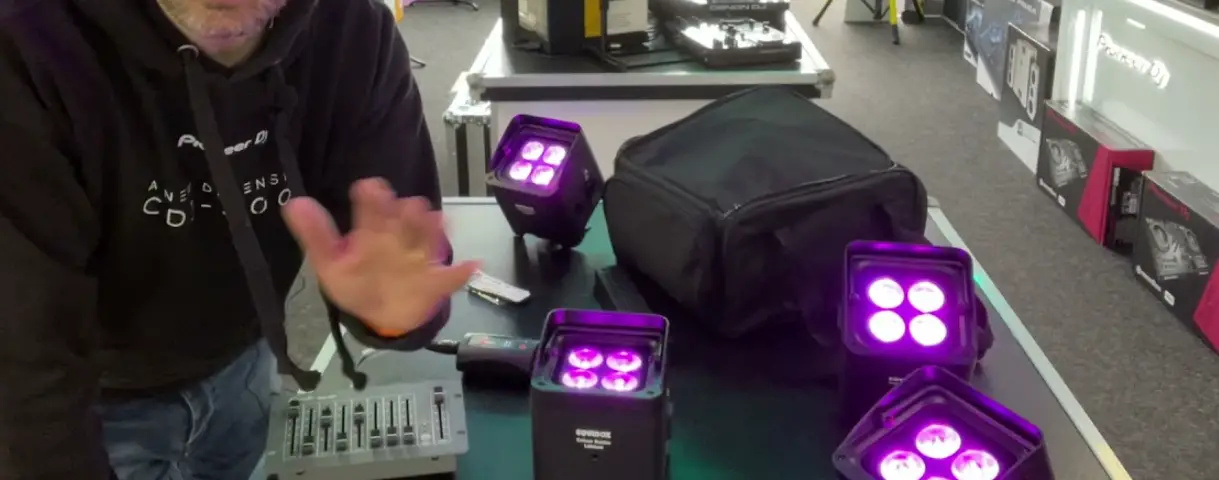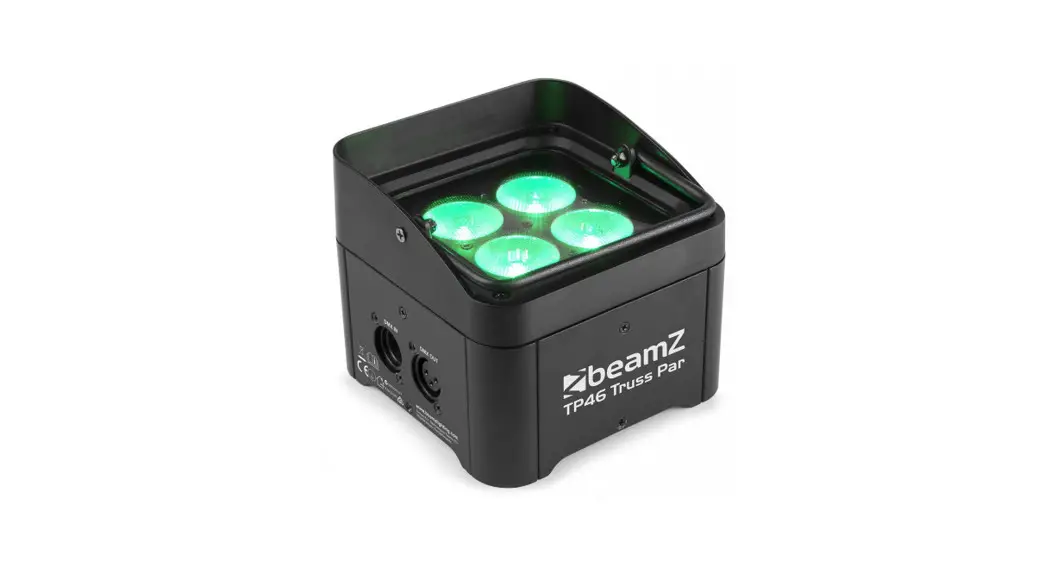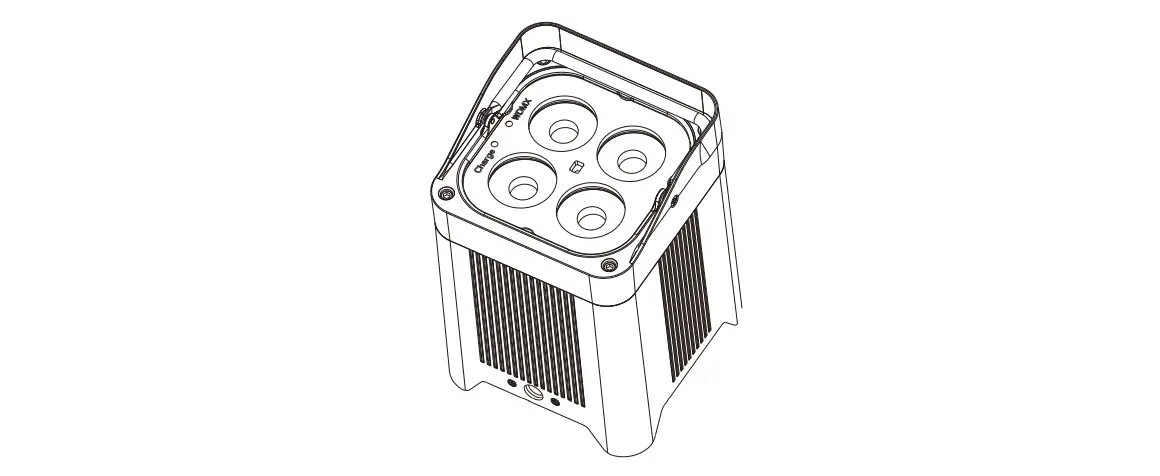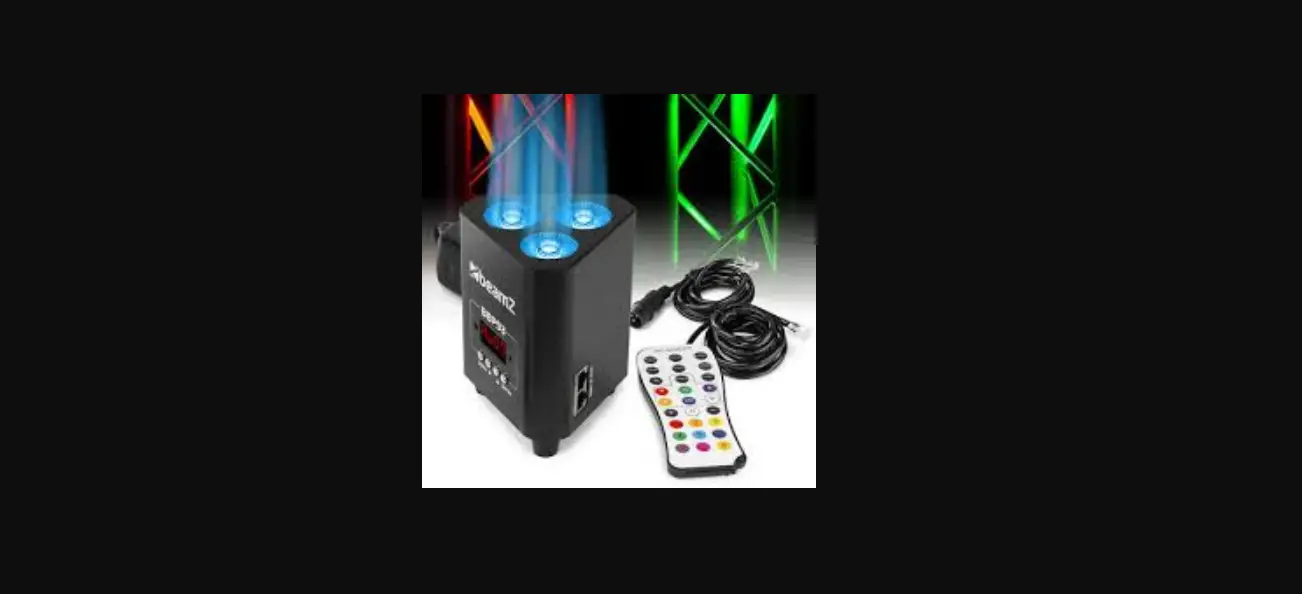

beamZ BBP44 Mini Battery Uplight
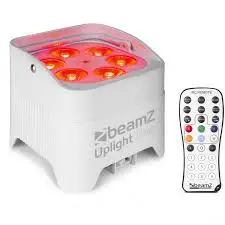
Remote Controller
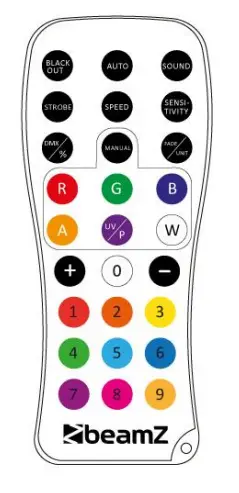
BLACK AUTO
- Press BLACK OUT off existing modes.
- Press BLACK OUT again to return the last modes.
AUTO
Automatic mode will enable you to run the automatic light programs. To turn on automatic mode:
- AUTO on the remote controller. Display shows. FF99
- Press AUTO or to choose between the different auto programs.
- Press AUTO again to turn off the auto mode.
SOUND
Sound mode will enable the product to respond to the music. To turn on sound mode:
- Press SOUND on the remote controller.
- Press SENSTIVITY and then press + OR – to increase or decrease the sound sensitivity.
- Press SOUND again to turn off the sound mode.
STROBE
Activate the strobe function in automatic or sound mode .
- Press STROBE on the remote controller.
- Press + OR – to either increase or decrease the speed of the strobe.
- Press STROBE again to turn off the strobe.
SPEED
No function
SENSITIVITY
To adjust sound sensitivity for in sound mode.
- Press SENSITIVITY on the remote controller.
- Press + OR – or to either increase or decrease sound sensitivity.
- Press SENSITIVITY again to turn off the sensitivity mode.
%
Select colour gradual change mode.
- Press %on the remote controller. Display shows CCOO
- Press + OR – or to either increase or decrease the speed of the program.
- Press % again to turn off the gradual change mode.
MANUAL
Select one of eight static colours.
- Press MANUAL on the remote controller. Display shows AUO1
- Press + OR – to choose your static colour.
- Press MANUAL again to turn off the manual mode.
FADE
To adjust the fade speed of the automatic program, the sound active program and the manual mode.
- Press FADE on the remote controller. Display shows EE00
- Press + OR – to either increase or decrease the speed of the program.
- Press FADE again to turn off the fade mode.
R,G,B,W and number 1-9
- Select a static color with the buttons R, G, B, W or digit 1 to 9.
- Press + OR – to either increase or decrease brightness.
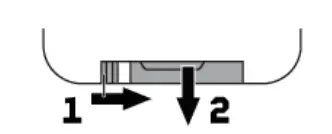
WARNING: The remote control is supplied with a battery inserted. An insulating foil between the battery and the battery contacts prevents the battery from being discharged during storage. Prior to the first operation remove the foil from the battery support on the rear side of the remote control. Otherwise, operation of the remote control is not possible. If the range of the remote control decreases, replace the battery. For this purpose, on the rear side of the remote control press the small bar with the groove to the right
- At the same time remove the battery support
- For operation, one 3 V button cell type CR 2025 is required. When inserting, pay attention that the positive pole of the button cell shows upwards in the support.

| MENU | DESCRIPTION | |
| IRYE | yE | Turn on the remote control function |
| OXXX | no | Turn off the remote control function |
| RXXX | 000-255 | Master dimmer 0-100% |
| GXXX | 000-255 | Red dimmer 0-100% |
| BXXX | 000-255 | Green dimmer 0-100% |
| YXXX | 000-255 | Blue dimmer 0-100% |
| FXXX | 000-255 | White dimmer 0-100% |
| CLOX | 000-255 | Strobe from slow to fast |
| CCXX | 01-08 | Select static colour |
| DEXX | 00-99 | Automatic colour change, jumping, speed from slow to fast |
| CPO1 | 00-99 | Automatic colour change, gradual, speed from slow to fast |
| SUNX | 00-99 | Automatic colour change, pulse, speed from slow to fast |
| UXX | 0-9 | Sound control sensitivity from high to low |
| UXX | 0-100 | Battery level indicator |